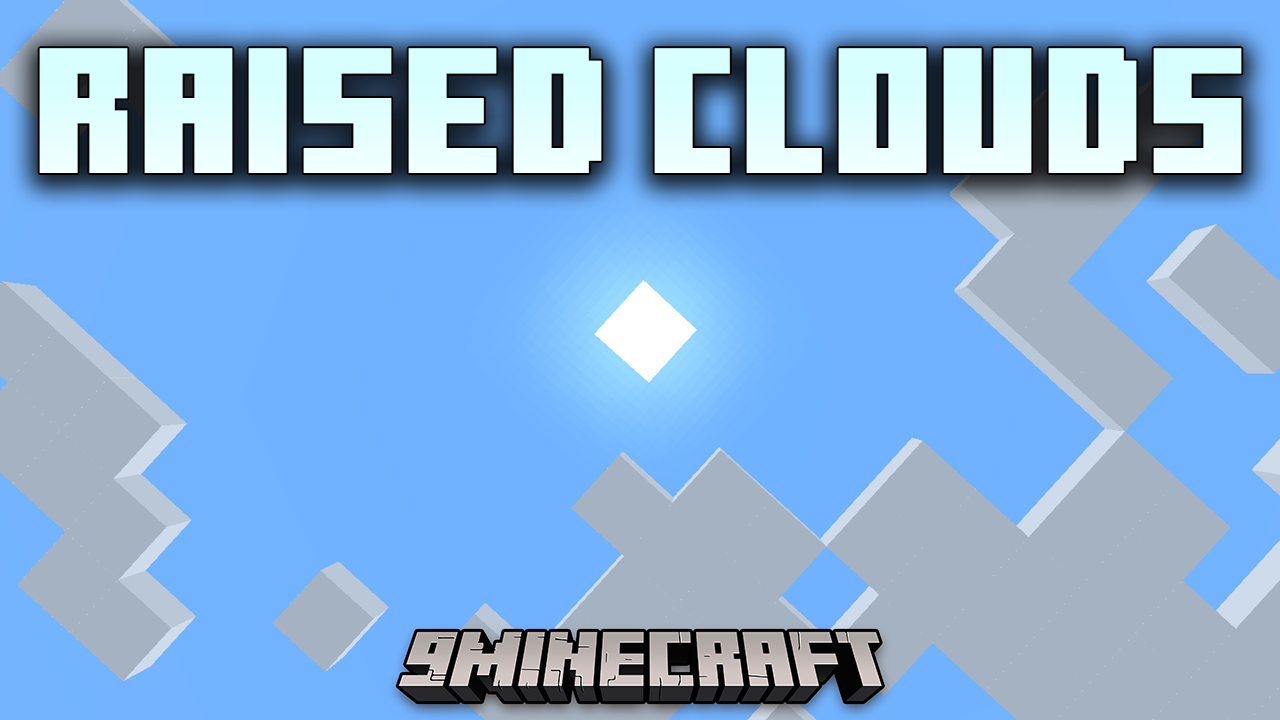
Raised Clouds Mod allows players to change the height at which clouds appear in the game. This mod is perfect for players who want to customize their sky view, especially those building tall structures or playing with mods that alter terrain height.
Features:
- Adjustable Cloud Height: Easily change the default height of clouds to better suit your world and builds.
- Enhanced Sky View: Improves your sky view by allowing more control over cloud placement, which can create a more immersive and visually appealing environment.
Screenshots:
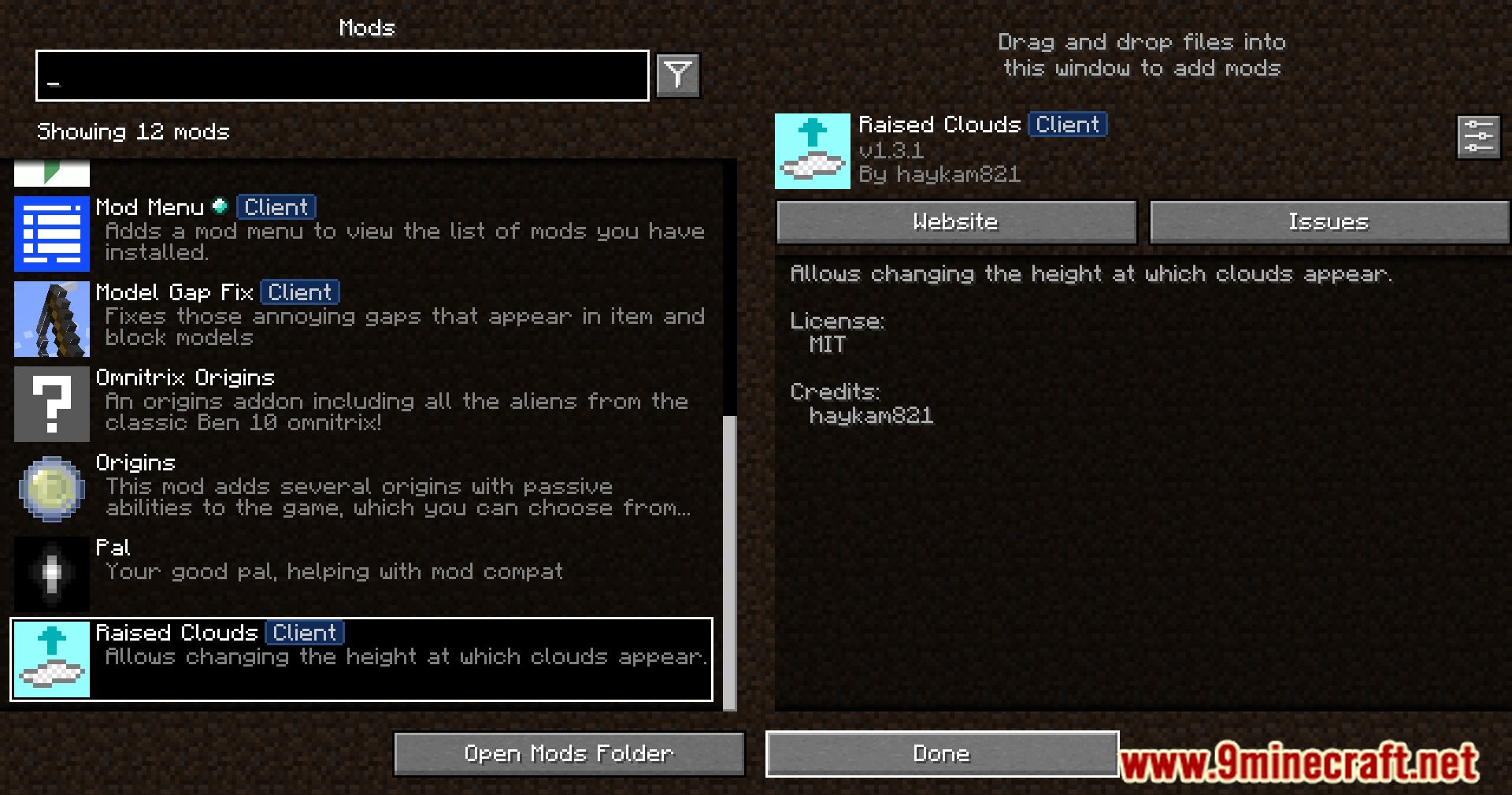
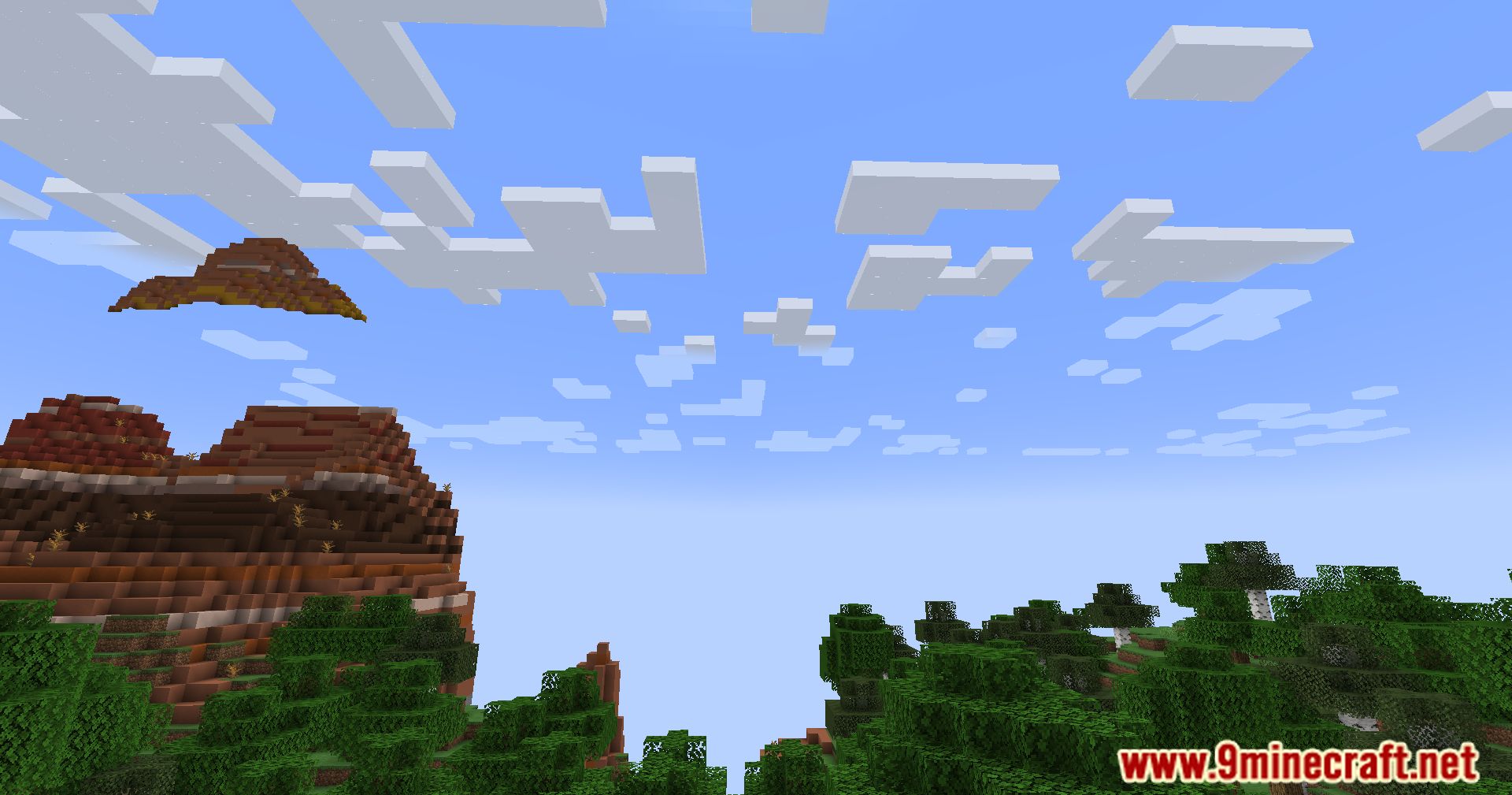
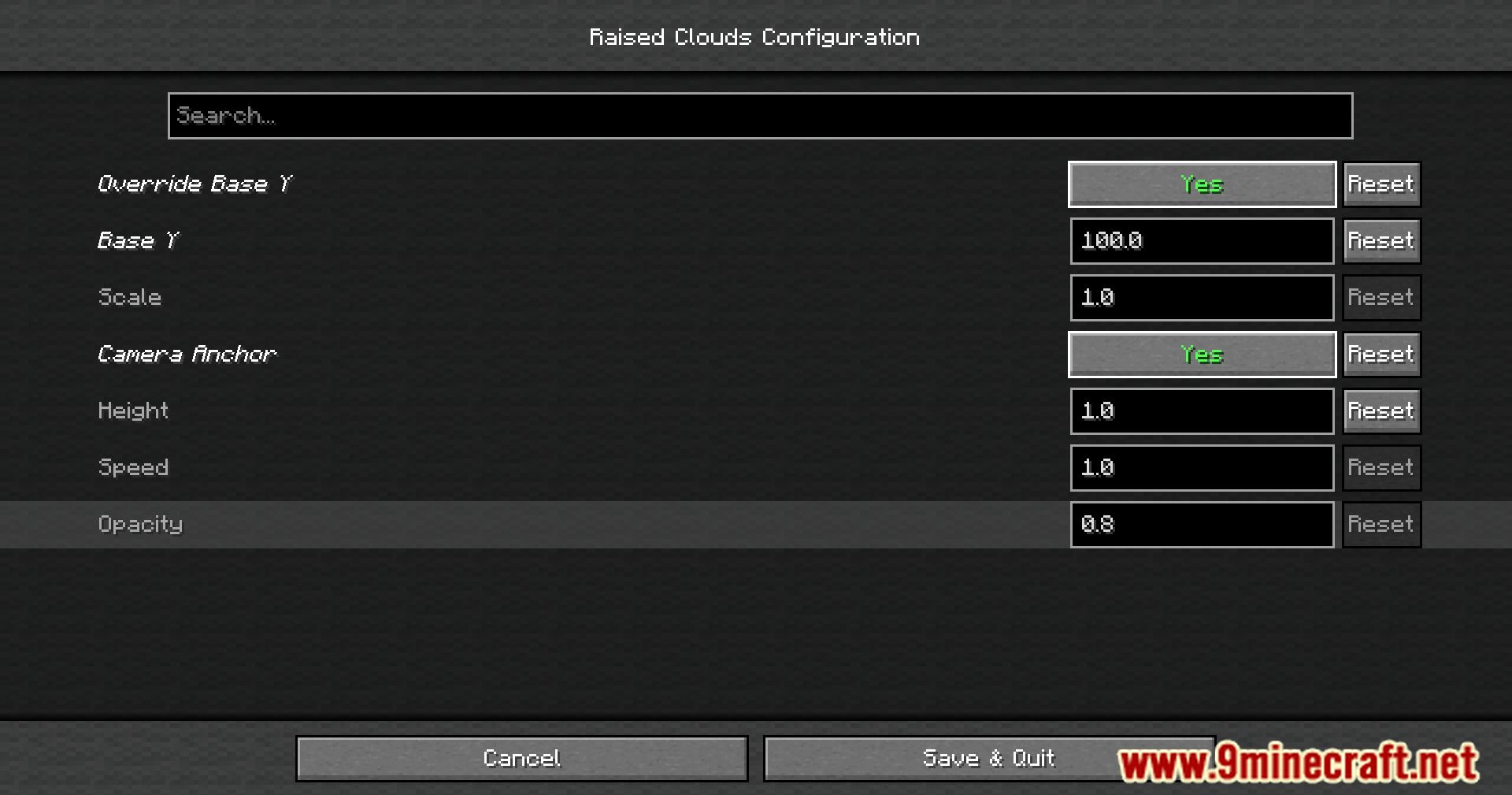
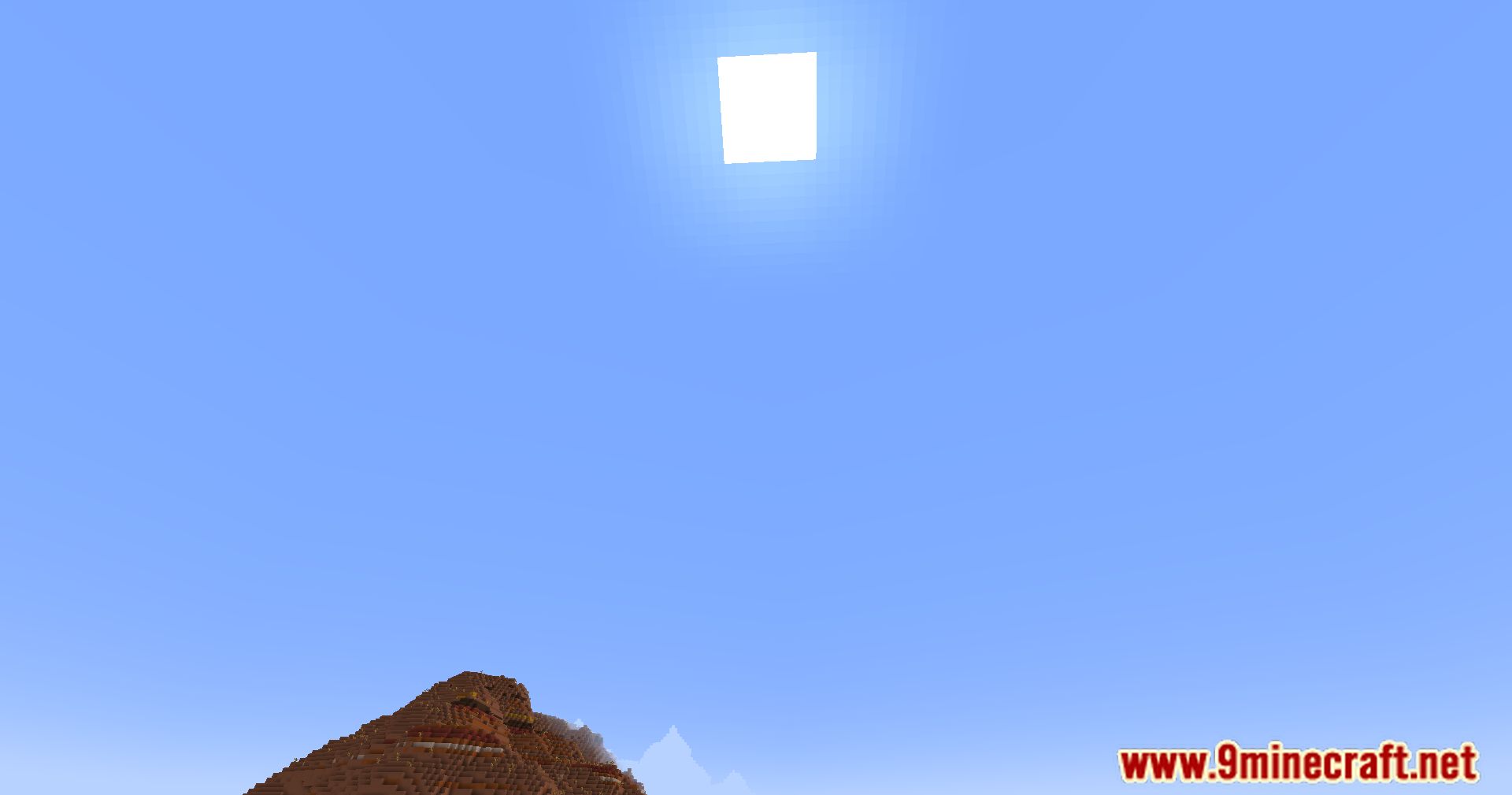
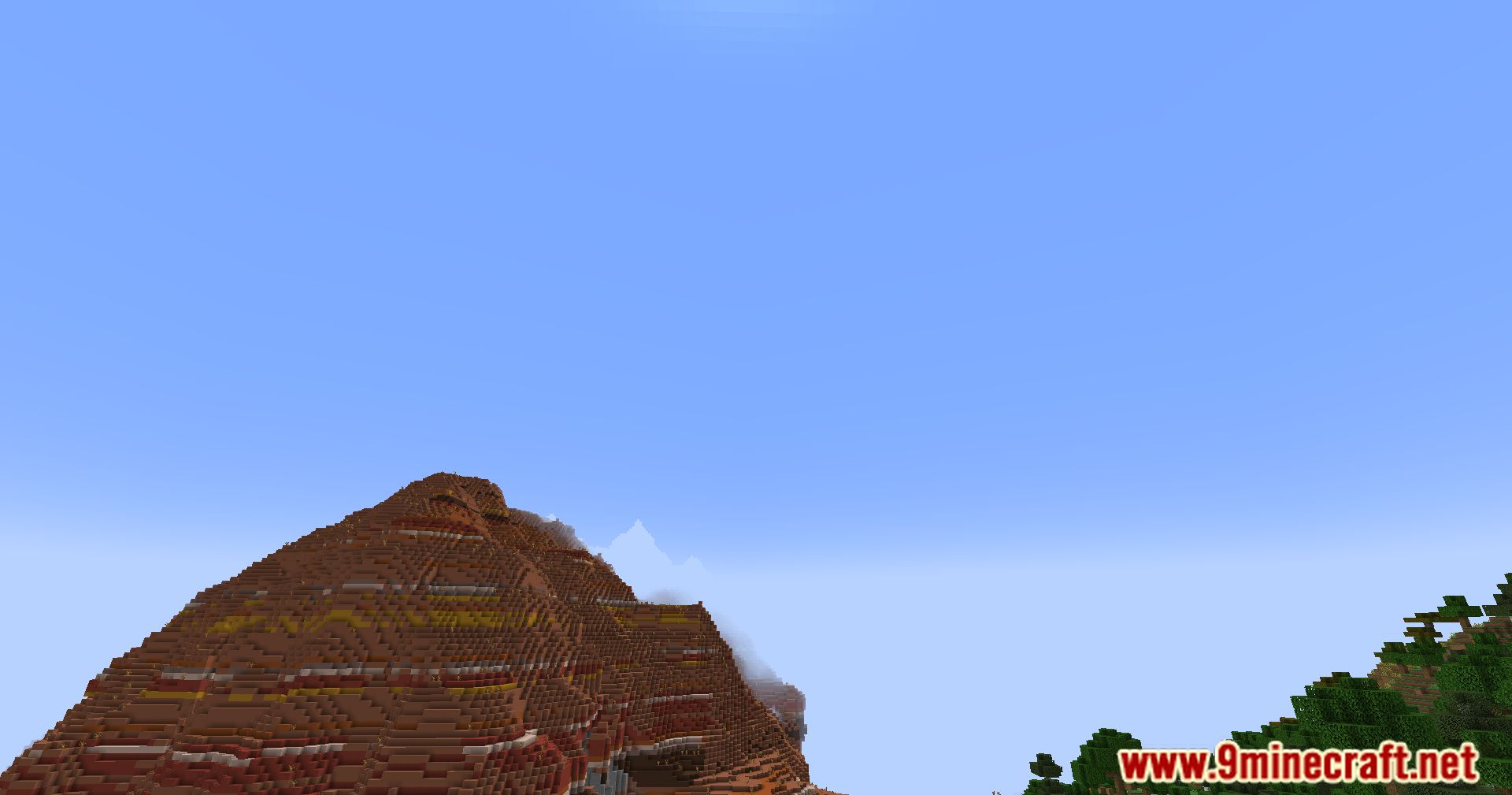
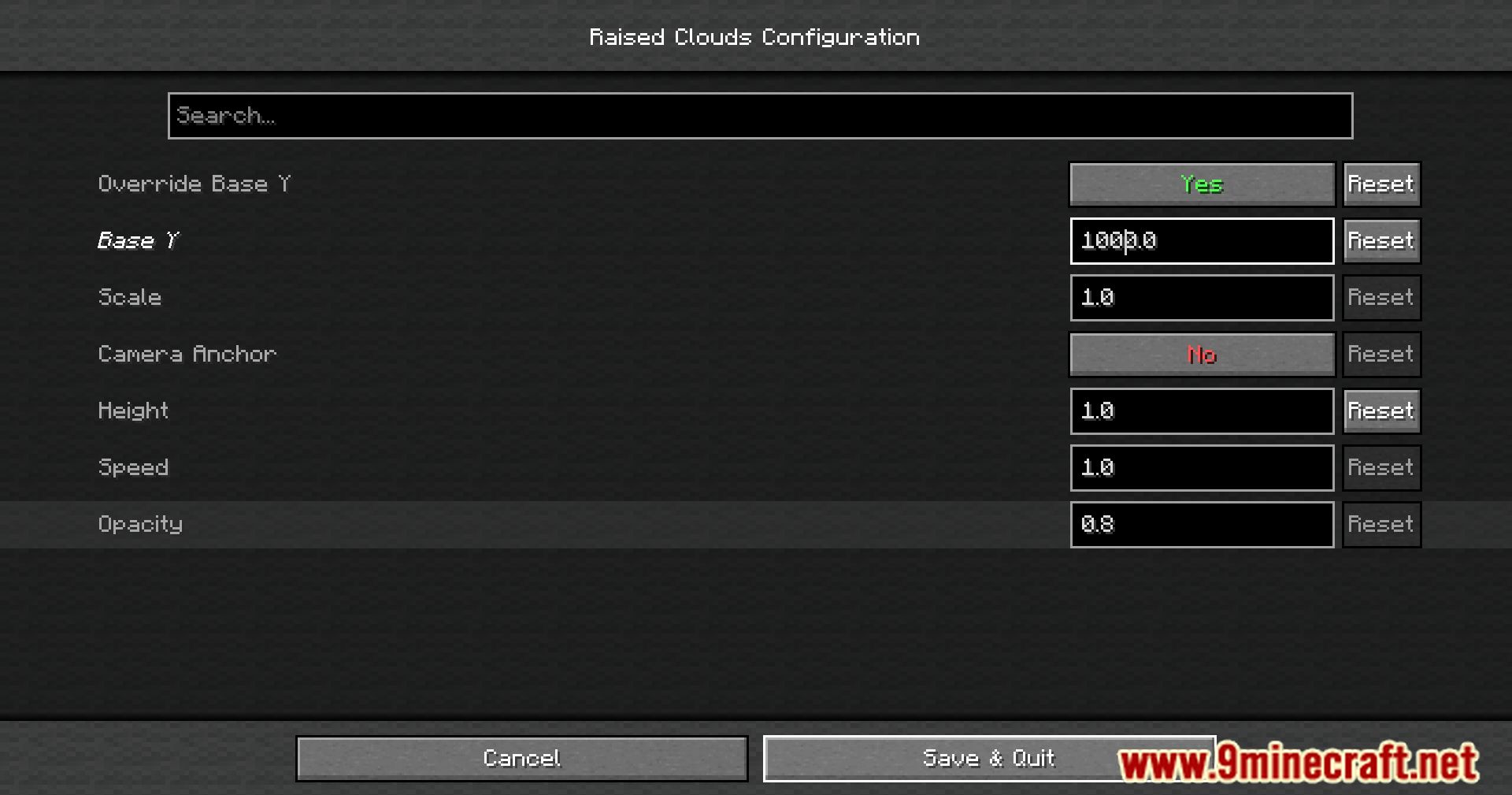
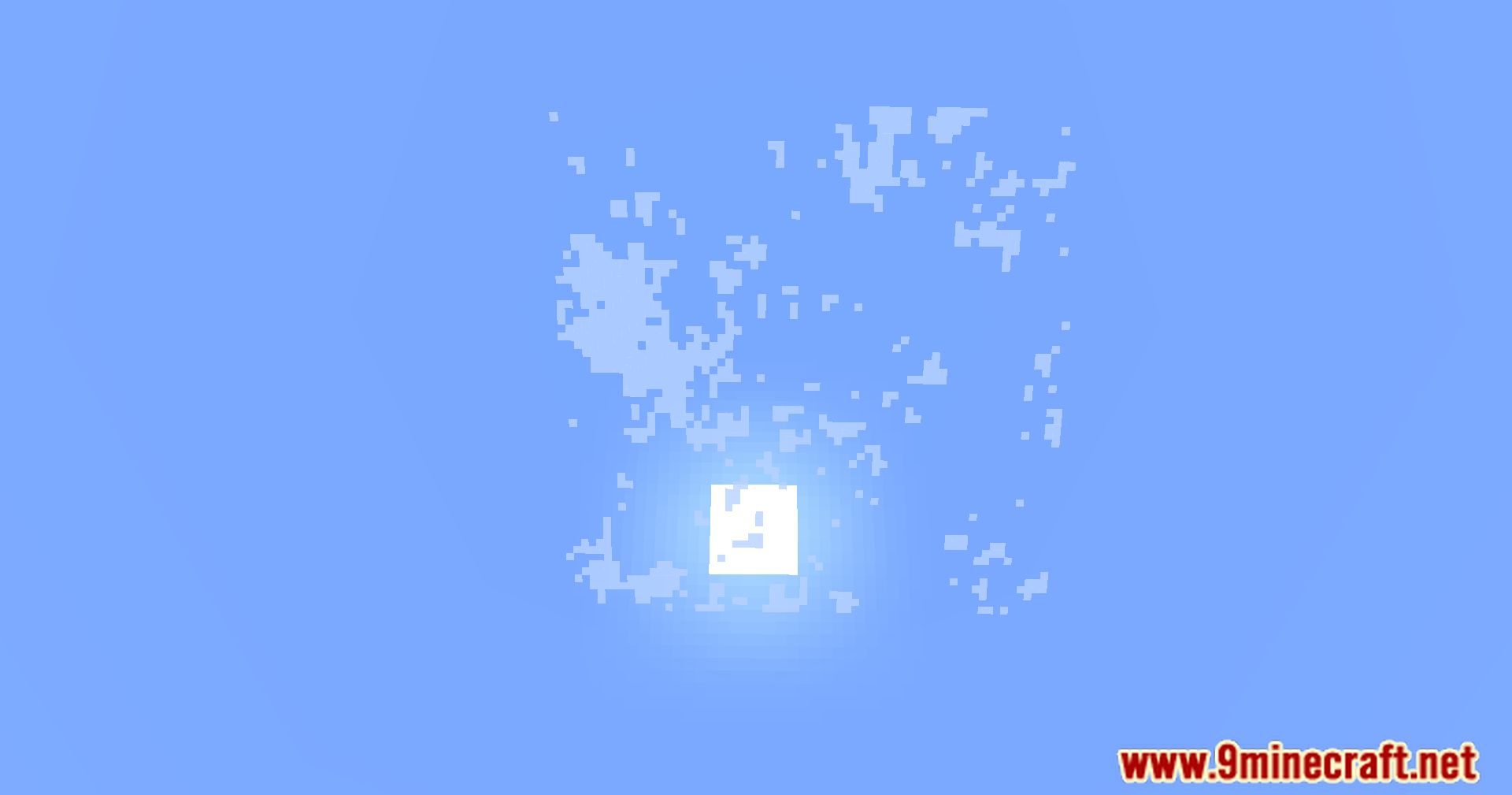
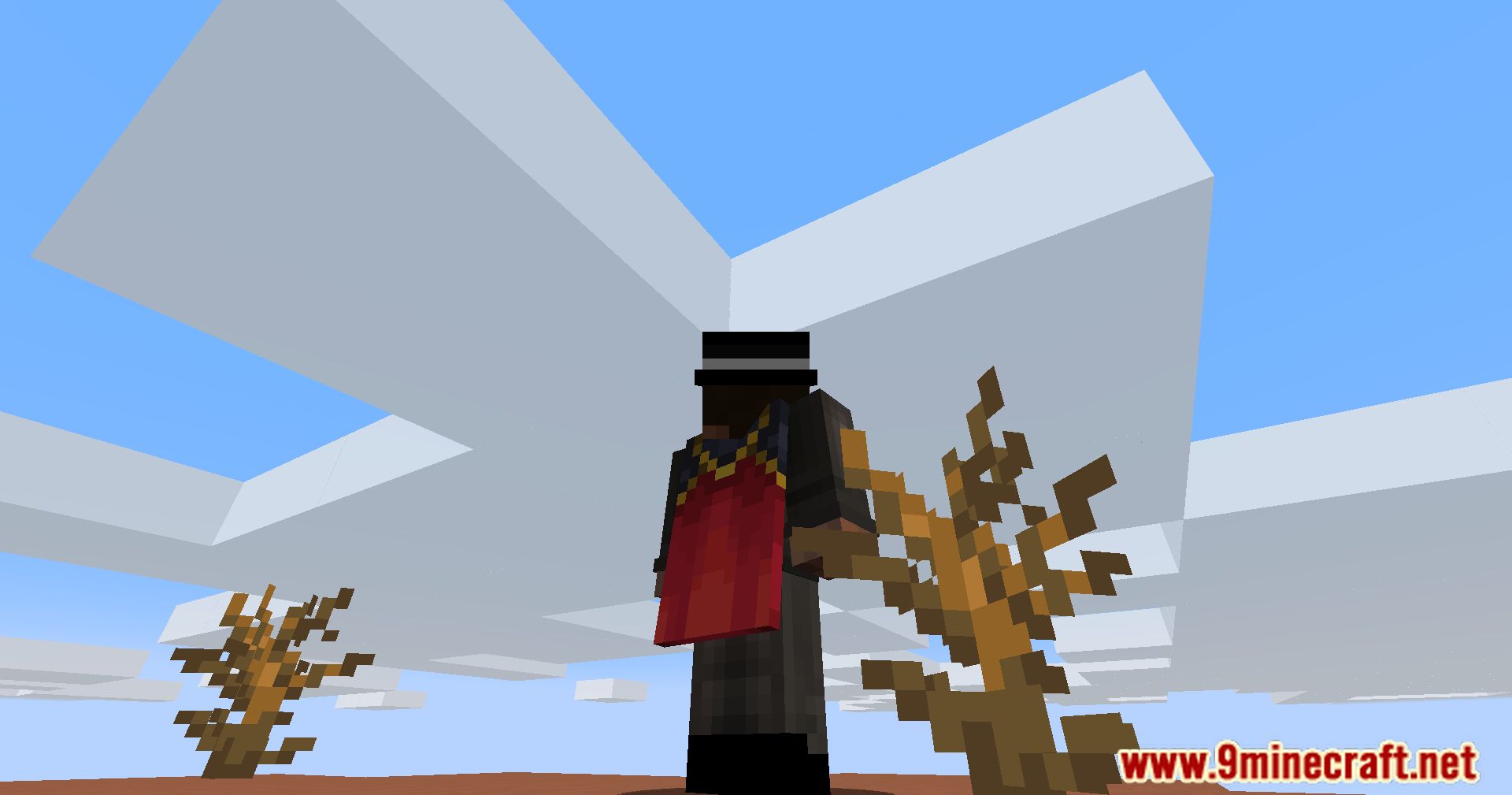
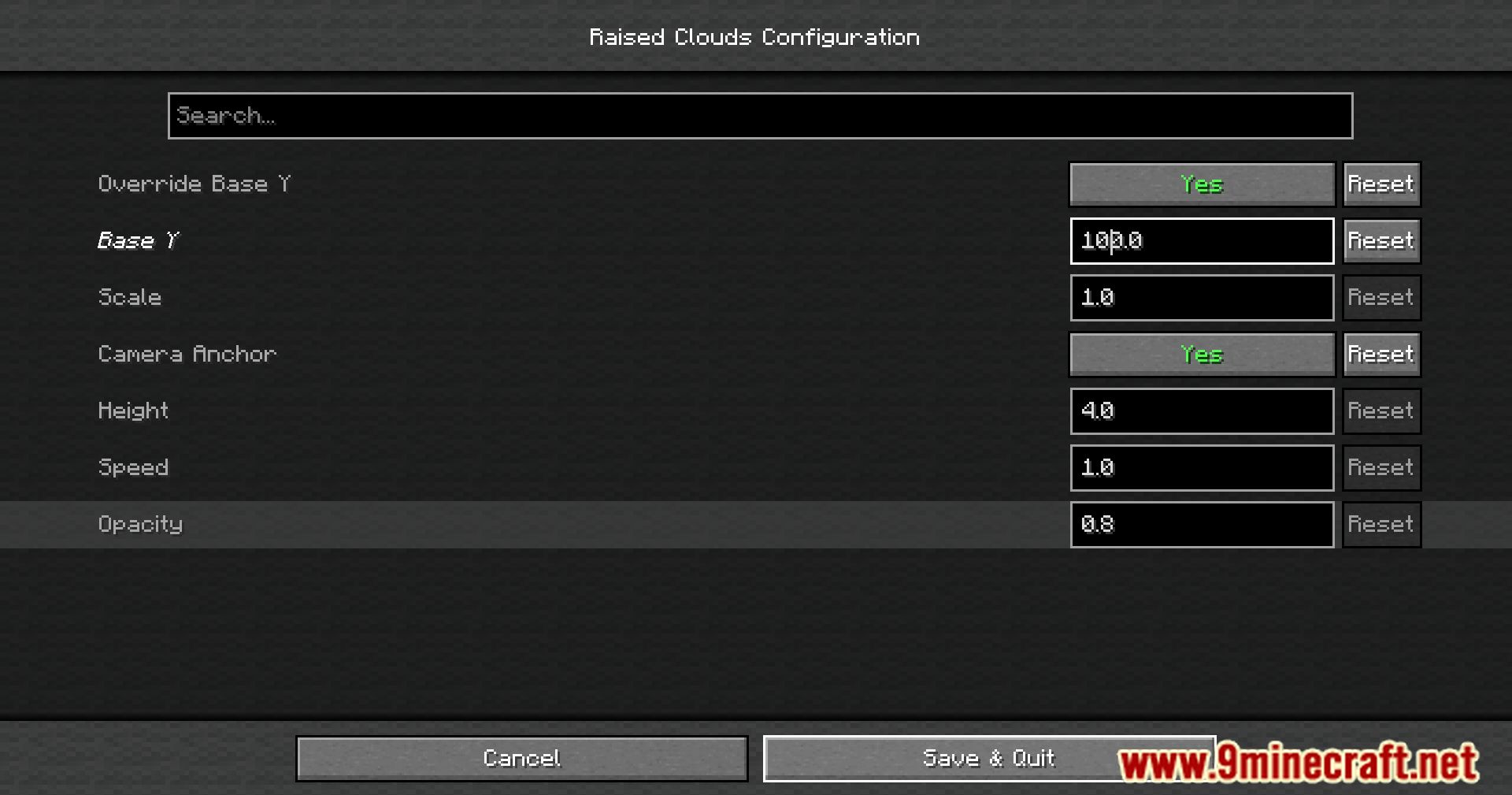
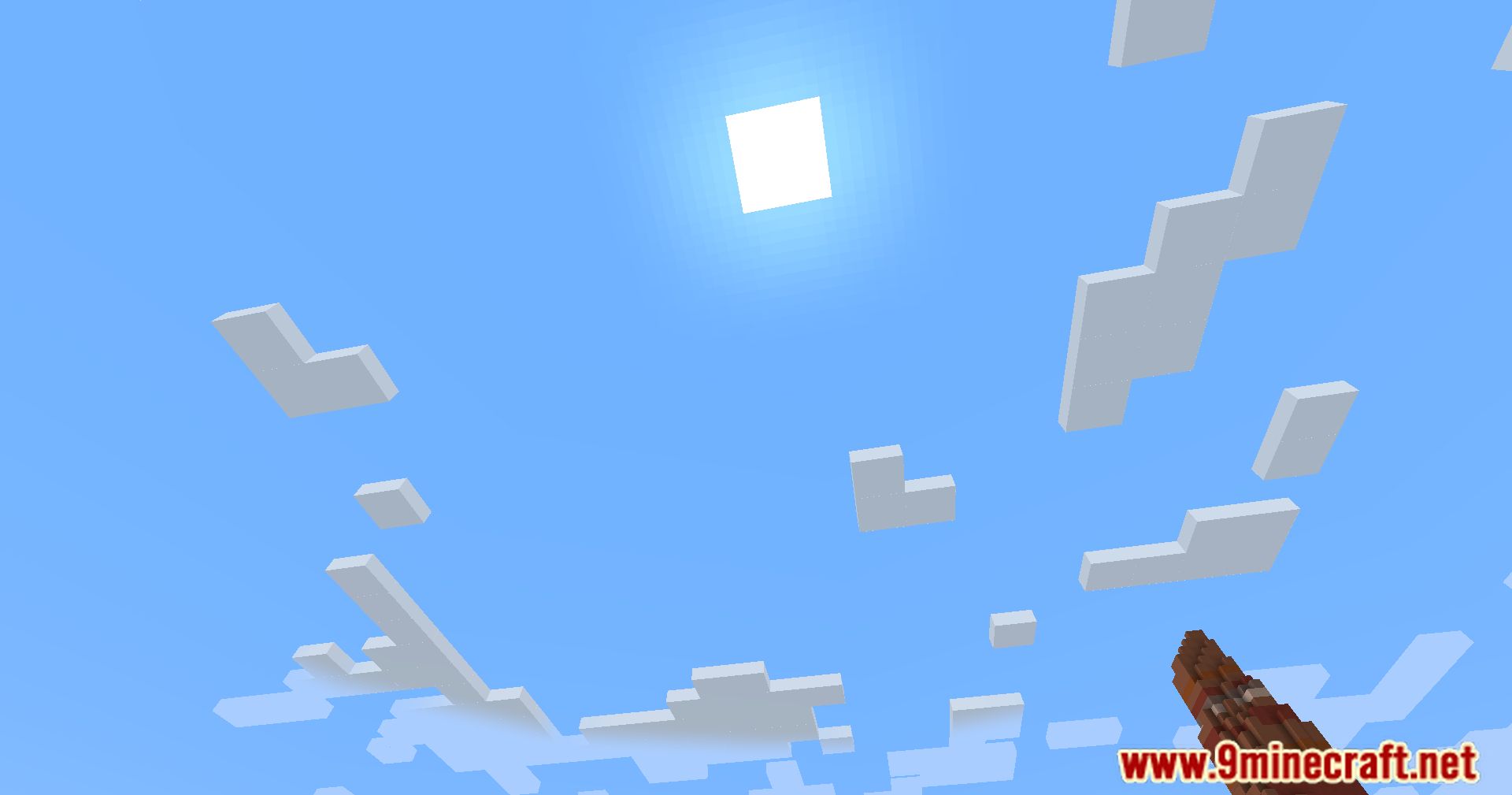
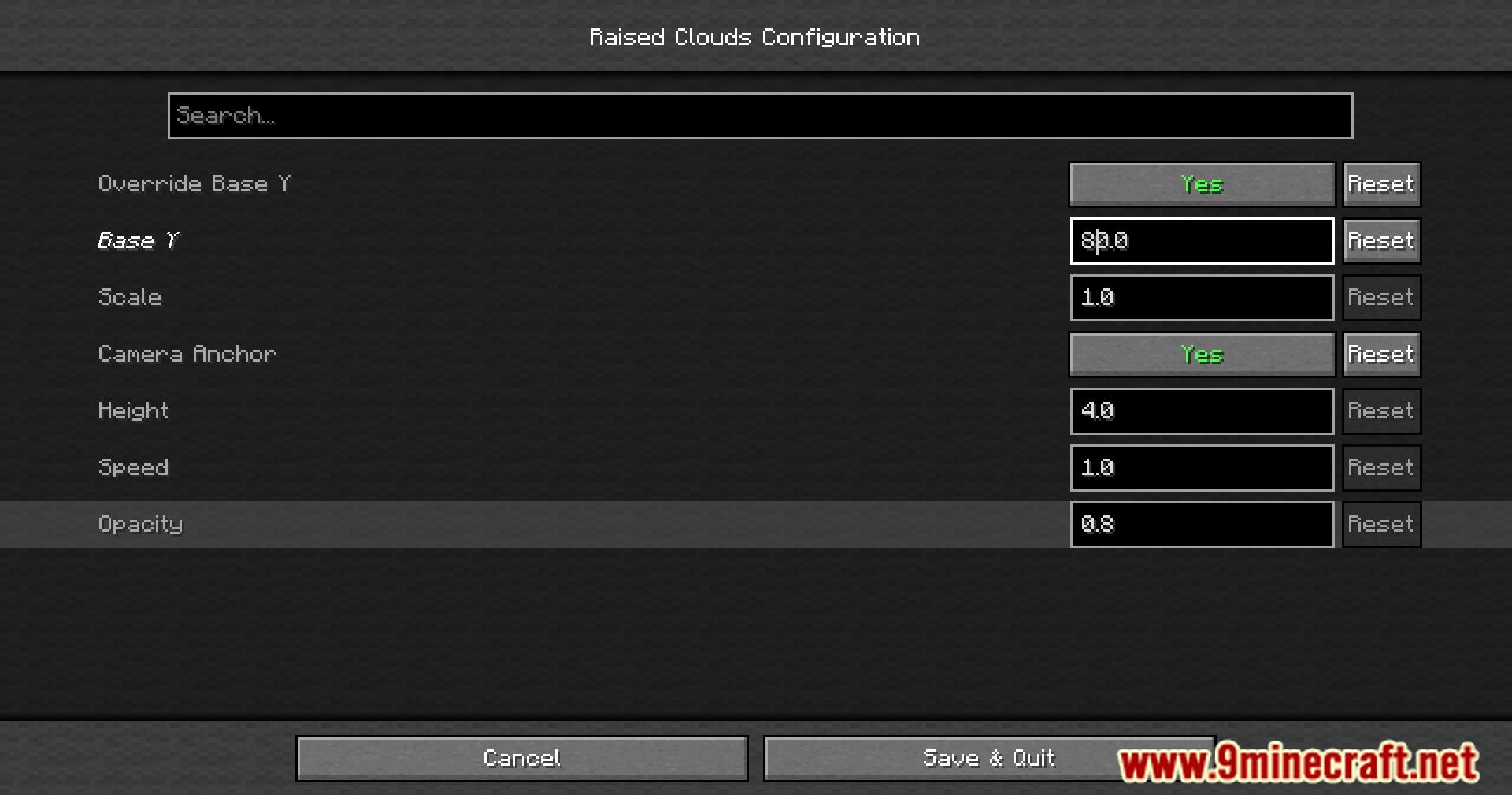

Raised Clouds Mod Download Links
For Minecraft 1.21.4, 1.21.3
Fabric version: Download from Server 1 – Download from Server 2
For Minecraft 1.21.1, 1.21
Fabric version: Download from Server 1 – Download from Server 2
For Minecraft 1.20.6, 1.20.5
Fabric version: Download from Server 1 – Download from Server 2
For All Versions from Minecraft 1.19.3 to Minecraft 1.20.4
Fabric version: Download from Server 1 – Download from Server 2
For Minecraft 1.19.2, 1.19.1, 1.19
Fabric version: Download from Server 1 – Download from Server 2
For All Versions from Minecraft 1.17.1 to Minecraft 1.18.2
Fabric version: Download from Server 1 – Download from Server 2
For Minecraft 1.16.5
Fabric version: Download from Server 1 – Download from Server 2
- Edition: Minecraft Java
- File type: .jar
- Minecraft versions listed: 1.21.4, 1.20.1
- How to install: Install the matching mod loader (Forge, Fabric or NeoForge) for your Minecraft version. → Download the .jar. → Put it in the .minecraft/mods folder and launch that loader profile.
- Where to get it: In MC Java Mods, or directly above on this page.
Install steps are the general flow for this file type — How to install Minecraft Java mods & modpacks walks through it step by step.
- Downloads as 198496.mcaddon
- Download size: 11 KB
- Download link checked 22 Jul 2026 — working
- Mirrored on our own servers — the download does not depend on the original host
These come from our own check of the pack file, not from the source page.