Mob Armor Trims Mod (1.21.4, 1.20.1) – Mobs Spawned with Armor Trims
Java mod listed for Minecraft 1.20–1.21. Downloads from the MC Java Mods app on Android.
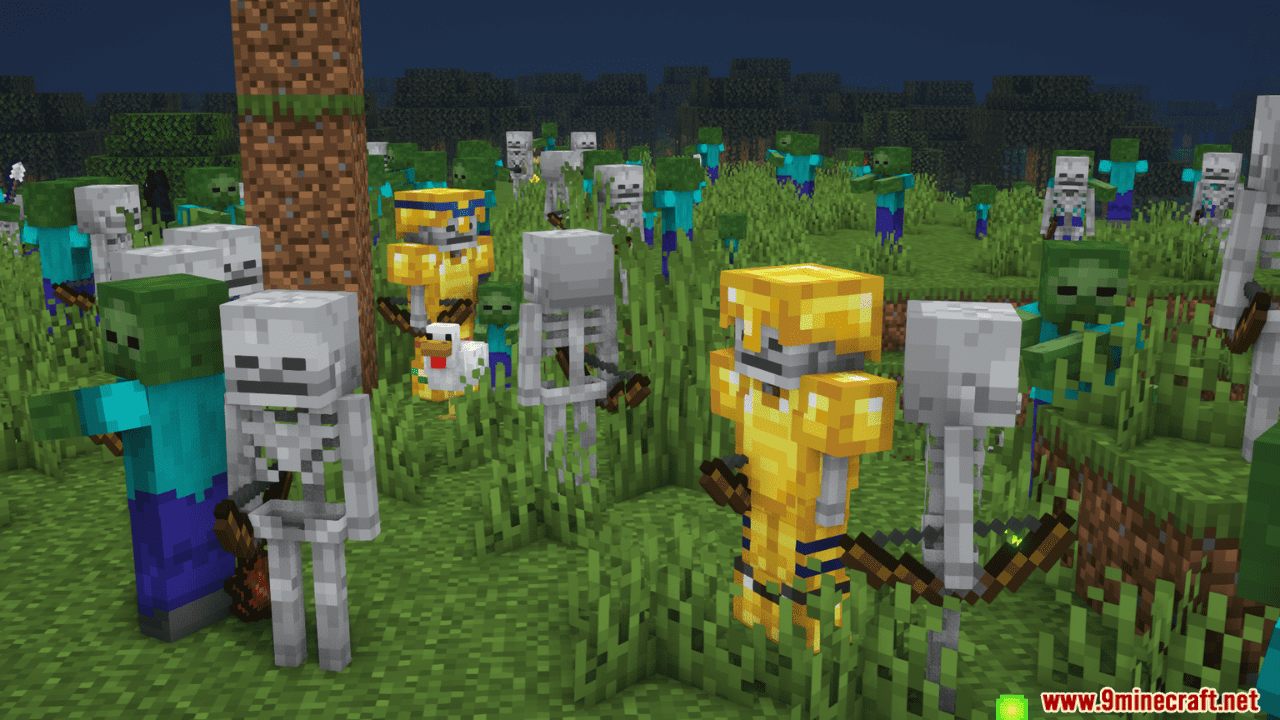
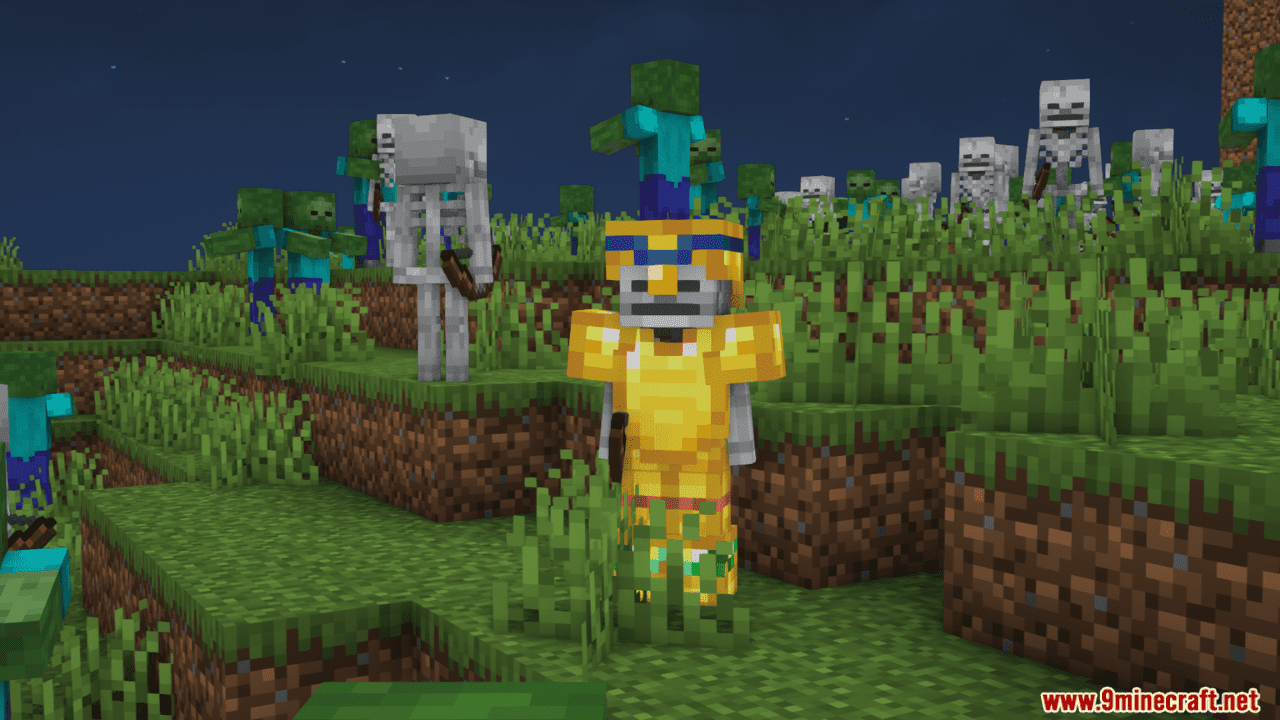
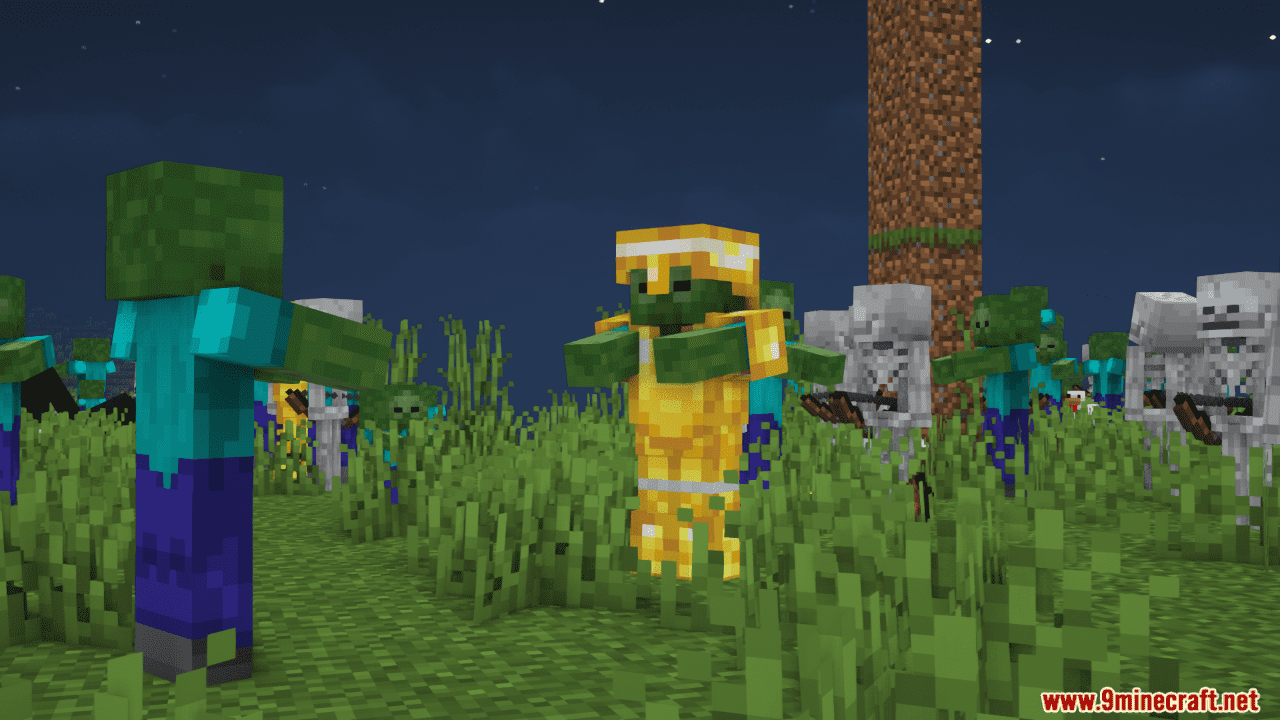
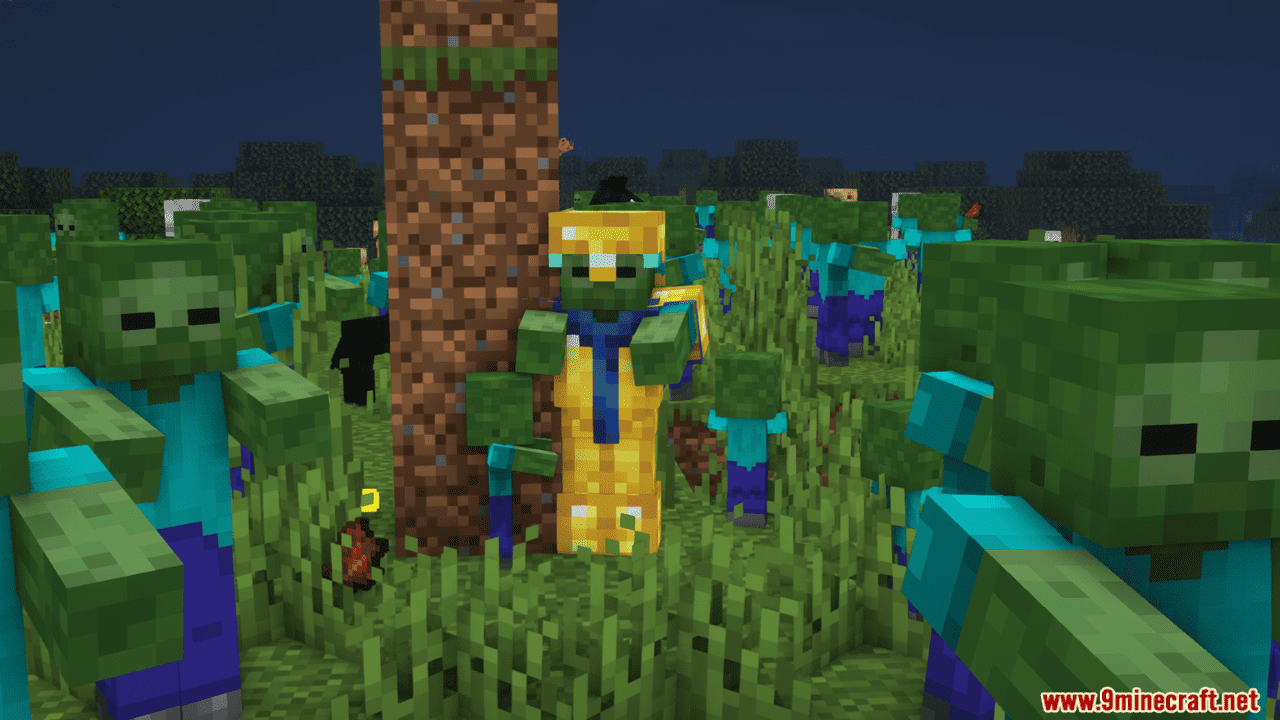
⬇ DownloadMob Armor Trims Mod introduces a new feature to the game where creatures can spawn or appear in the game world with decorative edges on their armor. If a creature is generated with a piece of armor, there is a fifty percent chance, or a one in two probability, that it will also have a completely random decorative edge attached to its armor piece. This decorative edge is not predetermined and is selected randomly from the available options. This feature enhances the integration of the decorative armor edges, a feature that was introduced to Minecraft in its 1.20 version update, making it an even more integral part of the gameplay experience.
Features:
- This mod makes mobs be able to spawn with armor trims. It has 50 percent chance of also having a completely random armor trim on its armor piece.
Screenshots:

Requires:
Fabric API, Fabric Loader
Mob Armor Trims Mod Download Links
For Minecraft 1.21.4
NeoForge Version: Download from Server 1 – Download from Server 2
Fabric Version: Download from Server 1 – Download from Server 2
For Minecraft 1.21.3, 1.21.2
NeoForge Version: Download from Server 1 – Download from Server 2
Fabric Version: Download from Server 1 – Download from Server 2
For Minecraft 1.21.1, 1.21
NeoForge Version: Download from Server 1 – Download from Server 2
Fabric Version: Download from Server 1 – Download from Server 2
For Minecraft 1.20.6
Fabric Version: Download from Server 1 – Download from Server 2
For Minecraft 1.20.5
Fabric Version: Download from Server 1 – Download from Server 2
For Minecraft 1.20.4
Fabric Version: Download from Server 1 – Download from Server 2
For Minecraft 1.20.1
Fabric Version: Download from Server 1 – Download from Server 2
- Edition: Minecraft Java
- File type: .jar
- Minecraft versions listed: 1.21.4, 1.20.1
- How to install: Install the matching mod loader (Forge, Fabric or NeoForge) for your Minecraft version. → Download the .jar. → Put it in the .minecraft/mods folder and launch that loader profile.
- Where to get it: In MC Java Mods, or directly above on this page.
Install steps are the general flow for this file type — How to install Minecraft Java mods & modpacks walks through it step by step.
- Downloads as 198562.mcaddon
- Download size: 173 KB
- Download link checked 26 Jul 2026 — working
- Mirrored on our own servers — the download does not depend on the original host
These come from our own check of the pack file, not from the source page.