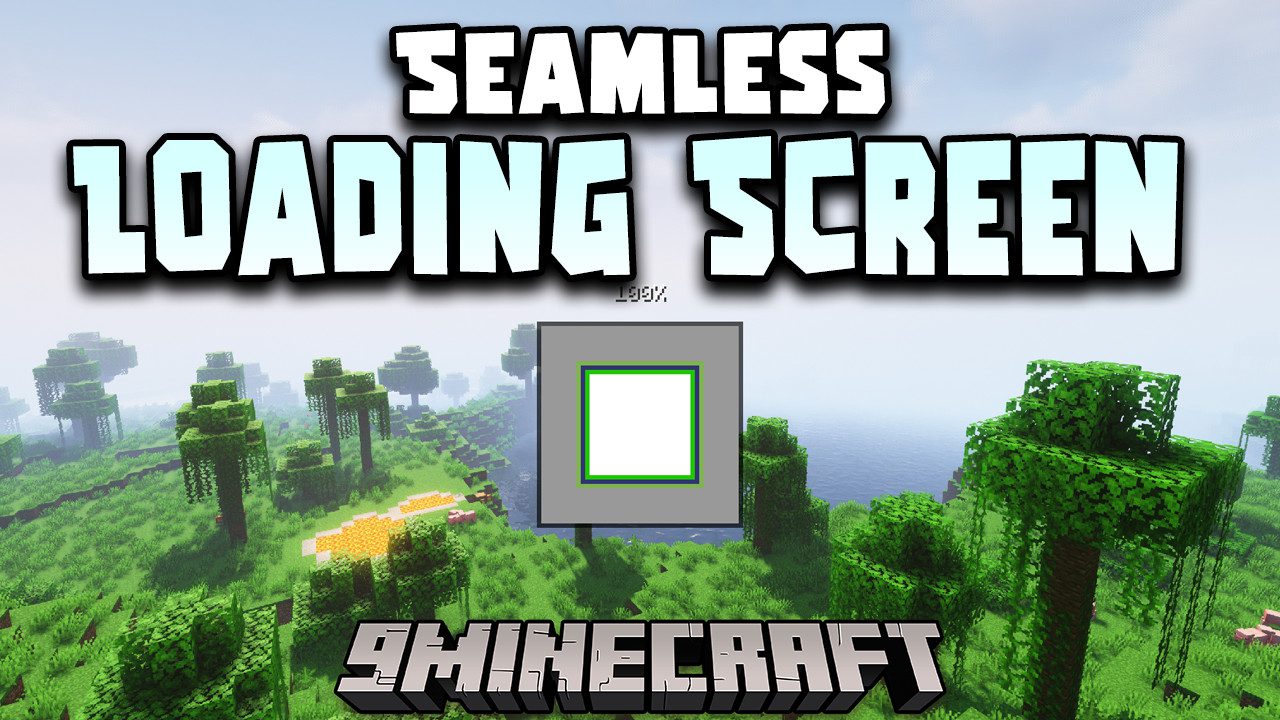
Seamless Loading Screen Mod (1.21.1, 1.20.1) – Smooth Transitions
Java mod listed for Minecraft 1.20–1.21. Downloads from the MC Java Mods app on Android.
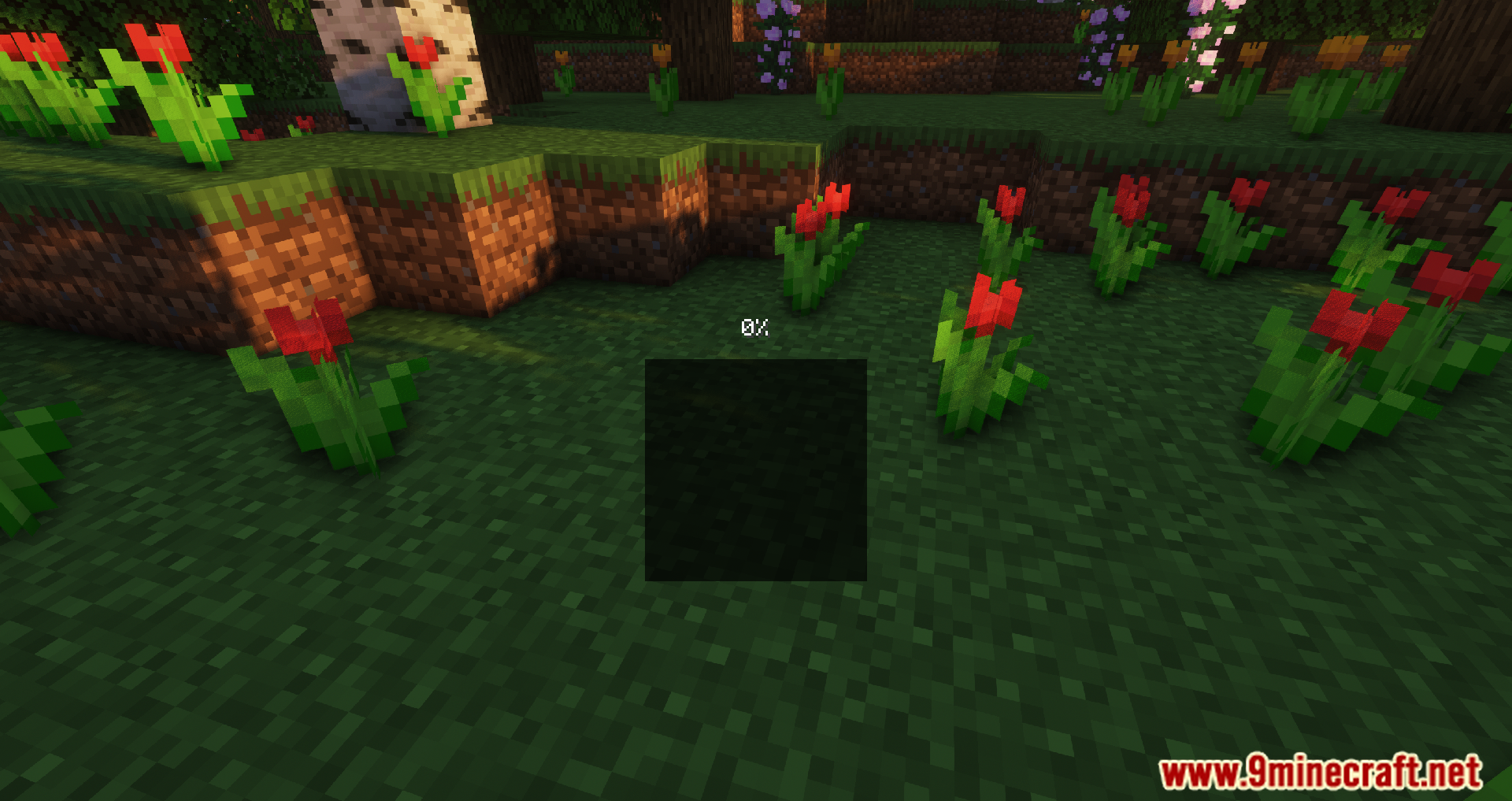
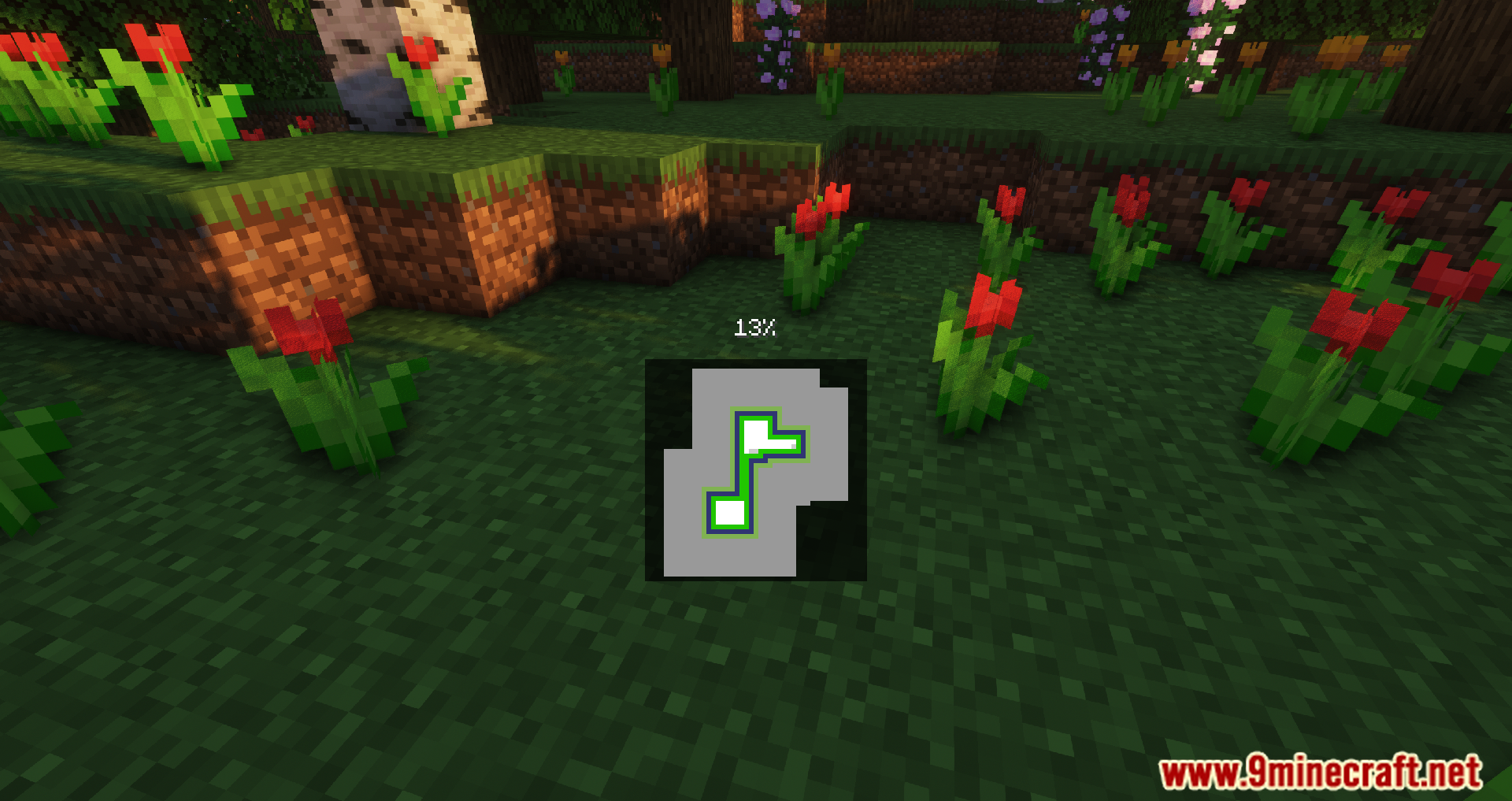
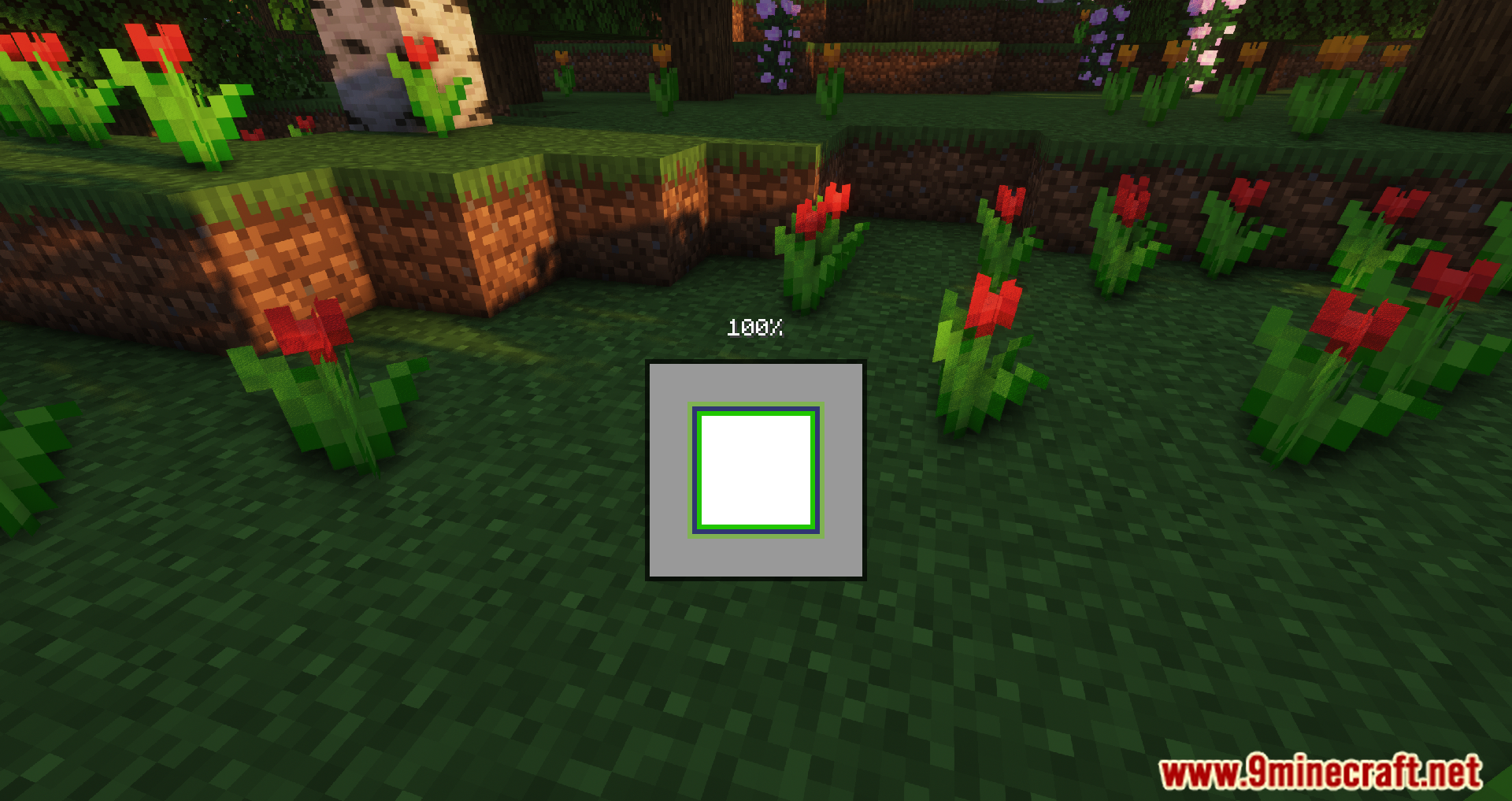
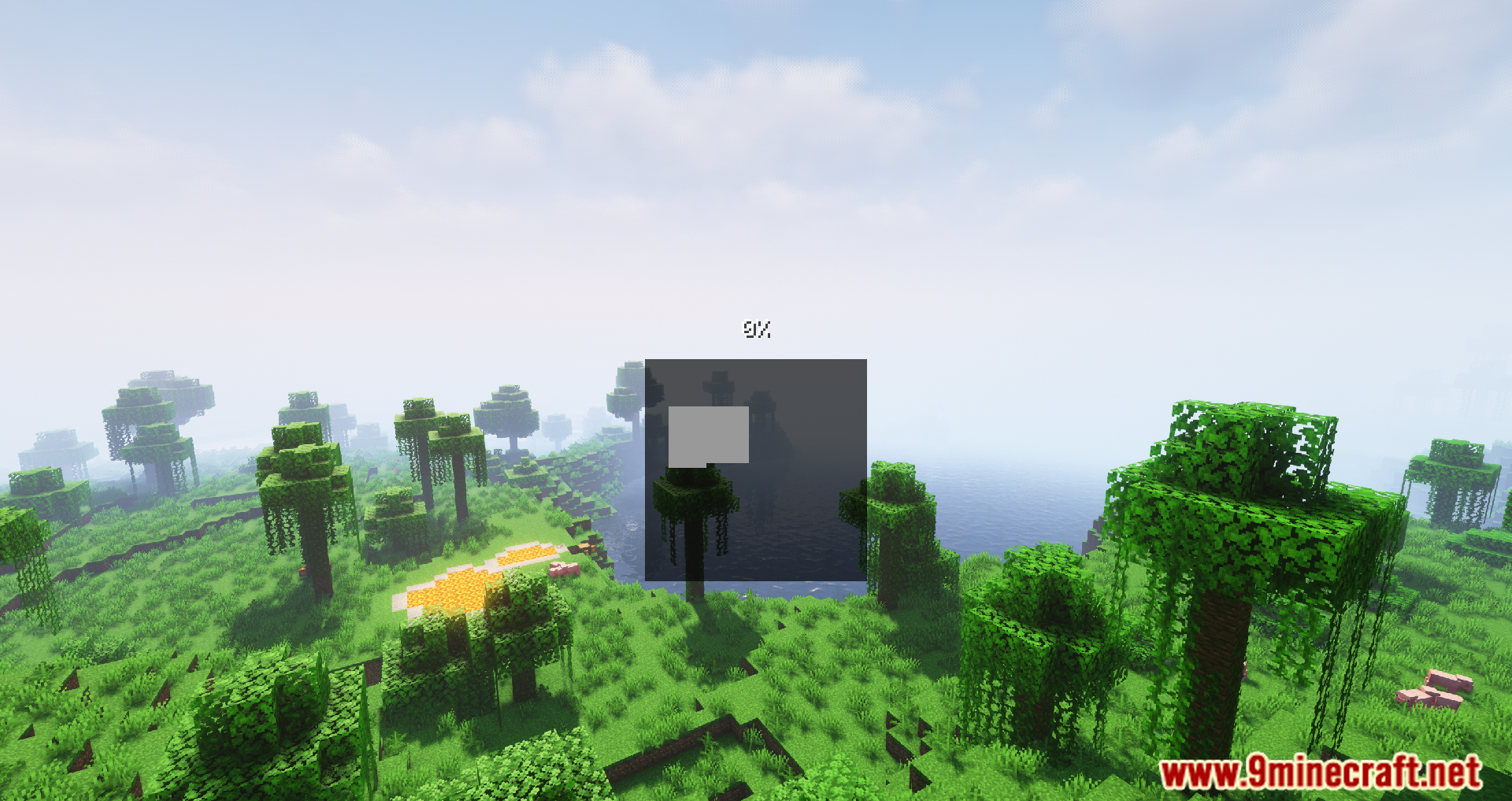
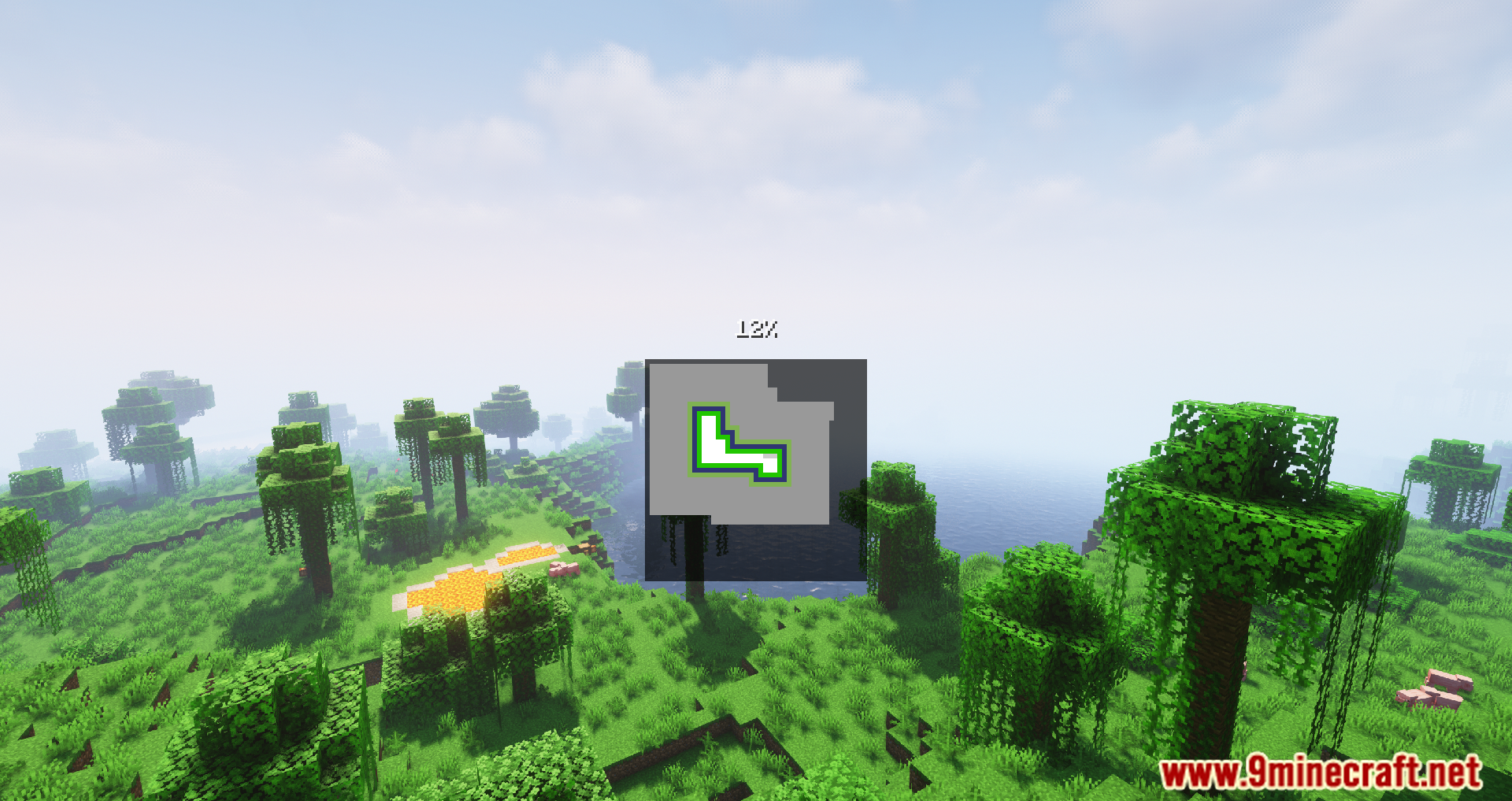
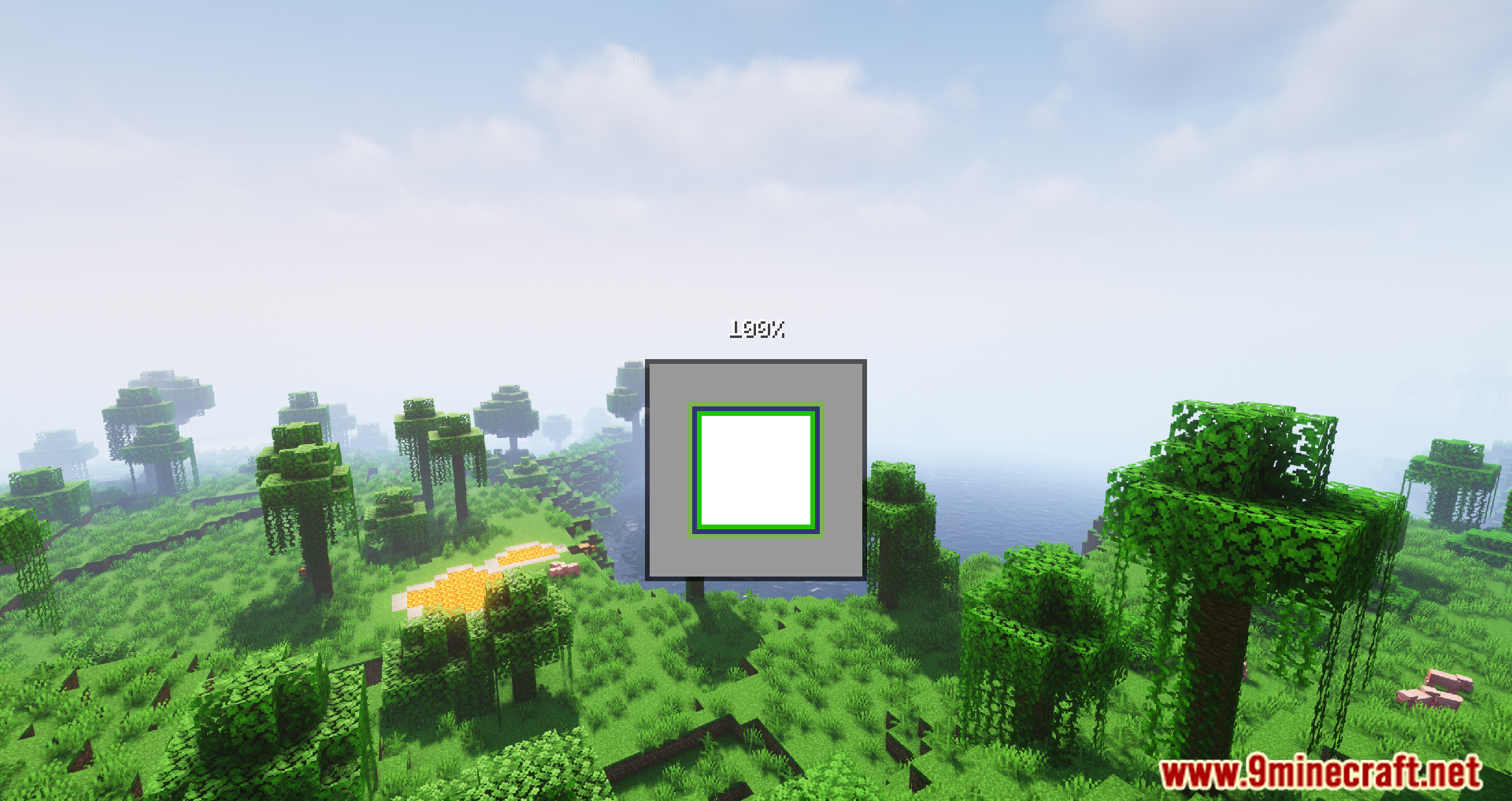
⬇ DownloadSeamless Loading Screen Mod provides players with a new HUD Option, in which, players can customize their loading screen freely without any restrictions. Looking at the Loading Screen in itself is already quite a monotonous task that nobody wants to do, however, to get into your favorite game, is a requirement. What if we tell you, you could make this process less boring by adding on top of it your own touch. With Seamless, it is definitely possible as the Mod allows players to choose what background screen to be played and how the percentage will be loaded up. These choices would allow players to create some of the best loading screens there are, thus easing themselves every time they look up the screen, waiting in excitement for their journey to commence. Furthermore, players will also have control over minor details such as Fade Duration and can even delay the Loading Screen for their games to load better.
Features:
- Takes a screenshot when you leave a world or server and displays it when you rejoin, creating a seamless transition.
- Works with singleplayer worlds, realms, and servers.
- Offers various configuration options such as blur, tint, and screenshot resolution.
- Supports playing sound effects after loading.
Screenshots:
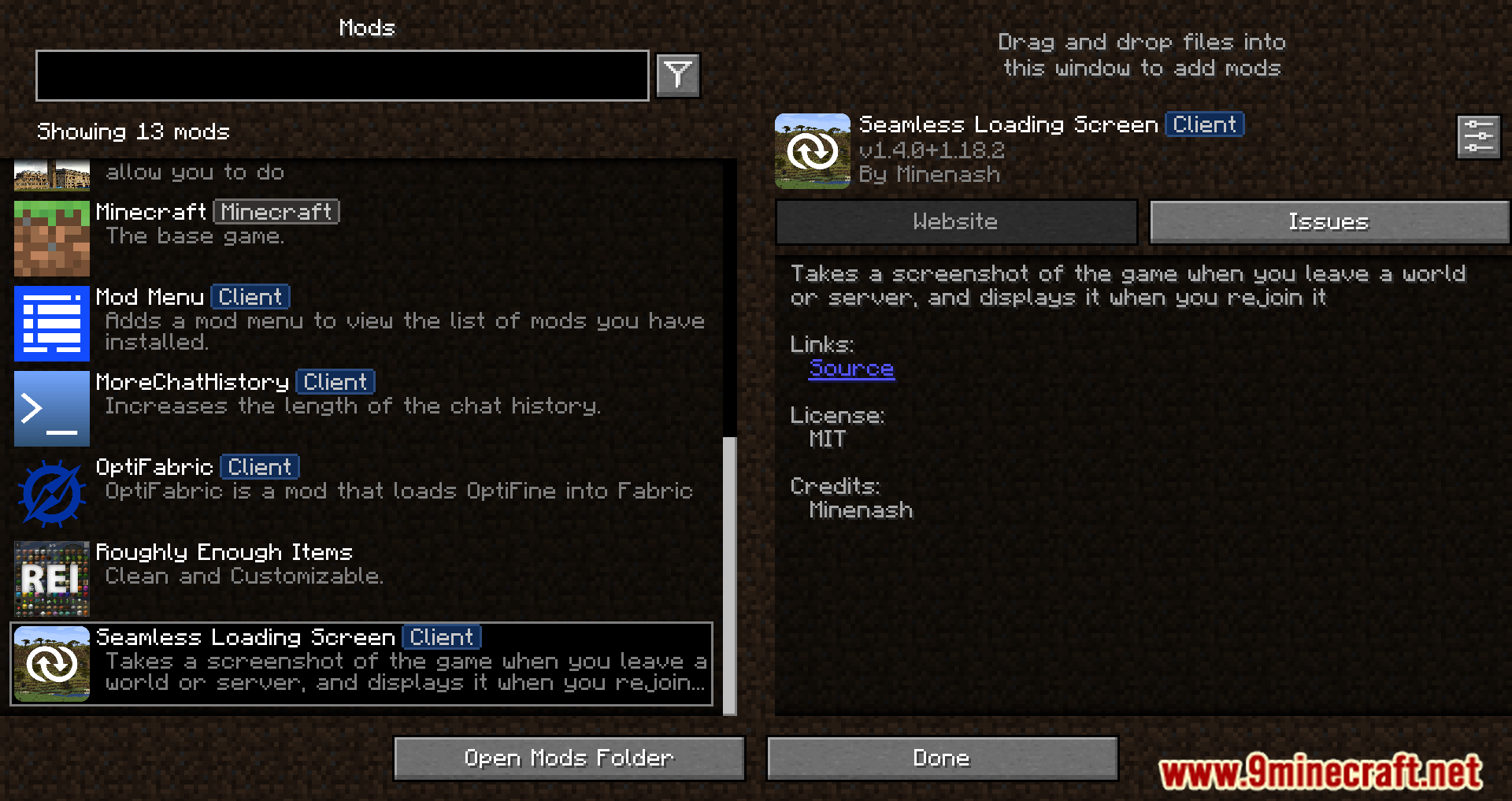
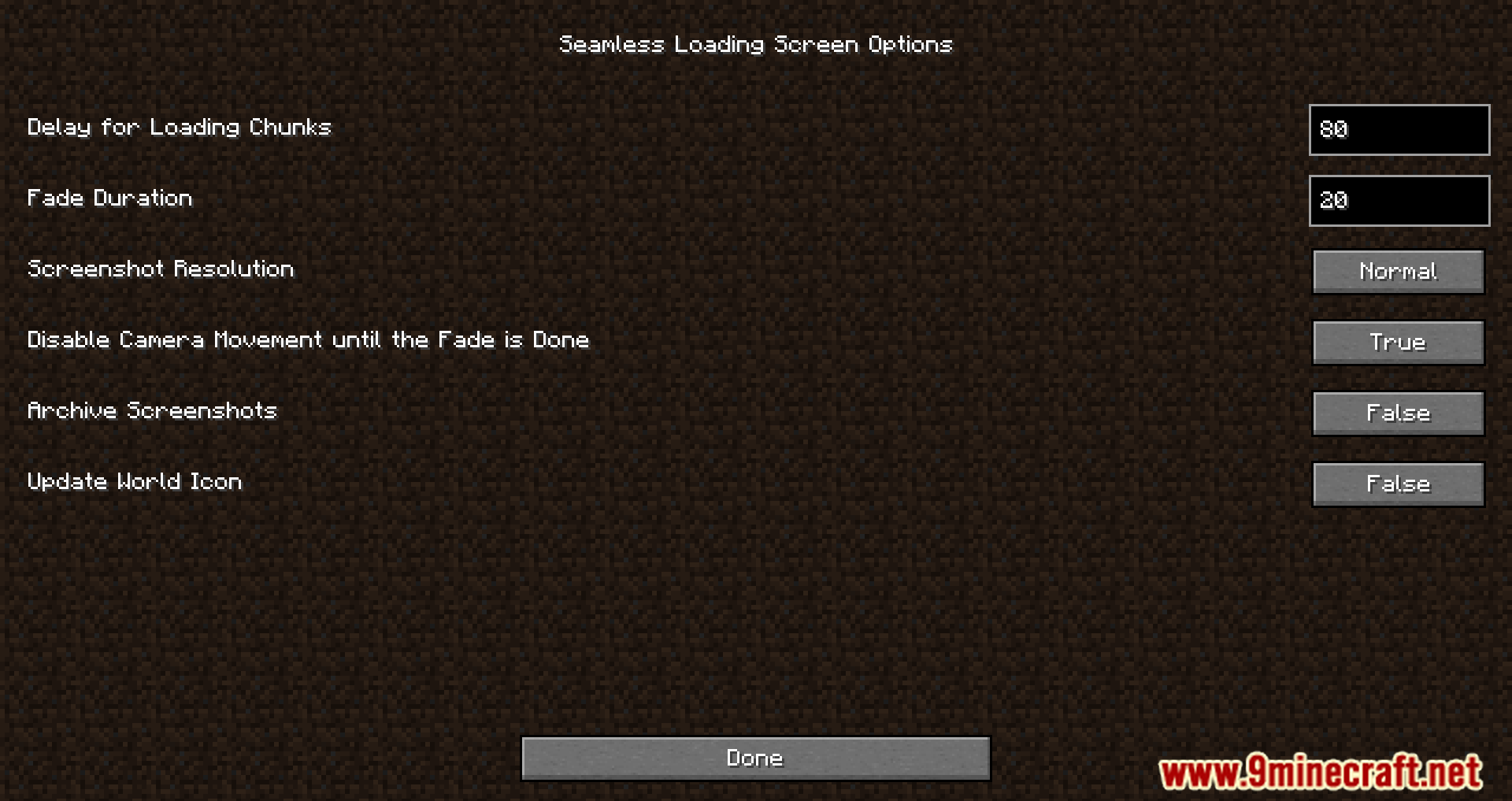
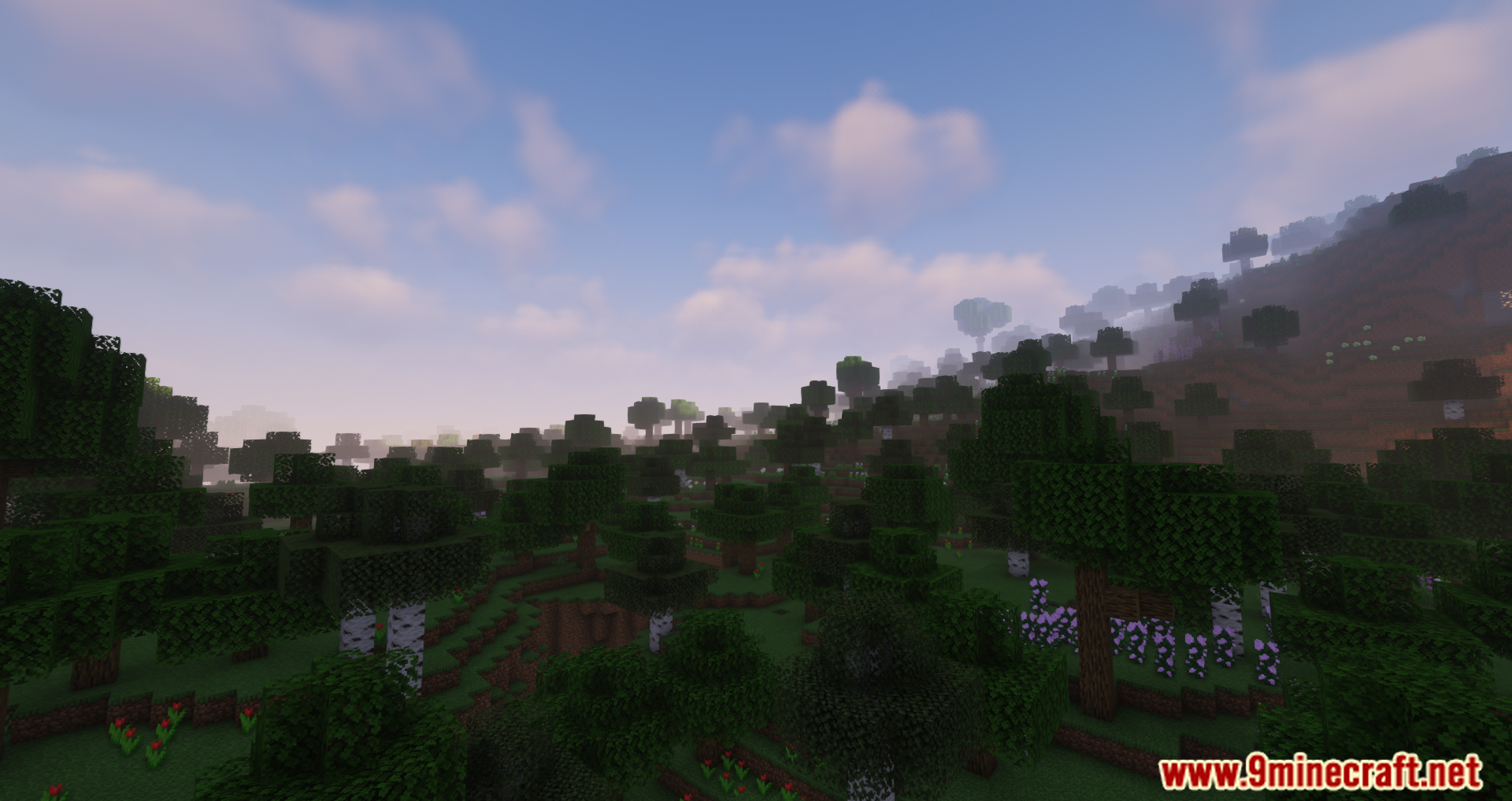
Requires:
Minecraft Forge or Fabric API or NeoForge Installer
Seamless Loading Screen Mod Download Links
For Minecraft 1.16.5
Forge version: Download from Server 1
Fabric version: Download from Server 1
For Minecraft 1.17.1
Forge version: Download from Server 1
Fabric version: Download from Server 1
For Minecraft 1.18.2
Forge version: Download from Server 1
Fabric version: Download from Server 1
For Minecraft 1.19.2
Forge version: Download from Server 1
Fabric version: Download from Server 1
For Minecraft 1.19.3
Forge version: Download from Server 1 – Download from Server 2
For Minecraft 1.19.4
Forge version: Download from Server 1 – Download from Server 2
For Minecraft 1.20.1
Forge version: Download from Server 1 – Download from Server 2
Fabric version: Download from Server 1 – Download from Server 2
For Minecraft 1.20.2
Forge version: Download from Server 1 – Download from Server 2
Fabric version: Download from Server 1 – Download from Server 2
For Minecraft 1.20.4
NeoForge version: Download from Server 1
Fabric version: Download from Server 1
For Minecraft 1.21.1, 1.21
NeoForge version: Download from Server 1 – Download from Server 2
Fabric version: Download from Server 1 – Download from Server 2
- Edition: Minecraft Java
- File type: .jar
- Minecraft versions listed: 1.21.1, 1.20.1
- How to install: Install the matching mod loader (Forge, Fabric or NeoForge) for your Minecraft version. → Download the .jar. → Put it in the .minecraft/mods folder and launch that loader profile.
- Where to get it: In MC Java Mods, or directly above on this page.
Install steps are the general flow for this file type — How to install Minecraft Java mods & modpacks walks through it step by step.
- Downloads as 198618.mcaddon
- Download size: 45 KB
- Download link checked 26 Jul 2026 — working
- Mirrored on our own servers — the download does not depend on the original host
These come from our own check of the pack file, not from the source page.