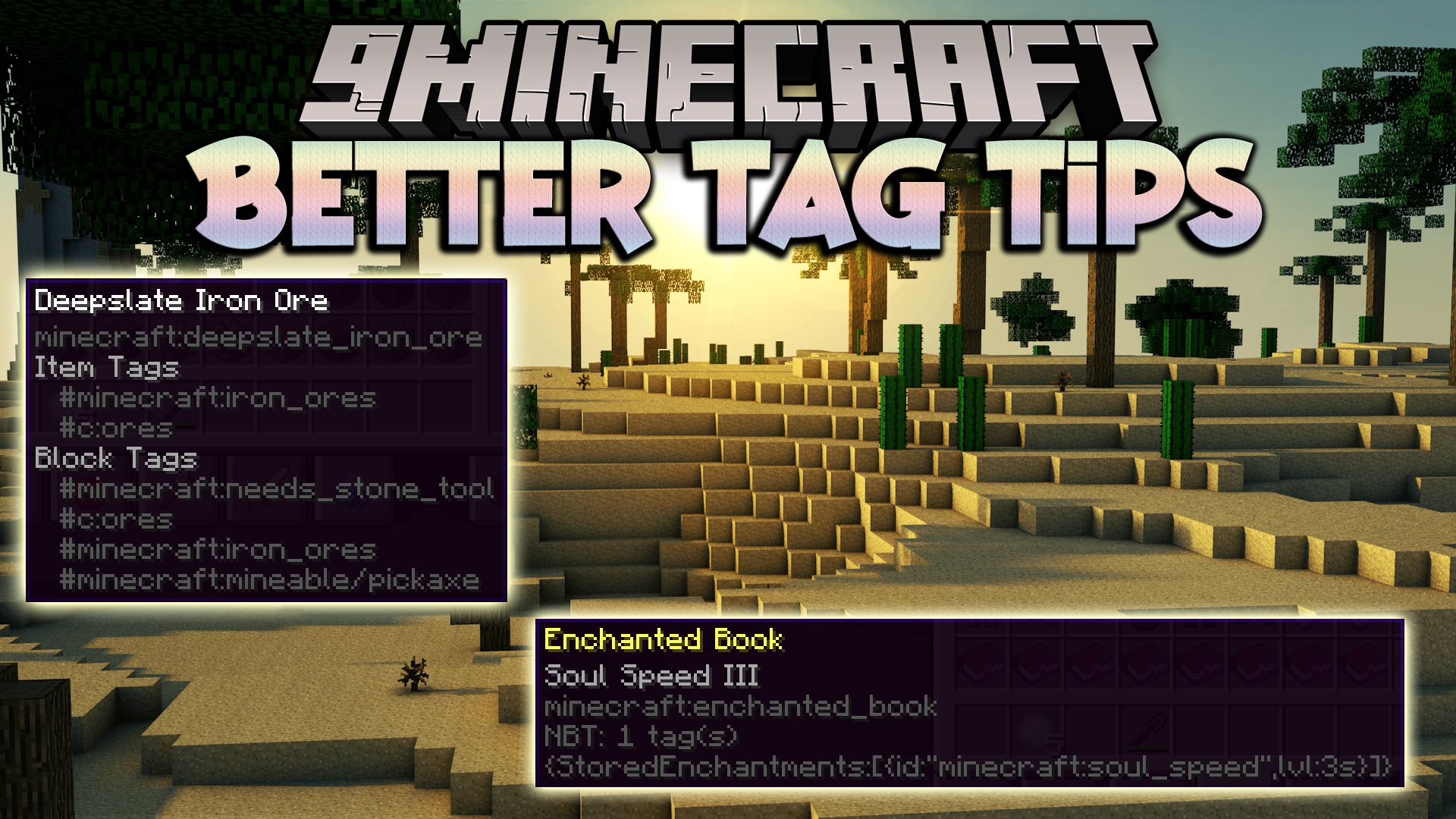
Need to debug a Mod Pack? NBT not working as it should? Tags all over the place? Better Tag Tips Mod displays extra information in tooltips such as NBT and Tags. This mod also shows Durability of tools and Burn Time of fuel items. There is a command to copy item nbt to Clipboard: /bettertags copy <slot | current_item>
Features:
- The mod shows extra information in tooltips, such as NBT data and tags, making it easier to debug mods and understand item properties.
- It displays the durability of tools and the burn time of fuel items in tooltips.
- There is a command /bettertags copy that allows players to copy item NBT data to the clipboard.
- The mod helps clean up tooltips by displaying only relevant information.
Screenshots:
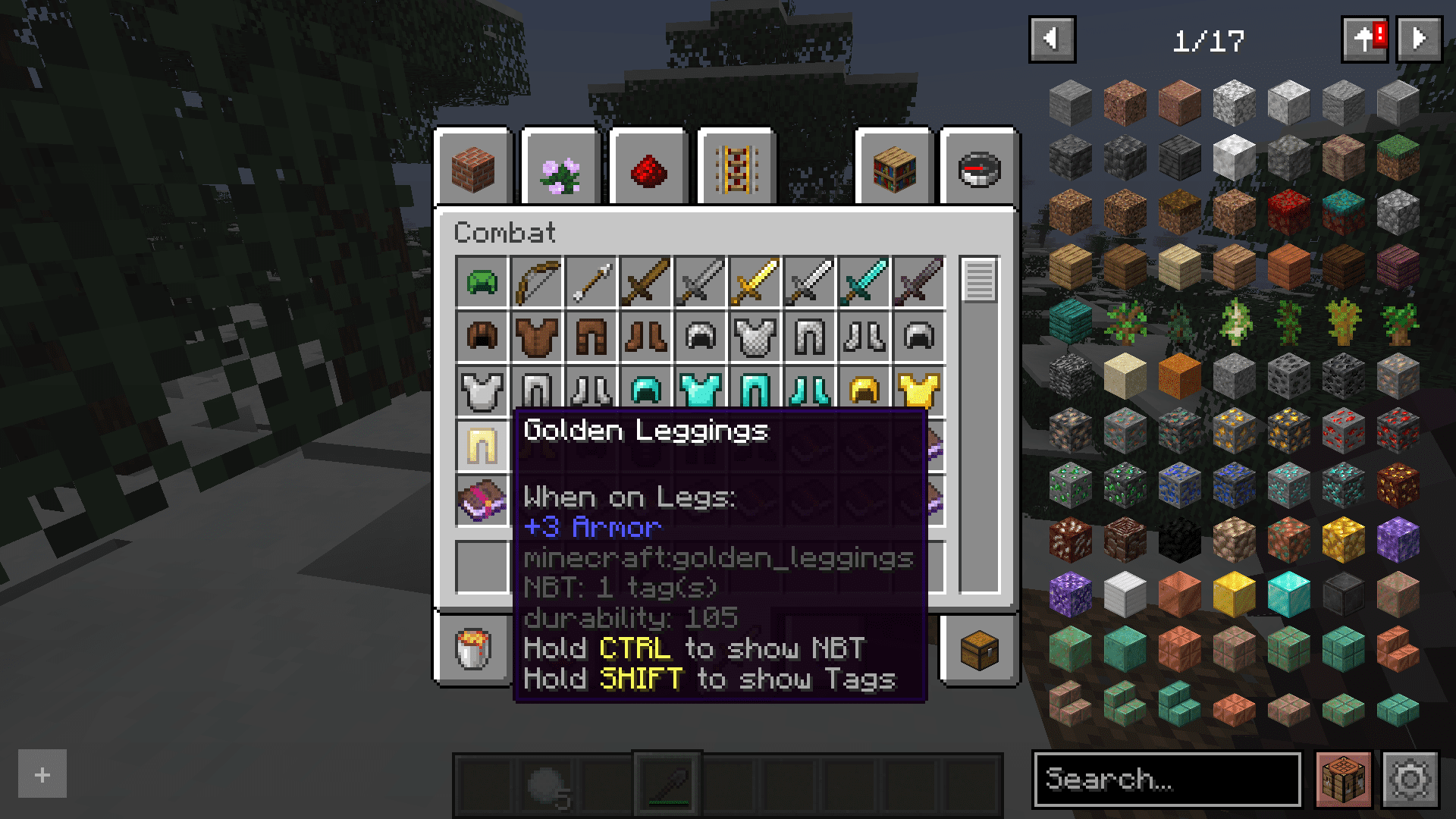
Better Tags
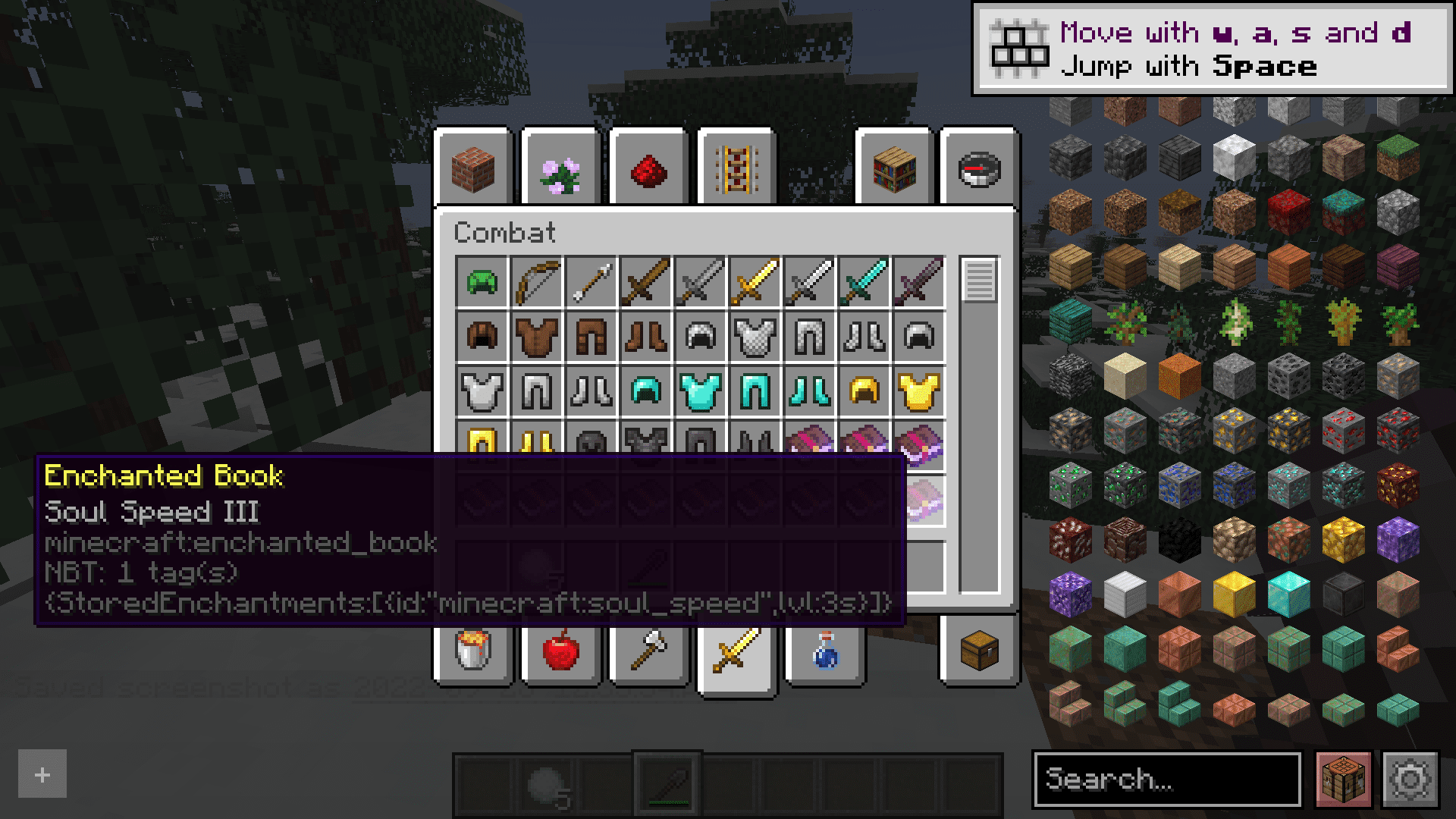
Hold CTRL to show NBT information
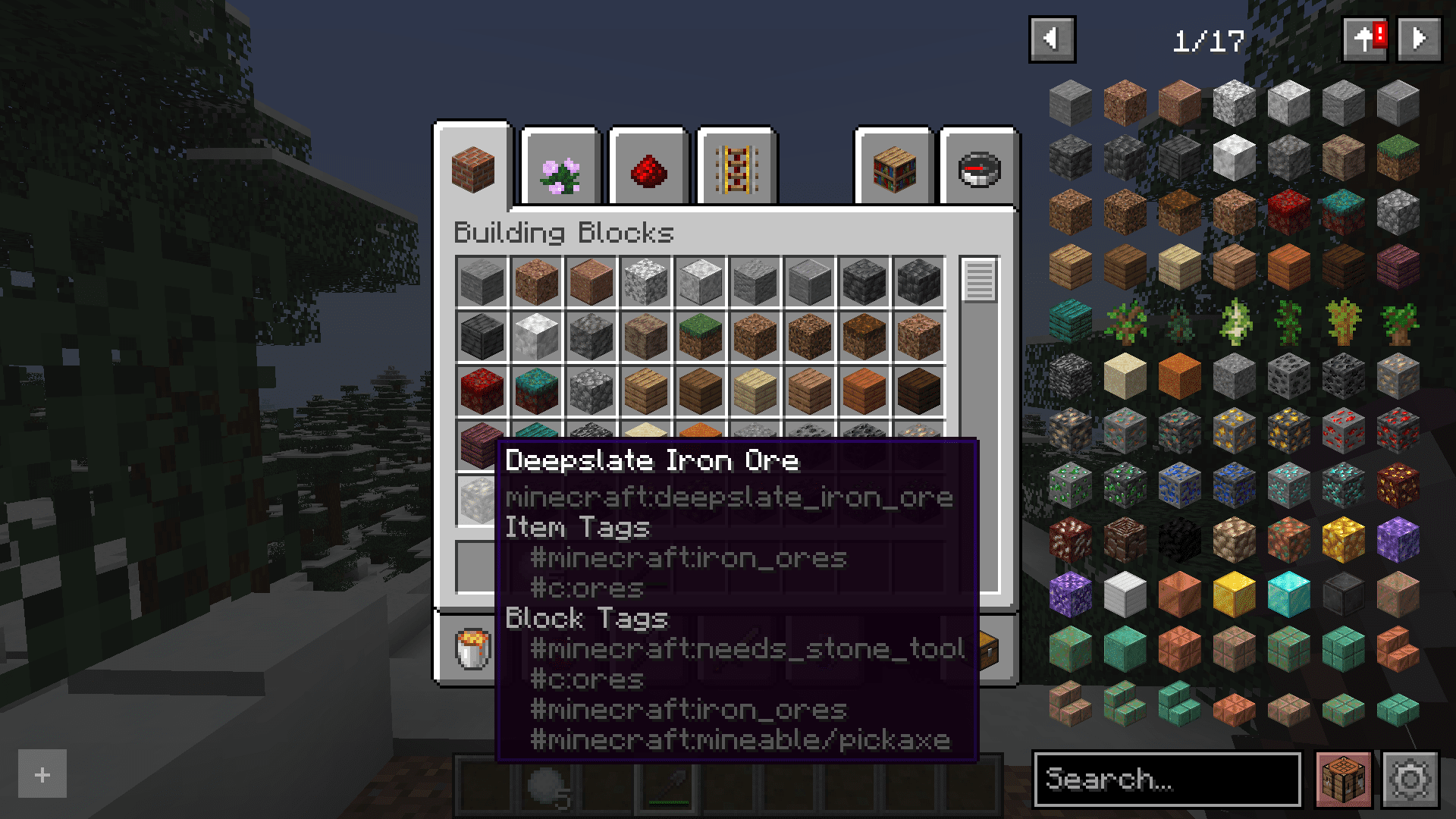
Hold SHIFT to show Tags information
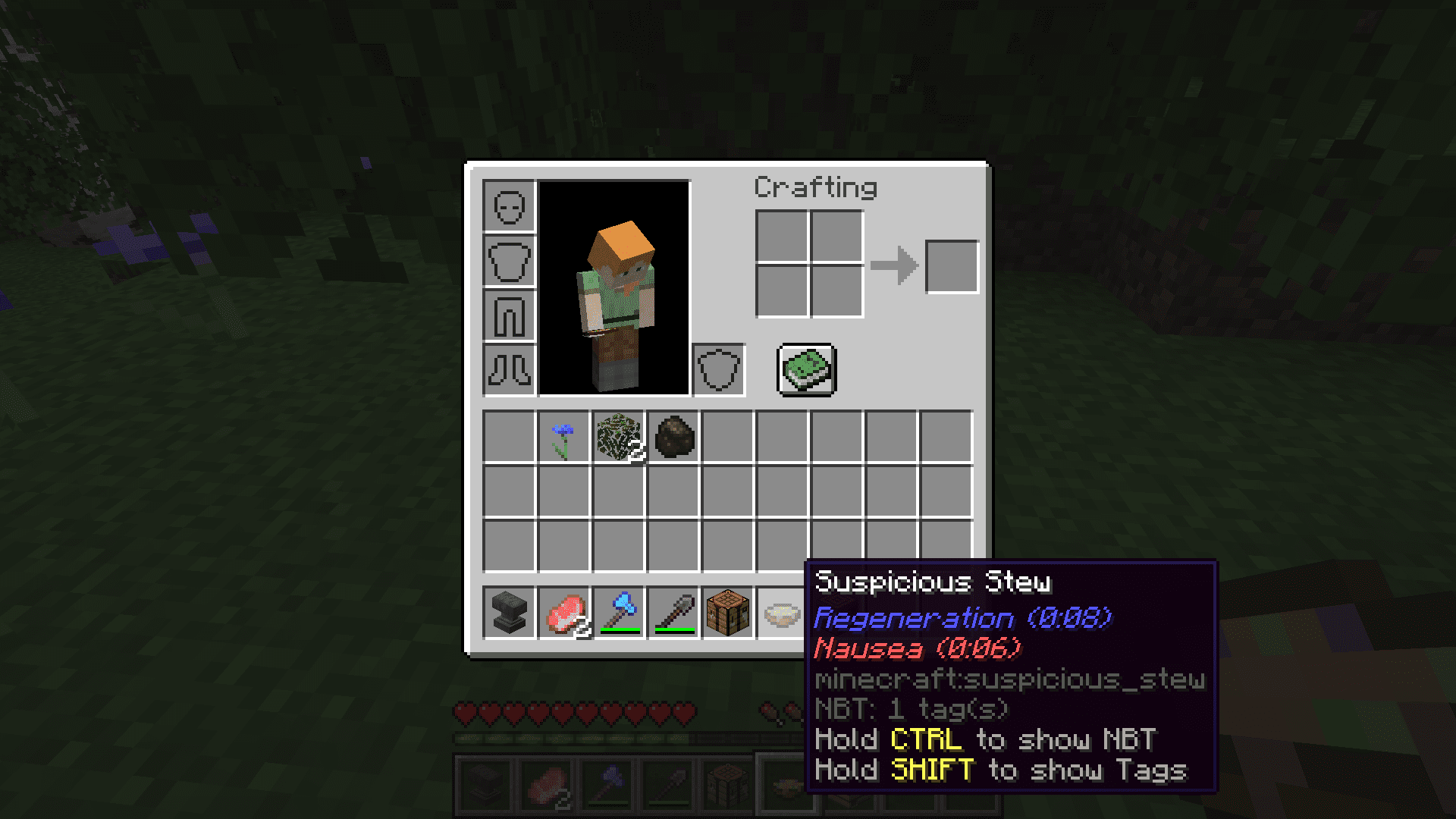
Shows the effects of Suspicious Stews
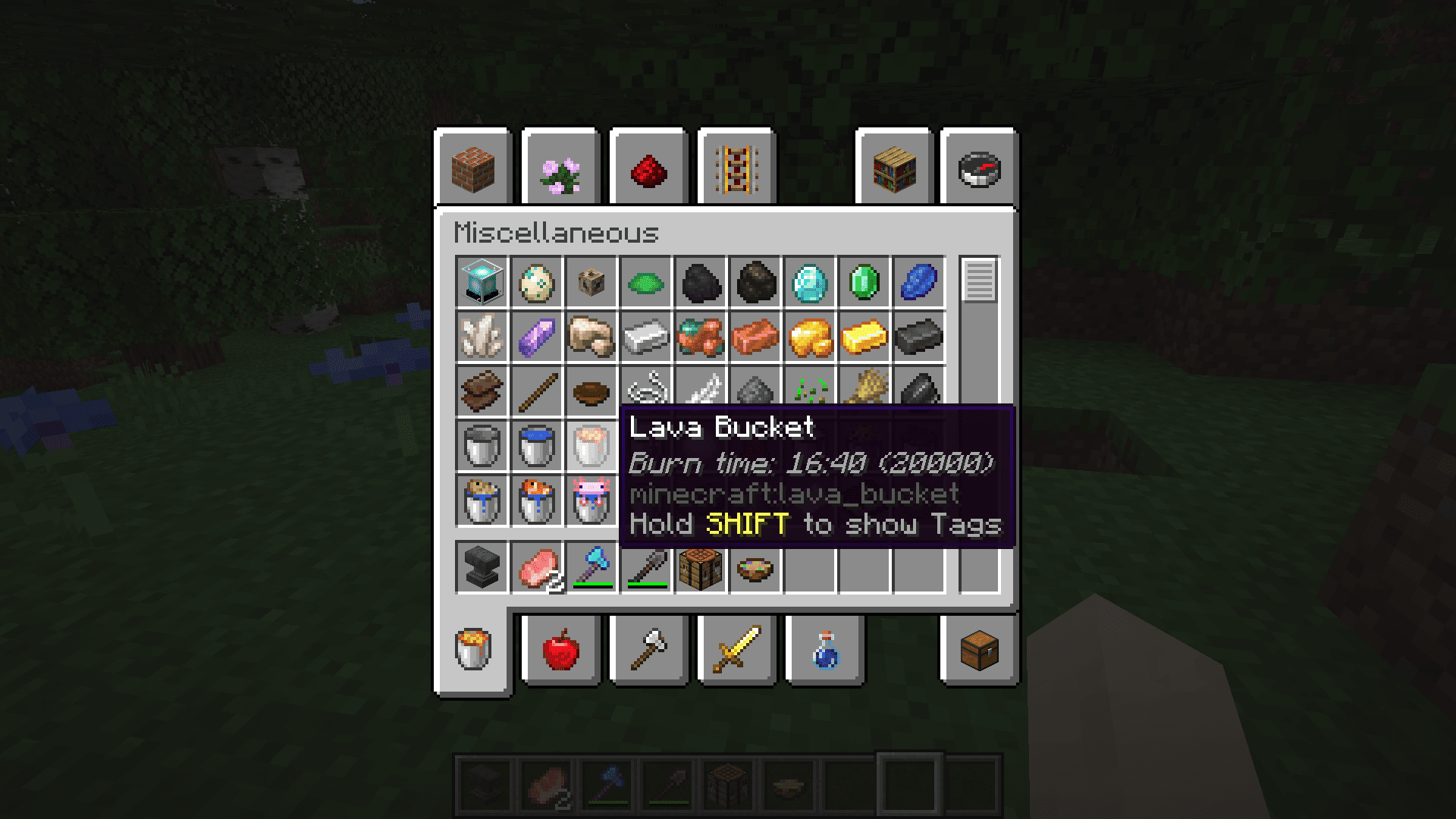
Shows burn time of fuels
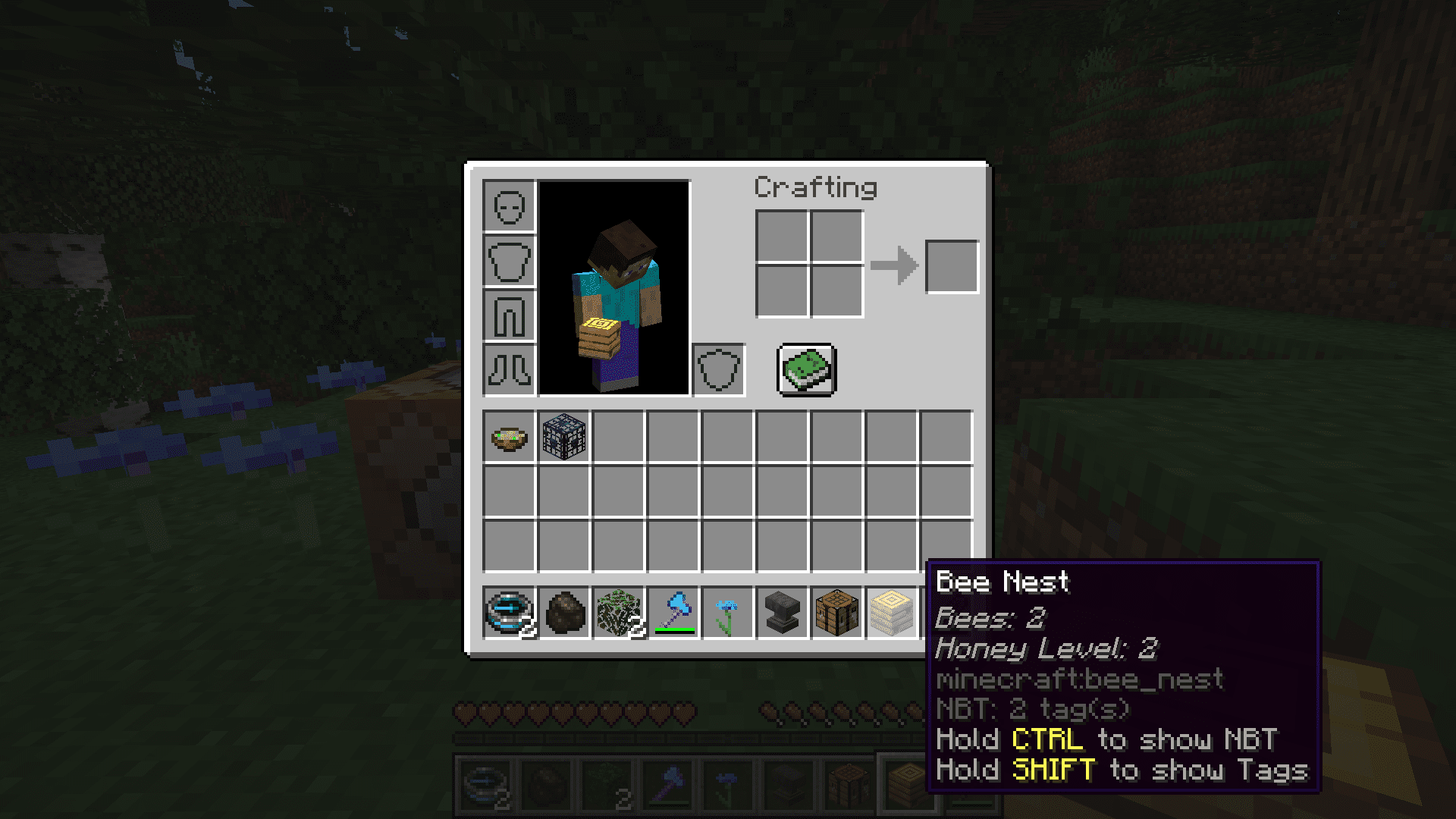
Shows the number of Bees and Honey level of a Beehive/Nest
How to clean up your tooltips:
To help clean up your tooltips, to disable other mods “Hold this to show that” features:
So there are lots of mods out there that automatically show similar information like Tags and NBT. This page describes how to turn their features off in favour of this mod instead…
mod: Immersive Engineering
config: immersiveengineering-client.toml
line: tagTooltips = false
mod: Thermal
config: cofh_core-client.toml
line: “Show Item Tags” = false
Requires:
Minecraft Forge or Fabric API
Better Tag Tips Mod Download Links
For Minecraft 1.16.5
Forge version: Download from Server 1
For Minecraft 1.18.2
Forge version: Download from Server 1 – Download from Server 2
Fabric version: Download from Server 1 – Download from Server 2
For Minecraft 1.19.2
Forge version: Download from Server 1 – Download from Server 2
Fabric version: Download from Server 1 – Download from Server 2
For Minecraft 1.19.4
Forge version: Download from Server 1 – Download from Server 2
Fabric version: Download from Server 1 – Download from Server 2
For Minecraft 1.20.1, 1.20
Forge version: Download from Server 1 – Download from Server 2
Fabric version: Download from Server 1 – Download from Server 2
For Minecraft 1.20.2
Forge version: Download from Server 1
Fabric version: Download from Server 1
For Minecraft 1.20.4, 1.20.3
Forge version: Download from Server 1 – Download from Server 2
Fabric version: Download from Server 1 – Download from Server 2
For Minecraft 1.20.6
Fabric version: Download from Server 1 – Download from Server 2
For Minecraft 1.21.1, 1.21
NeoForge version: Download from Server 1 – Download from Server 2
Forge version: Download from Server 1 – Download from Server 2
For Minecraft 1.21.4
NeoForge version: Download from Server 1 – Download from Server 2
Forge version: Download from Server 1 – Download from Server 2
- Edition: Minecraft Java
- File type: .jar
- Minecraft versions listed: 1.21.4, 1.20.1
- How to install: Install the matching mod loader (Forge, Fabric or NeoForge) for your Minecraft version. → Download the .jar. → Put it in the .minecraft/mods folder and launch that loader profile.
- Where to get it: In MC Java Mods, or directly above on this page.
Install steps are the general flow for this file type — How to install Minecraft Java mods & modpacks walks through it step by step.
- Downloads as 198621.mcaddon
- Download size: 133 KB
- Download link checked 17 Jul 2026 — working
- Mirrored on our own servers — the download does not depend on the original host
These come from our own check of the pack file, not from the source page.