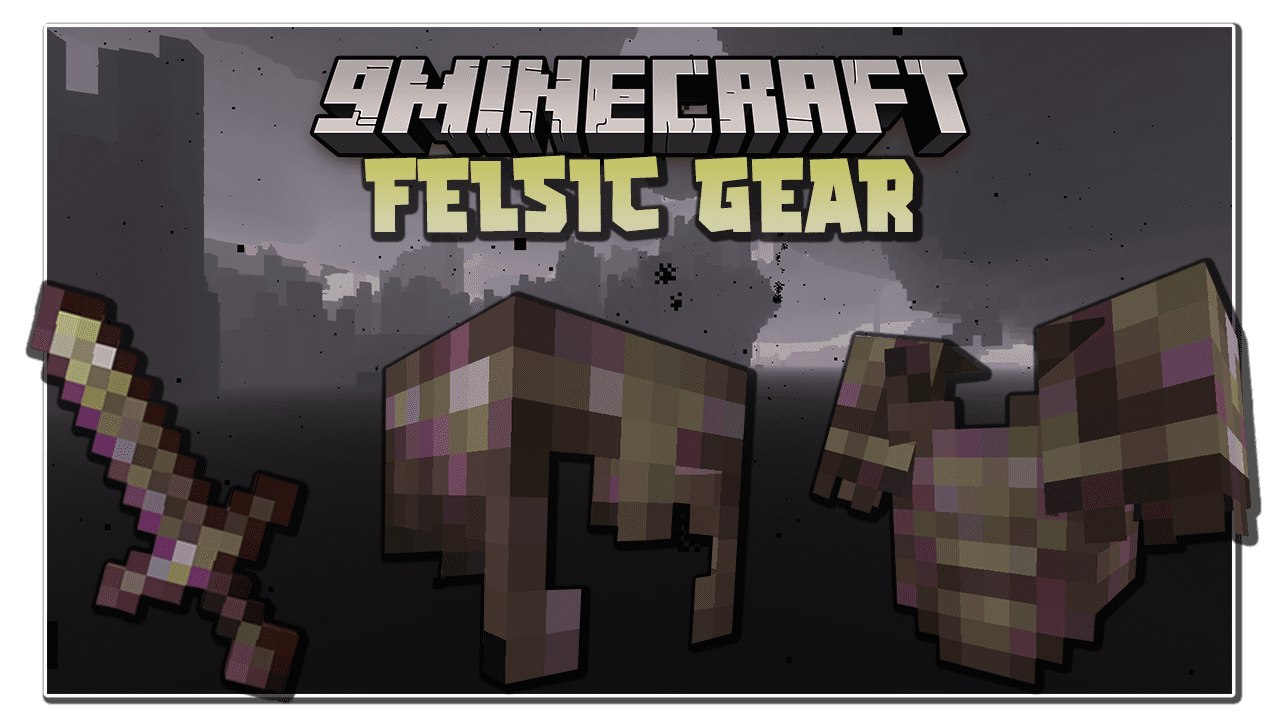
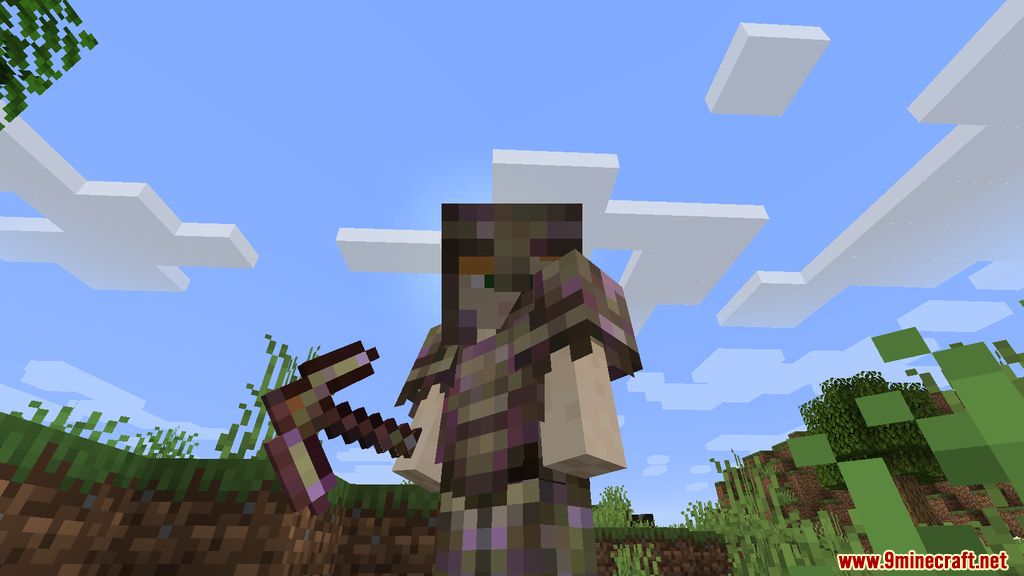
Felsic Gear Mod introduces into the game a new endgame set of gear that caters to those who want to be even more powerful. With the advent of Netherite gears, players are starting to learn how to min and maxing their arsenals, sometimes they even push to enchant their weaponry to a god-tier level to clear all the contents with ease. However, many still crave an even stronger tools, more rigid and tough so that they could play the game without ever worry about getting defeated. Aware of such demand, Felsic Gear was born.
Features:
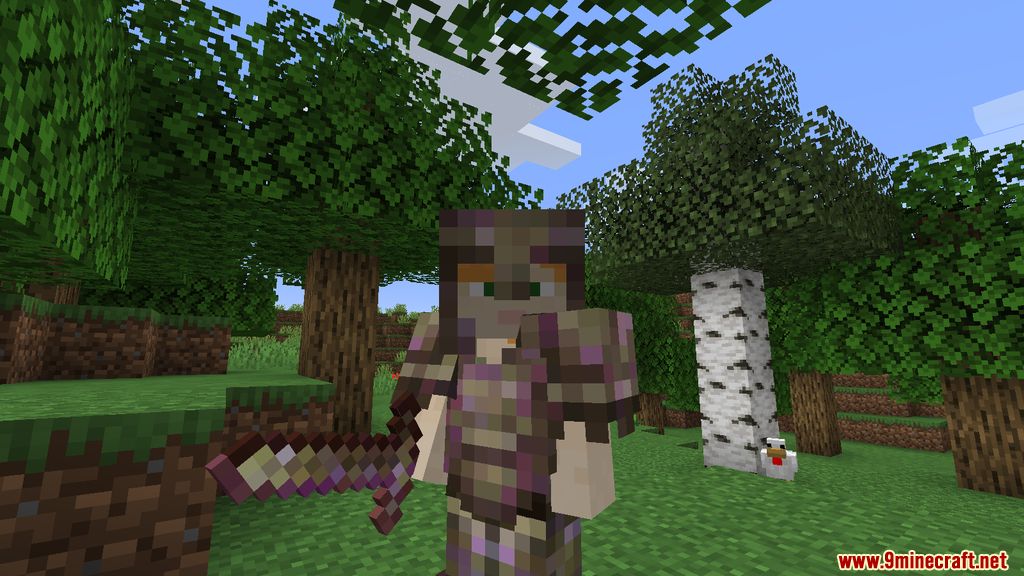
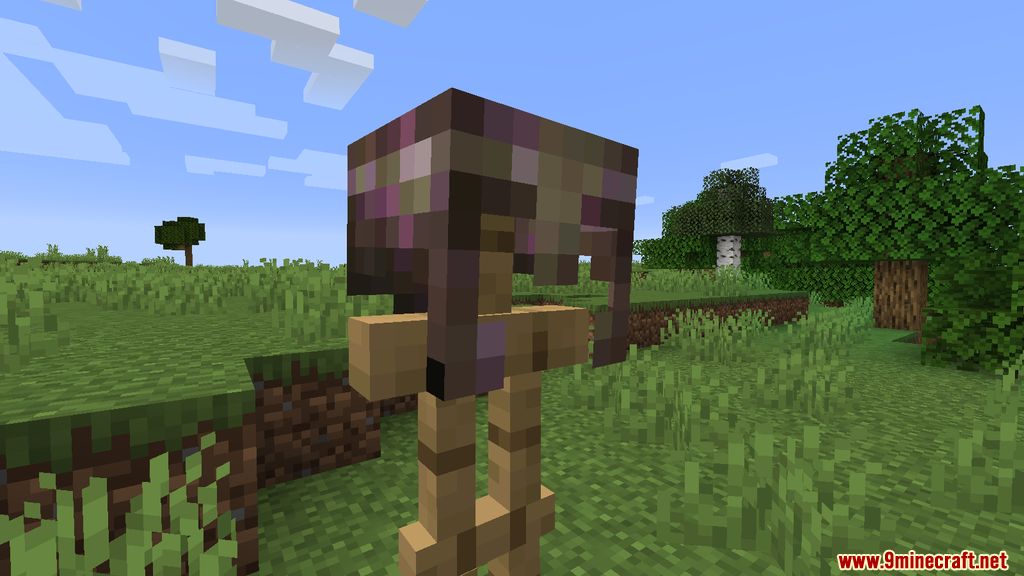
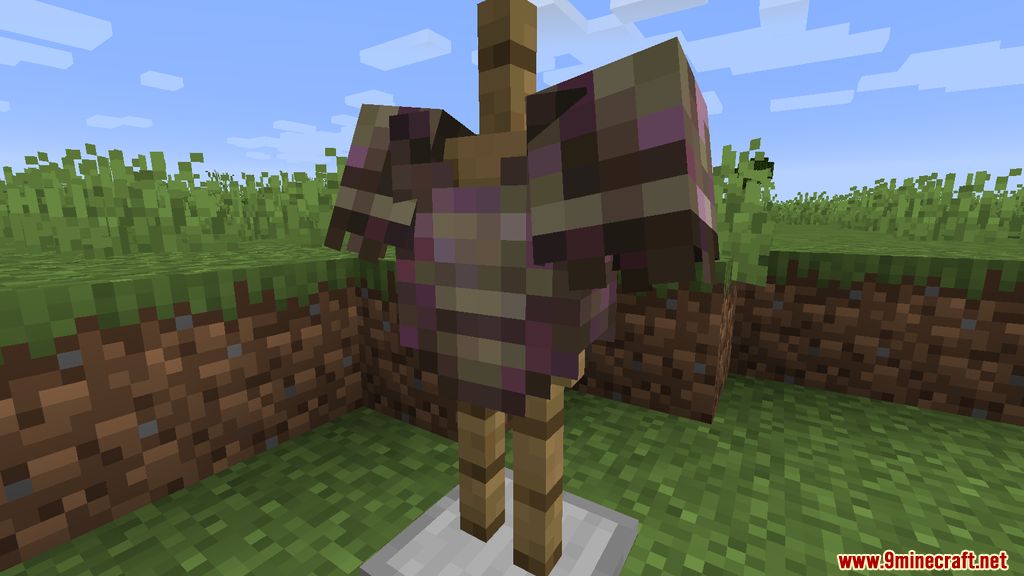
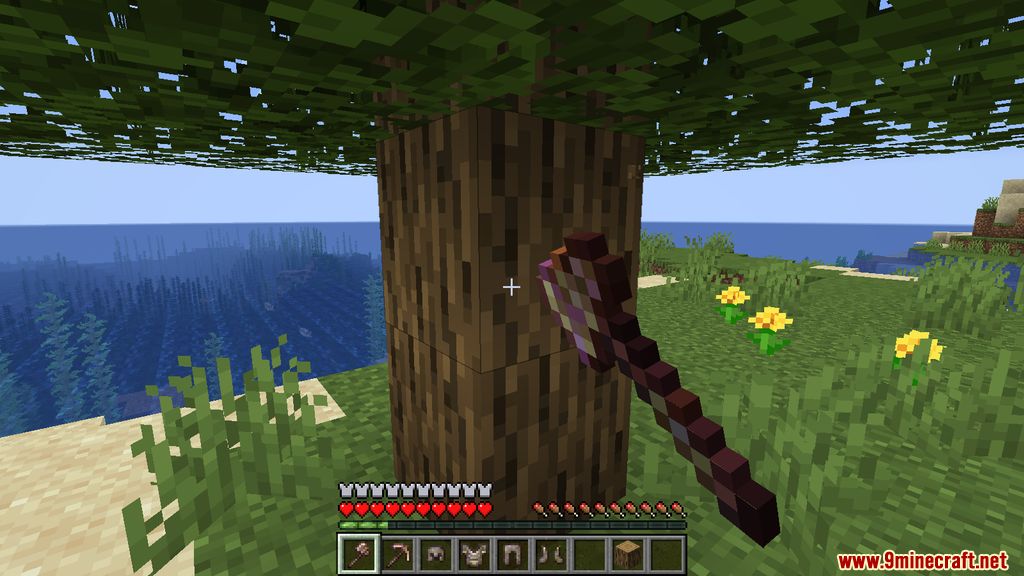
- Adds a new set of armor and tools that are stronger than Netherite.
- Players can obtain Felsic ingots by compressing Felsic blocks.
- Players can upgrade their Netherite gear to Felsic gear using Felsic ingots.
- Requires materials like Crying Obsidian and Dragon’s Breath to craft Felsic items.
- Includes advancements such as “Where is the Darkness,” “Compression,” and “Bow Down To The Ruler”.
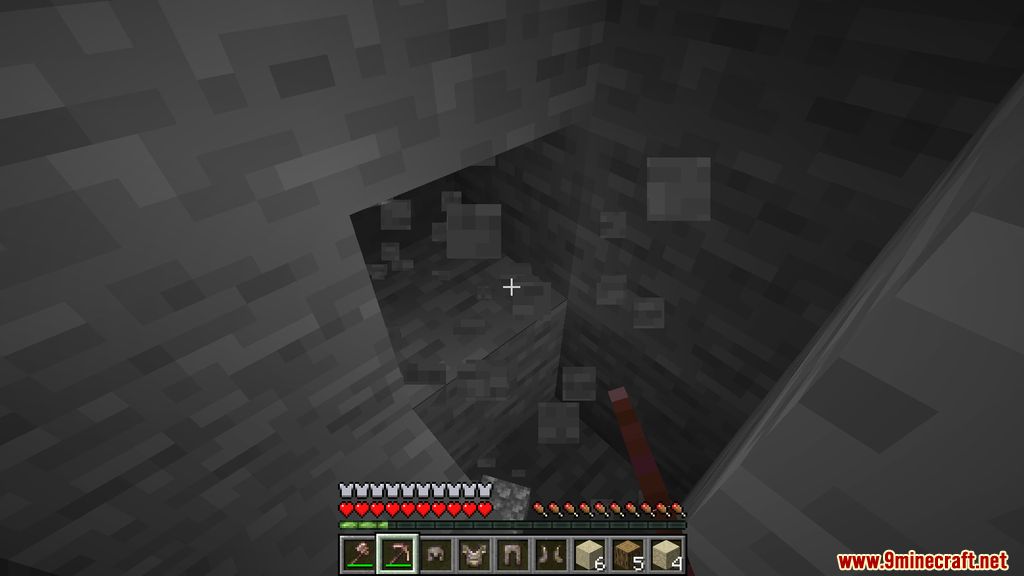
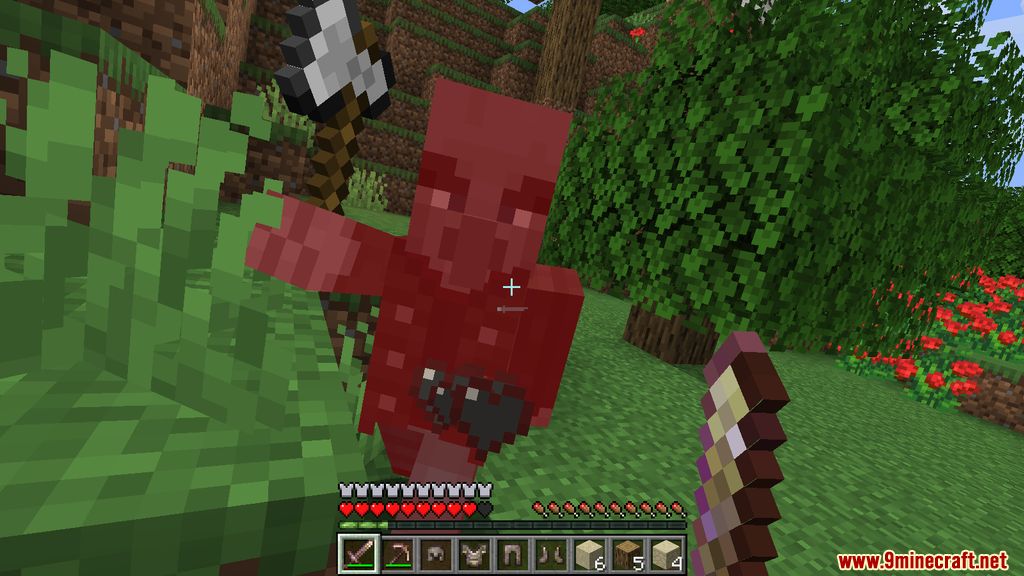
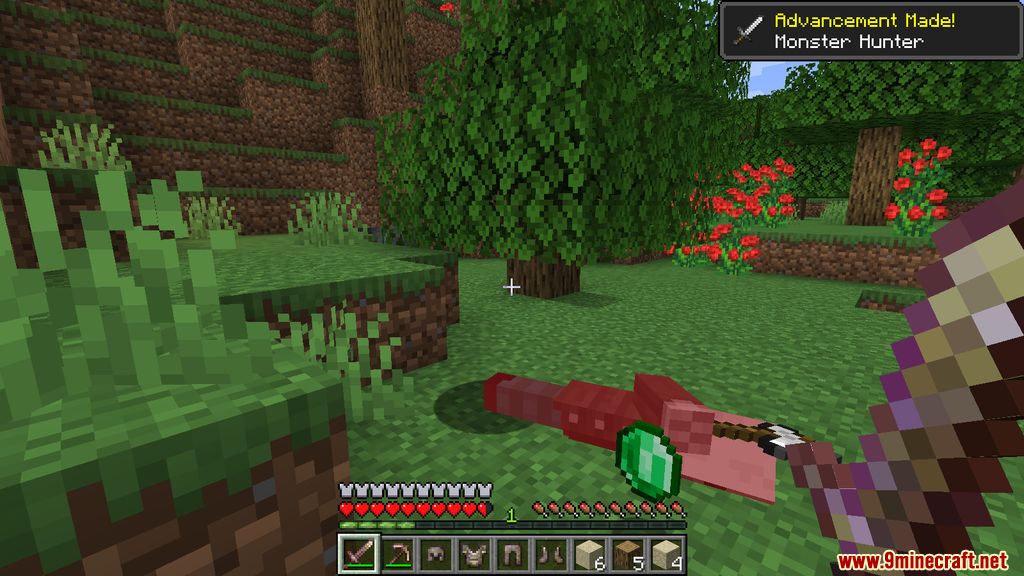
Screenshots:
Requires:
Minecraft Forge
Felsic Gear Mod Download Links
For Minecraft 1.20.1, 1.20
Forge version: Download from Server 1 – Download from Server 2
For Minecraft 1.19.4
Forge version: Download from Server 1
For Minecraft 1.19.2
Forge version: Download from Server 1
For Minecraft 1.18.2
Forge version: Download from Server 1
For Minecraft 1.17.1
Forge version: Download from Server 1
For Minecraft 1.16.5
Forge version: Download from Server 1
- Edition: Minecraft Java
- File type: .jar
- Minecraft versions listed: 1.20.1, 1.19.4
- How to install: Install the matching mod loader (Forge, Fabric or NeoForge) for your Minecraft version. → Download the .jar. → Put it in the .minecraft/mods folder and launch that loader profile.
- Where to get it: In MC Java Mods, or directly above on this page.
Install steps are the general flow for this file type — How to install Minecraft Java mods & modpacks walks through it step by step.
- Downloads as 198641.mcaddon
- Download size: 82 KB
- Download link checked 26 Jul 2026 — working
- Mirrored on our own servers — the download does not depend on the original host
These come from our own check of the pack file, not from the source page.