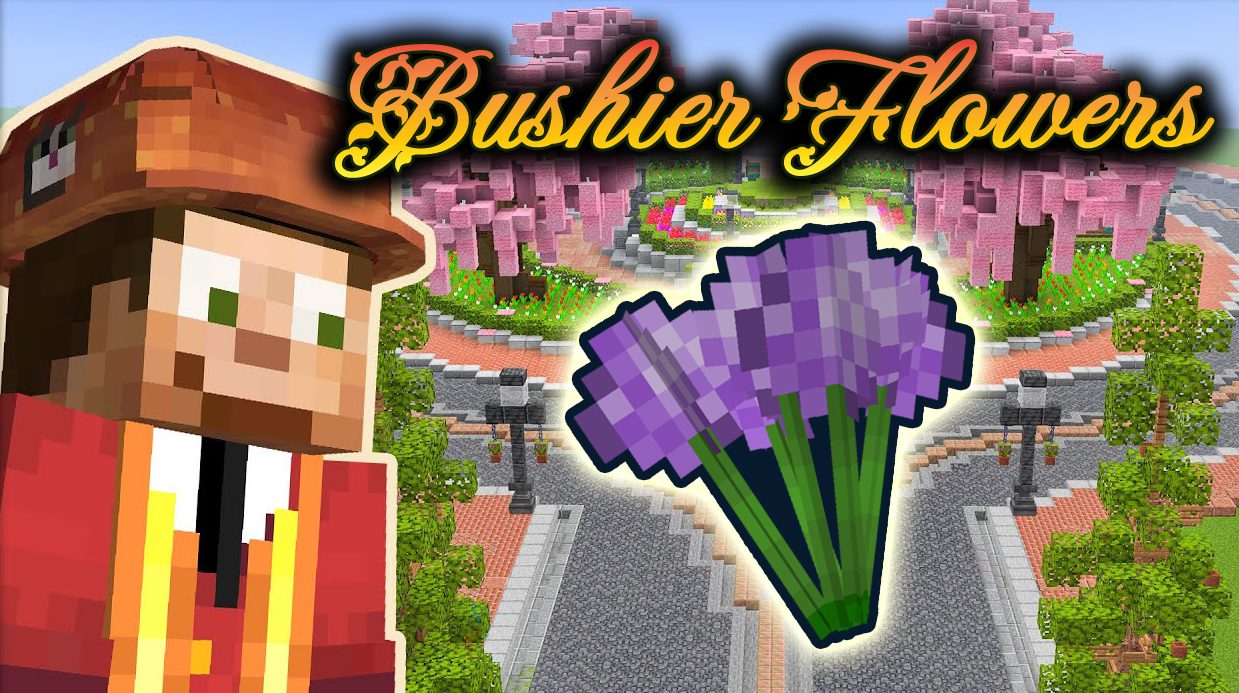
Bushier Flowers Mod enables players to make flowers bushier. It adds multiple flowers inside one block with different models and offsets when right-clicking vanilla flowers with bonemeal. You can put all the grown flowers into flower pots. Just silk touch or shear them to collect the flowers. Grown flowers spawn just like vanilla ones but are rarer and found in denser patches.
Features:
- Multiple Flowers inside one Block with different models and offsets
- When right-clicking Vanilla Flowers with Bonemeal.
- Farming Flowers and Dyes
- Grown Flowers drop their respective Vanilla Flower when broken or Bonemealed or craft Grown Flowers into Dye!
- Automation of Farming
- Dispensers duplicate Vanilla Flowers now like the double tall ones!
- Decorating with Bouquets: Pot, gift or replant them!
- Grown Flowers can be mined with Silk Touch or Shears to receive a Bouquet.
- Bee-friendly
- Grown Flowers can be used to pollinate and breed bees as you’re used to!
- Fancier World Generation: Flowerbeds
- Grown Flowers spawn in dense patches and freshen up your world with color!
Screenshots:
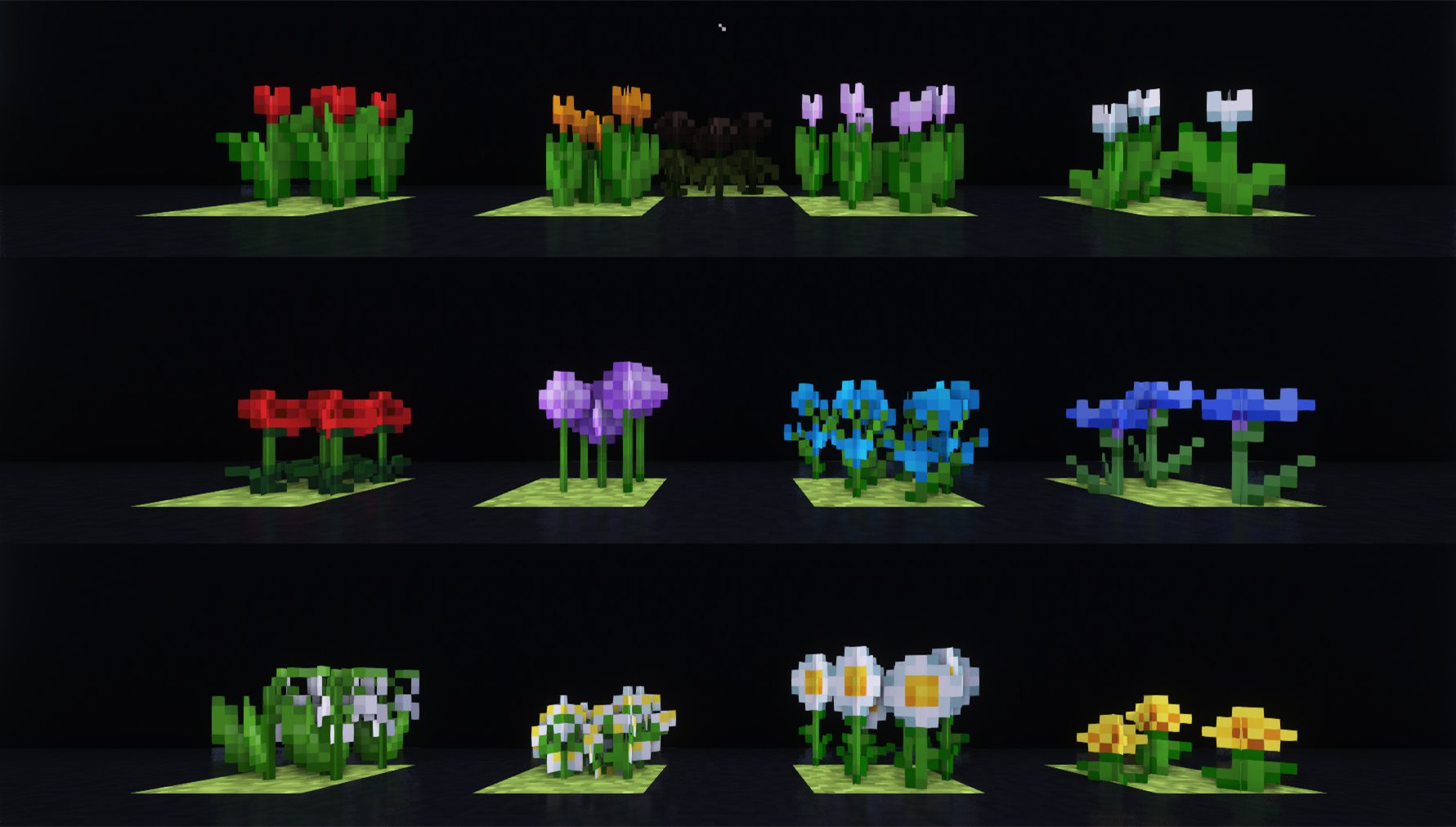
All Grown Vanilla Flowers: Use Bonemeal on Vanilla Flowers to receive them. Or find them in beautiful patches!
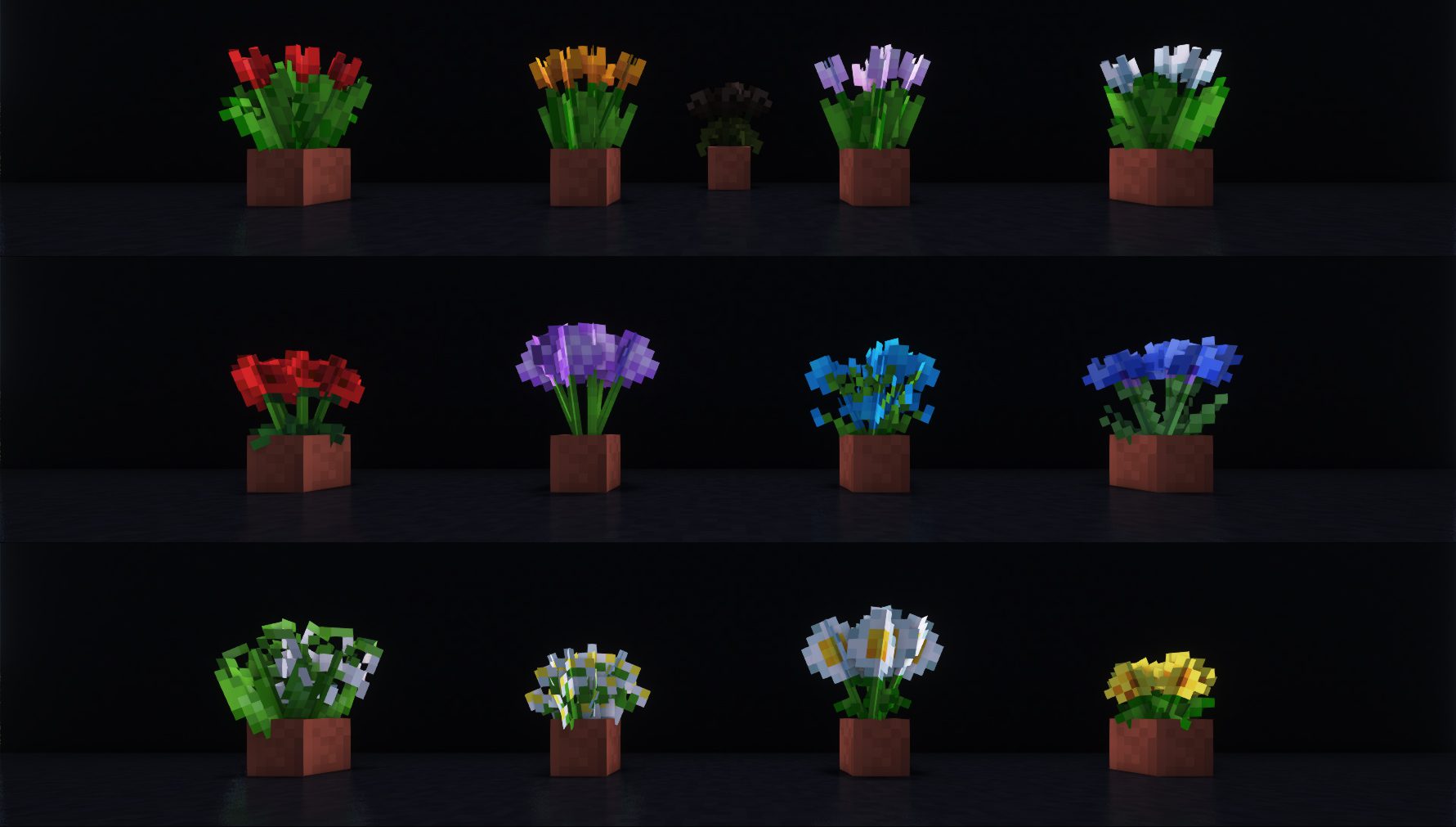
All Potted Grown Vanilla Flowers: You can put all the Grown Flowers into Flower Pots! Just Silk Touch or Shear them.
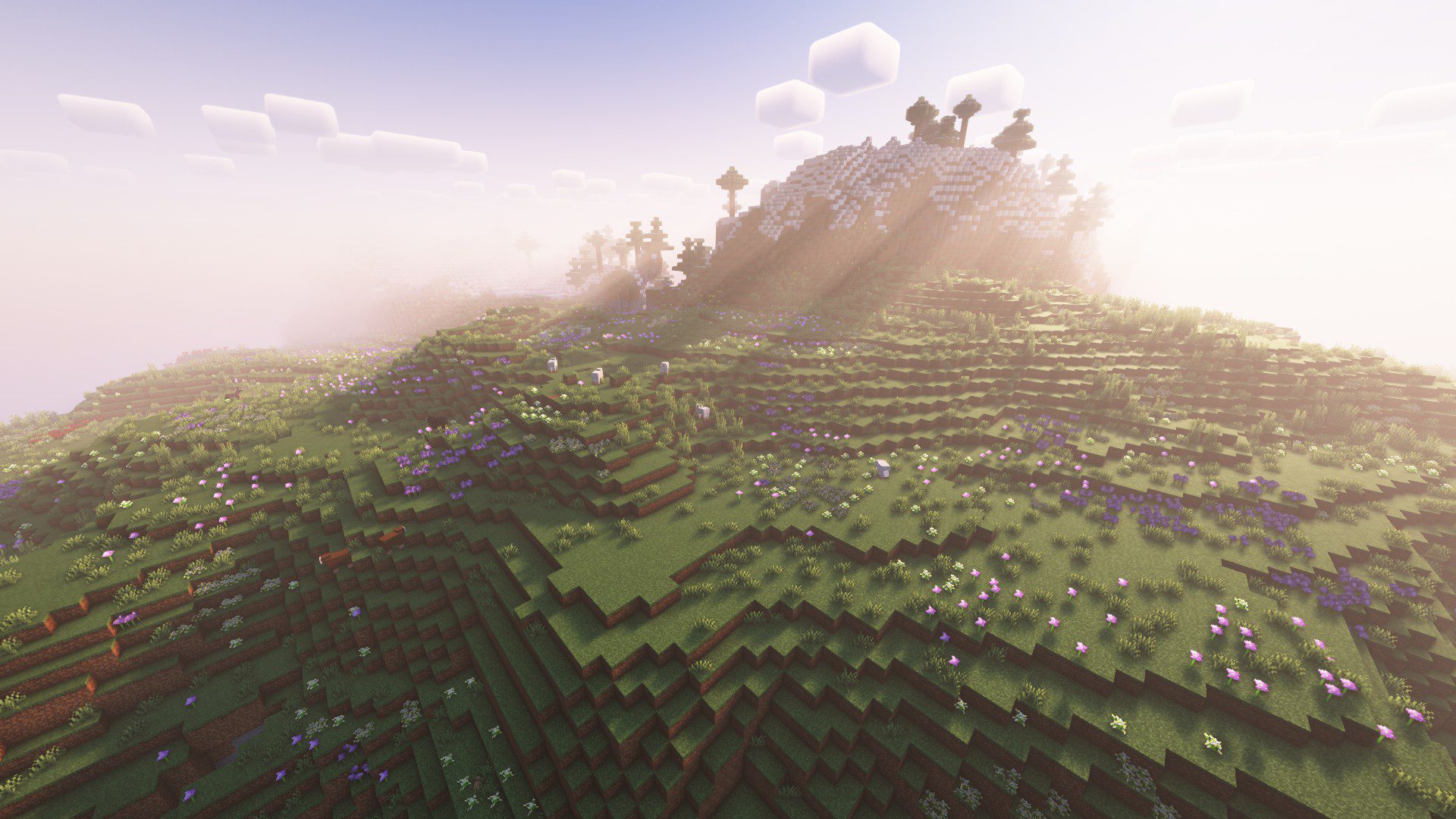
Example of World Gen: The Grown Flowers spawn just like vanilla ones, but rarer and in more dense patches. Meadow Biome.
Bushier Flowers Mod Download Links
For Minecraft 1.21.1, 1.21
Forge version: Download from Server 1 – Download from Server 2
Fabric version: Download from Server 1 – Download from Server 2
For Minecraft 1.20.4
Forge version: Download from Server 1
Fabric version: Download from Server 1
For Minecraft 1.20.2
Forge version: Download from Server 1
Fabric version: Download from Server 1
For Minecraft 1.20.1, 1.20
Forge version: Download from Server 1 – Download from Server 2
Fabric version: Download from Server 1 – Download from Server 2
For Minecraft 1.19.4
Fabric version: Download from Server 1 – Download from Server 2
For Minecraft 1.19.2
Forge version: Download from Server 1 – Download from Server 2
Fabric version: Download from Server 1 – Download from Server 2
For Minecraft 1.18.2
Forge version: Download from Server 1 – Download from Server 2
Fabric version: Download from Server 1 – Download from Server 2
- Edition: Minecraft Java
- File type: .jar
- Minecraft versions listed: 1.21.1, 1.20.1
- How to install: Install the matching mod loader (Forge, Fabric or NeoForge) for your Minecraft version. → Download the .jar. → Put it in the .minecraft/mods folder and launch that loader profile.
- Where to get it: In MC Java Mods, or directly above on this page.
Install steps are the general flow for this file type — How to install Minecraft Java mods & modpacks walks through it step by step.
- Downloads as 198646.mcaddon
- Download size: 306 KB
- Download link checked 26 Jul 2026 — working
- Mirrored on our own servers — the download does not depend on the original host
These come from our own check of the pack file, not from the source page.