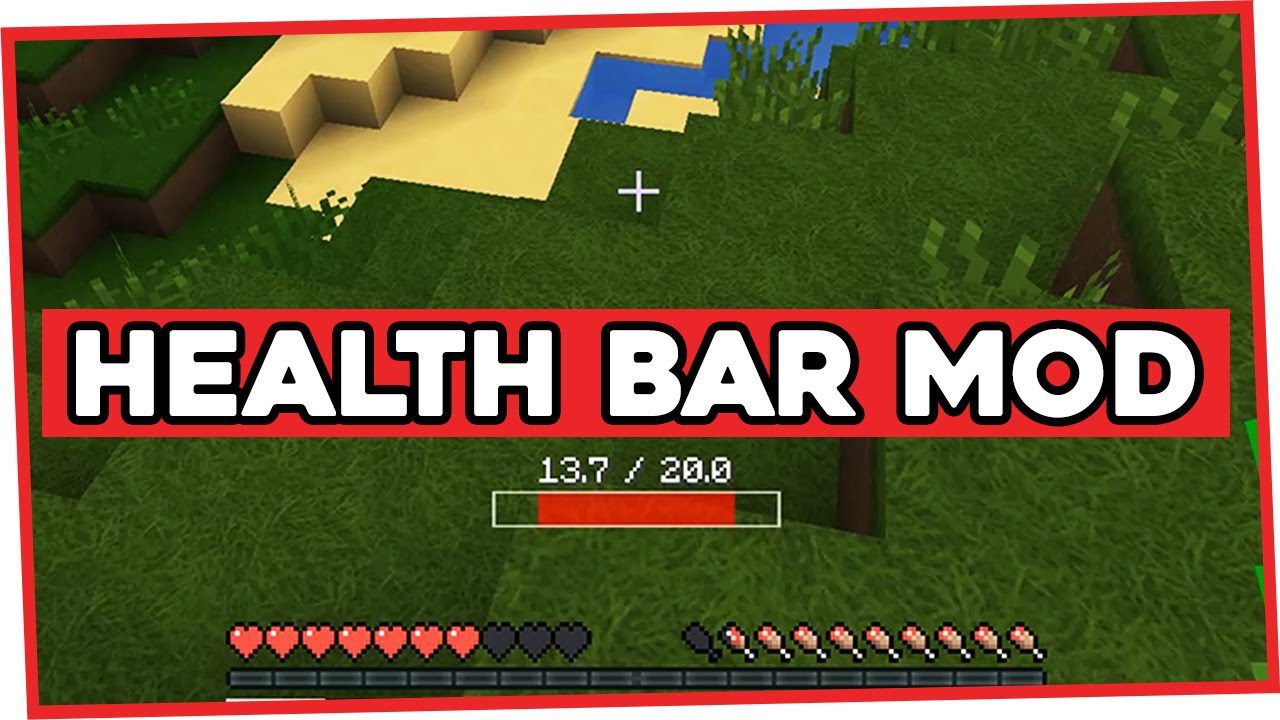
Health Bar Mod (1.12.2, 1.11.2) – Display Your Correct Health
Health Bar Mod always display the player's correct health, even if it has been modified by other mods. Playing with this mod that can modify your health…
⬇ DownloadOpen in MCModsHubGet it on Google Play →Health Bar Mod always display the player’s correct health, even if it has been modified by other mods.
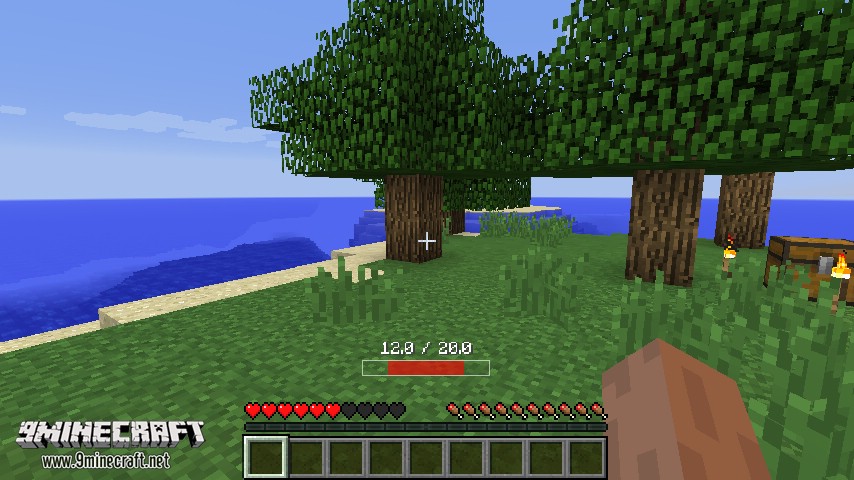
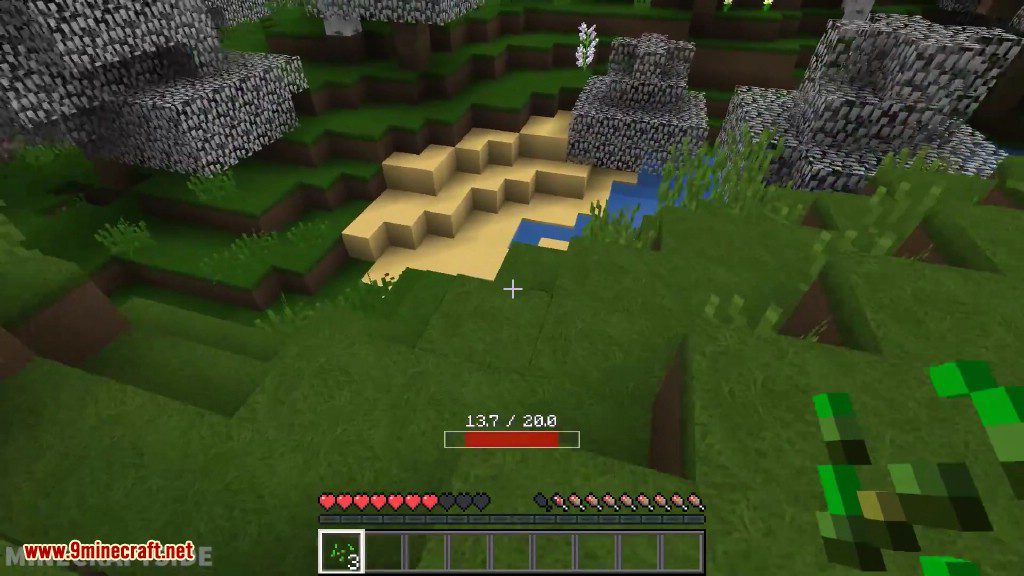
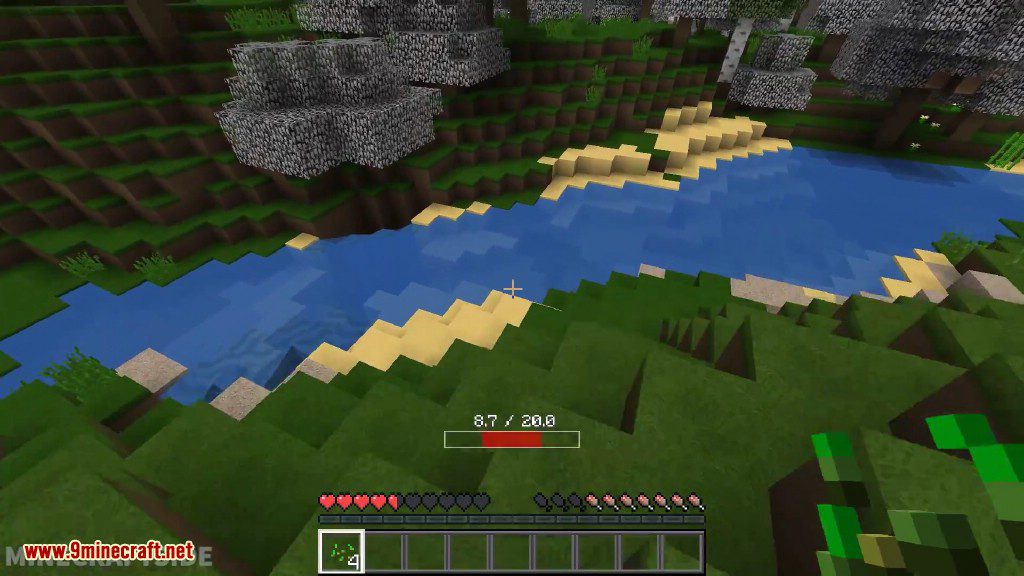
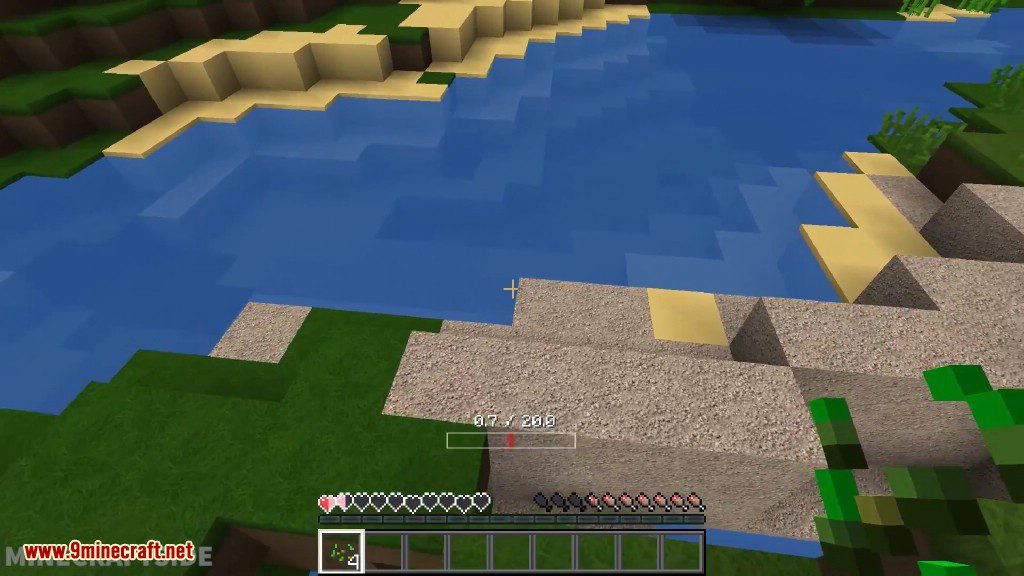
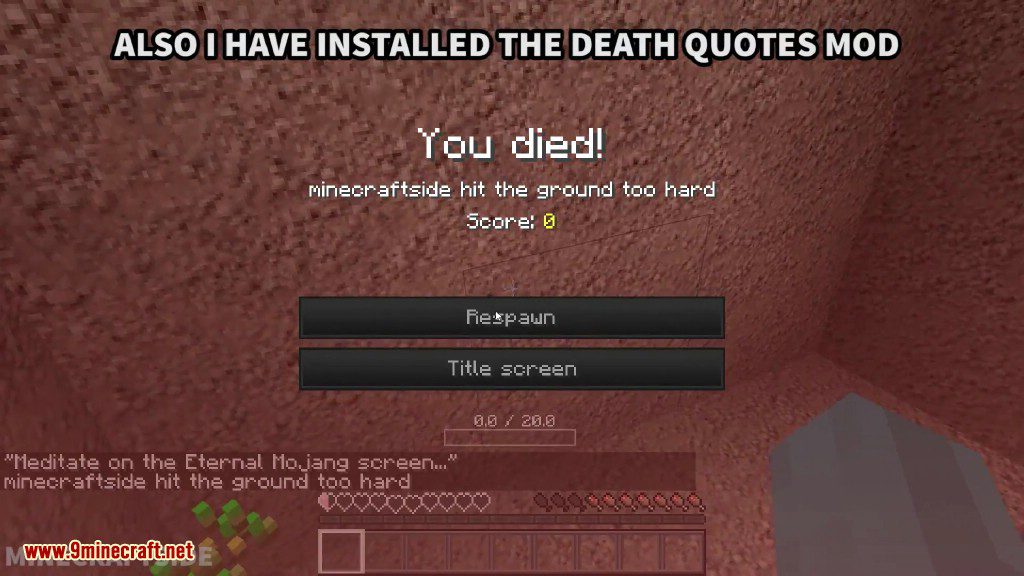
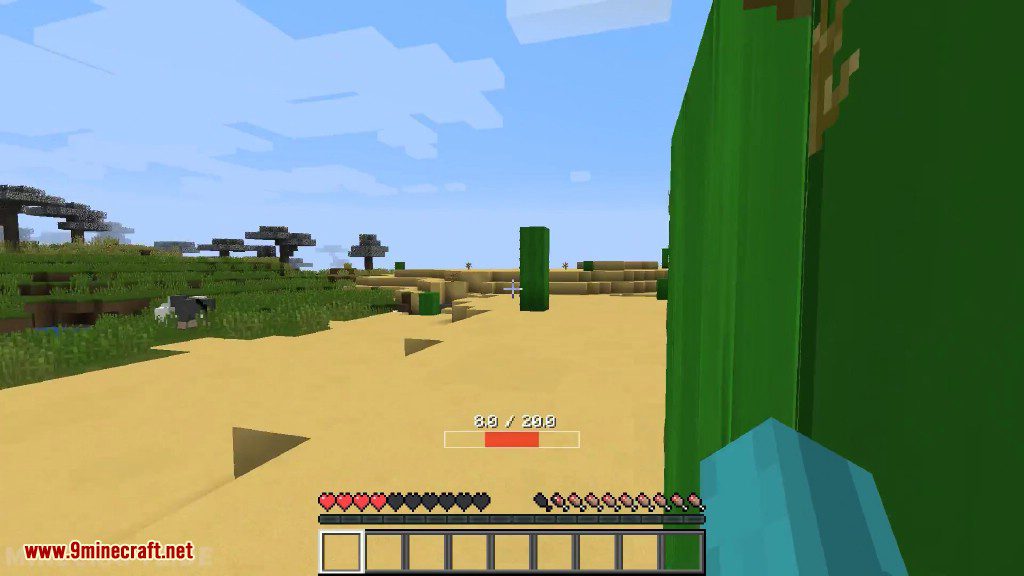
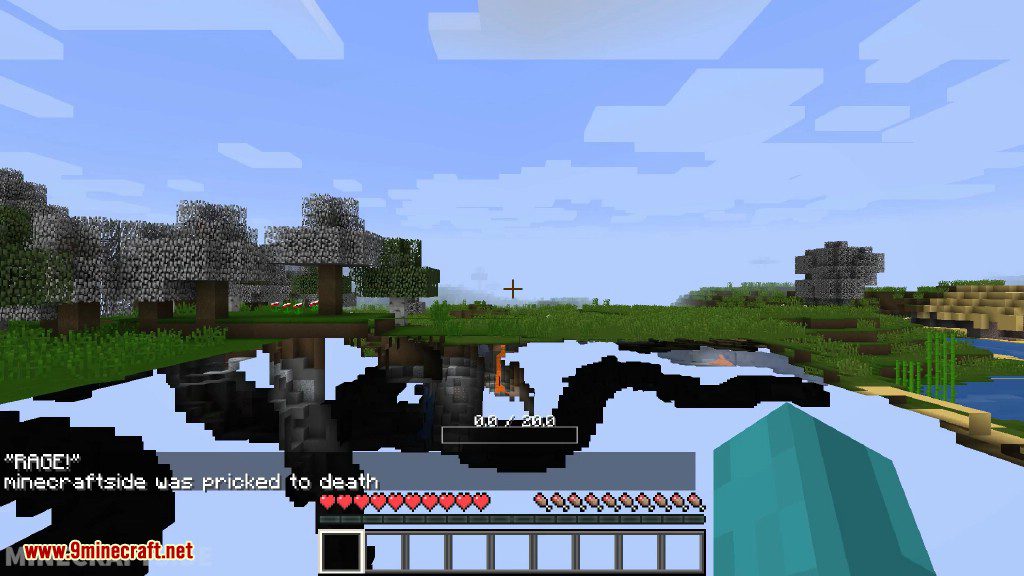
Playing with this mod that can modify your health, like Difficult Life? It can be a bit annoying when Minecraft doesn’t display your hearts correctly (this happens often after crossing dimensions). The hearts can also be a bit small on high resolution displays, so I lose track of my health very easily. So here’s a health bar mod that pops up when you are hurt, and gets out of your face after you have healed. It will always display your correct health, even if a mod has modified it. Of course, it’s highly configurable. Adjust the size of the bar and text independently, or get rid of them entirely. You can even make the bar display when you are not hurt, if you want to. The bar also begins shaking as your health gets low, giving you an additional warning that you might want to run for it. This can be tweaked or disabled entirely.
Features:
- Always accurate, even when your maximum health has been changed.
- Highly configurable. Adjust or disable individual elements to your liking.
- Only shows when hurt (by default).
- Closer to the center of the screen than hearts (by default). Don’t lose track of your health ever again.
- Can replace vanilla hearts entirely, if that’s what you prefer.
- Shakes (quivers) as your health gets low, intensifying the lower it gets.
- Shows your health as a number as well (can be disabled). The number of digits after the decimal point can be changed.
Screenshots:
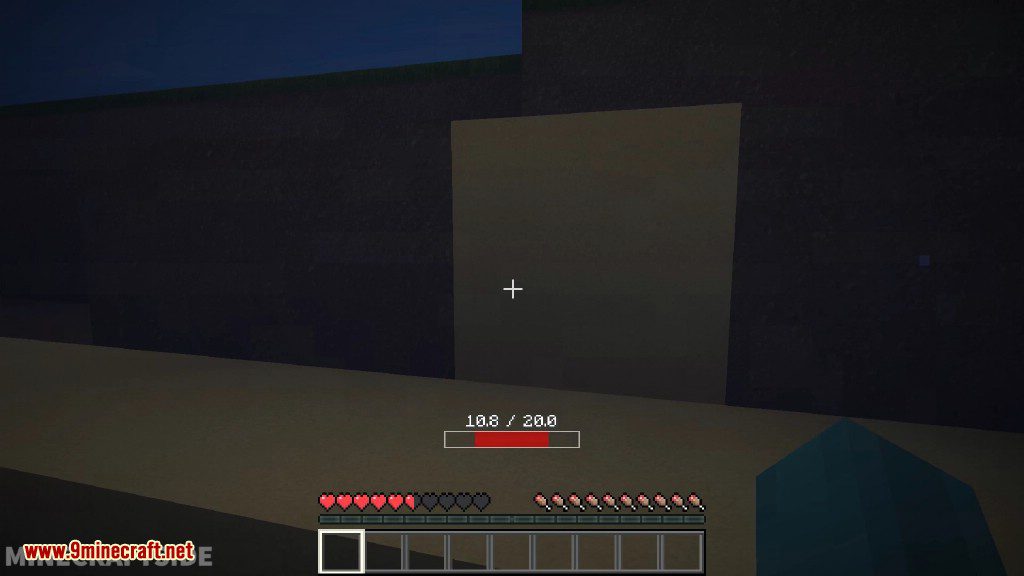
Health Bar Mod Download Links
For Minecraft 1.7.10
For Minecraft 1.8.9
For Minecraft 1.10.2, 1.9.4
For Minecraft 1.11.2, 1.11
For Minecraft 1.12.2, 1.12.1, 1.12
Health Bar Mod (1.12.2, 1.11.2) – Display Your Correct Health is a free Minecraft Java mod. Download it and open it directly in the game.