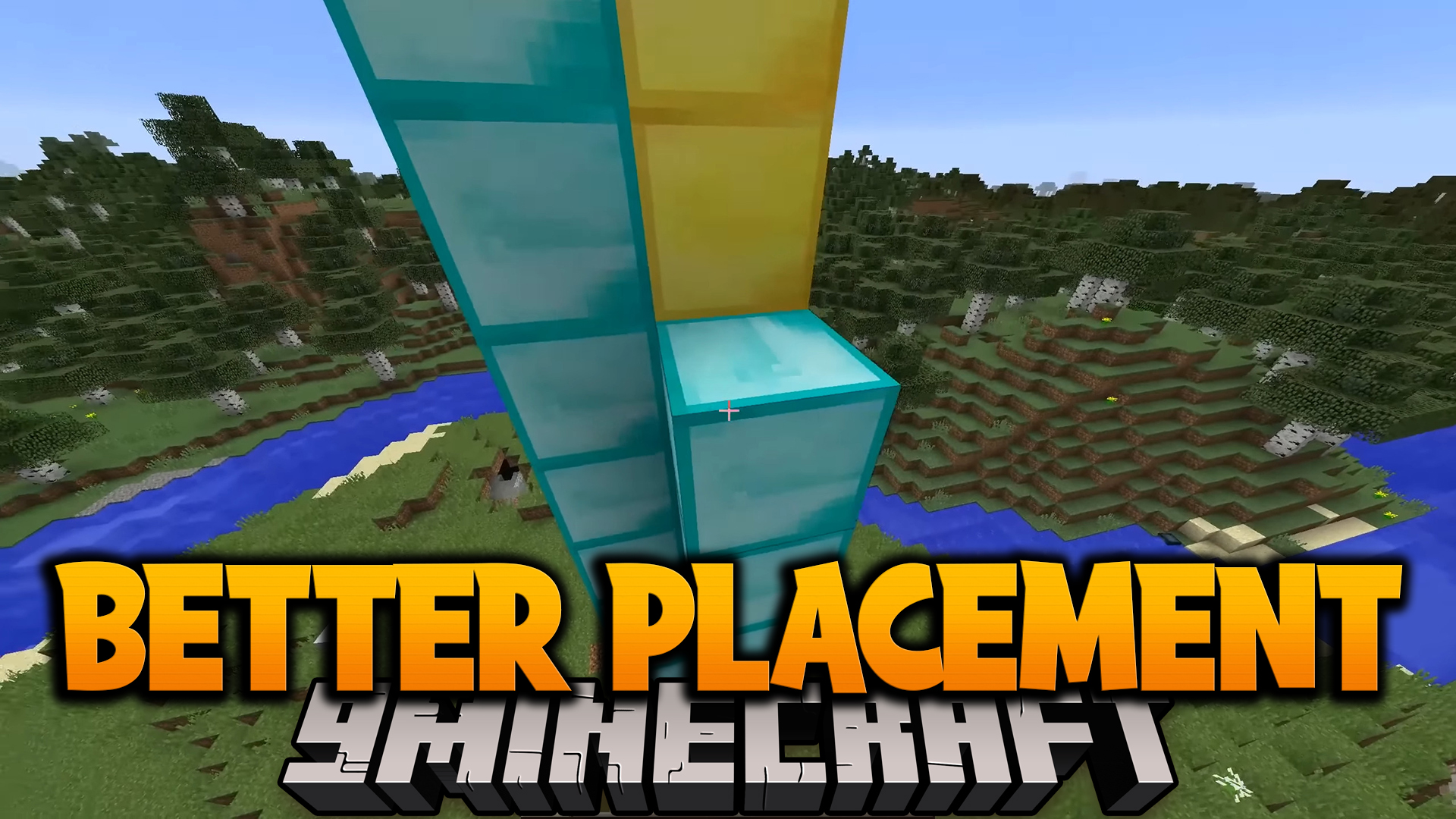
Better Placement Mod (1.12.2, 1.7.10) – More Comfortable Building
Minecraft Java mod. Downloads from the MC Java Mods app on Android.
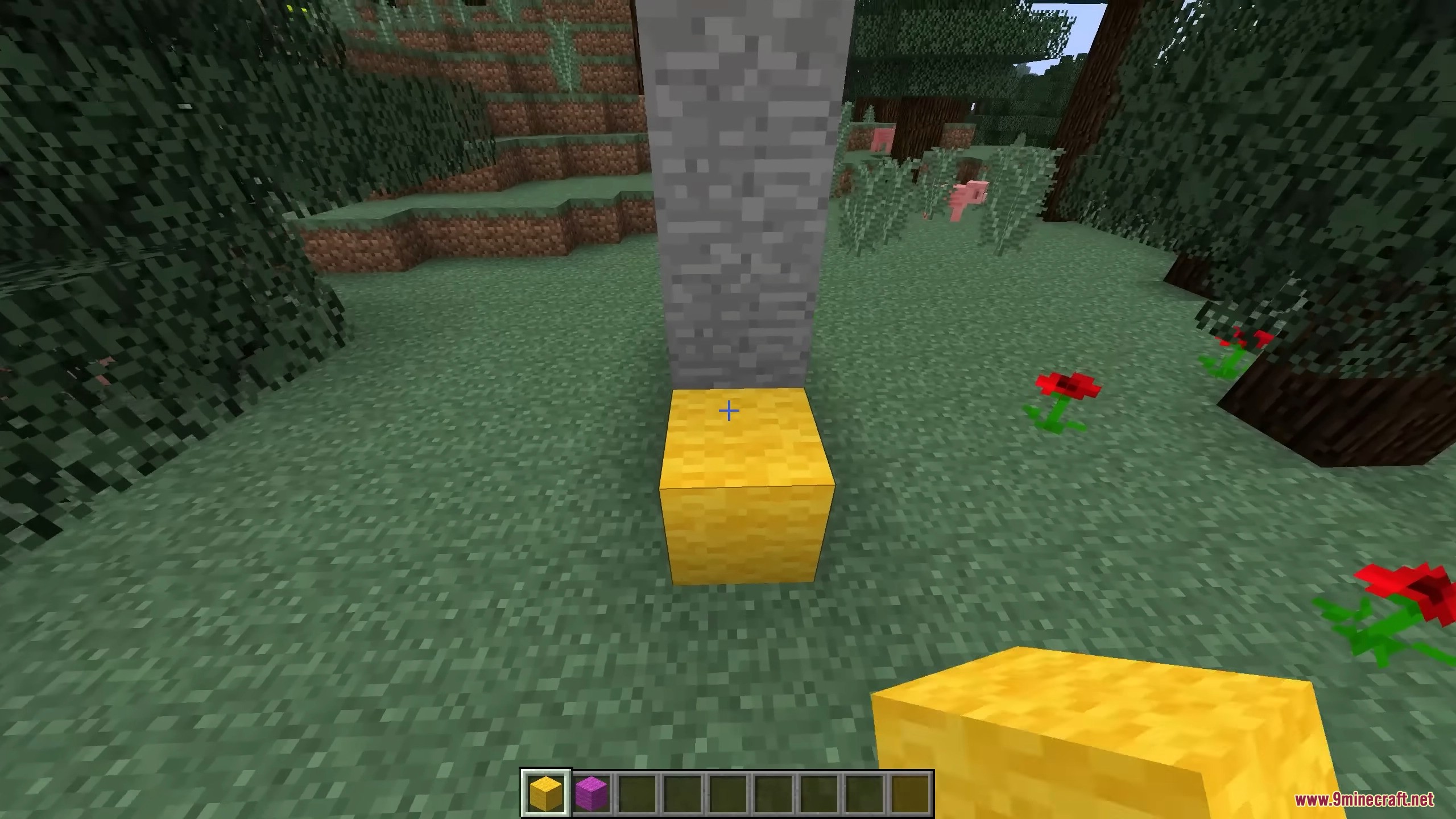
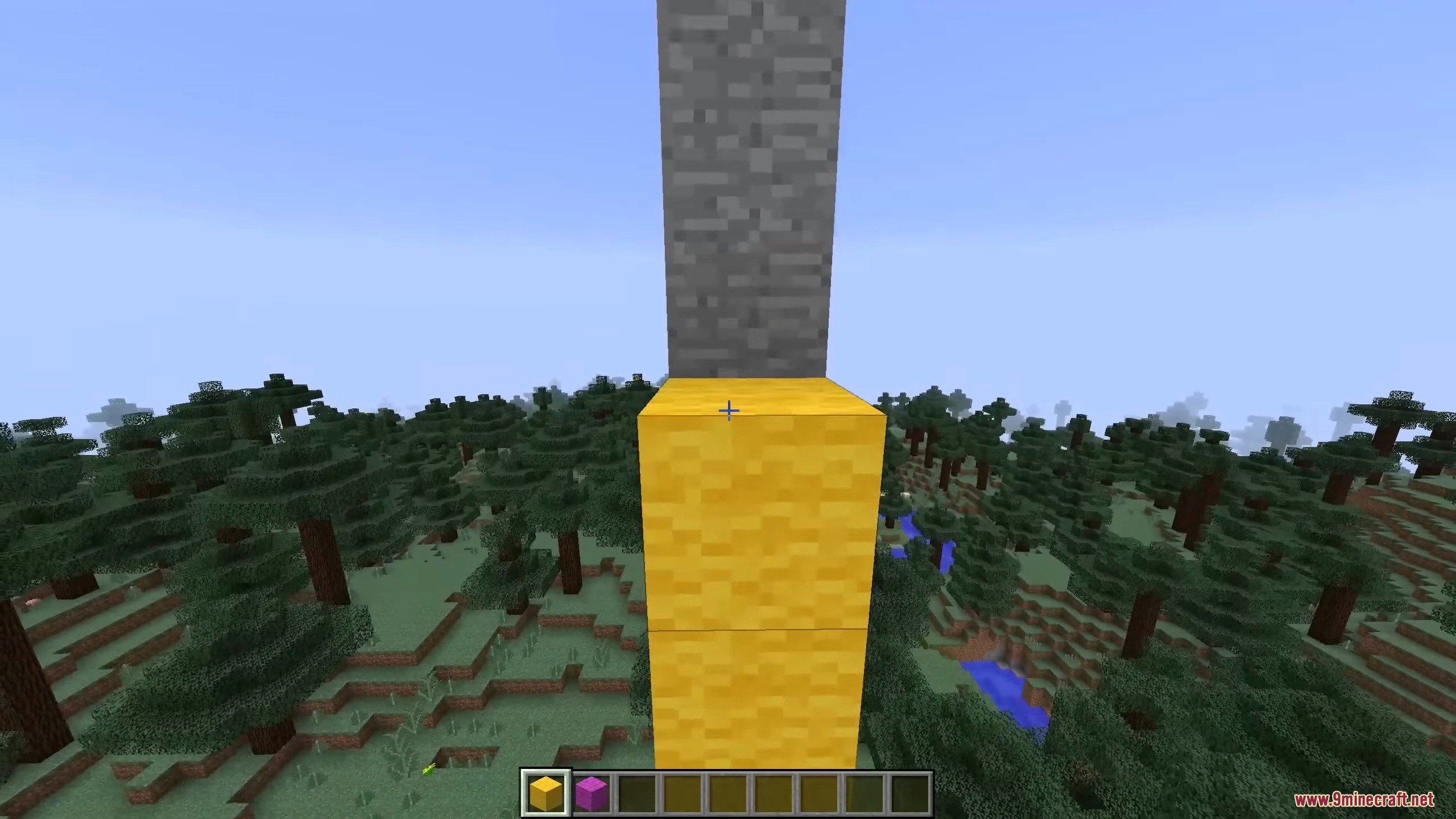
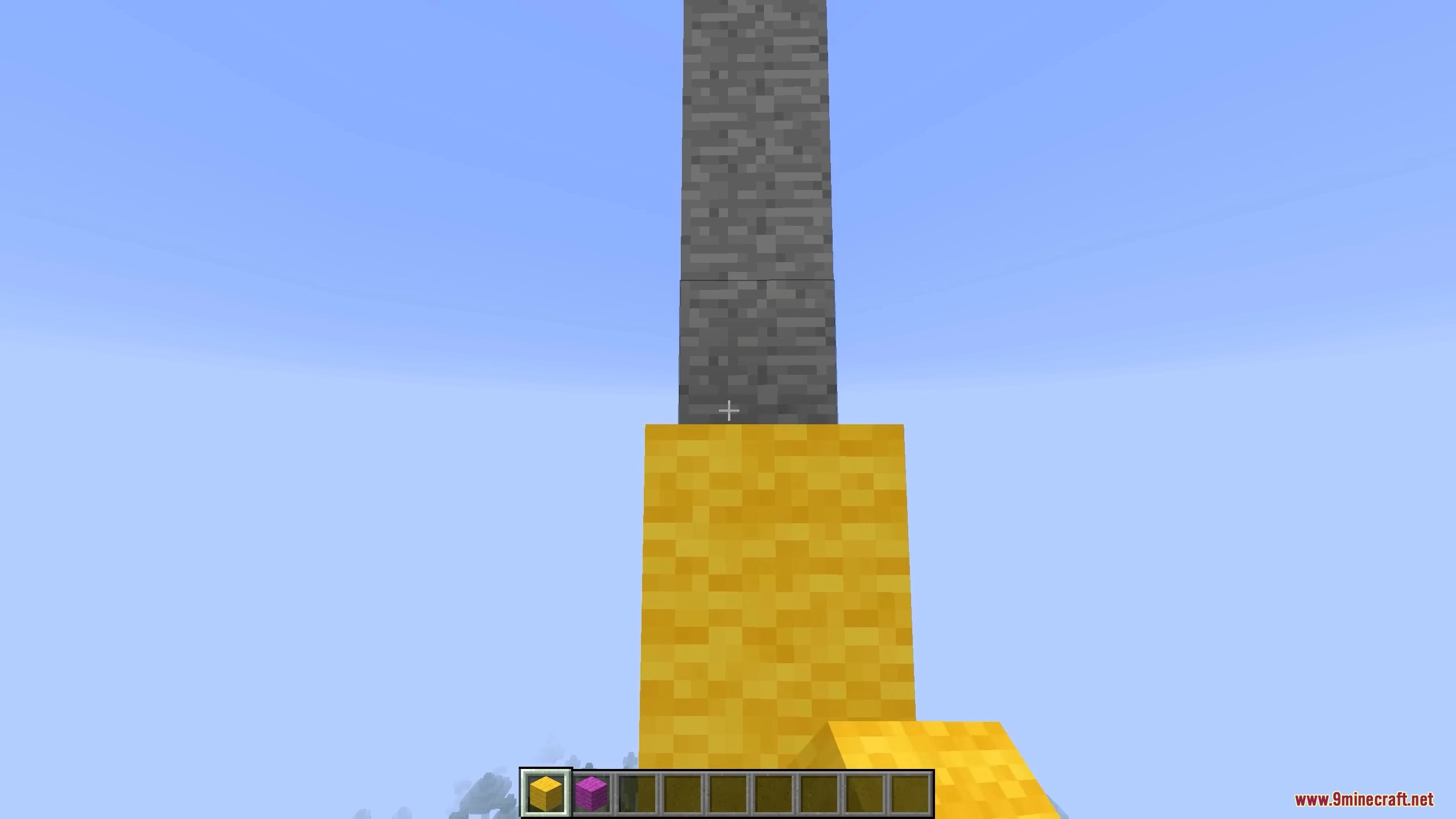
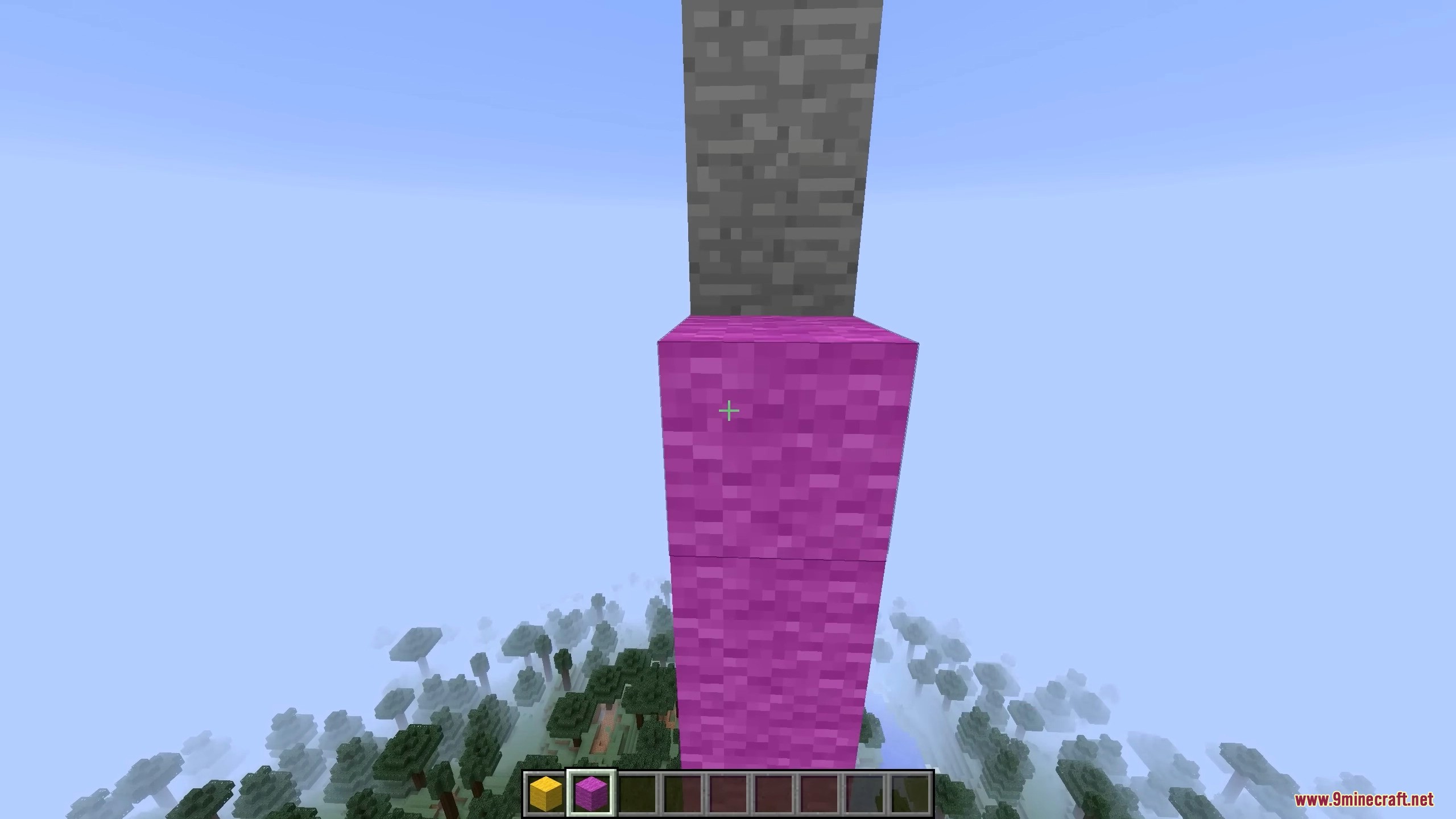
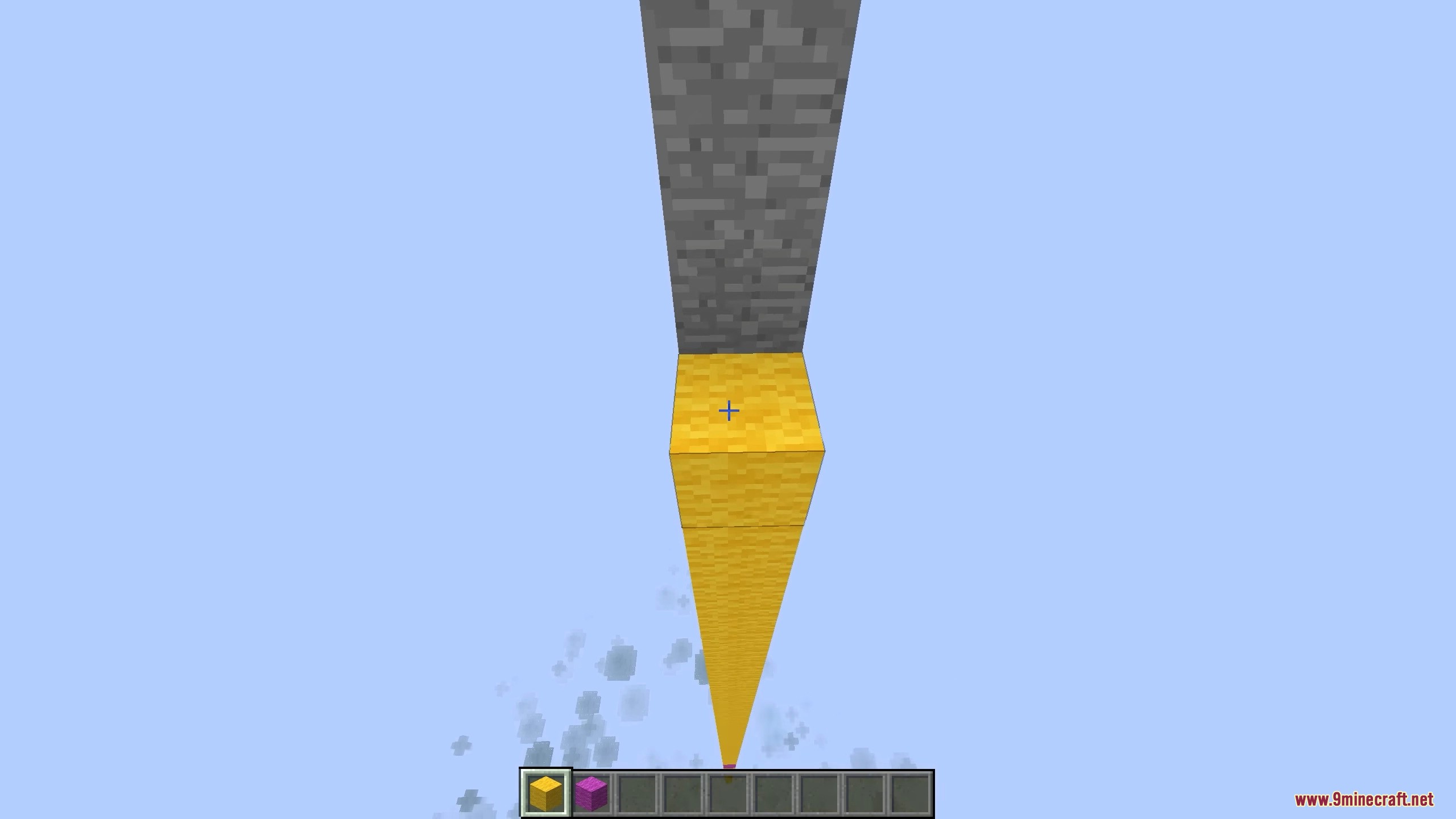
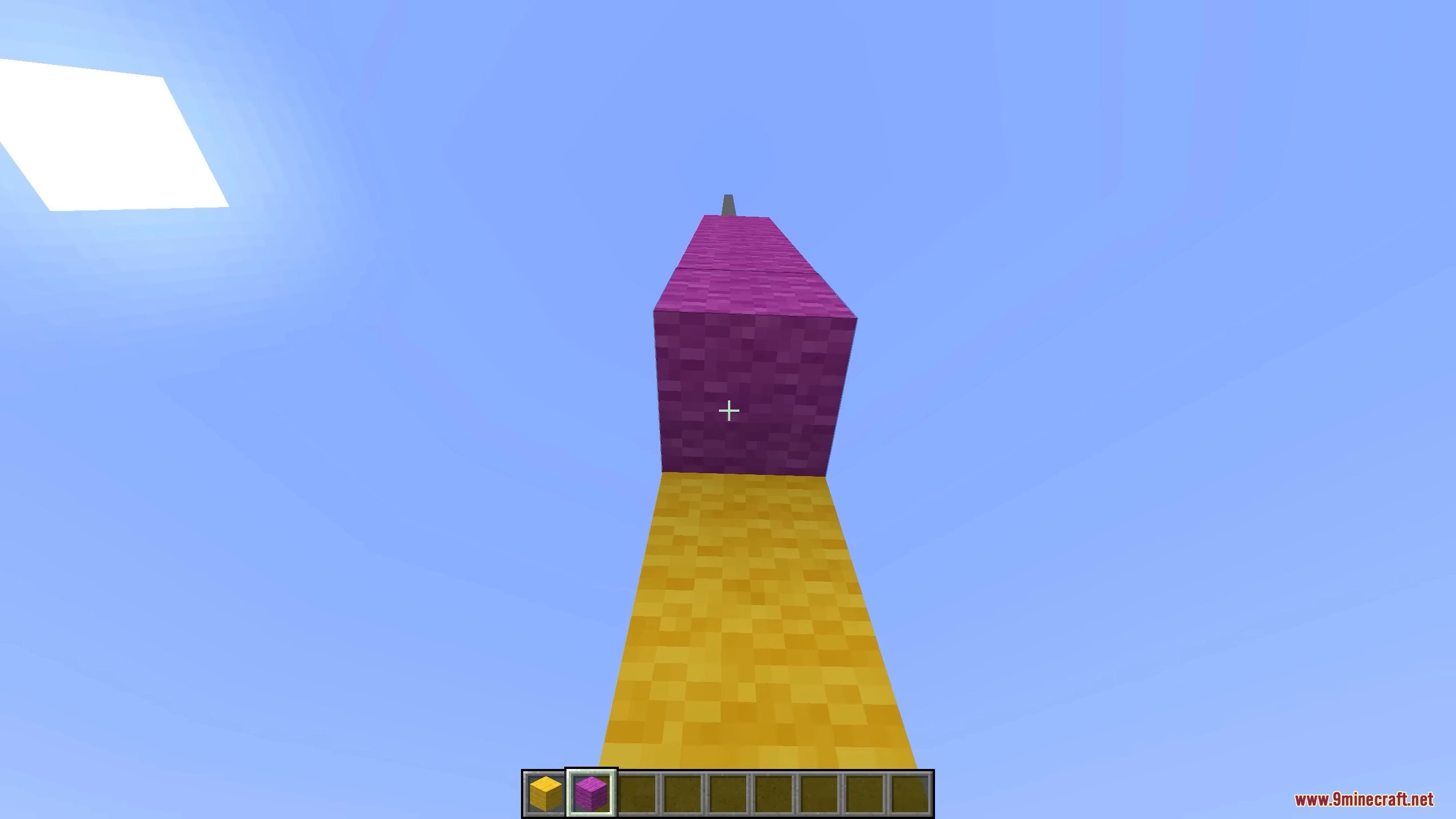
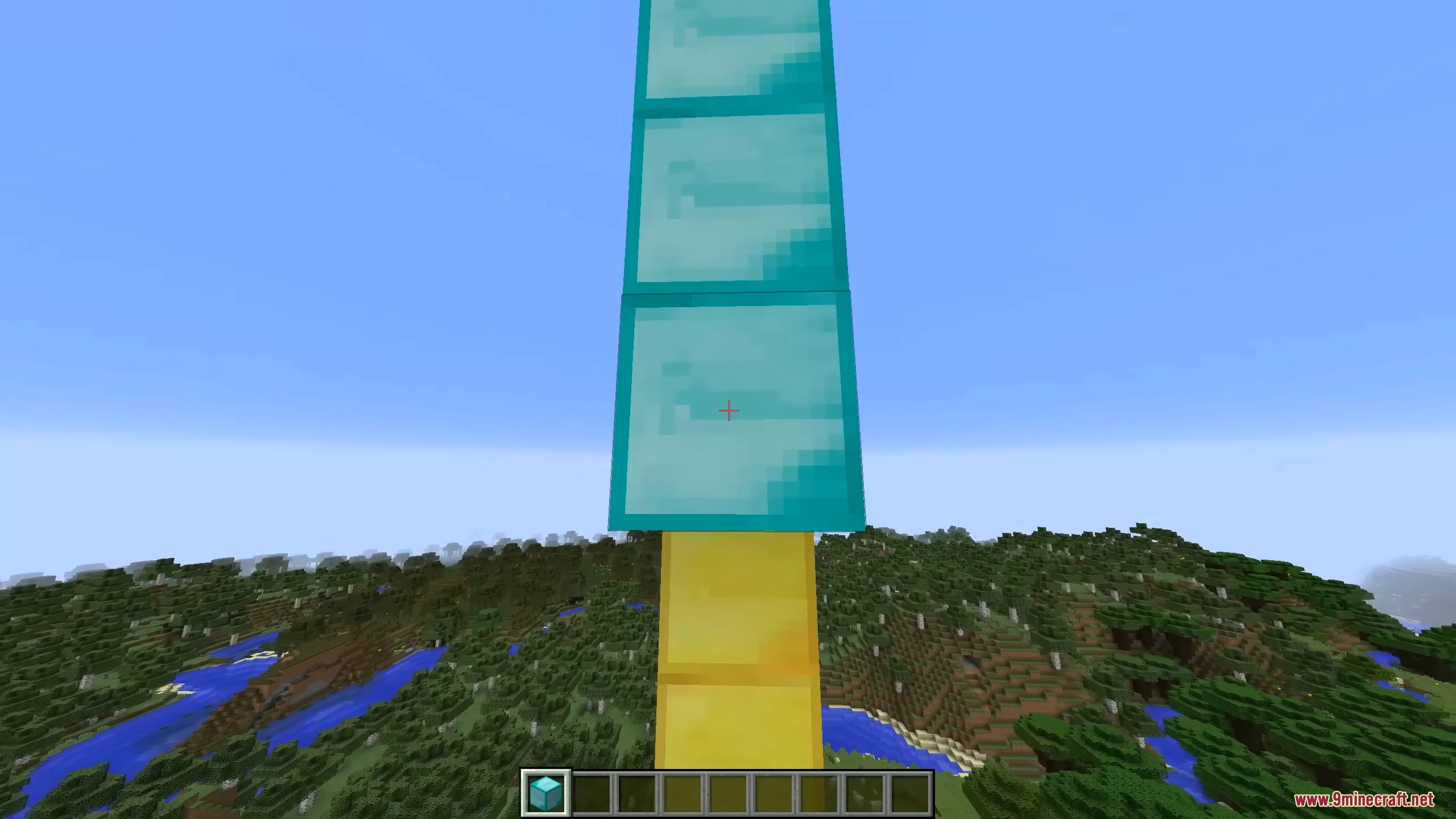
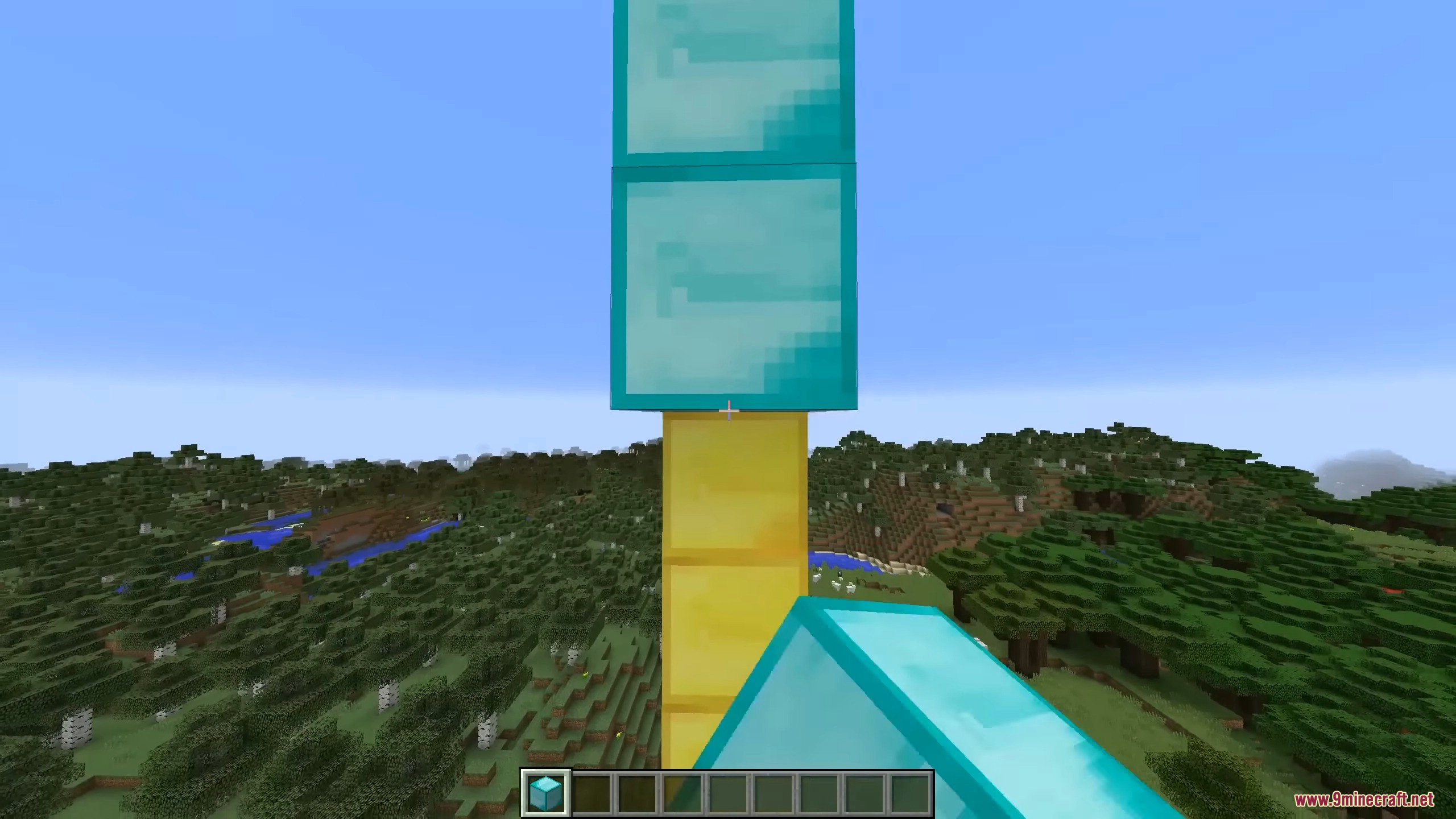
⬇ DownloadBetter Placement Mod allows you to avoid gaps and blocks overlapping each other when quickly placing blocks in a row. By default, the mod “tweaks” double-clicking, simply removing it. While the right mouse button (RMB) is held down, only one block will be placed in a row until you release the RMB. Additionally, this mod is only supported on the client side, meaning it won’t work on servers. Also, the mod includes an option that enables its features only in creative mode.
Features:
- The mod syncs block placement with cursor movement, allowing for smoother and faster building.
- By default, it removes the need for double-clicking by placing blocks continuously while the right mouse button is held down.
- The mod works only on the client side, meaning it won’t function on multiplayer servers.
- There’s an option to enable the mod only in creative mode, ensuring it doesn’t interfere with survival gameplay.
Screenshots:
Better Placement Mod Download Links
For Minecraft 1.12.2
Forge version: Download from Server 1 – Download from Server 2
For Minecraft 1.7.10
Forge version: Download from Server 1 – Download from Server 2
- Edition: Minecraft Java
- File type: .jar
- How to install: Install the matching mod loader (Forge, Fabric or NeoForge) for your Minecraft version. → Download the .jar. → Put it in the .minecraft/mods folder and launch that loader profile.
- Where to get it: In MC Java Mods, or directly above on this page.
Install steps are the general flow for this file type — How to install Minecraft Java mods & modpacks walks through it step by step.
- Downloads as 198650.mcaddon
- Download size: 7 KB
- Download link checked 26 Jul 2026 — working
- Mirrored on our own servers — the download does not depend on the original host
These come from our own check of the pack file, not from the source page.