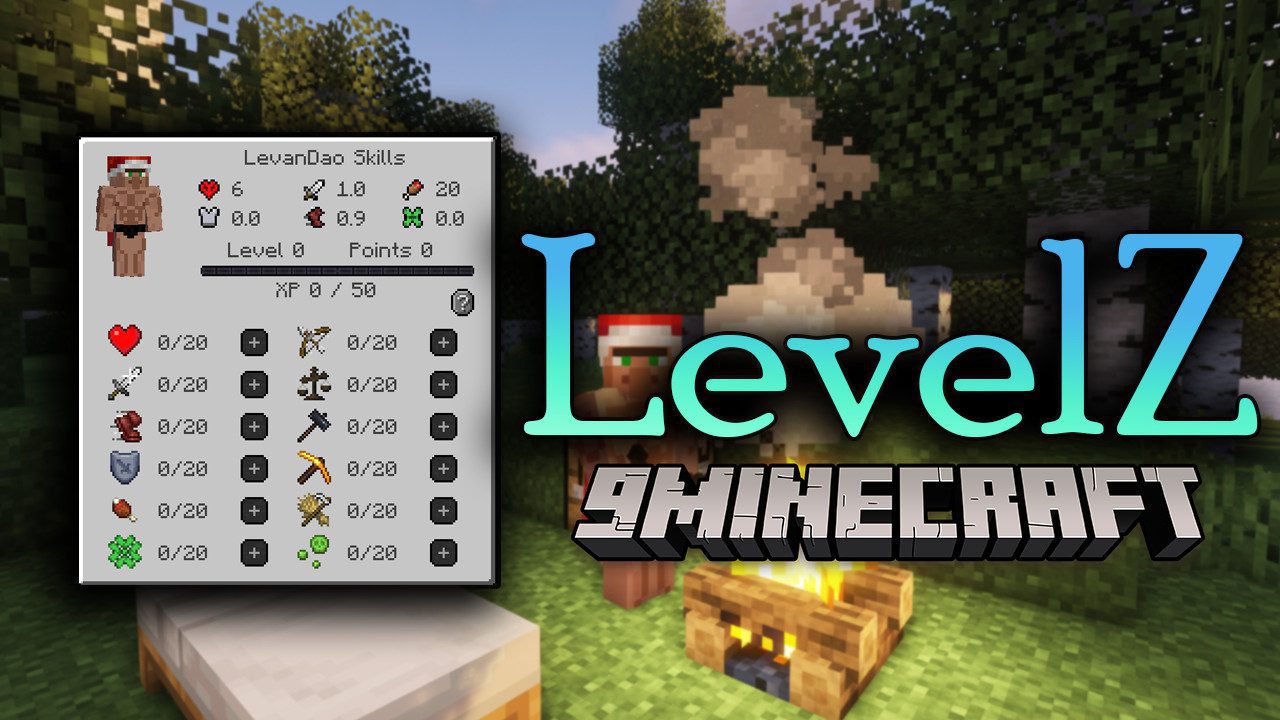
LevelZ Mod brings into your world a new feature, and you now have to unlock skills to use items. Are you a skilled player? Do you think the Minecraft world is too easy for you? Try LevelZ Mod, and now your whole world will change. You will not be able to use items like Stone, Iron, and Diamond at the beginning of the game anymore; you will have to level up to be able to rise to different points like Hunting, Mining, Protecting, and many different types of points with different skill use for yourself. You’ll have to learn how to make use of everything early in the game to survive, like using leather gear, using campfires for cooking, and using wooden tools until you have enough skills to use the following items.
Features:
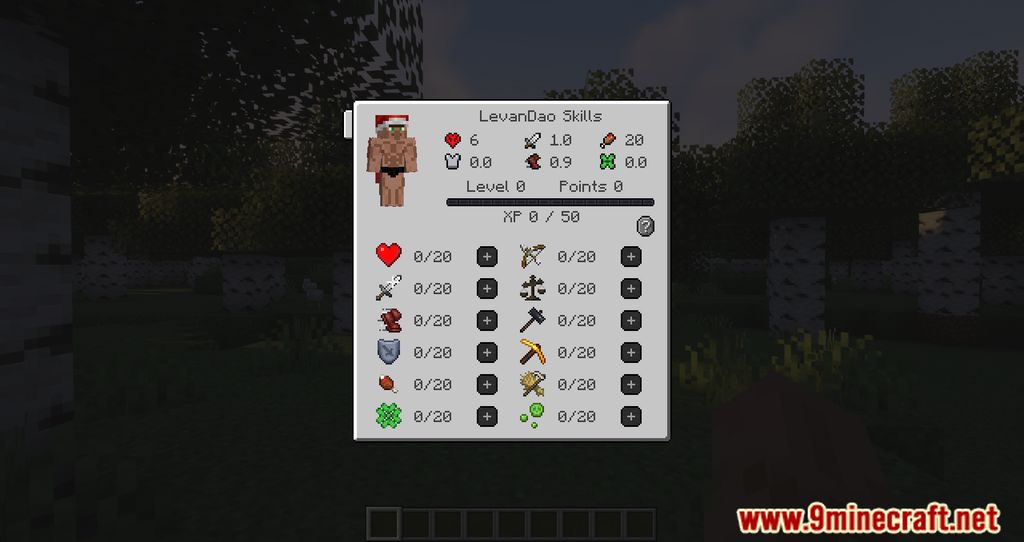
- Adds player skills which you have to level up to unlock gear/items/blocks.
- Default key to open the skill screen is “k”.
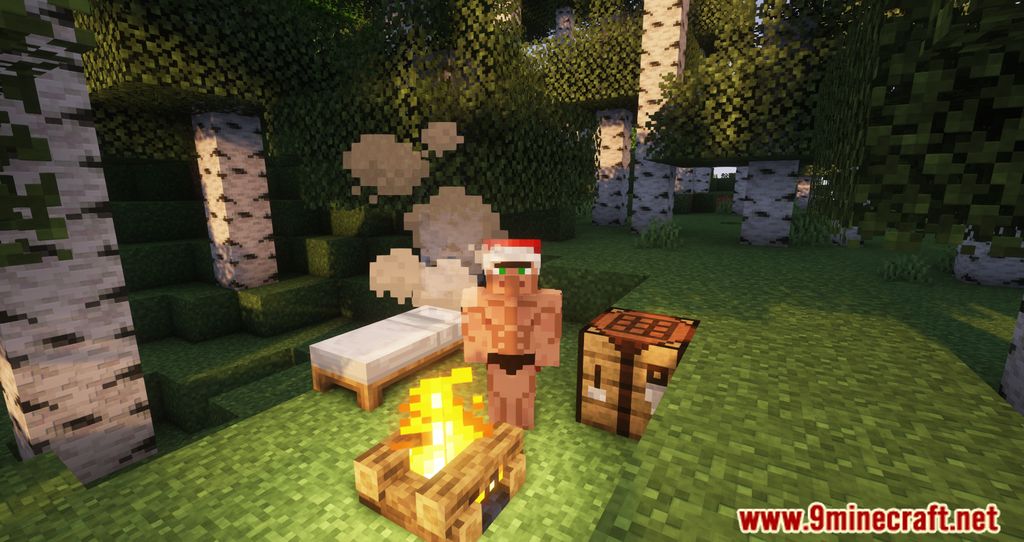
Screenshots:
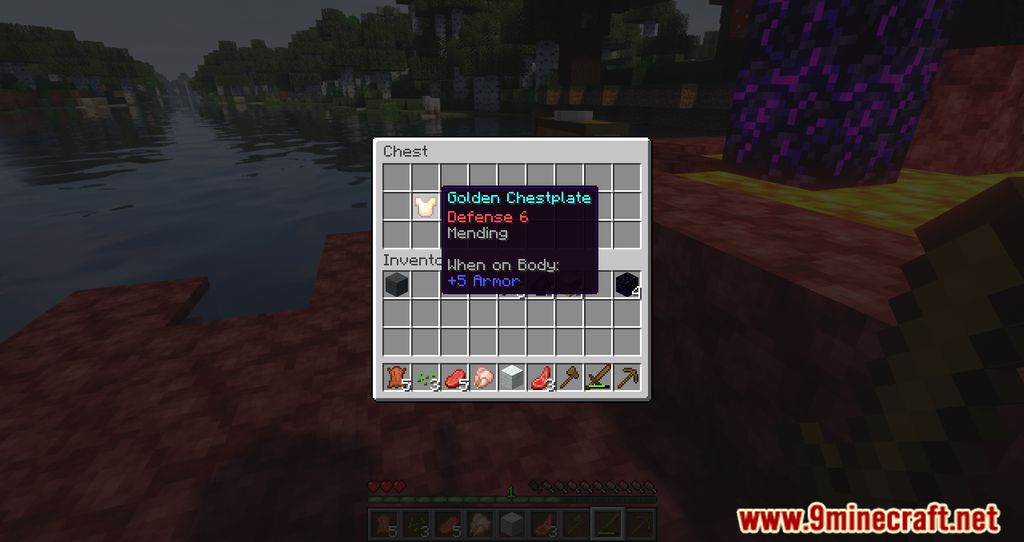
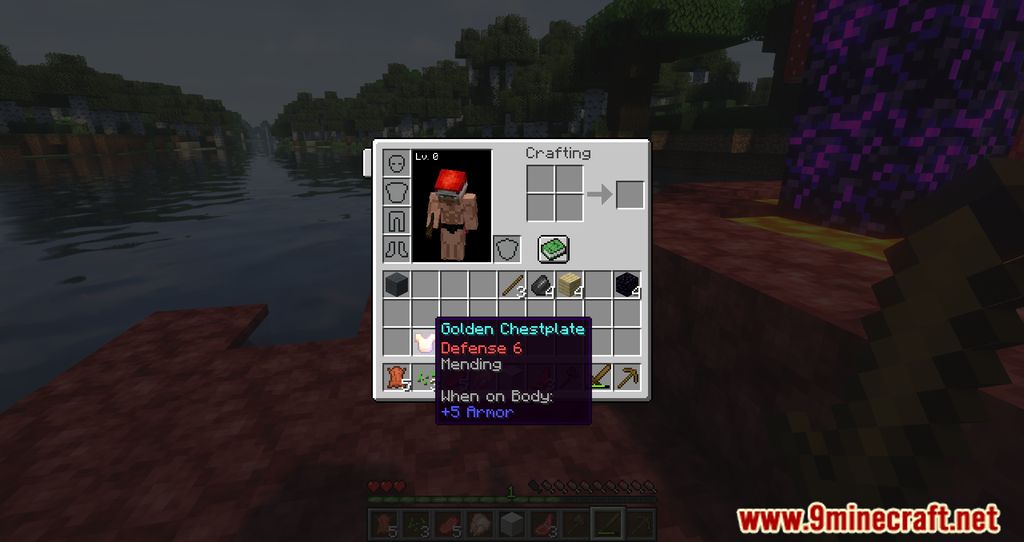
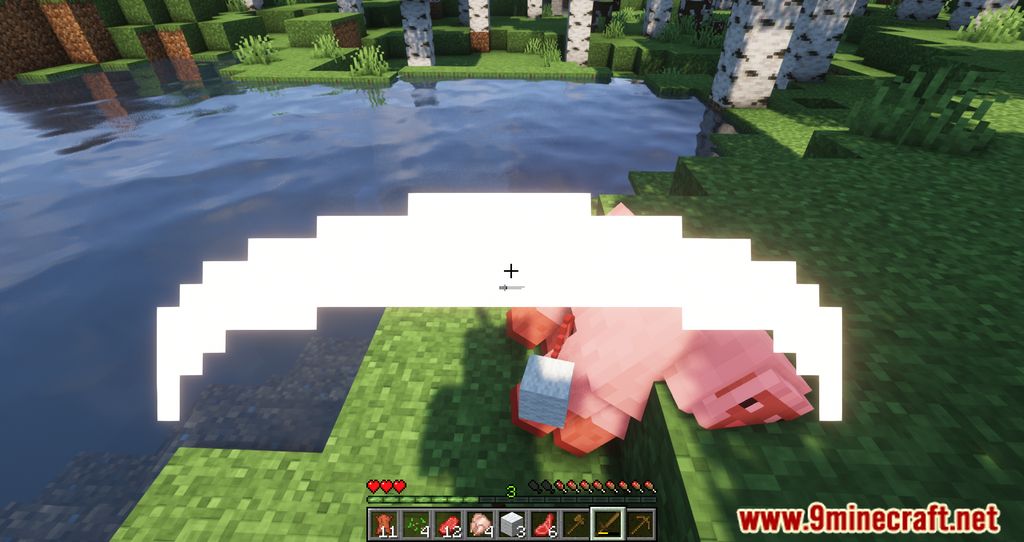
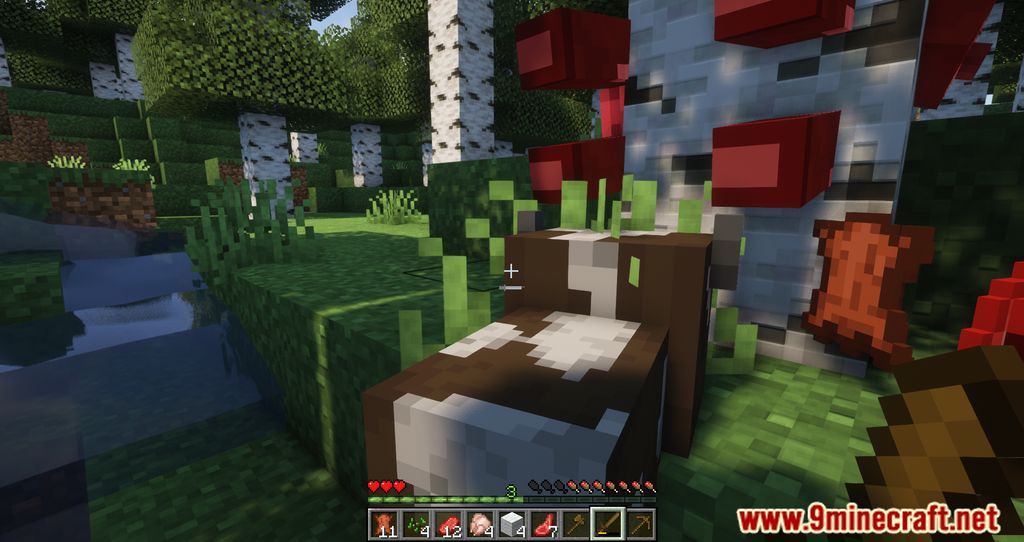
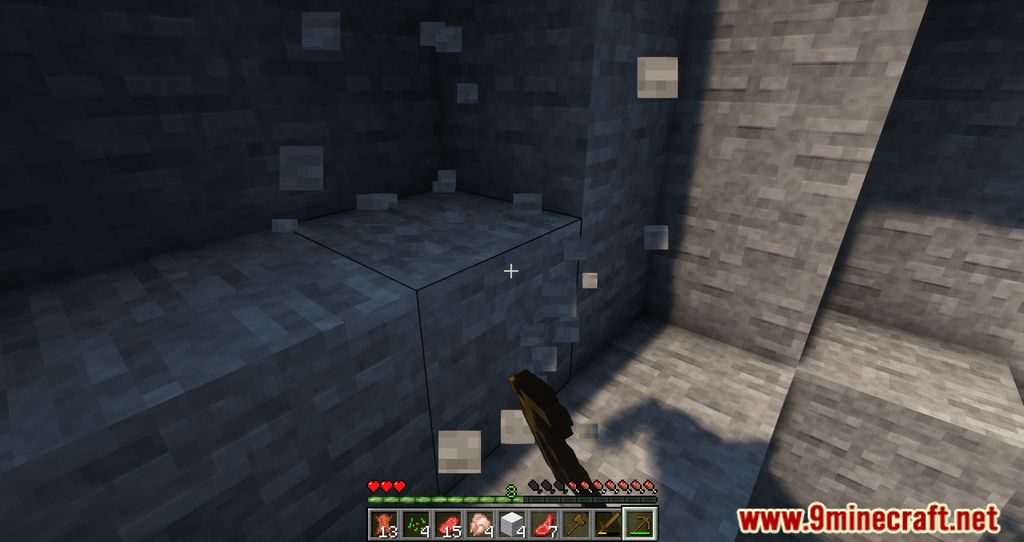
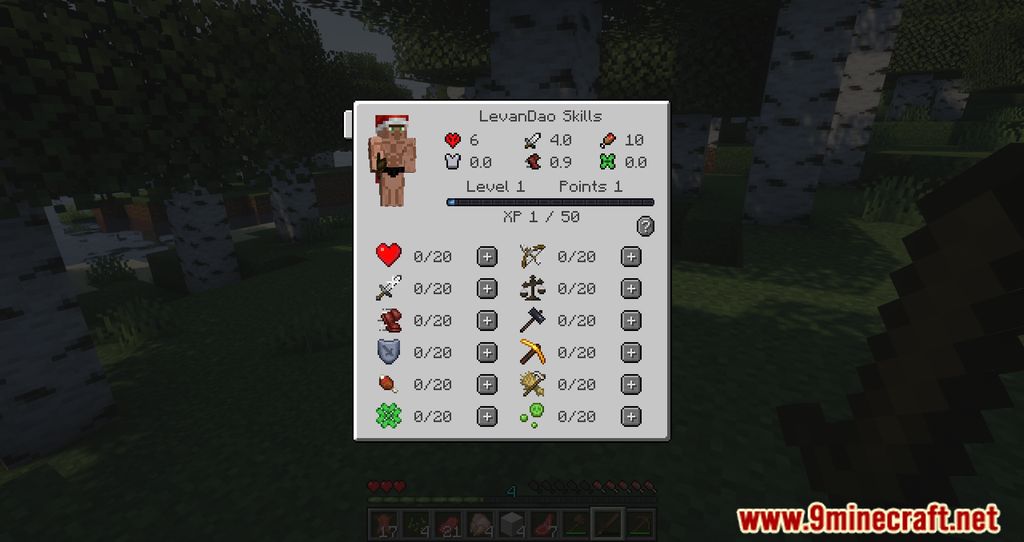
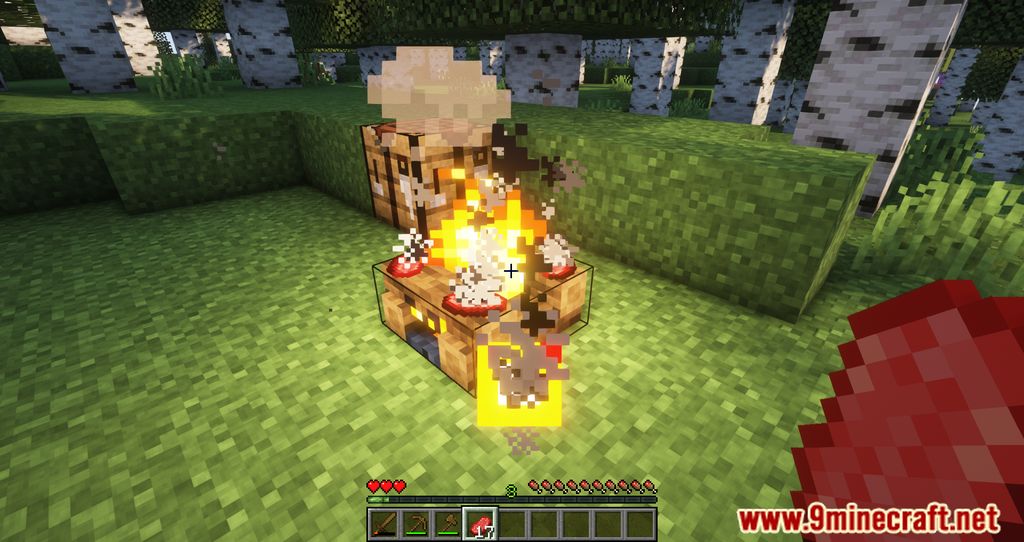
LevelZ Mod Download Links
For Minecraft 1.21.1, 1.21
Fabric version: Download from Server 1 – Download from Server 2
For Minecraft 1.20.1, 1.20
Fabric version: Download from Server 1 – Download from Server 2
For Minecraft 1.19.2
Fabric version: Download from Server 1 – Download from Server 2
For Minecraft 1.19
Fabric version: Download from Server 1
For Minecraft 1.18.2
Fabric version: Download from Server 1
For Minecraft 1.18.1
Fabric version: Download from Server 1
For Minecraft 1.17.1
Fabric version: Download from Server 1
- Edition: Minecraft Java
- File type: .jar
- Minecraft versions listed: 1.21.1, 1.20.1
- How to install: Install the matching mod loader (Forge, Fabric or NeoForge) for your Minecraft version. → Download the .jar. → Put it in the .minecraft/mods folder and launch that loader profile.
- Where to get it: In MC Java Mods, or directly above on this page.
Install steps are the general flow for this file type — How to install Minecraft Java mods & modpacks walks through it step by step.
- Downloads as 198675.mcaddon
- Download size: 302 KB
- Download link checked 26 Jul 2026 — working
- Mirrored on our own servers — the download does not depend on the original host
These come from our own check of the pack file, not from the source page.