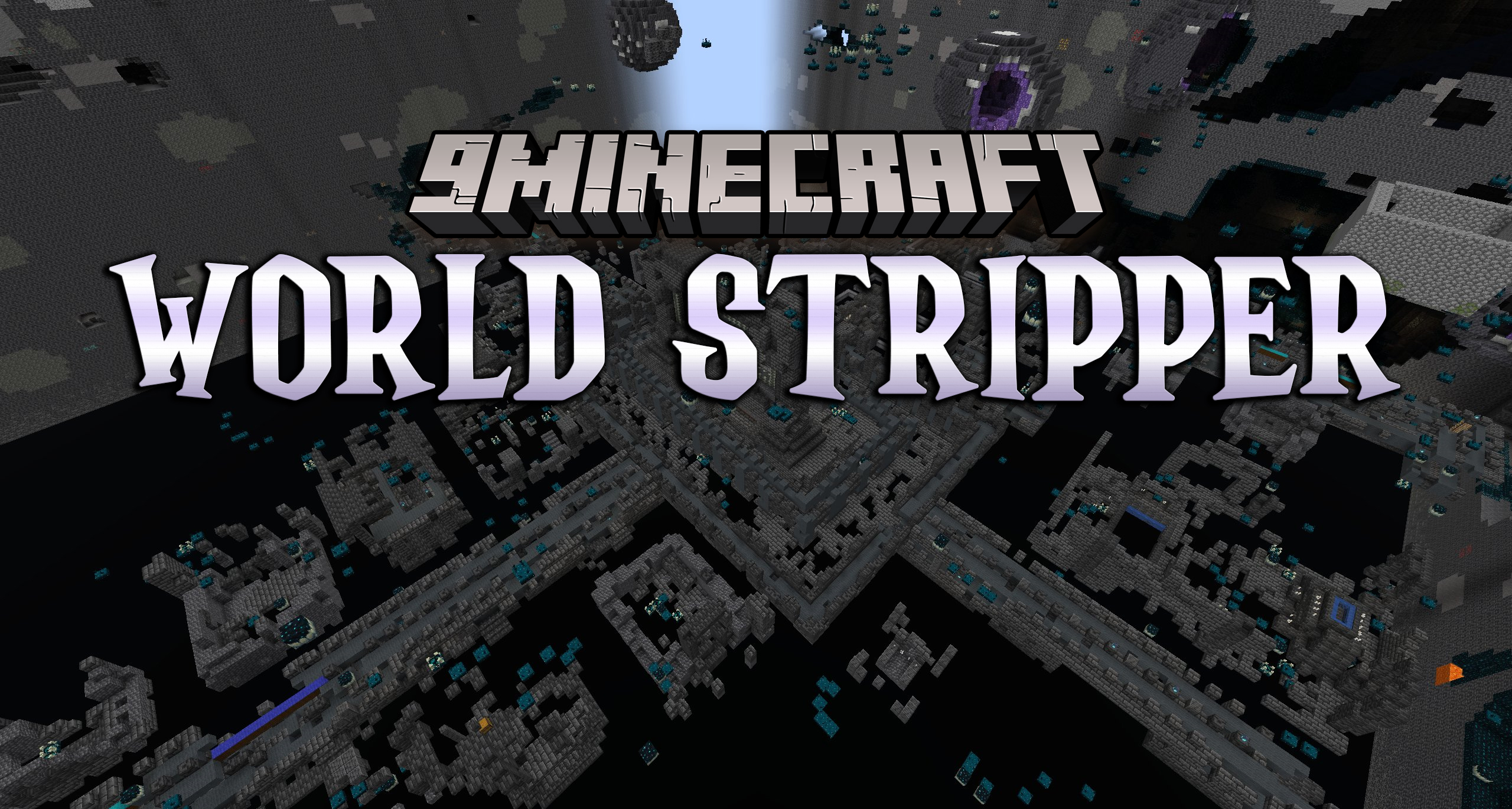
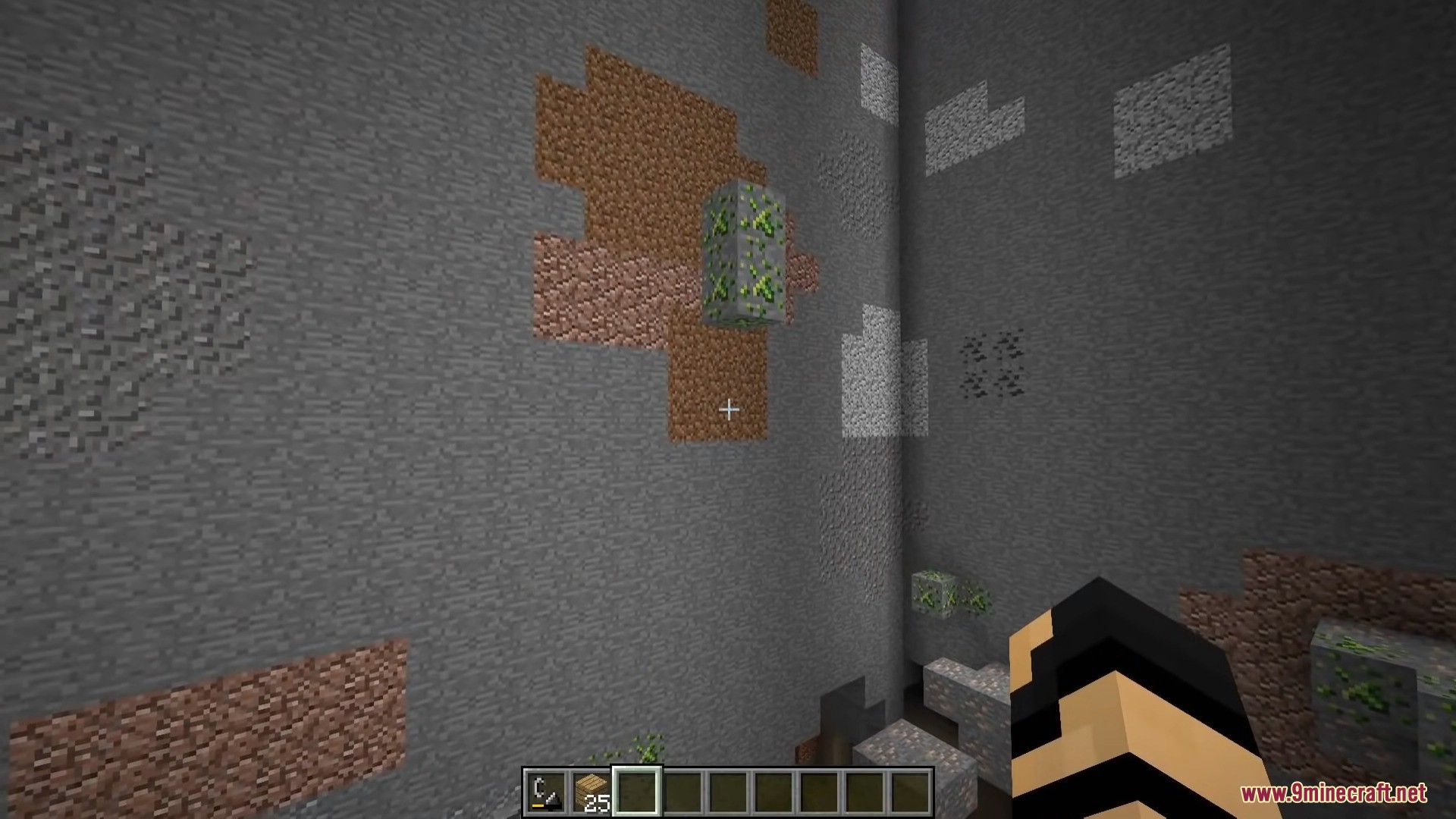
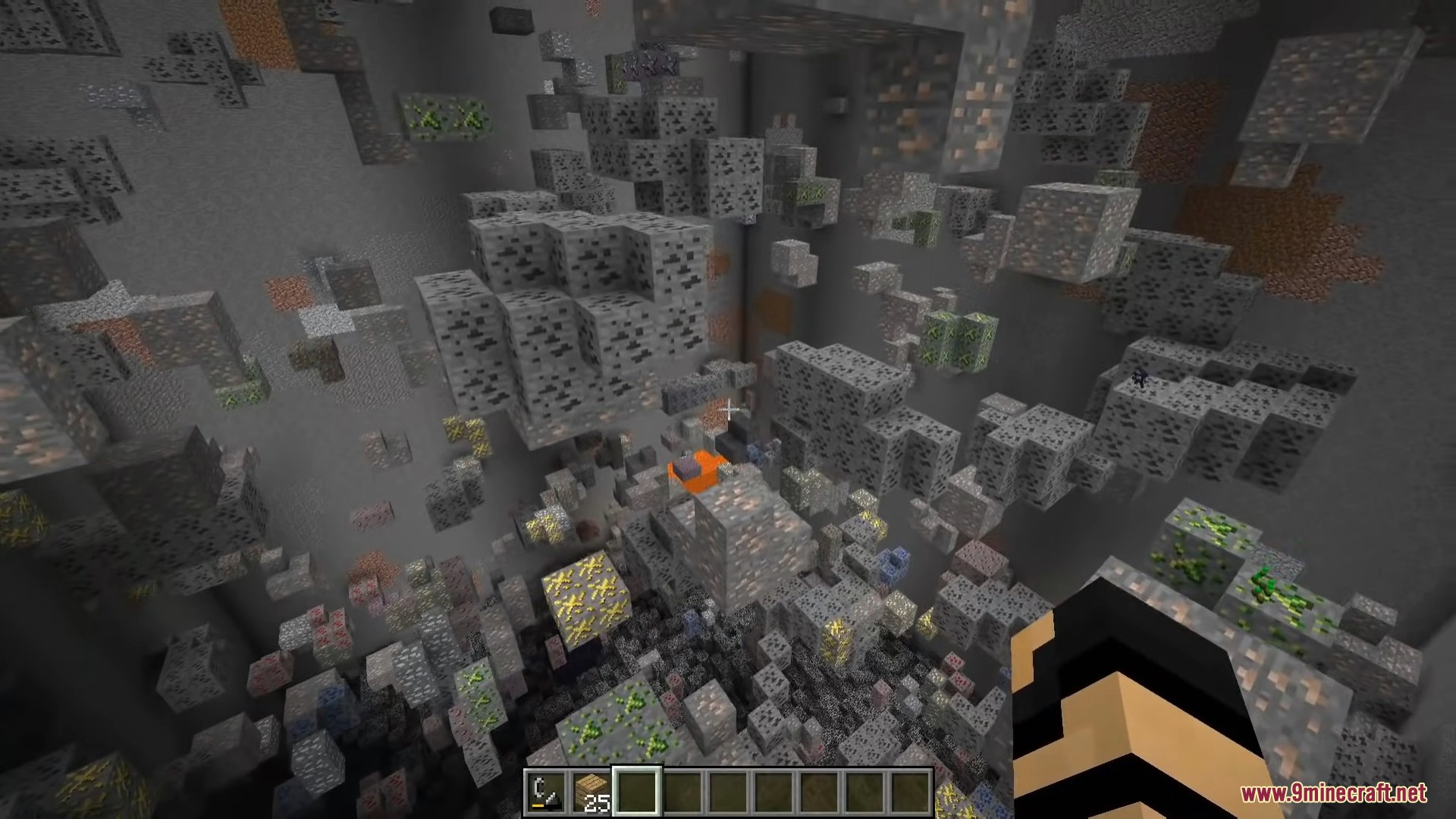
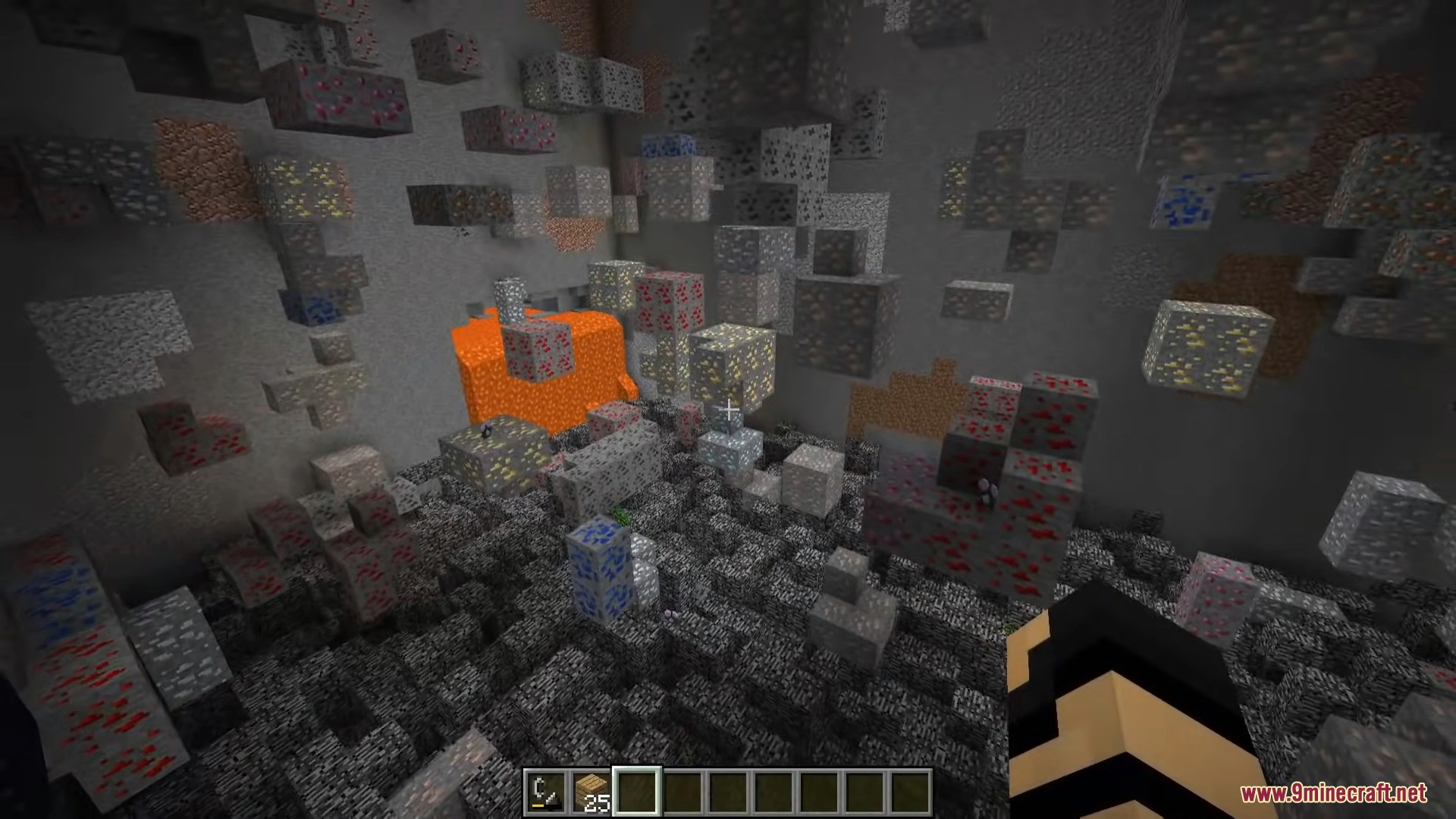
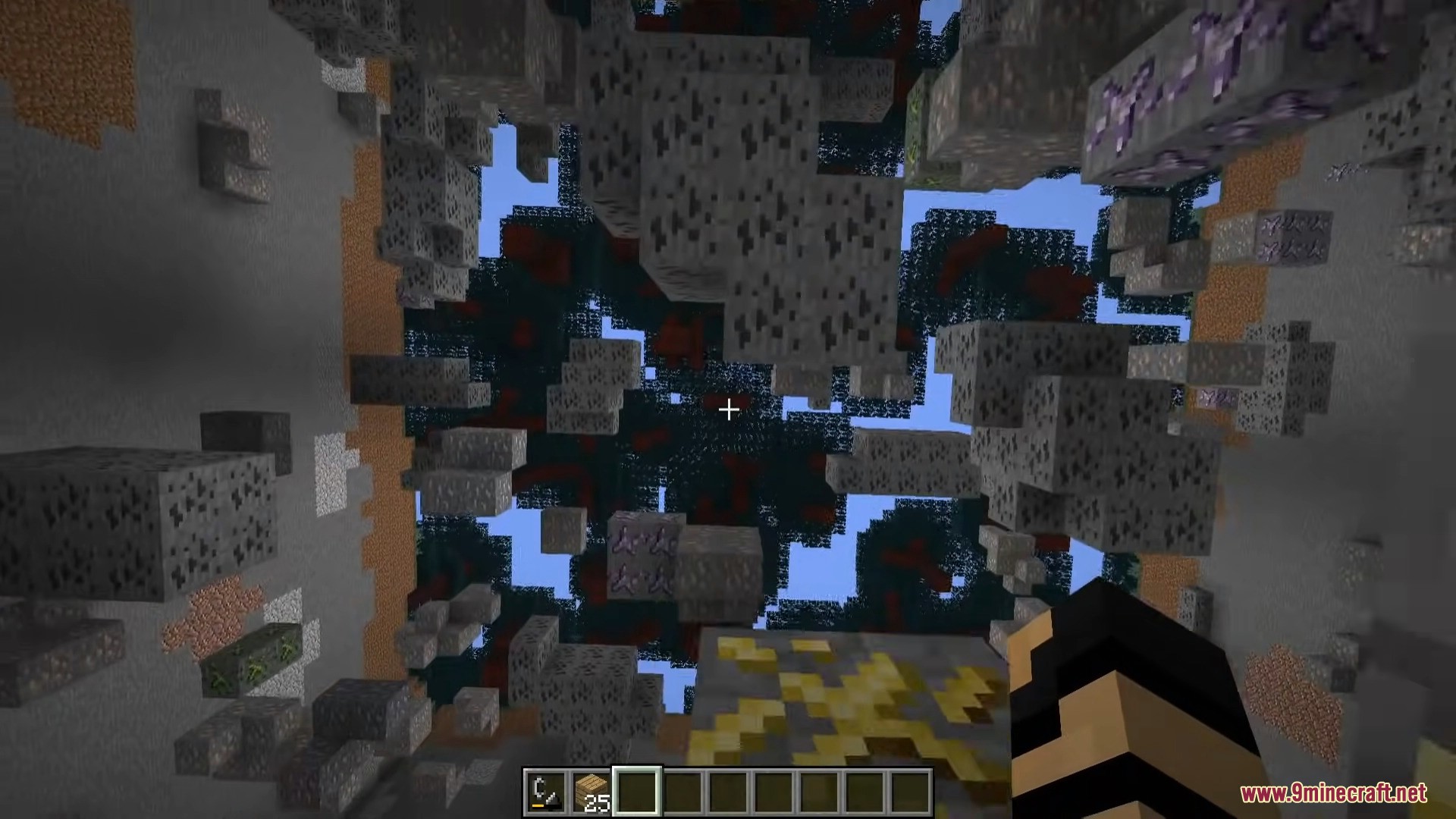
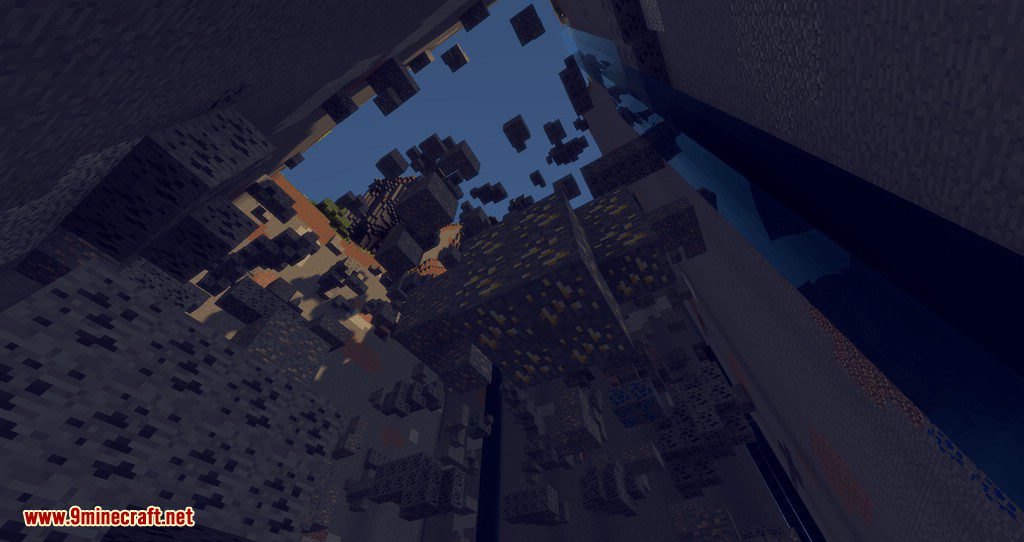
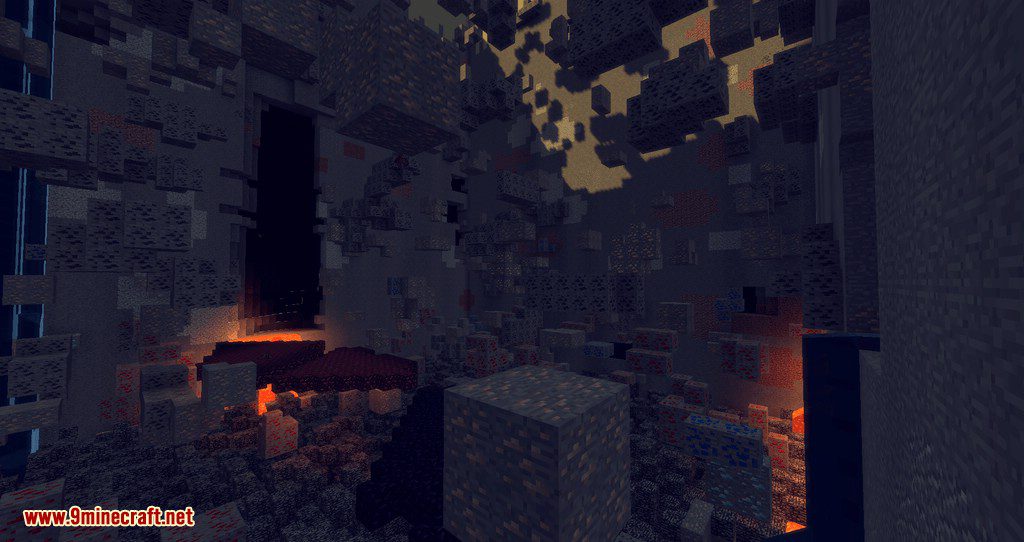
World Stripper Mod is more technical than cheat-like. It allows you to remove all blocks except ores within a certain chunk radius around you. After pressing the button, all blocks below and around you will disappear except for the valuable ores. The mod is not very practical for cheating or resource mining. It’s mainly used for controlling ore generation with your mod. If you are setting up a modpack and want to generate ores in a special way, this mod will help you monitor that process.
Features:
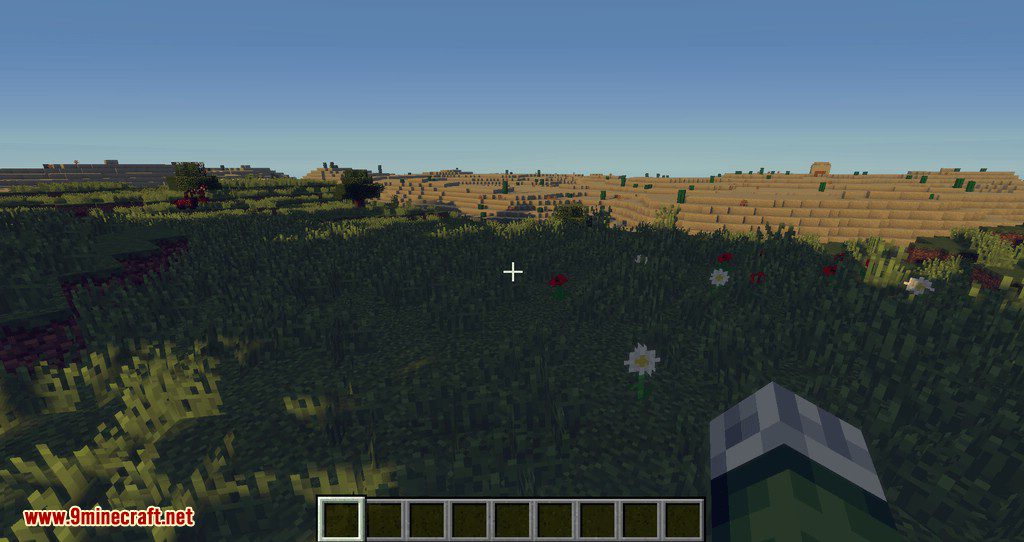
- It allows you to strip away the terrain to reveal the underground world generation. This is particularly useful for map-makers, pack-makers, and developers who need to test world generation2.
- The mod is lightweight and designed with performance in mind, ensuring it works quickly even on slower computers.
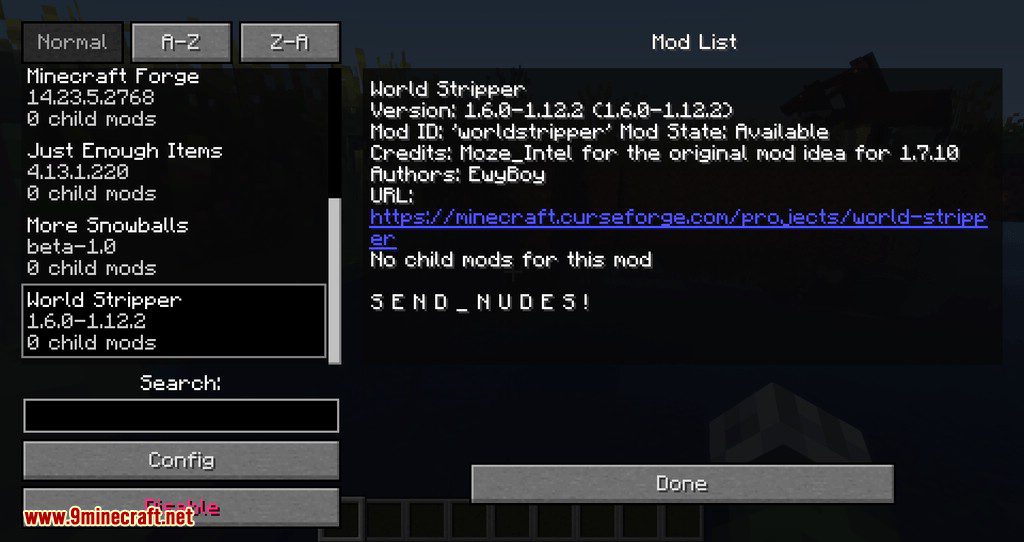
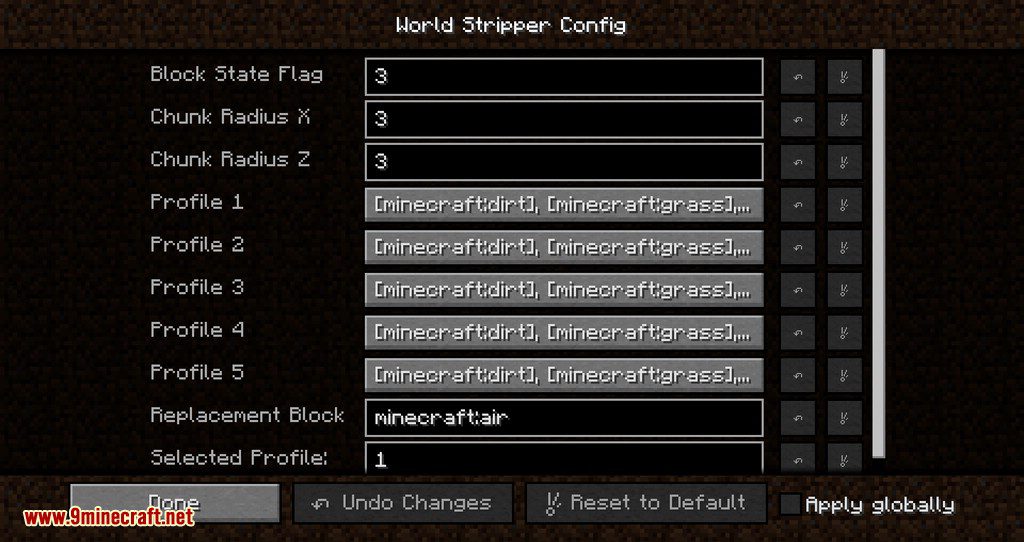
- It includes an in-game config GUI and reloadable configuration options.
- The mod supports live stripping without freezing the world thread.
- It offers commands for easy management, including one-click add/remove to/from the strip-list.
- It includes settings to prevent water pouring in during the stripping process.
Screenshots:
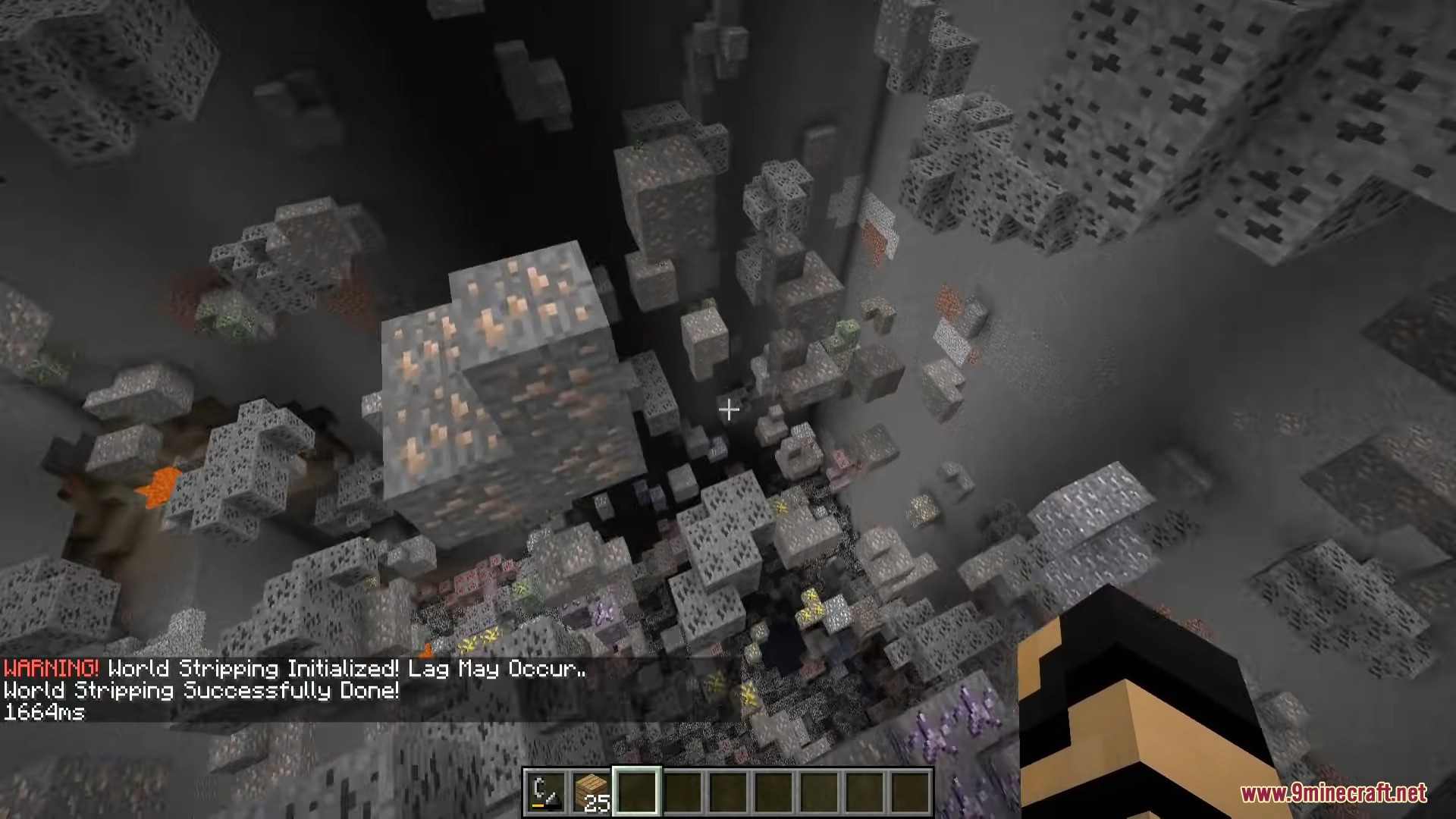
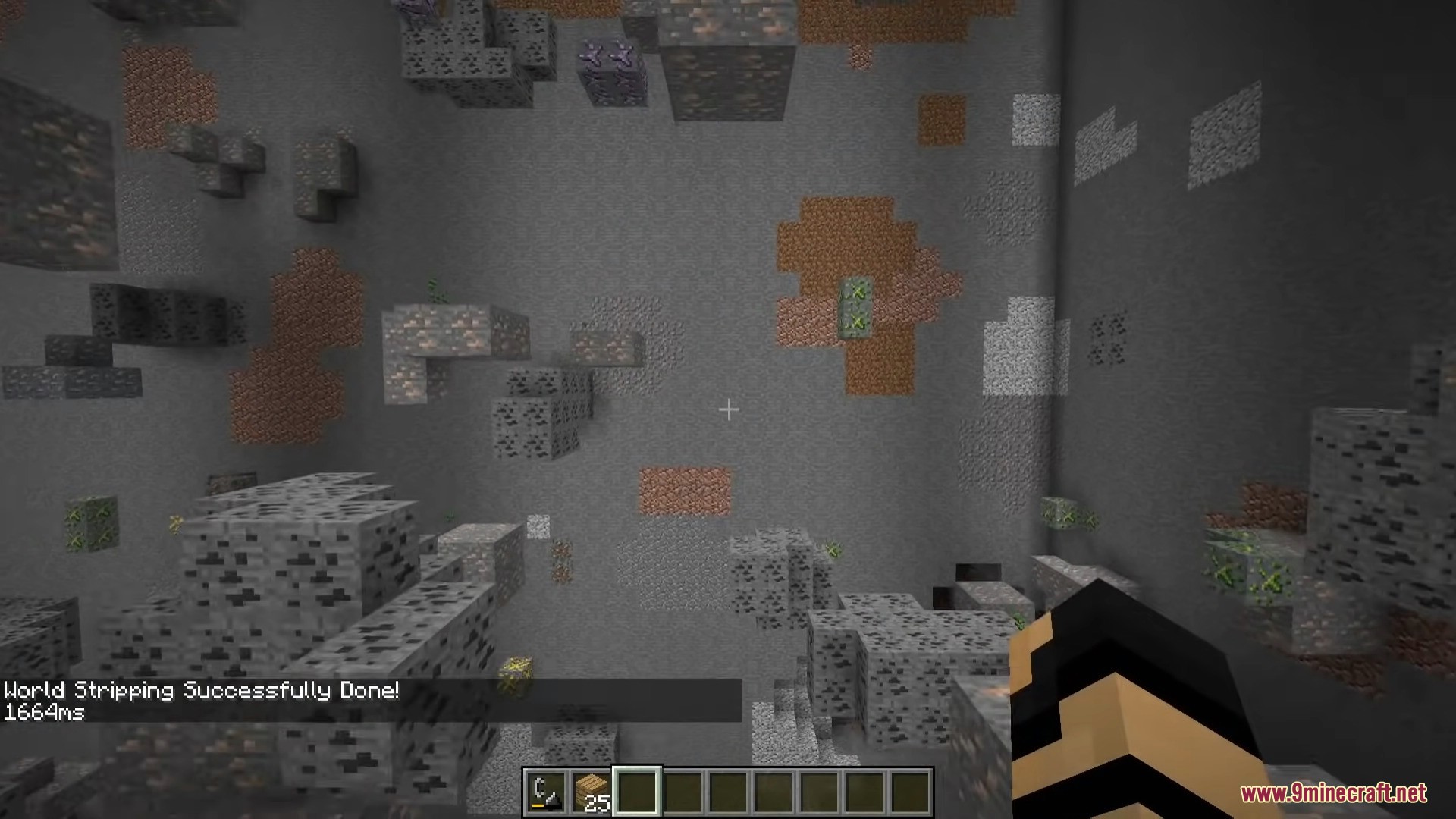
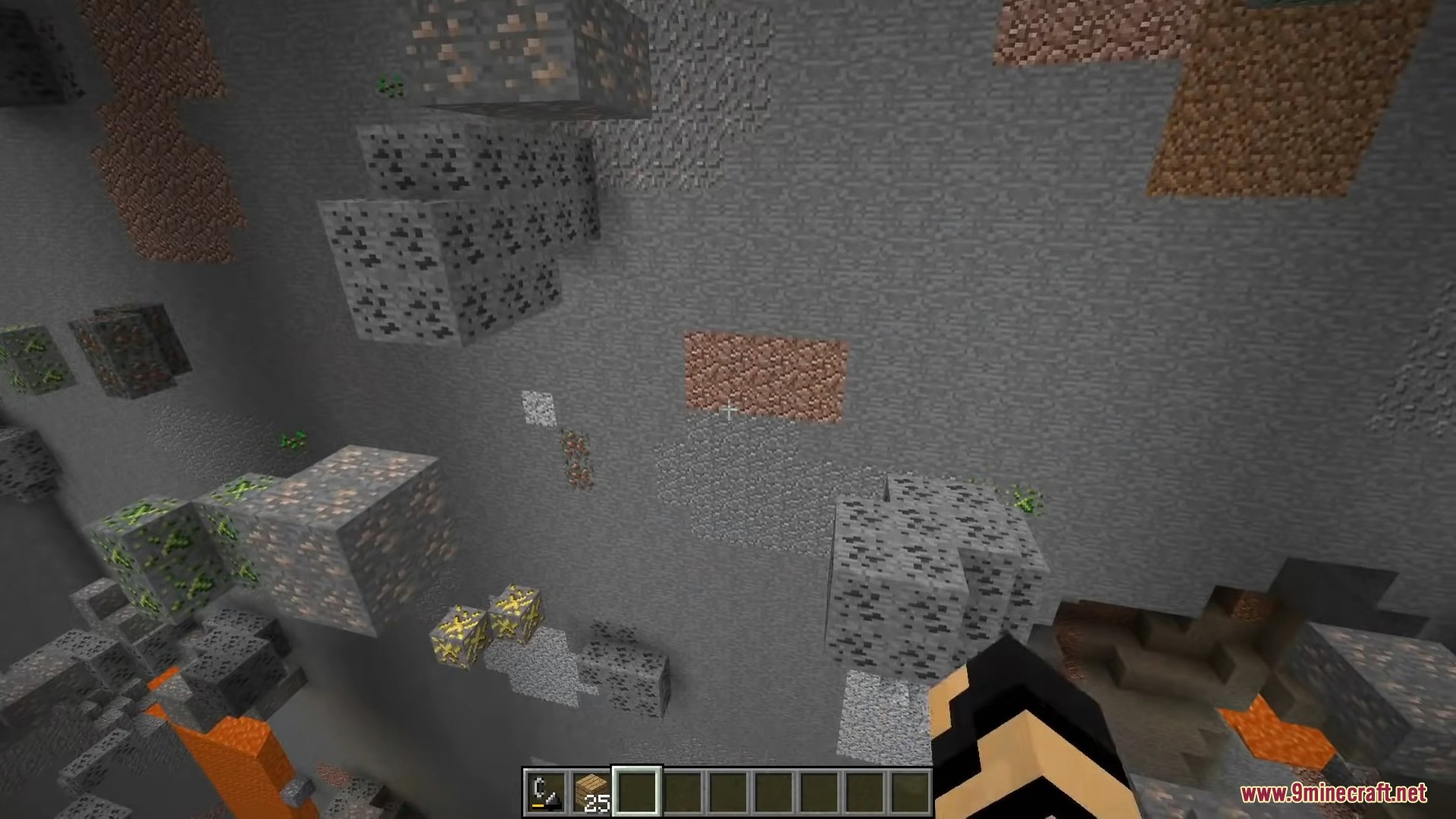
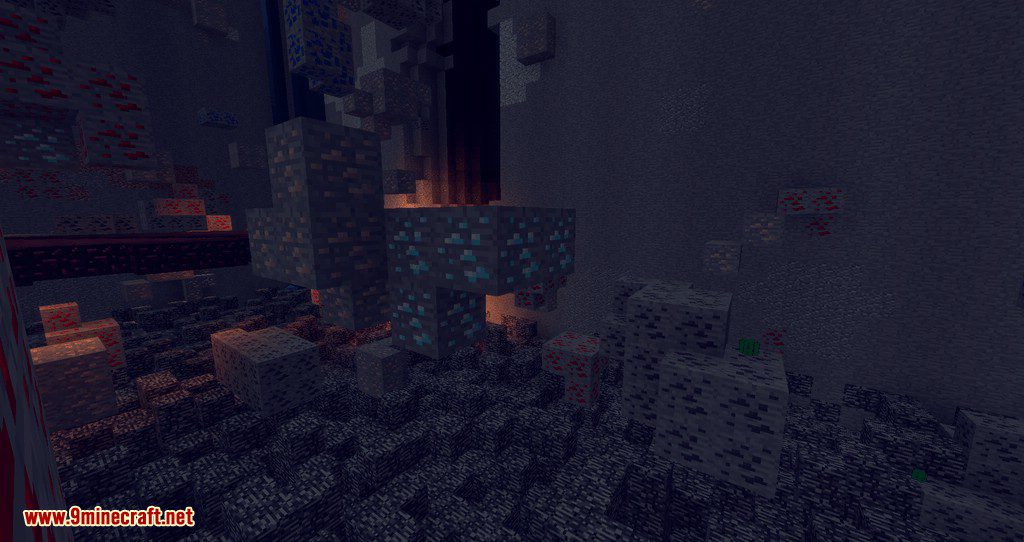
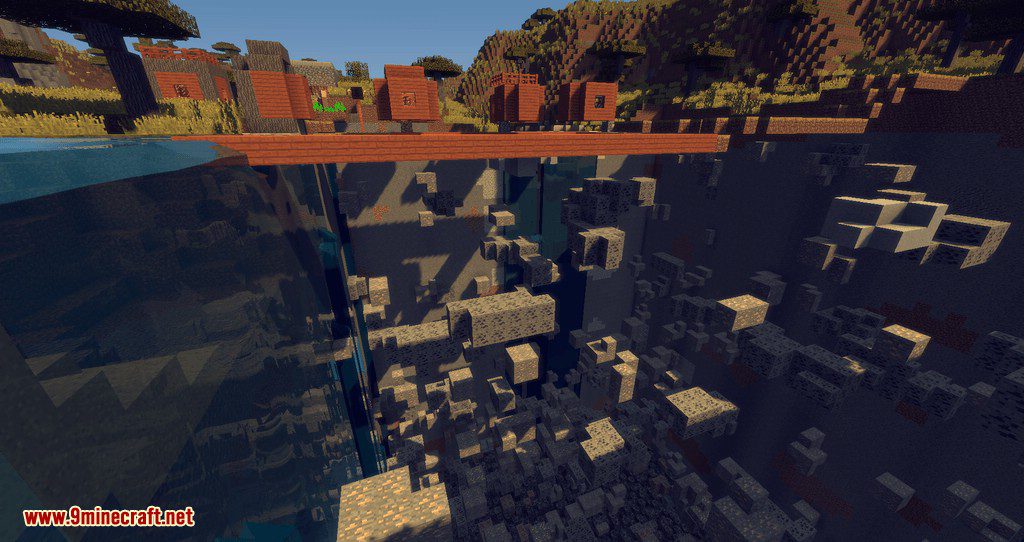
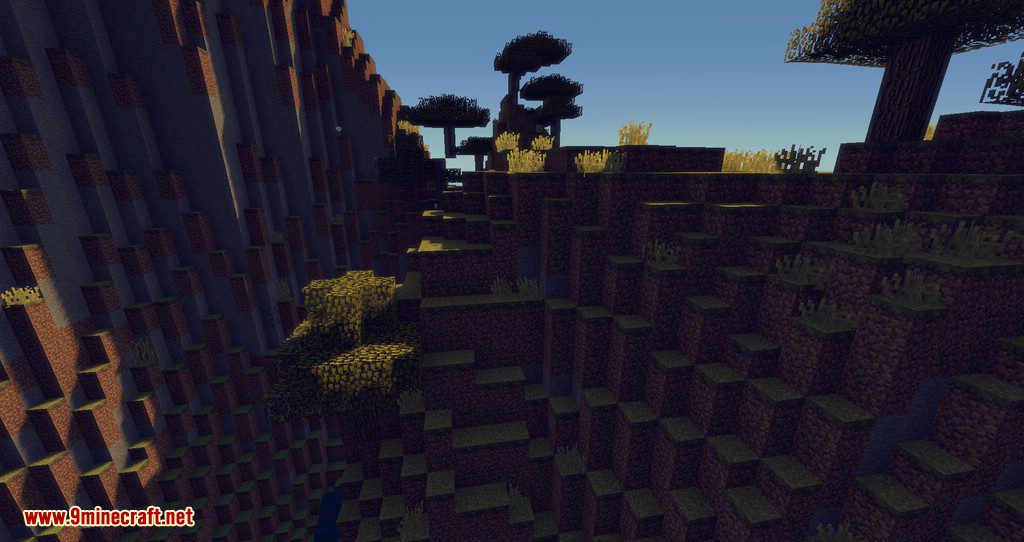
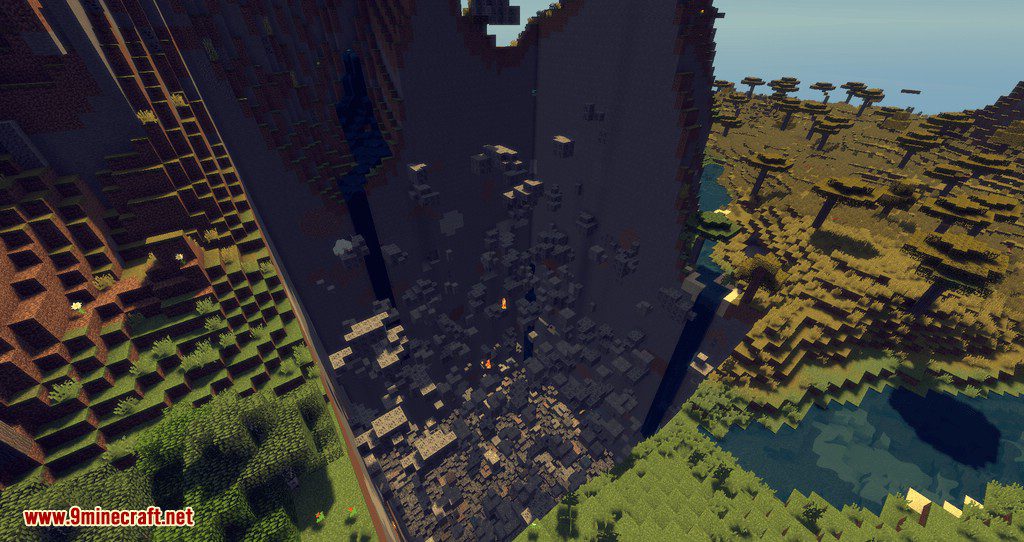
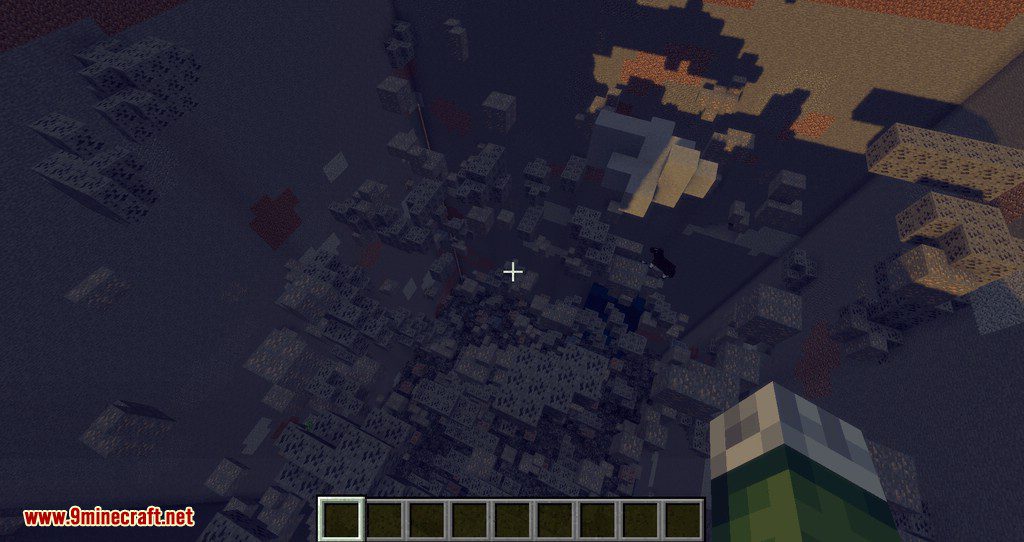
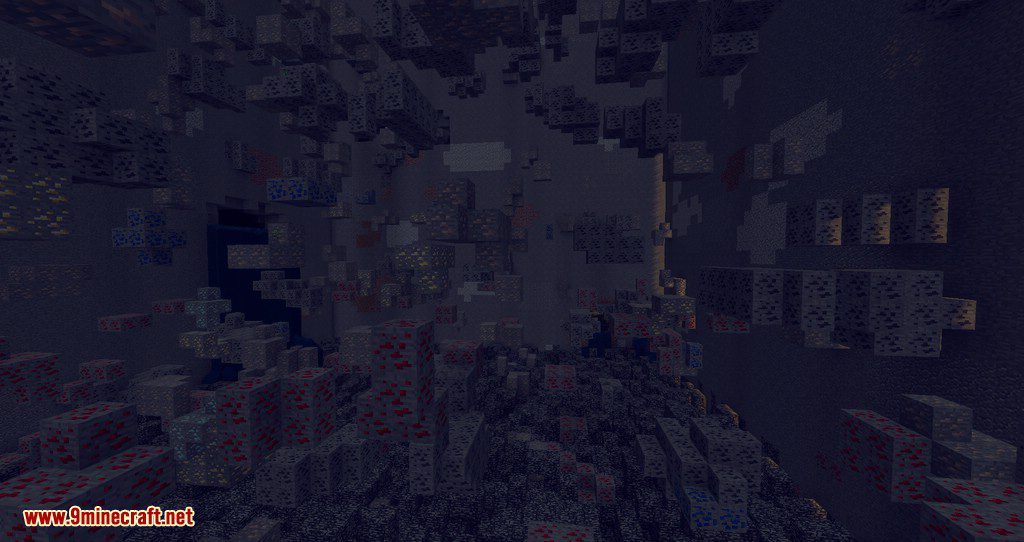
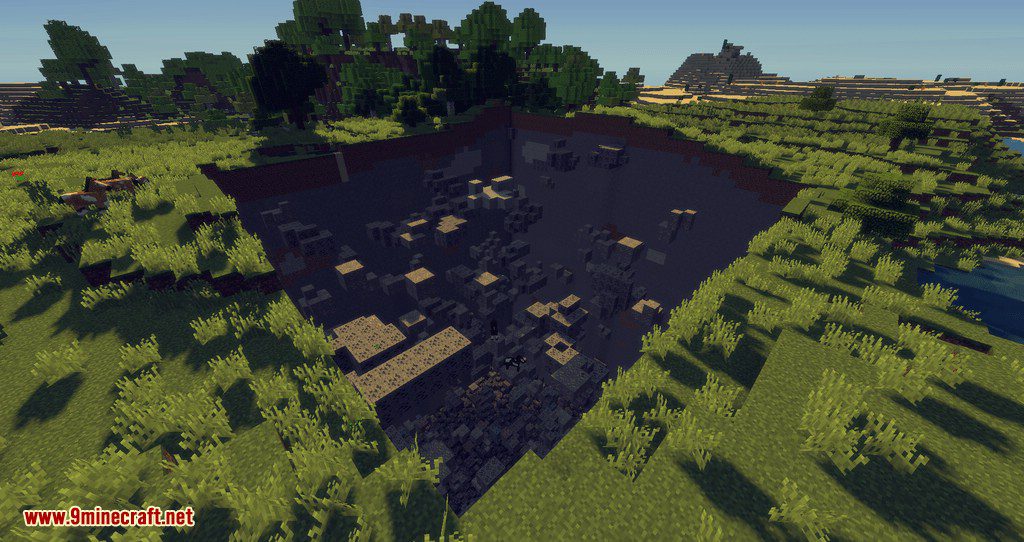
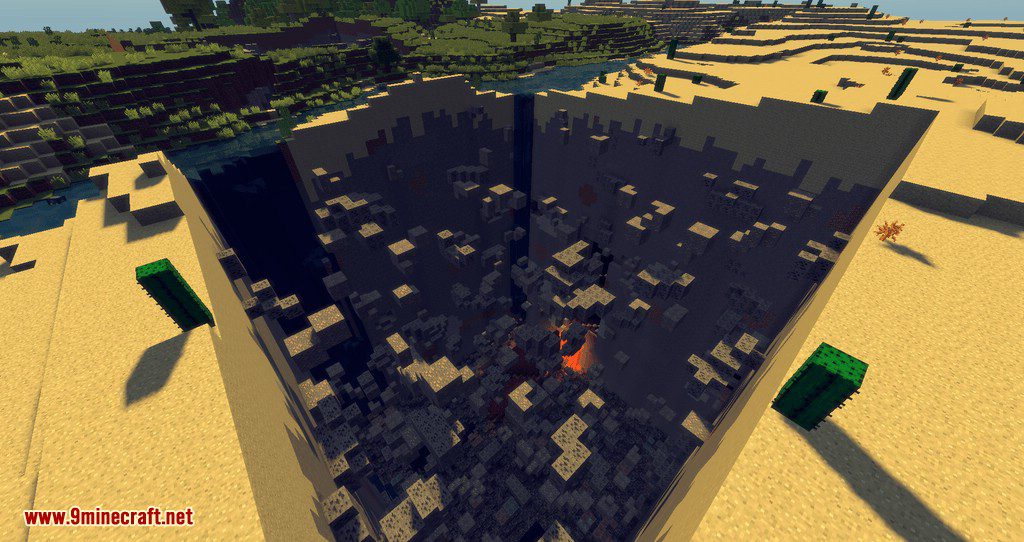
How to use:
- Be in CREATIVE MODE.
- Press the DELETE key on your keyboard to strip the terrain around you.
- Press the INSERT key on your keyboard to place the terrain back again.
- Press the HOME key to inspect the registry name of the block you look at & copy it to the clipboard
- Hold shift while pressing HOME to inspect the registry name + metadata & copy it to the clipboard
World Stripper Mod Download Links
For Minecraft 1.7.10
Forge version: Download from Server 1
For Minecraft 1.8.9
Forge version: Download from Server 1
For Minecraft 1.9.4
Forge version: Download from Server 1
For Minecraft 1.10.2
Forge version: Download from Server 1
For Minecraft 1.11.2
Forge version: Download from Server 1
For Minecraft 1.12.2
Forge version: Download from Server 1
For Minecraft 1.13.2
Forge version: Download from Server 1
For Minecraft 1.14.4
Forge version: Download from Server 1
For Minecraft 1.15.2
Forge version: Download from Server 1
For Minecraft 1.16.5
Forge version: Download from Server 1
For Minecraft 1.17.1
Forge version: Download from Server 1
For Minecraft 1.18.2, 1.18.1
Forge version: Download from Server 1
Fabric version: Download from Server 1
For Minecraft 1.19.2, 1.19.1, 1.19
Forge version: Download from Server 1
Fabric version: Download from Server 1
For Minecraft 1.19.3
Forge version: Download from Server 1
Fabric version: Download from Server 1
For Minecraft 1.19.4
Forge version: Download from Server 1
Fabric version: Download from Server 1
For Minecraft 1.20.1, 1.20
Forge version: Download from Server 1 – Download from Server 2
Fabric version: Download from Server 1 – Download from Server 2
For Minecraft 1.20.4
Forge version: Download from Server 1
Fabric version: Download from Server 1
NeoForge version: Download from Server 1
For Minecraft 1.21.1, 1.21
Forge version: Download from Server 1 – Download from Server 2
Fabric version: Download from Server 1 – Download from Server 2
NeoForge version: Download from Server 1 – Download from Server 2
- Edition: Minecraft Java
- File type: .jar
- Minecraft versions listed: 1.21.1, 1.20.1
- How to install: Install the matching mod loader (Forge, Fabric or NeoForge) for your Minecraft version. → Download the .jar. → Put it in the .minecraft/mods folder and launch that loader profile.
- Where to get it: In MC Java Mods, or directly above on this page.
Install steps are the general flow for this file type — How to install Minecraft Java mods & modpacks walks through it step by step.
- Downloads as 198714.mcaddon
- Download size: 14 KB
- Download link checked 26 Jul 2026 — working
- Mirrored on our own servers — the download does not depend on the original host
These come from our own check of the pack file, not from the source page.