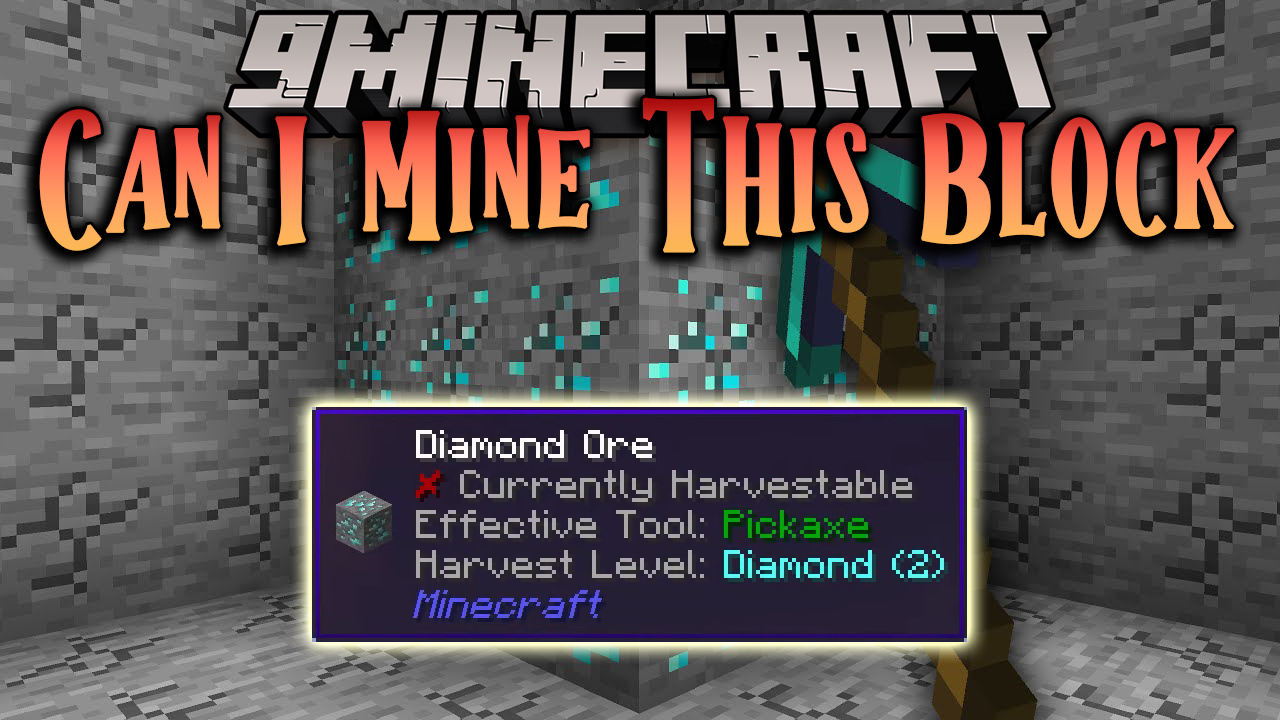
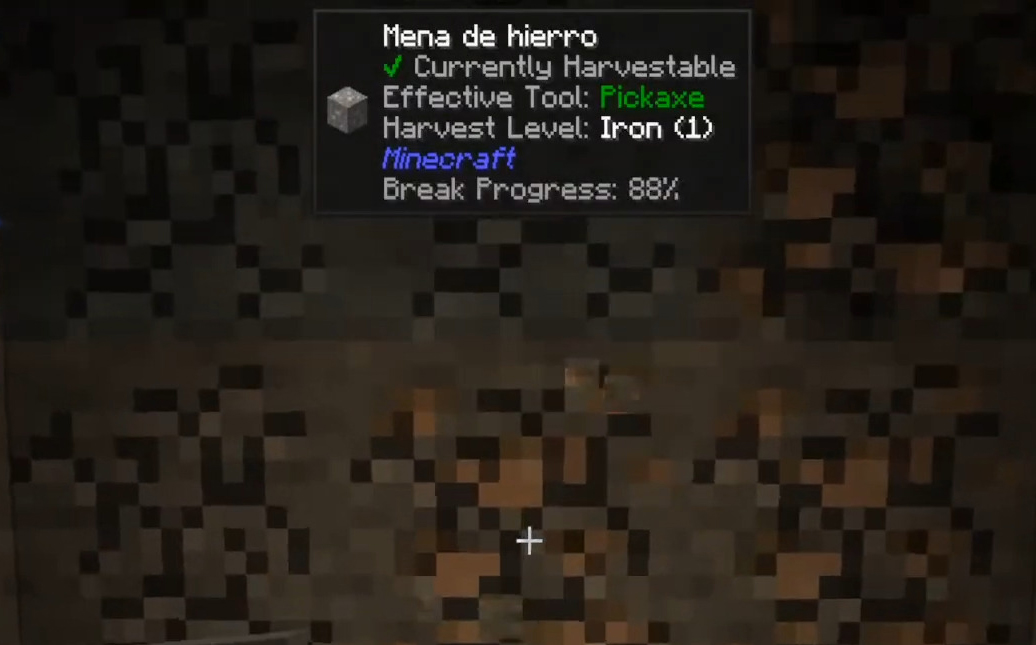
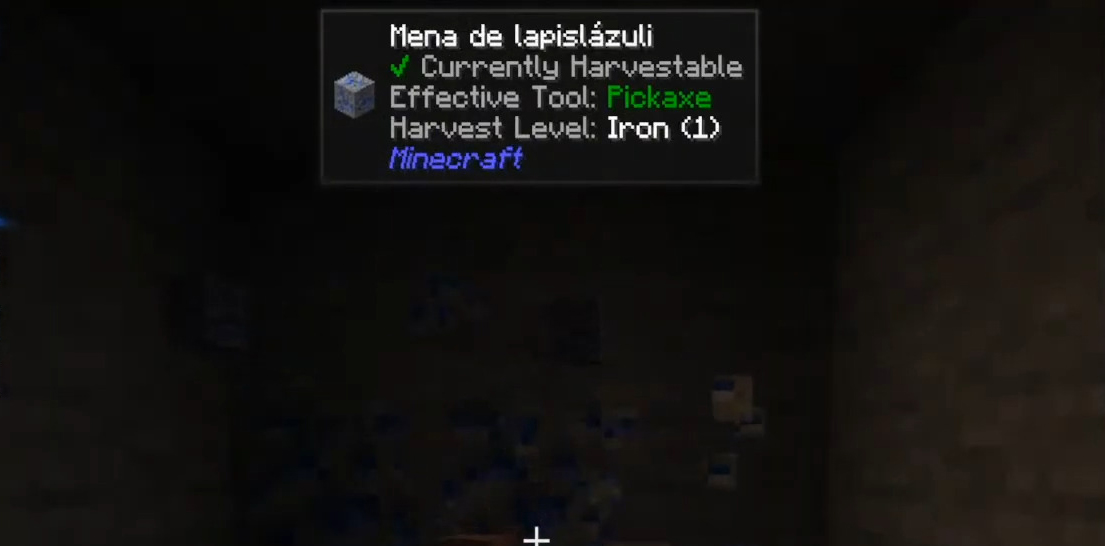
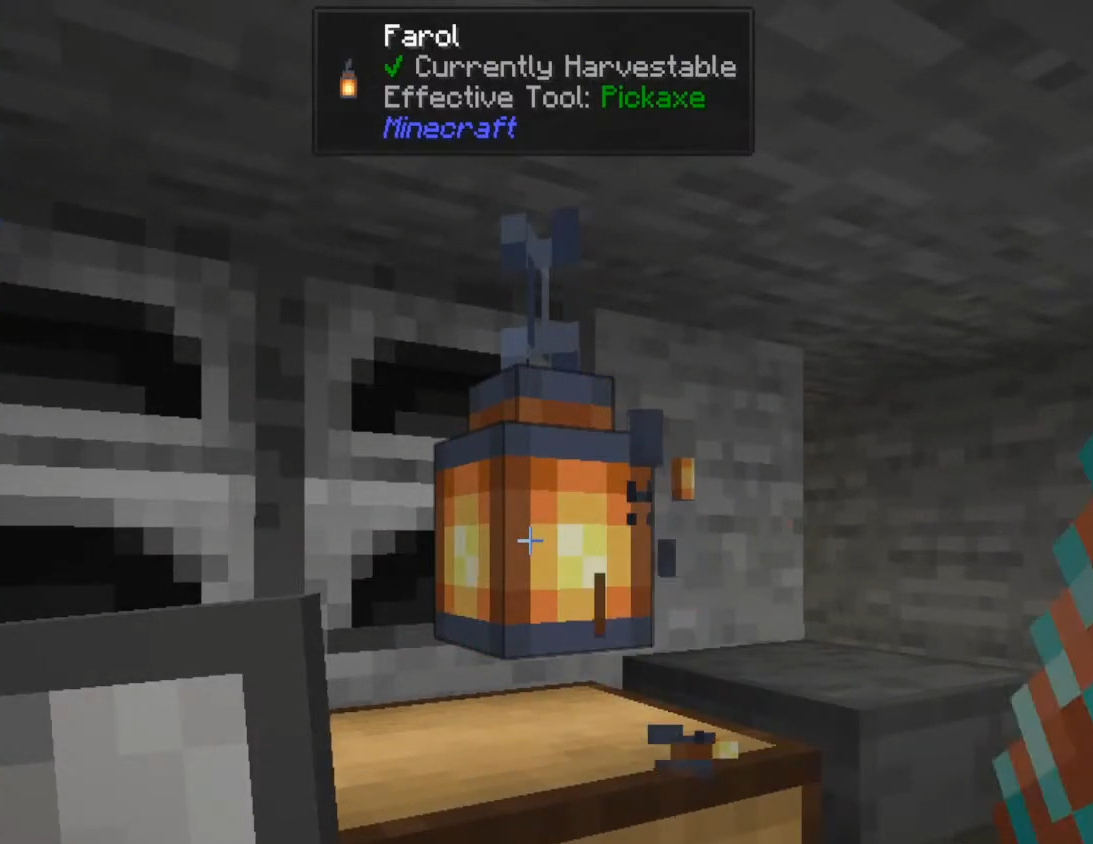
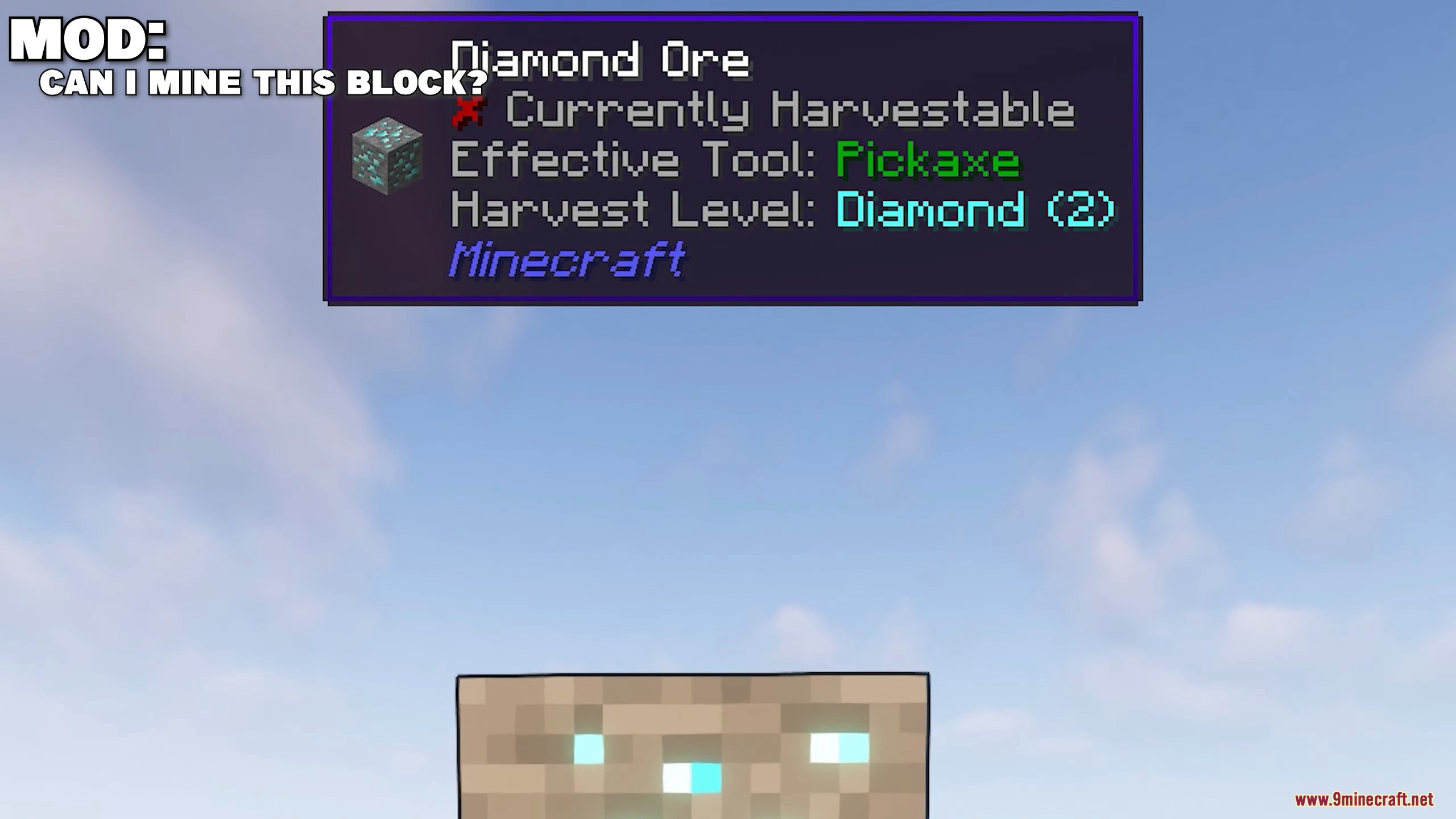
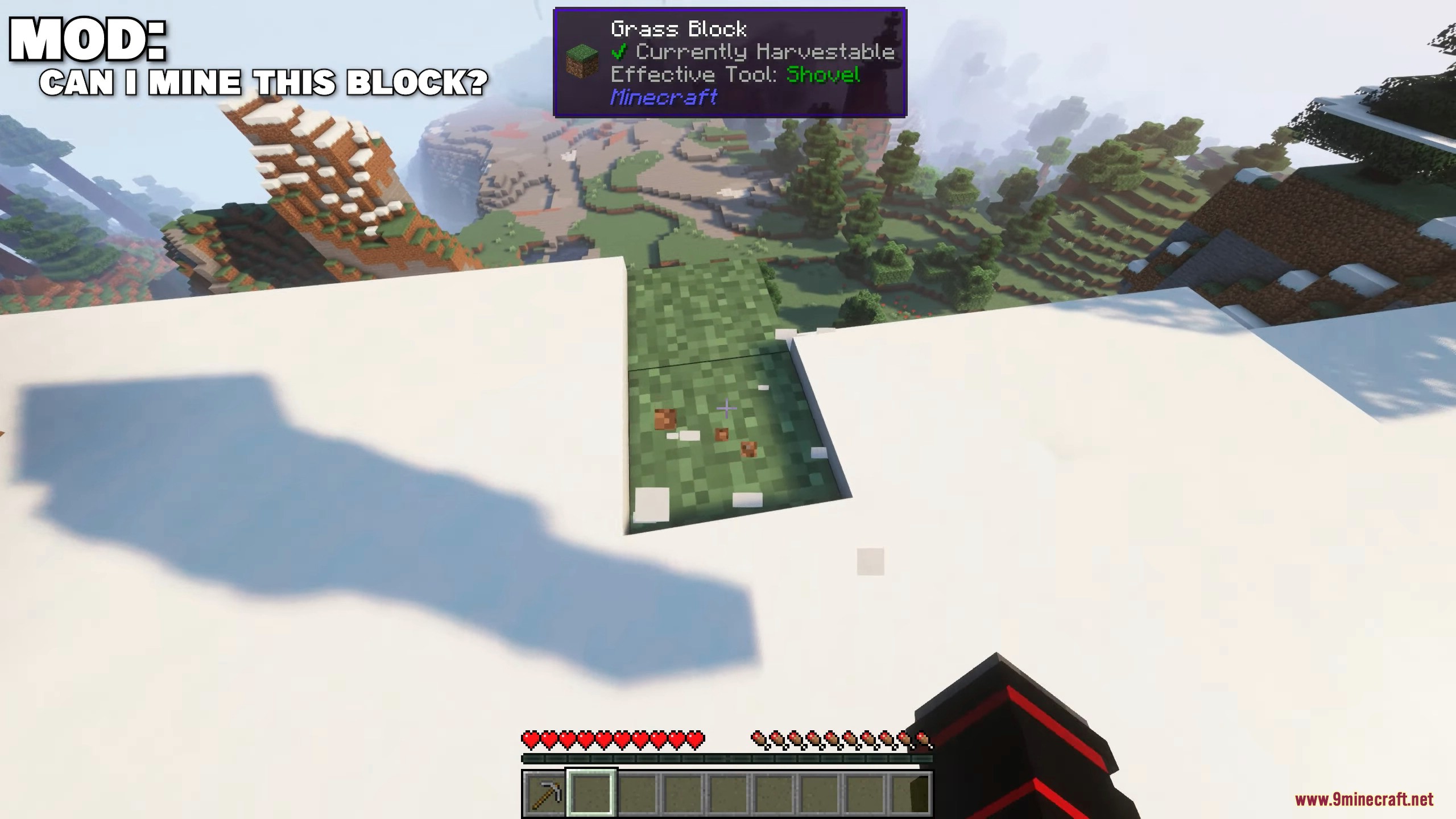
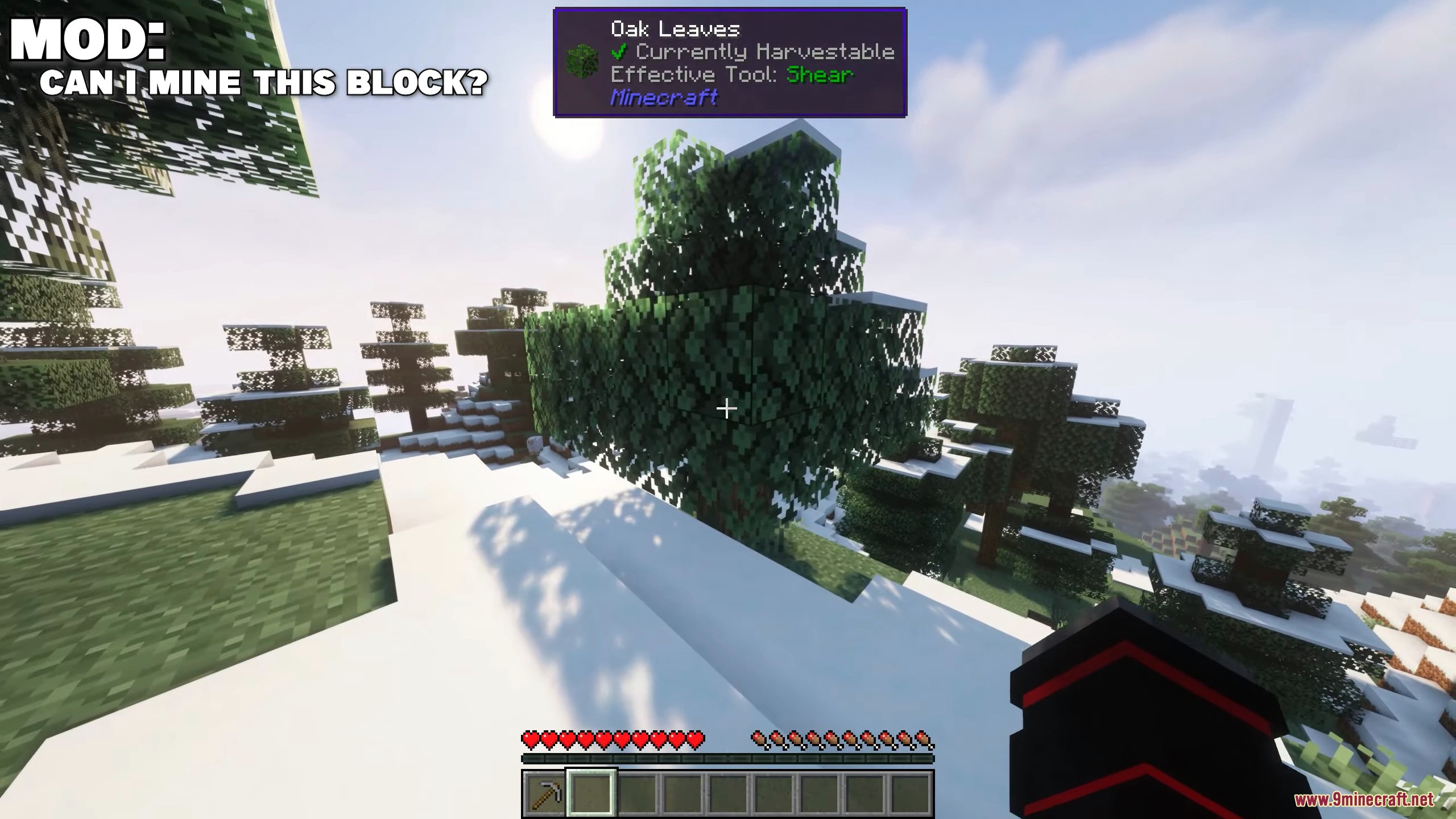
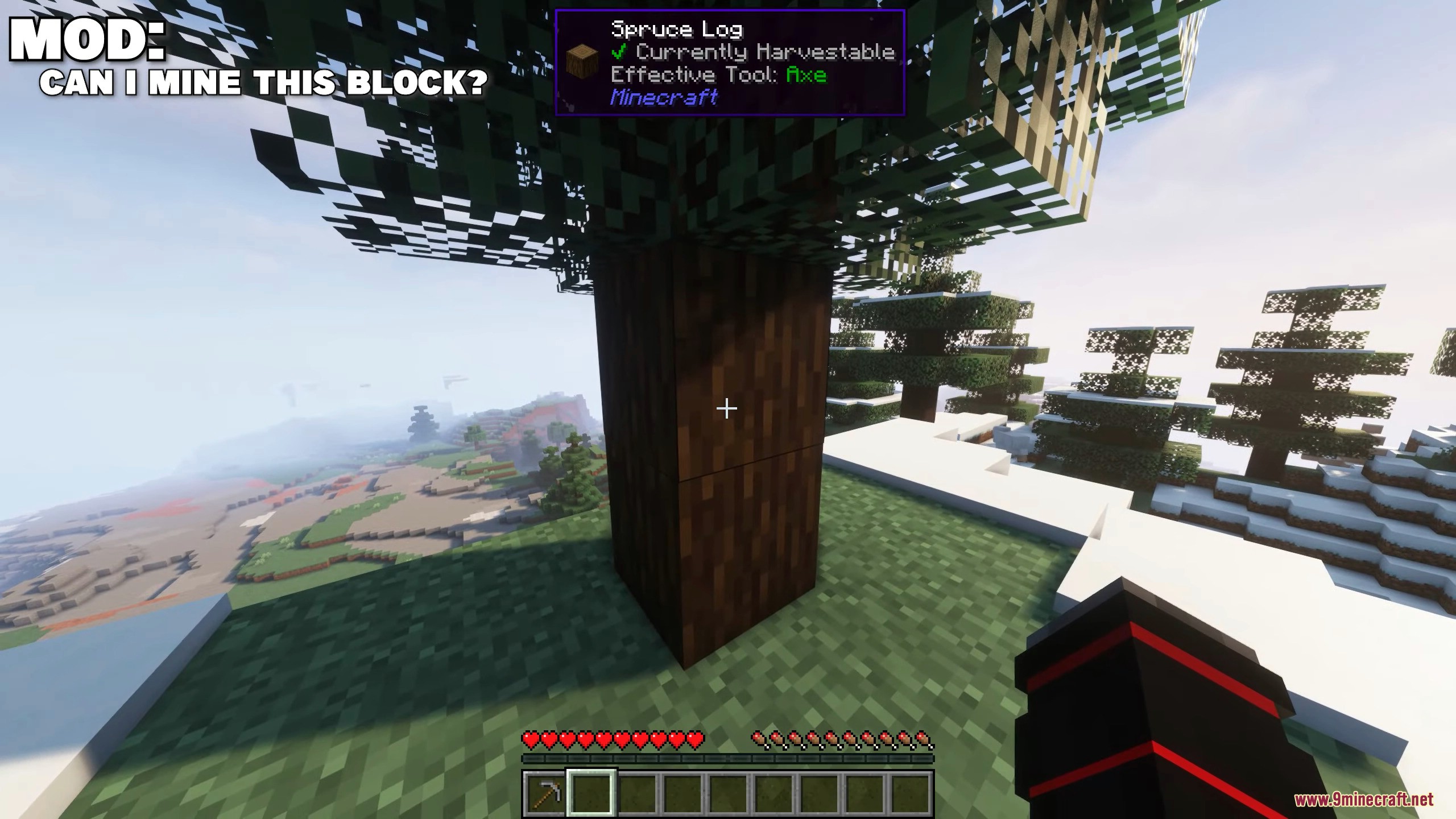
Can I Mine This Block Mod is an add-on for WTHIT or Jade that will display information in the tooltip about whether a block can be broken (mined?) with the tool you are holding, as well as the most effective tool for mining the block. This is quite a useful addition, especially for large and complex modpacks, or modpacks with custom mining recipes. The mod probably has a bug, as it shows the possibility of mining leaves or grass blocks with hands or any other tool, even though the block isn’t mined but just breaks. However, other blocks are displayed correctly. In the tooltip, you will find the phrase “Currently Harvestable” with a green arrow if the block can be mined, or with a red cross if it cannot. Below is the most effective tool for mining.
Features:
- It adds a Waila tooltip that shows whether you can mine a block with the tool you’re holding. It also displays the most effective tool for mining the block.
- The mod requires WTHIT or Jade to function. It’s compatible with Minecraft Java Edition 1.16 and above.
- The tooltip includes a green arrow if the block is harvestable and a red cross if it isn’t.
- It’s especially useful in modpacks with custom mining recipes or large, complex builds.
Screenshots:
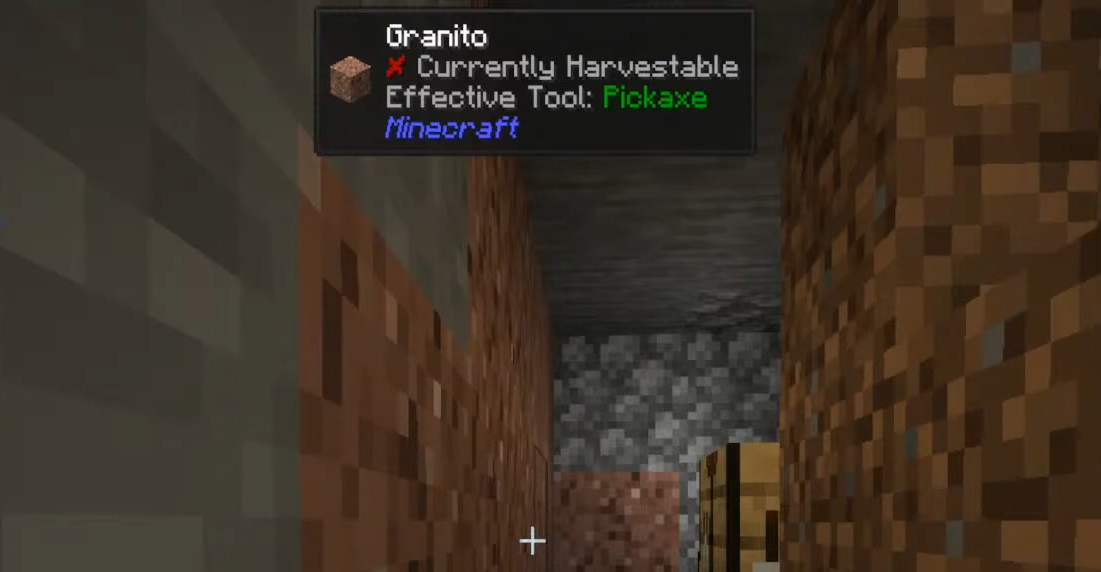
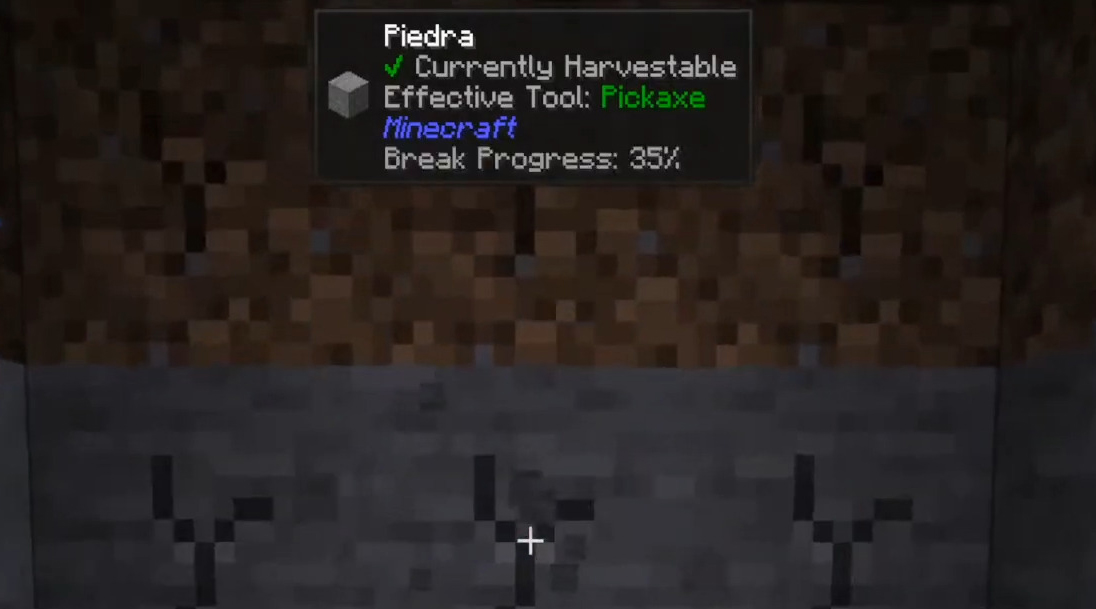
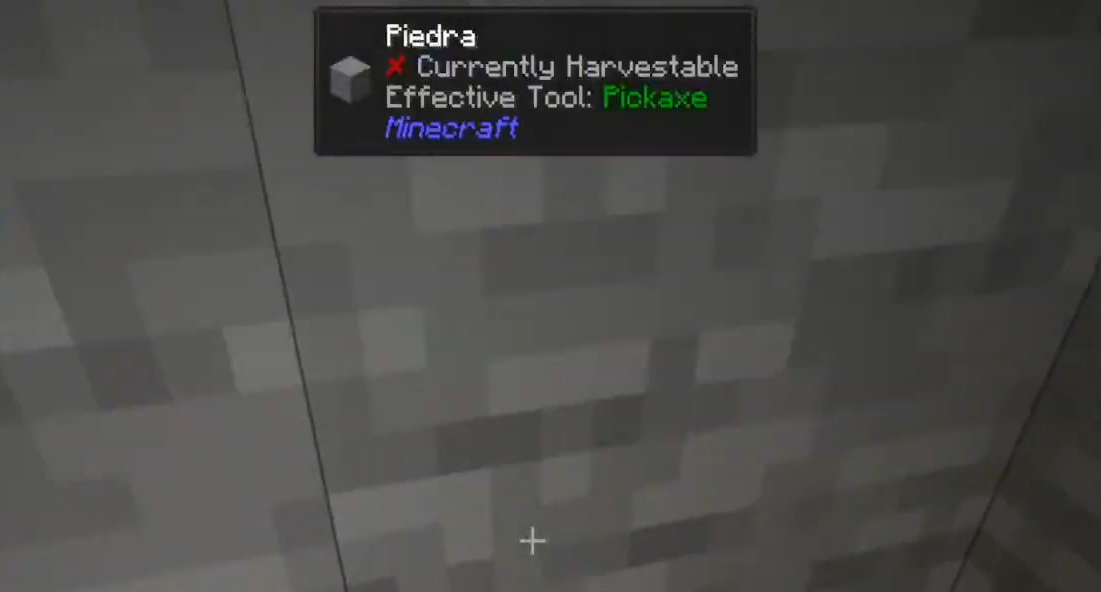
Can I Mine This Block Mod Download Links
For Minecraft 1.20.1, 1.20
Fabric/Quilt version: Download from Server 1 – Download from Server 2
For Minecraft 1.19.4, 1.19.3
Fabric/Quilt version: Download from Server 1
For Minecraft 1.19.2, 1.19.1, 1.19
Fabric/Quilt version: Download from Server 1 – Download from Server 2
For Minecraft 1.18.2
Fabric/Quilt version: Download from Server 1 – Download from Server 2
For Minecraft 1.18.1, 1.17.1
Fabric/Quilt version: Download from Server 1
For Minecraft 1.16.5
Fabric/Quilt version: Download from Server 1 – Download from Server 2
- Edition: Minecraft Java
- File type: .jar
- Minecraft versions listed: 1.20.1, 1.19.2
- How to install: Install the matching mod loader (Forge, Fabric or NeoForge) for your Minecraft version. → Download the .jar. → Put it in the .minecraft/mods folder and launch that loader profile.
- Where to get it: In MC Java Mods, or directly above on this page.
Install steps are the general flow for this file type — How to install Minecraft Java mods & modpacks walks through it step by step.
- Downloads as 198715.mcaddon
- Download size: 21 KB
- Download link checked 26 Jul 2026 — working
- Mirrored on our own servers — the download does not depend on the original host
These come from our own check of the pack file, not from the source page.