
PicoHUD Mod (1.21.1, 1.20.1) – Coordinates, Direction, Biome, and In-game Time
Java mod listed for Minecraft 1.20–1.21. Downloads from the MC Java Mods app on Android.
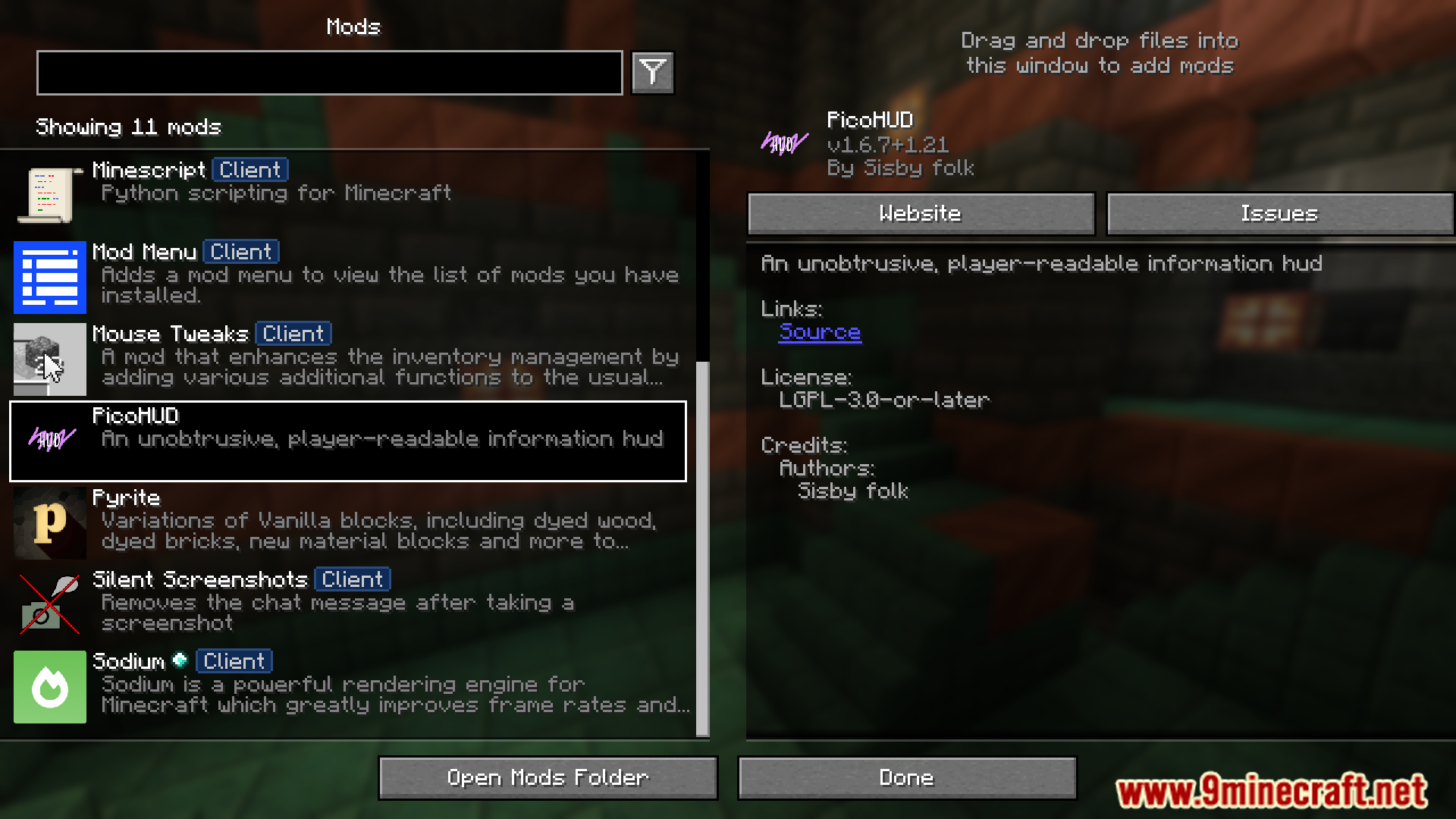
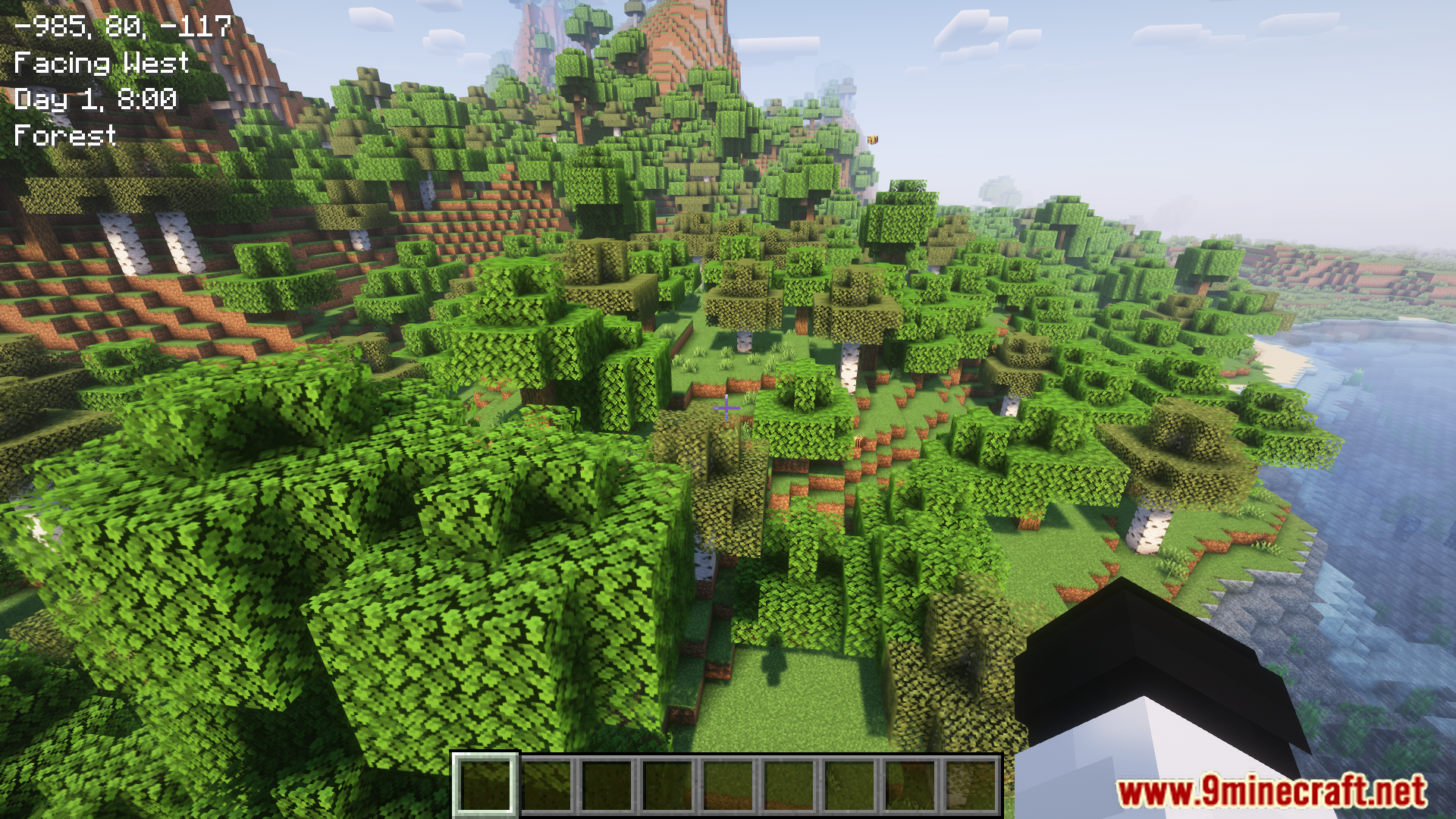
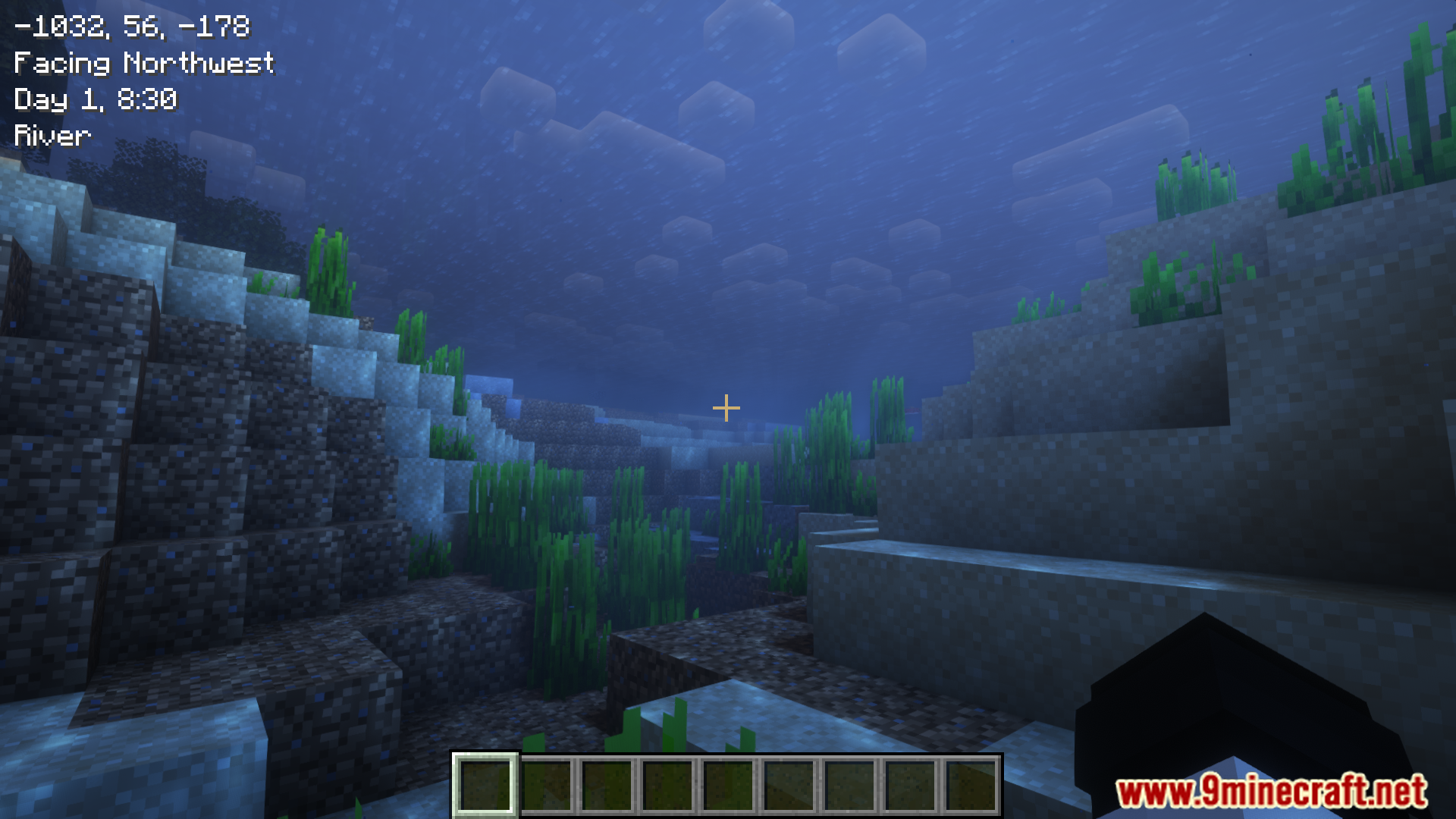
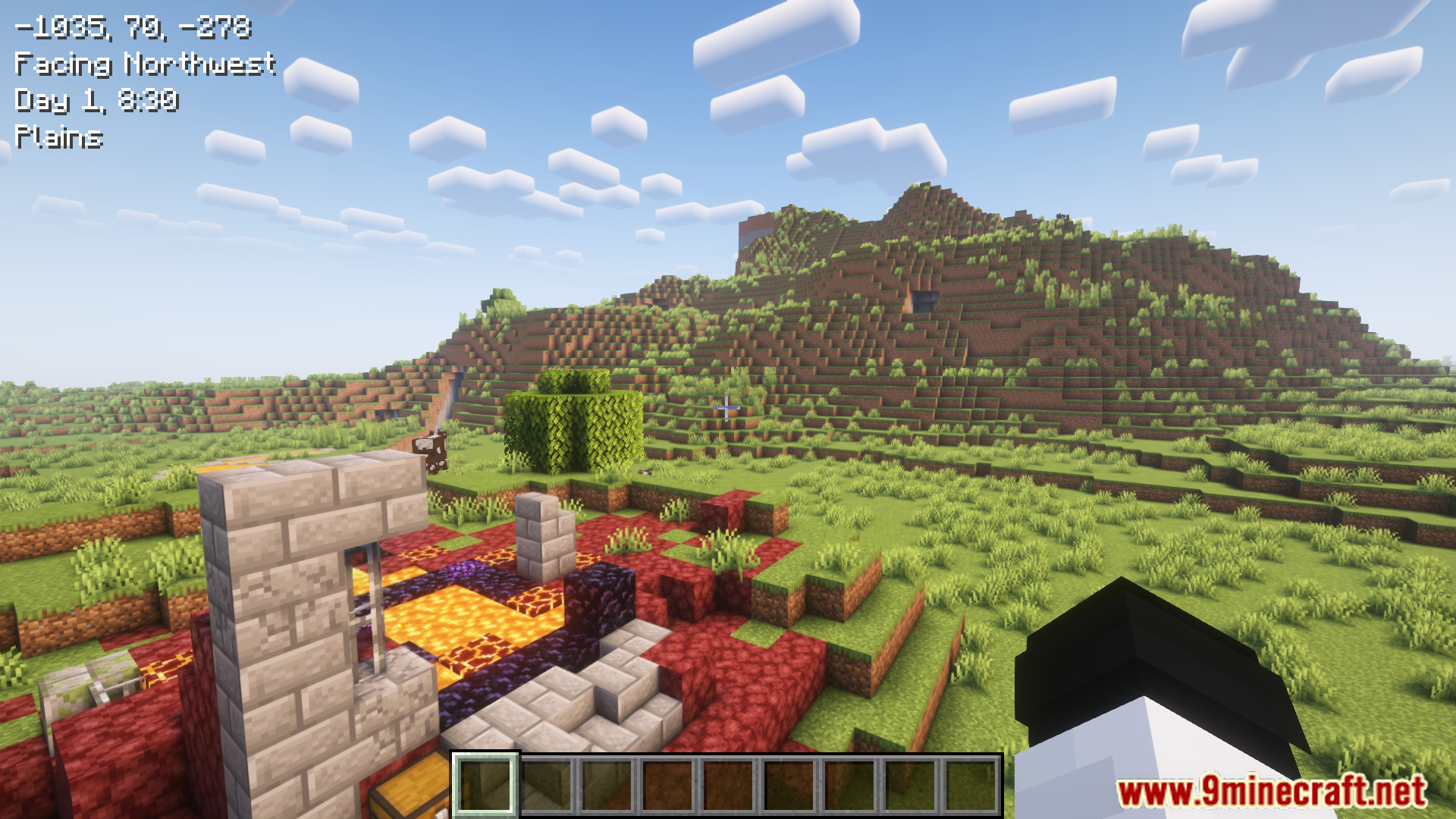
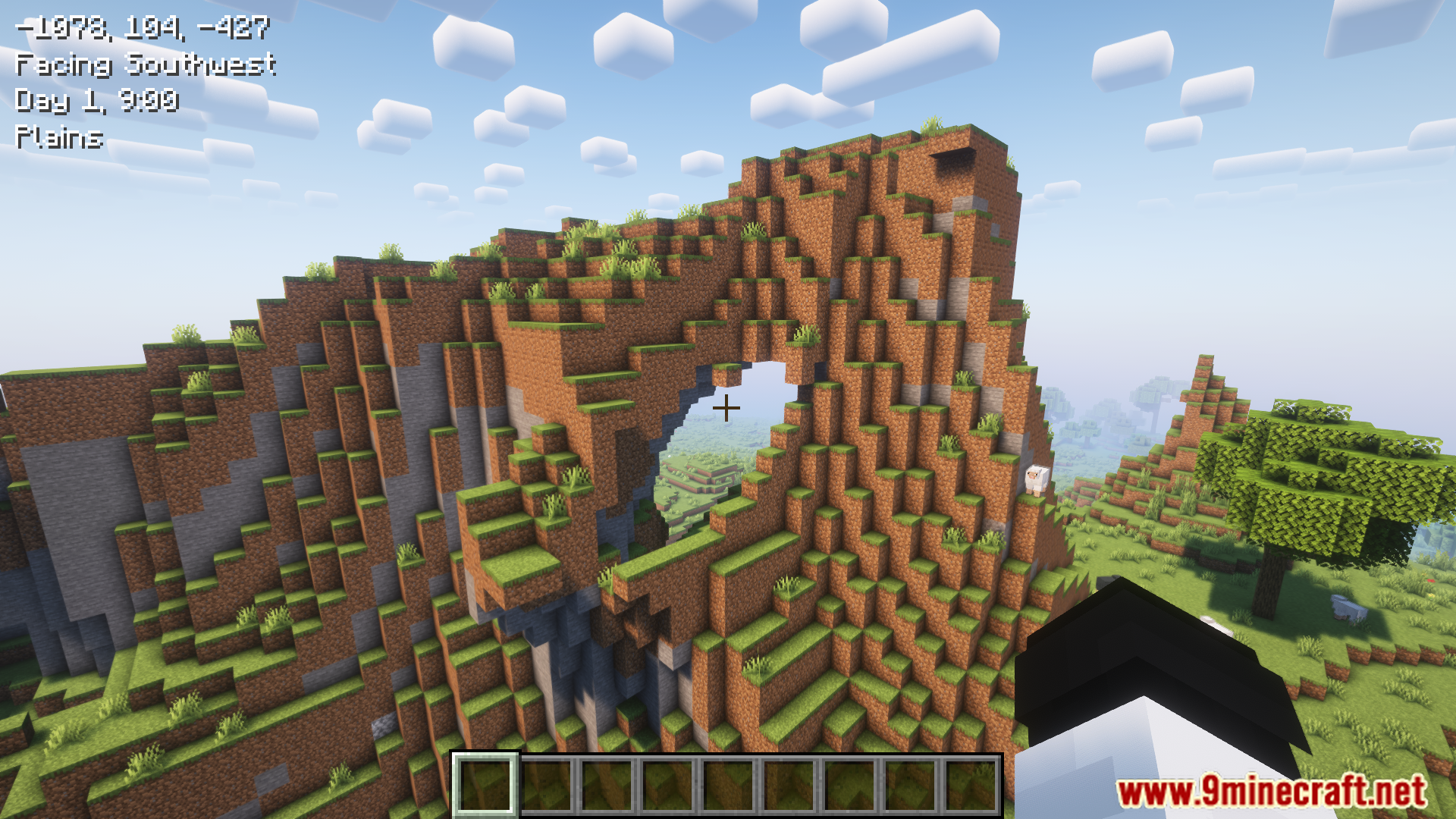
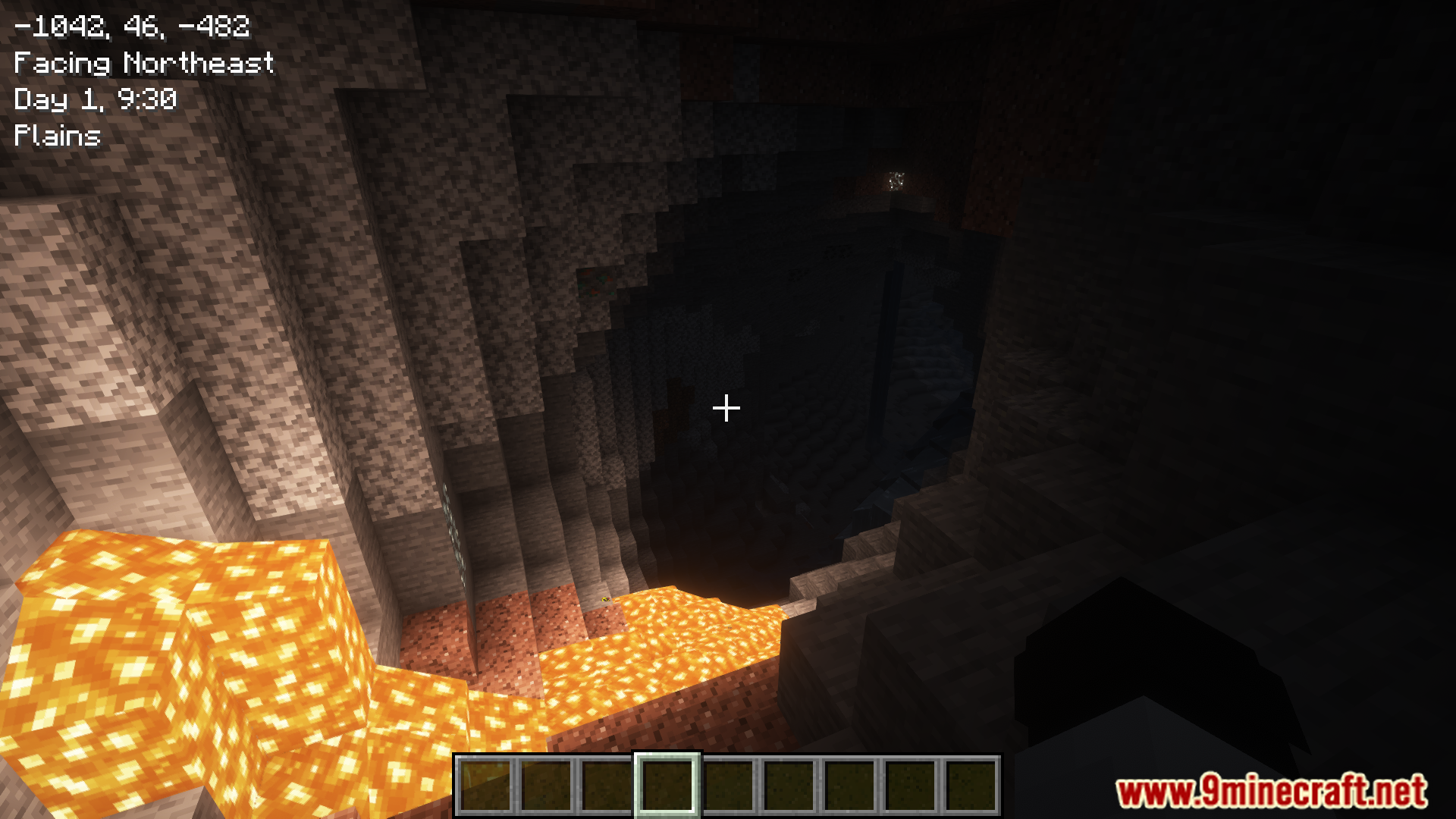
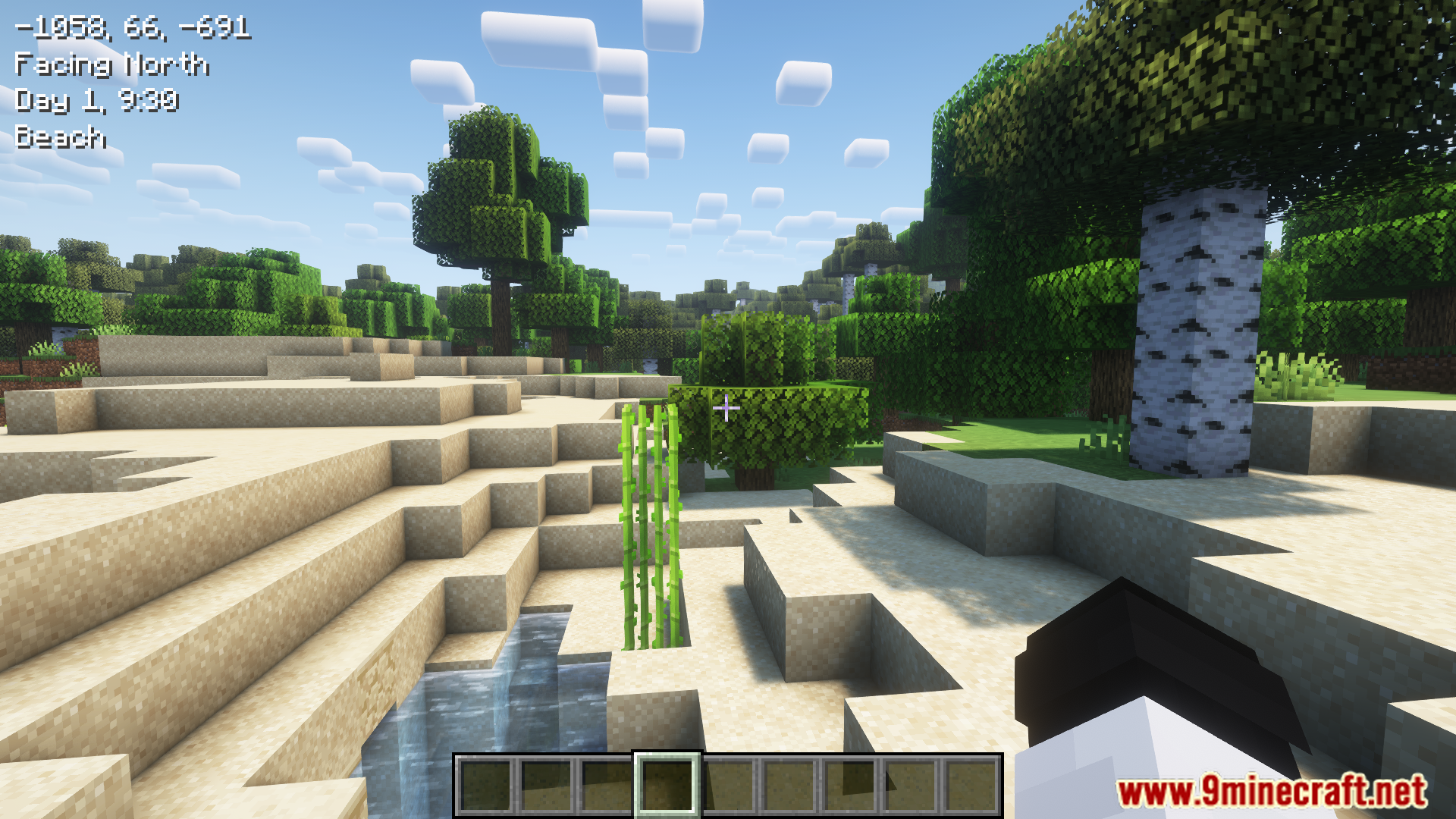
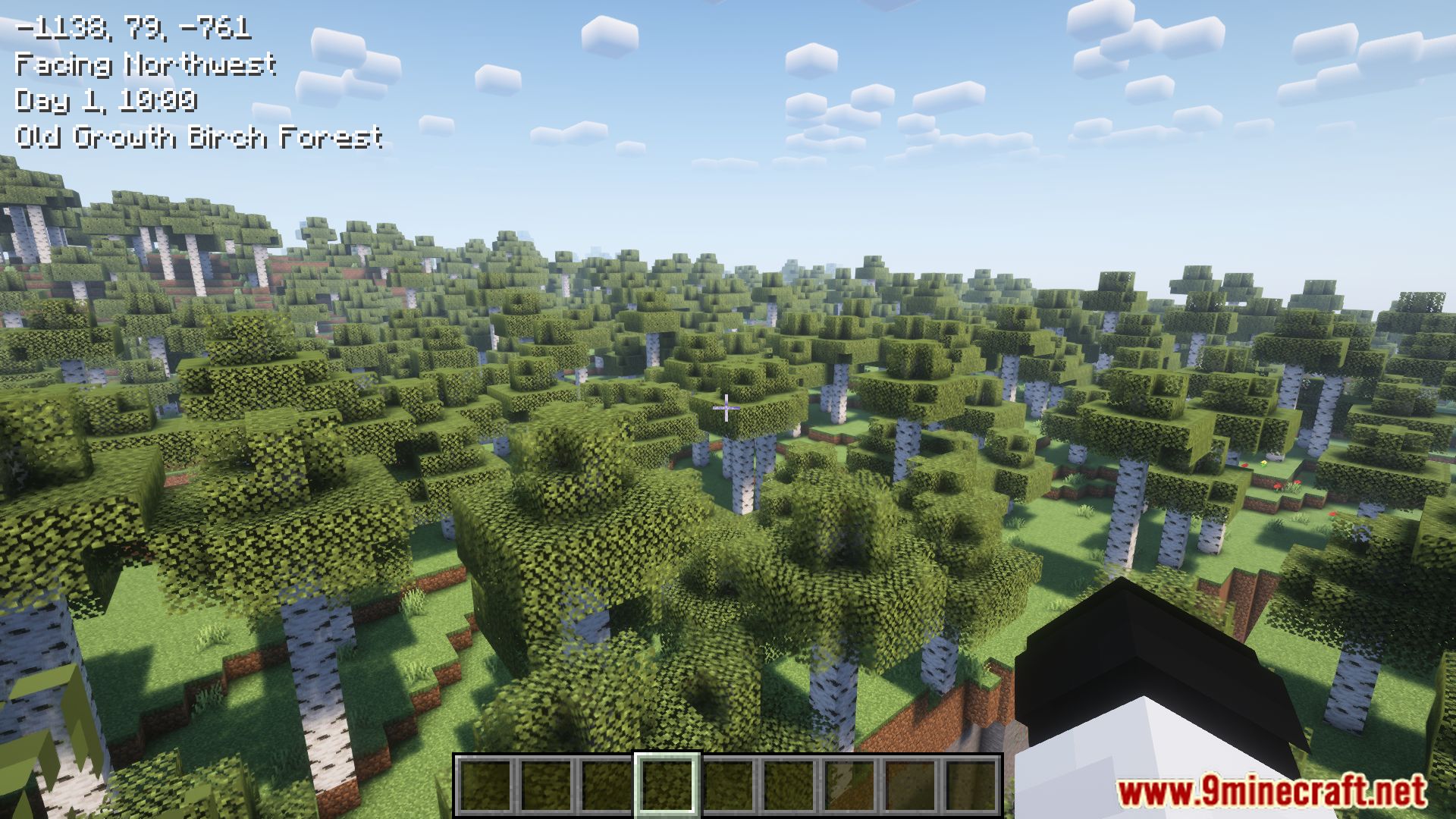
⬇ DownloadPicoHUD Mod offers a clean and simple way to display important game information without cluttering the screen. It shows coordinates, direction, biome, in-game time, and day in an easy-to-read format, anchored at the top left when toggled or held. It’s a great alternative to using F3 or minimaps for quick info checks.
Features:
- Displays whole-number coordinates and cardinal-facing directions.
- Shows in-game day and time, rounded to the nearest half-hour.
- Biome names are translated for clarity.
- Includes an optional axis direction to show how coordinates change.
- Compatible with Seasons mod to display seasonal day formats.
Screenshots:
PicoHUD Mod Download Links
For Minecraft 1.21.1, 1.21
Fabric/Quilt/NeoForge Version: Download from Server 1 – Download from Server 2
For Minecraft 1.20.1
Forge/Fabric/Quilt Version: Download from Server 1 – Download from Server 2
For Minecraft 1.19.4, 1.19.3, 1.19.2
Fabric/Quilt Version: Download from Server 1 – Download from Server 2
For Minecraft 1.18.2
Fabric/Quilt Version: Download from Server 1 – Download from Server 2
- Edition: Minecraft Java
- File type: .jar
- Minecraft versions listed: 1.21.1, 1.20.1
- How to install: Install the matching mod loader (Forge, Fabric or NeoForge) for your Minecraft version. → Download the .jar. → Put it in the .minecraft/mods folder and launch that loader profile.
- Where to get it: In MC Java Mods, or directly above on this page.
Install steps are the general flow for this file type — How to install Minecraft Java mods & modpacks walks through it step by step.
- Downloads as 198777.mcaddon
- Download size: 283 KB
- Download link checked 26 Jul 2026 — working
- Mirrored on our own servers — the download does not depend on the original host
These come from our own check of the pack file, not from the source page.