
Wake Up Time Mod (1.21.1, 1.20.6) – View Villager Sleep Status And Time
Java mod listed for Minecraft 1.20–1.21. Downloads from the MC Java Mods app on Android.
⬇ DownloadWhen you visit a village in Minecraft, sometimes you will find most of the villagers asleep in their beds. This is because villagers in the game have their own sleeping/working hours. As a player, it will be difficult for you to identify the current working status of a villager, or how long they will be asleep for. Wake Up Time Mod is here for your assistance. With this mod installed, you can use a configurable keybind to view an overlay text that shows the current sleeping/working status of the villagers and how long their current status will be active for. The default keybind to view this information is set to the V key, but it can be configured to your liking using the keybind settings.
Features:
- Allows you to see the current working/sleeping status of villagers.
- Also shows information regarding how long the status will last.
- Press the V key to view the information. This keybind can be configured.
Screenshots:

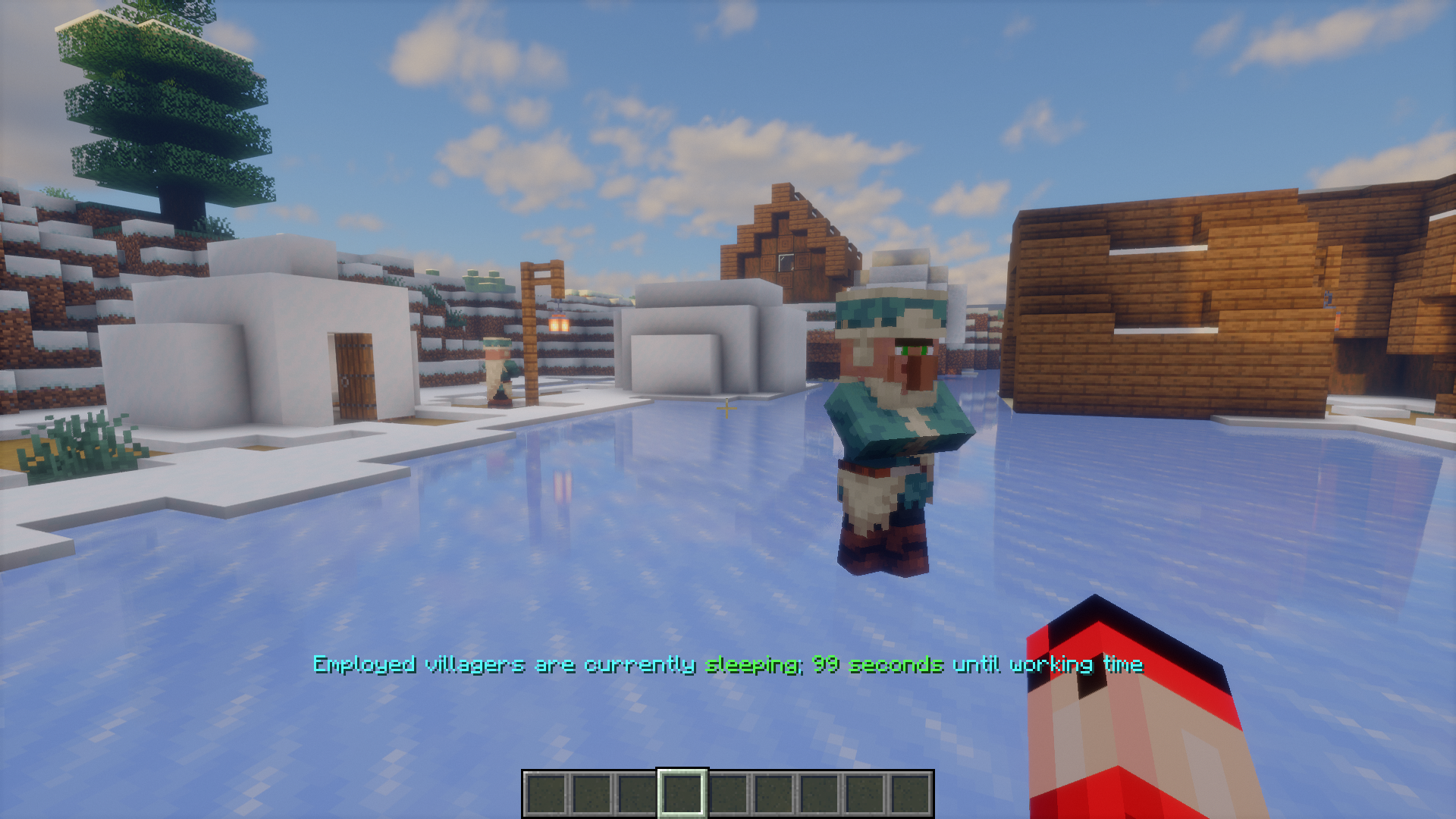
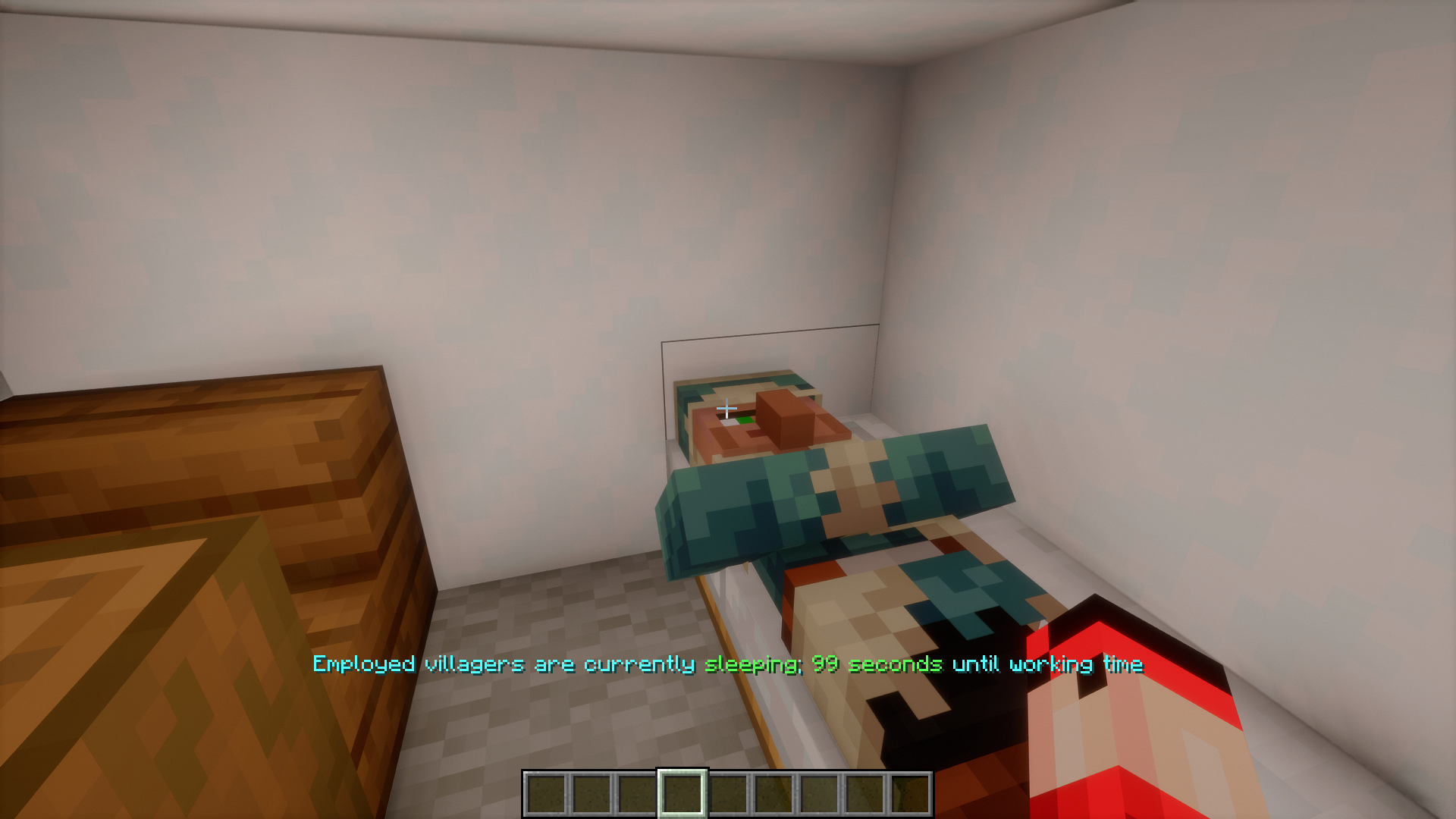
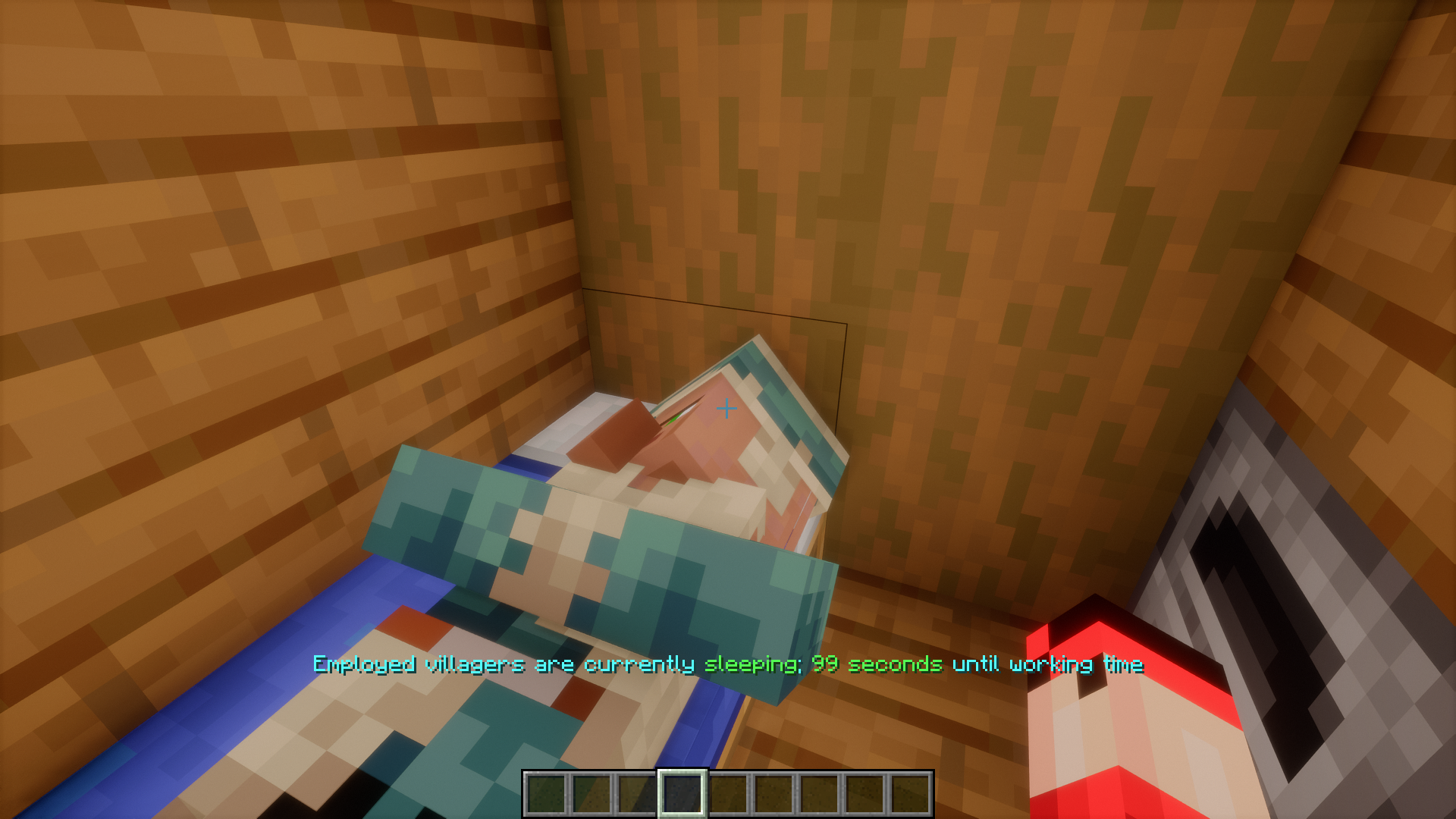

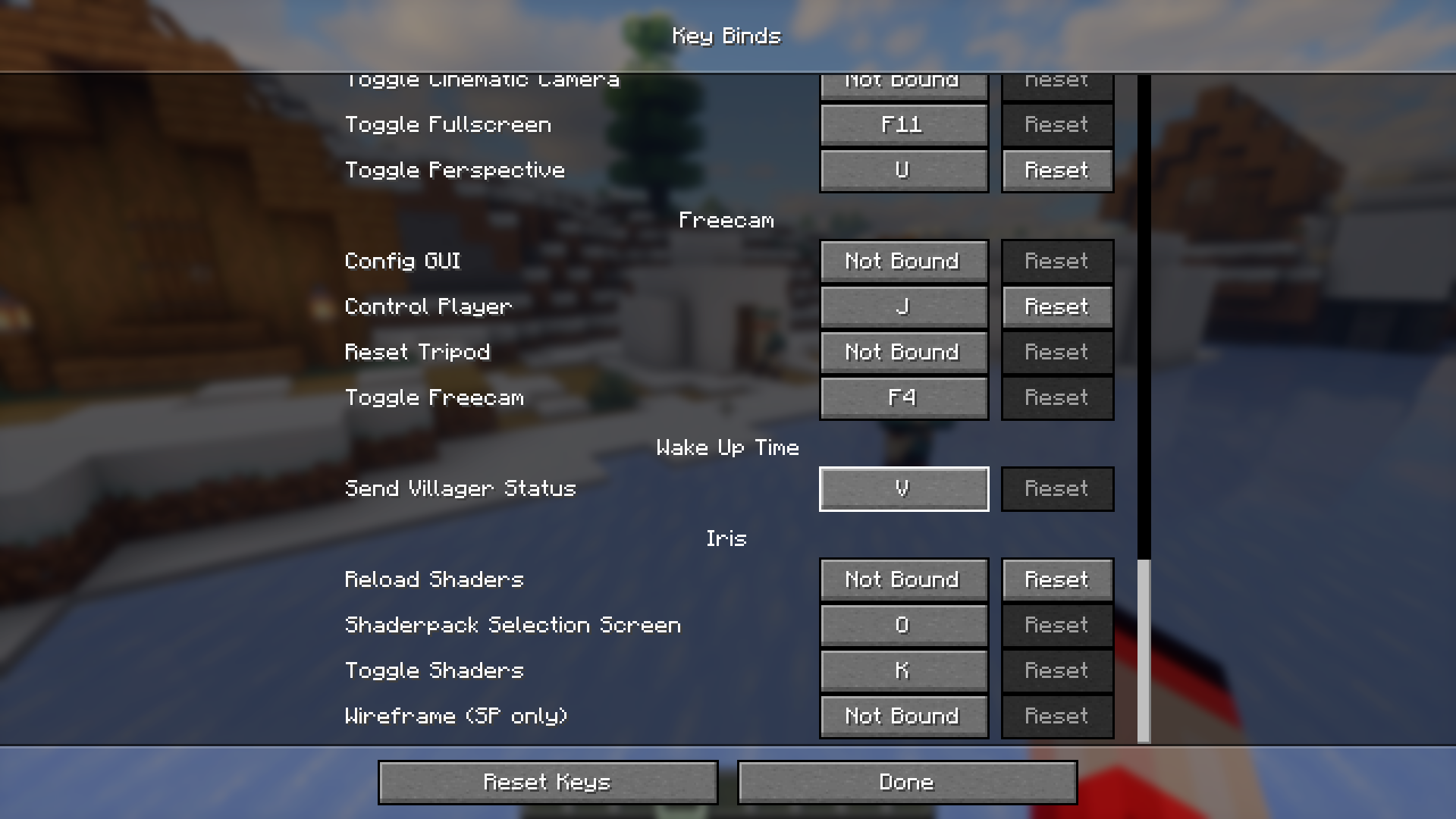
Wake Up Time Mod Download Links
For Minecraft 1.21.1, 1.21
NeoForge version: Download from Server 1 – Download from Server 2
Fabric version: Download from Server 1 – Download from Server 2
For Minecraft 1.20.6
NeoForge version: Download from Server 1 – Download from Server 2
Fabric version: Download from Server 1 – Download from Server 2
For Minecraft 1.20.4
Forge version: Download from Server 1 – Download from Server 2
NeoForge version: Download from Server 1 – Download from Server 2
Fabric version: Download from Server 1 – Download from Server 2
Quilt version: Download from Server 1 – Download from Server 2
For Minecraft 1.19.4
Quilt version: Download from Server 1 – Download from Server 2
For Minecraft 1.19.2
Quilt version: Download from Server 1 – Download from Server 2
For All Versions from Minecraft 1.14.4 to Minecraft 1.18.2
Fabric/Quilt version: Download from Server 1 – Download from Server 2
- Edition: Minecraft Java
- File type: .jar
- Minecraft versions listed: 1.21.1, 1.20.6
- How to install: Install the matching mod loader (Forge, Fabric or NeoForge) for your Minecraft version. → Download the .jar. → Put it in the .minecraft/mods folder and launch that loader profile.
- Where to get it: In MC Java Mods, or directly above on this page.
Install steps are the general flow for this file type — How to install Minecraft Java mods & modpacks walks through it step by step.
- Downloads as 198810.mcaddon
- Download size: 54 KB
- Download link checked 29 Jul 2026 — working
- Mirrored on our own servers — the download does not depend on the original host
These come from our own check of the pack file, not from the source page.