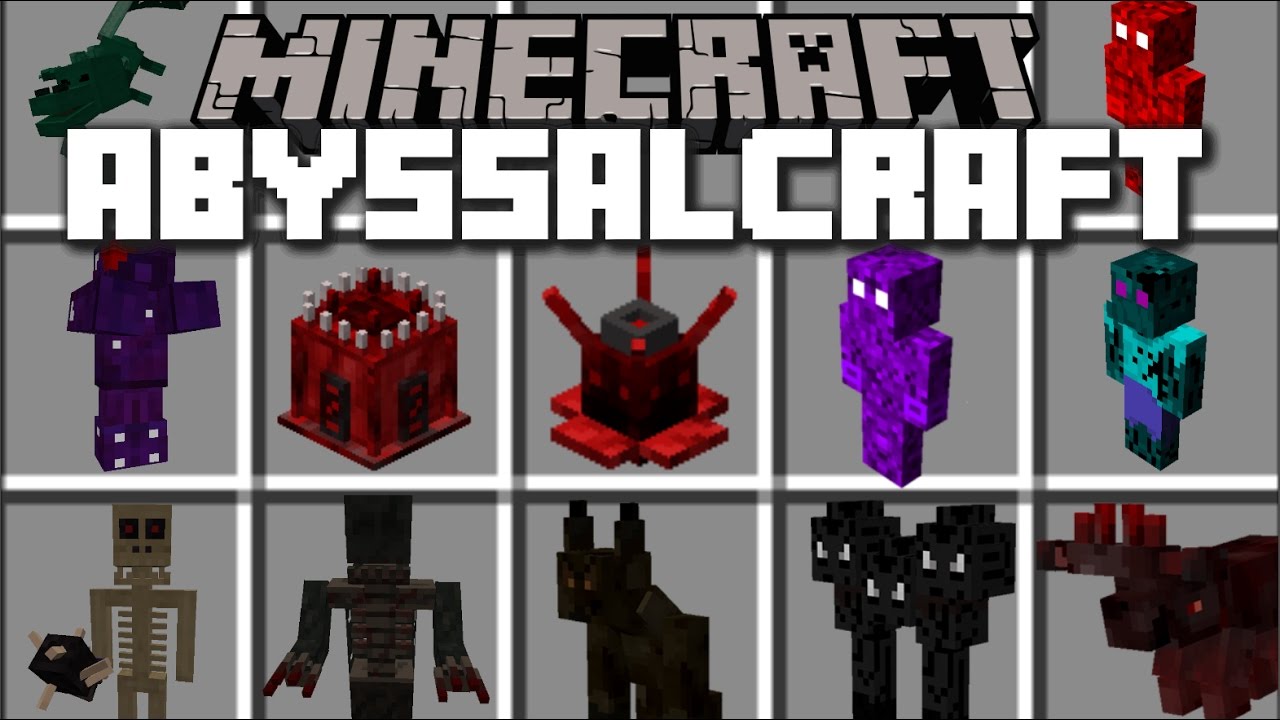
AbyssalCraft Mod (1.12.2, 1.7.10) – Explore Four Horror Worlds
Minecraft Java mod. File opened and checked on 22 Oct 2026; downloads from the MC Java Mods app on Android.
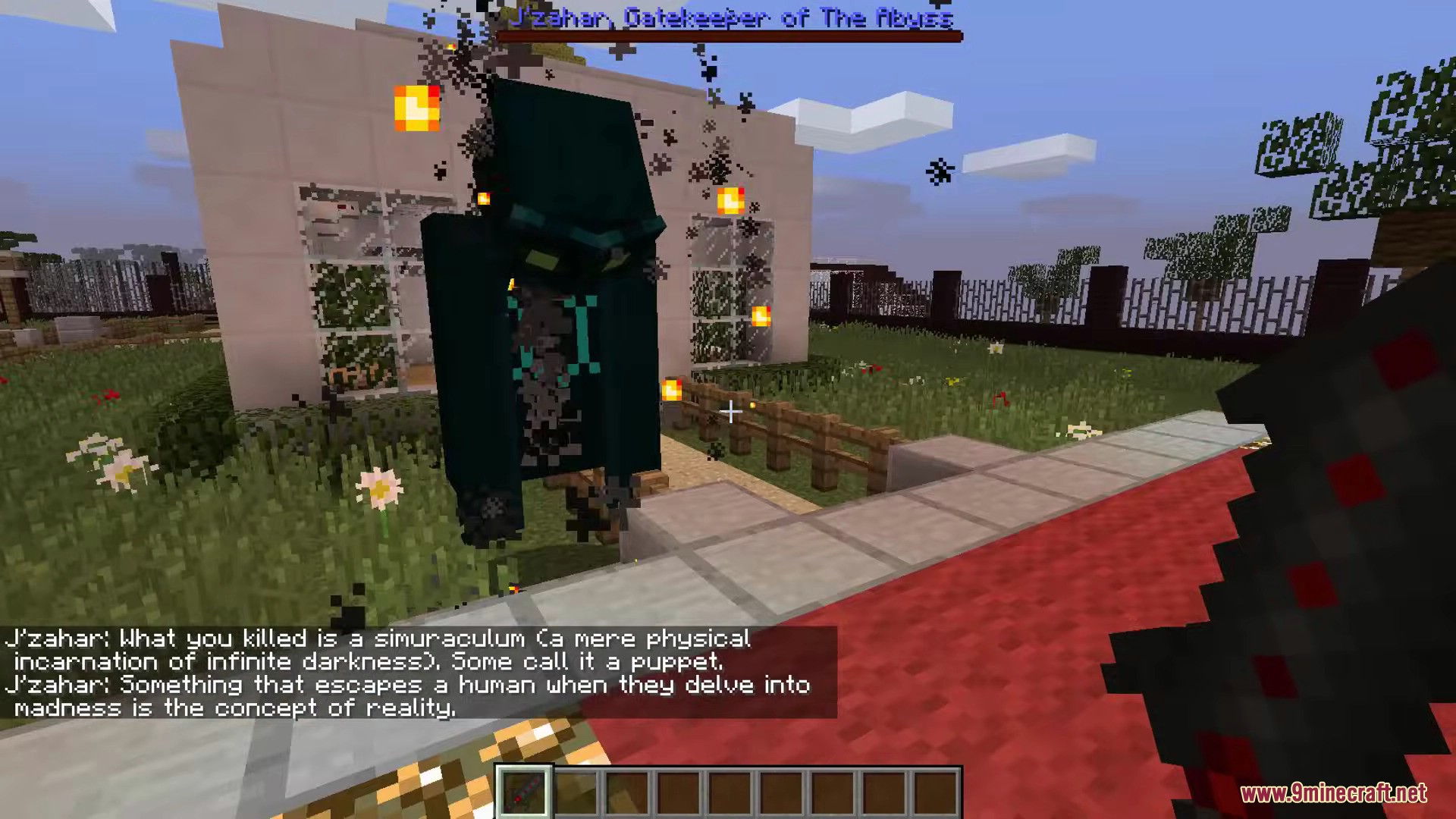
⬇ DownloadAbyssalCraft Mod adds a world of magic and exploration to Minecraft, inspired by horror stories. It generates four new dimensions called ‘The Abyss’, each filled with new blocks, items, and undead creatures. These dimensions include The Abyssal Wasteland, The Dreadlands, Omothol, and the Dark Realm. As you travel deeper, you will face mutated monsters, shadows, and strong bosses. To understand everything in the mod, you should craft a special guide book called the ‘Necronomicon’.
Features:
- Travel to four new dimensions, each one more dangerous than the last.
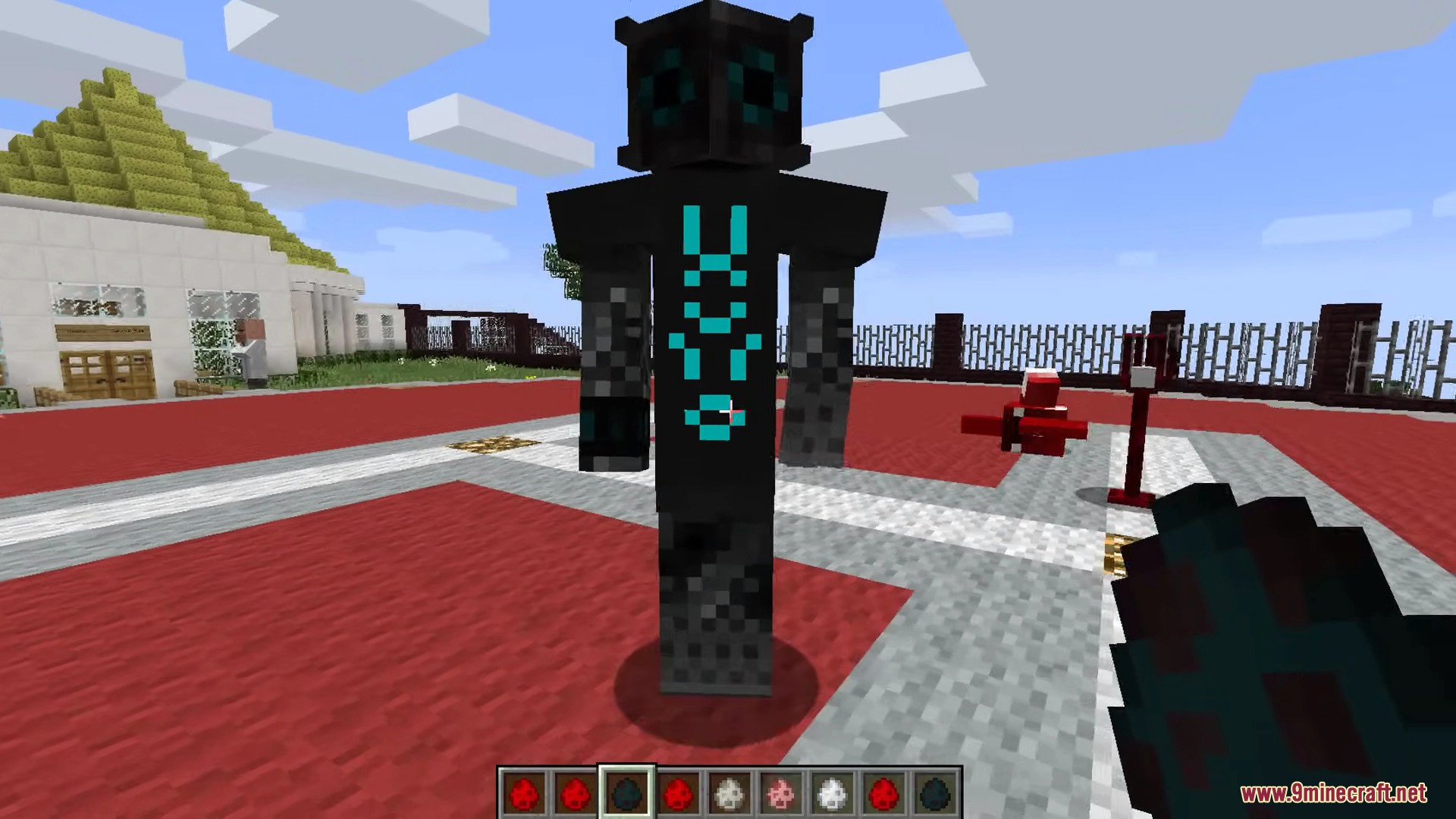
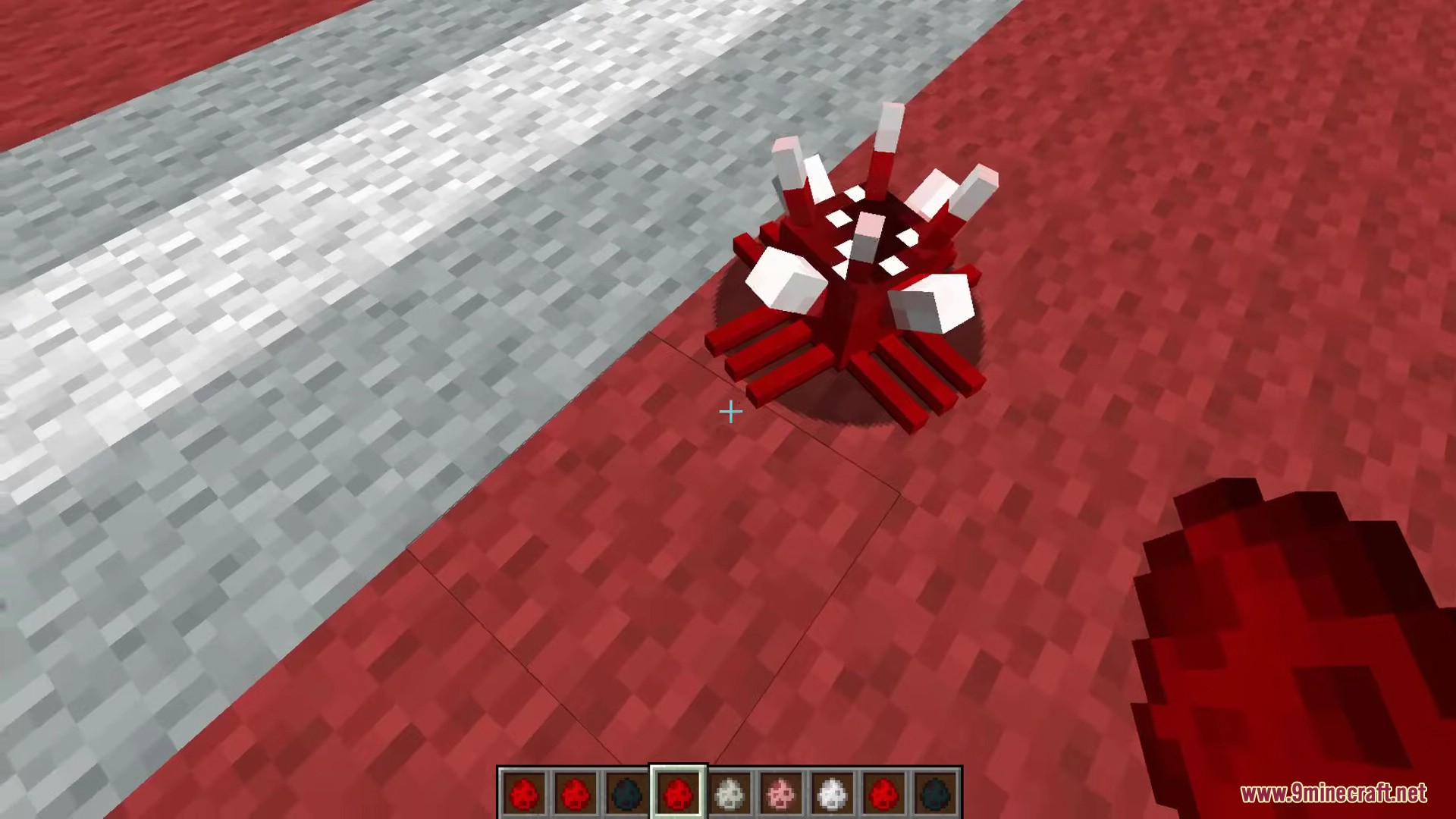
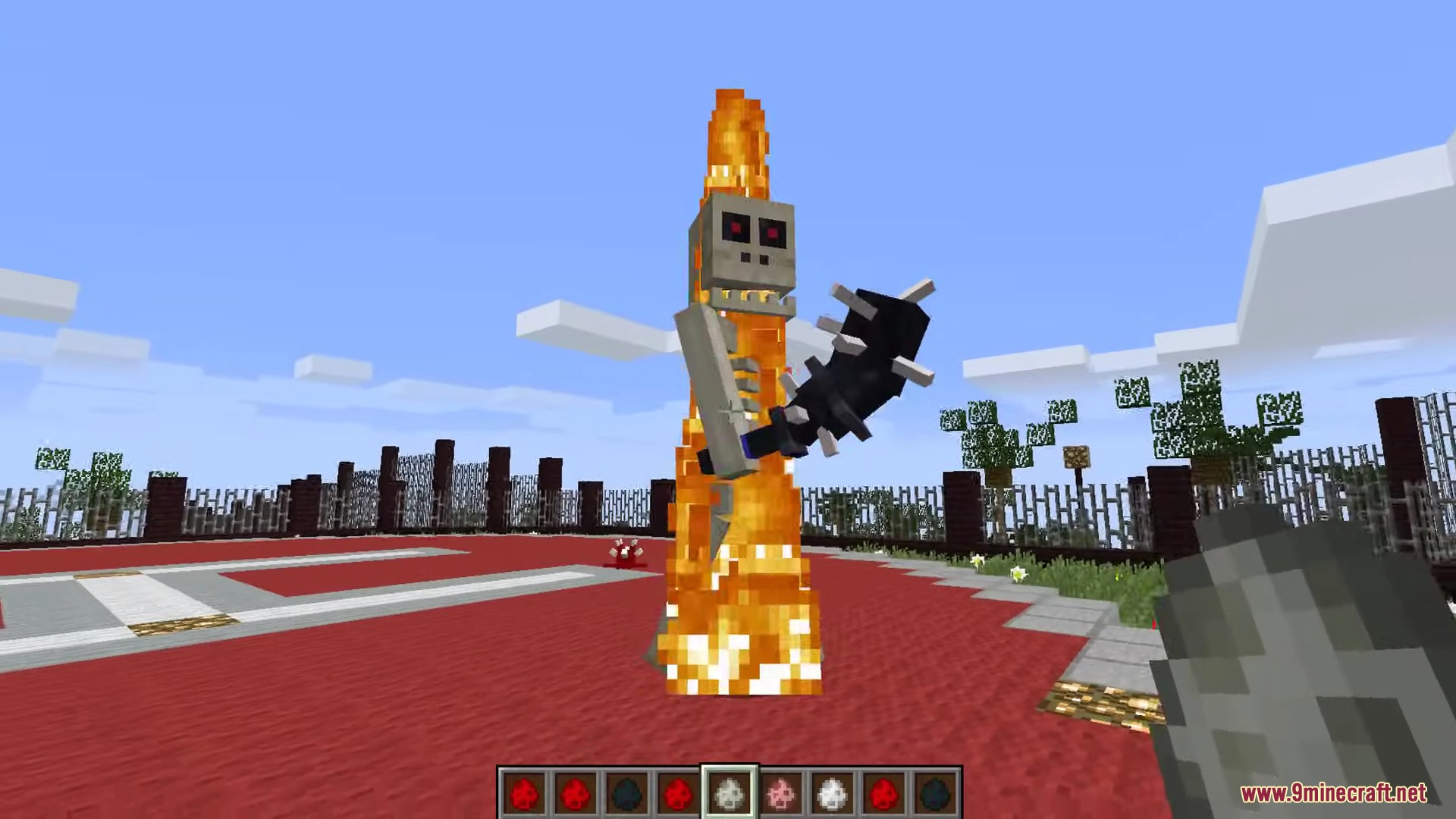
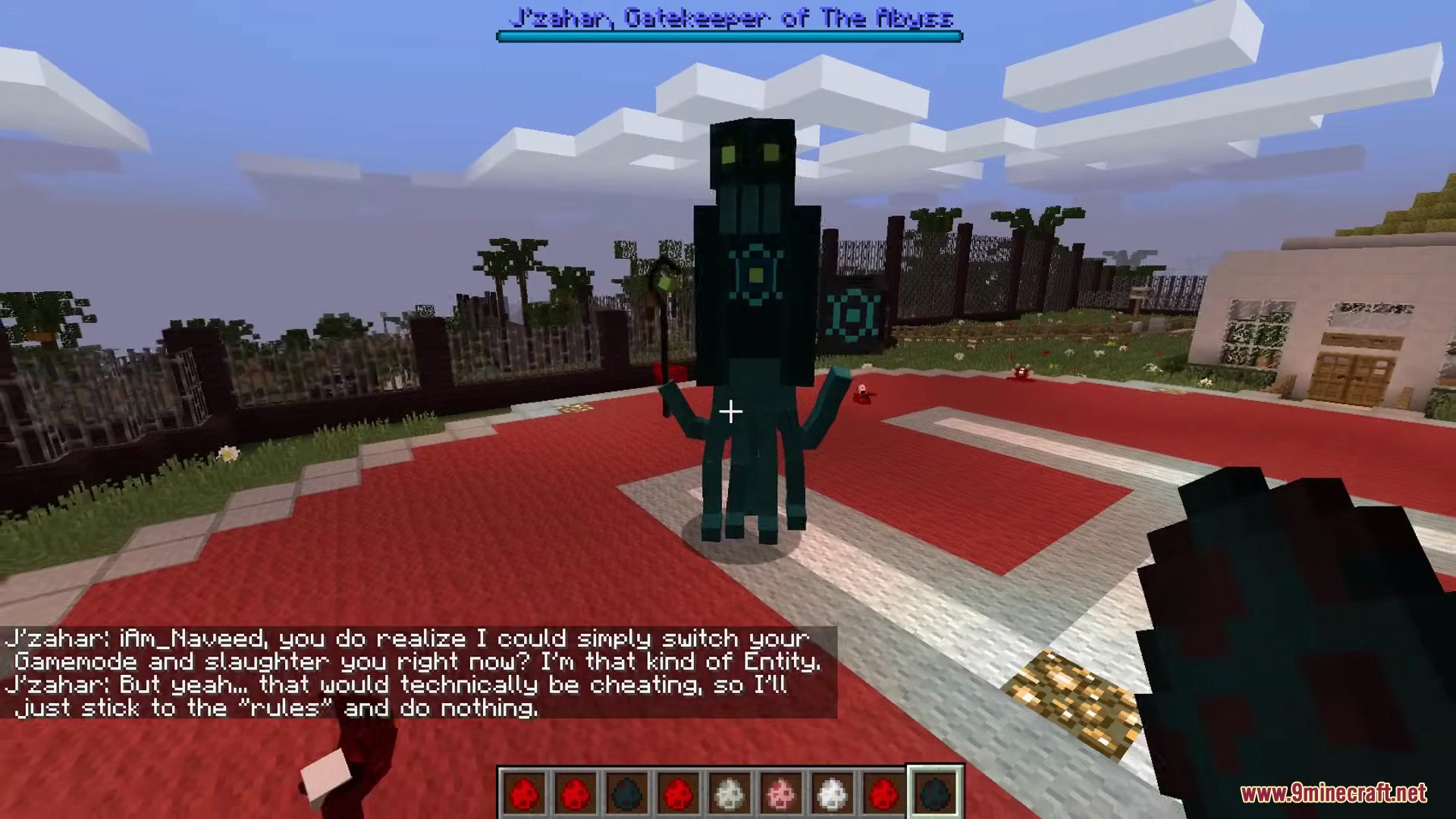
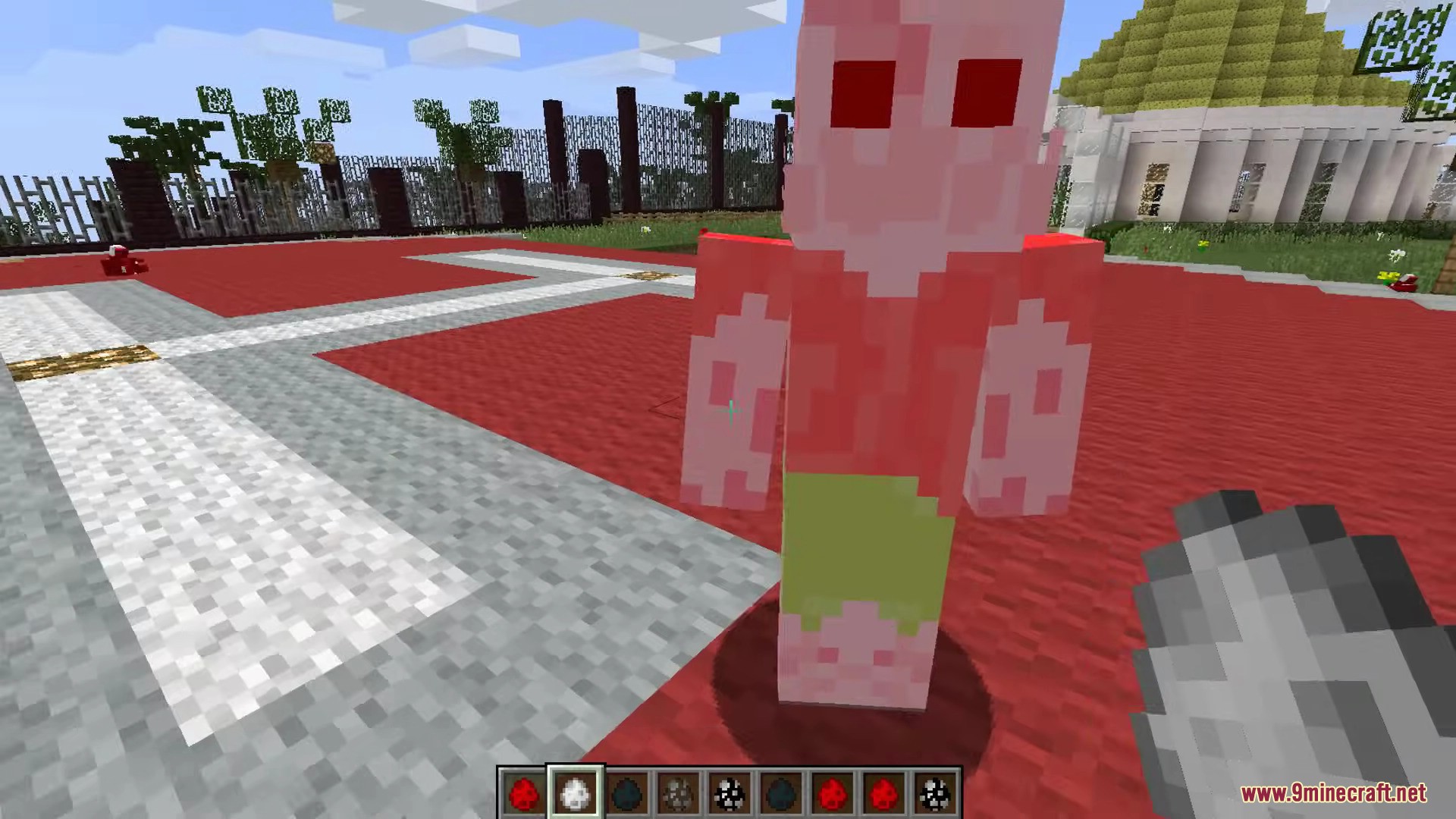
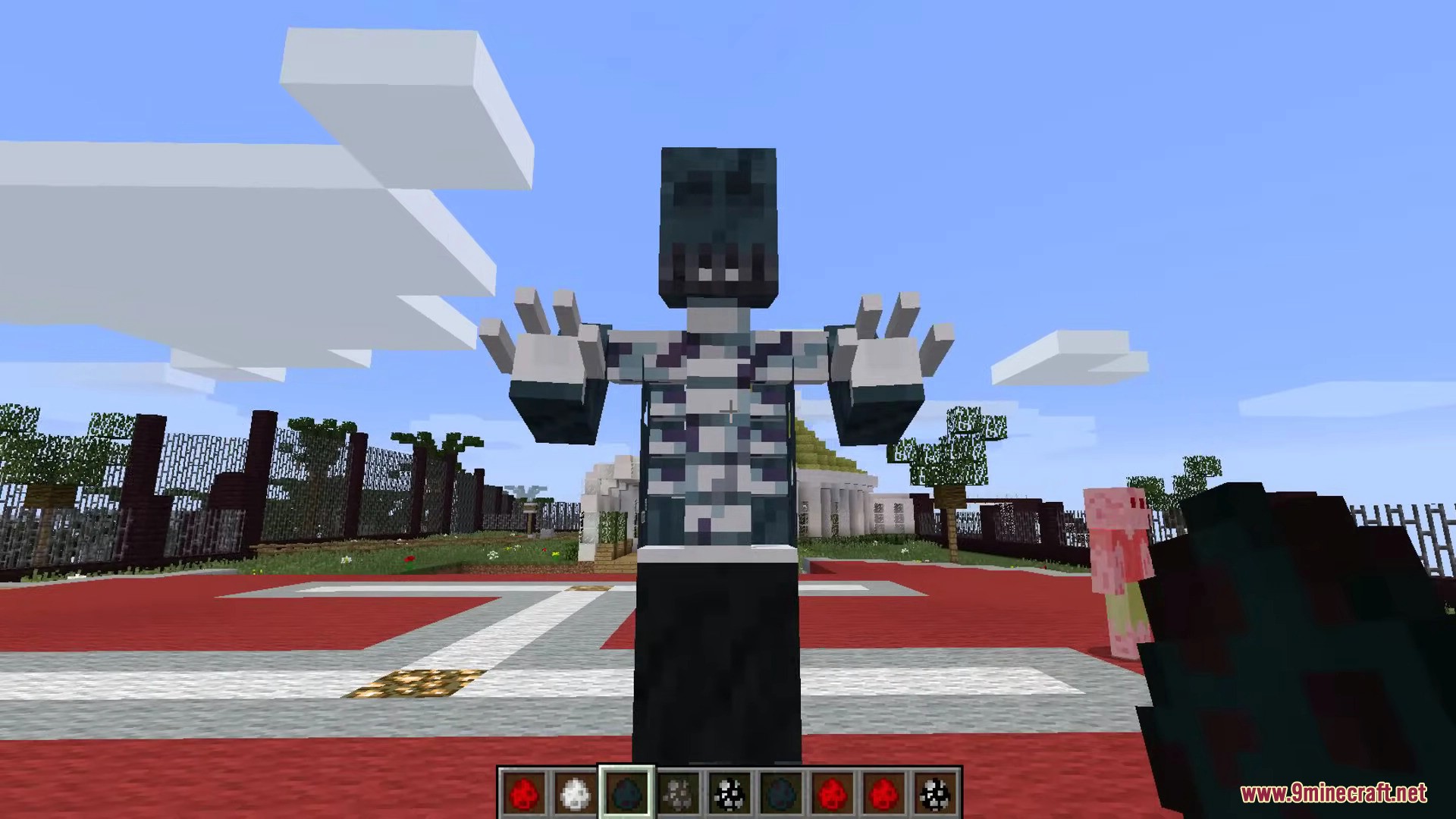
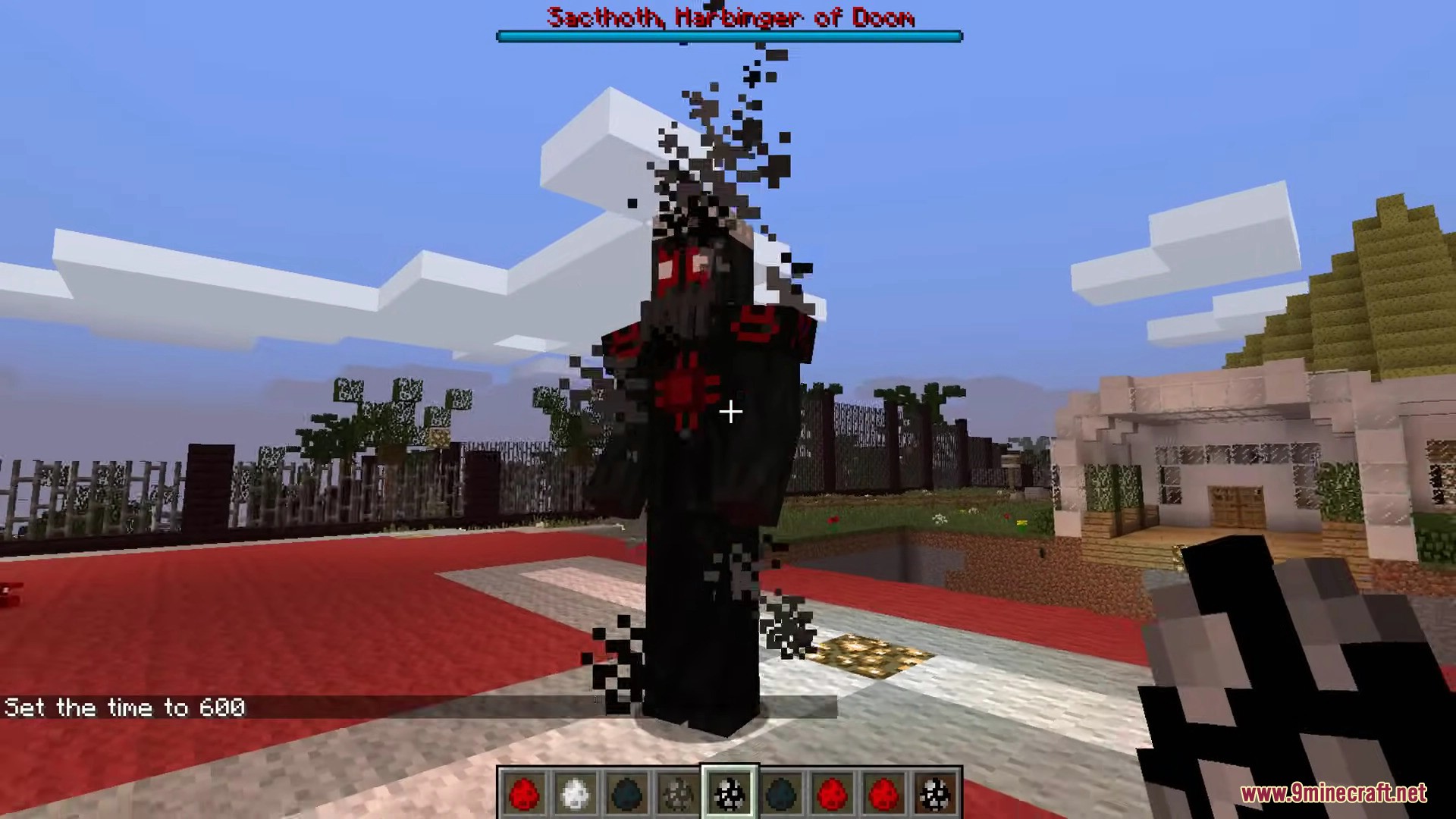
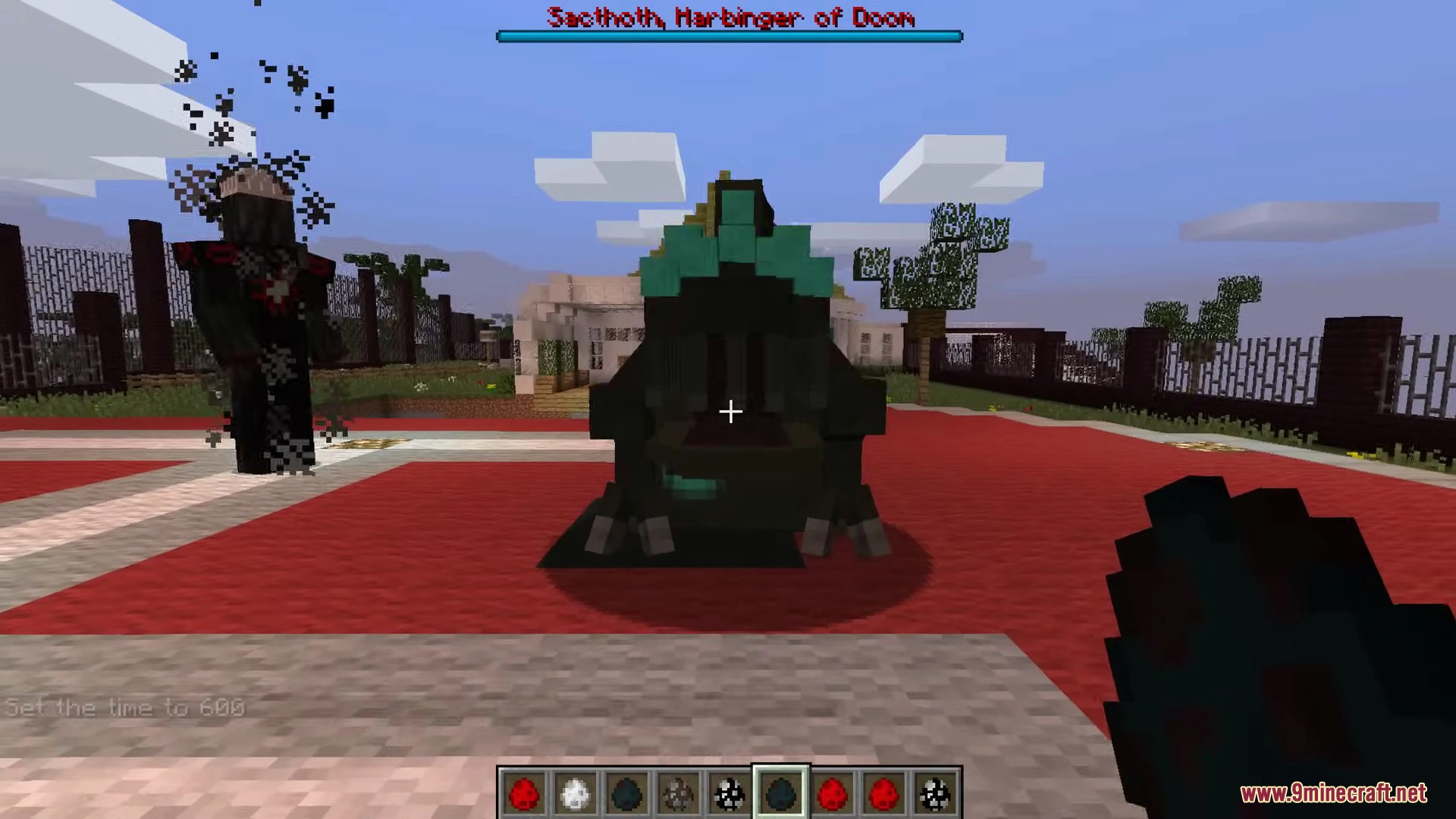
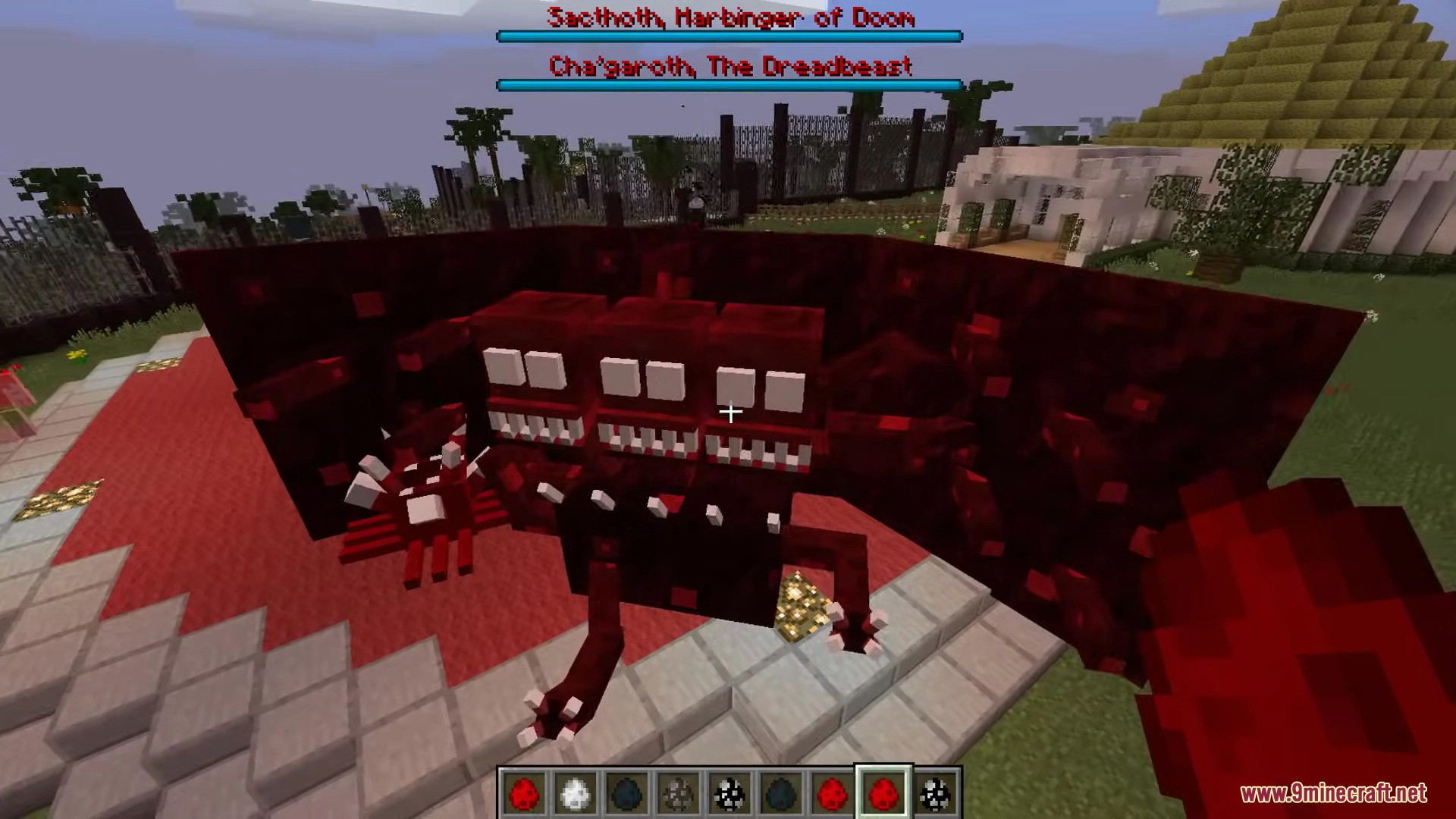
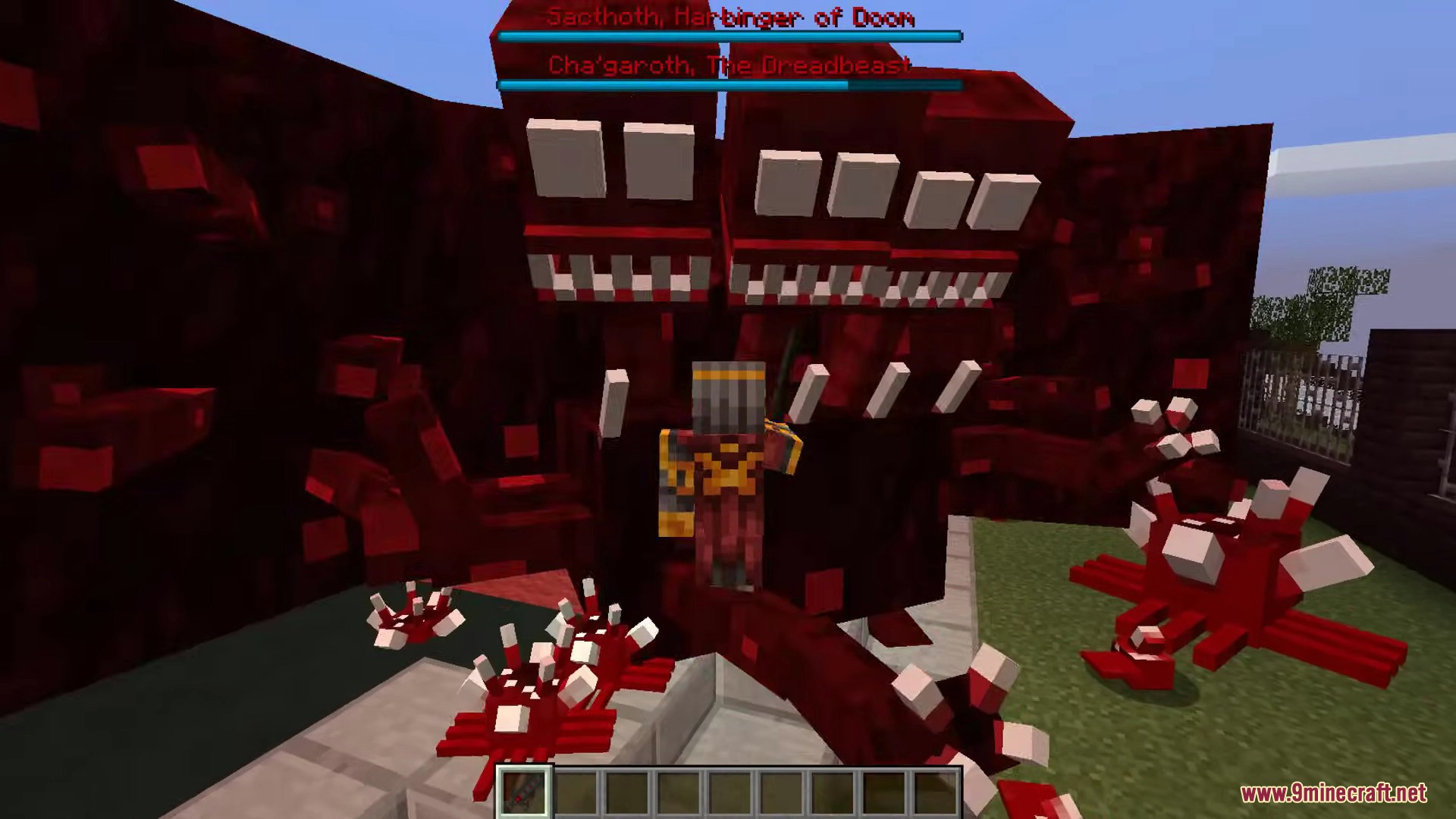
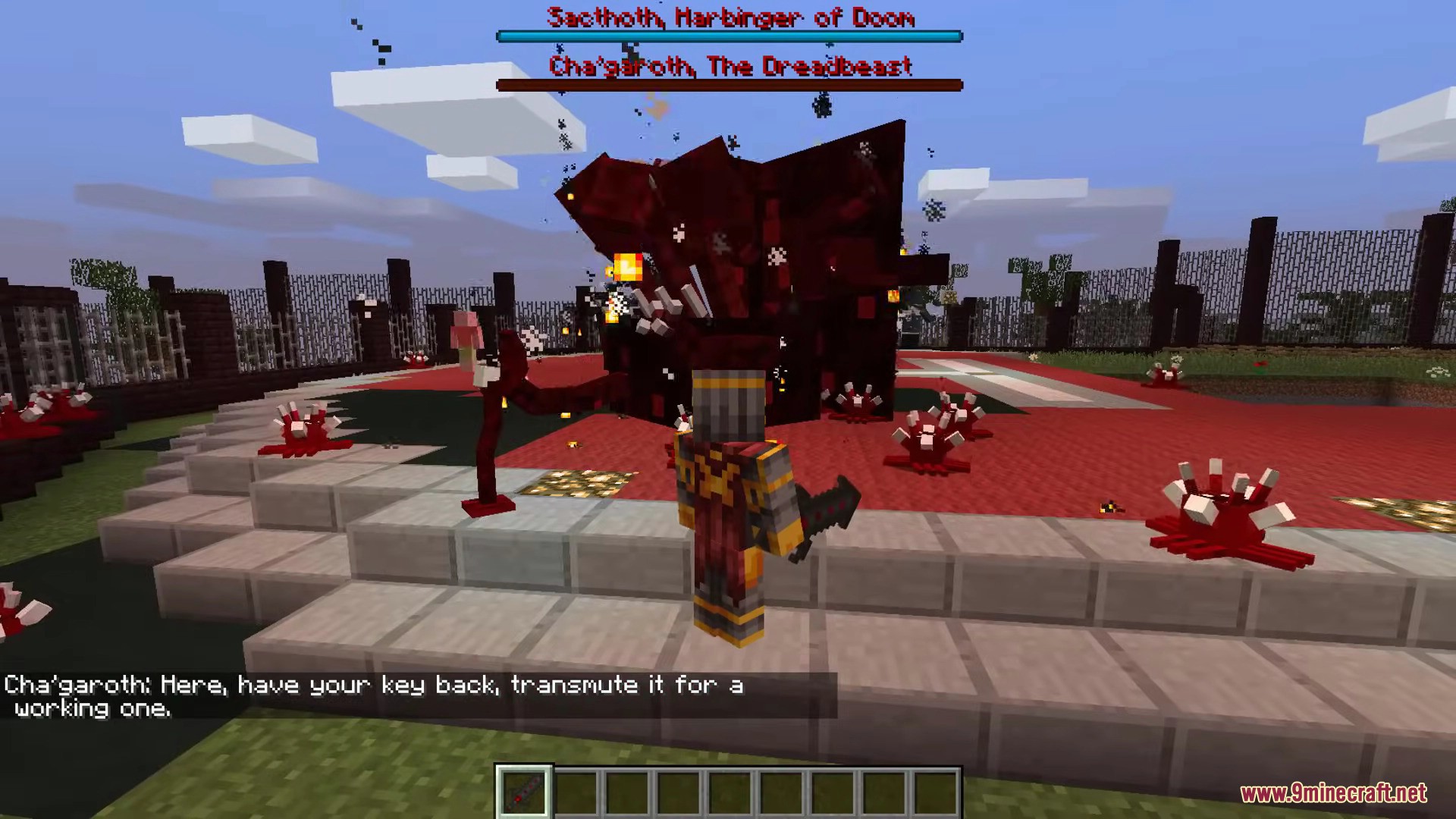
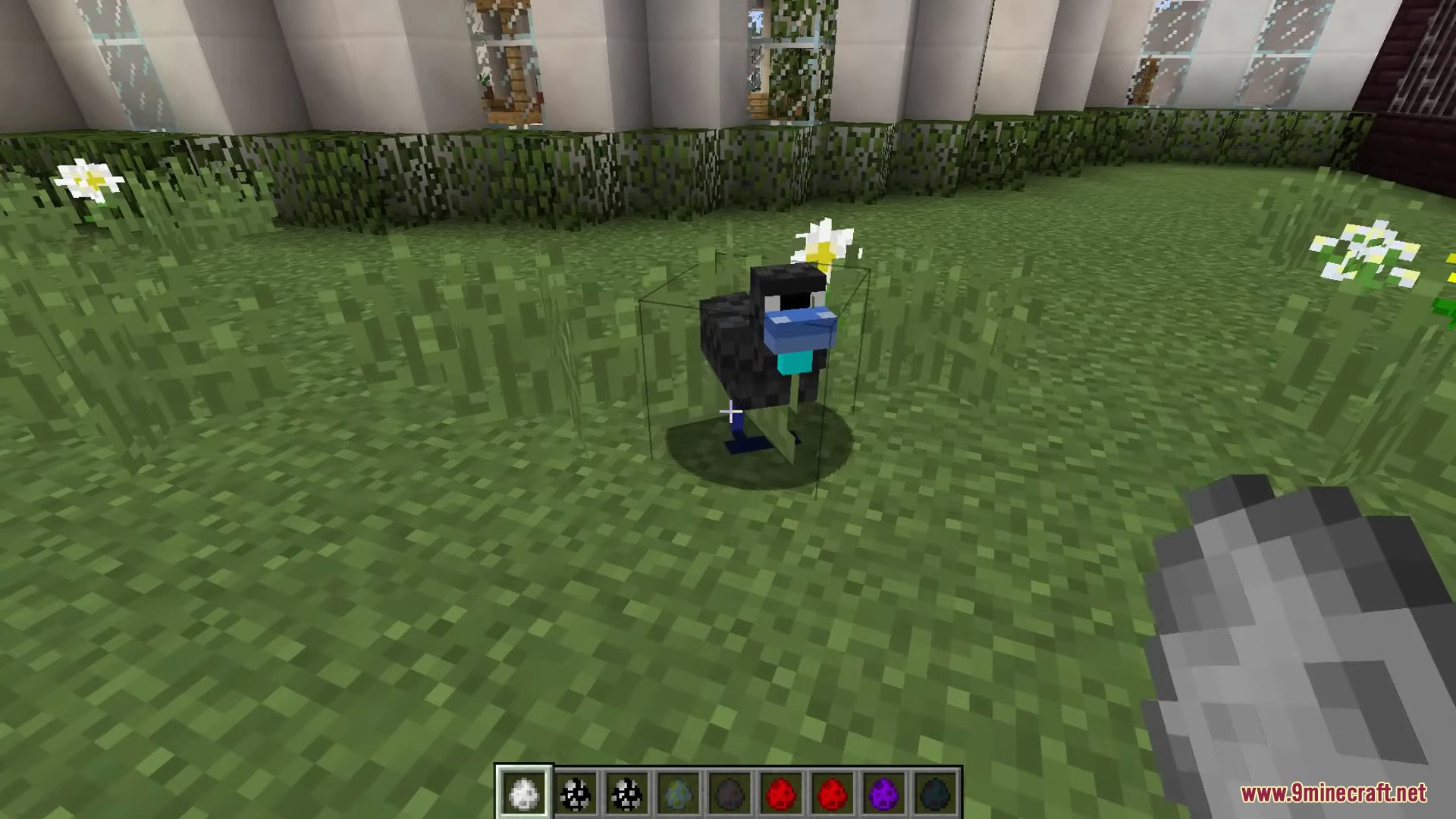
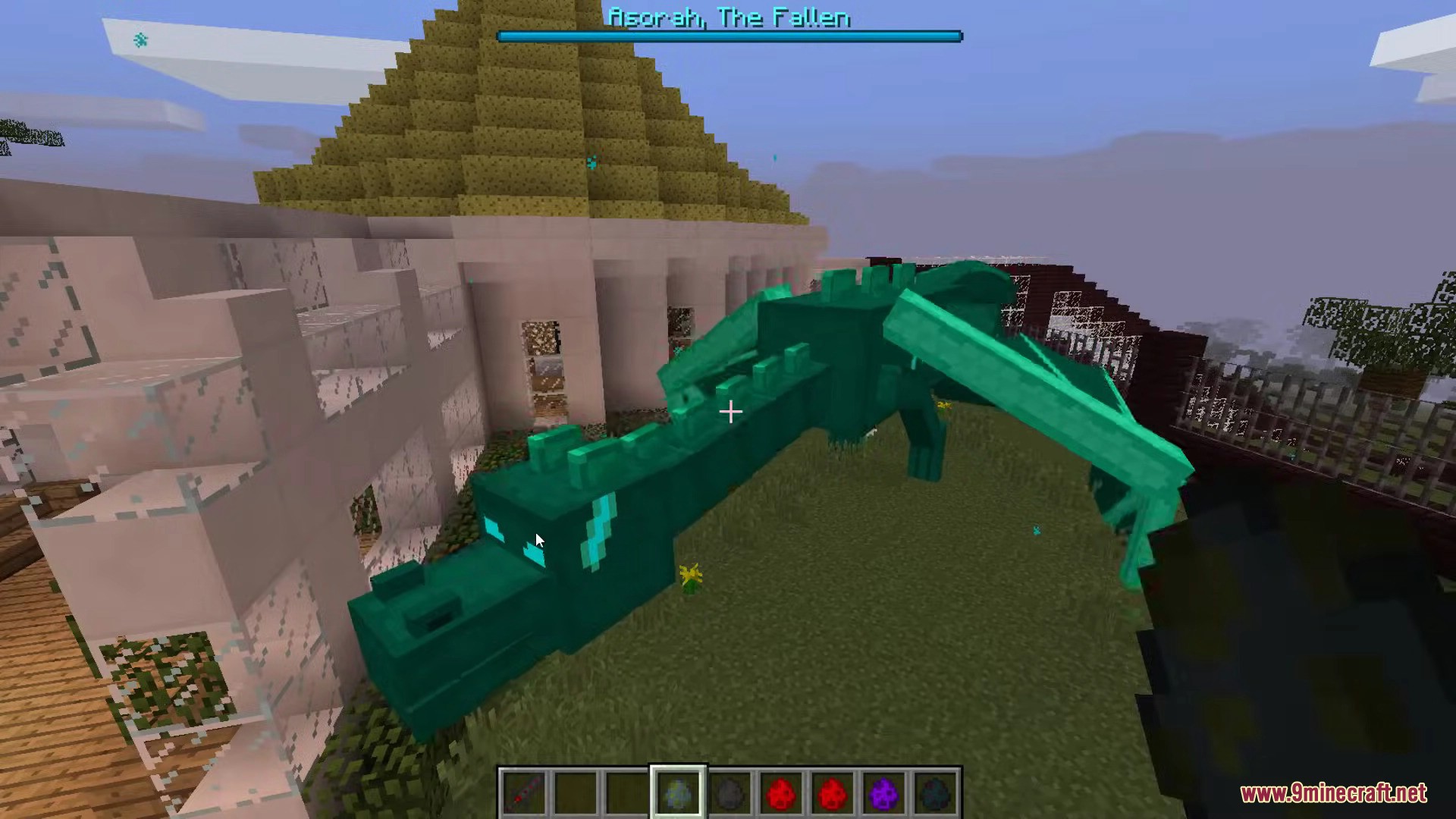
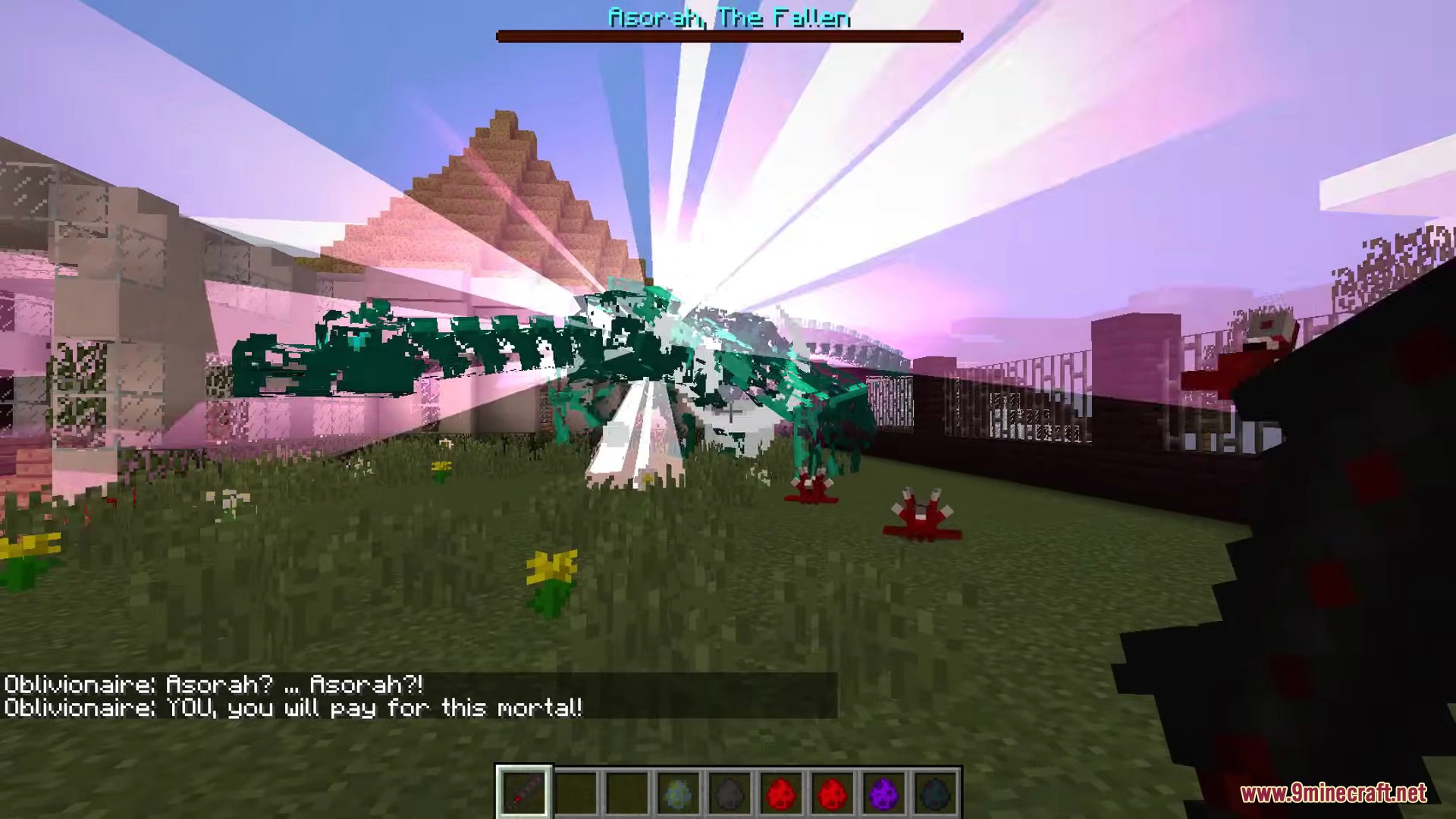
- Fight many new mobs, including undead creatures, mutated beings, shadows, and powerful bosses.
- Use a new magic system with rituals that can create items, summon mobs, or give potion effects.
- Craft the Necronomicon, an in-game book that explains everything in the mod and is used in rituals.
- Create Gateway Keys to open portals that let you travel between the different dimensions.
- Discover six new biomes in the Overworld, like the Darklands and Coralium Infested Swamp.
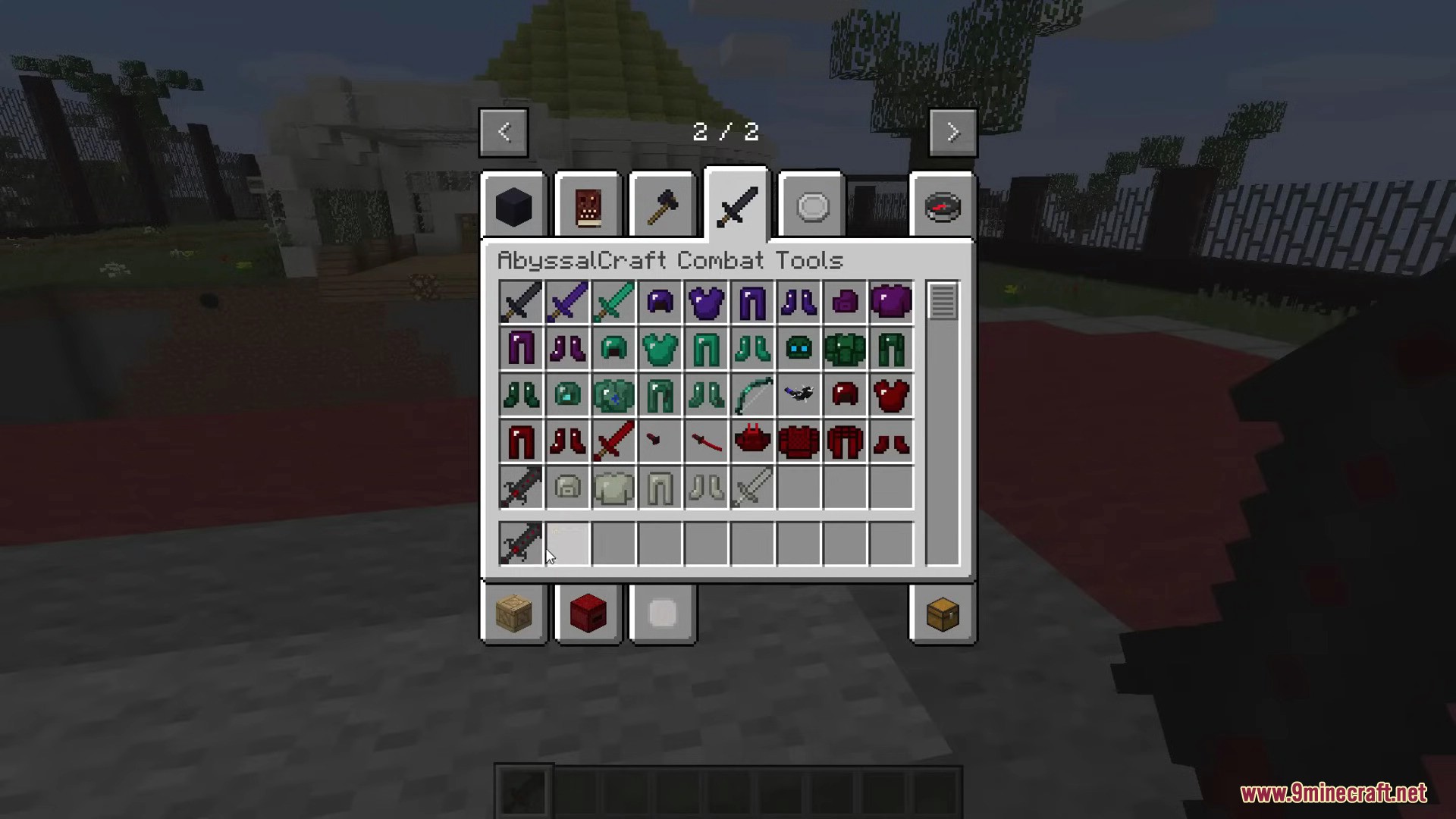
- Find new materials to make powerful tools and armor sets.
How to Use:
- To begin, craft the Necronomicon. This book is your main guide to the mod.
- Read the Necronomicon to learn about all the new features, mobs, and dimensions.
- Use the book as a key item for performing magical rituals at an altar.
- Obtain Gateway Keys to build portals and travel to the new dimensions.
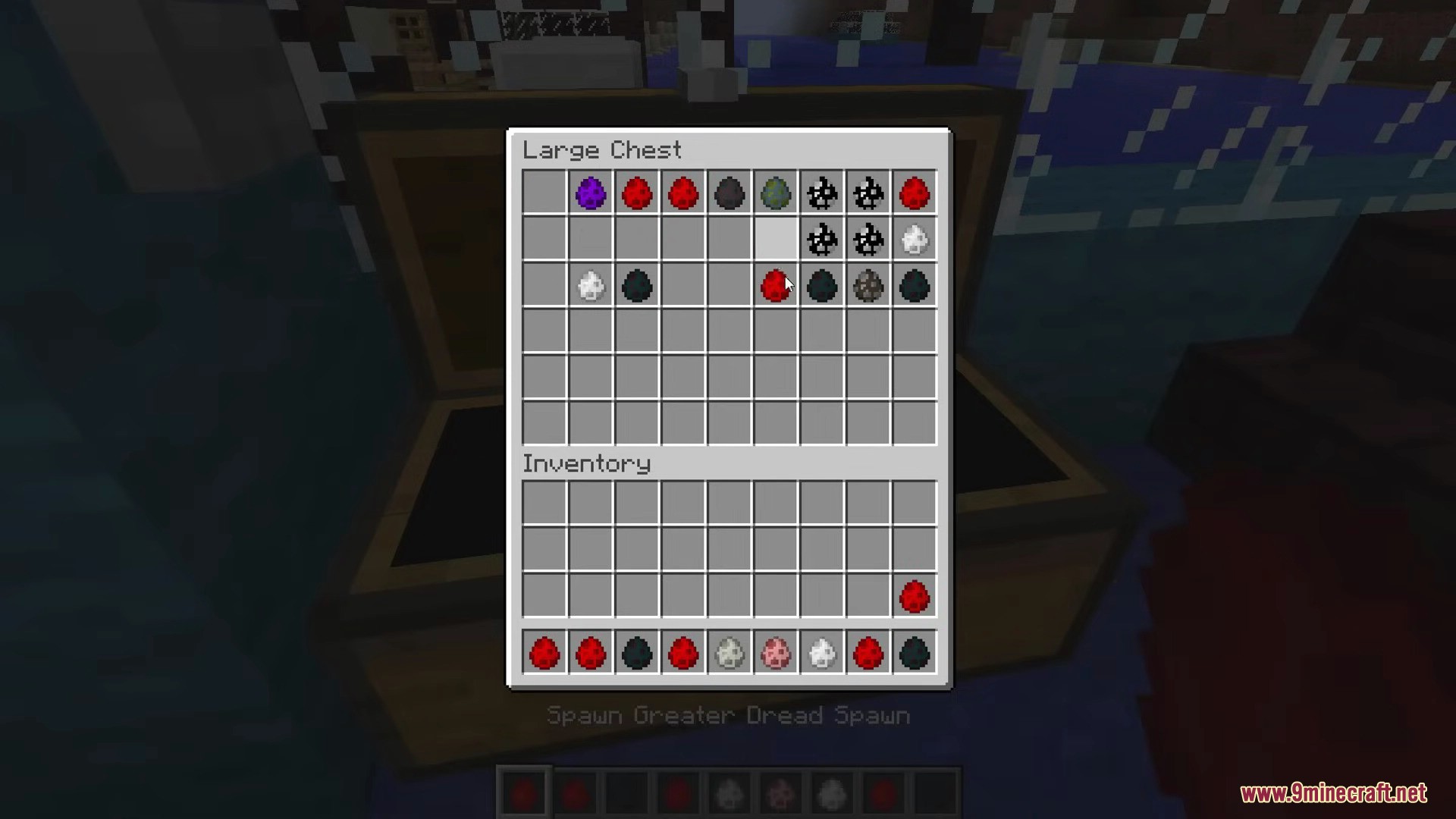
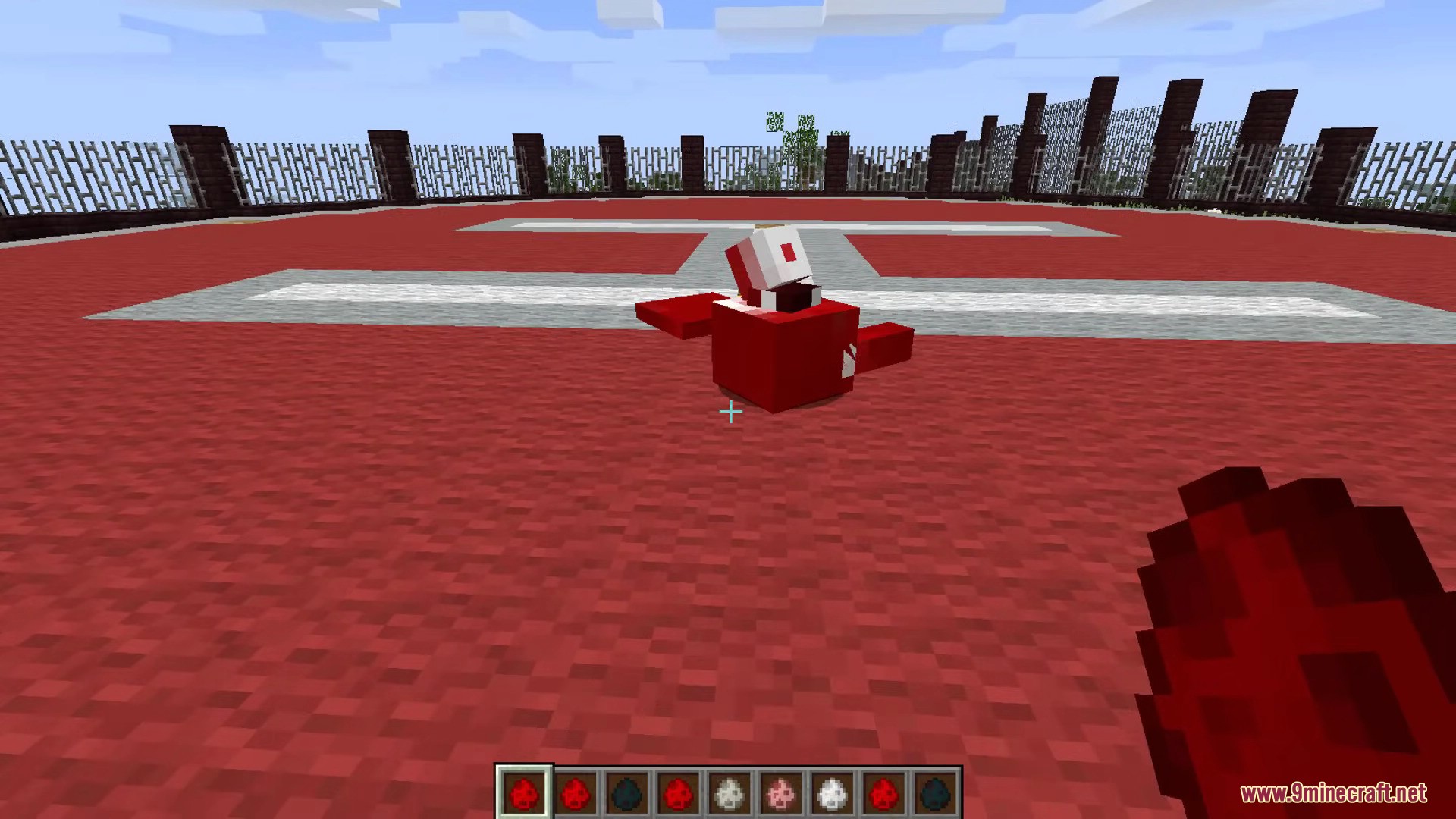
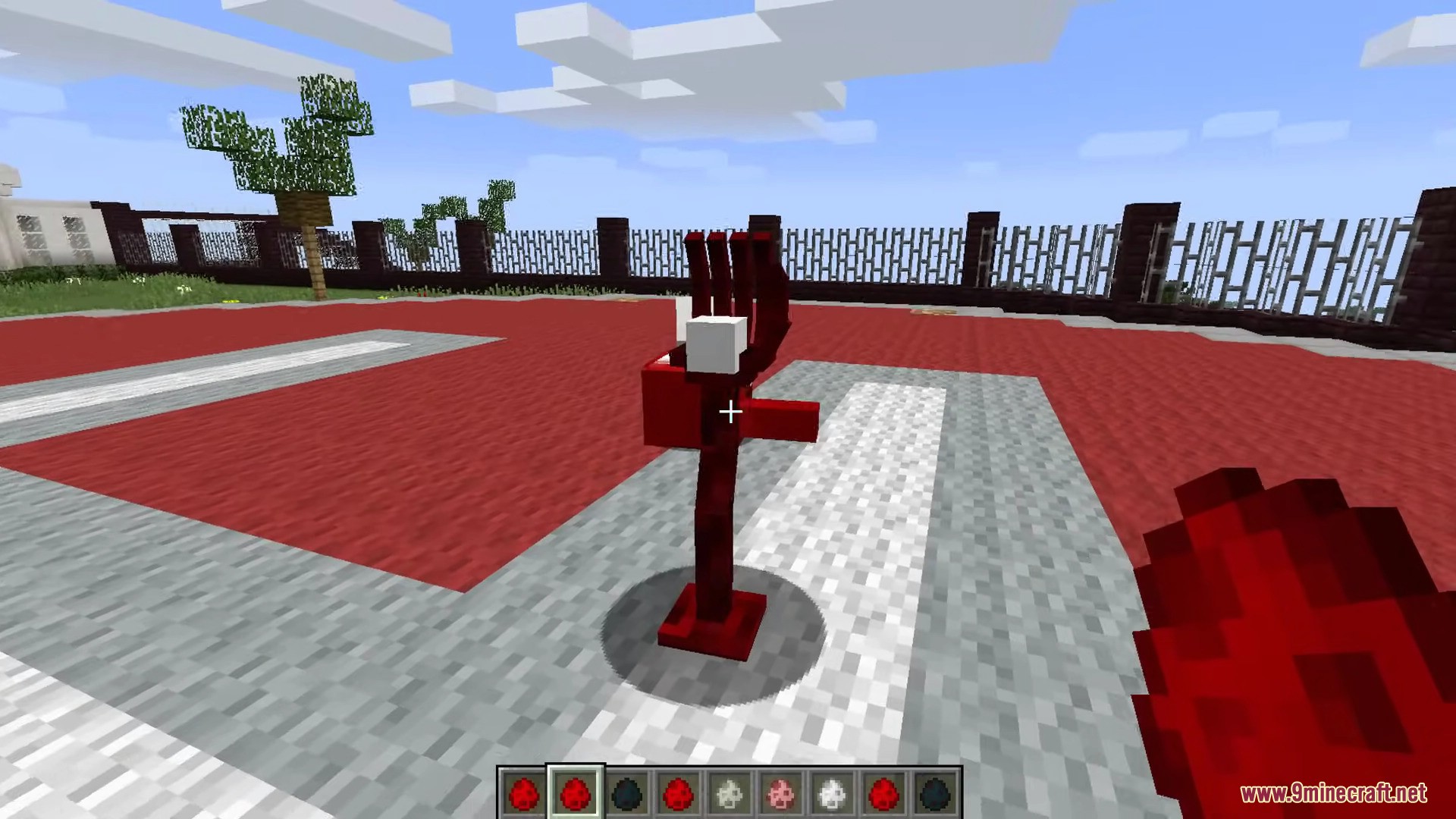
Screenshots:
AbyssalCraft Mod Download Links
For Minecraft 1.12.2
Forge version: Download from Server 1 – Download from Server 2
For Minecraft 1.11.2
Forge version: Download from Server 1
For Minecraft 1.10.2, 1.9.4
Forge version: Download from Server 1
For Minecraft 1.8.9
Forge version: Download from Server 1 – Download from Server 2
For Minecraft 1.7.10
Forge version: Download from Server 1 – Download from Server 2
For Minecraft 1.6.4
Forge version: Download from Server 1
- Edition: Minecraft Java
- File type: .jar
- How to install: Install the matching mod loader (Forge, Fabric or NeoForge) for your Minecraft version. → Download the .jar. → Put it in the .minecraft/mods folder and launch that loader profile.
- Where to get it: In MC Java Mods, or directly above on this page.
Install steps are the general flow for this file type — How to install Minecraft Java mods & modpacks walks through it step by step.
- Downloads as 198831.mcaddon
- Download size: 13.6 MB
- Download link checked 29 Jul 2026 — working
- Mirrored on our own servers — the download does not depend on the original host
These come from our own check of the pack file, not from the source page.