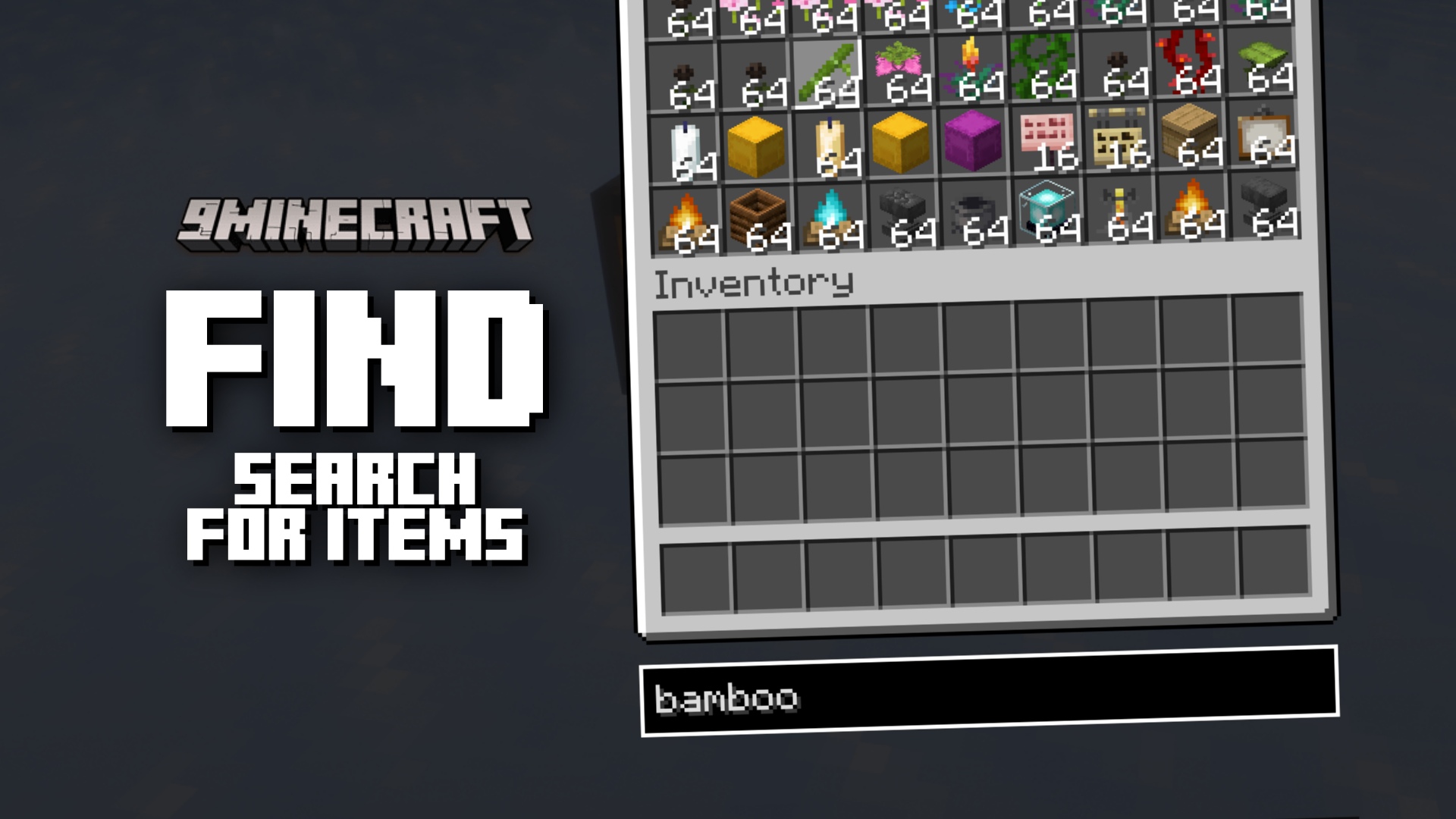
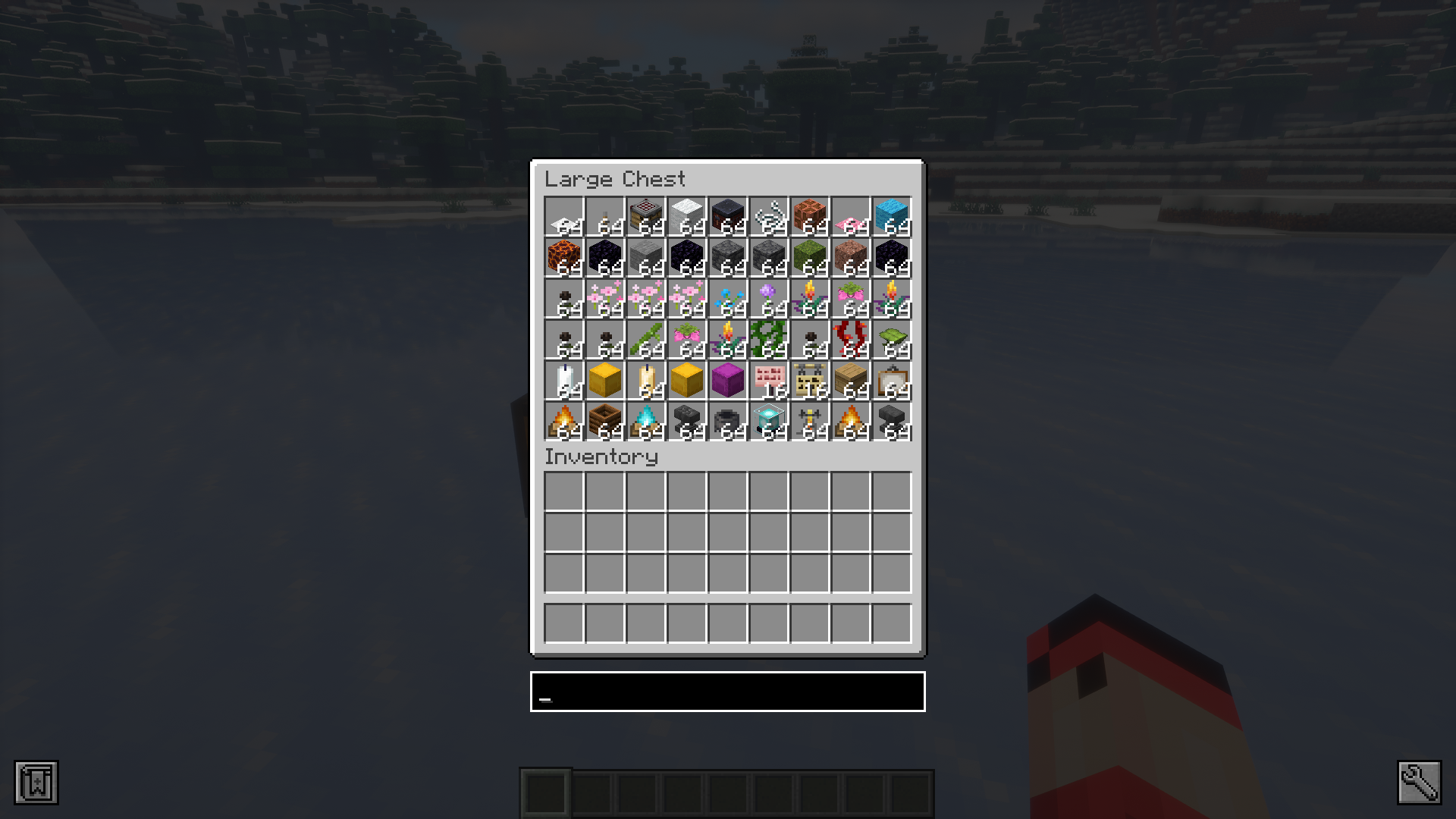
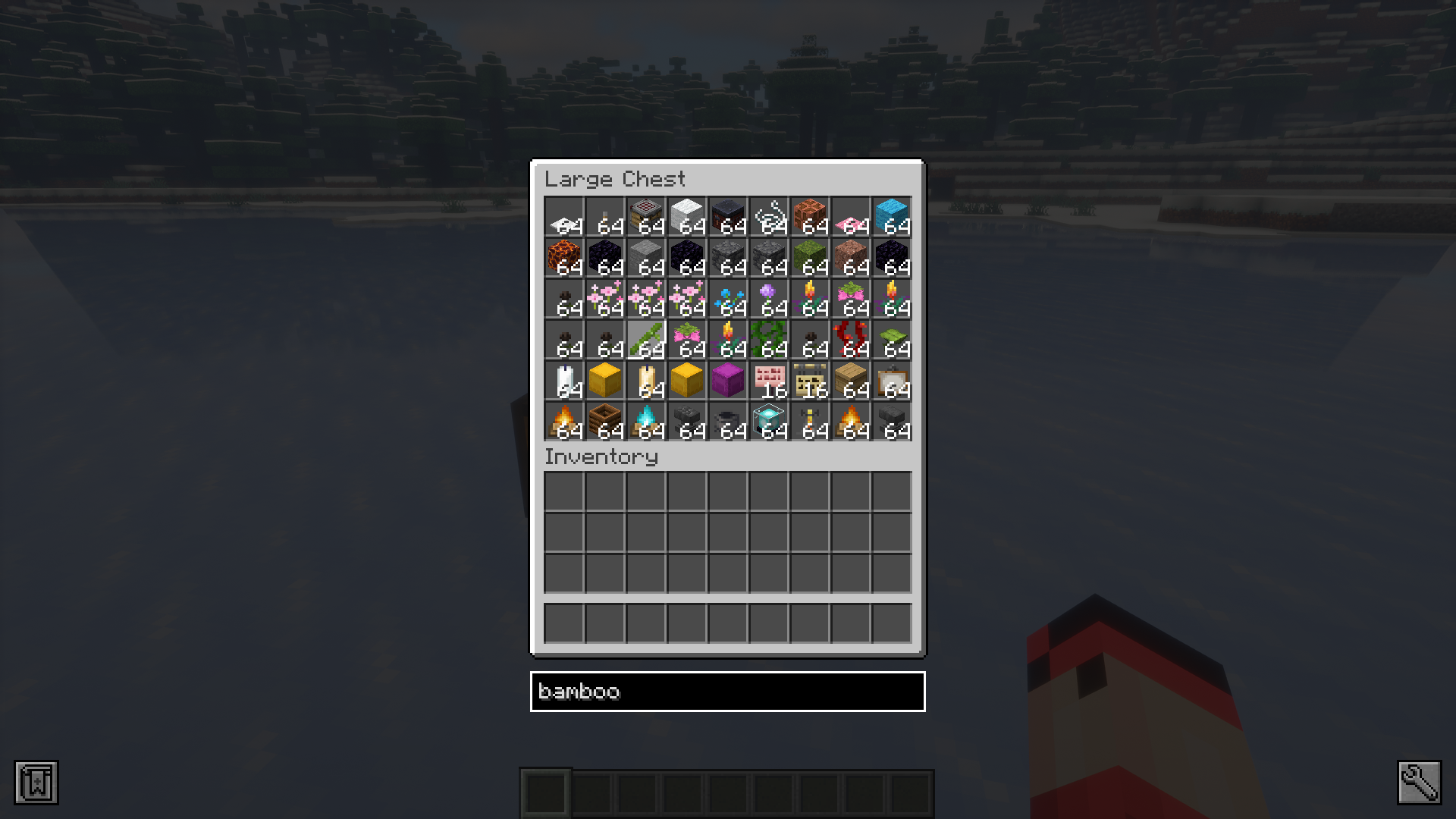
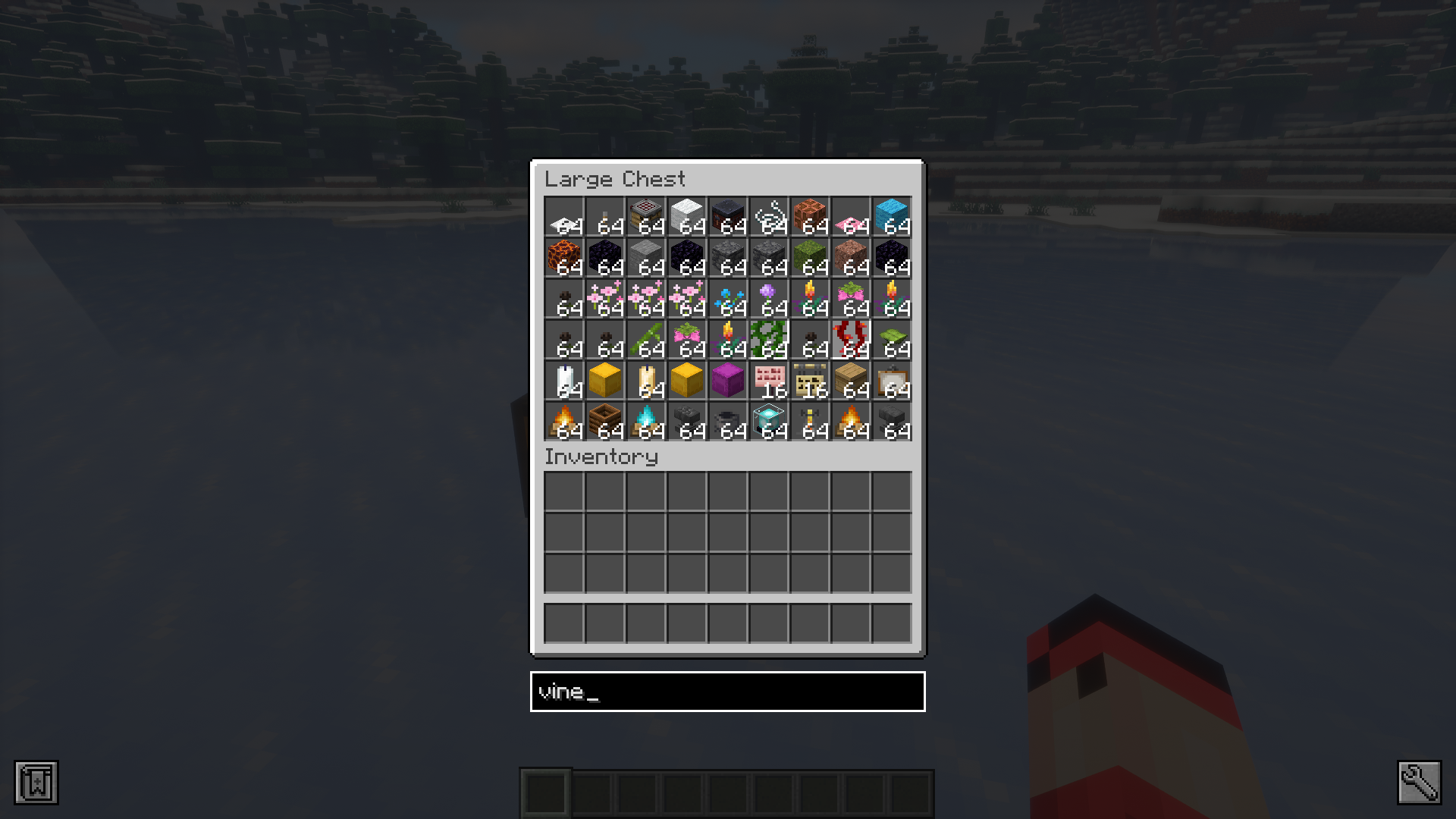
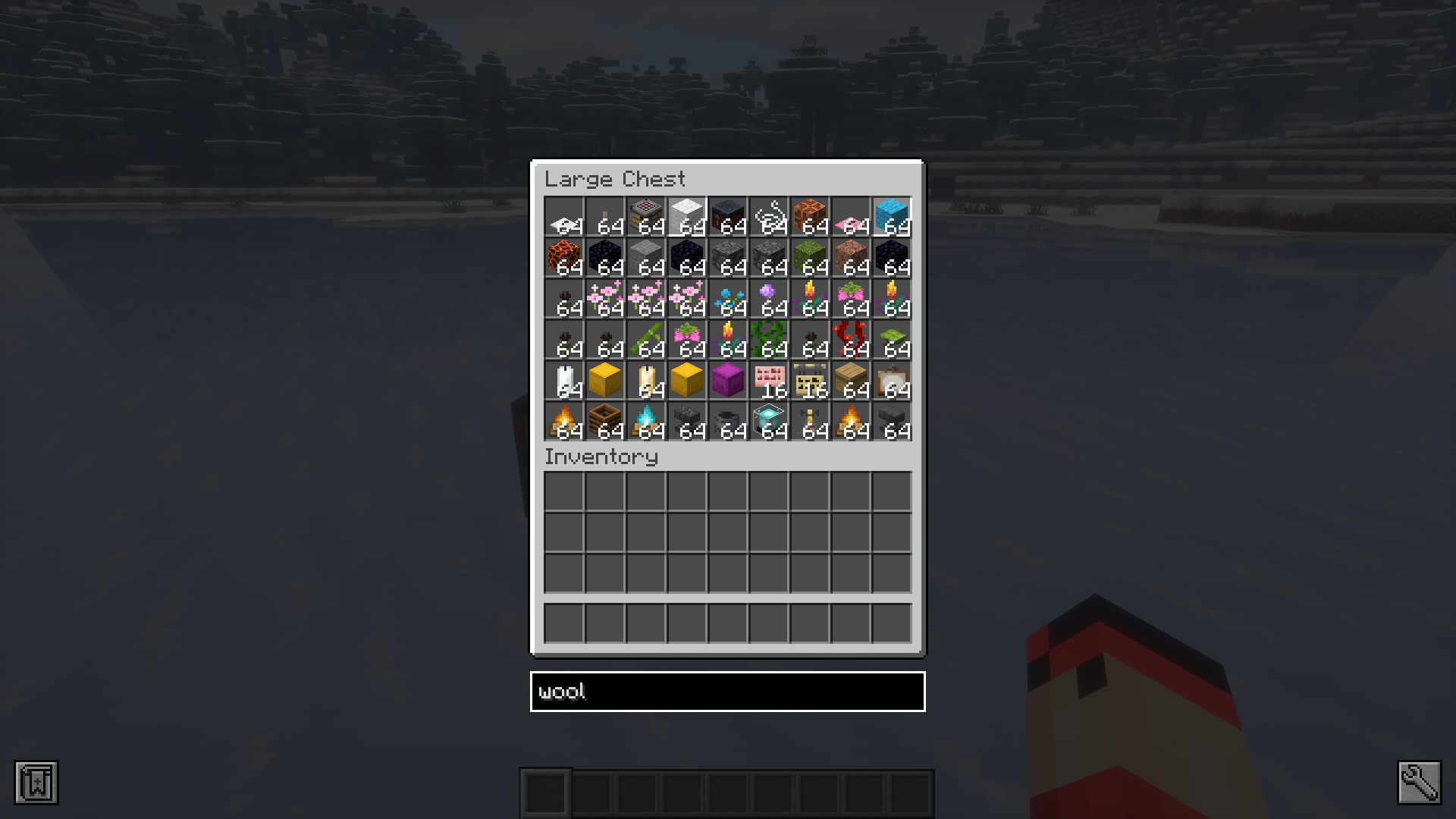
When you have a large double chest filled to the brim with different items, you may have trouble locating and picking your required item from it. The large mixture of items will make it hard to spot the correct item quickly. Luna Find Mod is here with the solution. This simple, light-weight mod introduces a new search bar that appears only in storage inventories. To activate this search bar you will have to press the fn+F key. Once the bar appears, you can type in the name of the item you want to find and the mod will highlight the position of that item for you.
Features:
- Adds a search bar to storage inventories.
- Helps to locate your required item from the inventory.
- The search bar toggle shortcut is fn+F.
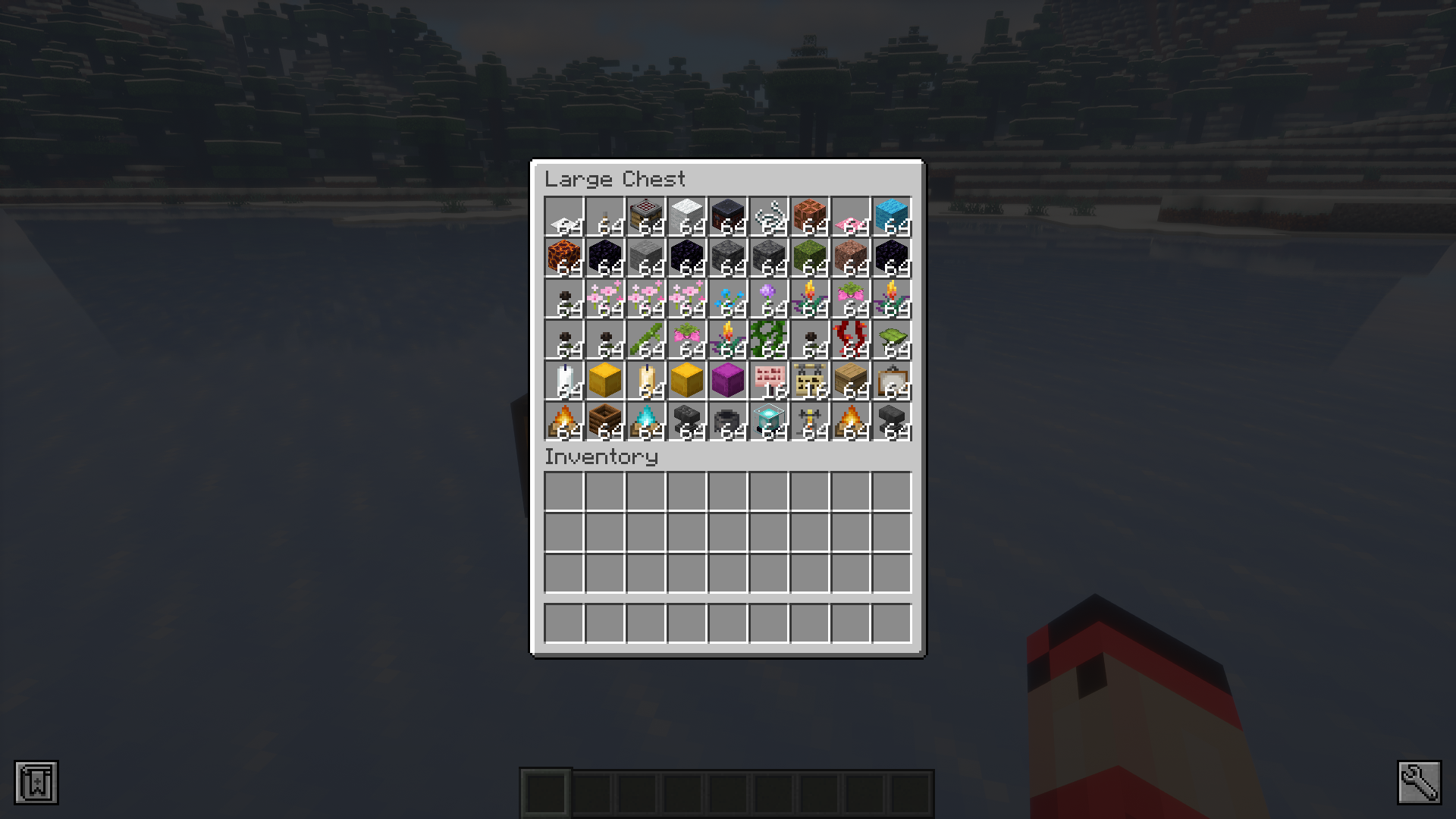
Screenshots:
Luna Find Mod Download Links
For Minecraft 1.21.1, 1.21
Fabric version: Download from Server 1 – Download from Server 2
For Minecraft 1.20.1
Fabric version: Download from Server 1 – Download from Server 2
For Minecraft 1.19.2
Fabric/Quilt version: Download from Server 1 – Download from Server 2
- Edition: Minecraft Java
- File type: .jar
- Minecraft versions listed: 1.21.1, 1.20.1
- How to install: Install the matching mod loader (Forge, Fabric or NeoForge) for your Minecraft version. → Download the .jar. → Put it in the .minecraft/mods folder and launch that loader profile.
- Where to get it: In MC Java Mods, or directly above on this page.
Install steps are the general flow for this file type — How to install Minecraft Java mods & modpacks walks through it step by step.
- Downloads as 198838.mcaddon
- Download size: 10 KB
- Download link checked 29 Jul 2026 — working
- Mirrored on our own servers — the download does not depend on the original host
These come from our own check of the pack file, not from the source page.