Custom FPS Display Mod (1.21.3, 1.20.1) – Track Performance In Style
Java mod listed for Minecraft 1.20–1.21. Downloads from the MC Java Mods app on Android.
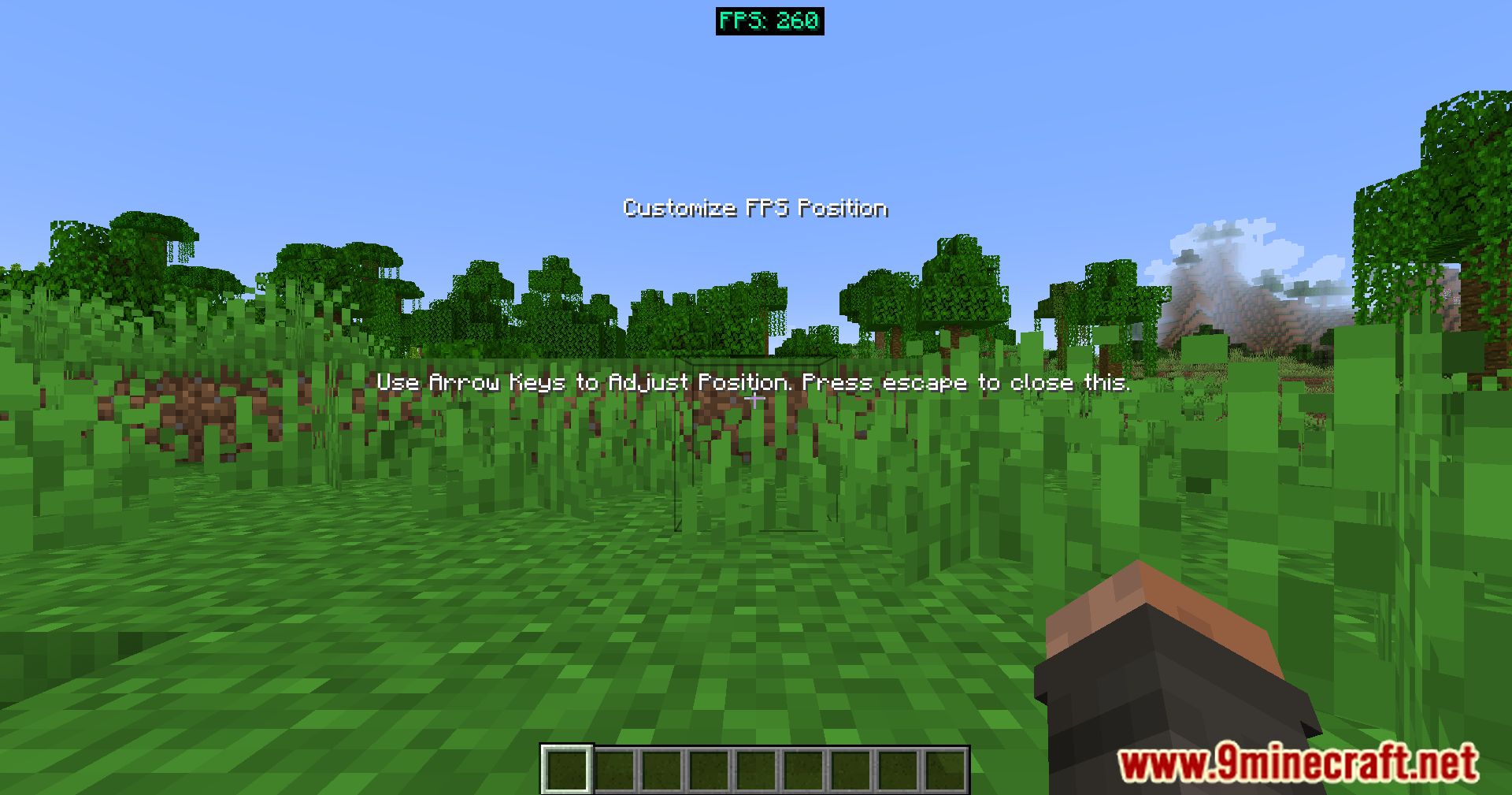
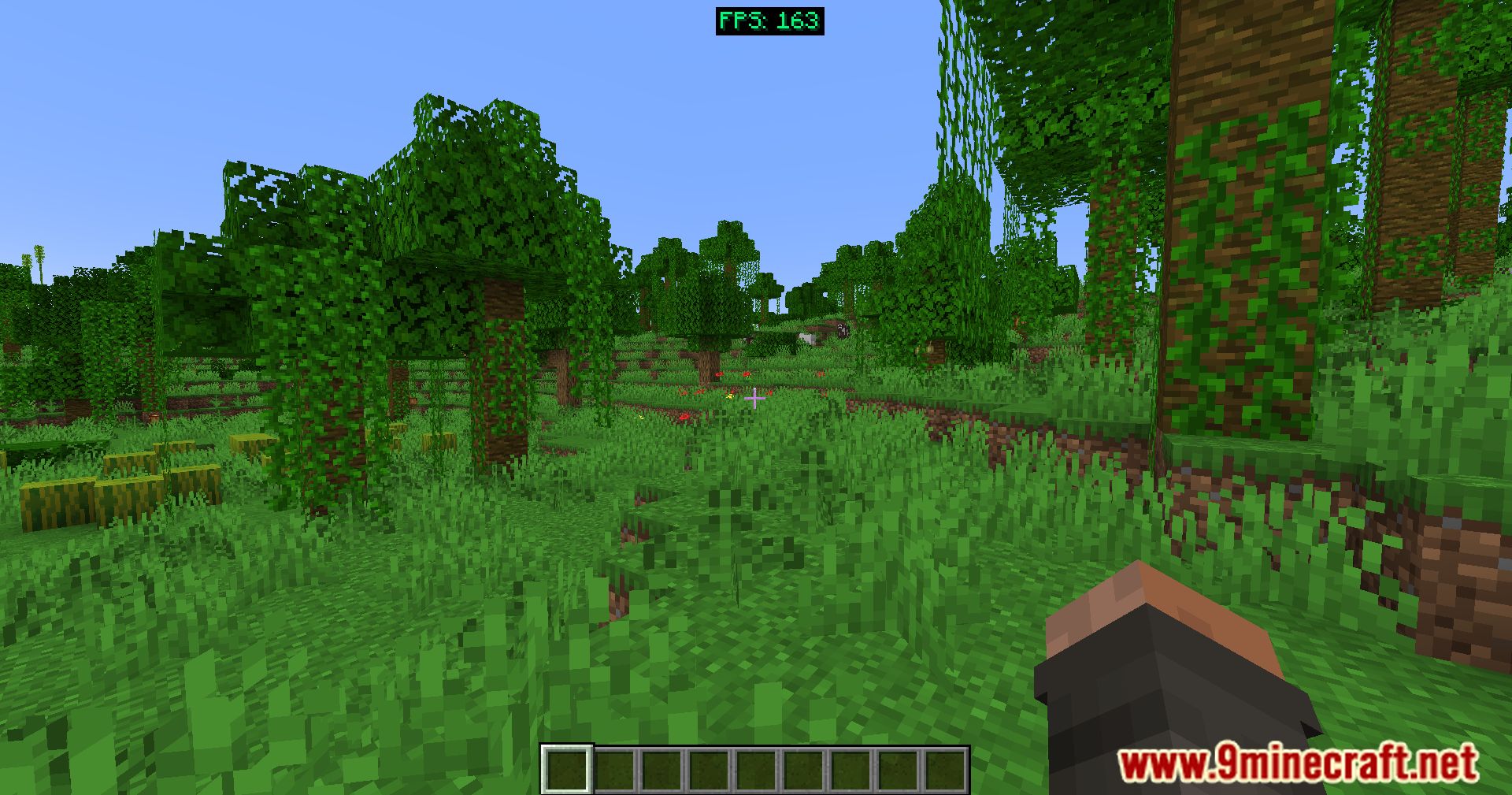
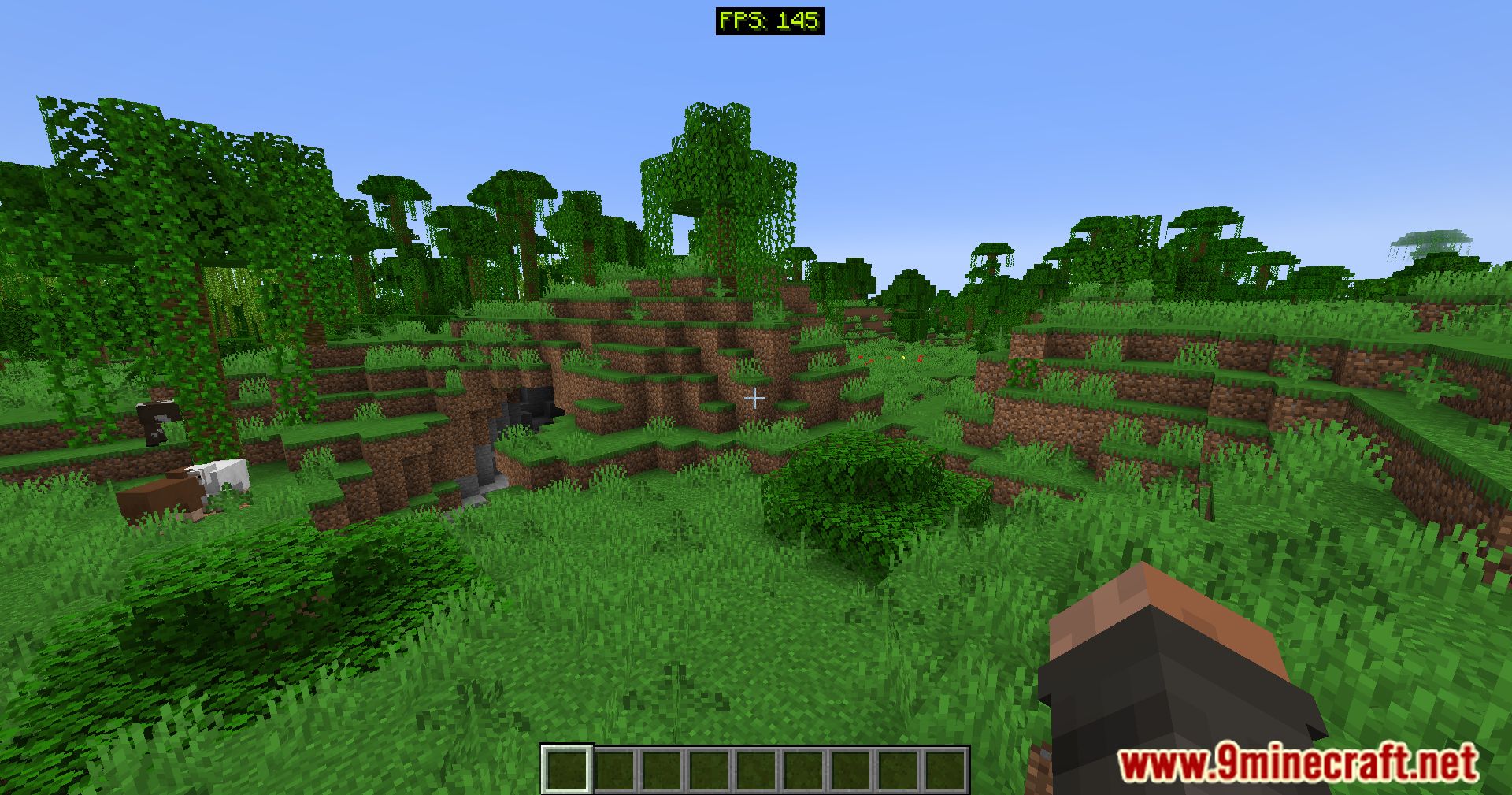
⬇ DownloadCustom FPS Display Mod designed to let players monitor their FPS in a stylish and customizable way. With vibrant RGB effects and adjustable placement, this mod allows you to personalize the display to fit your screen layout perfectly.
Features:
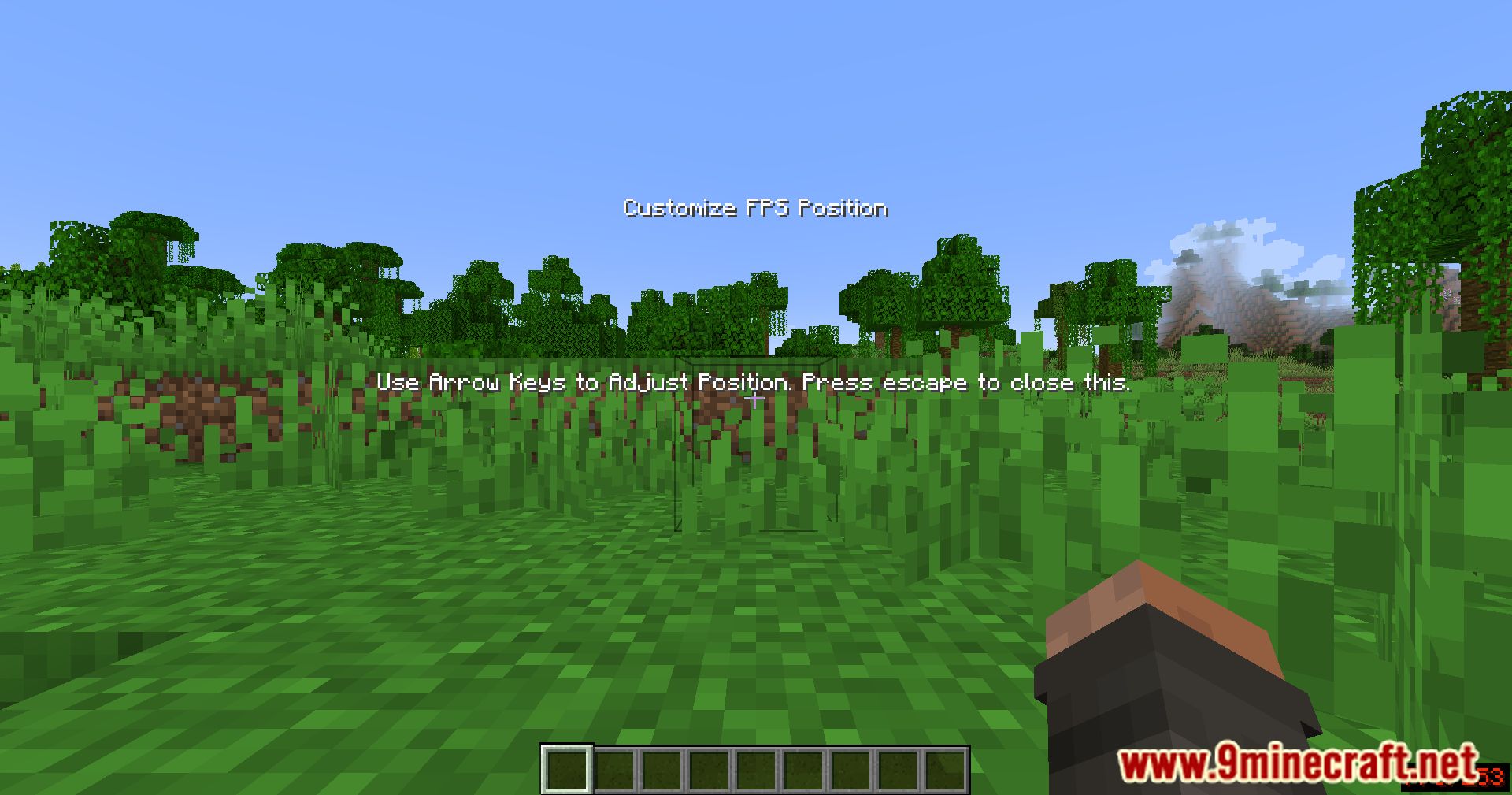
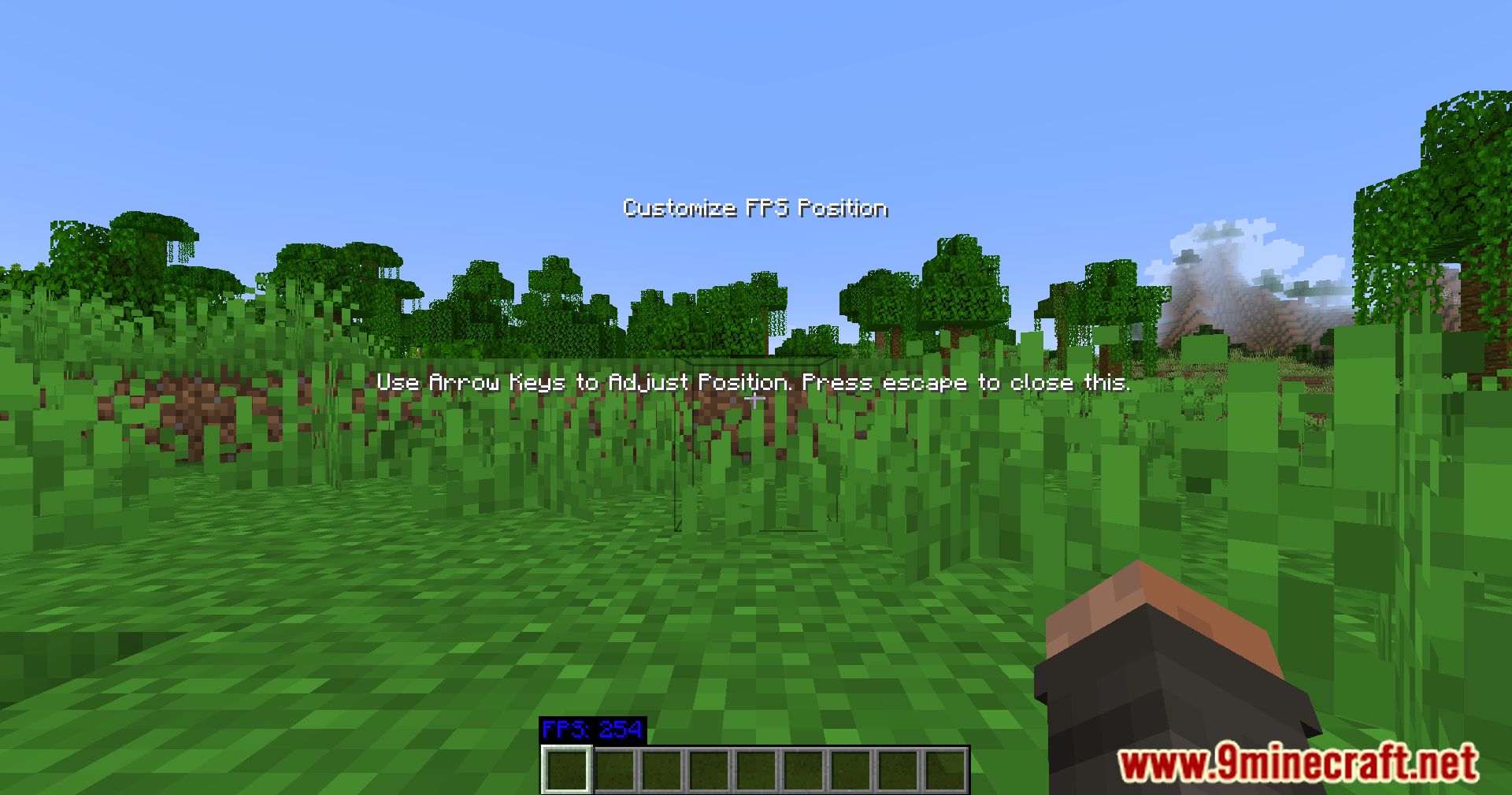
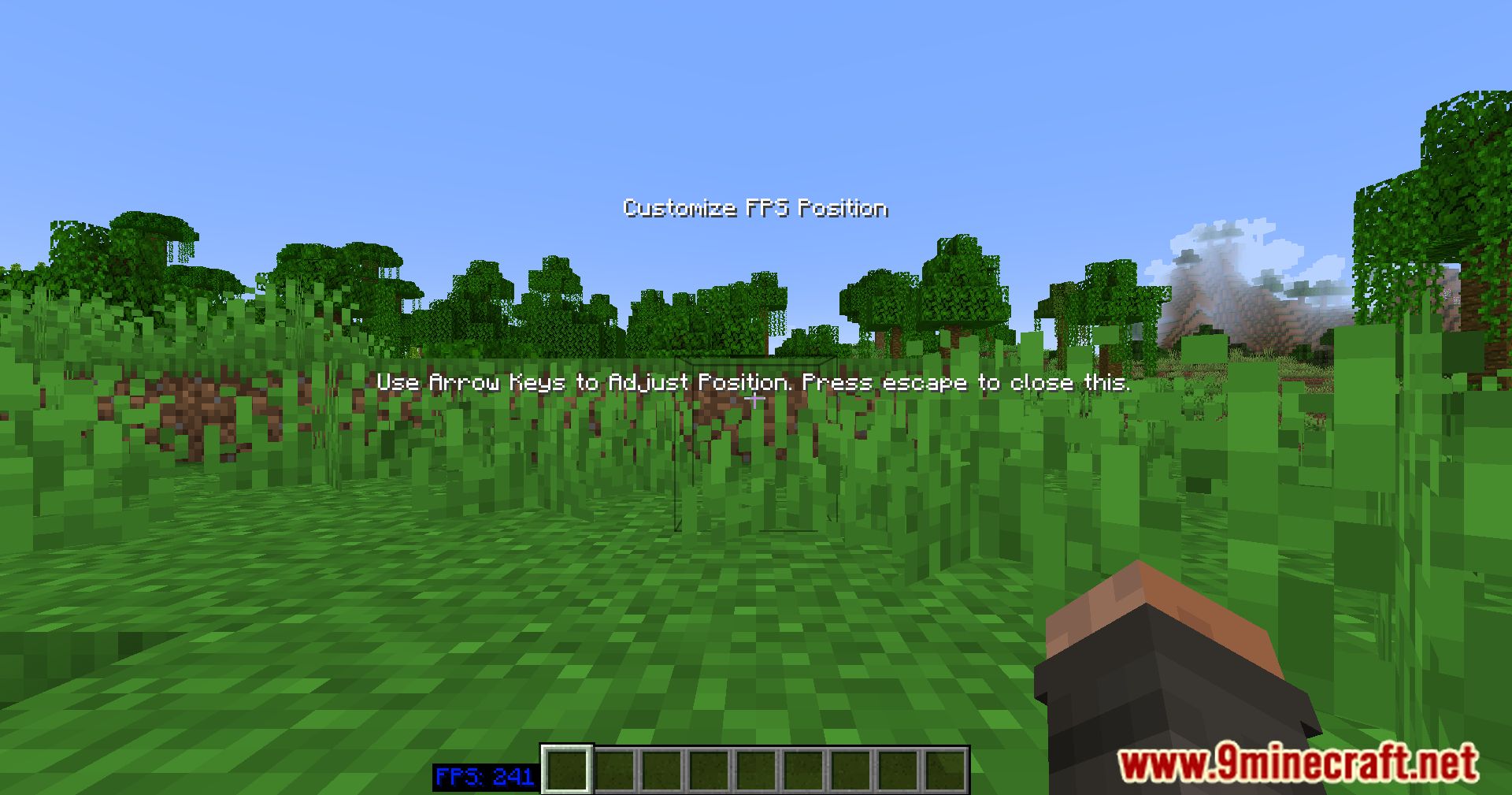
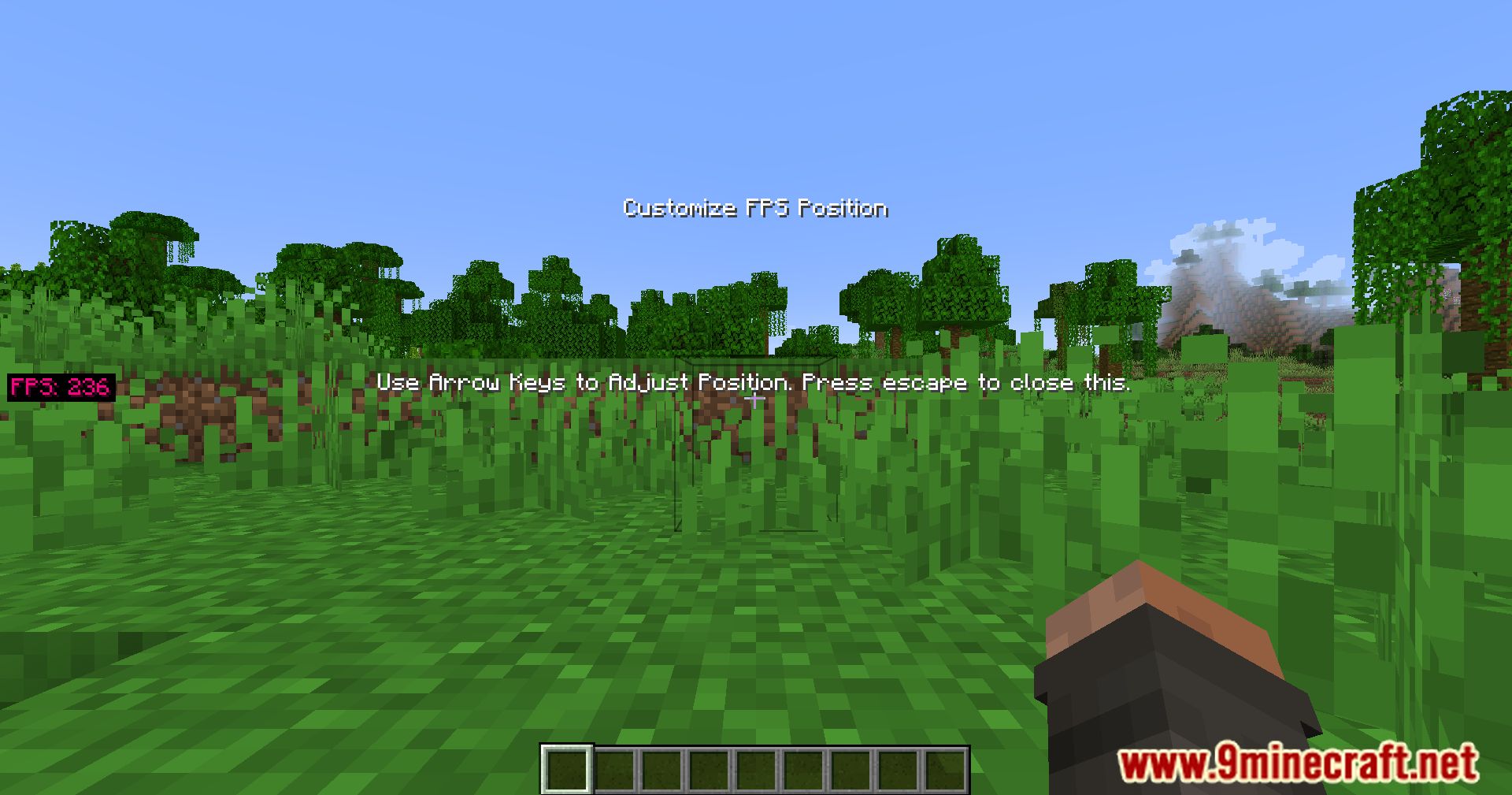
- Customizable FPS Display: Adjust the position of the FPS counter to your preference.
- Stylish RGB Effects: Add a colorful touch to your performance stats.
- Easy Configuration: Access and edit settings using a simple toggle key.
Screenshots:
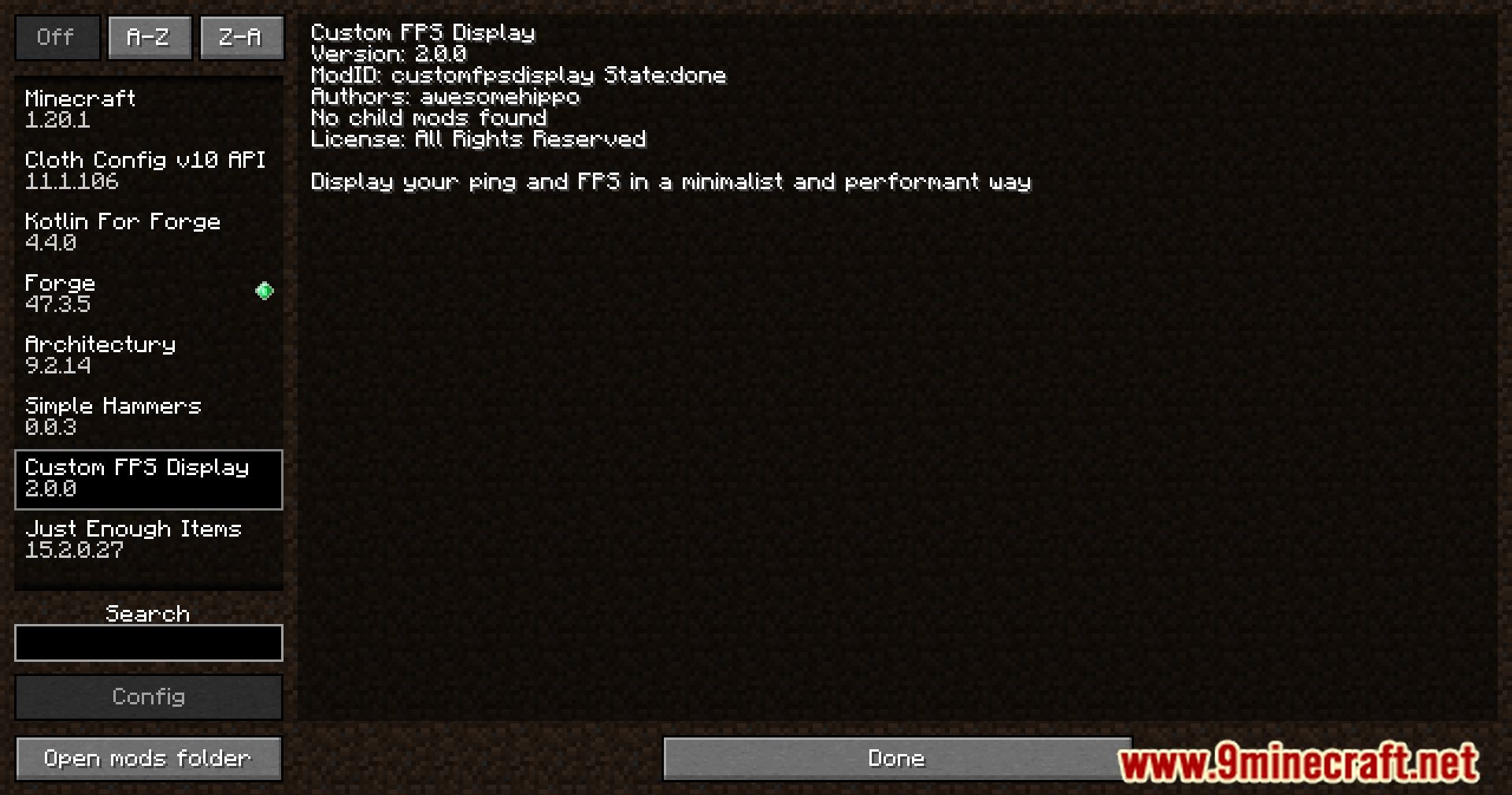
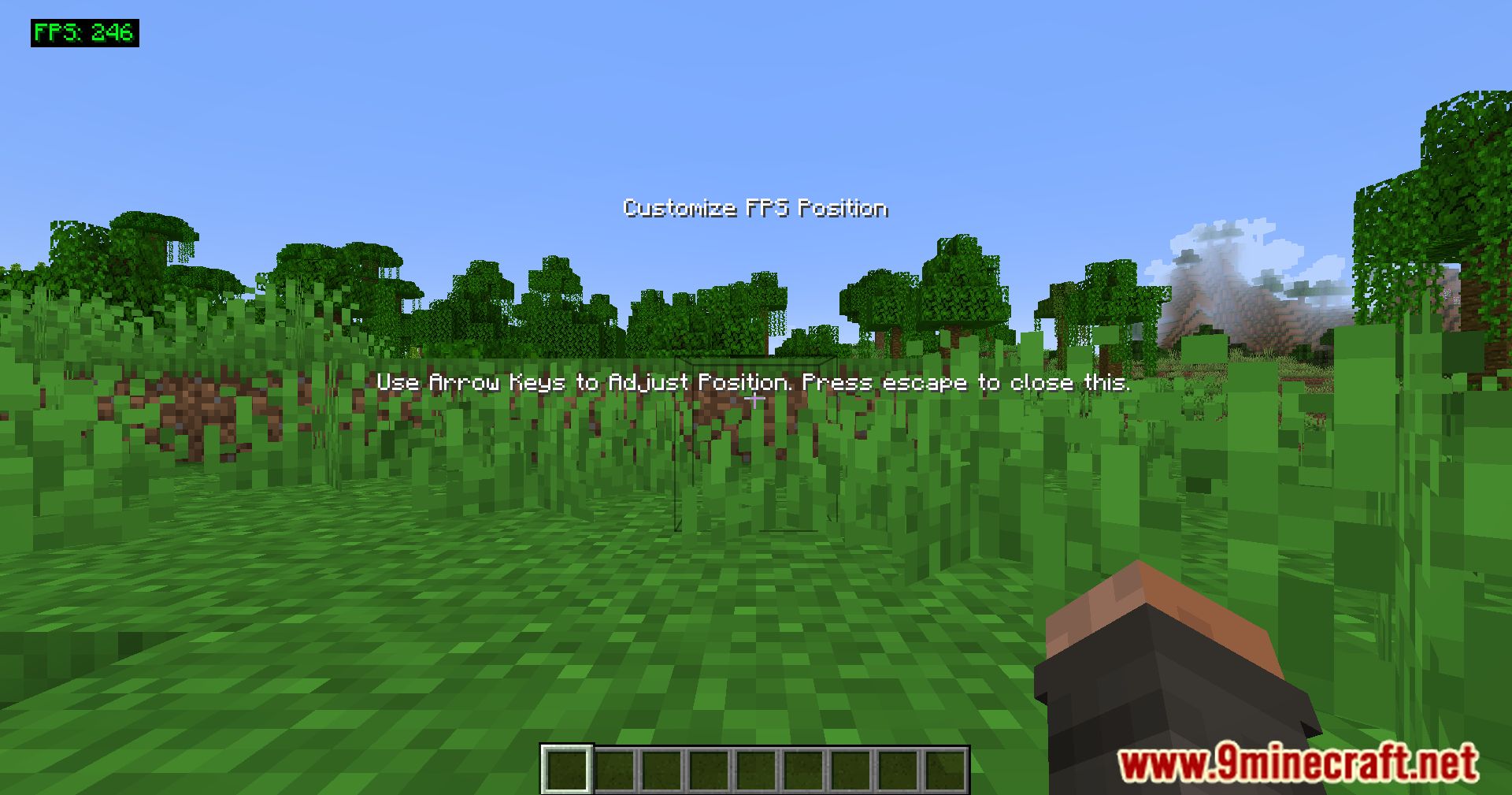
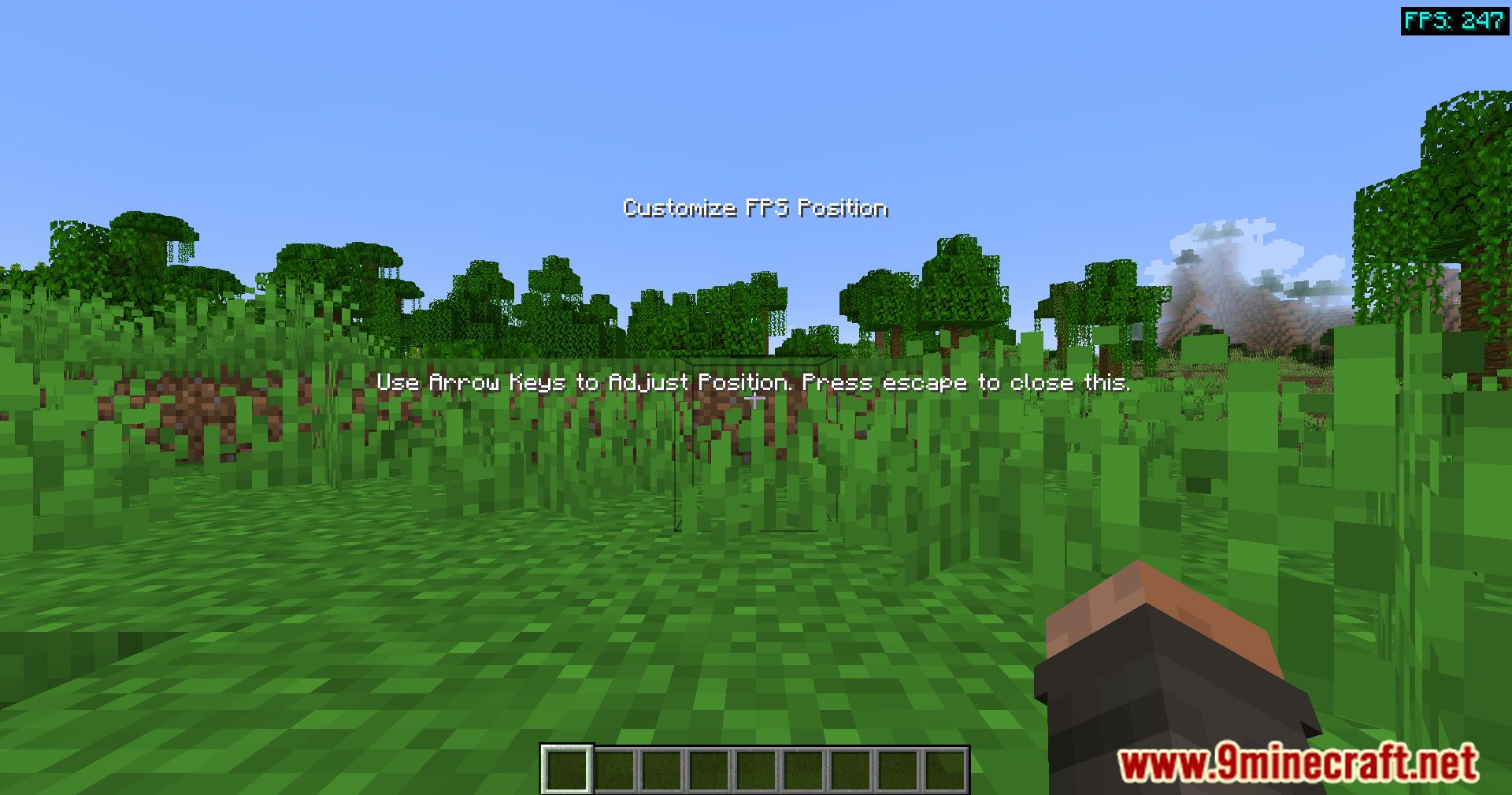
Custom FPS Display Mod Download Links
For Minecraft 1.21.3, 1.21.2, 1.21.1, 1.21
Forge Version: Download from Server 1 – Download from Server 2
For Minecraft 1.20.1, 1.20
Forge Version: Download from Server 1 – Download from Server 2
For Minecraft 1.16.5
Forge Version: Download from Server 1 – Download from Server 2
For Minecraft 1.12.2
Forge Version: Download from Server 1 – Download from Server 2
- Edition: Minecraft Java
- File type: .jar
- Minecraft versions listed: 1.21.3, 1.20.1
- How to install: Install the matching mod loader (Forge, Fabric or NeoForge) for your Minecraft version. → Download the .jar. → Put it in the .minecraft/mods folder and launch that loader profile.
- Where to get it: In MC Java Mods, or directly above on this page.
Install steps are the general flow for this file type — How to install Minecraft Java mods & modpacks walks through it step by step.
- Downloads as 198868.mcaddon
- Download size: 10 KB
- Download link checked 29 Jul 2026 — working
- Mirrored on our own servers — the download does not depend on the original host
These come from our own check of the pack file, not from the source page.