ModsJava
JEI Area Fixer Mod (1.12.2) – Fix JEI GUI To Not Overlap With Modded GUIs
Minecraft Java mod. Downloads from the MC Java Mods app on Android.
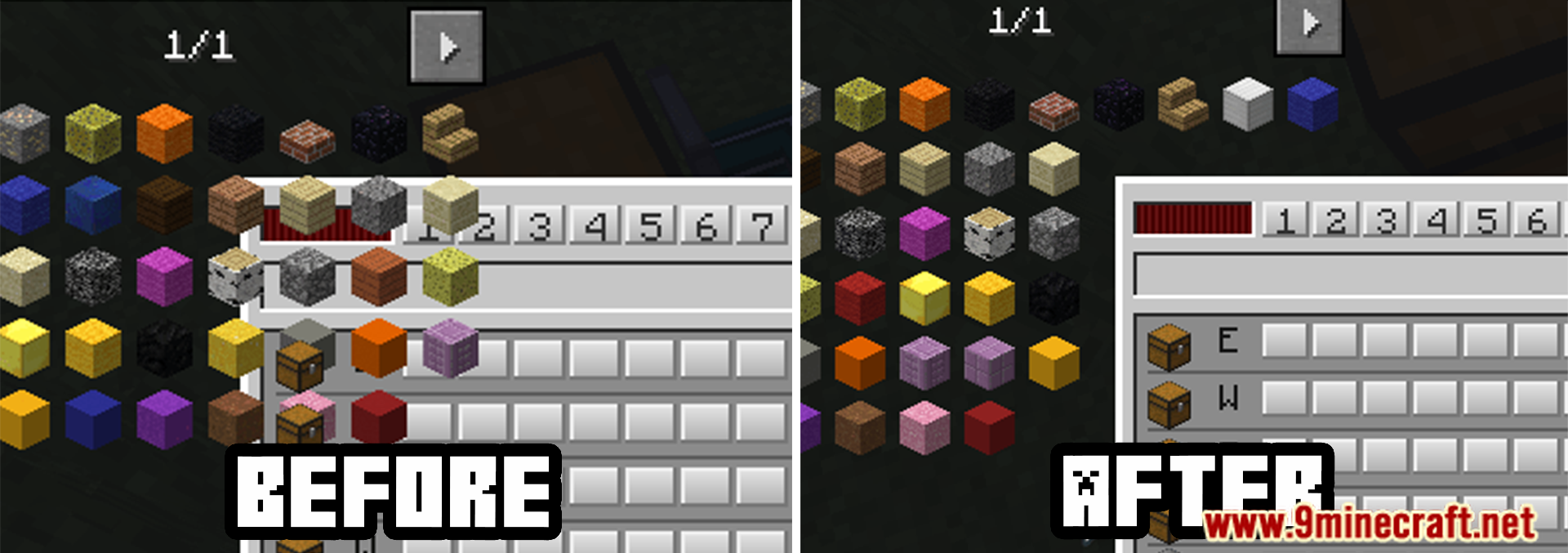
⬇ DownloadJEI Area Fixer Mod is an enhancement mod for Just Enough Items (JEI), focused on improving the layout and display areas within the JEI interface. Designed specifically for players who want better organization and visibility in JEI, this mod adjusts the display area to fit neatly with Minecraft’s GUI elements, helping ensure that recipe and item displays don’t interfere with other interface parts.
Features:
- Aligns JEI Descriptions: Fixes issues where recipe descriptions or item names may overlap or become misaligned.
- Improved UI: Helps with clearer and more organized displays, making it easier to navigate recipes.
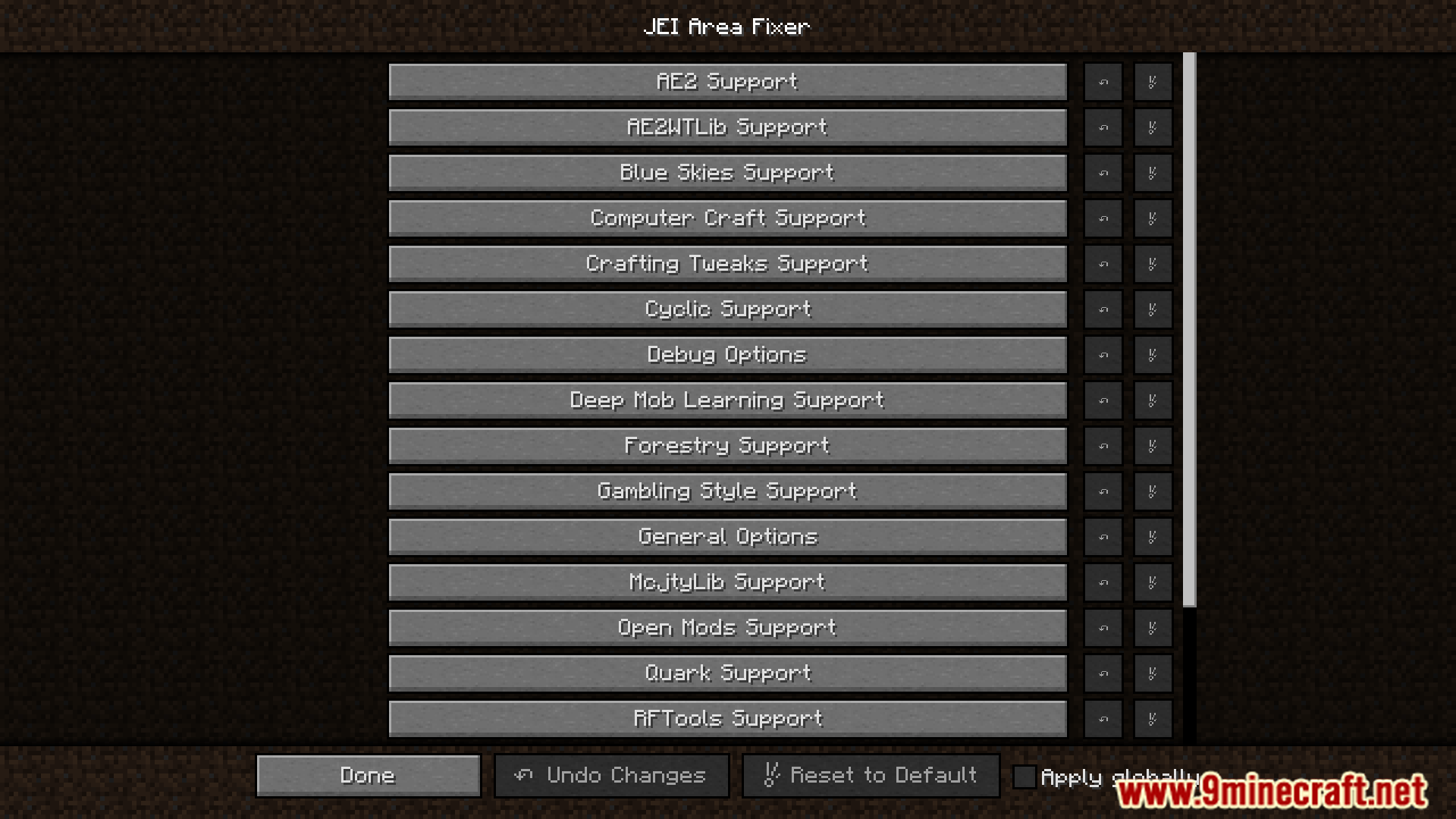
- Supports Multiple Mods: Works well with mod packs that add a large number of items to JEI.
- Simple Installation: Easy to install and works with existing JEI setups.
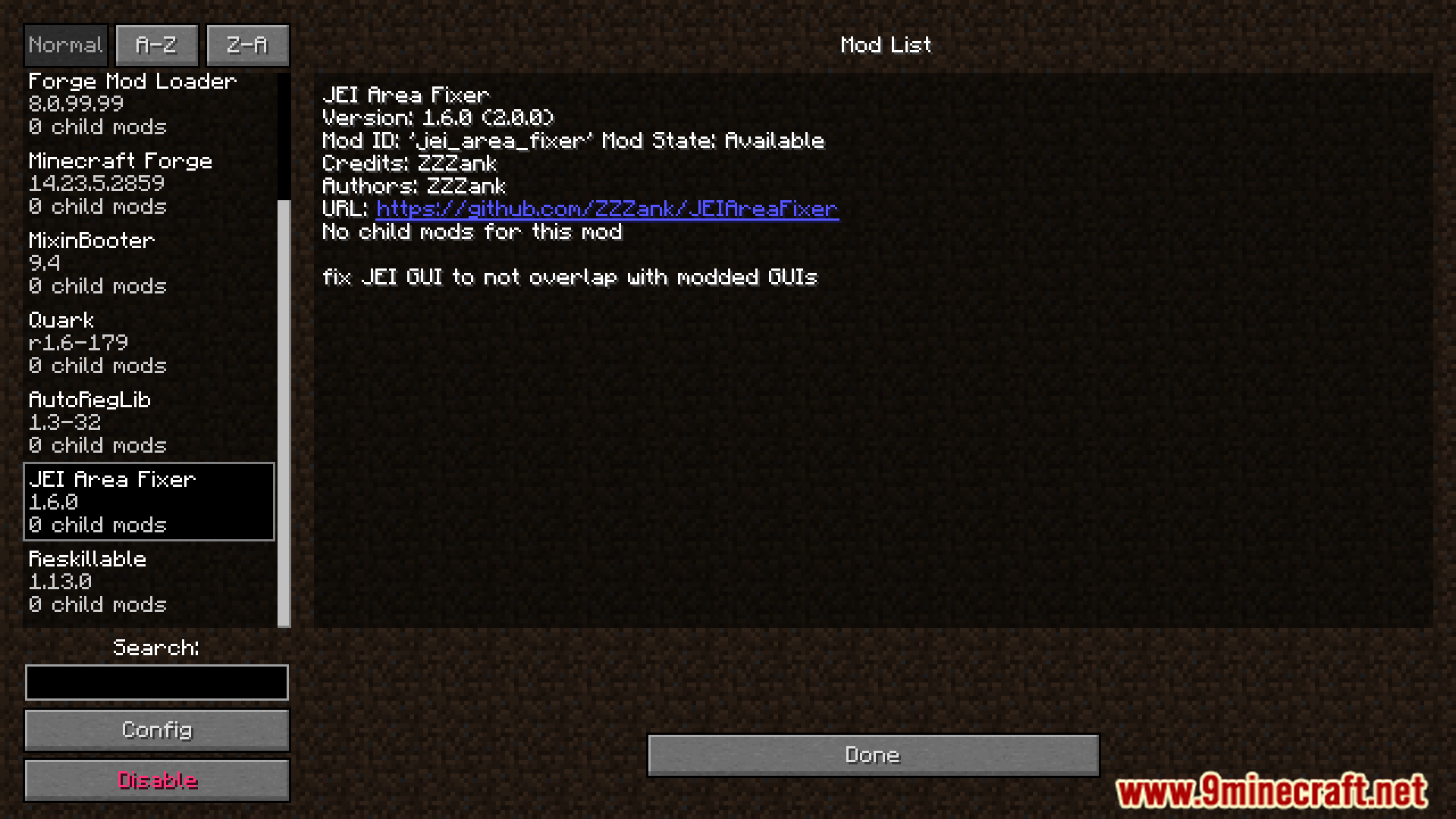
Screenshots:
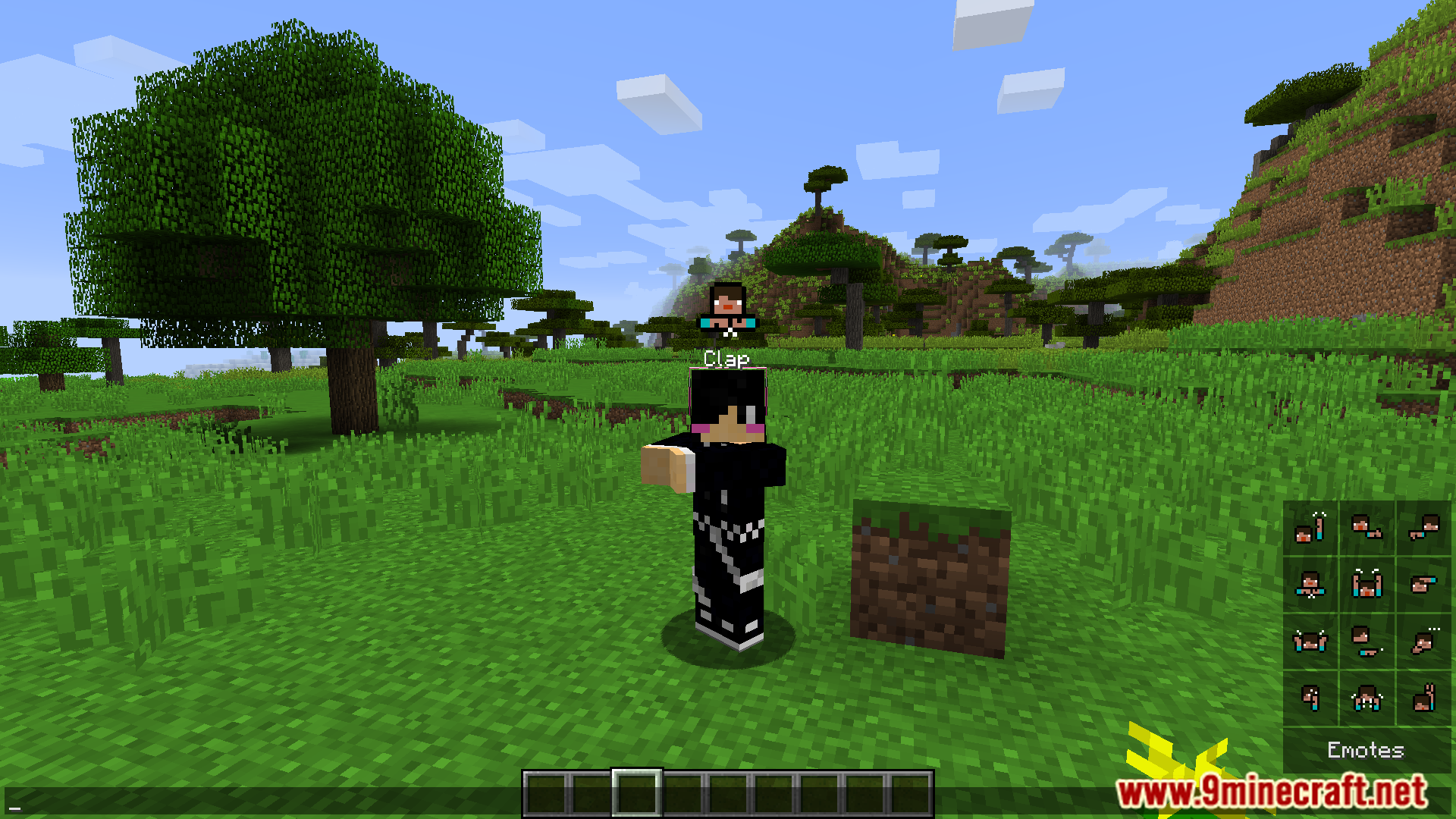
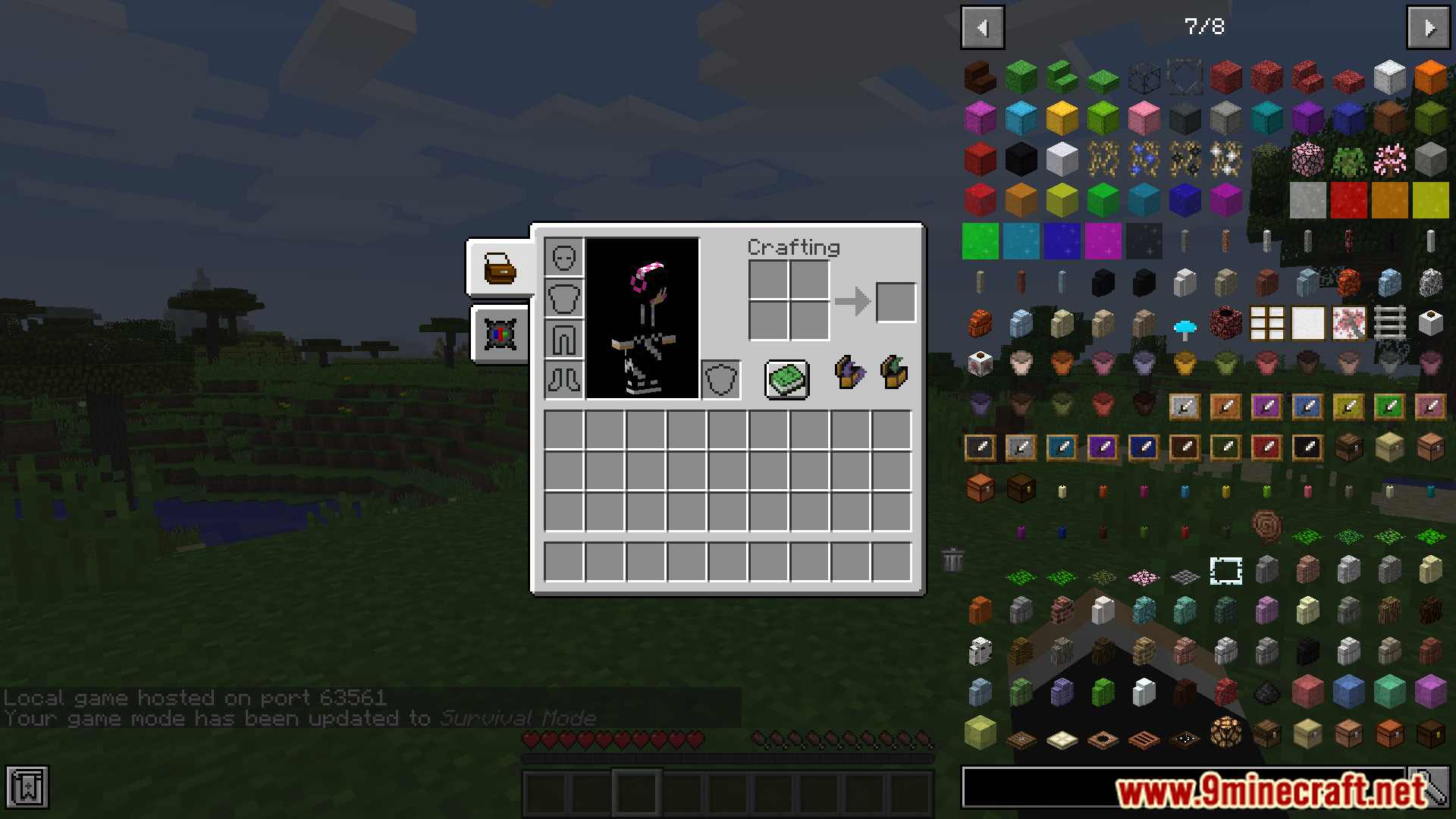
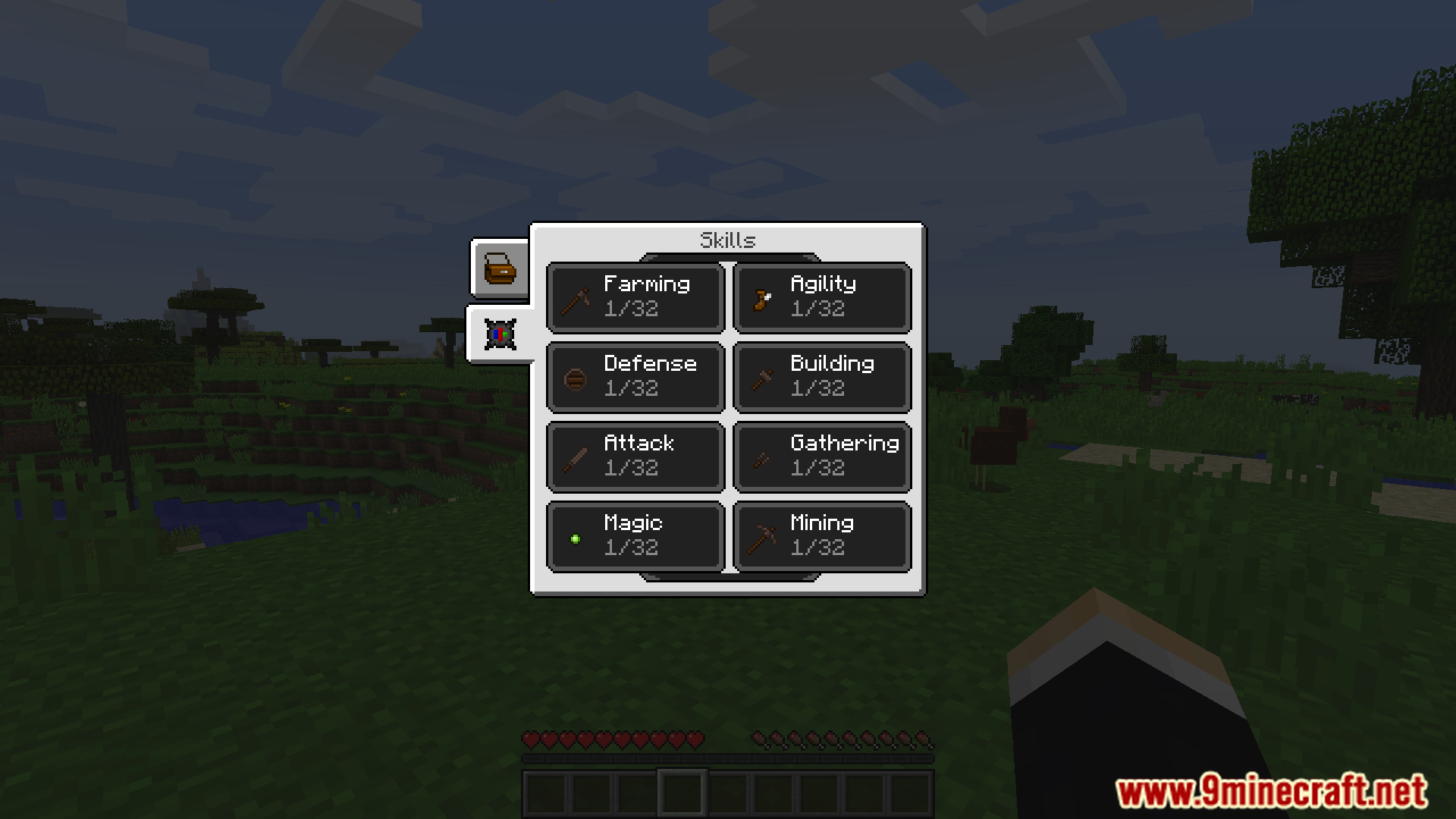
JEI Area Fixer Mod Download Links
For Minecraft 1.12.2
Forge version: Download from Server 1 – Download from Server 2
Quick facts
- Edition: Minecraft Java
- File type: .jar
- How to install: Install the matching mod loader (Forge, Fabric or NeoForge) for your Minecraft version. → Download the .jar. → Put it in the .minecraft/mods folder and launch that loader profile.
- Where to get it: In MC Java Mods, or directly above on this page.
Install steps are the general flow for this file type — How to install Minecraft Java mods & modpacks walks through it step by step.
File checked by MCModsHub
- Downloads as 198879.mcaddon
- Download size: 104 KB
- Download link checked 29 Jul 2026 — working
- Mirrored on our own servers — the download does not depend on the original host
These come from our own check of the pack file, not from the source page.