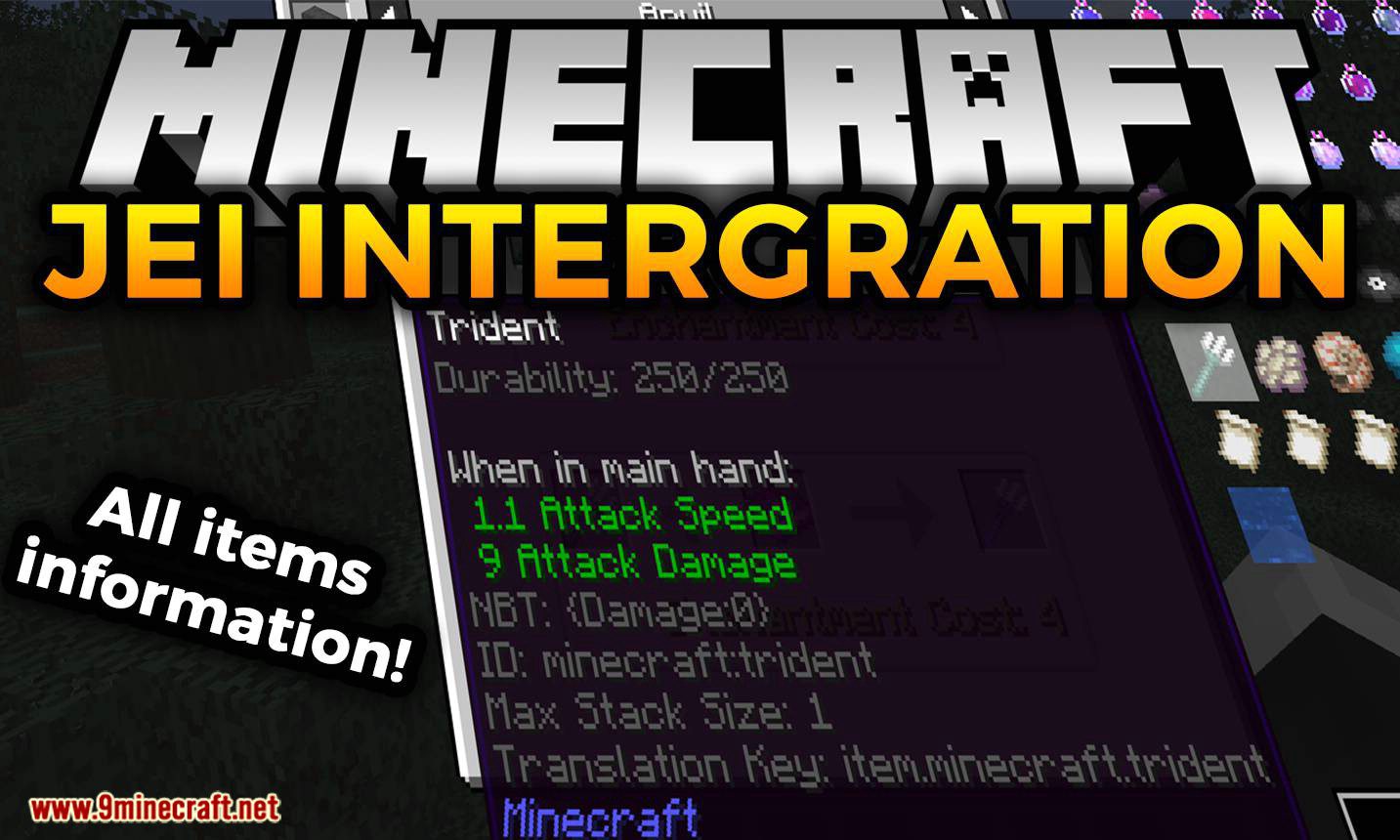
JEI Integration Mod (1.20.1, 1.18.2) – View Items and Recipes
Java mod listed for Minecraft 1.18–1.20. Downloads from the MC Java Mods app on Android.
⬇ DownloadJEI Integration Mod is the successor to NEI Integration by Tonius, is an addon for Just Enough Items (JEI) for Minecraft 1.10 and above. The mod provides JEI recipe handlers for other mods where otherwise absent. In addition to additional recipe handlers, it adds configurable tooltips which can provide insightful information for pack developers and tech-savvy players.
Features:
JEI Integration is still in the development phase meaning some features of the original mod are not present. The configurable tooltips is currently the only implemented feature of the original mod. More coming soon…
Tooltips:
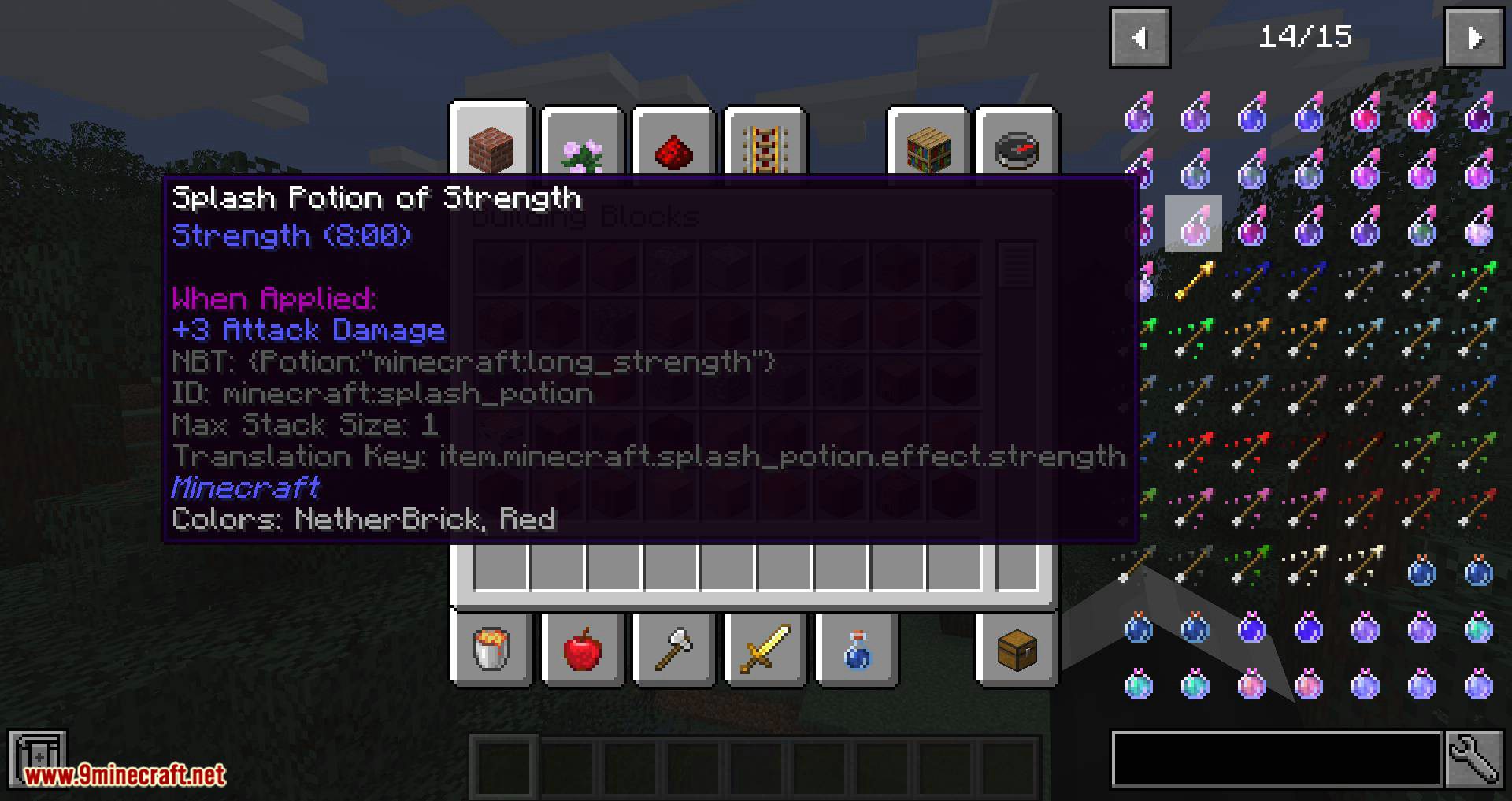
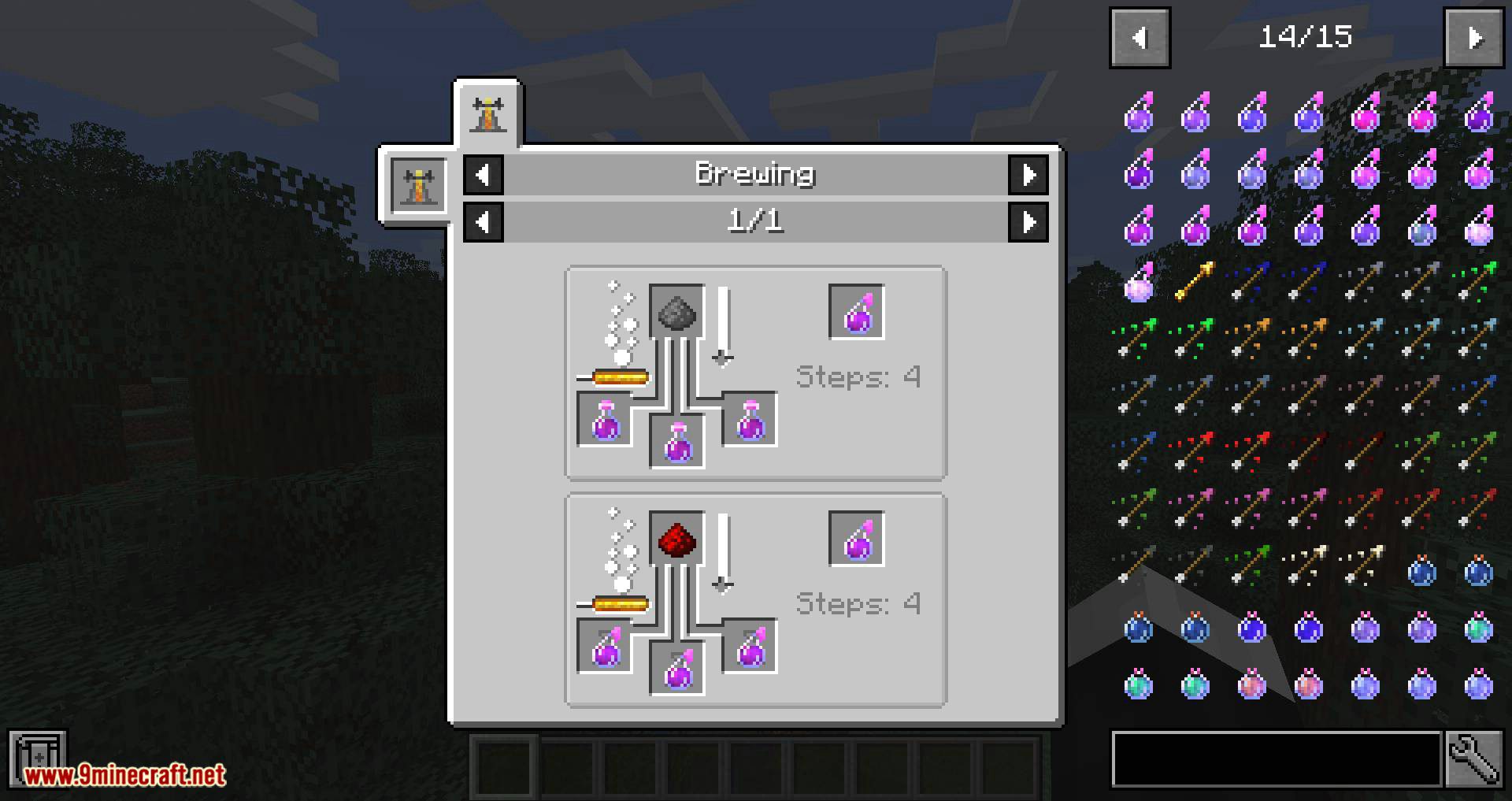
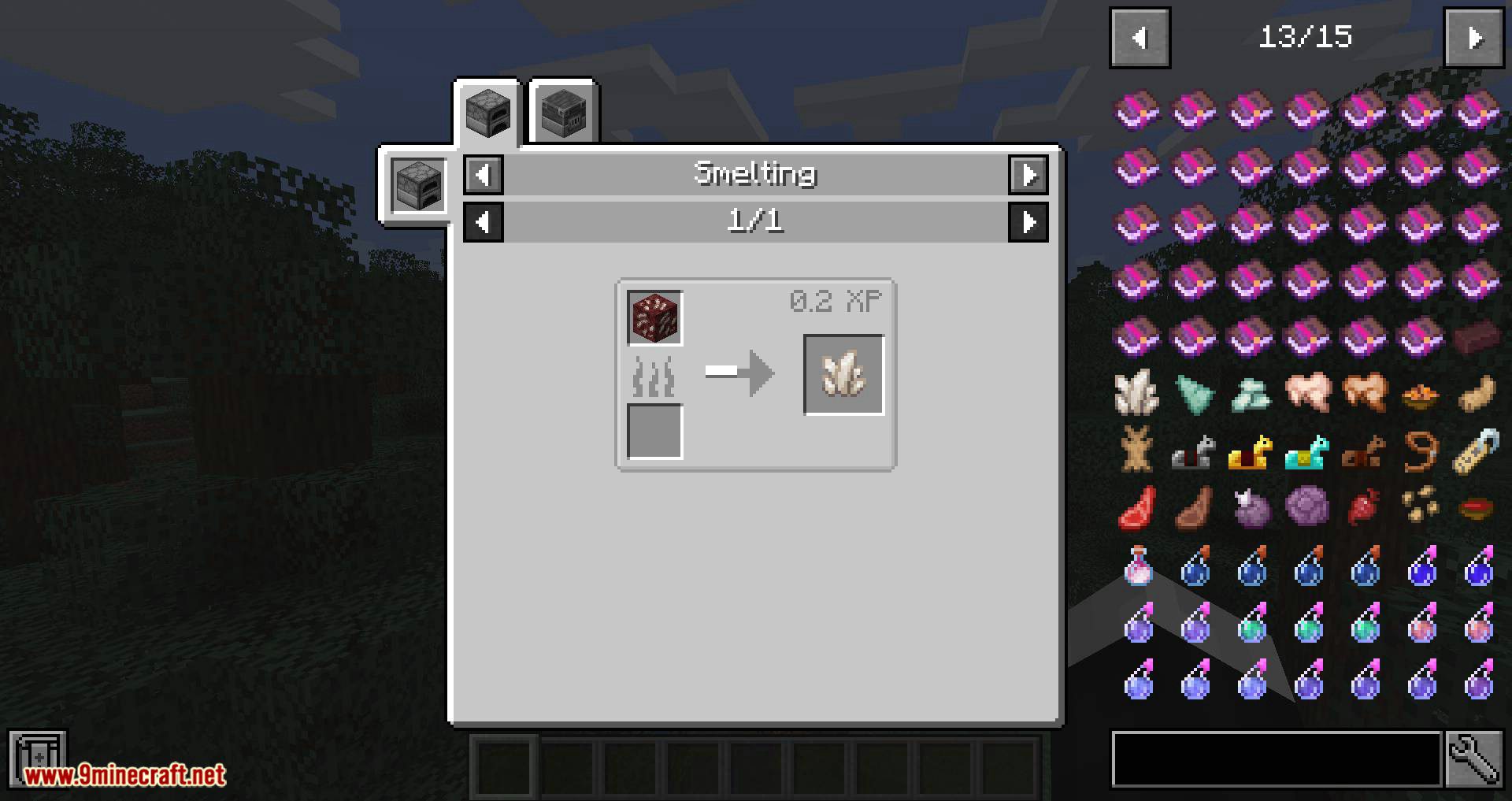
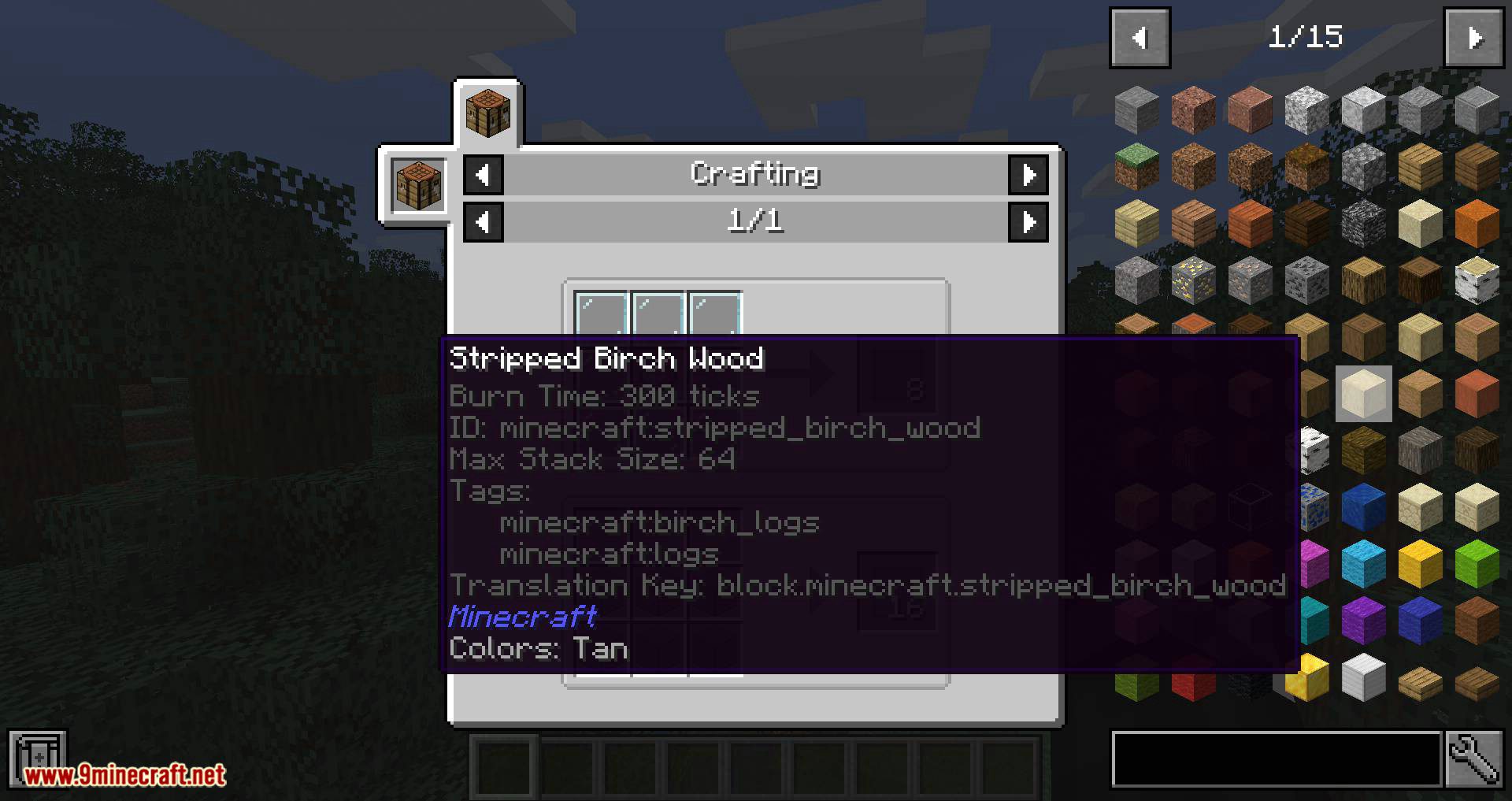
Tooltips are extremely helpful to pack developers, mod developers, and players for providing the player with helpful insights about a particular block/item’s traits. By default, JEI Integration tooltips come disabled as to allow you, the player, or pack maker the control over what is shown and how.
The list of available tooltips is as follows:
Show More1.15 and Above:
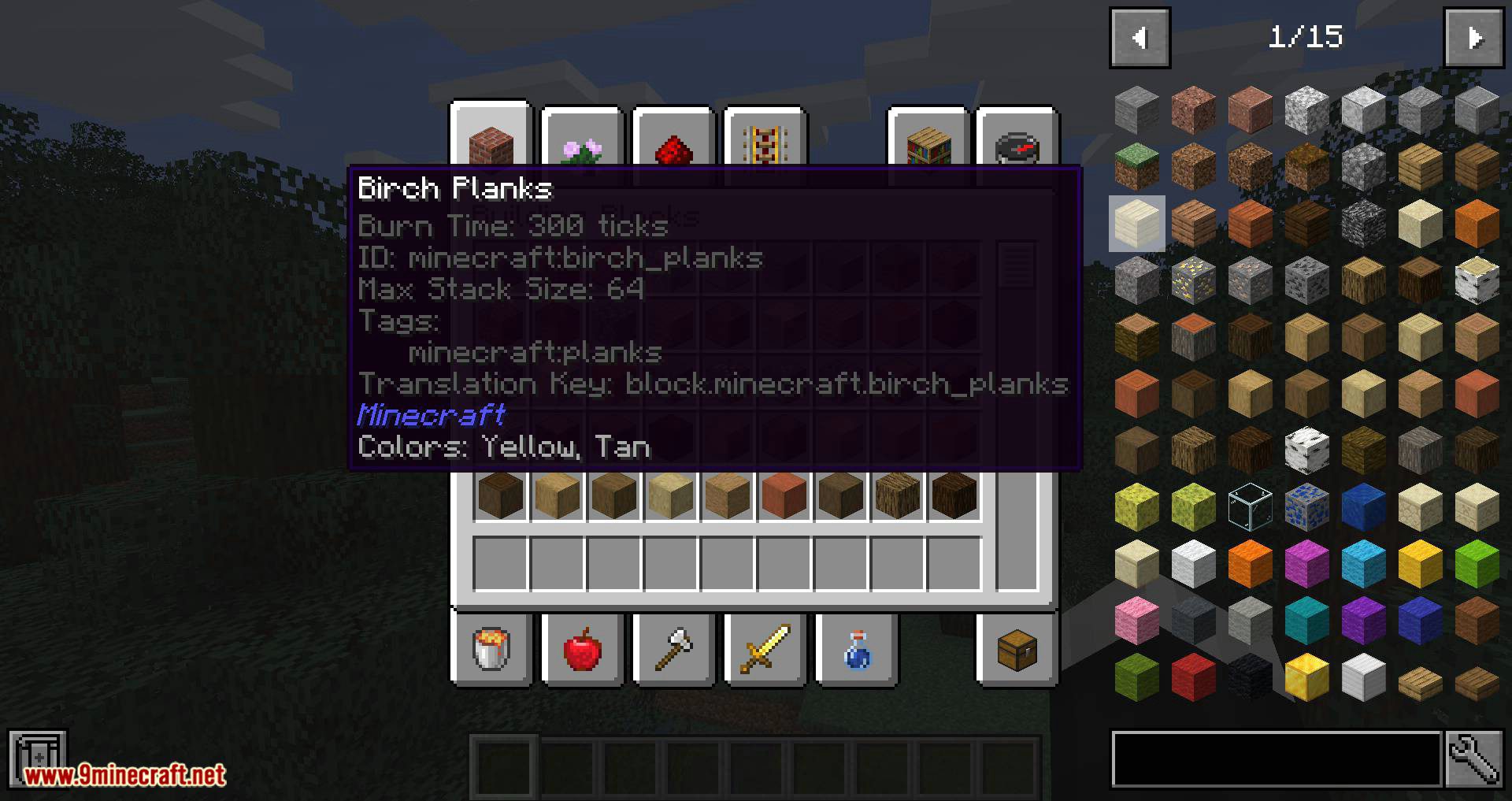
- Burn Time – Displays the number of ticks (20 ticks = 1 second) any burnable item in game will burn for.
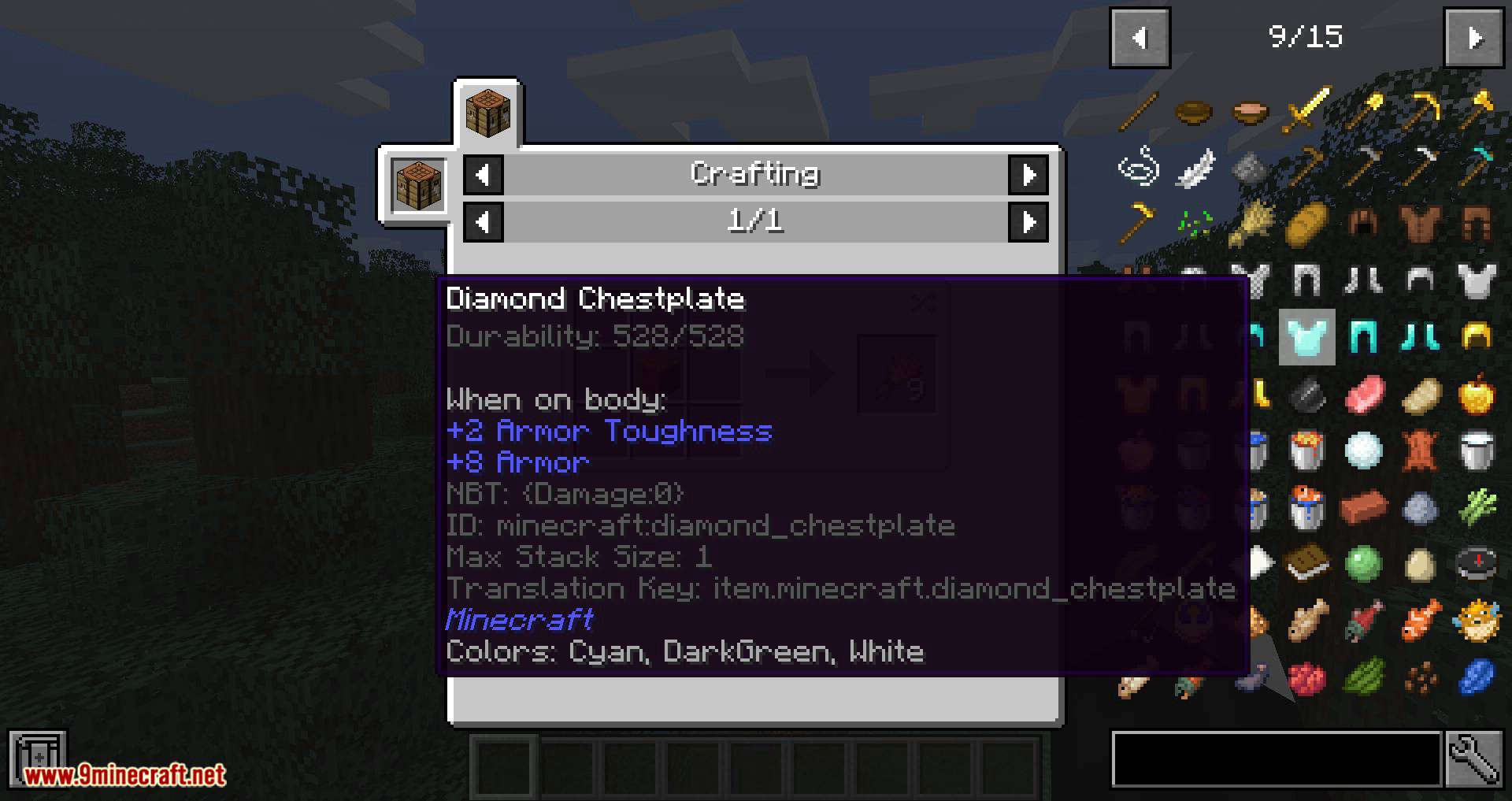
- Durability – Displays the durability of an item where applicable (e.g. tools, weapons, armour, etc). The tooltip shows both total durability and remaining durability.
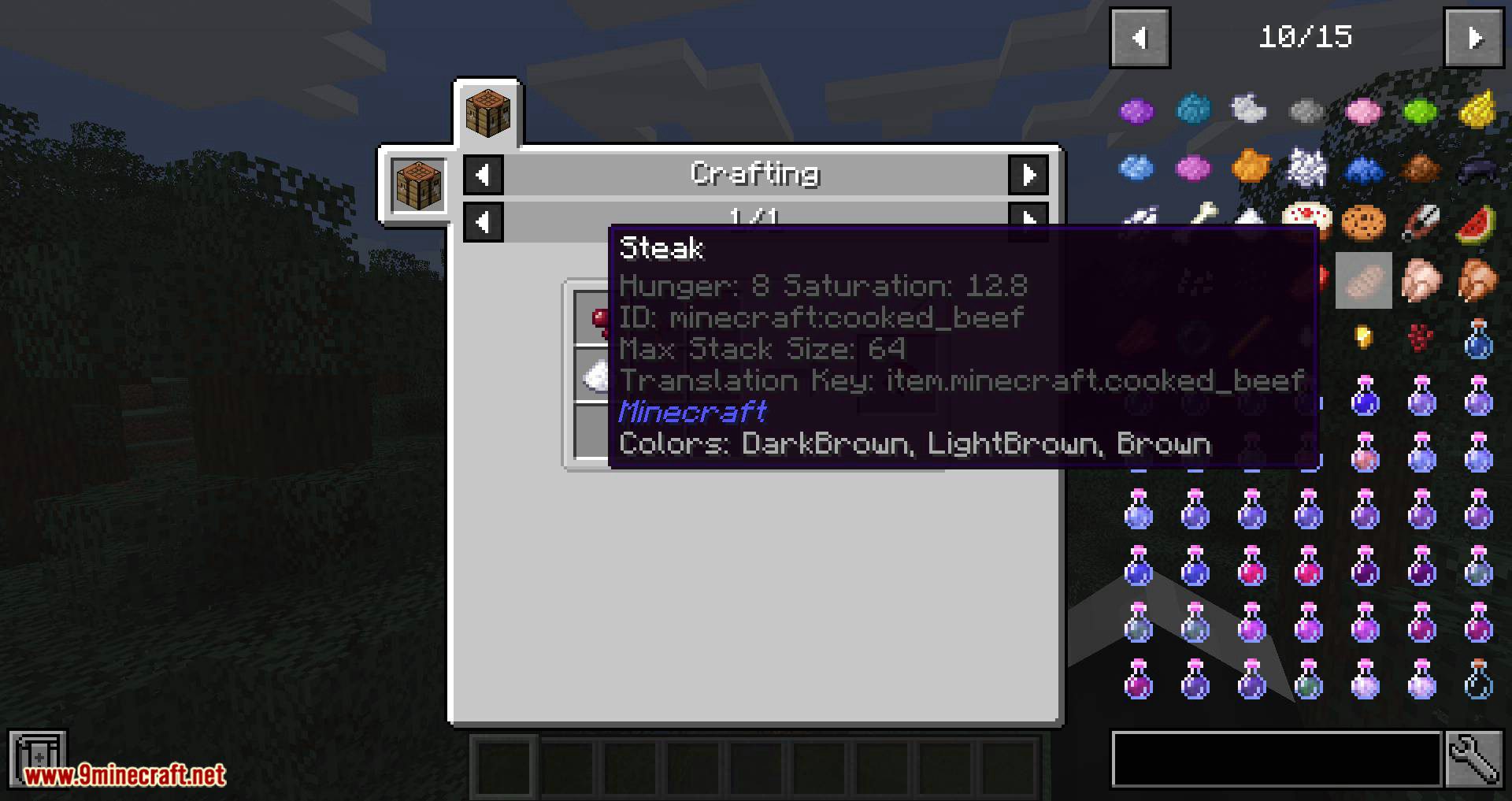
- Hunger/Saturation – Displays both the hunger and saturation values that the particular food item will restore. (As of version 3.1.0.)
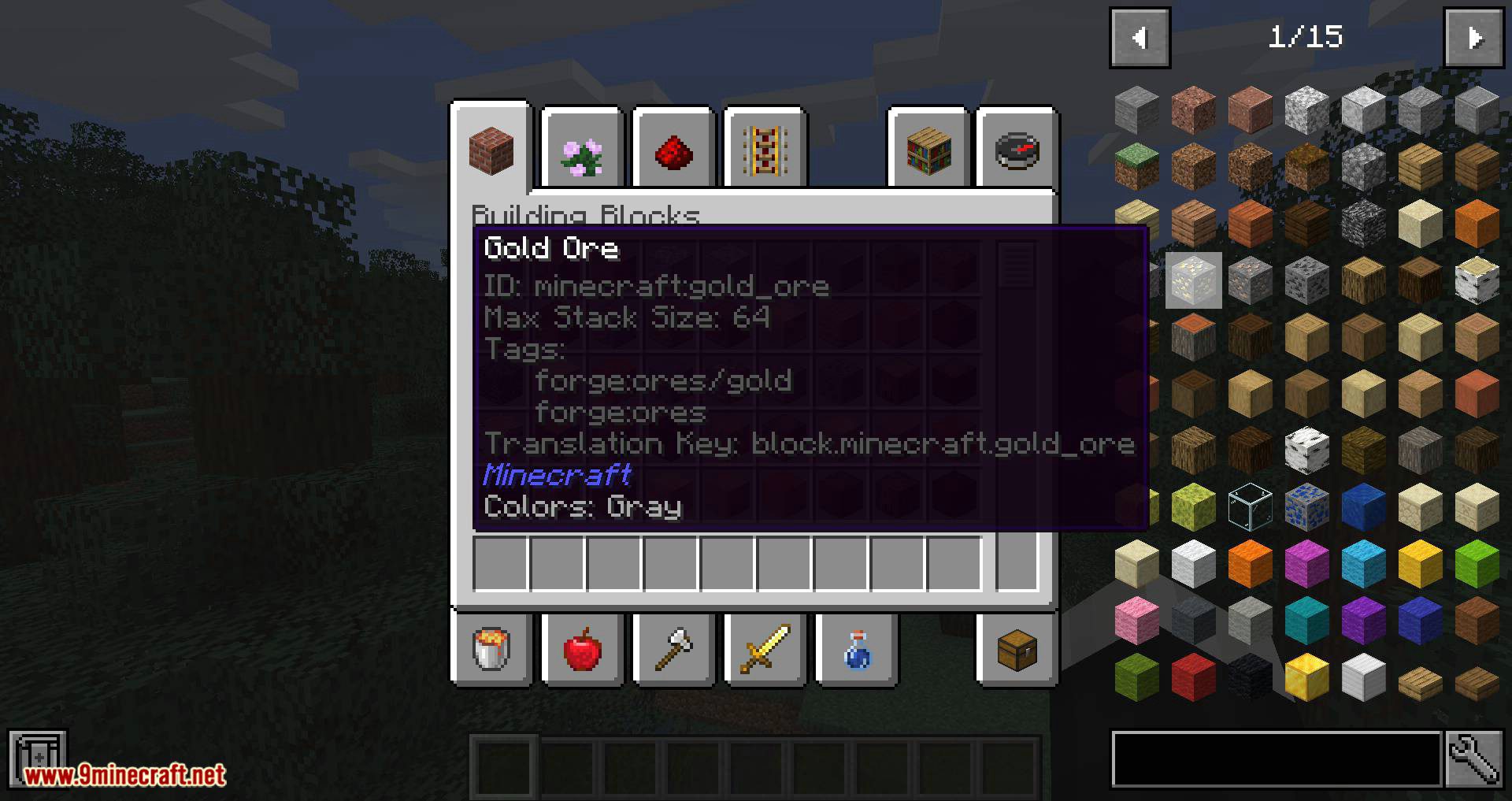
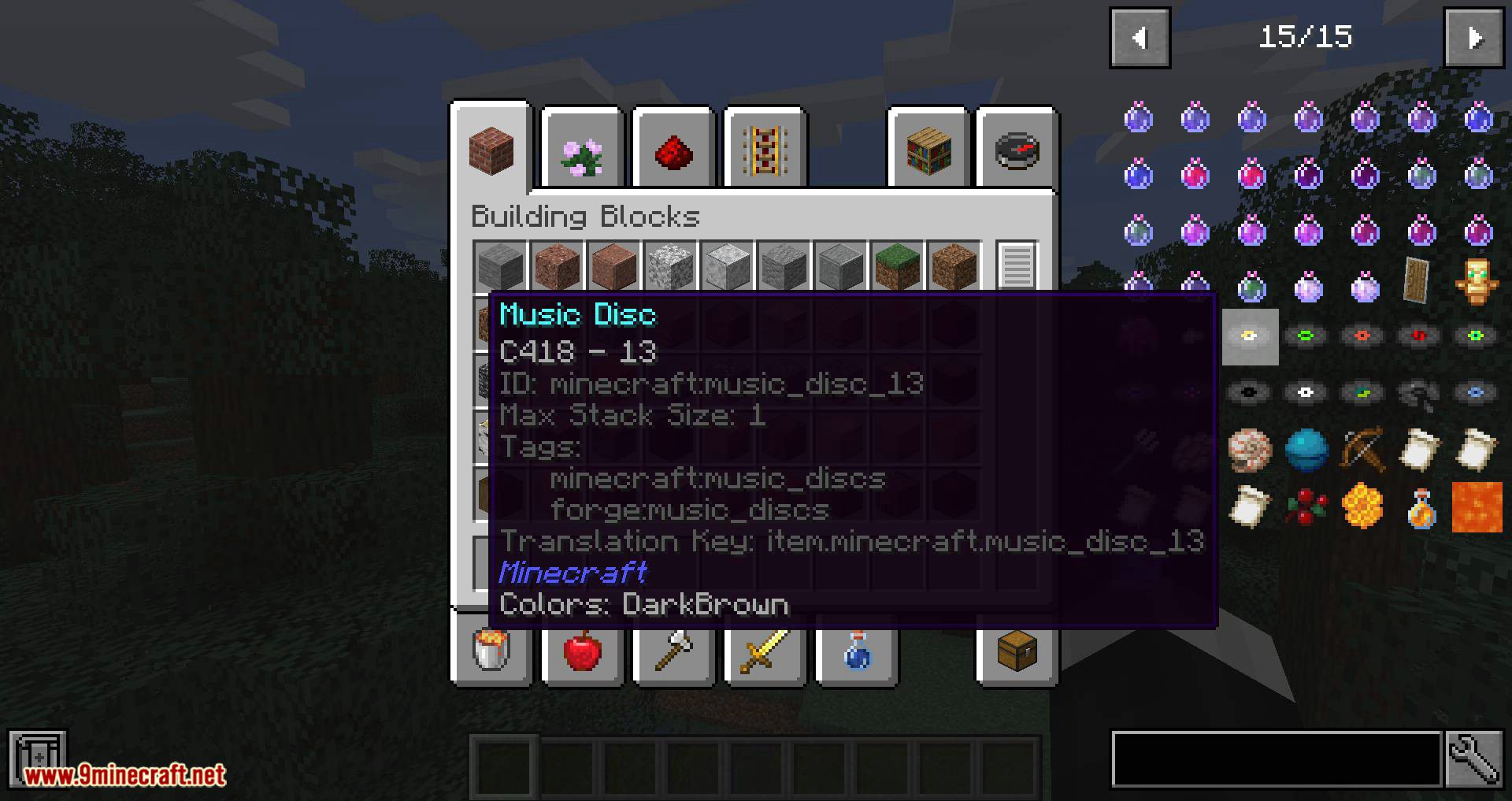
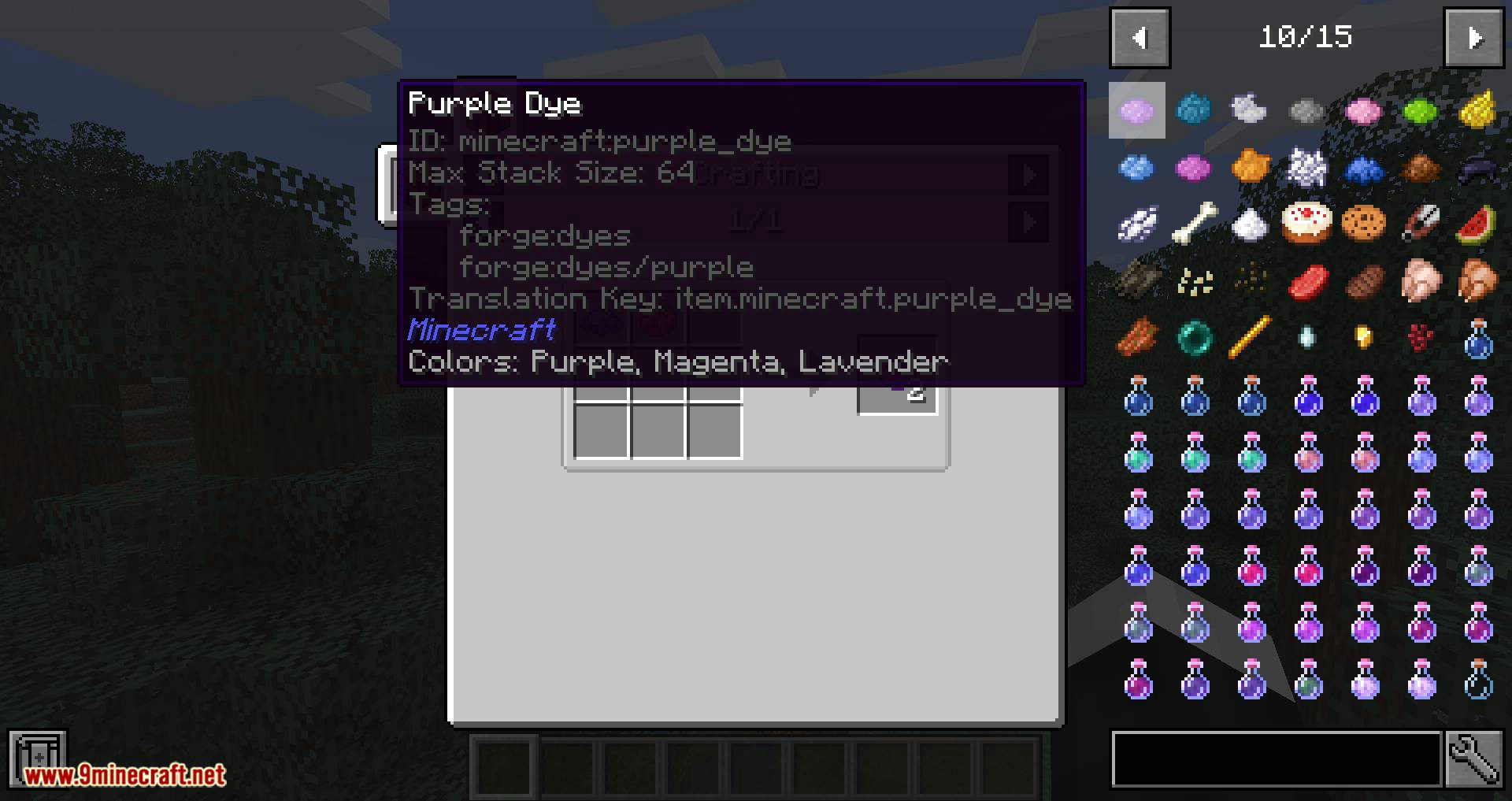
- Max Stack Size – Displays the maximum stack size of an item – usually 64, but in some cases, like ender pearls, it’s 16.
- NBT Data – Displays all NBT data stored on a block/item e.g. enchantments.
- Registry Name – Displays the block/item’s internal ID, registry name or namespace name (e.g. minecraft:apple). While already available in the game (using
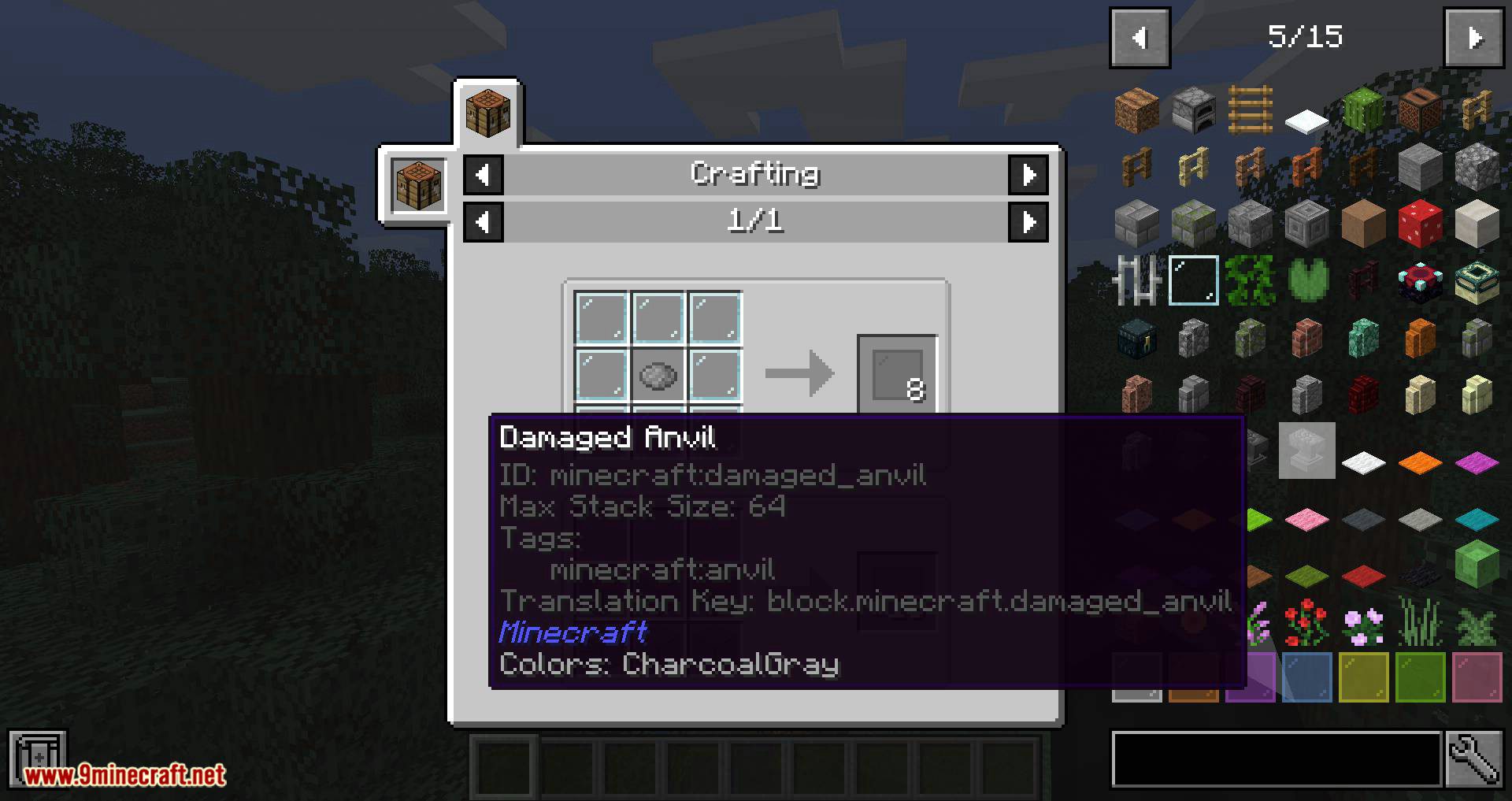
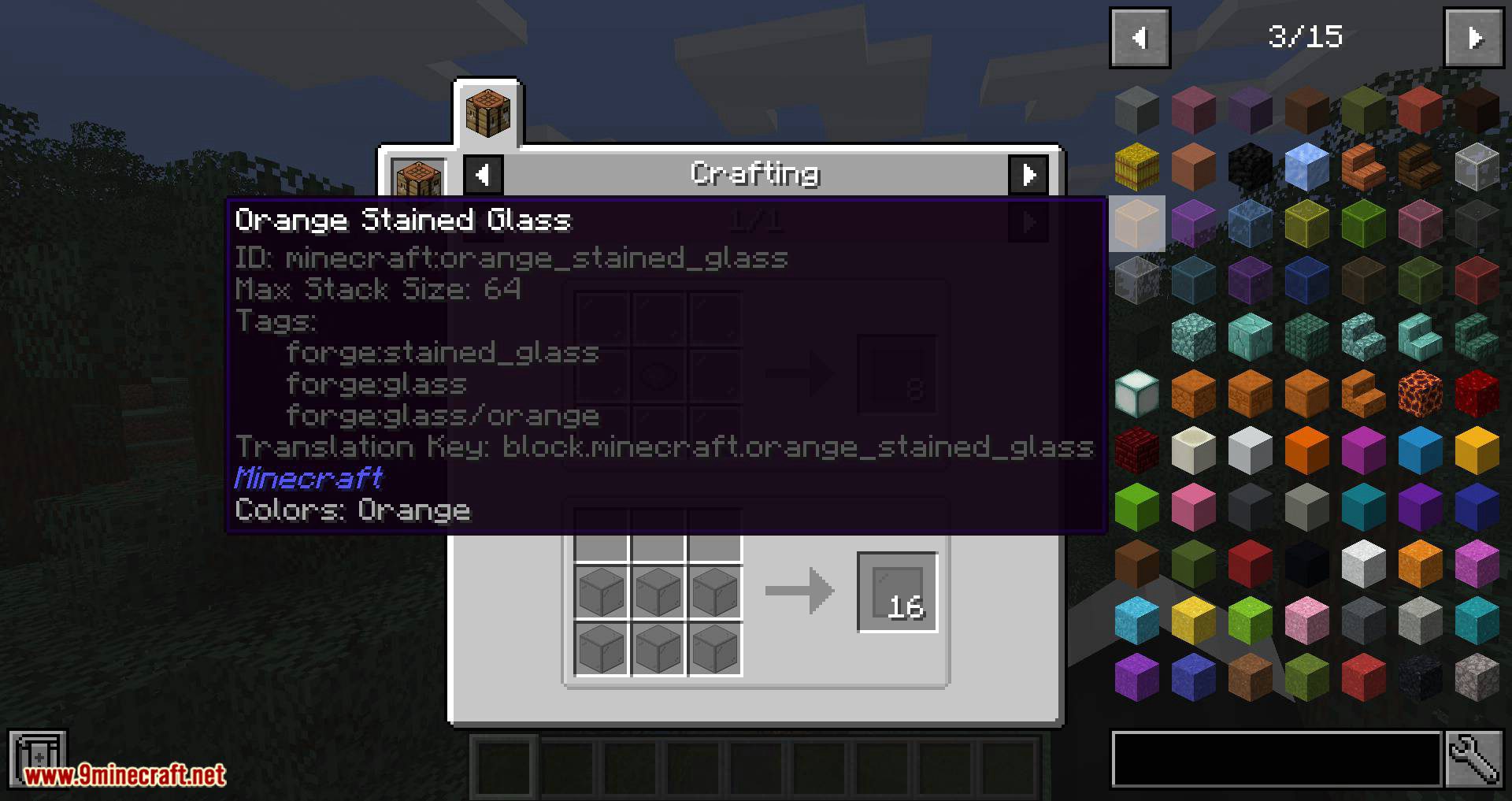
f3+h), JEI Integration gives players more options as to how it appears in the tooltip. - Tags – Displays the tags for a given block/item. E.g. forge:storage_blocks, minecraft:planks. (As of version 3.1.0.)
- Translation Key – Displays the translation key for a given block/item. E.g. block.minecraft.stone. (Useful for mod translators.)
1.14:
- Burn Time – Displays the number of ticks (20 ticks = 1 second) any burnable item in game will burn for.
- Durability – Displays the durability of an item where applicable (e.g. tools, weapons, armour, etc). The tooltip shows both total durability and remaining durability.
- Max Stack Size – Displays the maximum stack size of an item – usually 64, but in some cases, like ender pearls, it’s 16.
- NBT Data – Displays all NBT data stored on a block/item e.g. enchantments.
- Registry Name – Displays the block/item’s internal ID, registry name or namespace name (e.g. minecraft:apple). While already available in the game (using
f3+h), JEI Integration gives players more options as to how it appears in the tooltip. - Translation Key – Displays the translation key for a given block/item. E.g. block.minecraft.stone (Useful for mod translators)
1.12 and below:
- Burn Time – Displays the number of ticks (20 ticks = 1 second) any burnable item in game will burn for.
- Durability – Displays the durability of an item where applicable (e.g. tools, weapons, armour, etc). The tooltip shows both total durability and remaining durability.
- Max Stack Size – Displays the maximum stack size of an item – usually 64, but in some cases, like ender pearls, it’s 16.
- Metadata – Displays an block/item’s metadata e.g. orange wool has metadata 1.
- NBT Data – Displays all NBT data stored on a block/item e.g. enchantments.
- Ore Dictionary Entries – Displays all ore dictionary entries for a given block/item e.g. logWood
- Registry Name – Displays the block/item’s internal ID, registry name or namespace name (e.g. minecraft:apple). While already available in the game (using
f3+h), JEI Integration gives players more options as to how it appears in the tooltip. - Translation Key – Displays the translation key for a given block/item. E.g. block.minecraft.stone (Useful for mod translators)
Configuration:
JEI Integration offers a great deal of customisation to the player in the form of configurations. Configurations can be altered via the in-game menu or the configuration file (Stored in ./minecraft/config).
The mod provides the following options for when a tooltip is displayed for an item:
- Disabled – The tooltip is not displayed.
- Enabled – The tooltip is displayed all the time.
- On Shift – The tooltip is only displayed while the user is holding the left or right shift key on the keyboard.
- On Debug – The tooltip is only displayed while the
advancedItemTooltipsoption is enabled (f3+h). - On Shift & Debug – The tooltip is only displayed while the previous two conditions are true (On Shift & On Debug).
Screenshots:
JEI Integration Mod Download Links
For Minecraft 1.12.2
Forge version: Download from Server 1
For Minecraft 1.15.2
Forge version: Download from Server 1
For Minecraft 1.16.5
Forge version: Download from Server 1
For Minecraft 1.17.1
Forge version: Download from Server 1
For Minecraft 1.18.2
Forge version: Download from Server 1
For Minecraft 1.20.1, 1.20
Forge version: Download from Server 1 – Download from Server 2
- Edition: Minecraft Java
- File type: .jar
- Minecraft versions listed: 1.20.1, 1.18.2
- How to install: Install the matching mod loader (Forge, Fabric or NeoForge) for your Minecraft version. → Download the .jar. → Put it in the .minecraft/mods folder and launch that loader profile.
- Where to get it: In MC Java Mods, or directly above on this page.
Install steps are the general flow for this file type — How to install Minecraft Java mods & modpacks walks through it step by step.
- Downloads as 198889.mcaddon
- Download size: 25 KB
- Download link checked 29 Jul 2026 — working
- Mirrored on our own servers — the download does not depend on the original host
These come from our own check of the pack file, not from the source page.