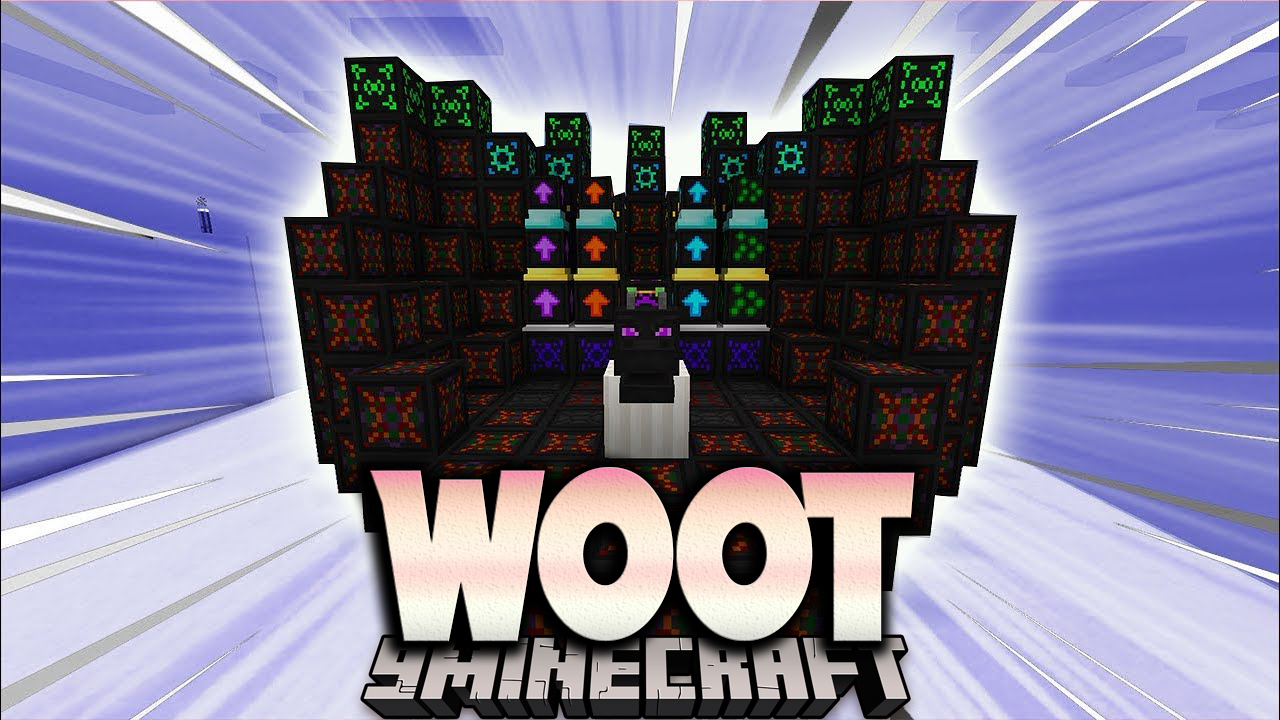
Woot Mod (1.16.5, 1.12.2) – Build a Mob Factory for Lag-Free Loot
Java mod listed for Minecraft 1.16. Downloads from the MC Java Mods app on Android.
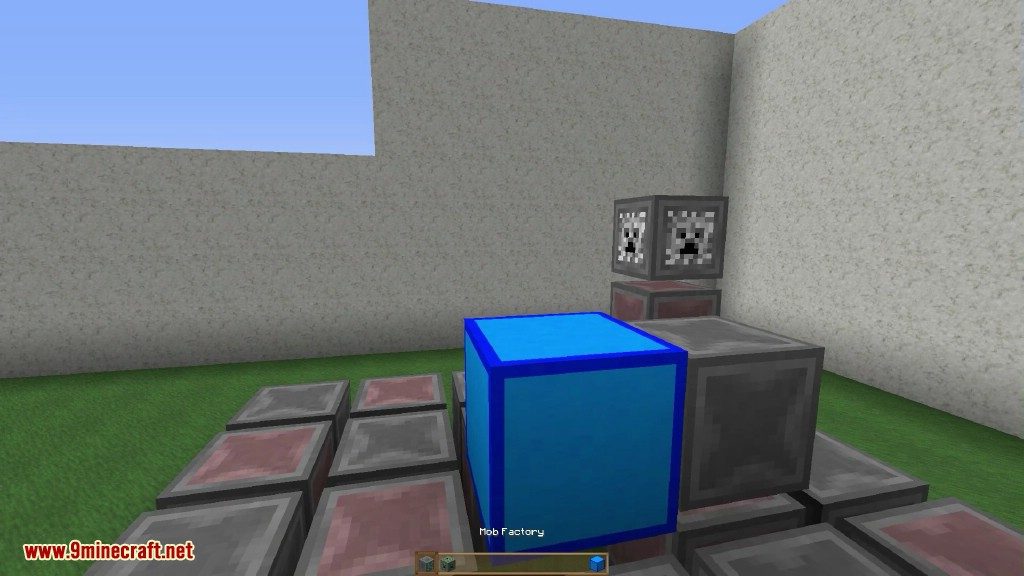
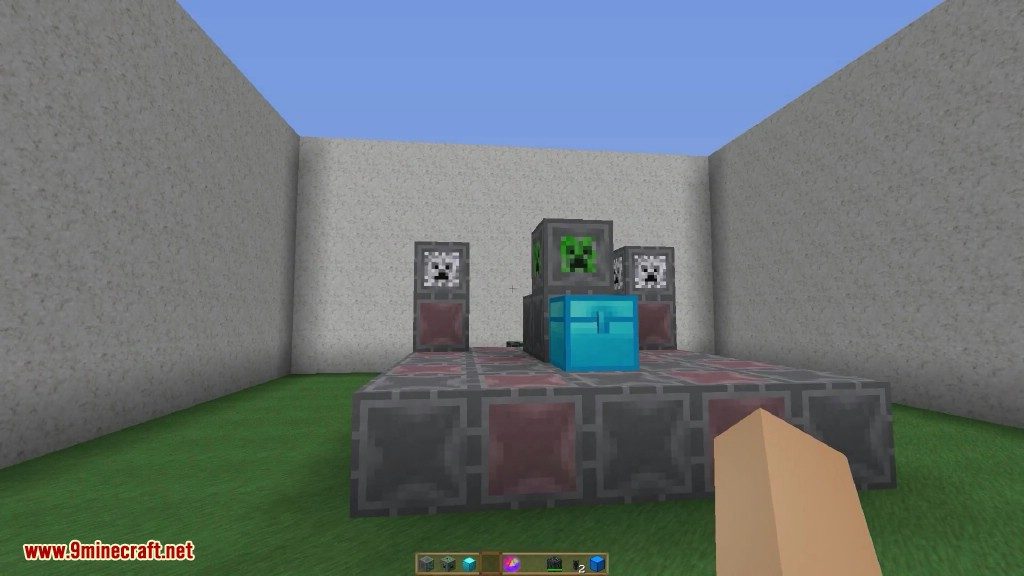
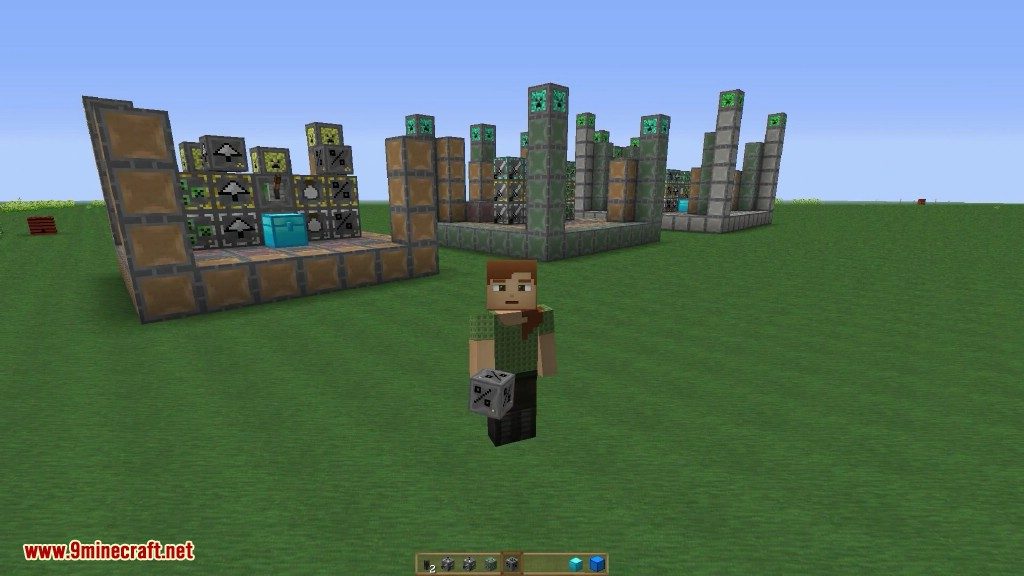
⬇ DownloadWoot Mod offers a new way to get mob drops without building a traditional mob farm. Instead of spawning mobs, you build a multi-block factory. Just program the factory with the mob you want, give it power, and connect a chest. The factory will then automatically generate that mob’s loot and place it in the inventory for you. This mod also features different factory tiers for more powerful mobs, like the Wither, and allows you to add upgrades to make your factory even better.
Features:
- Build mob factories that generate loot without spawning any mobs in the world.
- Program your factory to produce drops from a specific mob of your choice.
- Construct different tiers of factories to handle more powerful mobs, including bosses.
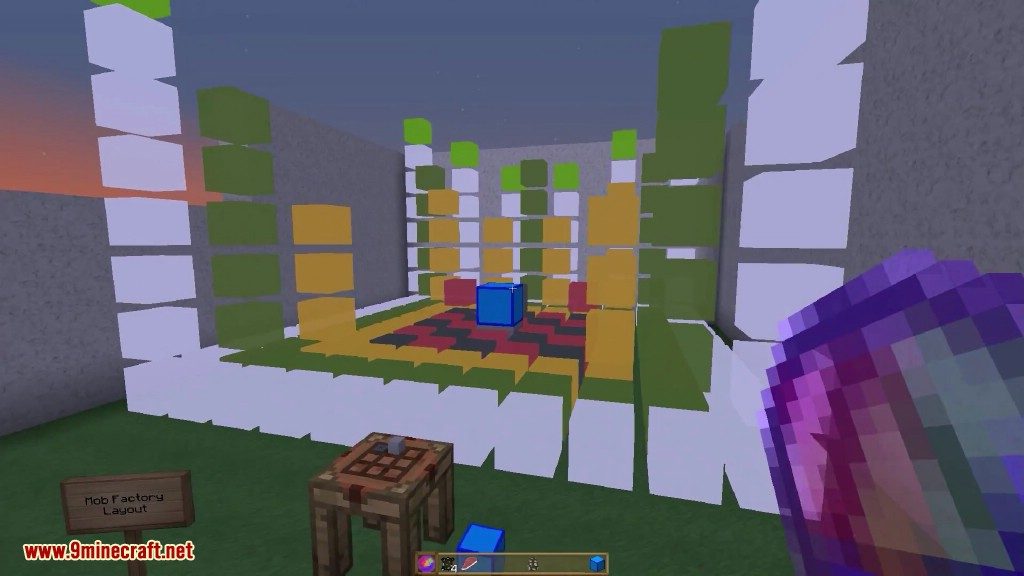
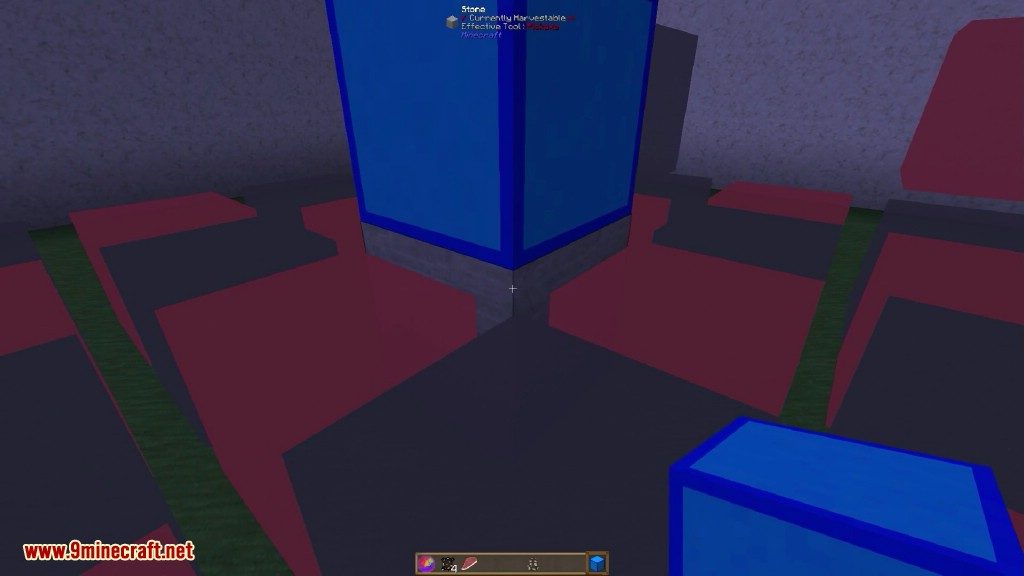
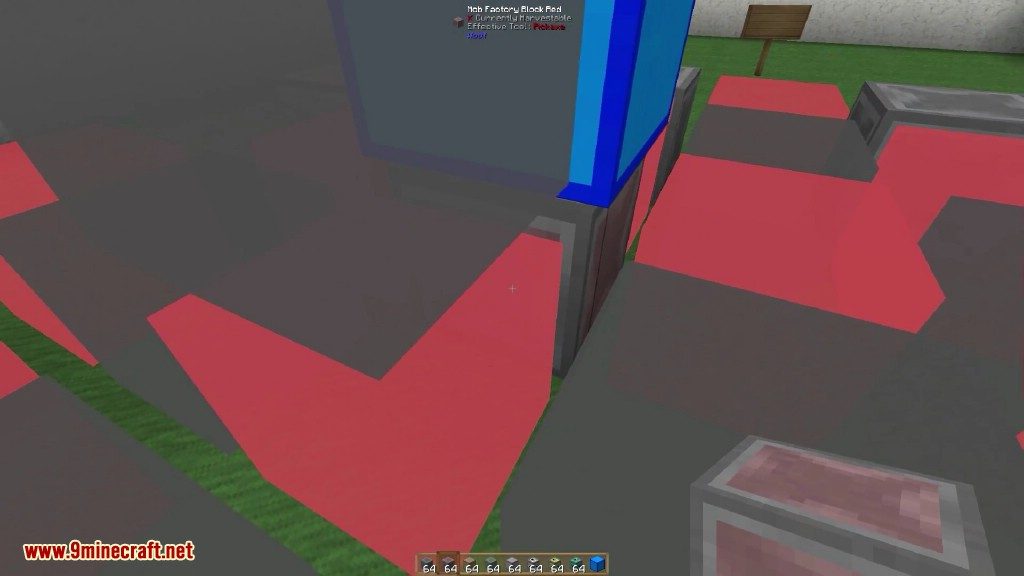
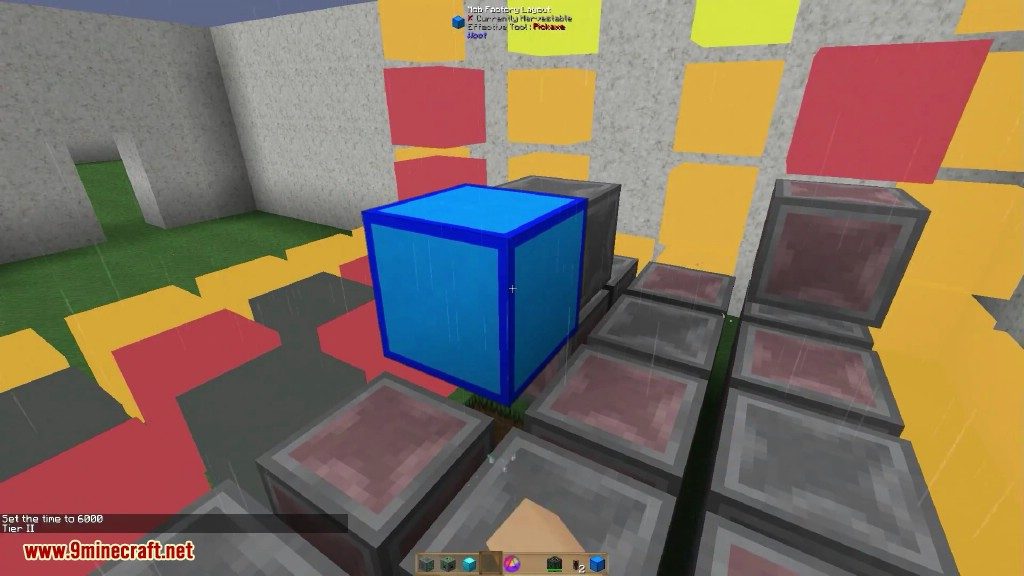
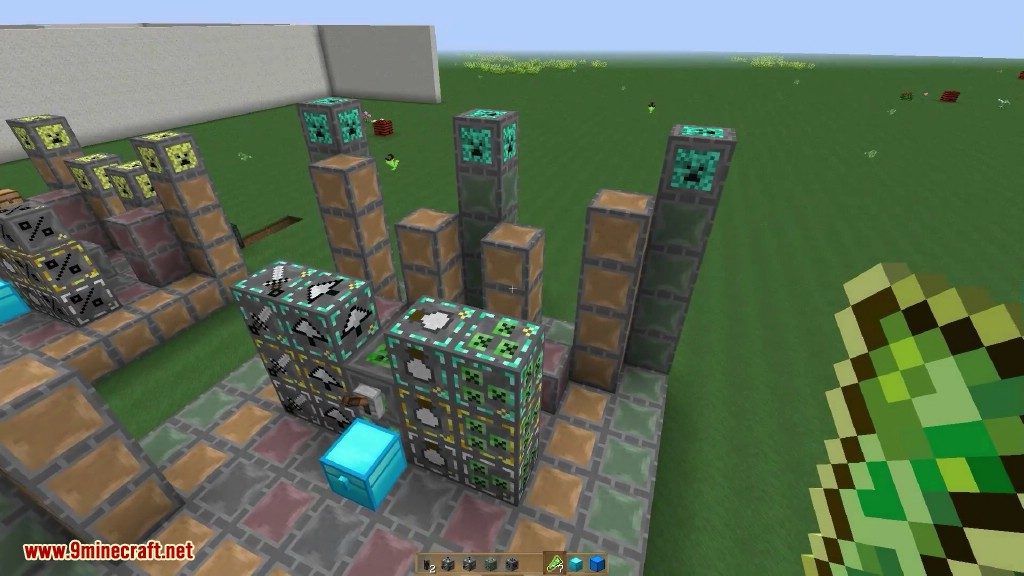
- Use a helpful layout block that shows you where to place all the blocks for your factory structure.
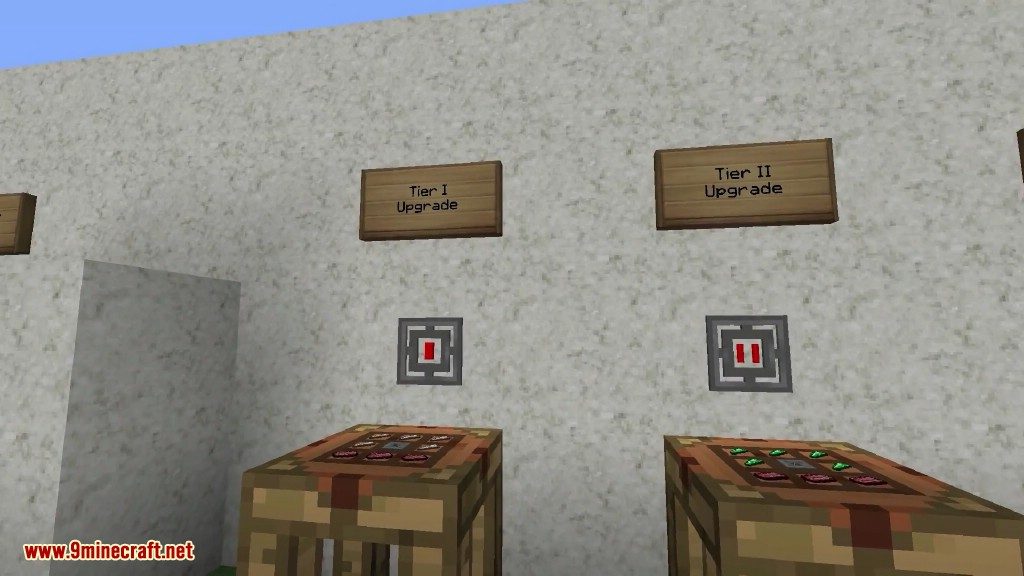
- Add upgrades to your factory for extra benefits, which consume more power.
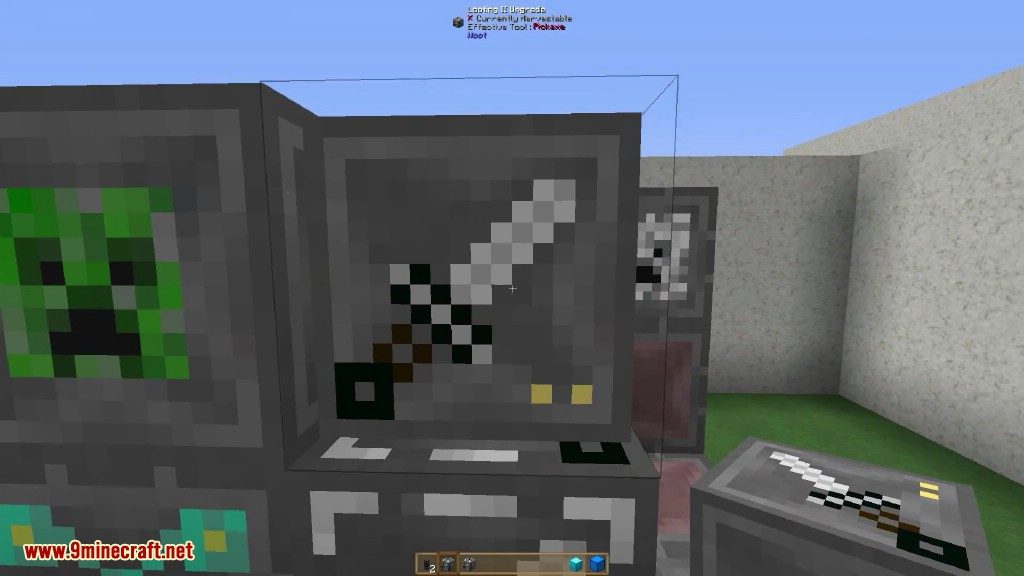
- Apply Looting upgrades to get more items from each mob.
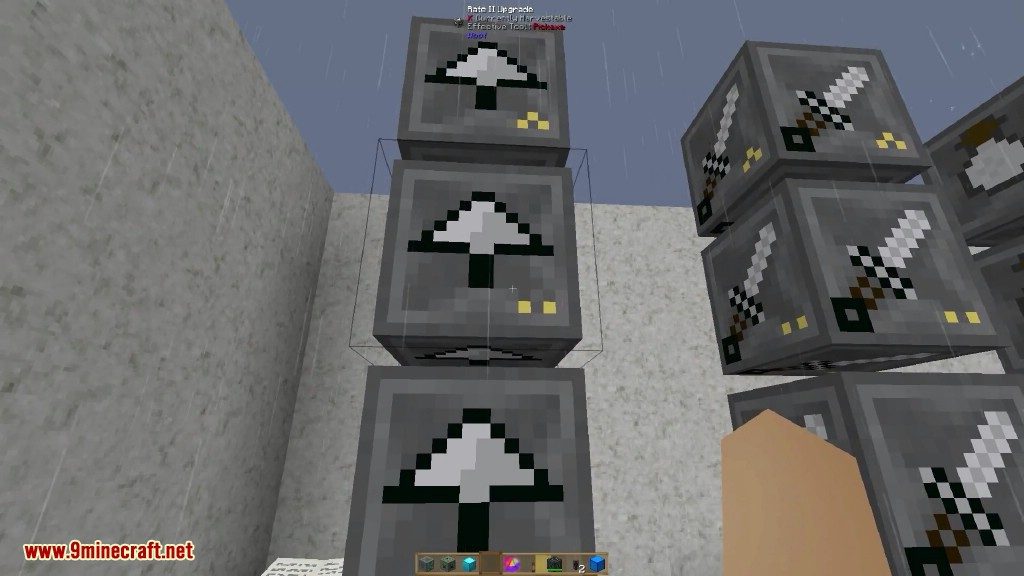
- Install Rate upgrades to make the factory generate loot faster.
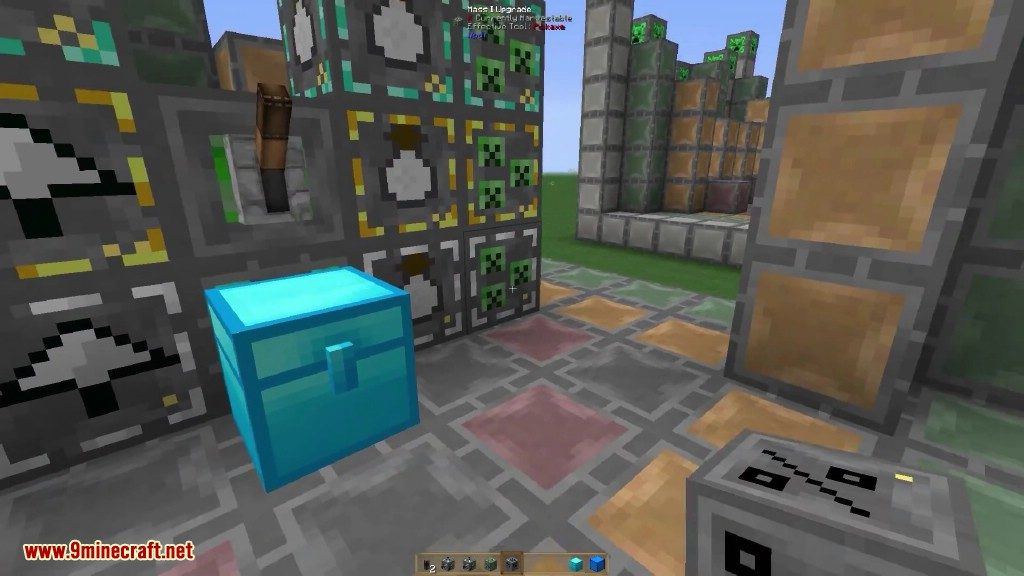
- Use Mass upgrades to generate loot from more mobs at once.
- Add Decapitate upgrades to increase the chance of getting mob heads.
- Generate experience points in the form of XP shards.
- Improve your factory’s power consumption with Efficiency upgrades.
- Includes an upgrade for BloodMagic to generate Life Essence.
How to Use:
- Build the multiblock factory structure. You can use the layout block to see a preview of where to place everything.
- Program the completed factory by selecting the mob you want it to farm.
- Connect a power source to the factory to make it run.
- Place an inventory, such as a chest, next to the factory. It will put all the collected loot inside.
- Add optional upgrades to the structure to improve its speed, efficiency, or loot drops.
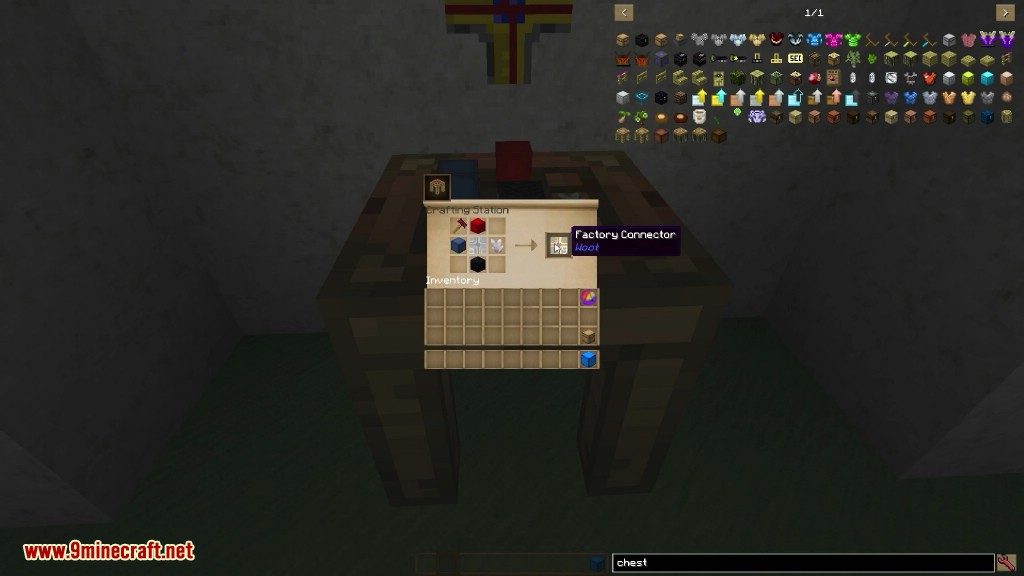
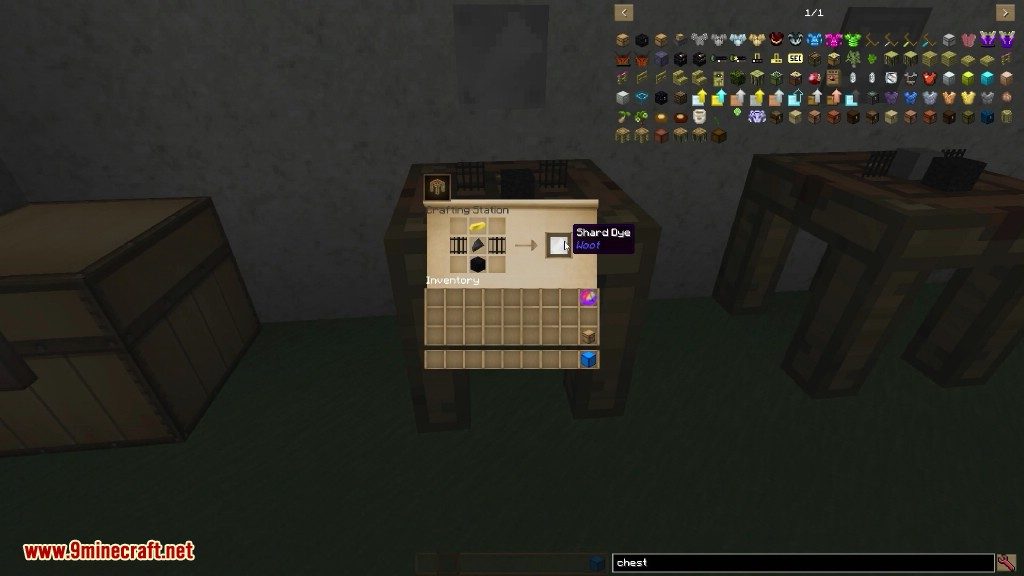
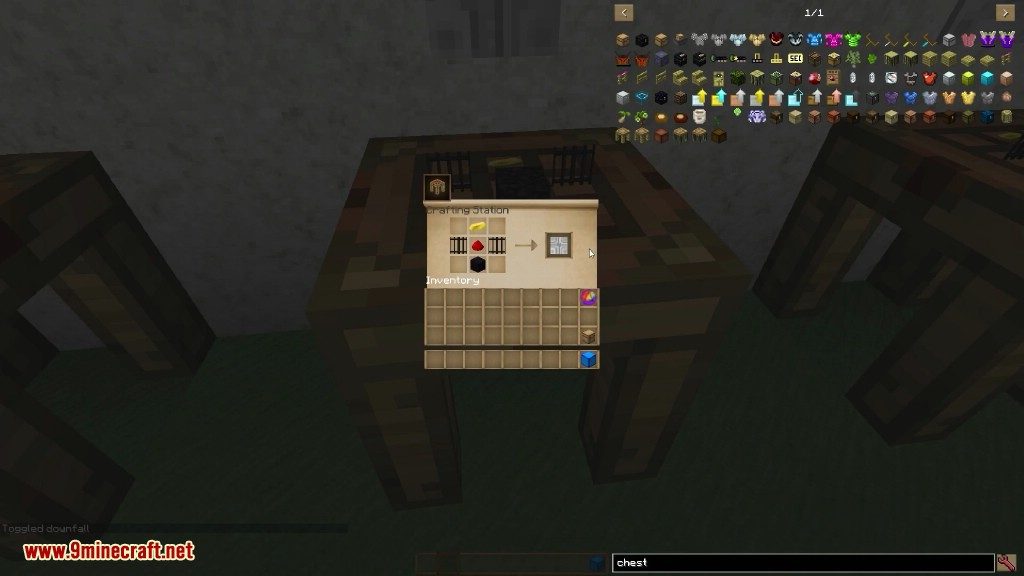
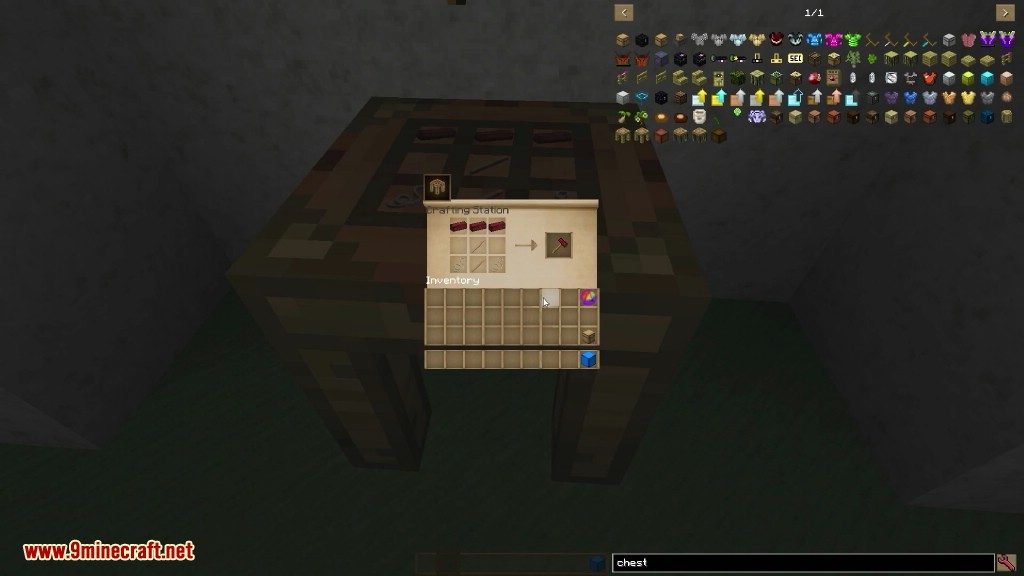
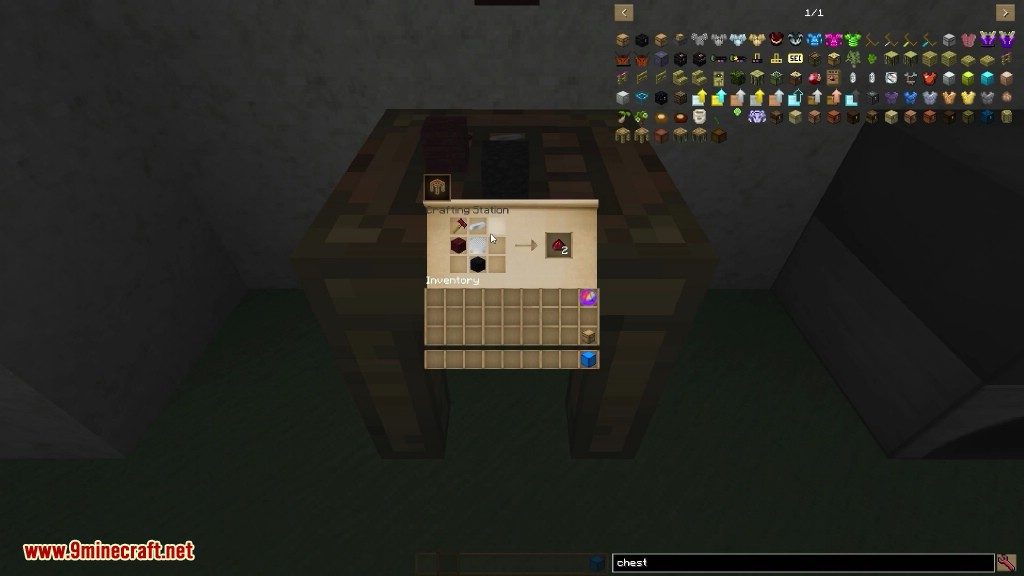
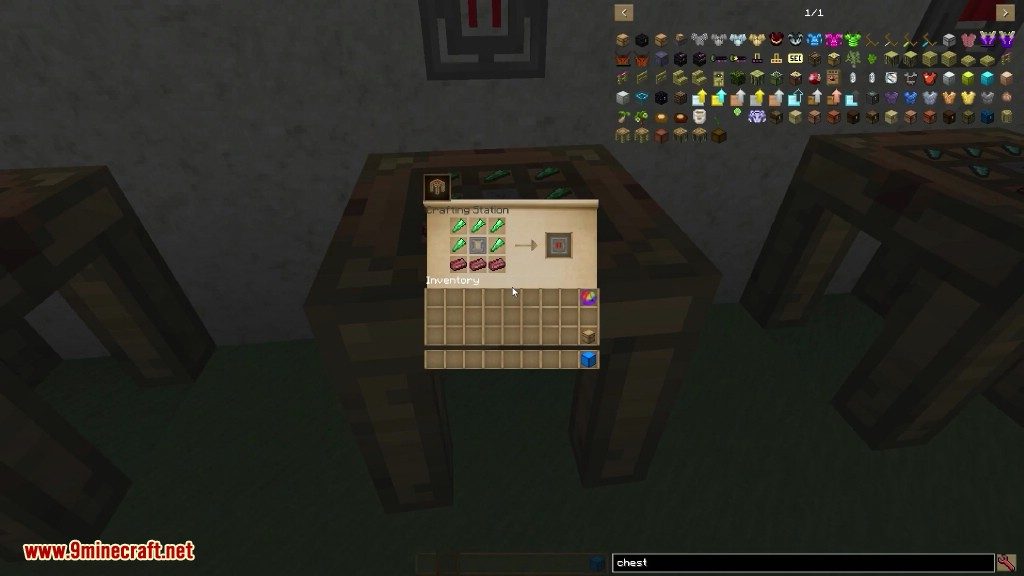
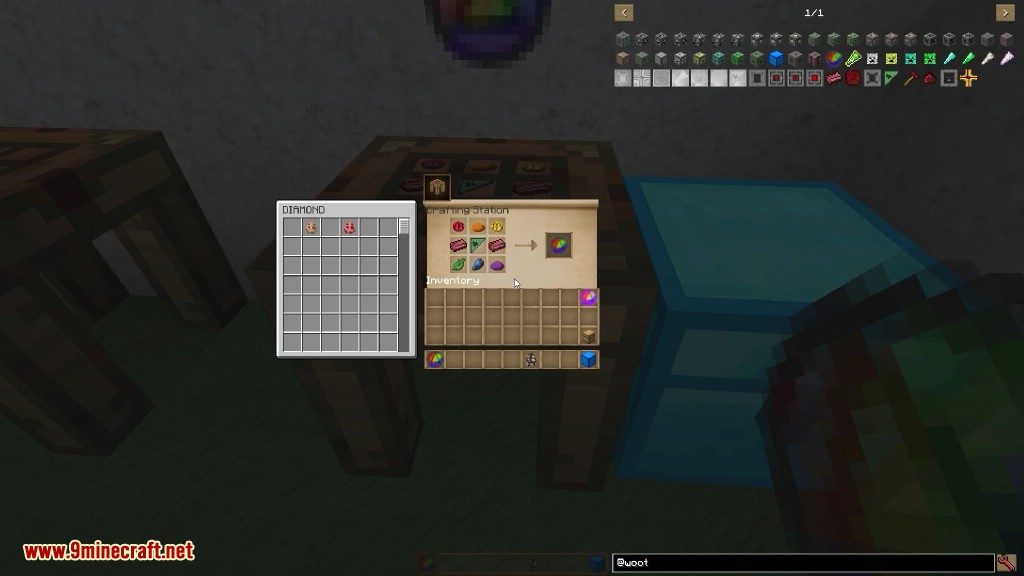
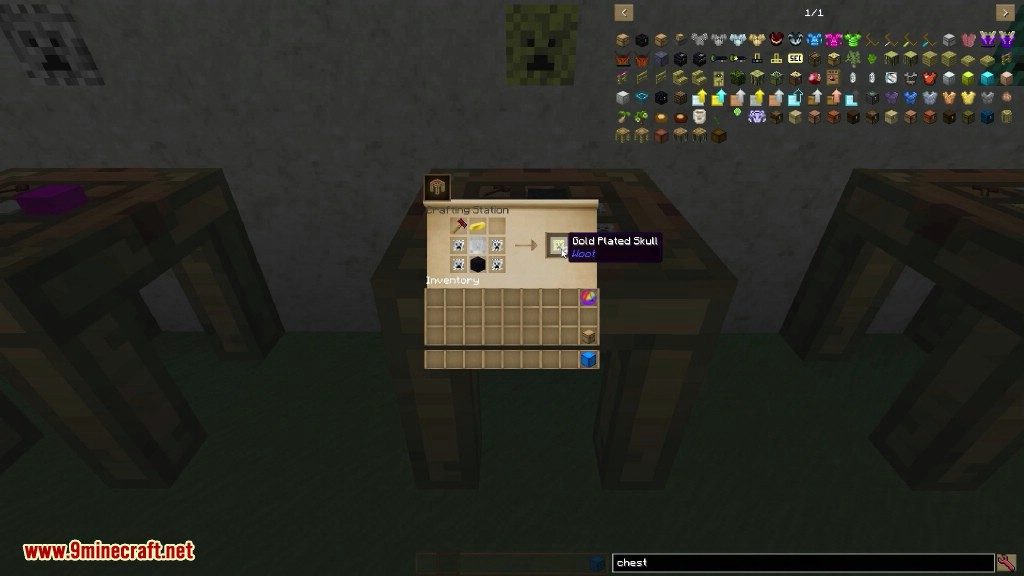
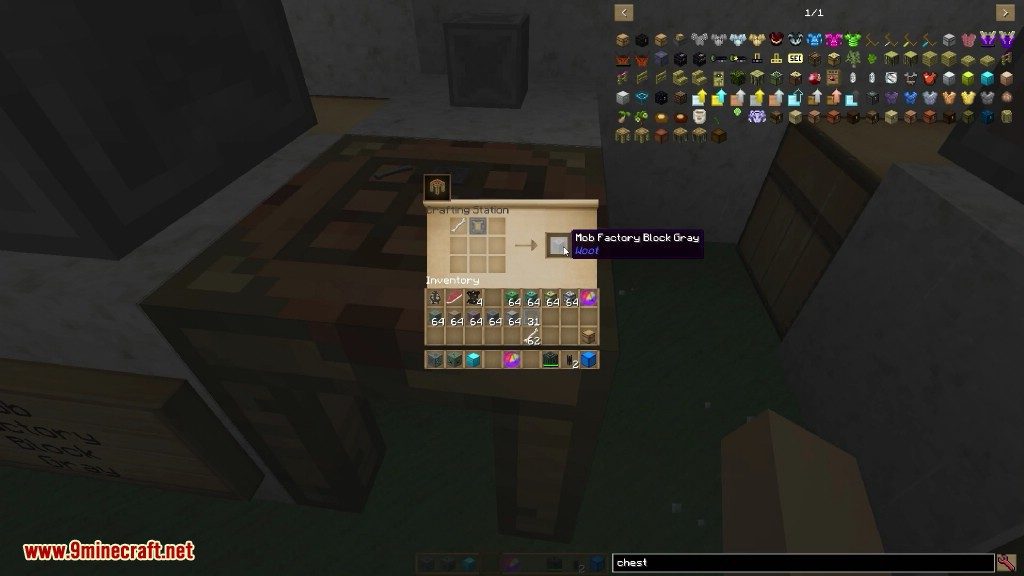
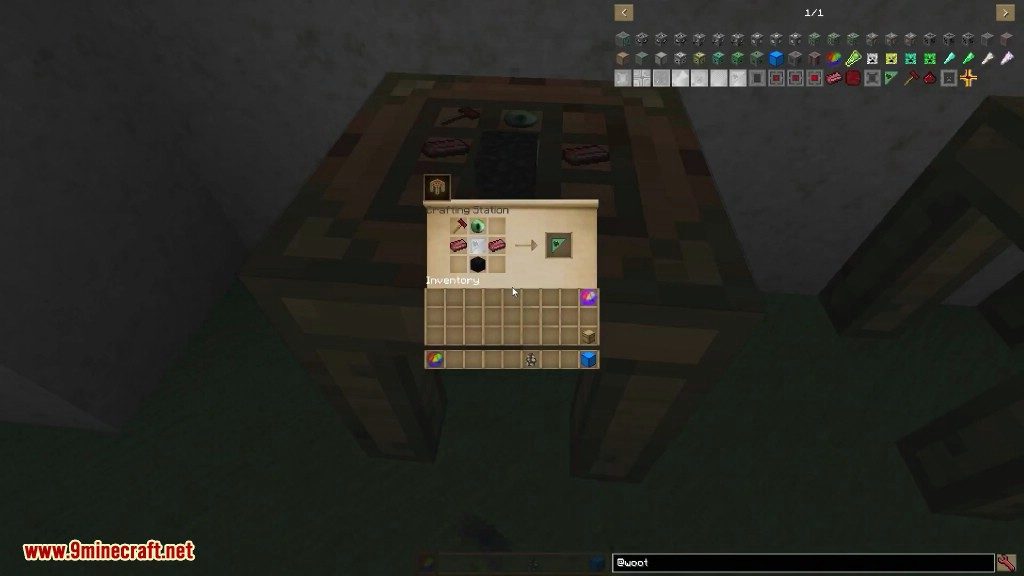
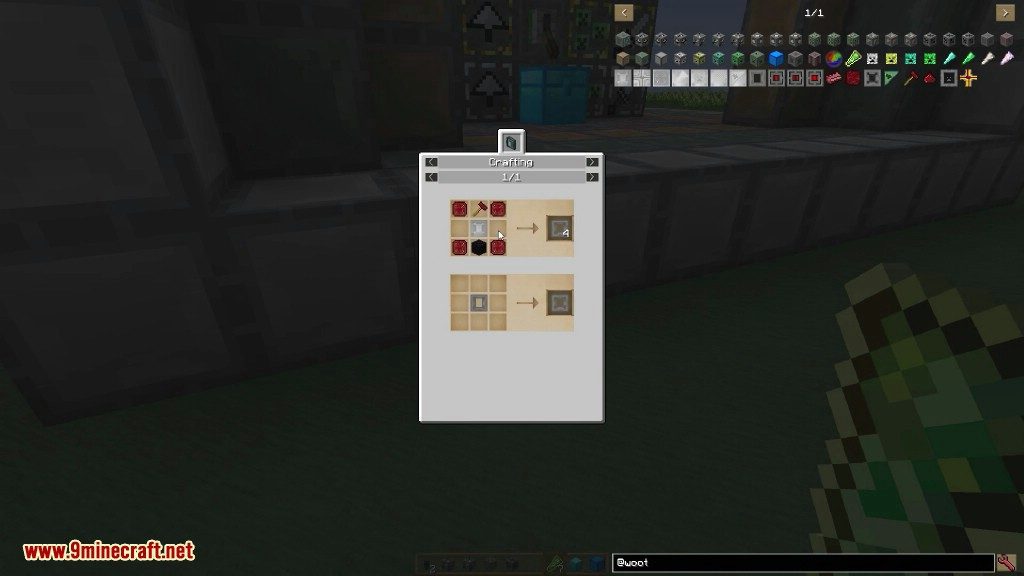
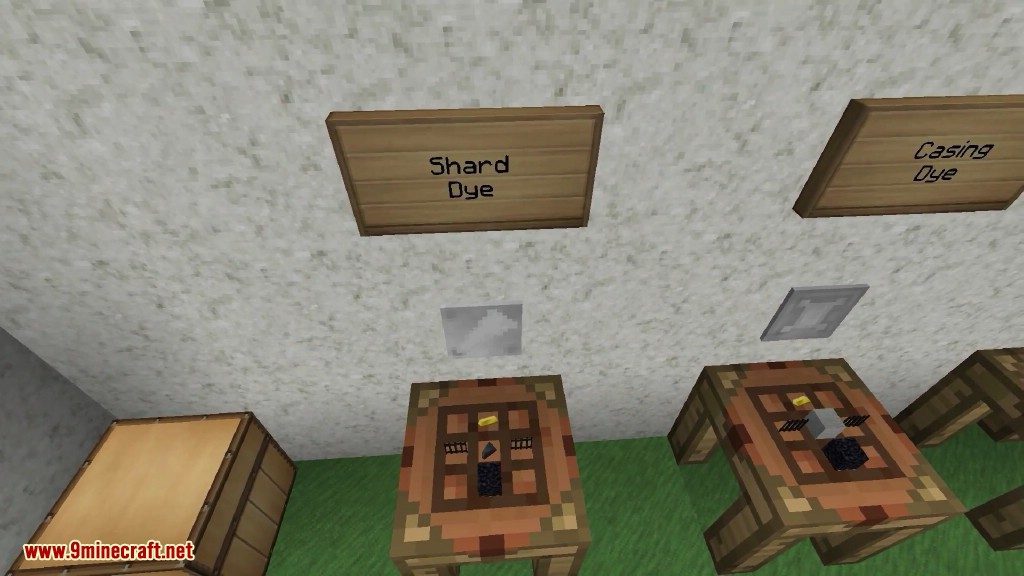
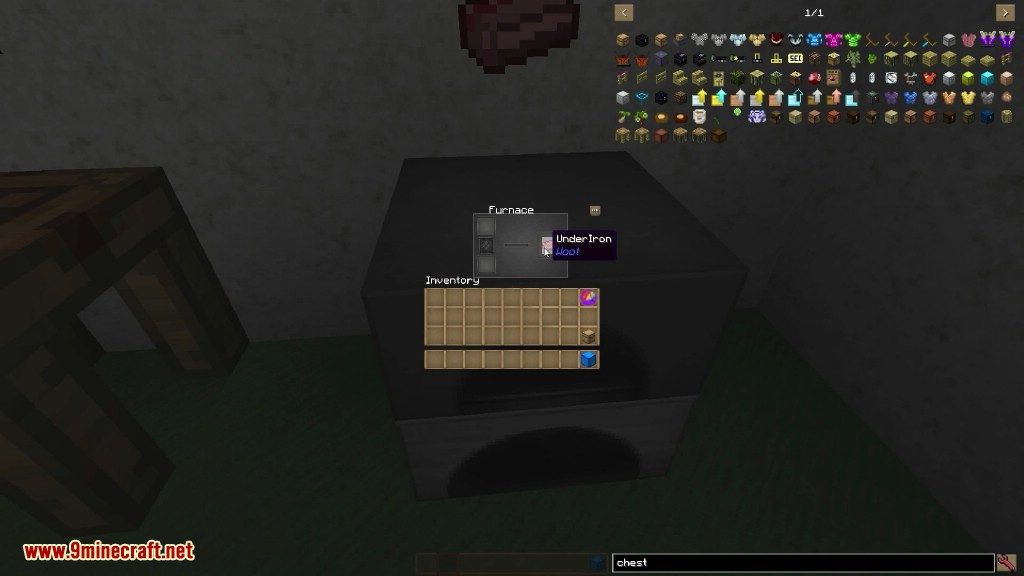
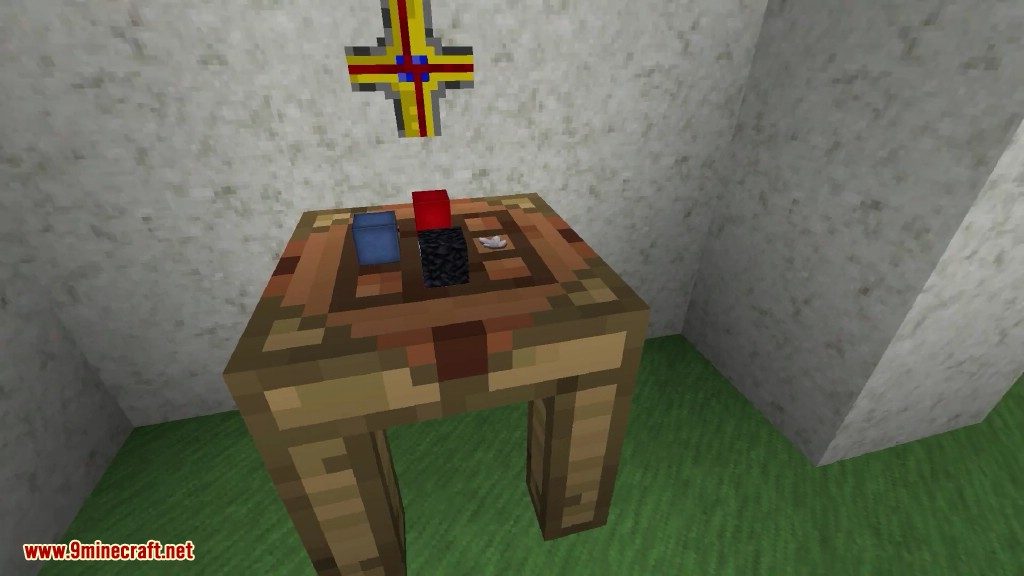
Crafting Recipes:
Screenshots:
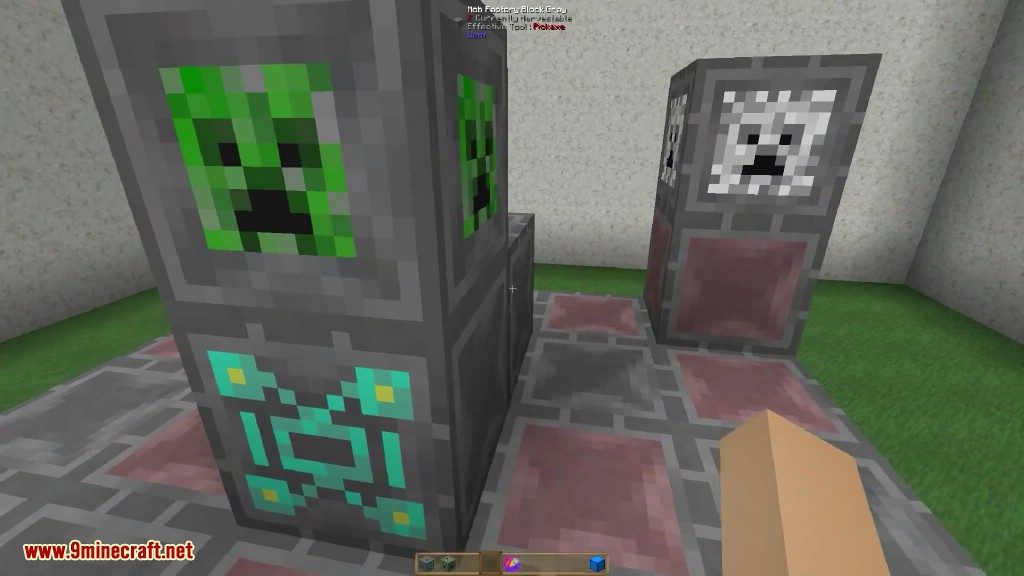
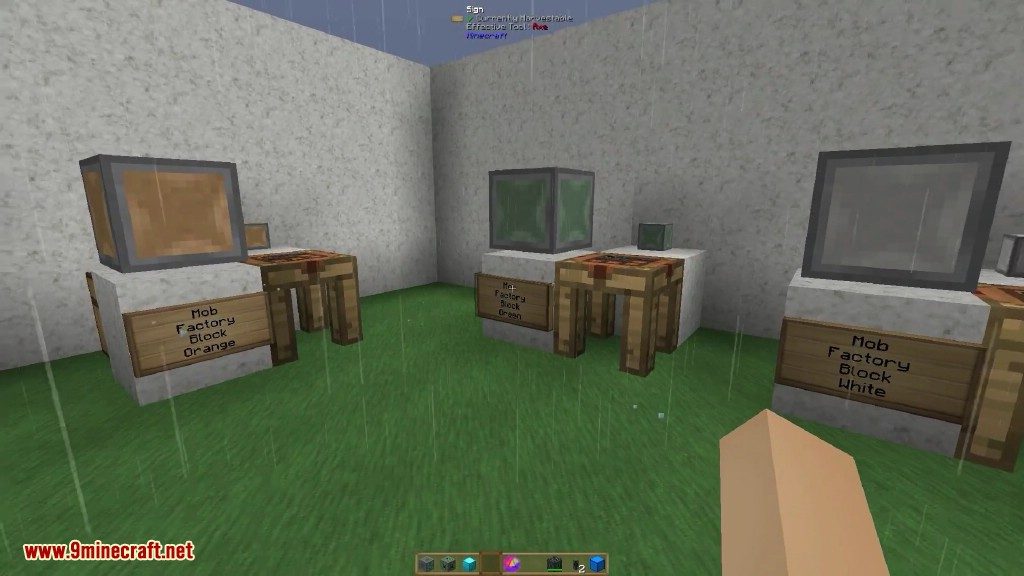
Factory blocks

Woot Mod Download Links
For Minecraft 1.9.4
Forge version: Download from Server 1
For Minecraft 1.10.2
Forge version: Download from Server 1
For Minecraft 1.11.2
Forge version: Download from Server 1
For Minecraft 1.12.2
Forge version: Download from Server 1
For Minecraft 1.15.2
Forge version: Download from Server 1
For Minecraft 1.16.5
Forge version: Download from Server 1
- Edition: Minecraft Java
- File type: .jar
- Minecraft version listed: 1.16.5
- How to install: Install the matching mod loader (Forge, Fabric or NeoForge) for your Minecraft version. → Download the .jar. → Put it in the .minecraft/mods folder and launch that loader profile.
- Where to get it: In MC Java Mods, or directly above on this page.
Install steps are the general flow for this file type — How to install Minecraft Java mods & modpacks walks through it step by step.
- Downloads as 198892.mcaddon
- Download size: 247 KB
- Download link checked 29 Jul 2026 — working
- Mirrored on our own servers — the download does not depend on the original host
These come from our own check of the pack file, not from the source page.