Subheads Mod (1.12.2, 1.7.10) – Get Attacked By Your Subs
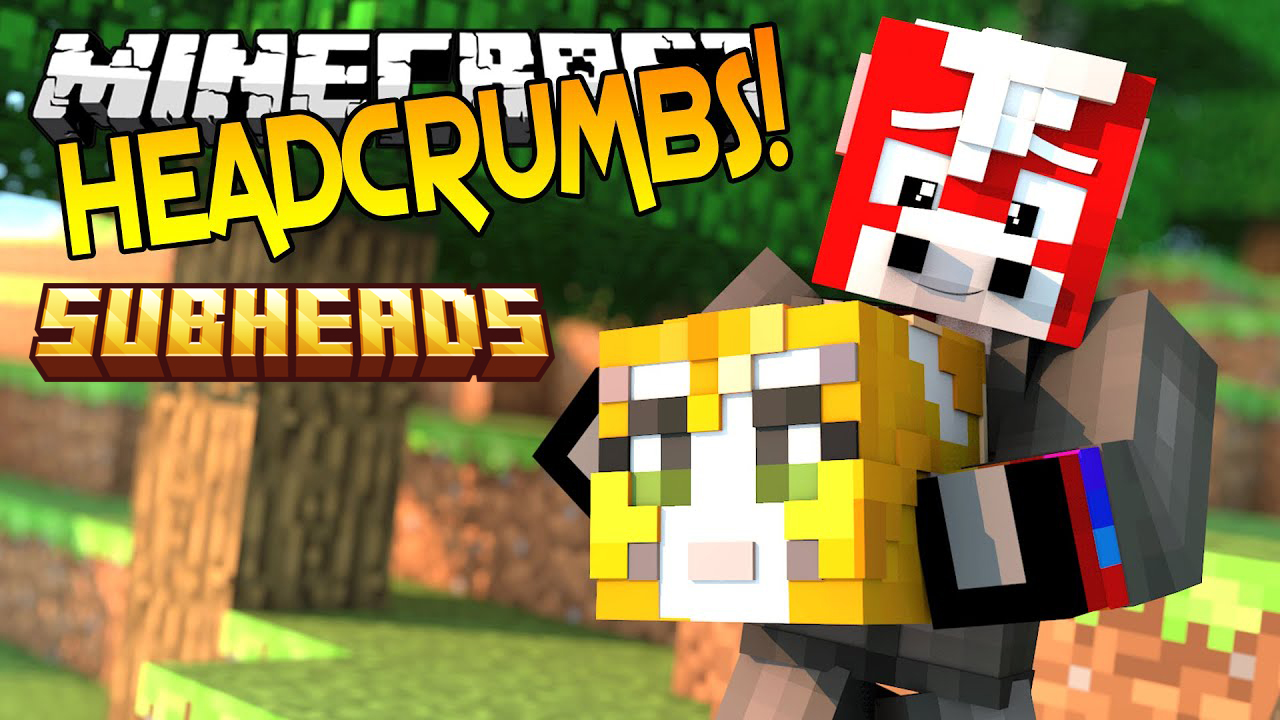
Subheads Mod adds the skins of your Twitch subscribers to the mobs from the Headcrumbs mod. This addon works by reading a list of player names from a…
⬇ DownloadOpen in MCModsHubGet it on Google Play →Subheads Mod adds the skins of your Twitch subscribers to the mobs from the Headcrumbs mod. This addon works by reading a list of player names from a remote web address, such as a Twitch subscriber whitelist. This allows your subscribers to appear in the game as their own Minecraft characters.
Requires:
Minecraft Forge
Features:
- Adds your Twitch subscribers into the game as mobs, using their Minecraft skins.
- Pulls a list of in-game names from any compatible whitelist file on the internet.
- Lets you customize the web addresses (URLs) for these whitelists in the configuration file.
- Be aware that the mobs spawning with your subscribers’ skins will try to attack you.
Subheads Mod Download Links
For Minecraft 1.12.2
Forge version: Download from Server 1 – Download from Server 2
For Minecraft 1.10.2
Forge version: Download from Server 1
For Minecraft 1.7.10
Forge version: Download from Server 1 – Download from Server 2
Subheads Mod (1.12.2, 1.7.10) – Get Attacked By Your Subs is a free Minecraft Java mod. Download it and open it directly in the game.