ContentTweaker Mod (1.19.2, 1.18.2) – Build a Truly Custom Game
Java mod listed for Minecraft 1.18–1.19. Downloads from the MC Java Mods app on Android.
⬇ DownloadContentTweaker Mod extends CraftTweaker, allowing you to add completely new items and blocks to Minecraft. While the main CraftTweaker mod focuses on changing recipes, this addon lets you create new content from scratch. You can design your own items, build custom blocks, and even make new Creative Tabs to keep everything organized.
Mod Wiki:
CreativeTab

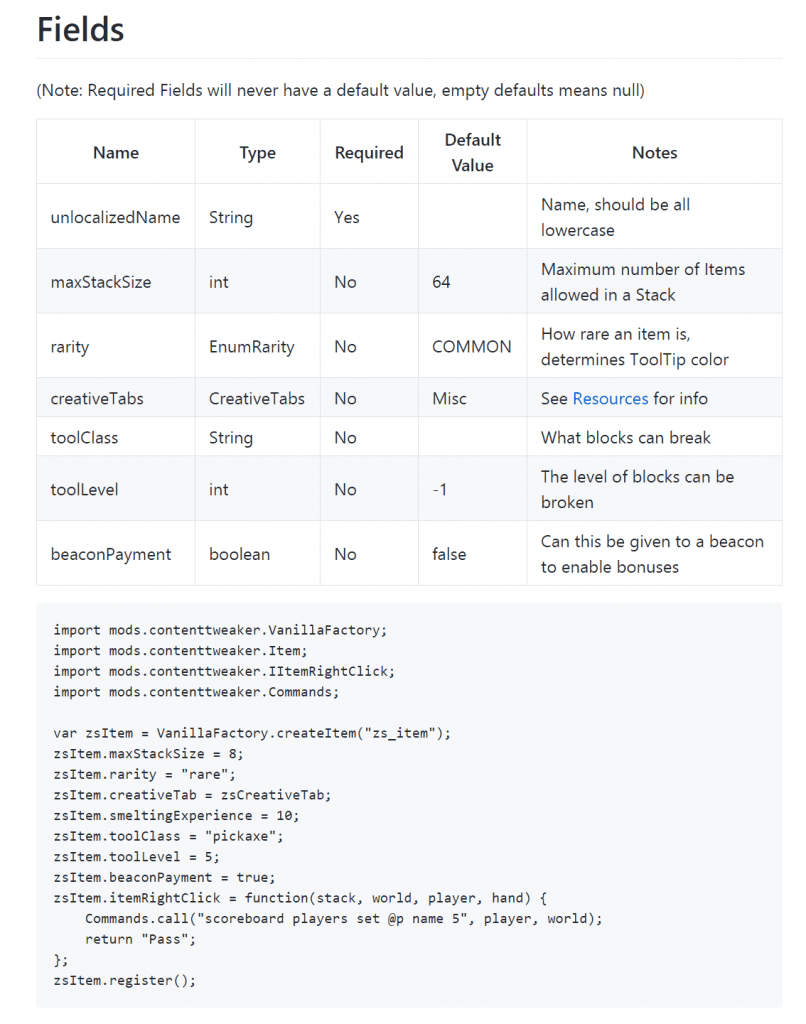
Items
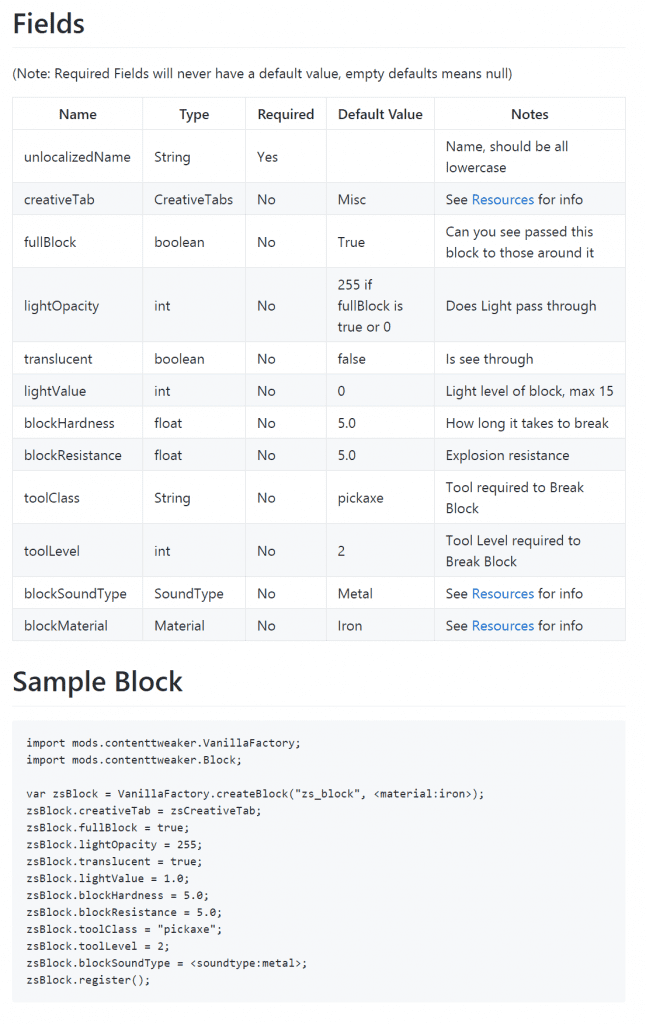
Blocks
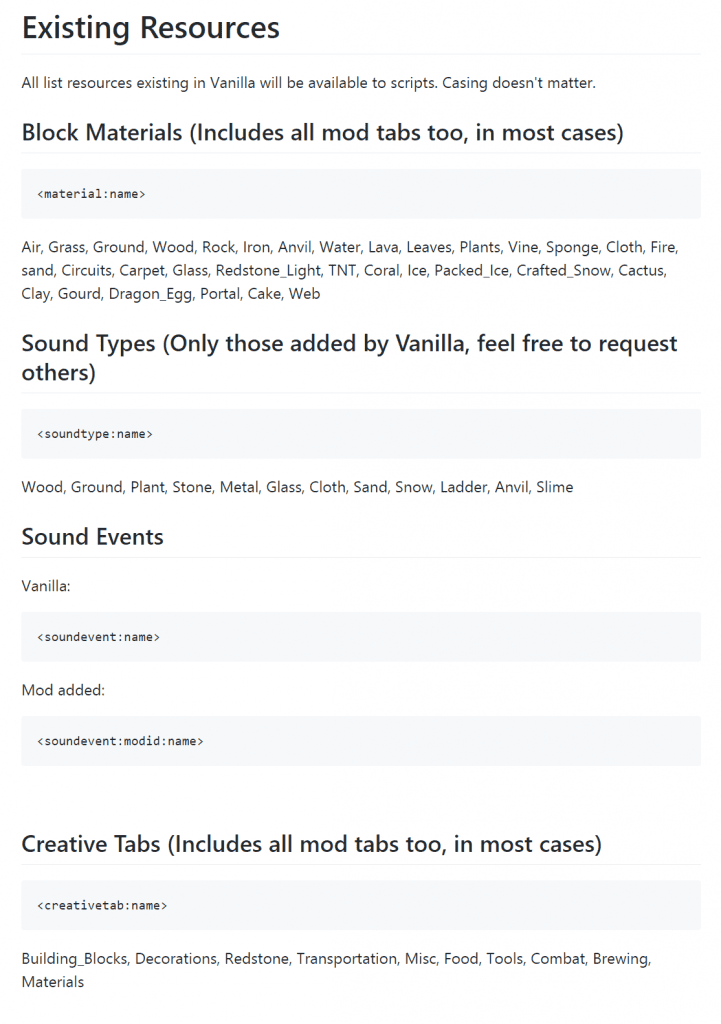
Resources
Features:
- Adds the ability to create new, custom items.
- Lets you design and implement new blocks.
- Allows you to make new Creative Tabs for your custom content.
Scripts for this mod work differently from regular CraftTweaker scripts. Here are the key differences:
- Your script files must begin with the line
#loader contenttweaker. - These scripts go into the same ‘scripts’ folder that CraftTweaker uses.
How to Use:
You can create items and blocks using Zenscript. These new assets are treated like any standard block or item and will need their own models and textures.
- Create your script files using Zenscript syntax.
- Place any required model or texture files in the ACRONYM/ContentTweaker sub-folder, which is found in your config directory.
Below is a basic example of a script that creates a new block:
import mods.contenttweaker.VanillaFactory;
import mods.contenttweaker.Block;

var zsBlock = VanillaFactory.createBlock("zs_block", <blockmaterial:iron>);
zsBlock.fullBlock = true;
zsBlock.lightOpacity = 255;
zsBlock.translucent = true;
zsBlock.lightValue = 1.0;
zsBlock.blockHardness = 5.0;
zsBlock.blockResistance = 5.0;
zsBlock.toolClass = "pickaxe";
zsBlock.toolLevel = 2;
zsBlock.blockSoundType = <soundtype:metal>;
zsBlock.register();
Screenshots:
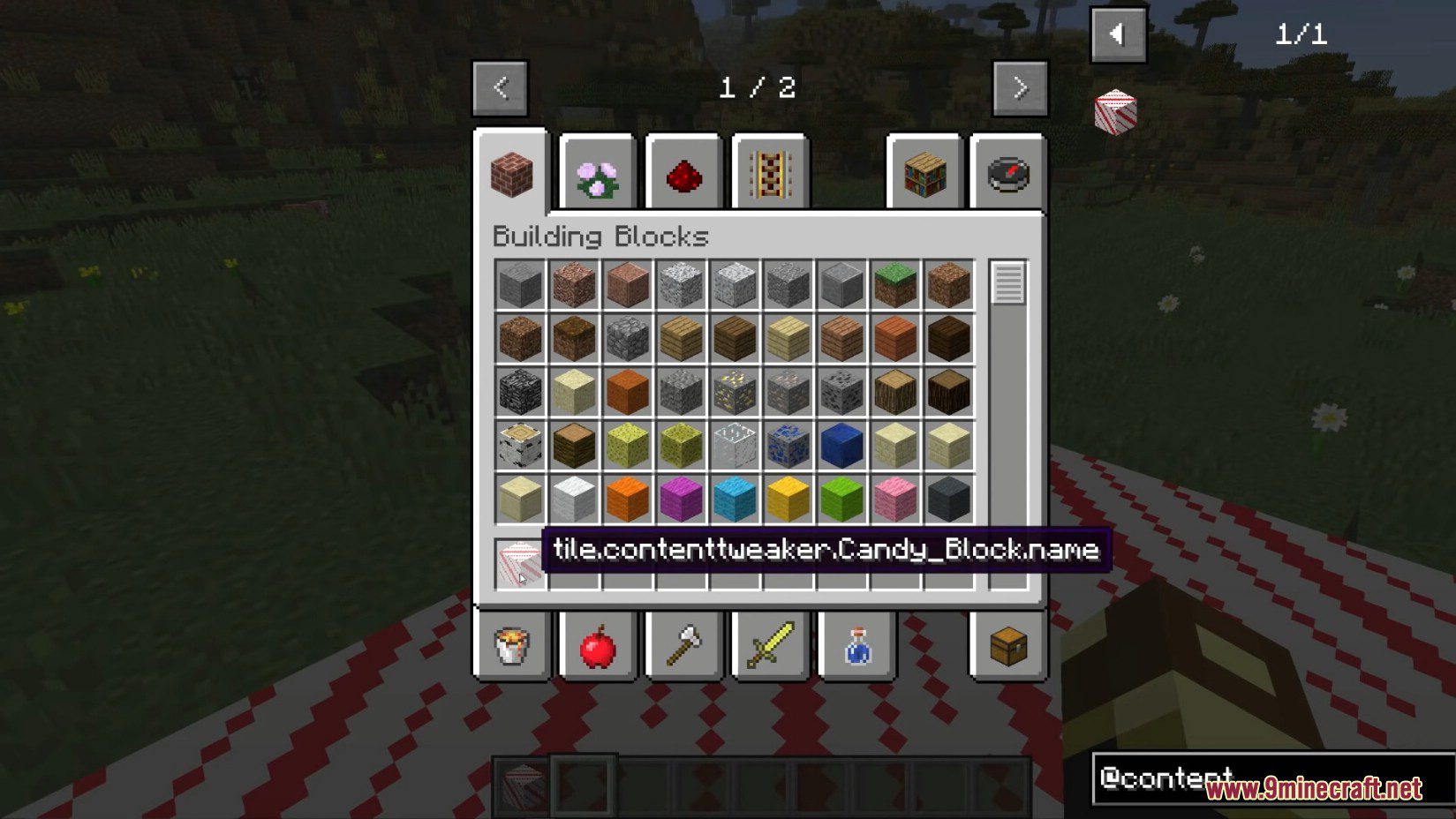
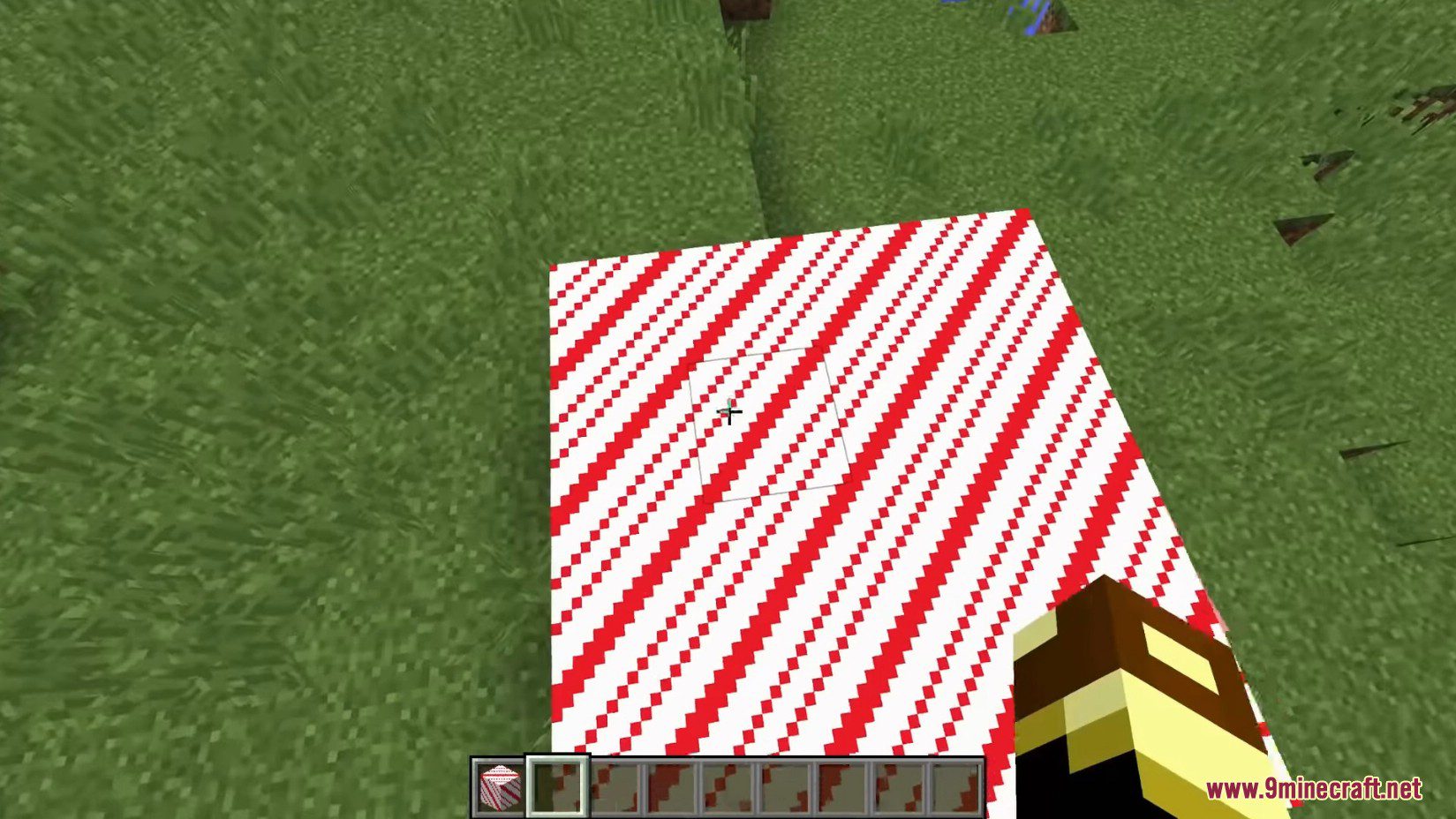
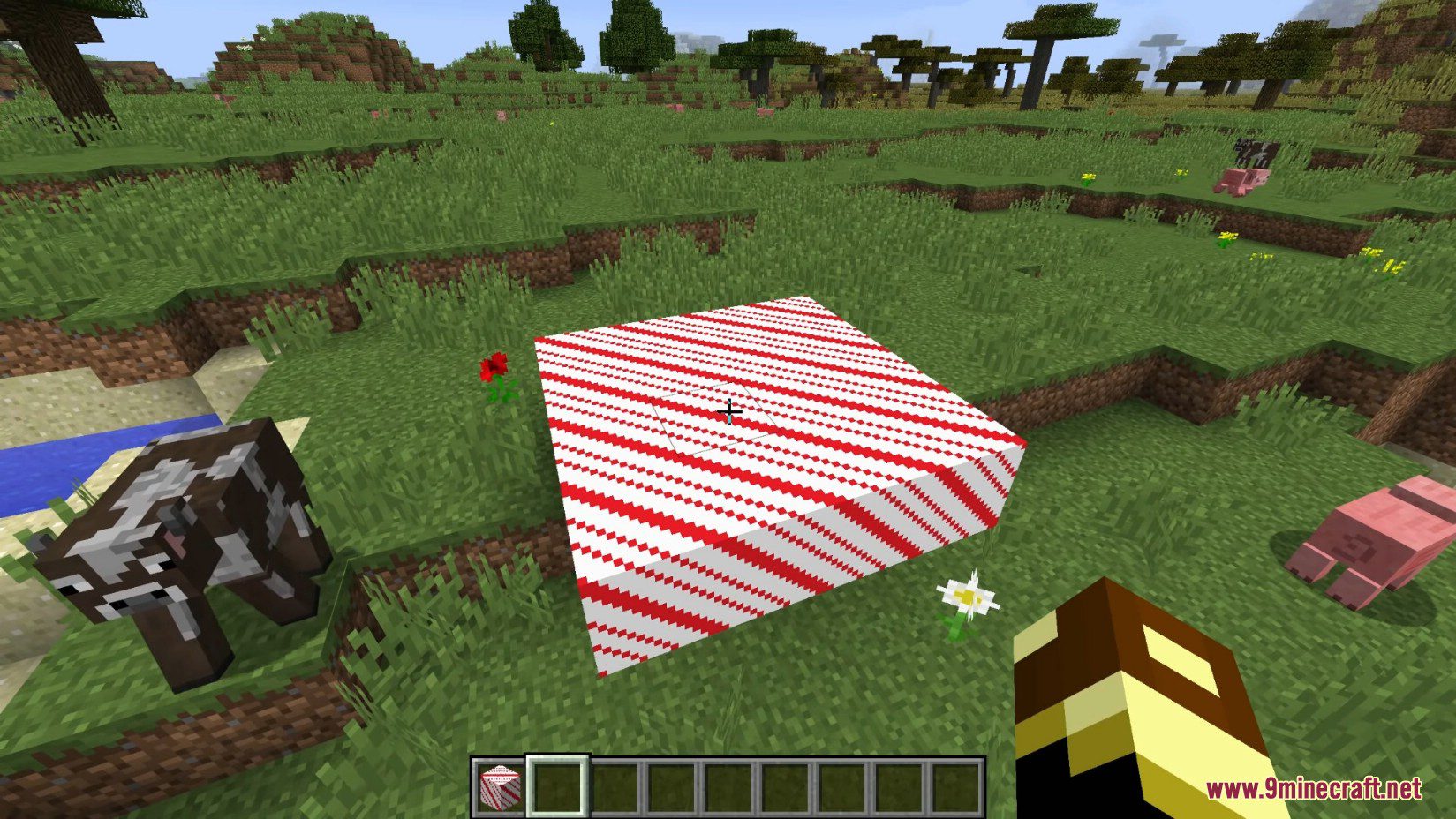
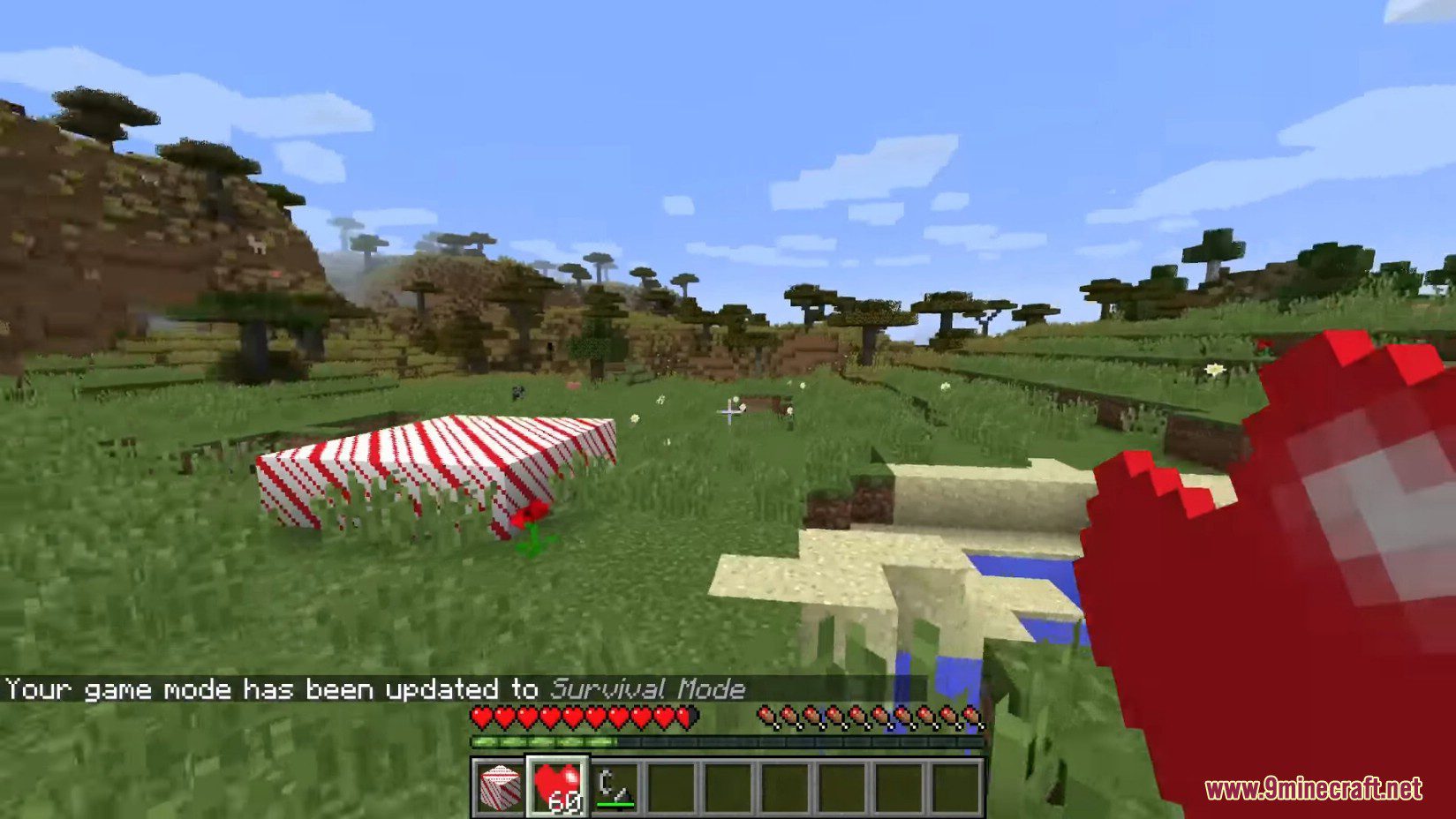
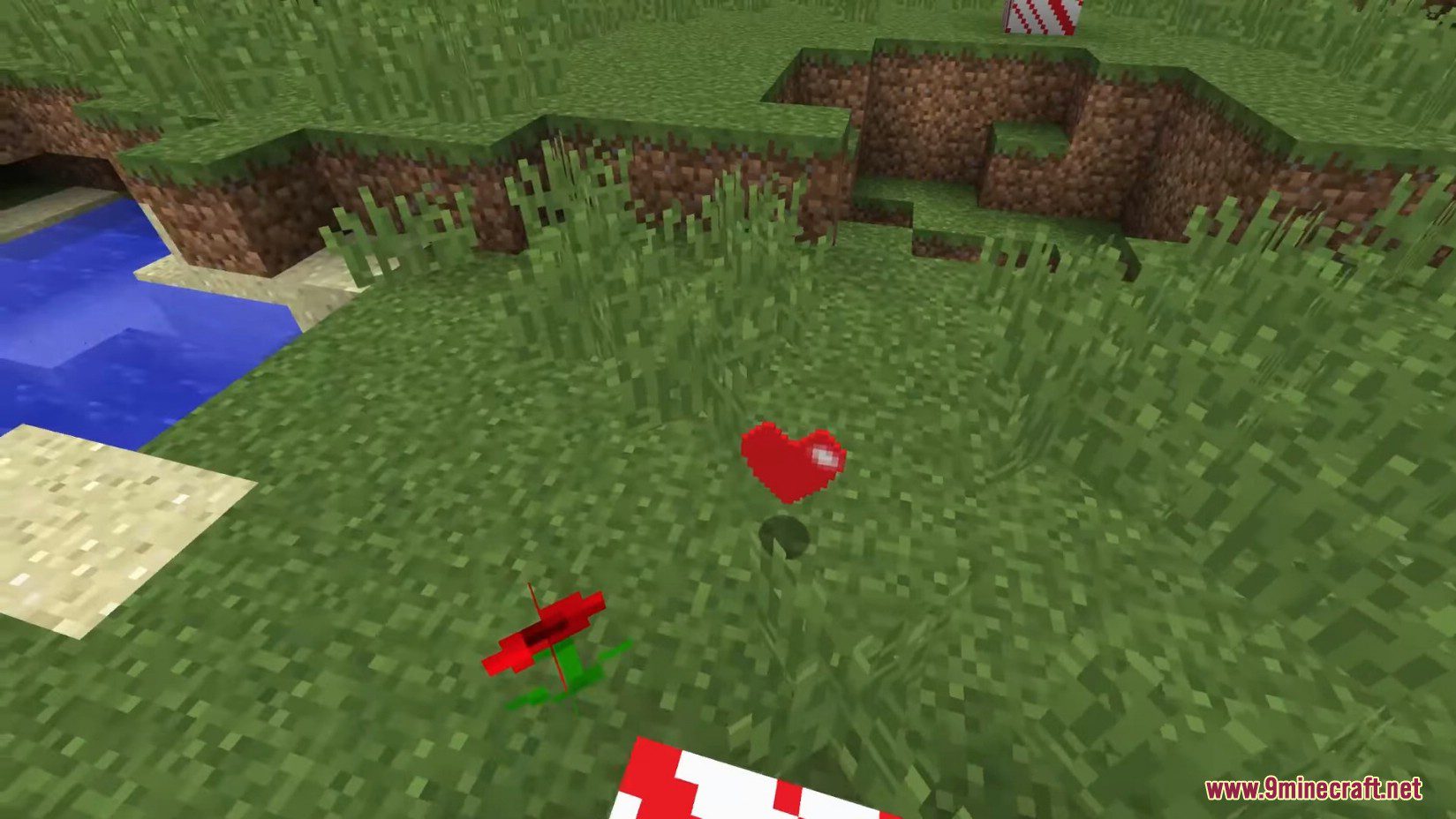
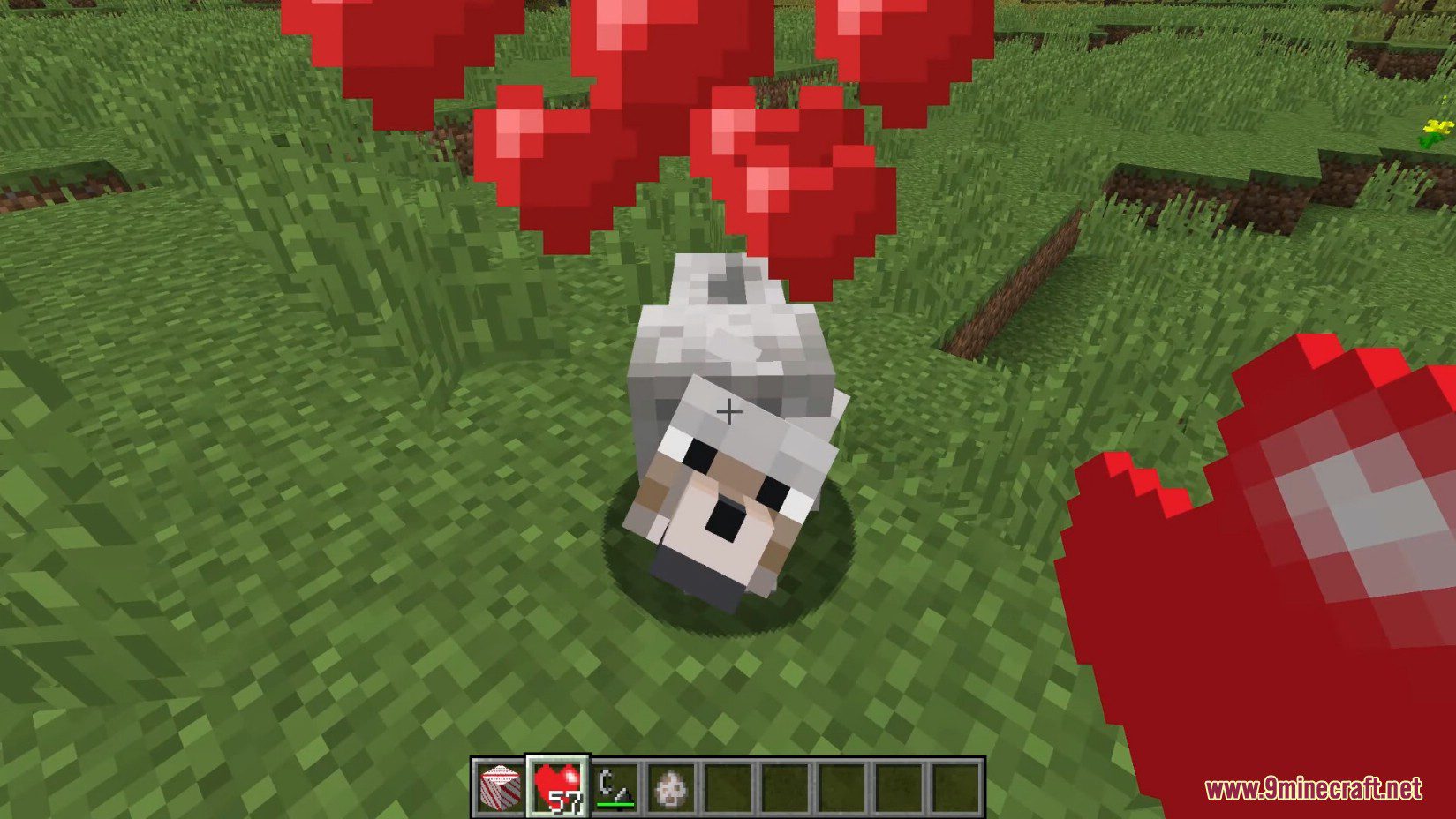
ContentTweaker Mod Download Links
For Minecraft 1.7.10
Forge version: Download from Server 1 – Download from Server 2
For Minecraft 1.10.2
Forge version: Download from Server 1
For Minecraft 1.19.2
Forge version: Download from Server 1 – Download from Server 2
Fabric version: Download from Server 1 – Download from Server 2
For Minecraft 1.18.2
Forge version: Download from Server 1 – Download from Server 2
Fabric version: Download from Server 1 – Download from Server 2
For Minecraft 1.16.5
Forge version: Download from Server 1 – Download from Server 2
For Minecraft 1.15.2
Forge version: Download from Server 1
For Minecraft 1.12.2, 1.12.1, 1.12
Forge version: Download from Server 1 – Download from Server 2
- Edition: Minecraft Java
- File type: .jar
- Minecraft versions listed: 1.19.2, 1.18.2
- How to install: Install the matching mod loader (Forge, Fabric or NeoForge) for your Minecraft version. → Download the .jar. → Put it in the .minecraft/mods folder and launch that loader profile.
- Where to get it: In MC Java Mods, or directly above on this page.
Install steps are the general flow for this file type — How to install Minecraft Java mods & modpacks walks through it step by step.
- Downloads as 198972.mcaddon
- Download size: 3.3 MB
- Download link checked 17 Jul 2026 — working
- Mirrored on our own servers — the download does not depend on the original host
These come from our own check of the pack file, not from the source page.