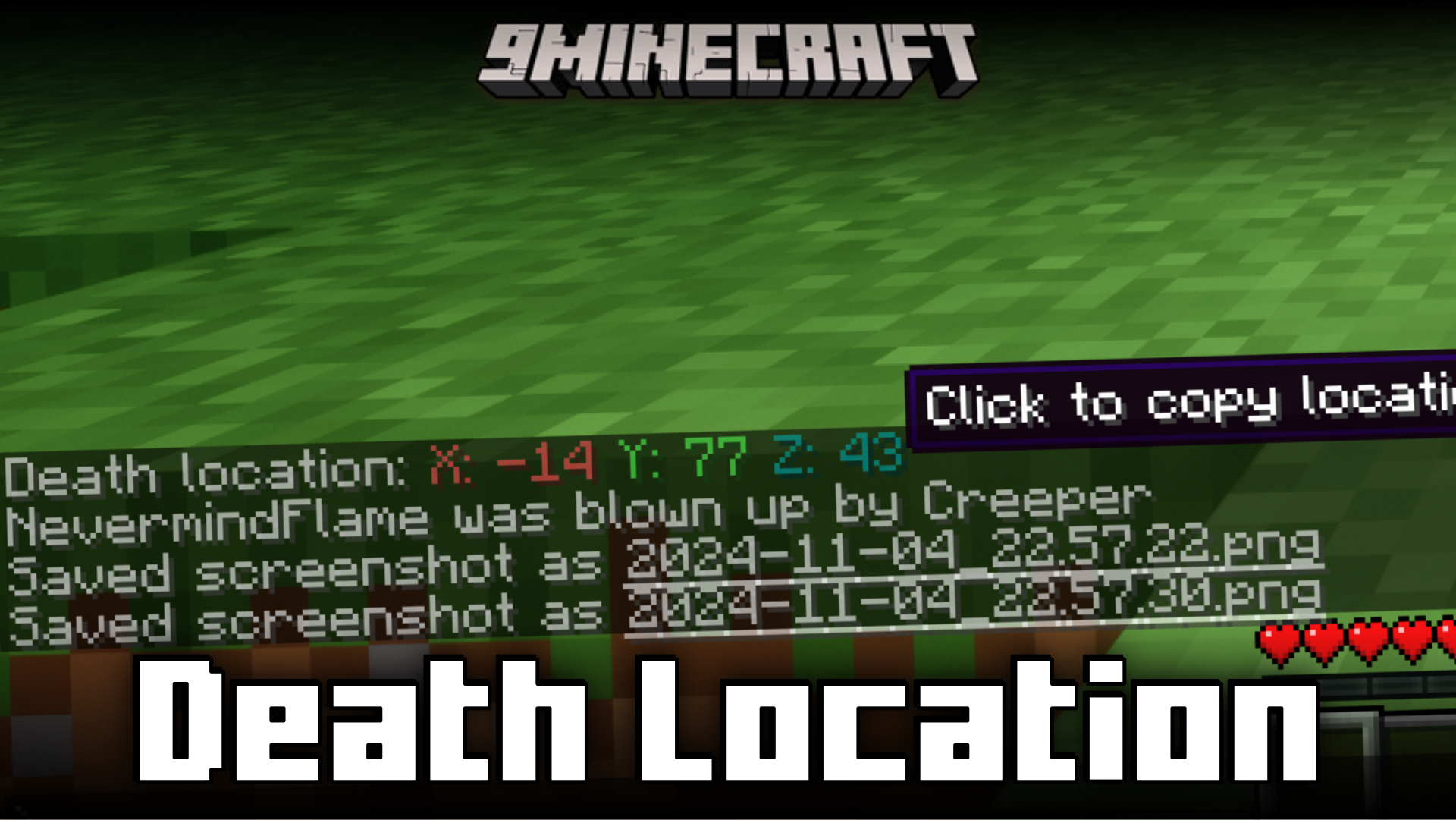
Death Location Mod (1.21.1, 1.20.6) – Shows Death Coordinates In Chat
Java mod listed for Minecraft 1.20–1.21. Downloads from the MC Java Mods app on Android.
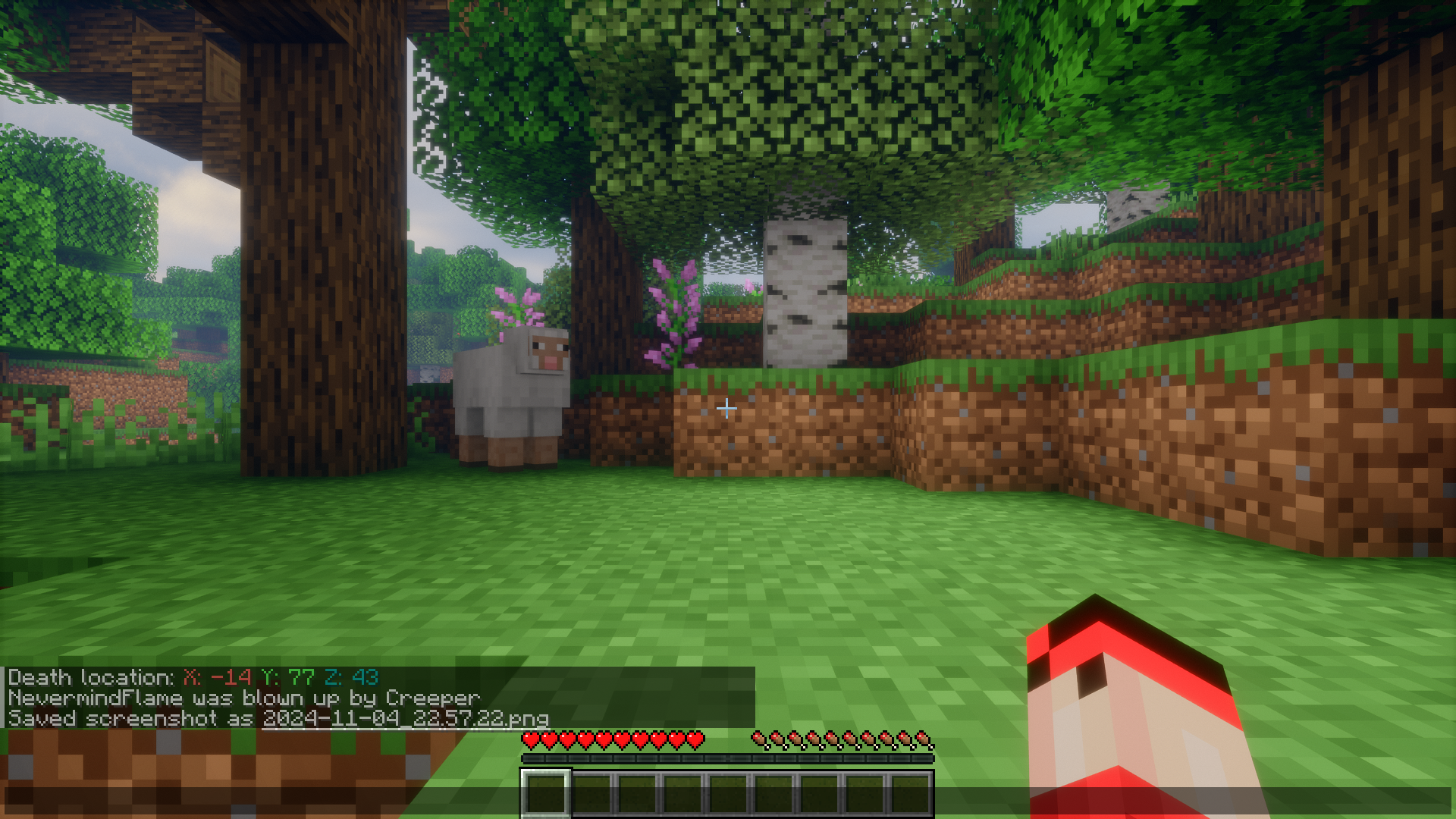
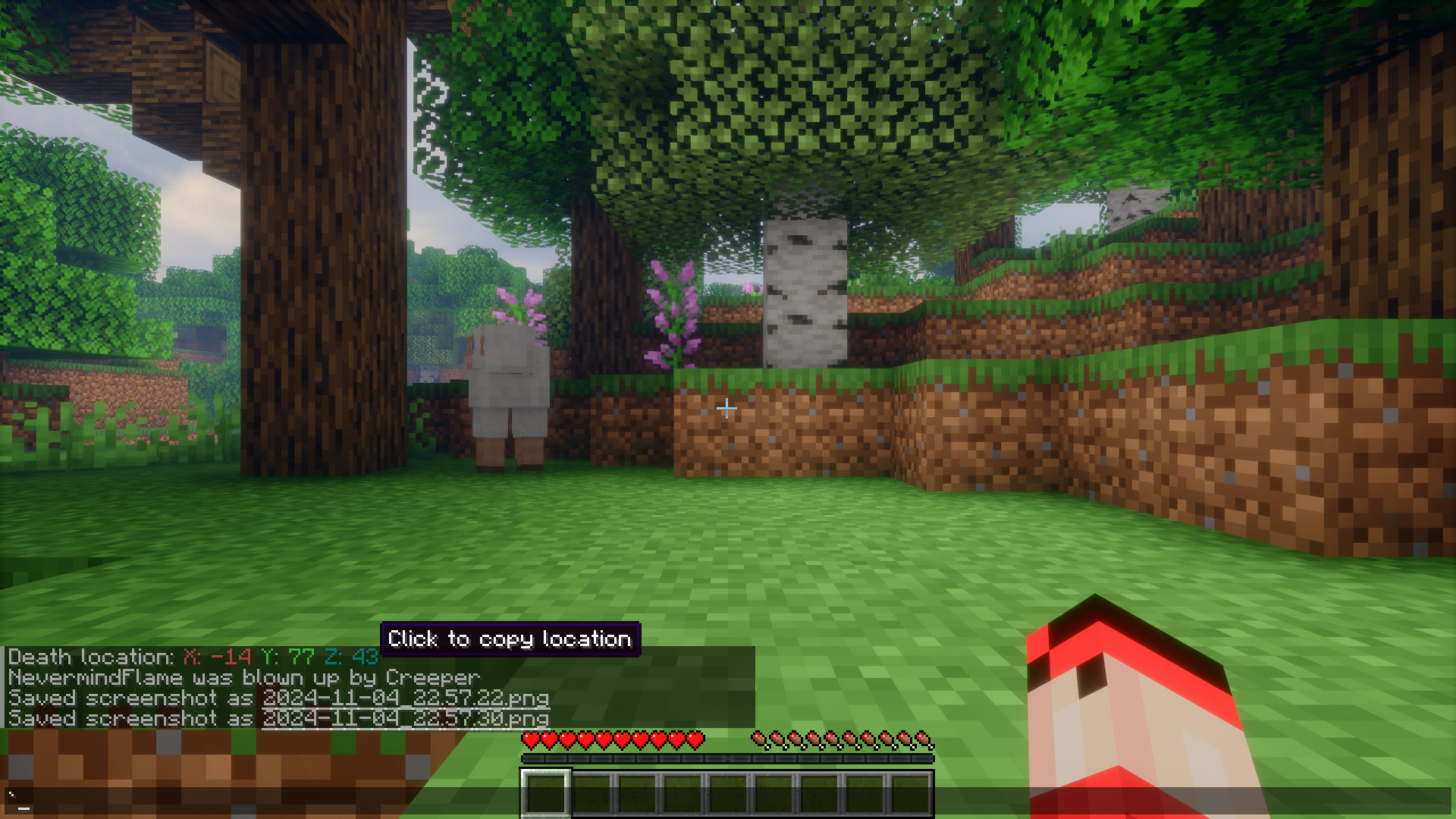
⬇ DownloadMinecraft is a game about exploration. But imagine traversing large distances of land then you unexpectedly die. You died in a location that is unknown to you. All your valuable dropped loot is waiting to be picked, but you have no way to locate the death position. Death Location Mod is here with the perfect solution. With this mod installed, when a player dies, the location coordinates of the death will be sent out as a chat message. This allows you to use the F3 screen to navigate to the death location to collect your items. The chat message with the location even gives you the option to copy the death coordinated with just a click.
Features:
- No more dying in unknown locations and losing your valuable items.
- Coordinates of death will be sent out in chat.
- Players can use the F3 screen to navigate to the death location.
- Death coordinates can easily be copied to clipboard with just a click.
Screenshots:
Death Location Mod Download Links
For All Versions from Minecraft 1.20.4 to Minecraft 1.21.1
Fabric version: Download from Server 1 – Download from Server 2
- Edition: Minecraft Java
- File type: .jar
- Minecraft versions listed: 1.21.1, 1.20.6
- How to install: Install the matching mod loader (Forge, Fabric or NeoForge) for your Minecraft version. → Download the .jar. → Put it in the .minecraft/mods folder and launch that loader profile.
- Where to get it: In MC Java Mods, or directly above on this page.
Install steps are the general flow for this file type — How to install Minecraft Java mods & modpacks walks through it step by step.
- Downloads as 198978.mcaddon
- Download size: 7 KB
- Download link checked 17 Jul 2026 — working
- Mirrored on our own servers — the download does not depend on the original host
These come from our own check of the pack file, not from the source page.