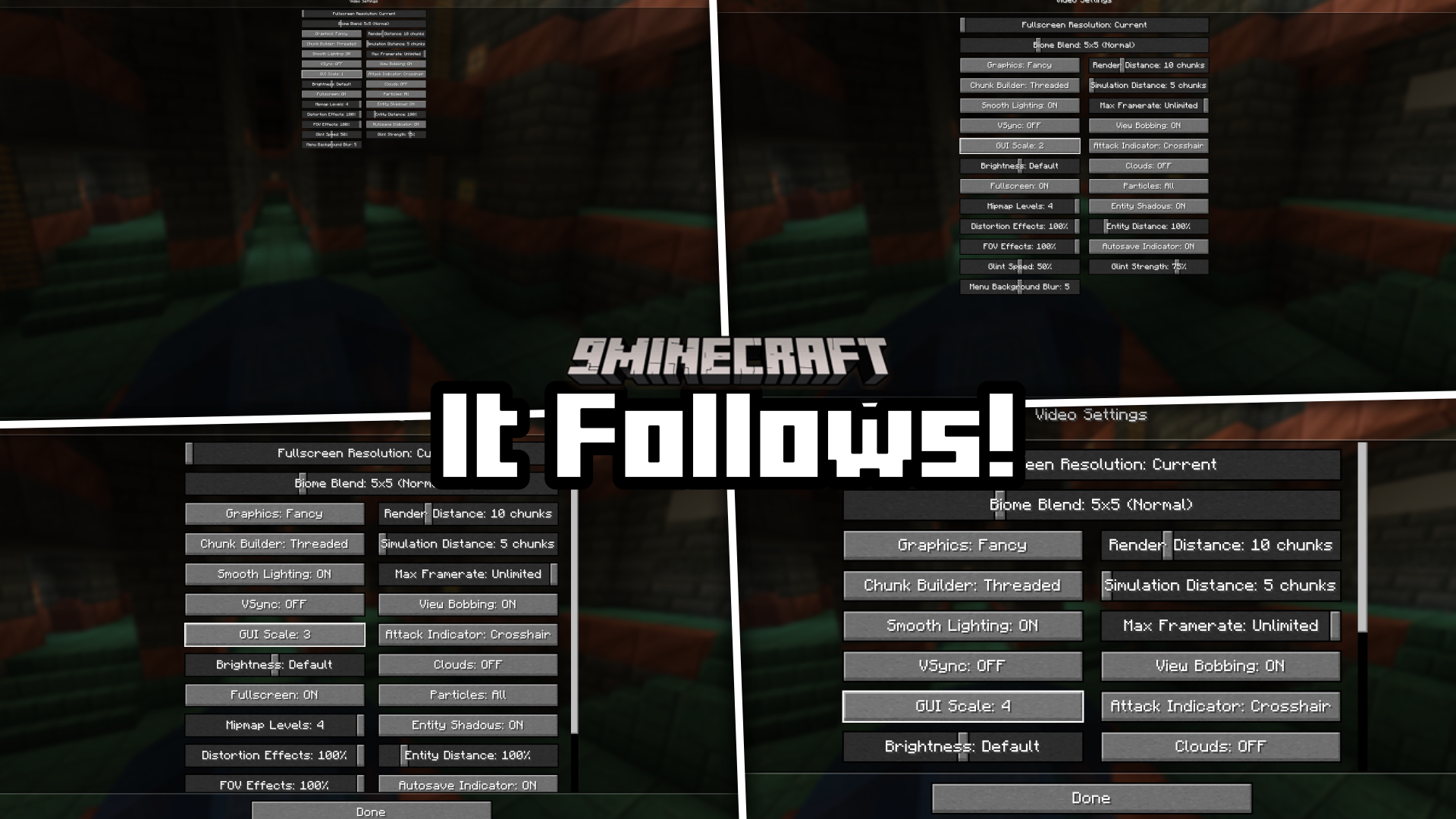
It Follows! Mod (1.21.1, 1.20.1) – Makes The Cursor Follow The GUI Resizing Button
In Minecraft, there is a GUI scale setting that allows you to change the size of the in-game GUI screens. You can choose between sizes from one to four…
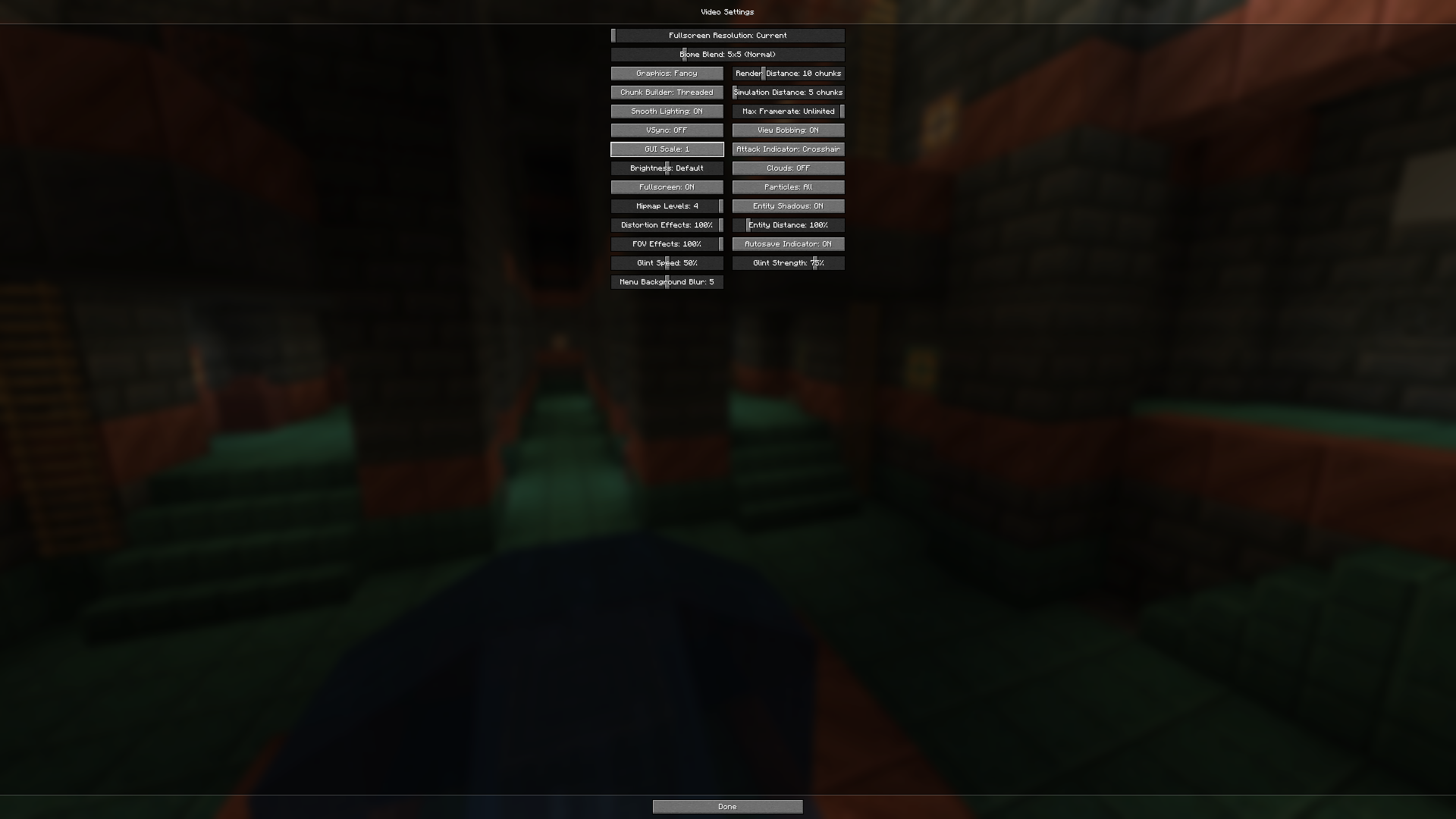
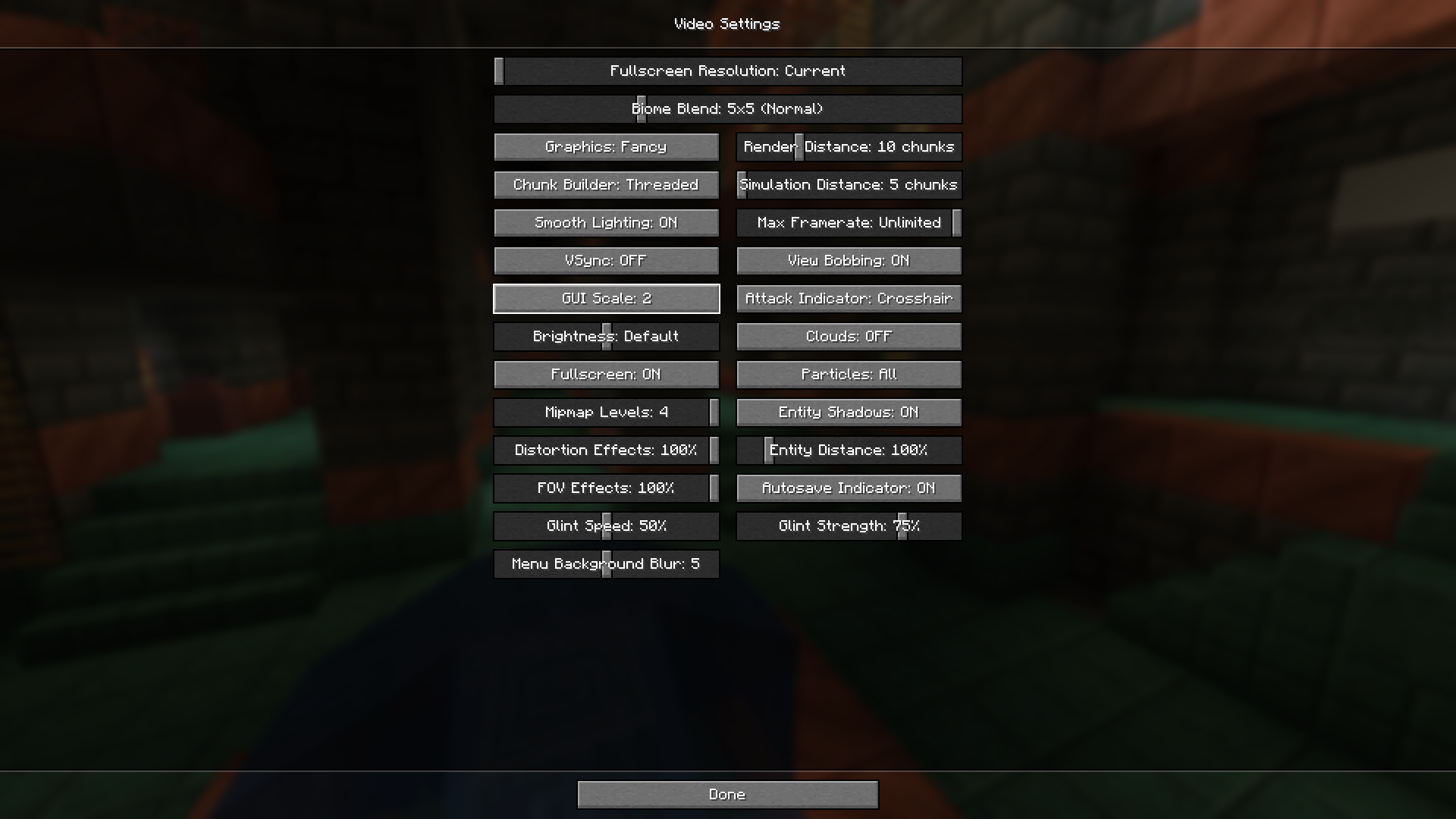
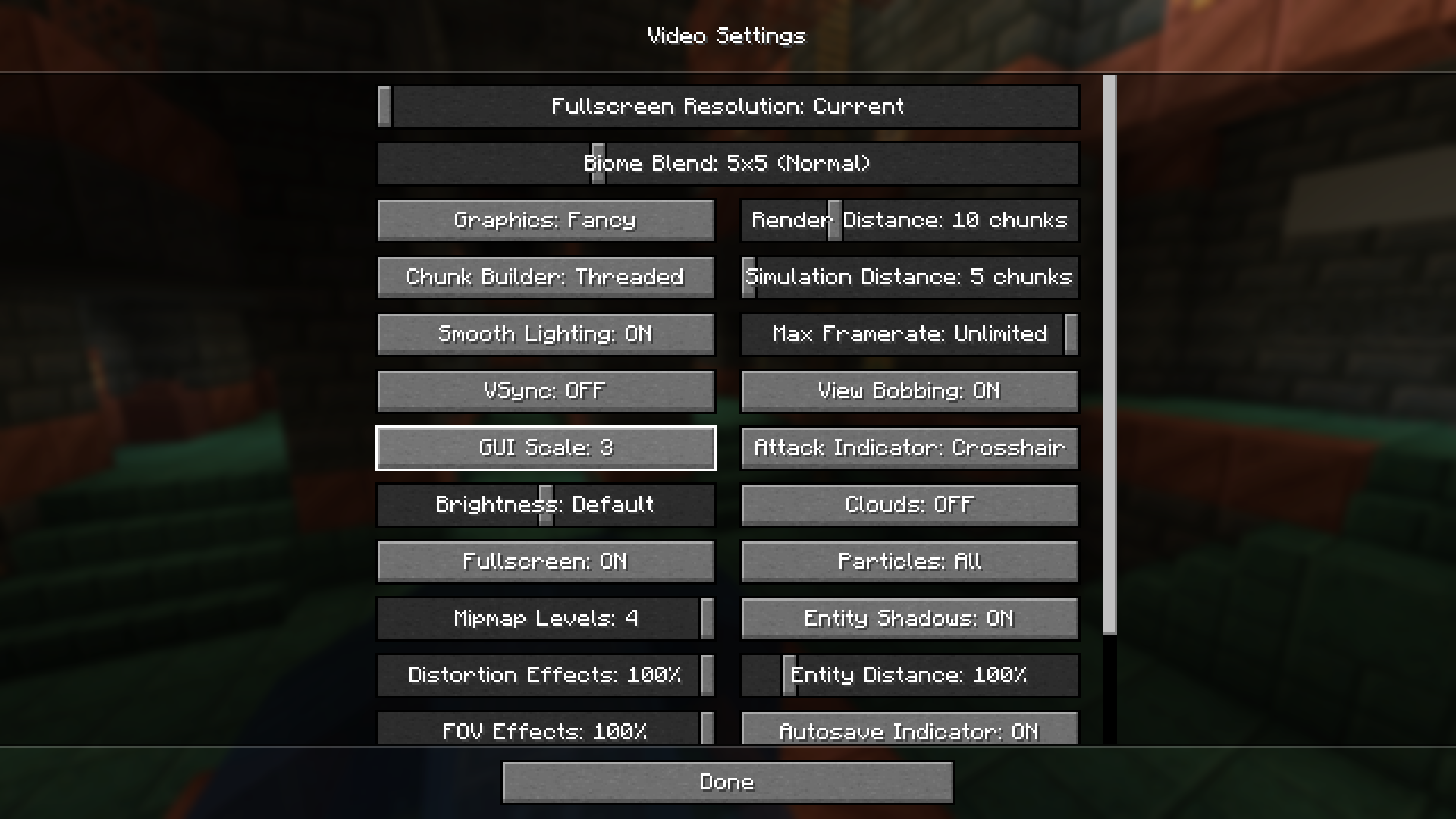
⬇ DownloadOpen in MCModsHubGet it on Google Play →In Minecraft, there is a GUI scale setting that allows you to change the size of the in-game GUI screens. You can choose between sizes from one to four, one being the smallest and four being the largest. In the vanilla game, when you cycle through different GUI sizes by clicking on the GUI scale button, the size changes, but the mouse cursor remains at the same position. When the GUI scales to small sizes like one or two, it will be difficult to find and click on the GUi scale button, because the button size is small. It Follows! Mod makes this a lot easier by making it so that your mouse cursor automatically follows around the GUI scale button whenever you change the scaling, so that the cursor remains on the button even after you change the scaling. If you need to rescale again, you do no not have to move and place the cursor on the button, but simply need to press left-click as the cursor is already on the button.
Features:
- Makes GUI scaling a lot easier.
- Automatically places the mouse cursor on the GUI scale button when scaling the GUI.
Screenshots:
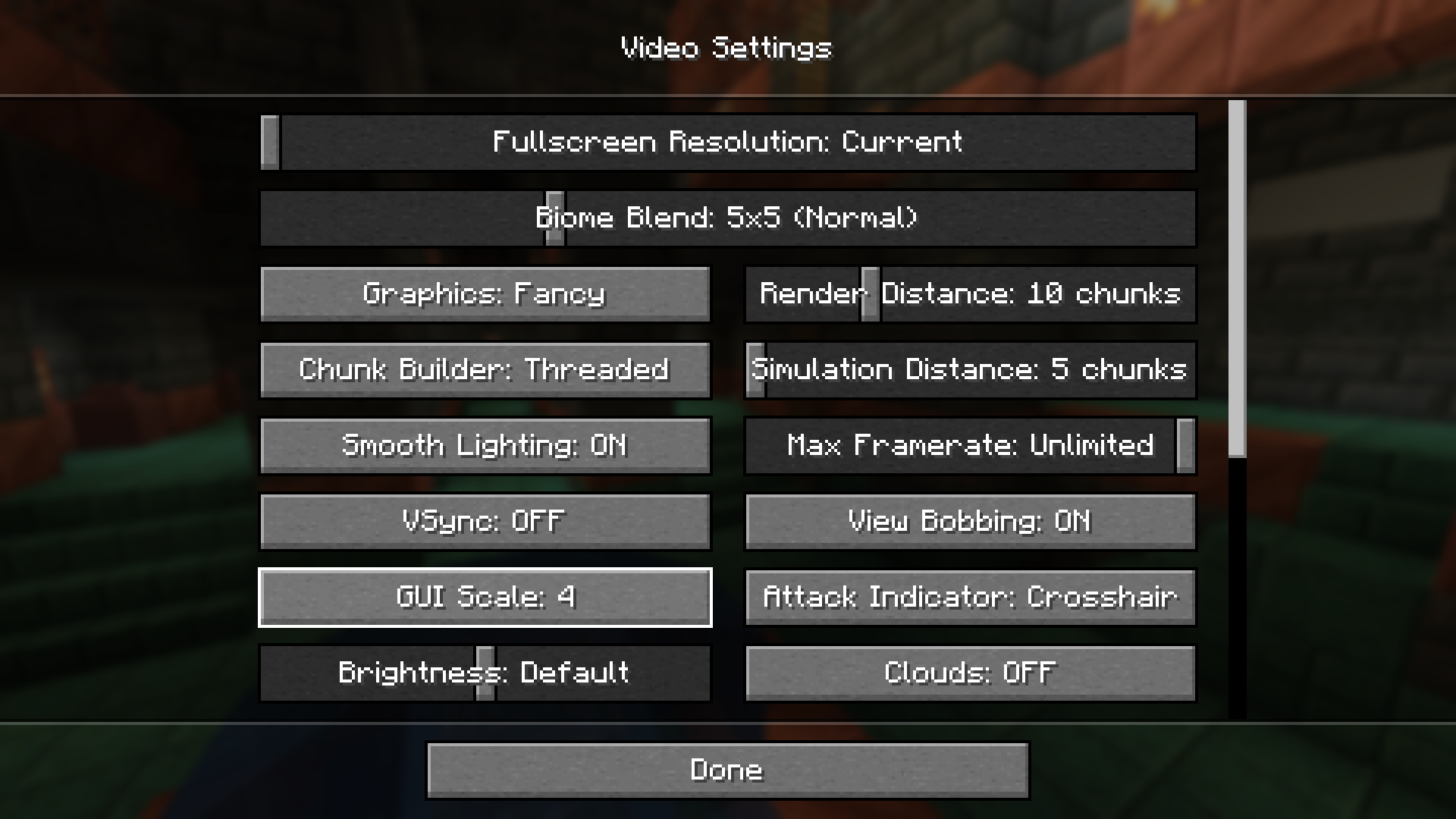
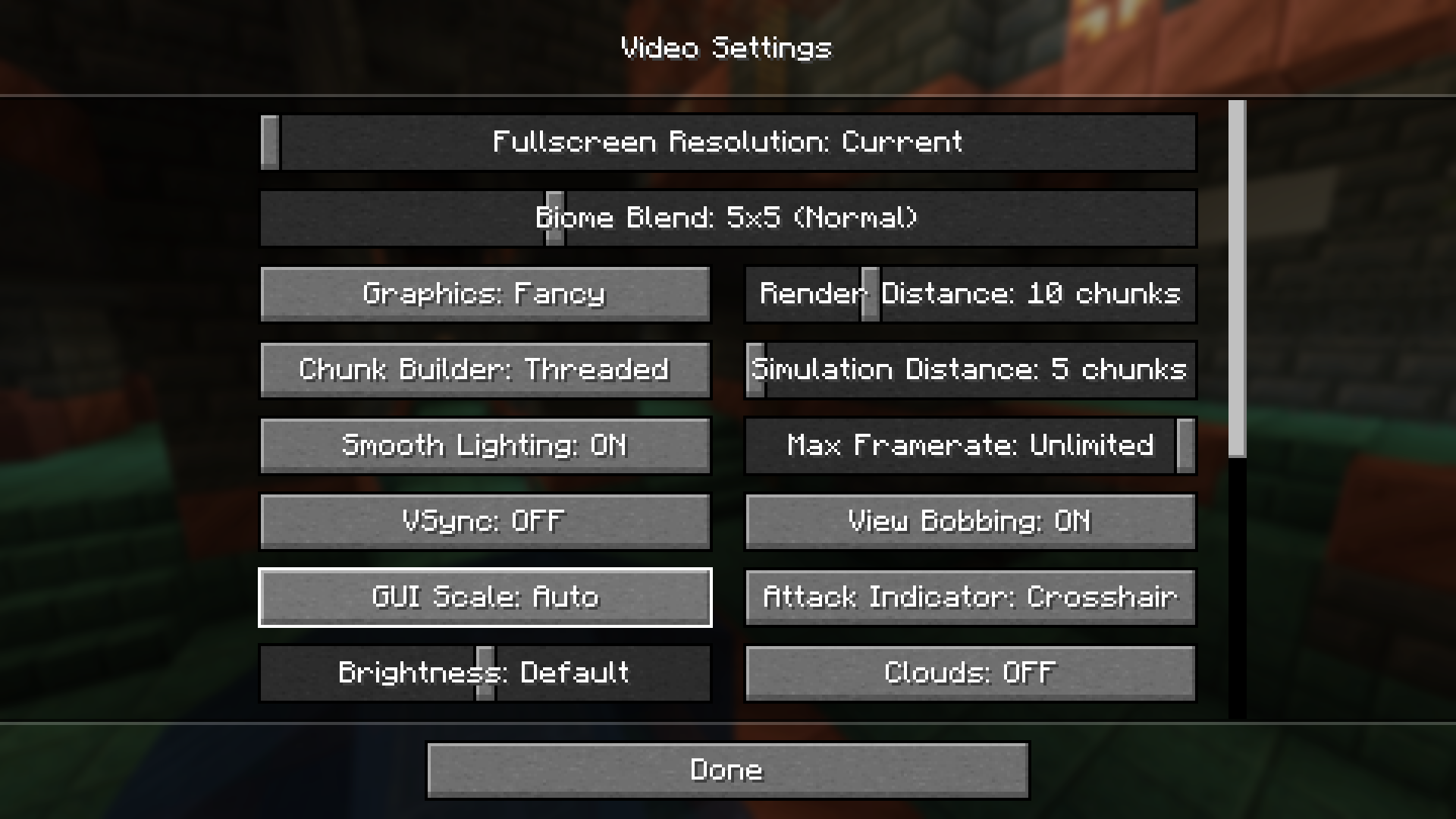
It Follows! Mod Download Links
For Minecraft 1.21.1, 1.21
Fabric/Quilt version: Download from Server 1 – Download from Server 2
For Minecraft 1.20.6
Fabric/Quilt version: Download from Server 1 – Download from Server 2
For Minecraft 1.20.4, 1.20.1
Fabric/Quilt version: Download from Server 1 – Download from Server 2
- Download size: 32 KB
- Download link checked 17 Jul 2026 — working
- Mirrored on our own servers — the download does not depend on the original host
These come from our own check of the pack file, not from the source page.