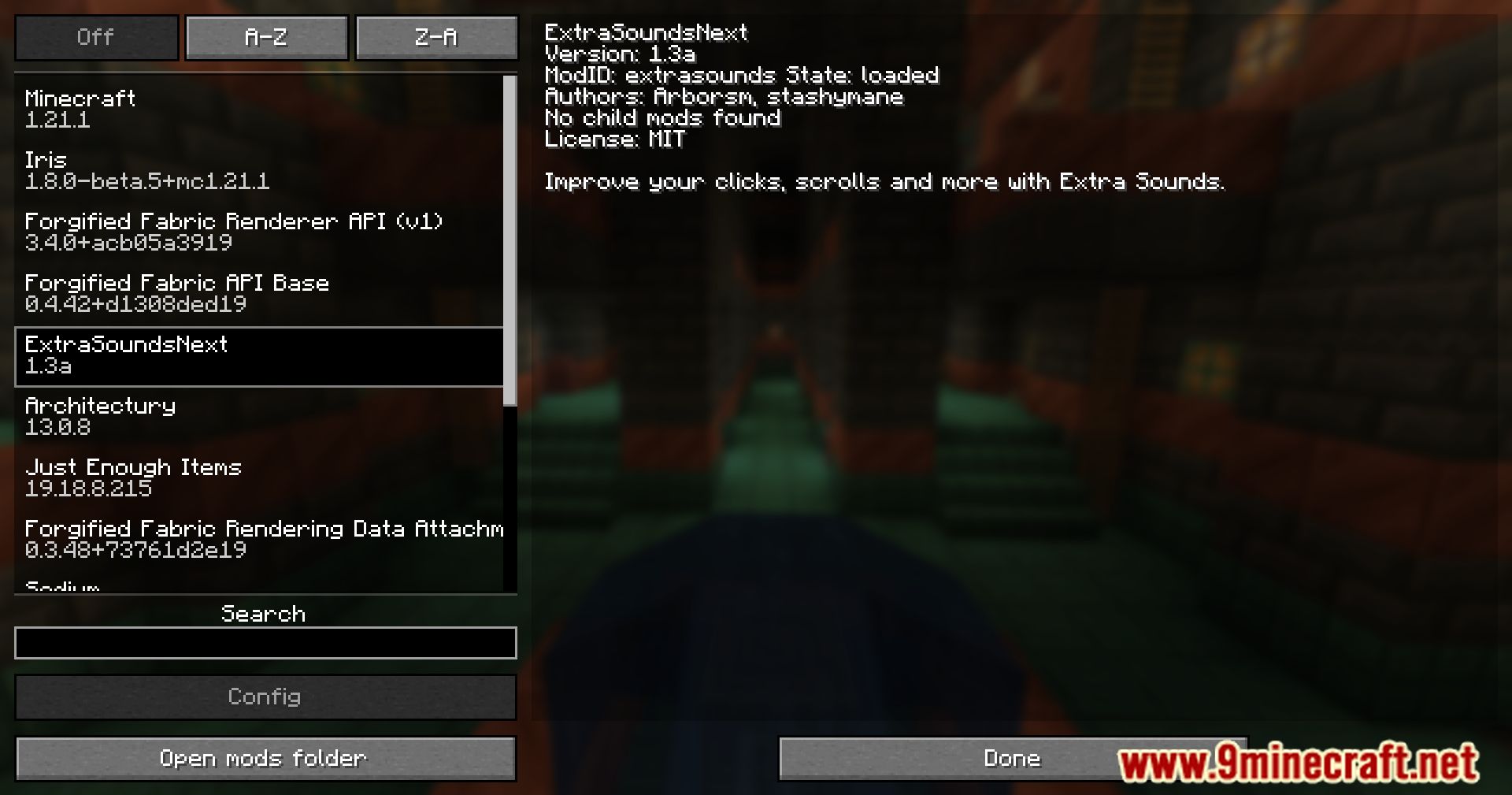
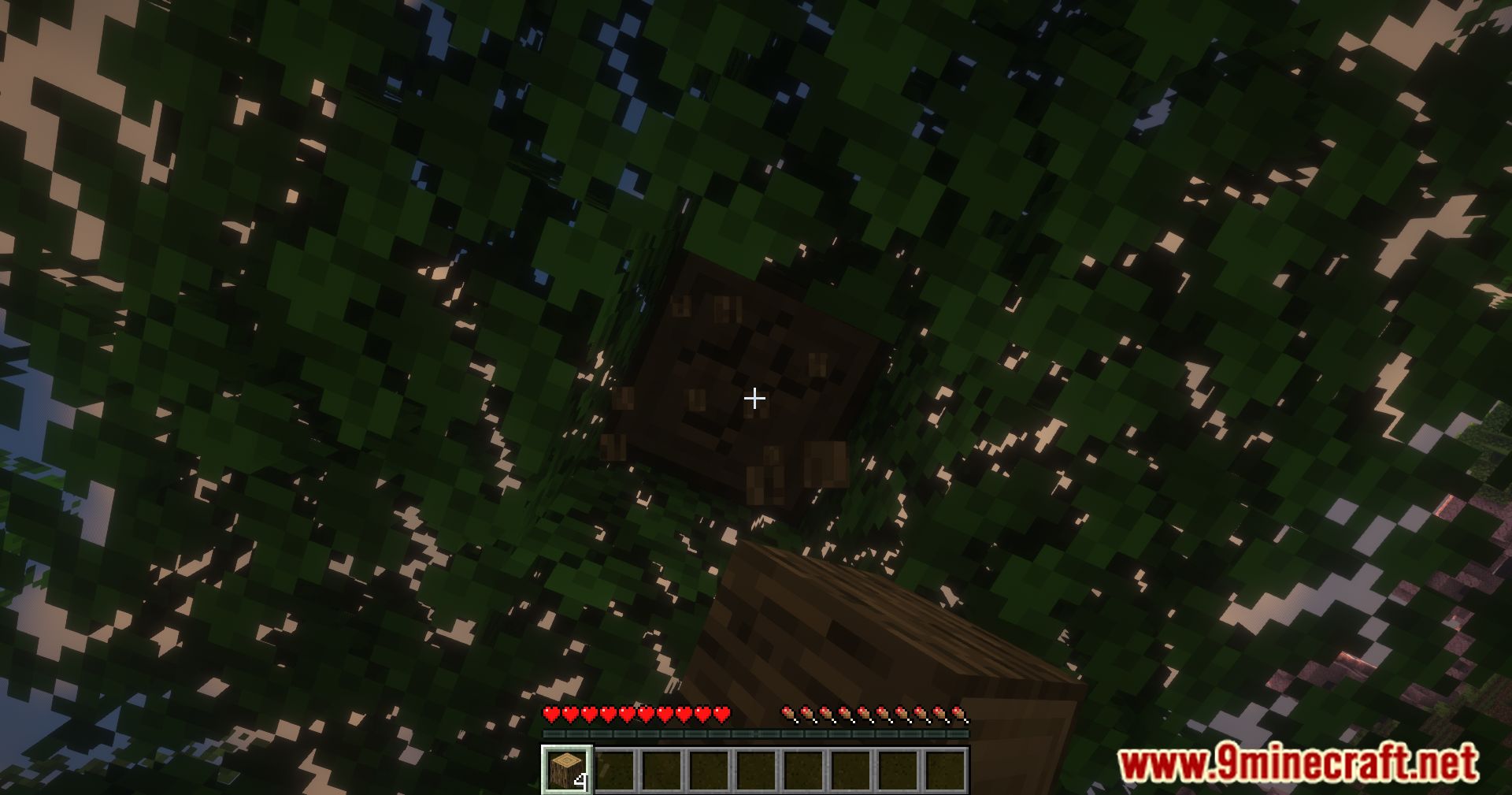
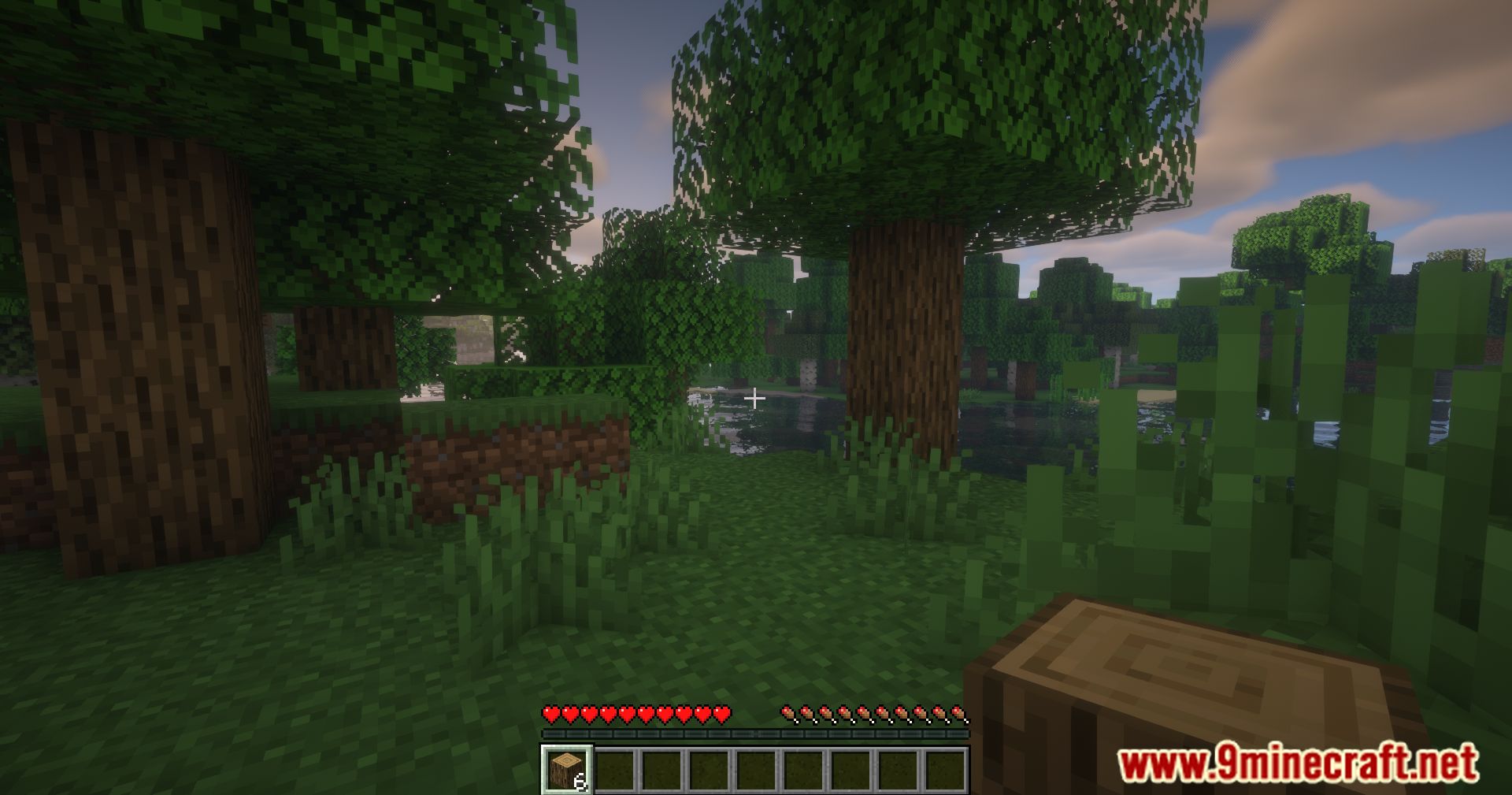
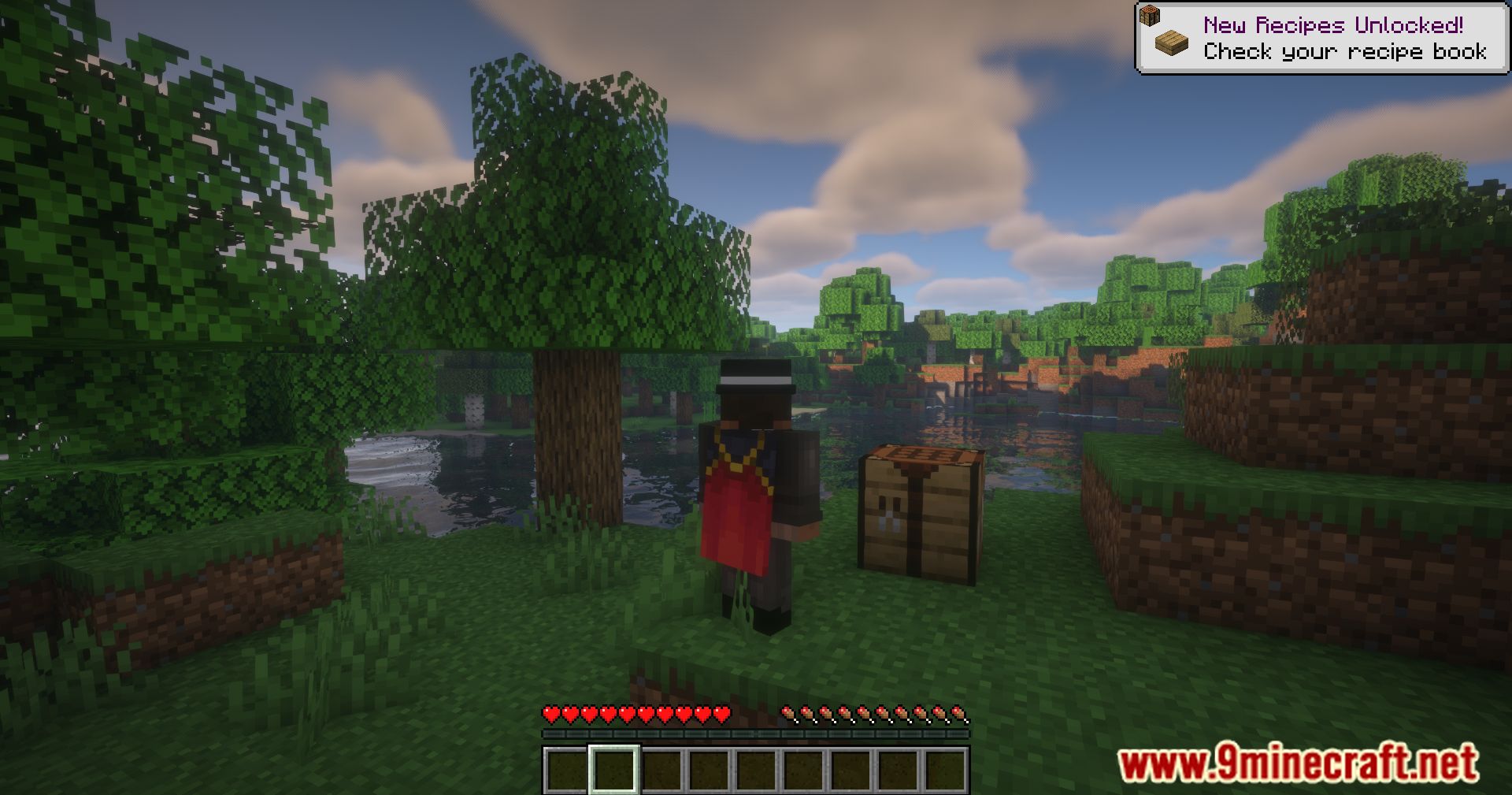
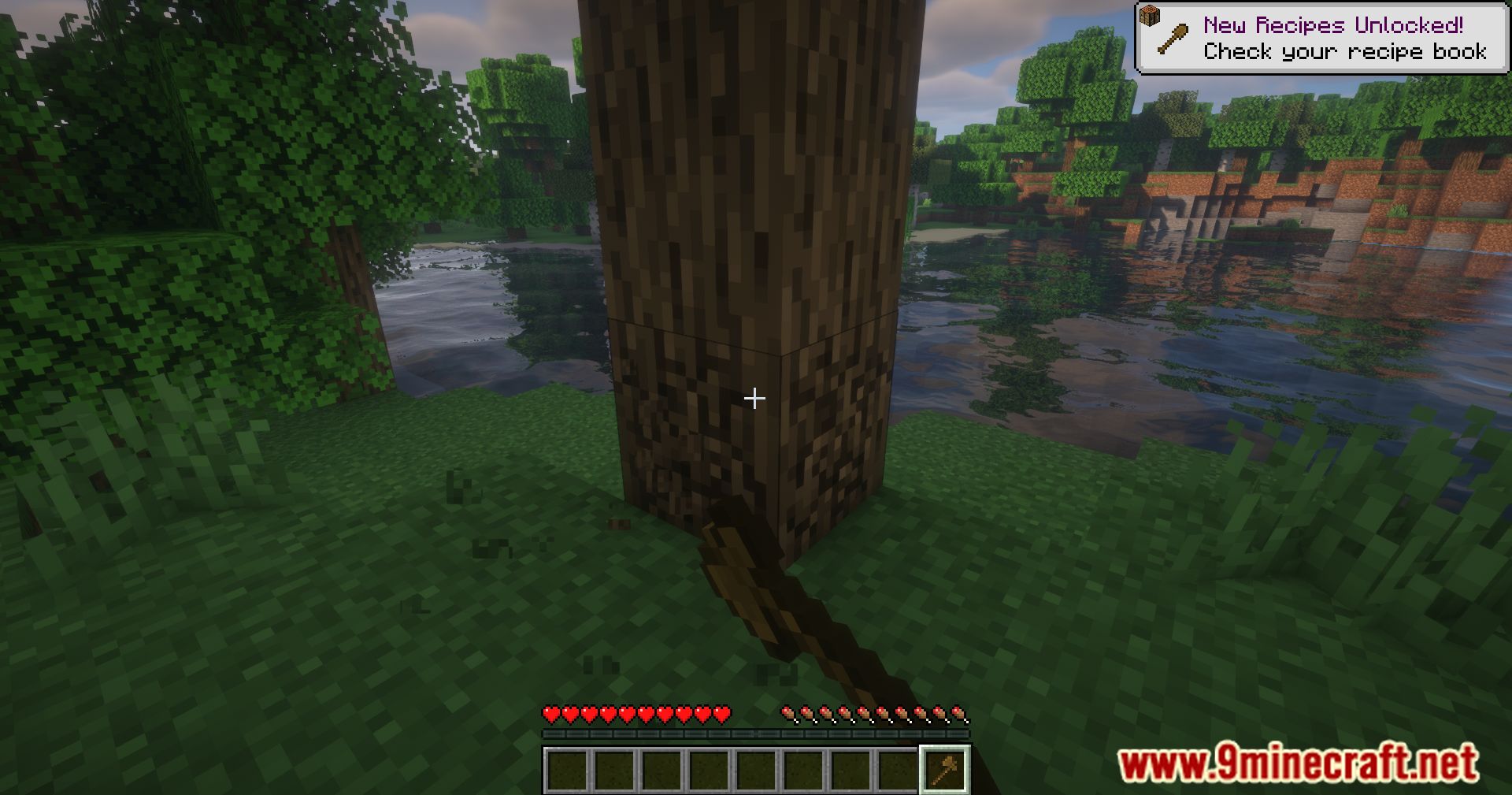
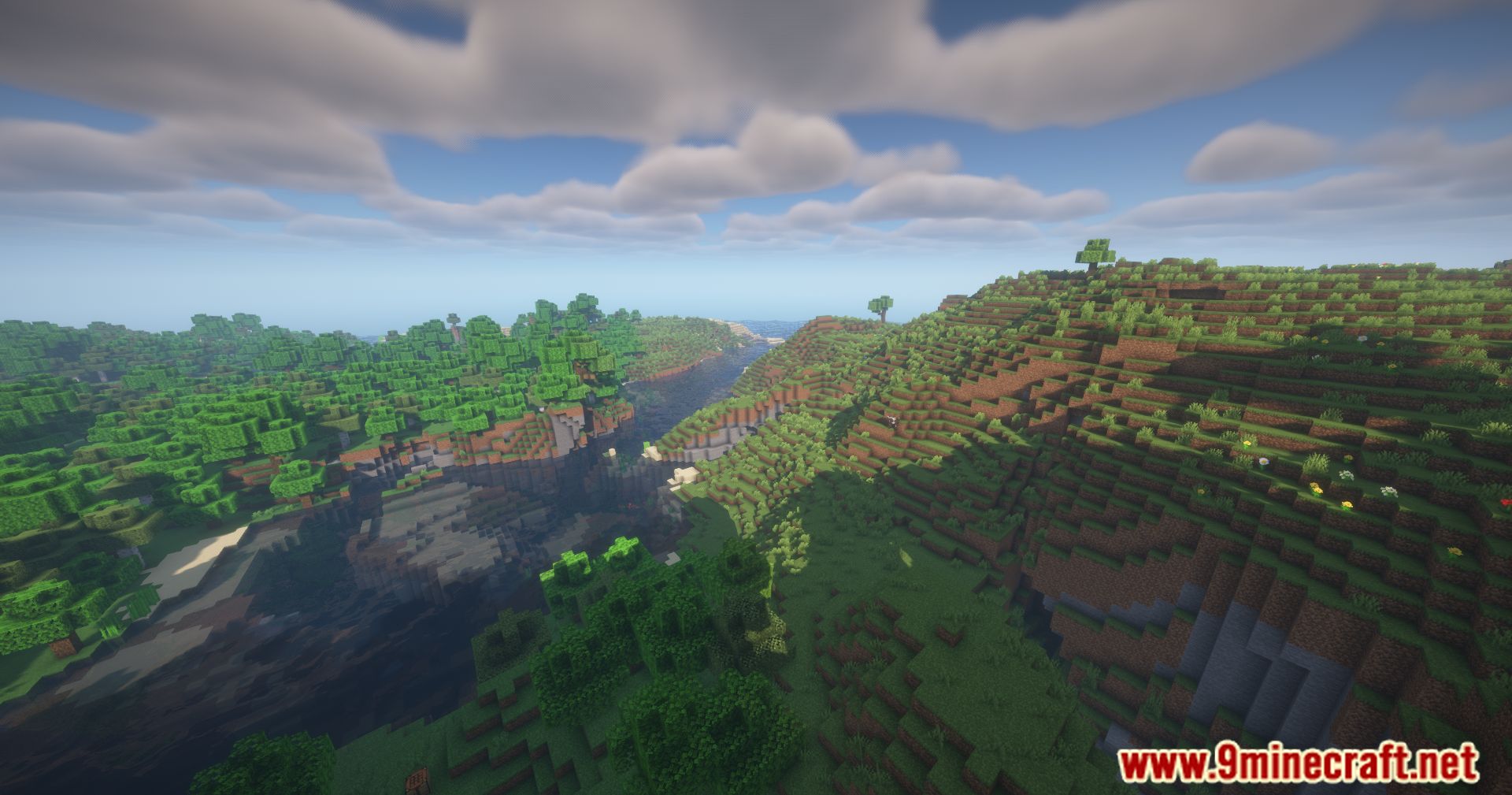
Extra Sounds Next Mod adds a range of new sounds to gameplay actions, creating a more immersive environment. With sounds for actions like scrolling through the hotbar, clicking items in the inventory, dropping items, and even chatting, this mod provides detailed feedback for each interaction.
Features:
- Adds sounds for hotbar scrolling, inventory clicks, item drops, and more
- Customizable sounds for each action
Screenshots:
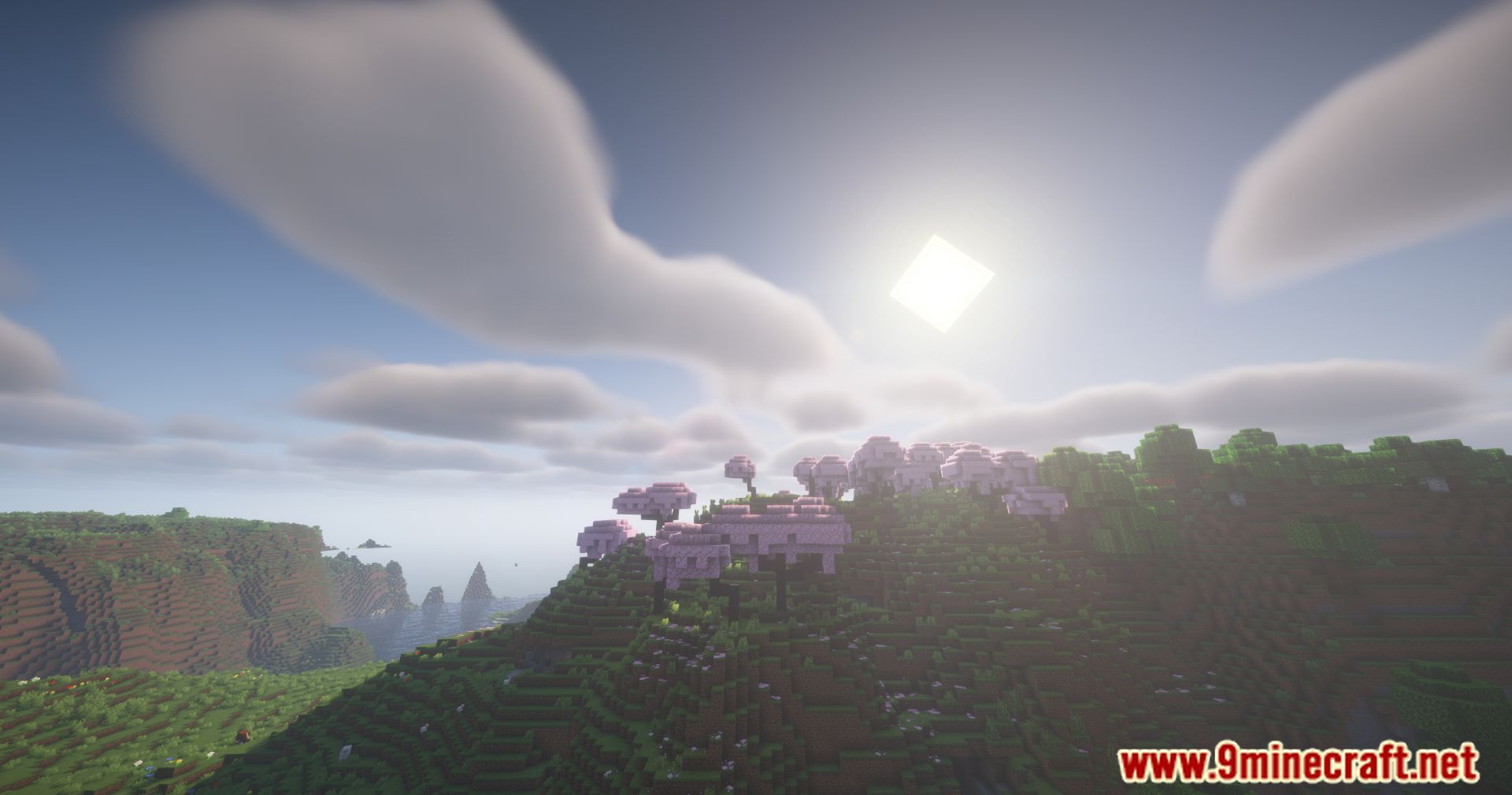
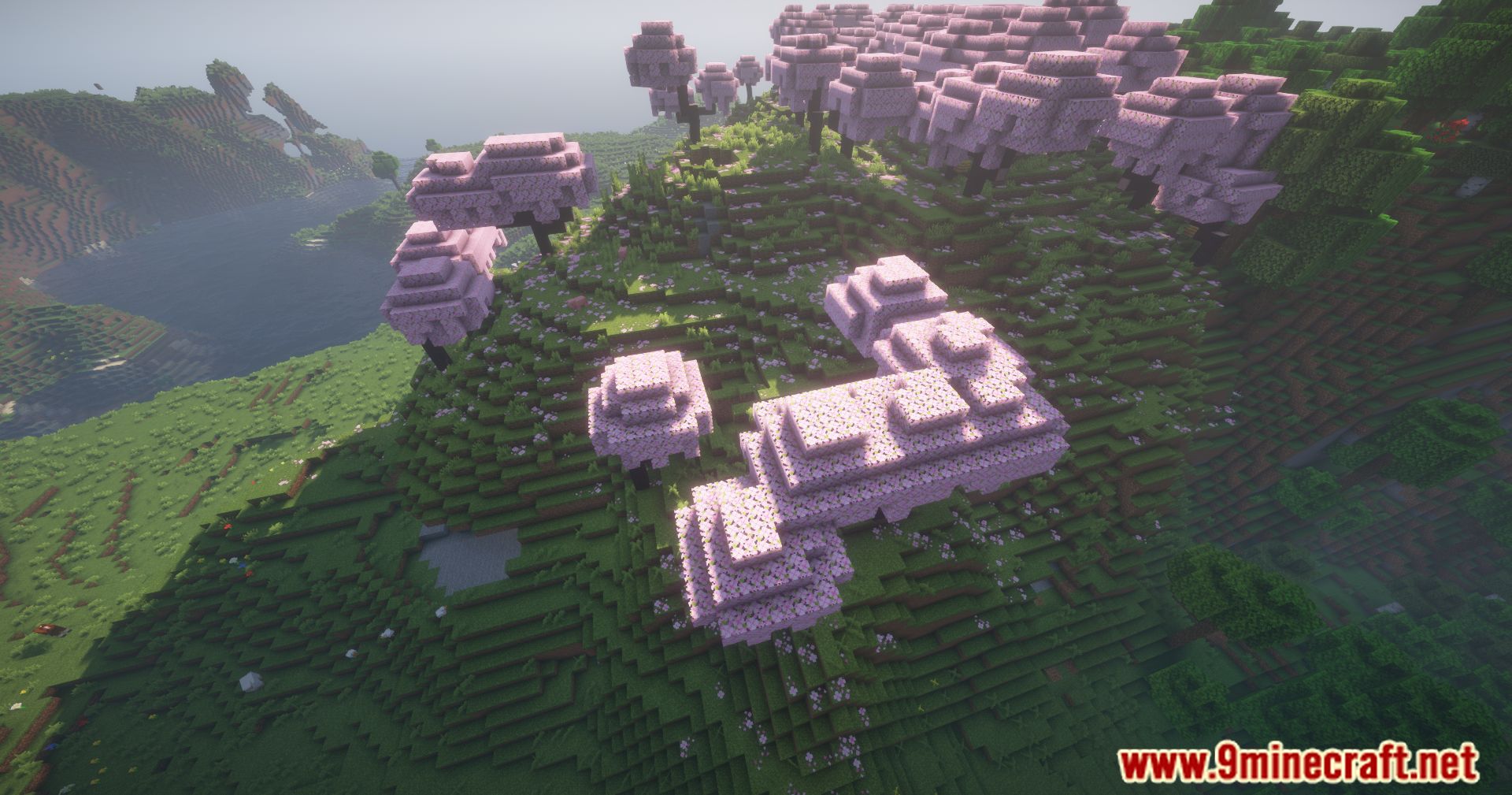
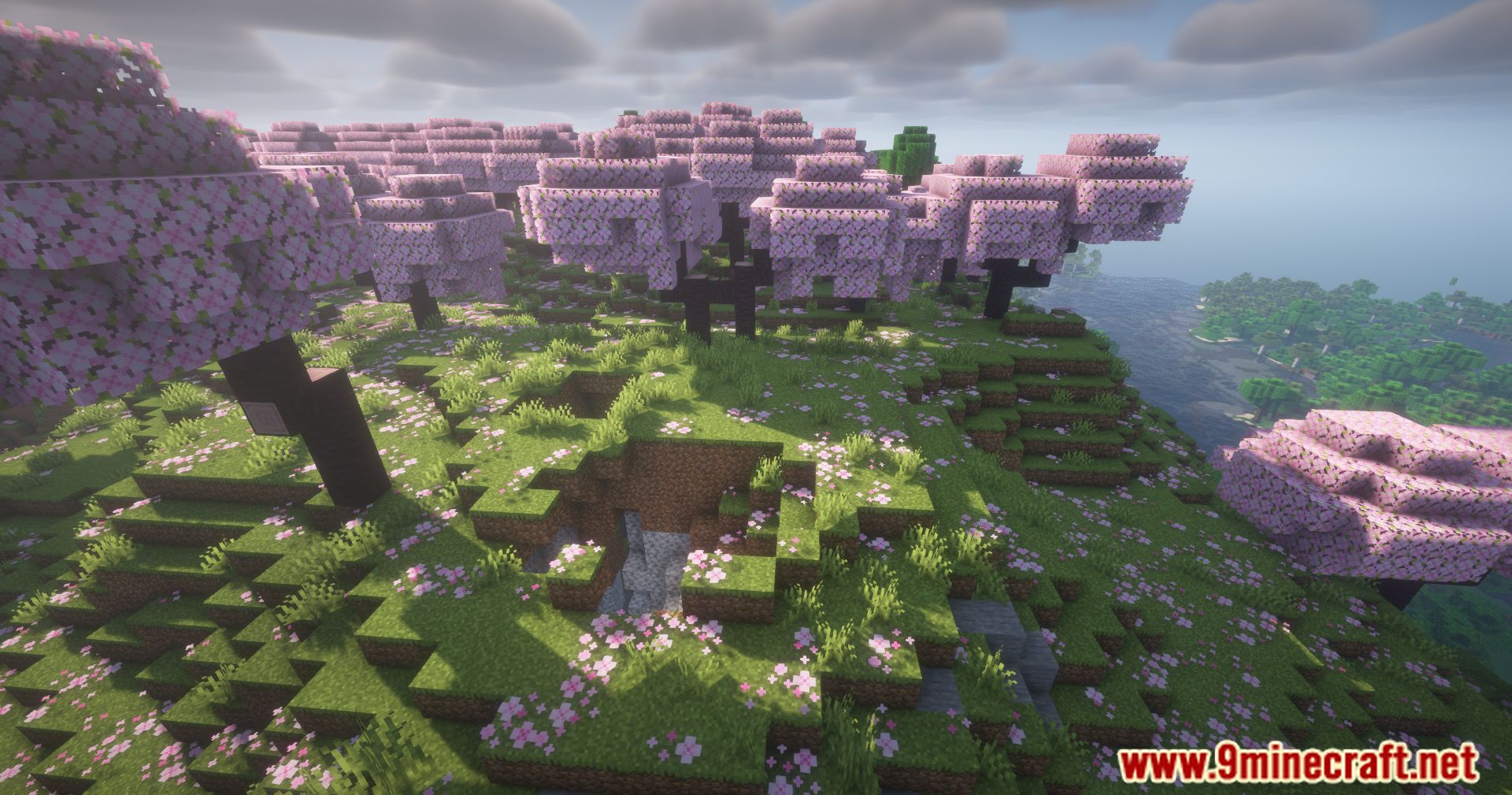
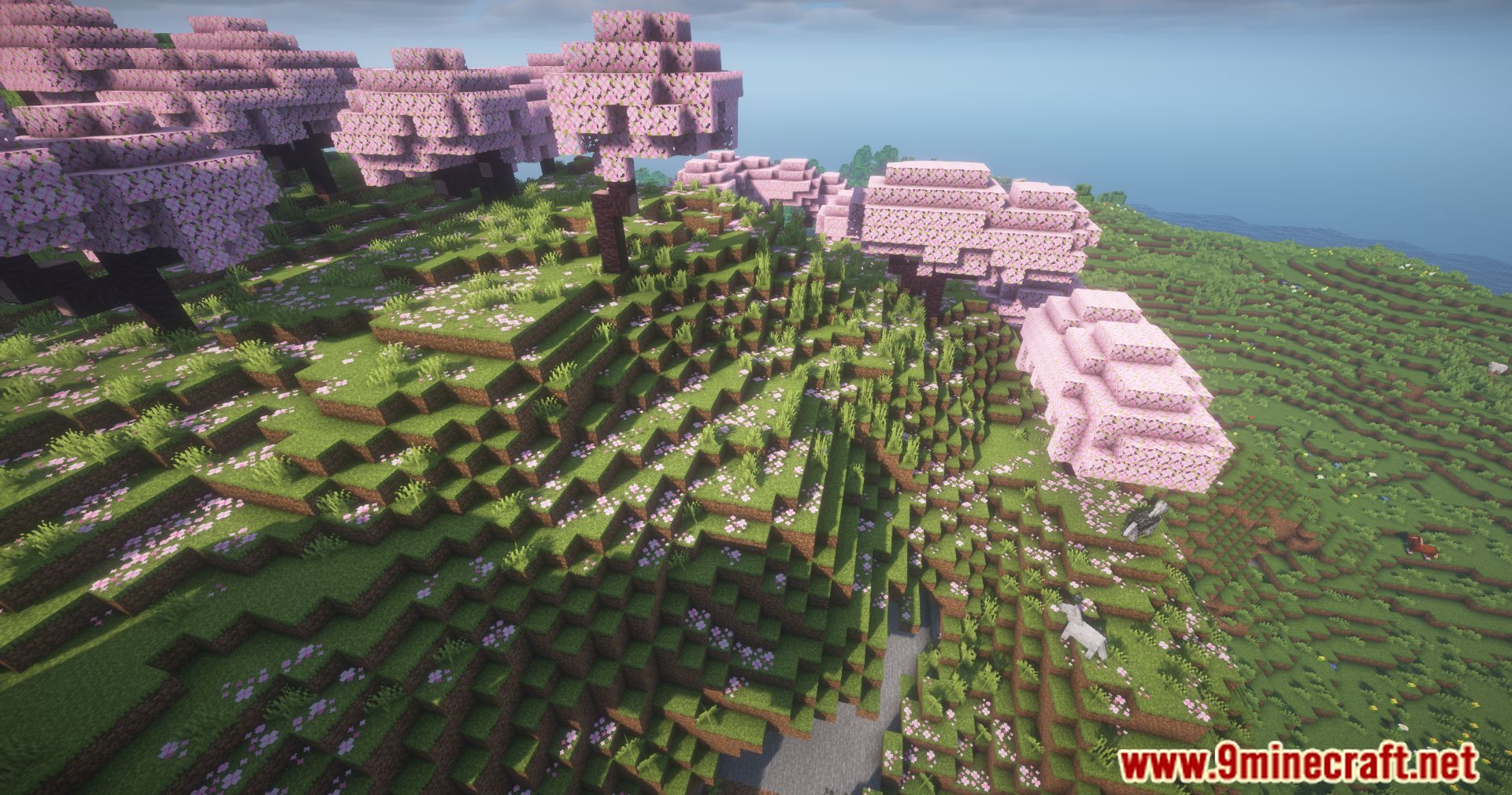
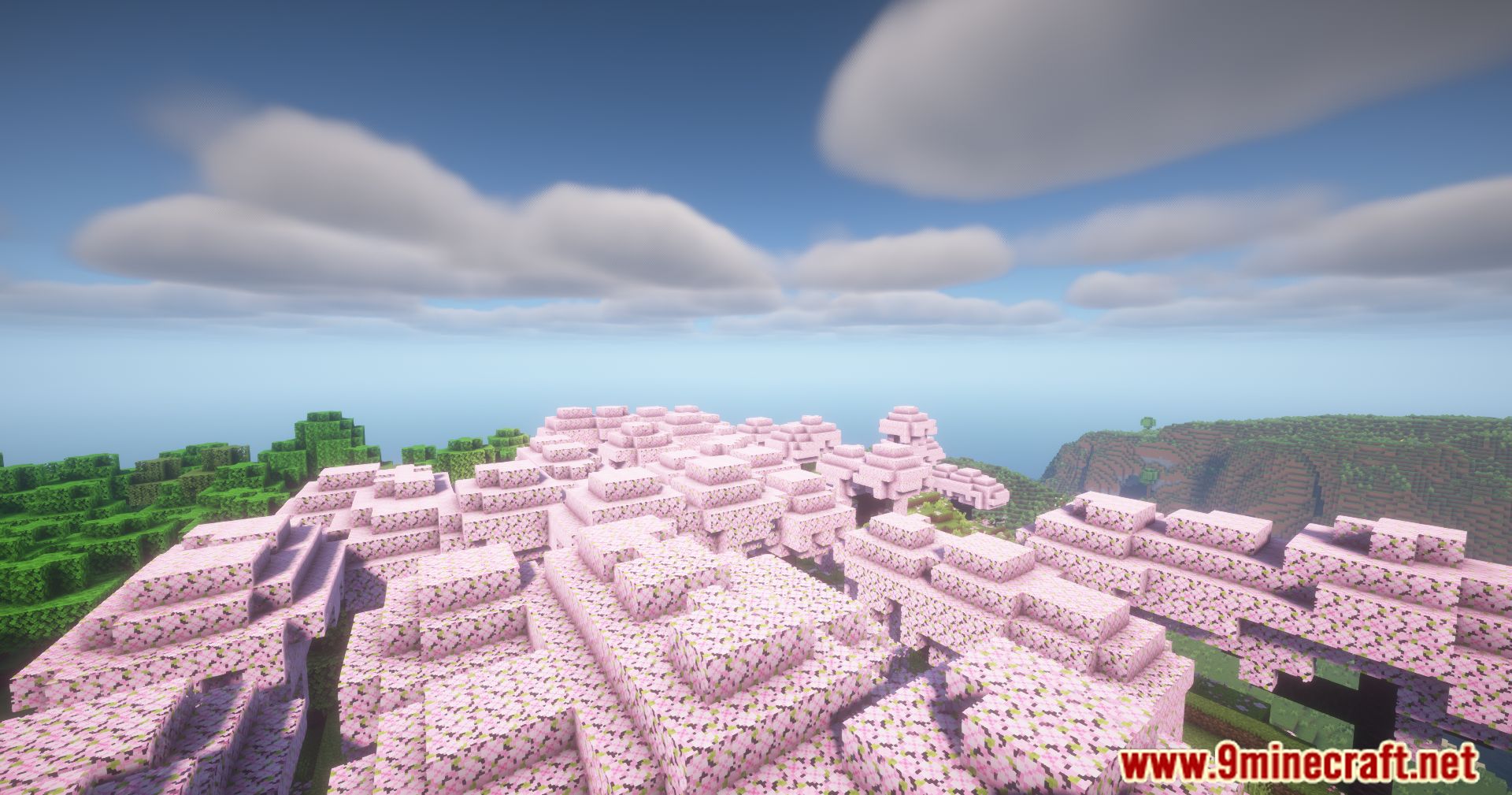
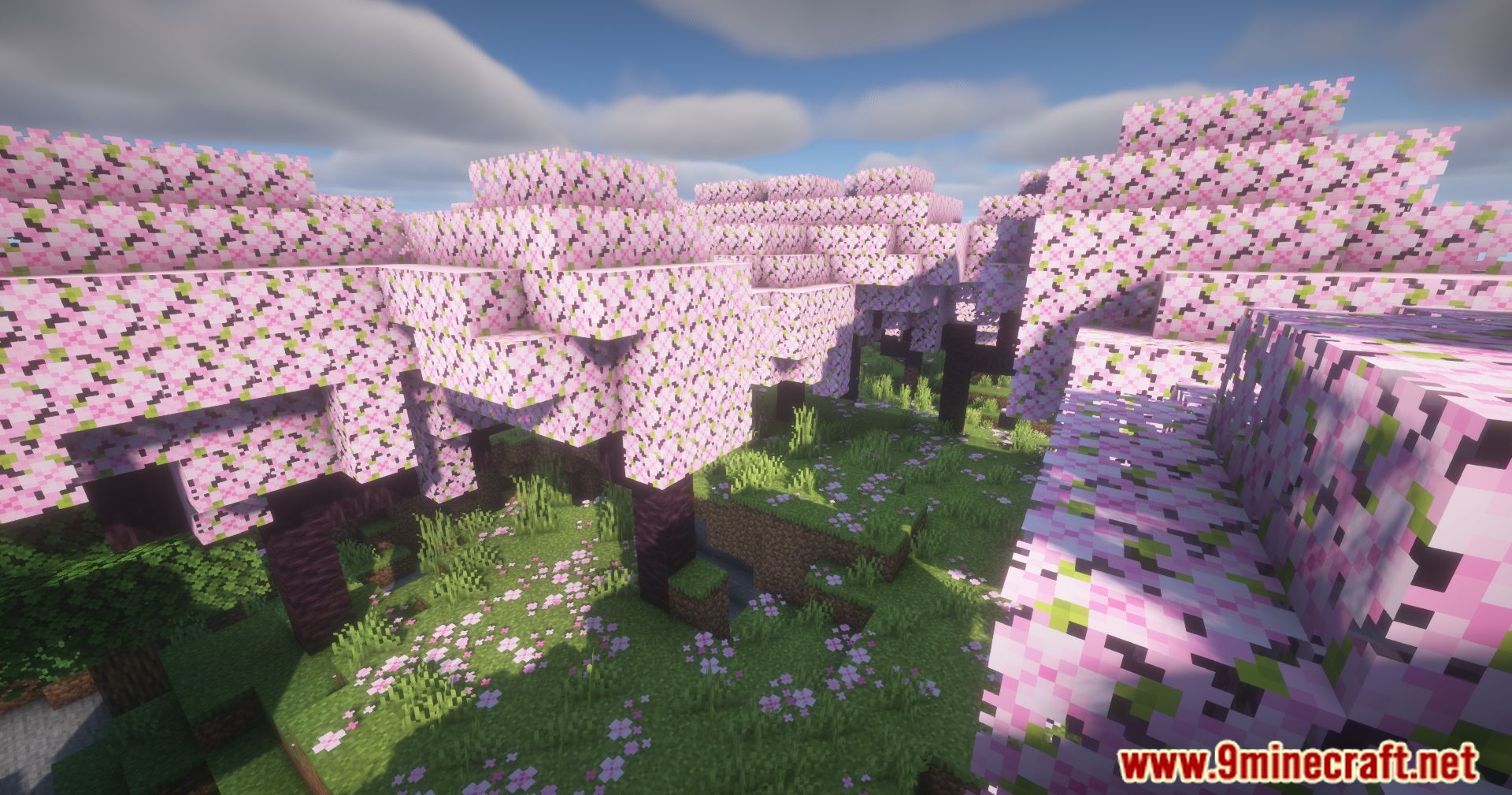
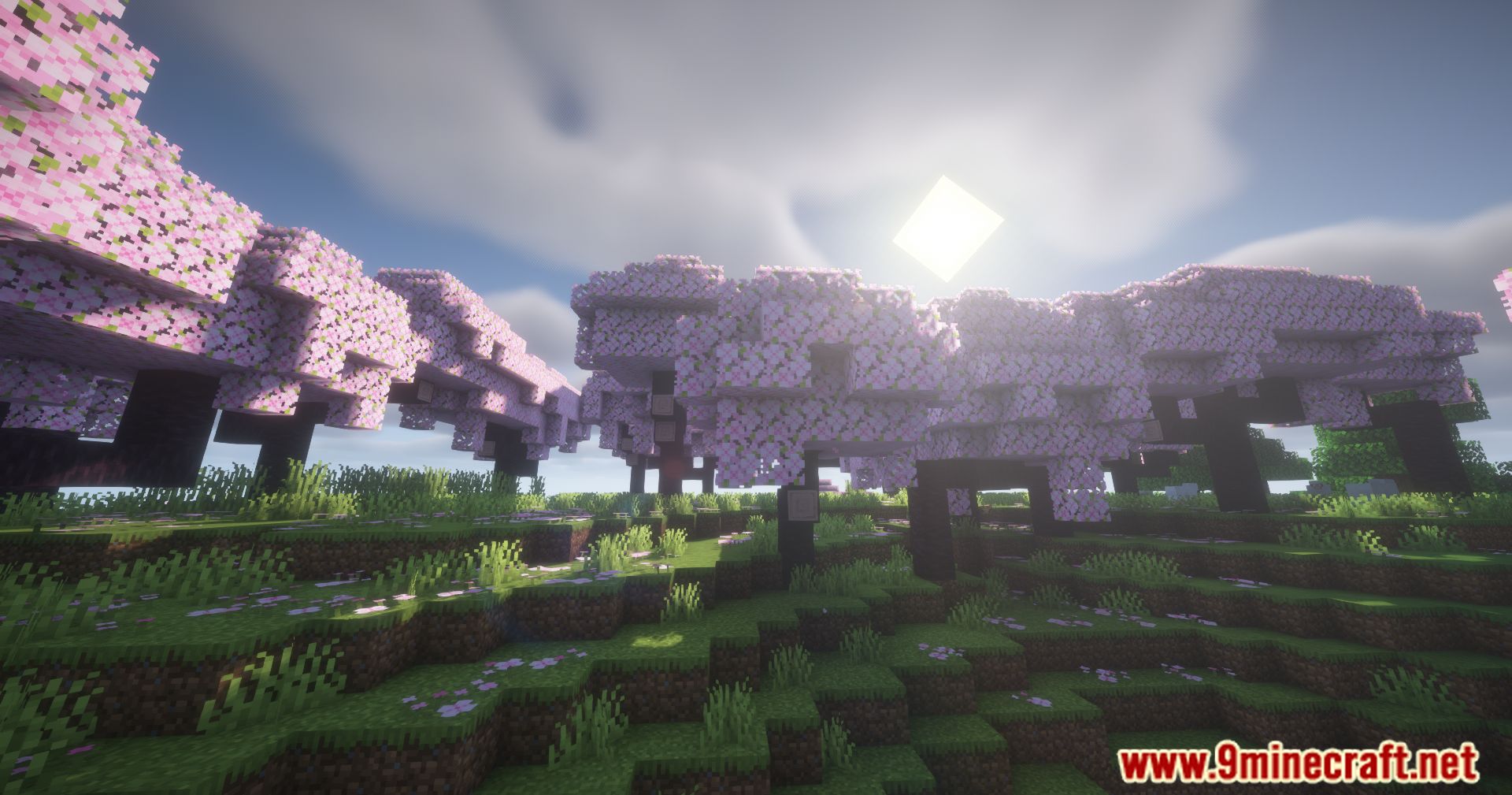
Extra Sounds Next Mod Download Links
Quick facts
- Edition: Minecraft Java
- File type: .jar
- Minecraft version listed: 1.20.1
- How to install: Install the matching mod loader (Forge, Fabric or NeoForge) for your Minecraft version. → Download the .jar. → Put it in the .minecraft/mods folder and launch that loader profile.
- Where to get it: In MC Java Mods, or directly above on this page.
Install steps are the general flow for this file type — How to install Minecraft Java mods & modpacks walks through it step by step.
Extra Sounds Next Mod (26.2, 1.20.1) – Immersive Sound Effects is a free Minecraft Java mod. Compatible with Minecraft 1.20.1. Download it and open it directly in the game.