ModsJava
Delivery Mod (1.12.2) – A Store for Modpack Makers to Customize
Minecraft Java mod. Downloads from the MC Java Mods app on Android.
⬇ DownloadDelivery Mod adds a store for modpack makers to customize. By itself, this mod does nothing. It must be combined with CraftTweaker Mod to function.
Features:
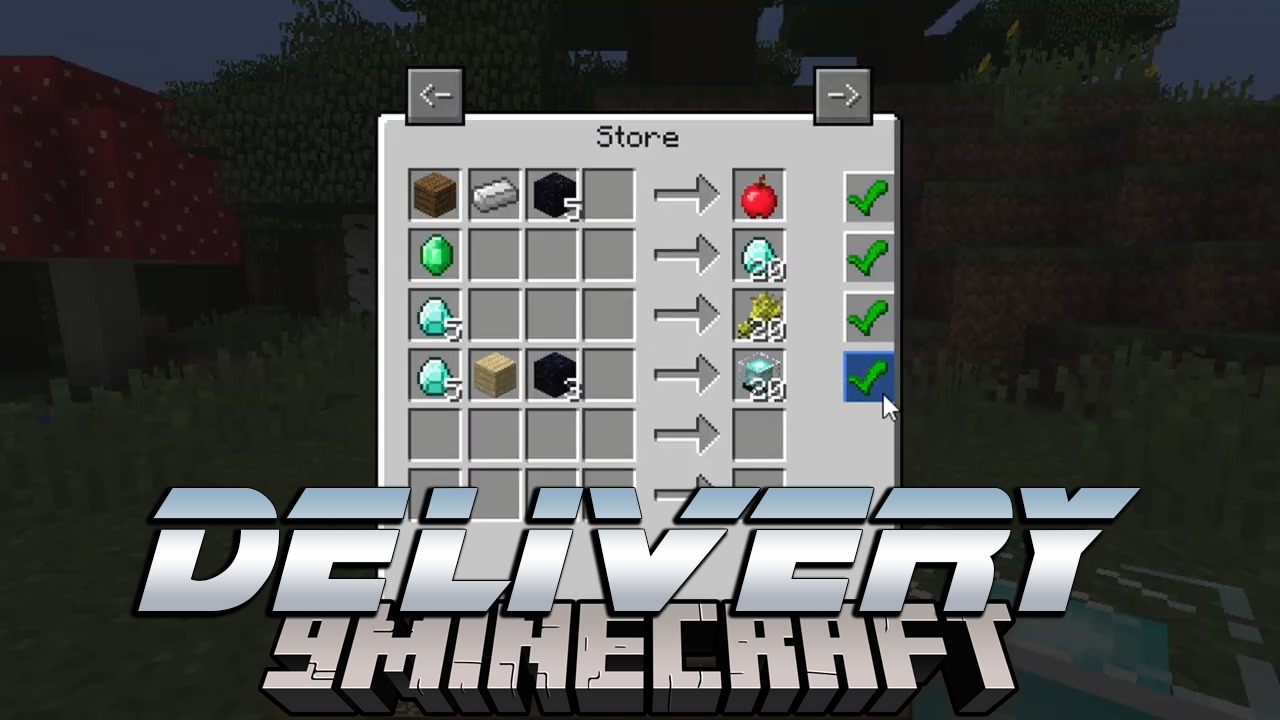
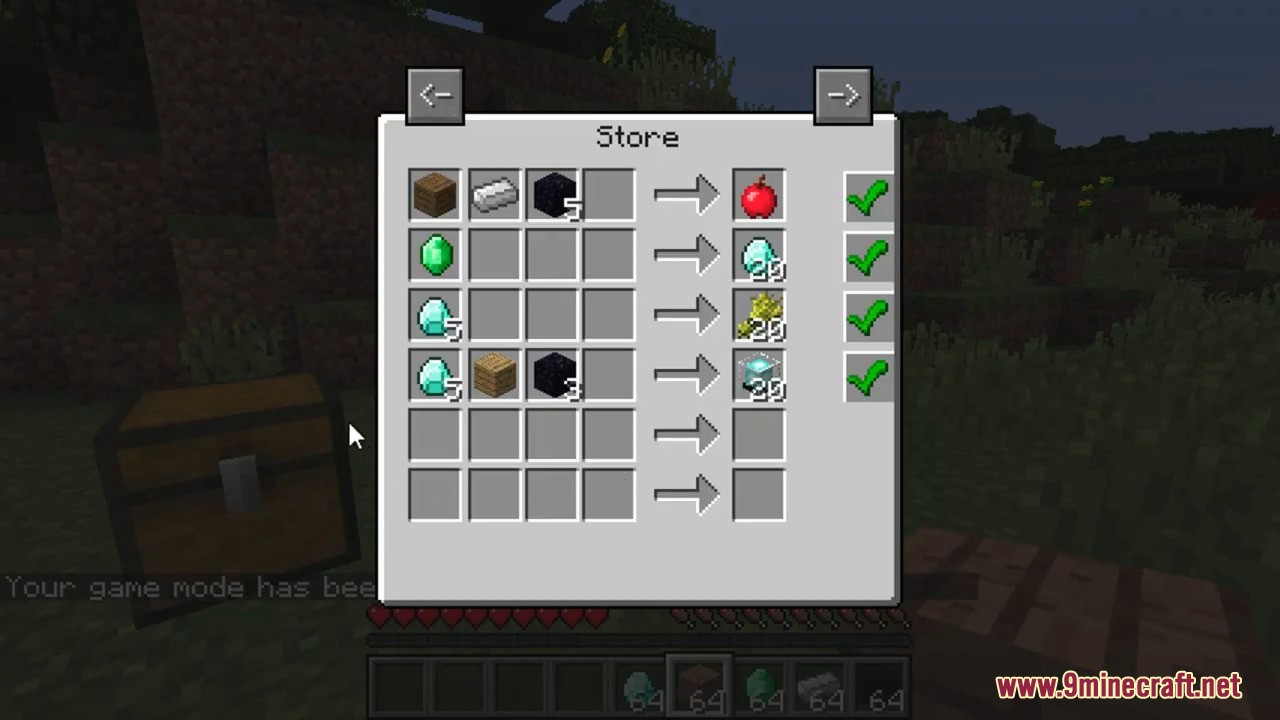
- The mod adds a store, by default this can be opened from anywhere with the keybind (default B). The mod can be configured to only allow the store to be opened by a store block added by the mod.
- The store block does not have a recipe, it’s up to the pack maker to deal with that.
- The store support unlimited pages, so you can add as many things to the store as you need.
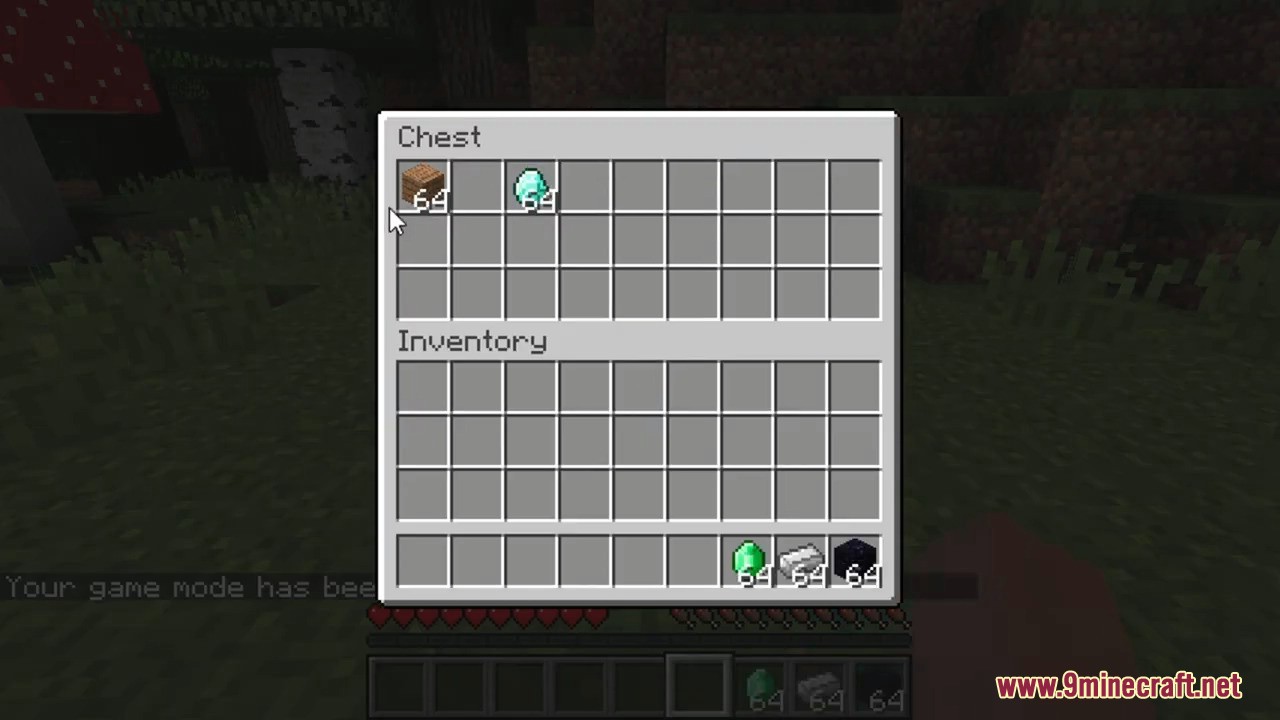
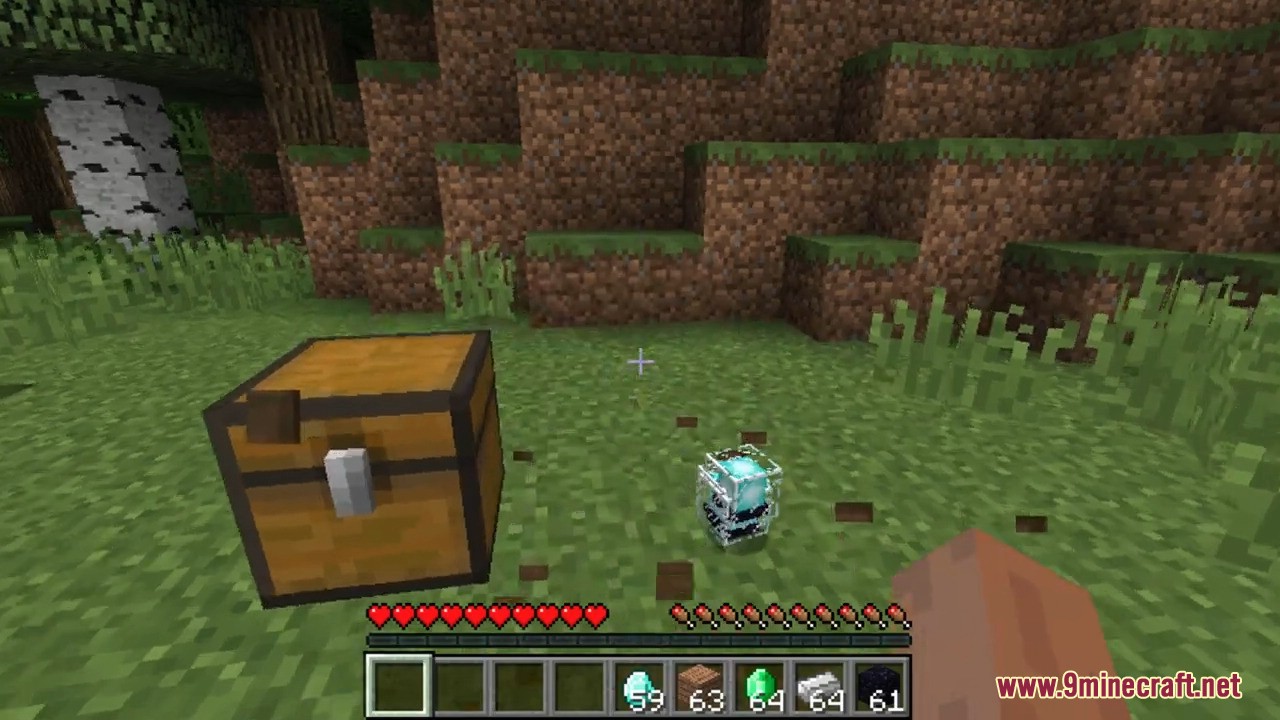
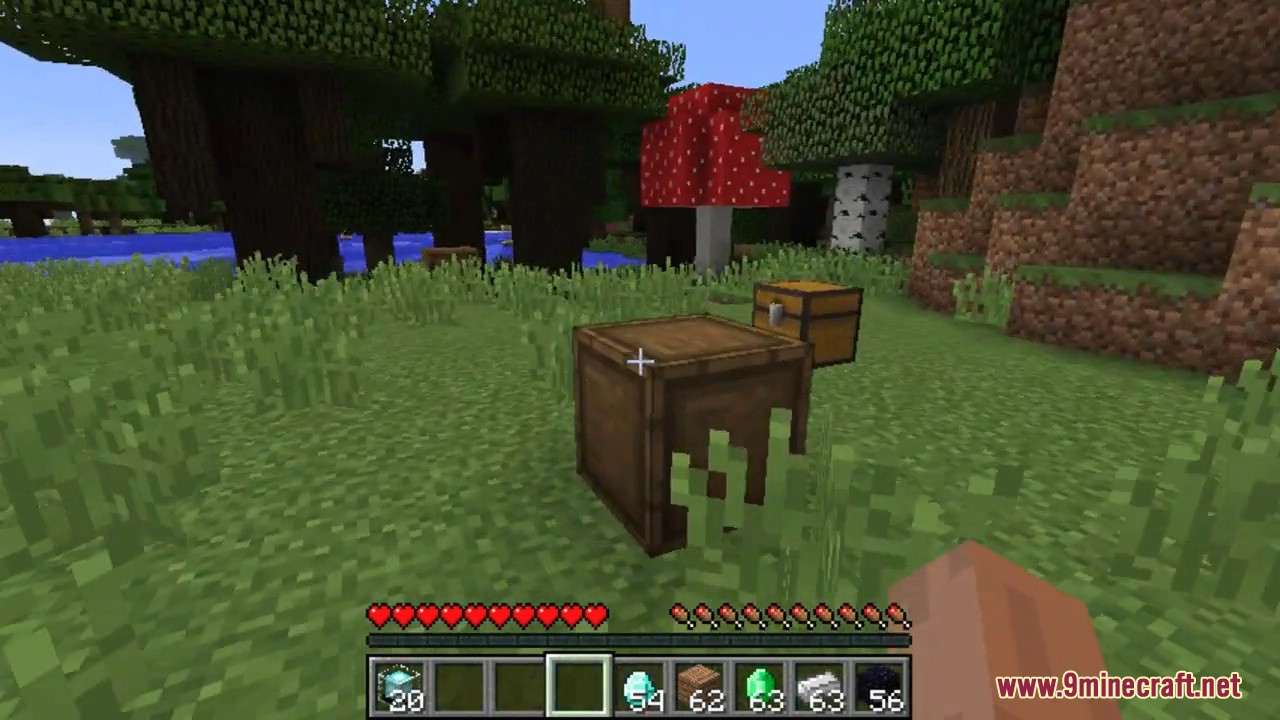
- When you purchase something, it will either fall down from the sky in a delivery crate or be placed directly in your inventory, depending on your configs.
Blocks/Items:
- No item or block has a crafting recipe by default, it’s up to you to get the block/item to the player.
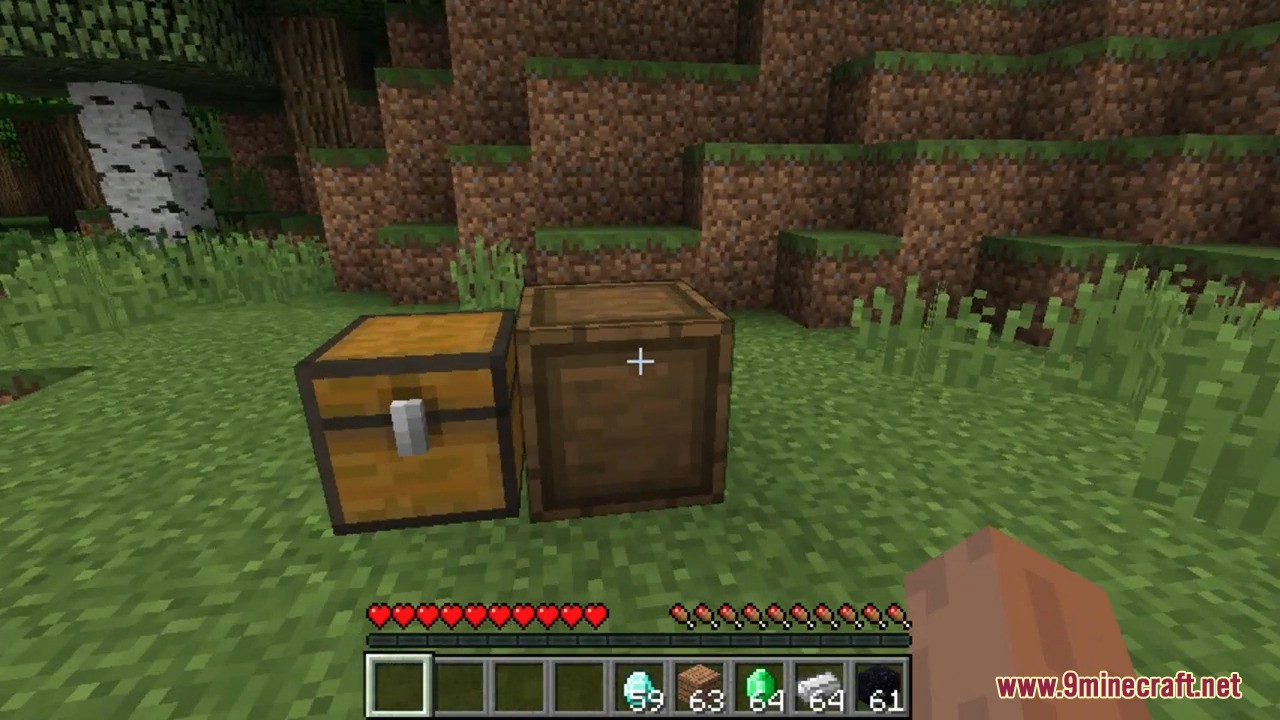
- Store – Comes in both item & block form, right click to open the store. Used if you don’t want the keybind
- Shipping Crate – A way to reverse trades/Sell items.
Screenshots:


Delivery Mod Download Links
For Minecraft 1.12.2
Forge version: Download from Server 1 – Download from Server 2
Quick facts
- Edition: Minecraft Java
- File type: .jar
- How to install: Install the matching mod loader (Forge, Fabric or NeoForge) for your Minecraft version. → Download the .jar. → Put it in the .minecraft/mods folder and launch that loader profile.
- Where to get it: In MC Java Mods, or directly above on this page.
Install steps are the general flow for this file type — How to install Minecraft Java mods & modpacks walks through it step by step.
File checked by MCModsHub
- Downloads as 199079.mcaddon
- Download size: 82 KB
- Download link checked 29 Jul 2026 — working
- Mirrored on our own servers — the download does not depend on the original host
These come from our own check of the pack file, not from the source page.