The Overgrowth Mod (1.21.1, 1.20.1) – Experience The Evolution Of Minecraft's Landscape!
Java mod listed for Minecraft 1.20–1.21. Downloads from the MC Java Mods app on Android.
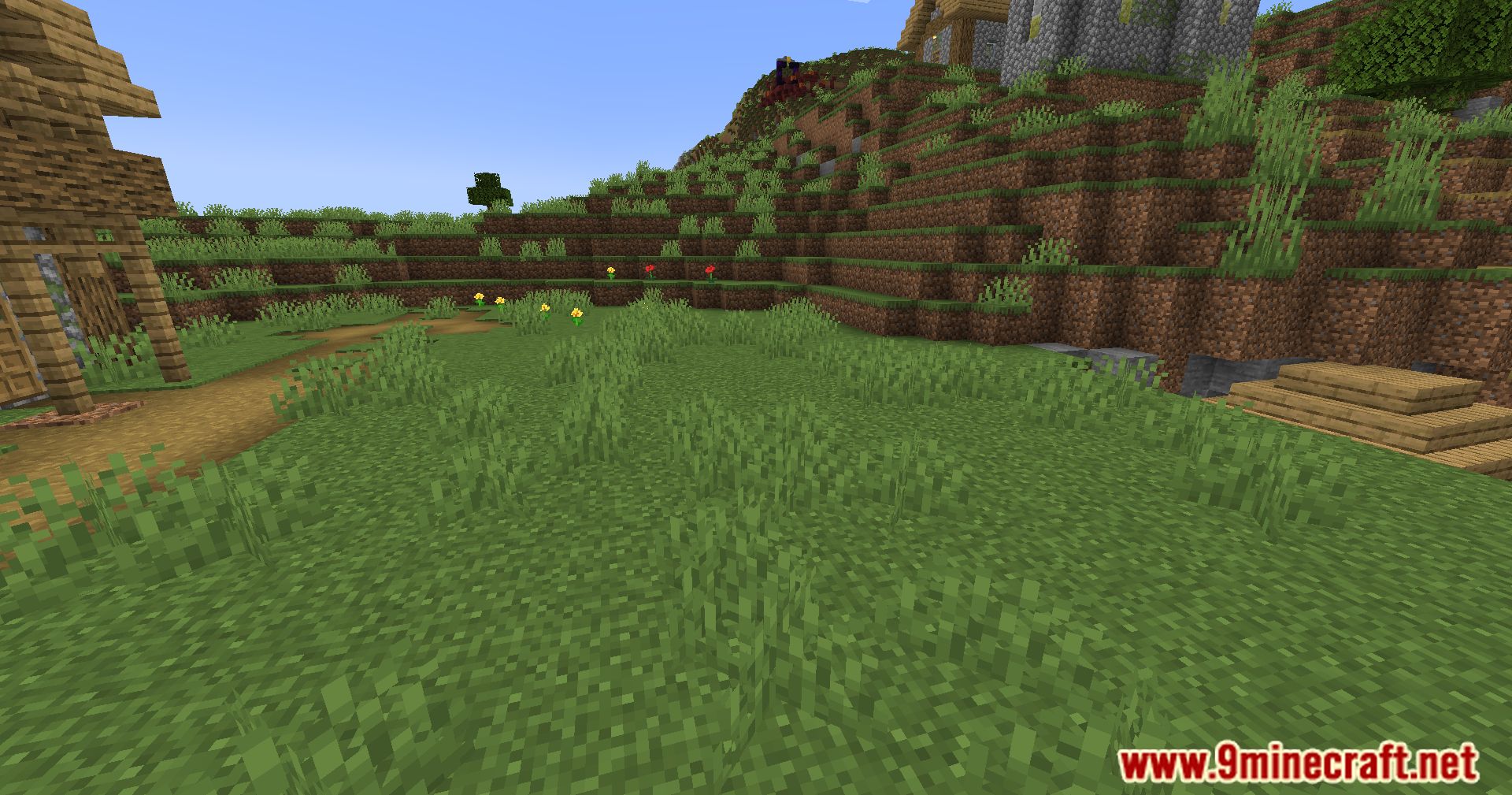
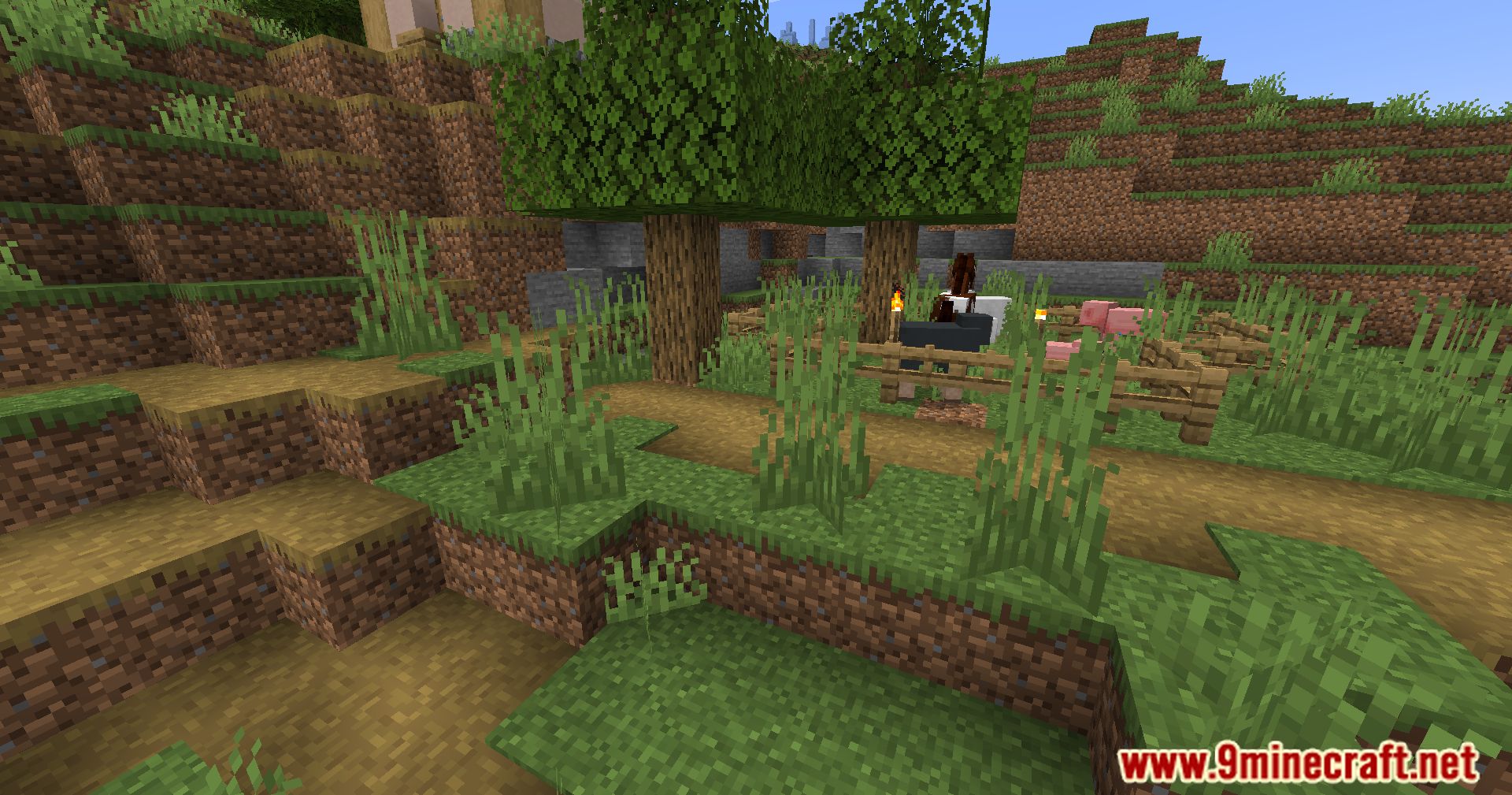
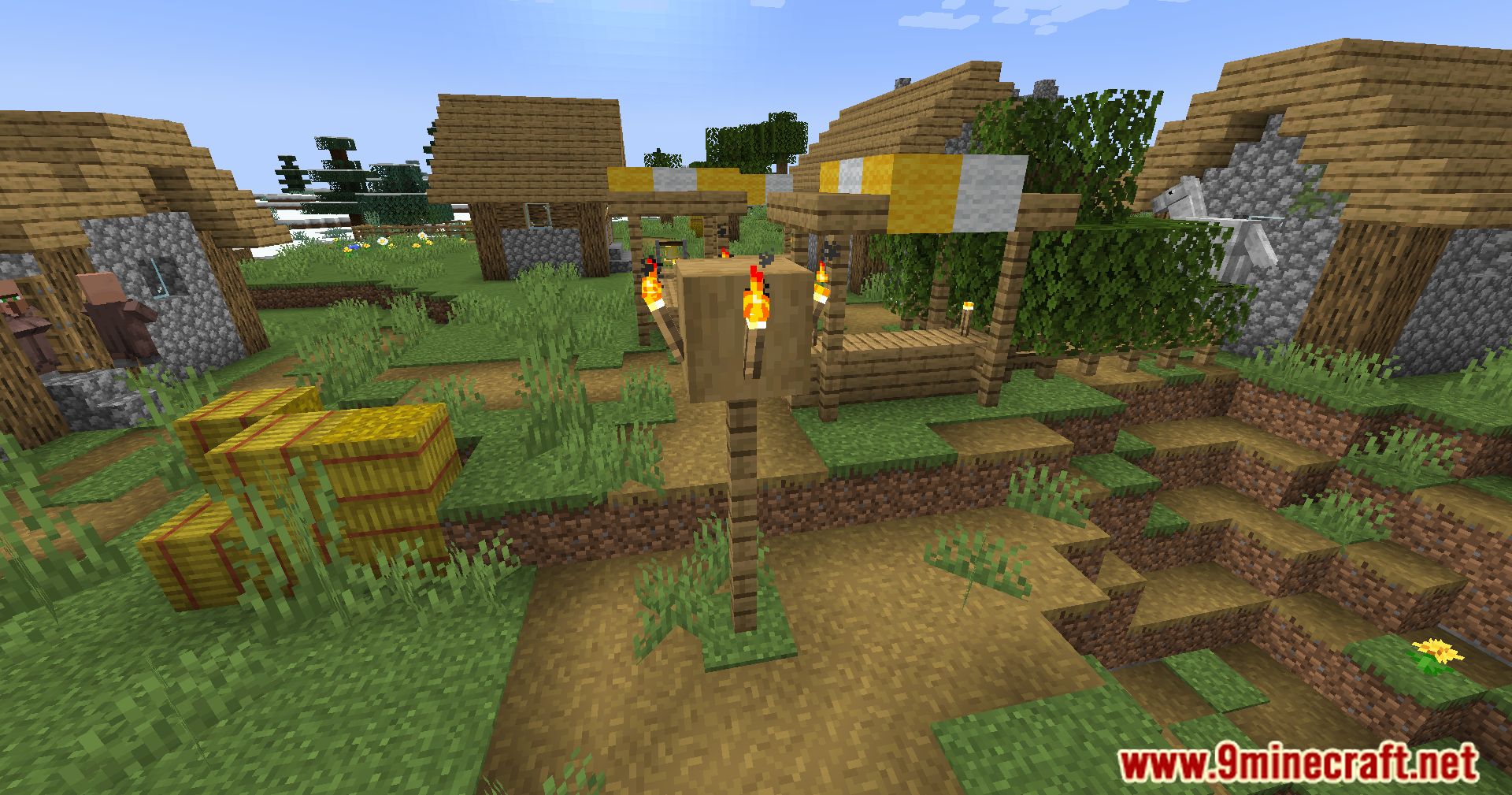
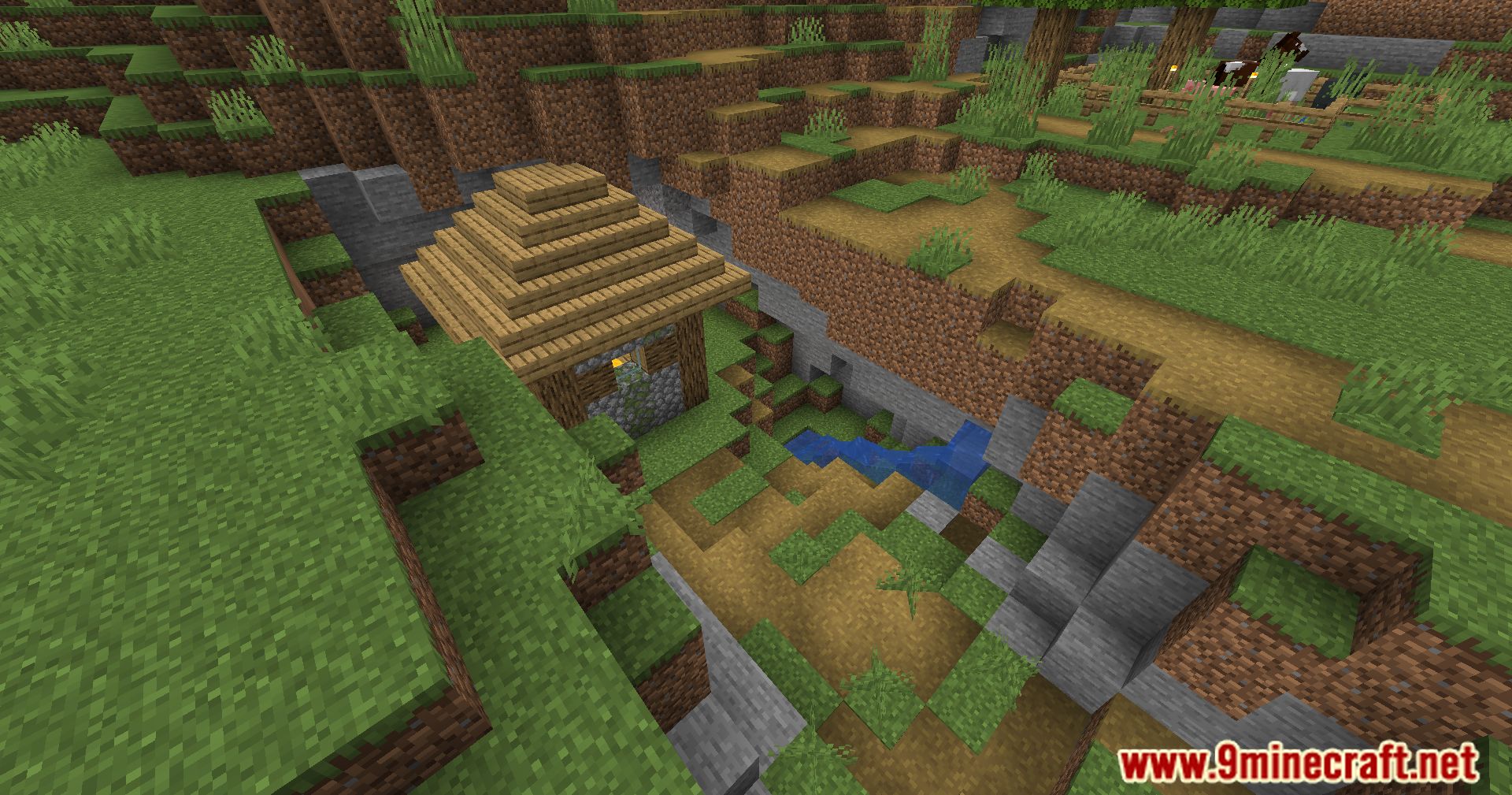
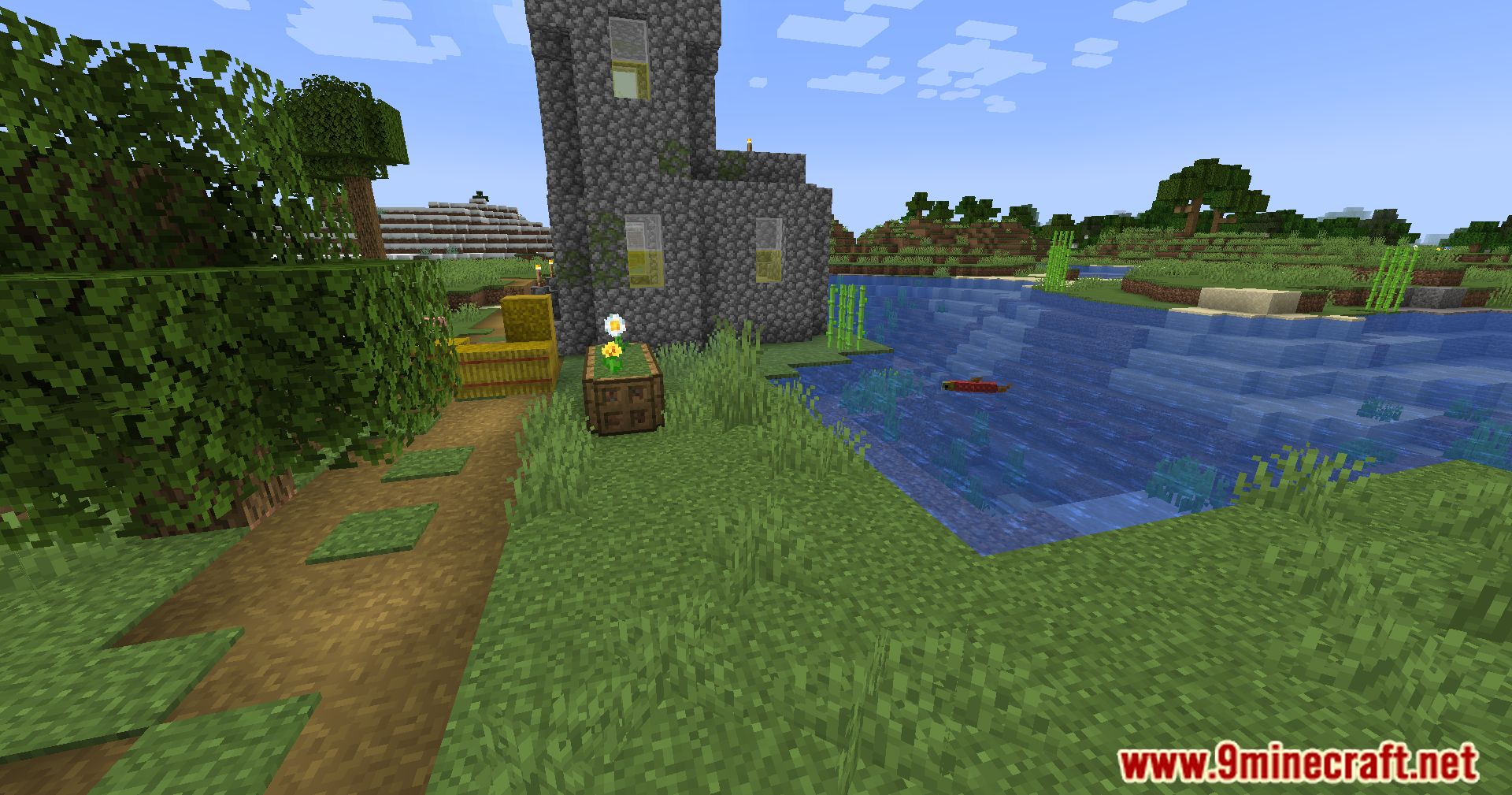
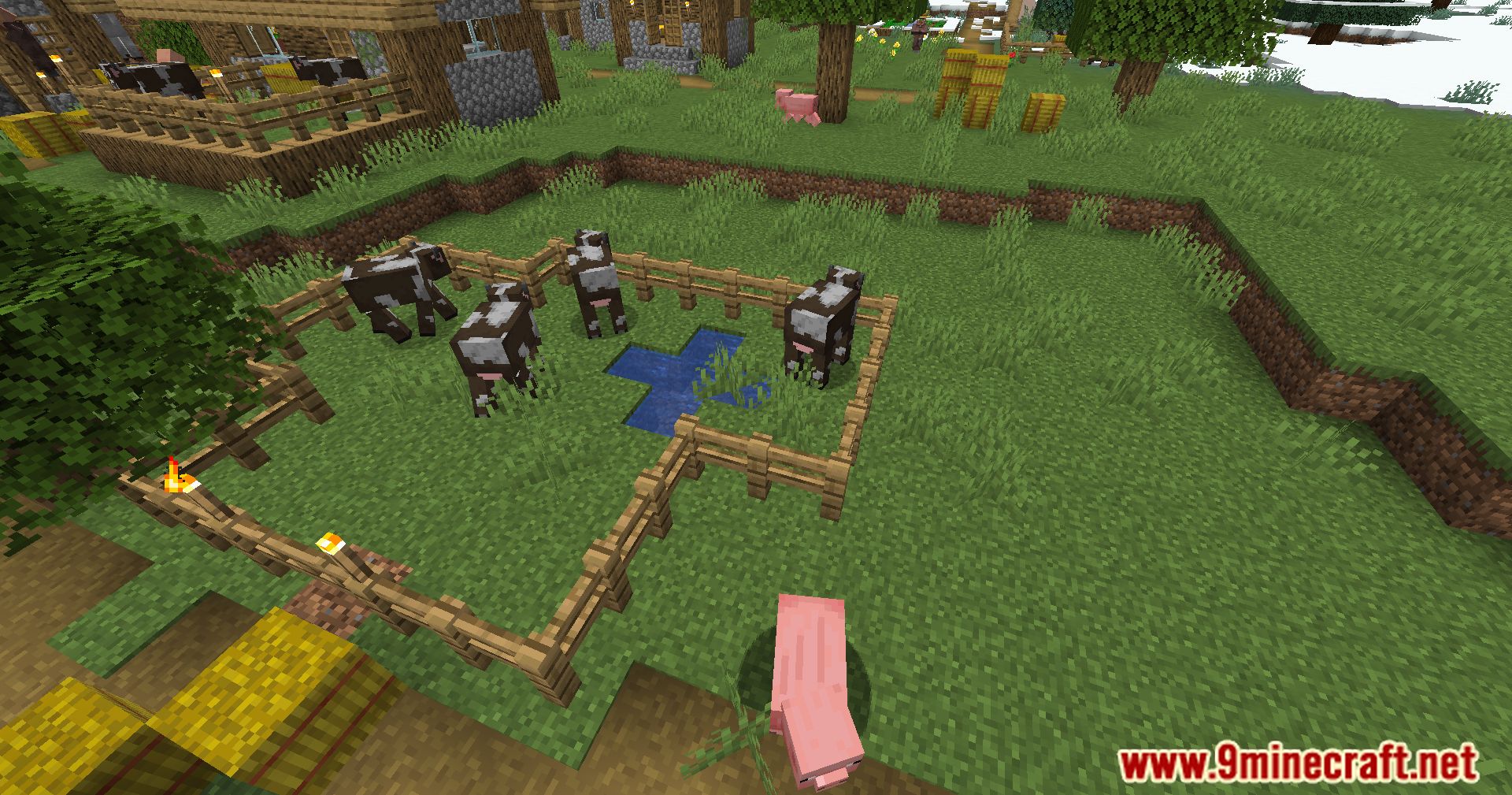
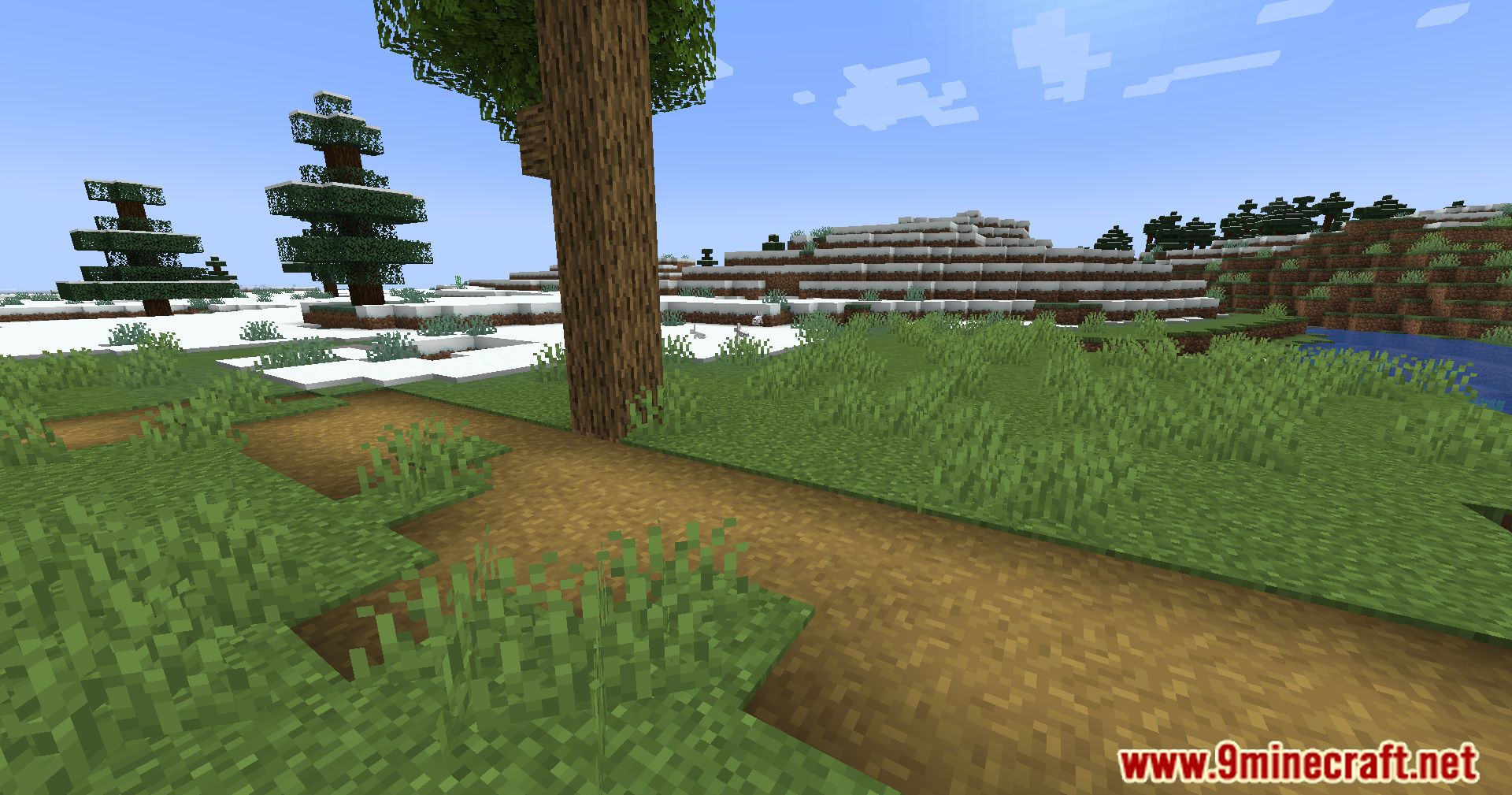
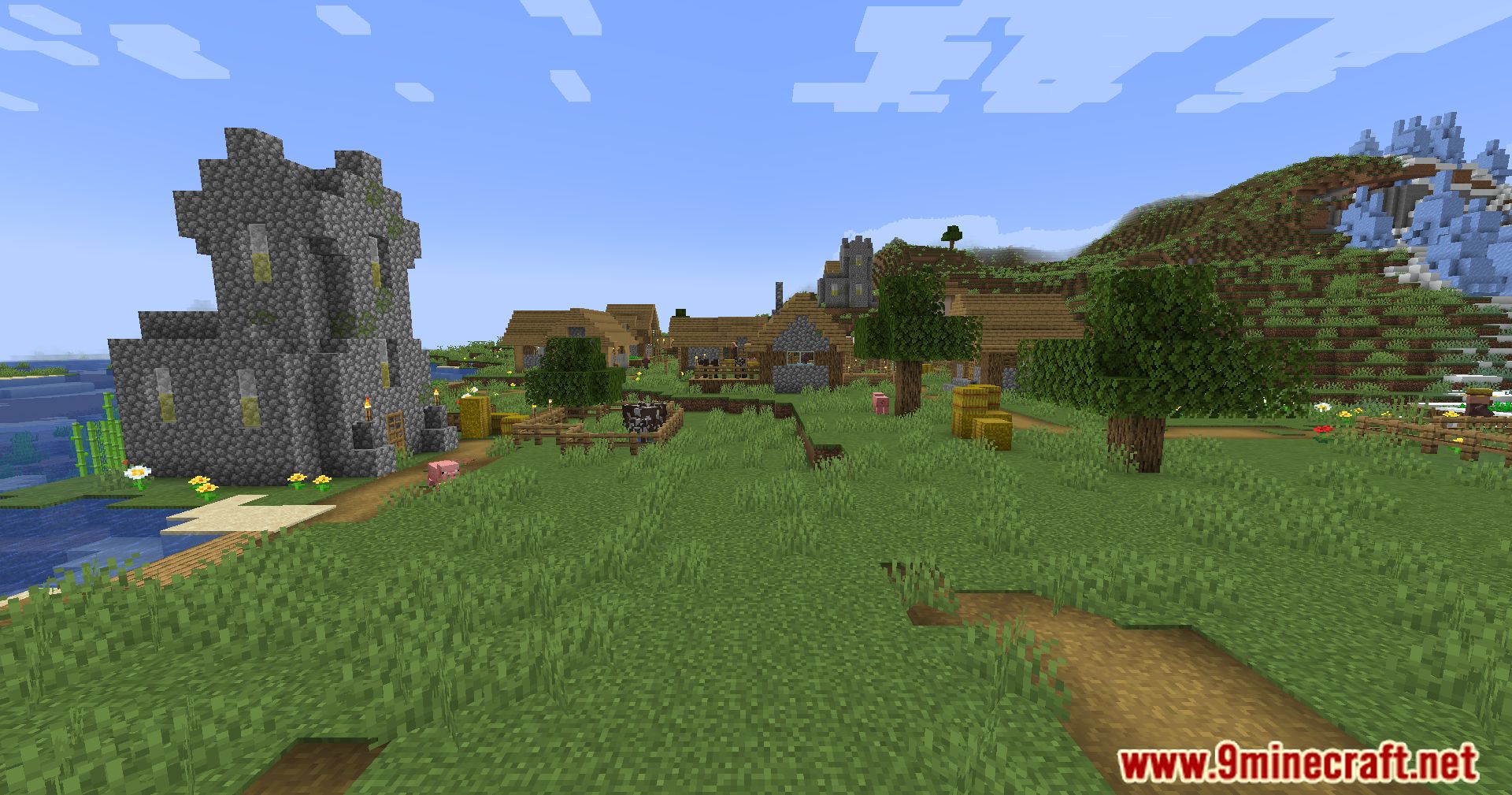
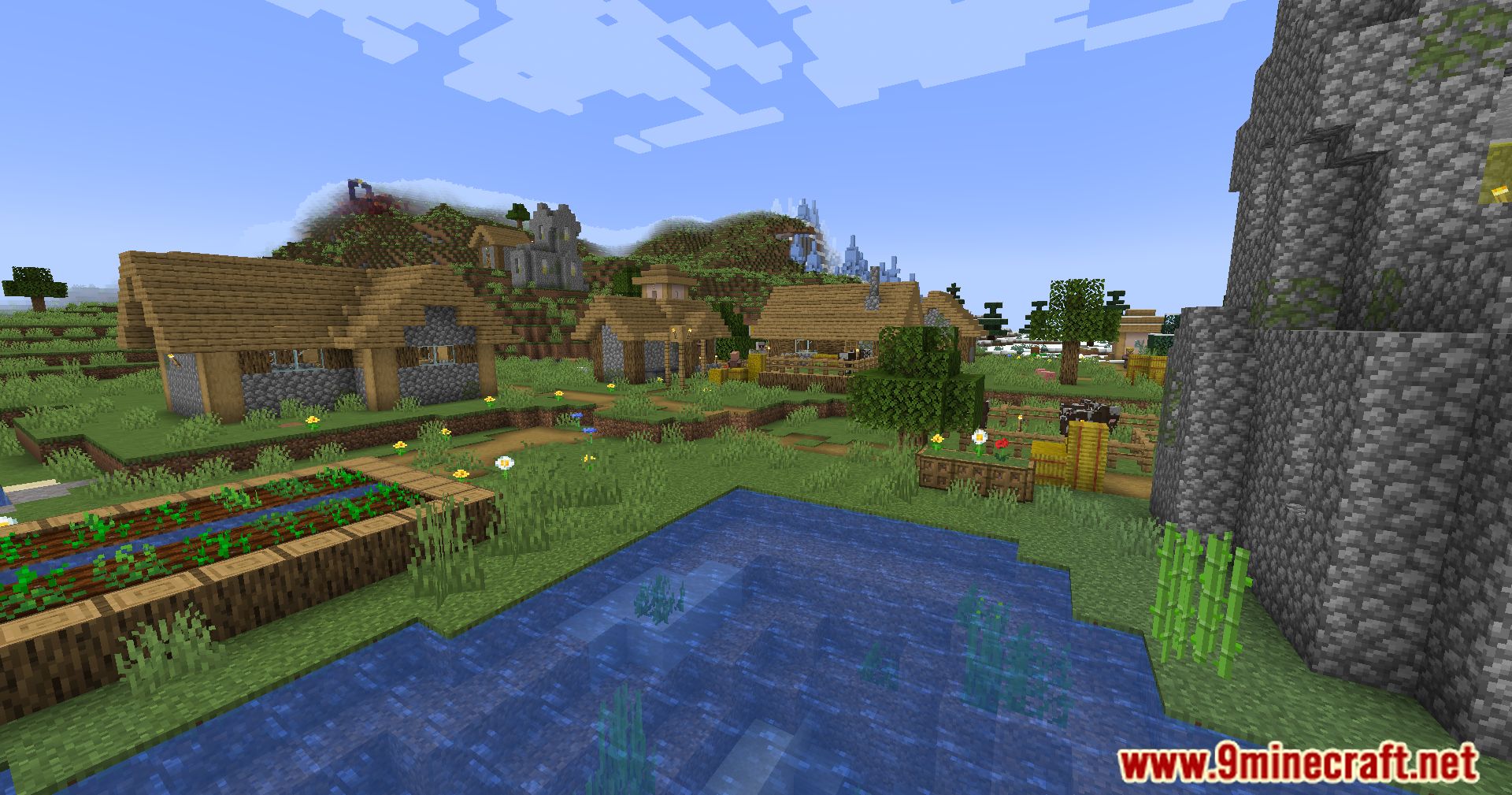
⬇ DownloadThe Overgrowth Mod is a dynamic Minecraft mod that introduces a captivating element of time progression to the game, infusing the virtual world with realistic changes over time. This mod goes beyond static landscapes, adding a layer of dynamic evolution to various aspects of the environment, creating a more immersive and ever-changing gameplay experience. Grass, flowers, and ferns slowly grow on grass surfaces, adding a natural and evolving touch to the landscape. Underwater plants gradually spread, bringing life and diversity to aquatic environments. Certain blocks adjacent to water transform into mossy variants, simulating the effect of moisture over time. Spiders leave their webs on specific blocks, leaving traces of their presence in the environment. This mod redefines the Minecraft experience by introducing a dynamic world that evolves over time, ensuring that every gameplay session is a unique and ever-changing adventure.
Features:
- Time Progression: Introduces dynamic changes to the environment over time.
- Environmental Evolution: Various elements, from plants to blocks, undergo realistic transformations.
- Immersive Dynamics: Enhances the game with realistic and evolving features for a more immersive experience.
Screenshots:
The Overgrowth Mod Download Links
For Minecraft 1.21.1, 1.21
NeoForge Version: Download from Server 1 – Download from Server 2
For Minecraft 1.20.1, 1.20
Forge Version: Download from Server 1 – Download from Server 2
For Minecraft 1.19.4
Forge Version: Download from Server 1 – Download from Server 2
For Minecraft 1.19.3
Forge Version: Download from Server 1 – Download from Server 2
For Minecraft 1.19.2
Forge Version: Download from Server 1 – Download from Server 2
- Edition: Minecraft Java
- File type: .jar
- Minecraft versions listed: 1.21.1, 1.20.1
- How to install: Install the matching mod loader (Forge, Fabric or NeoForge) for your Minecraft version. → Download the .jar. → Put it in the .minecraft/mods folder and launch that loader profile.
- Where to get it: In MC Java Mods, or directly above on this page.
Install steps are the general flow for this file type — How to install Minecraft Java mods & modpacks walks through it step by step.
- Downloads as 199182.mcaddon
- Download size: 53 KB
- Download link checked 17 Jul 2026 — working
- Mirrored on our own servers — the download does not depend on the original host
These come from our own check of the pack file, not from the source page.