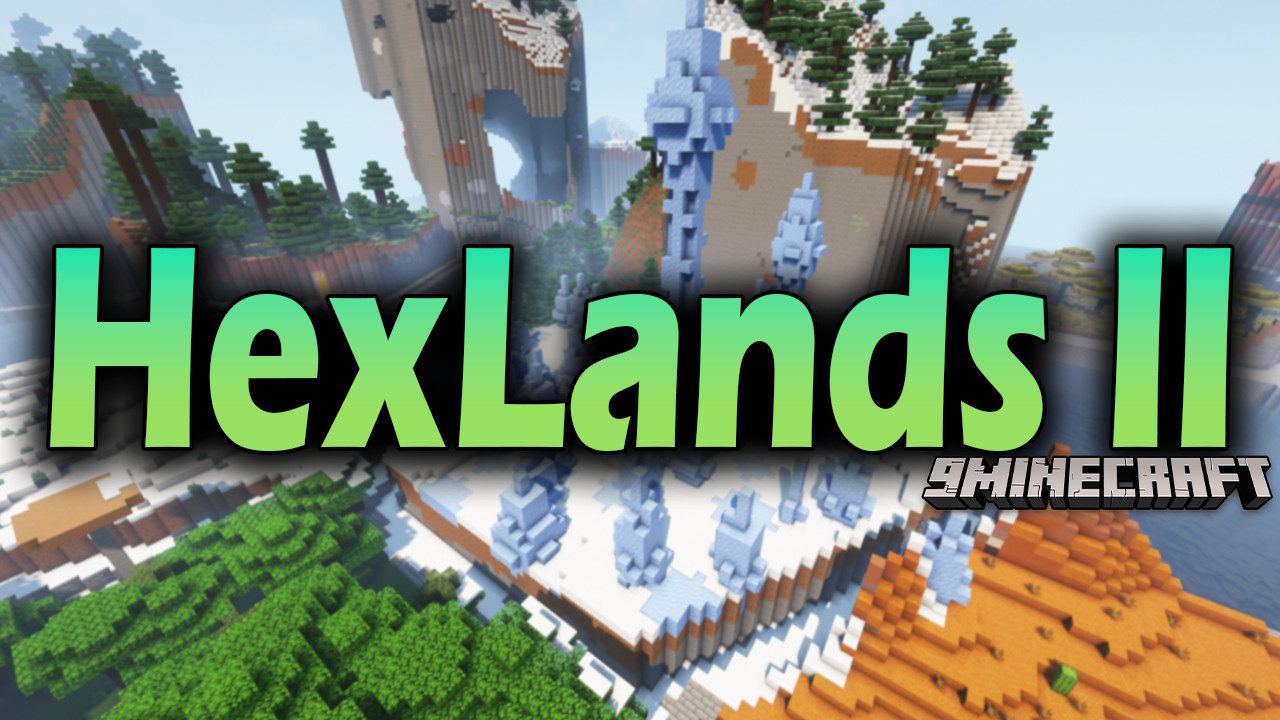
HexLands II Mod (1.21.1, 1.20.1) – Hexagon Biomes
Java mod listed for Minecraft 1.20–1.21. Downloads from the MC Java Mods app on Android.
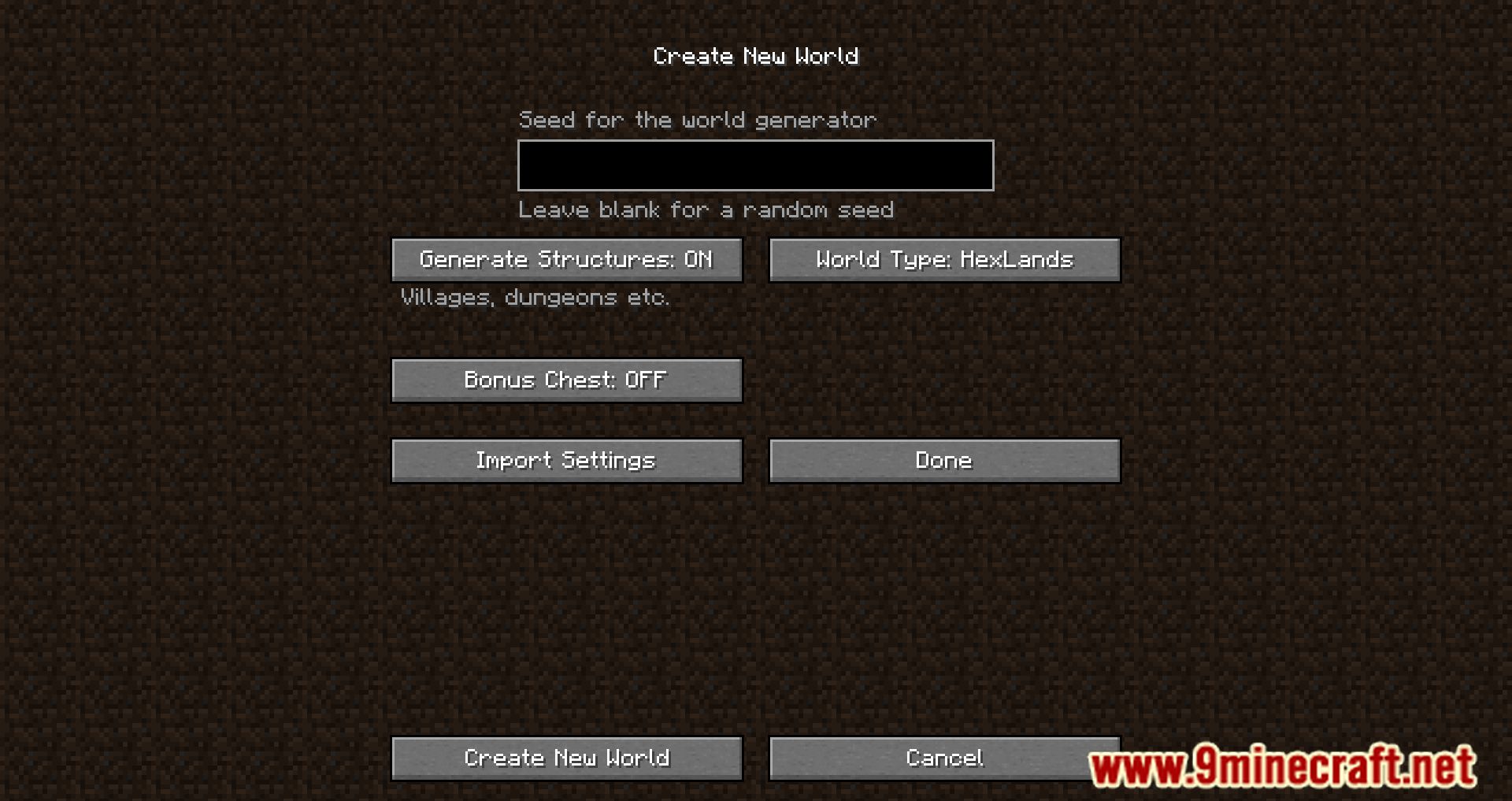
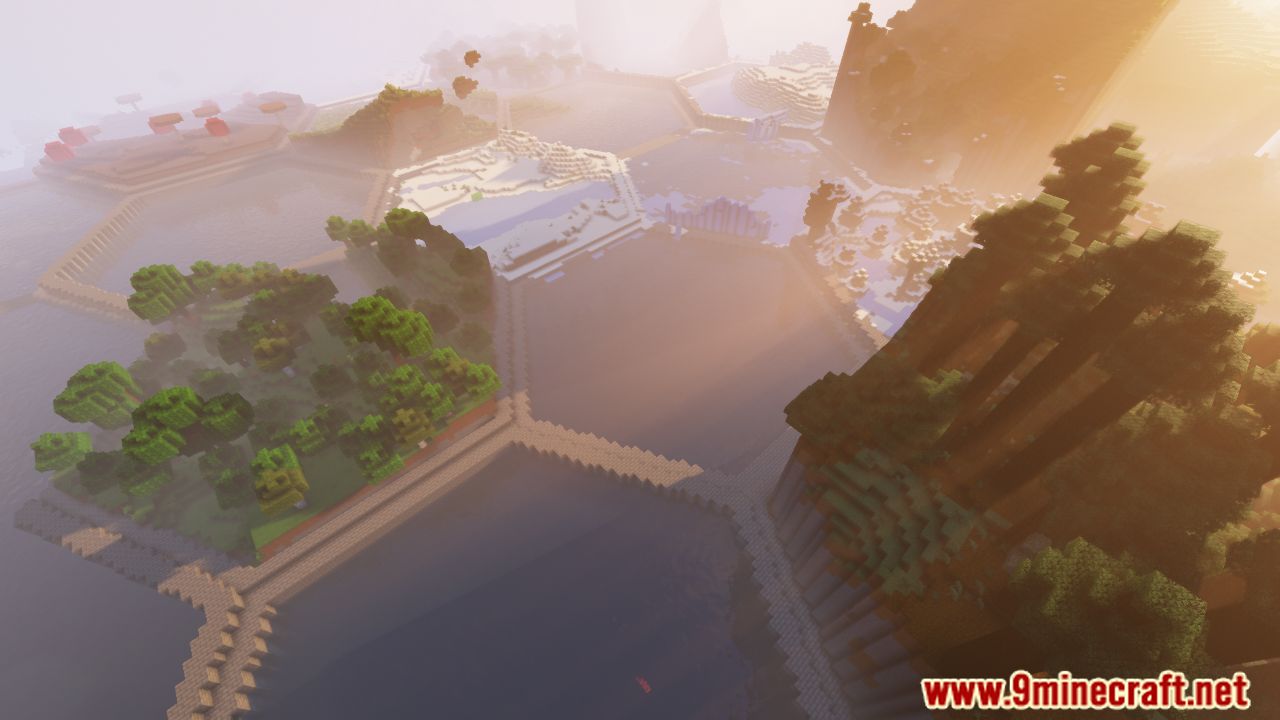
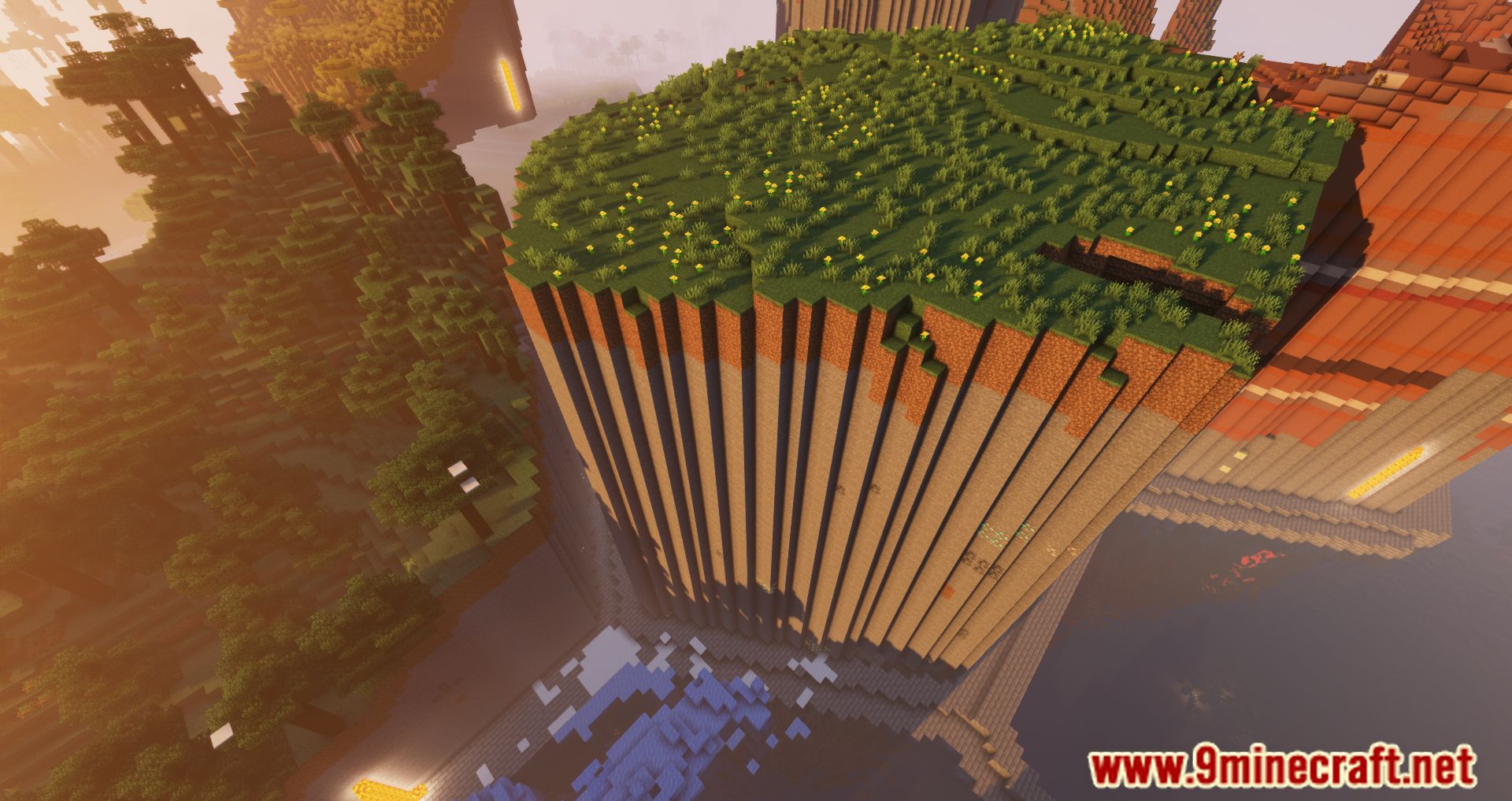
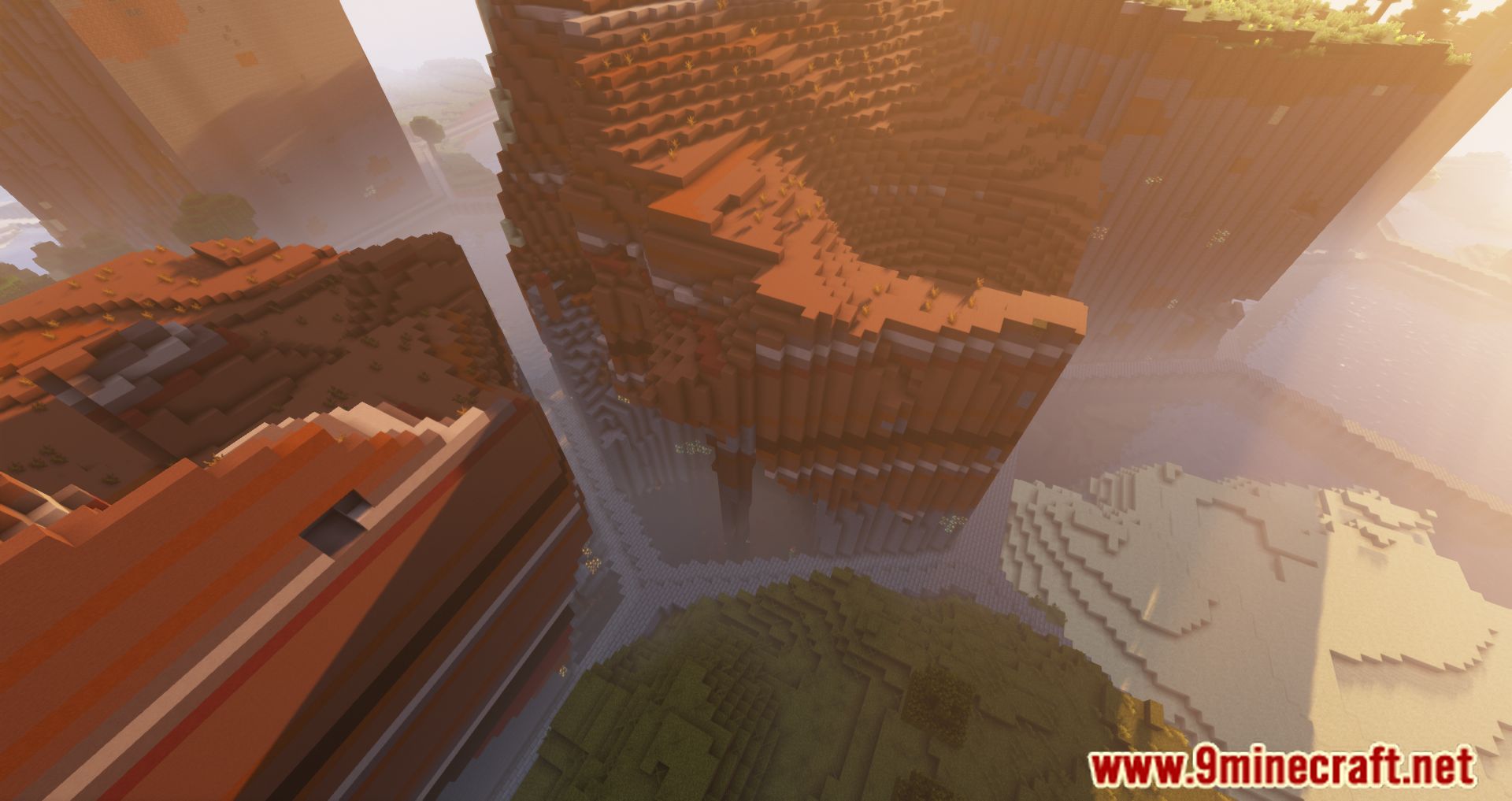
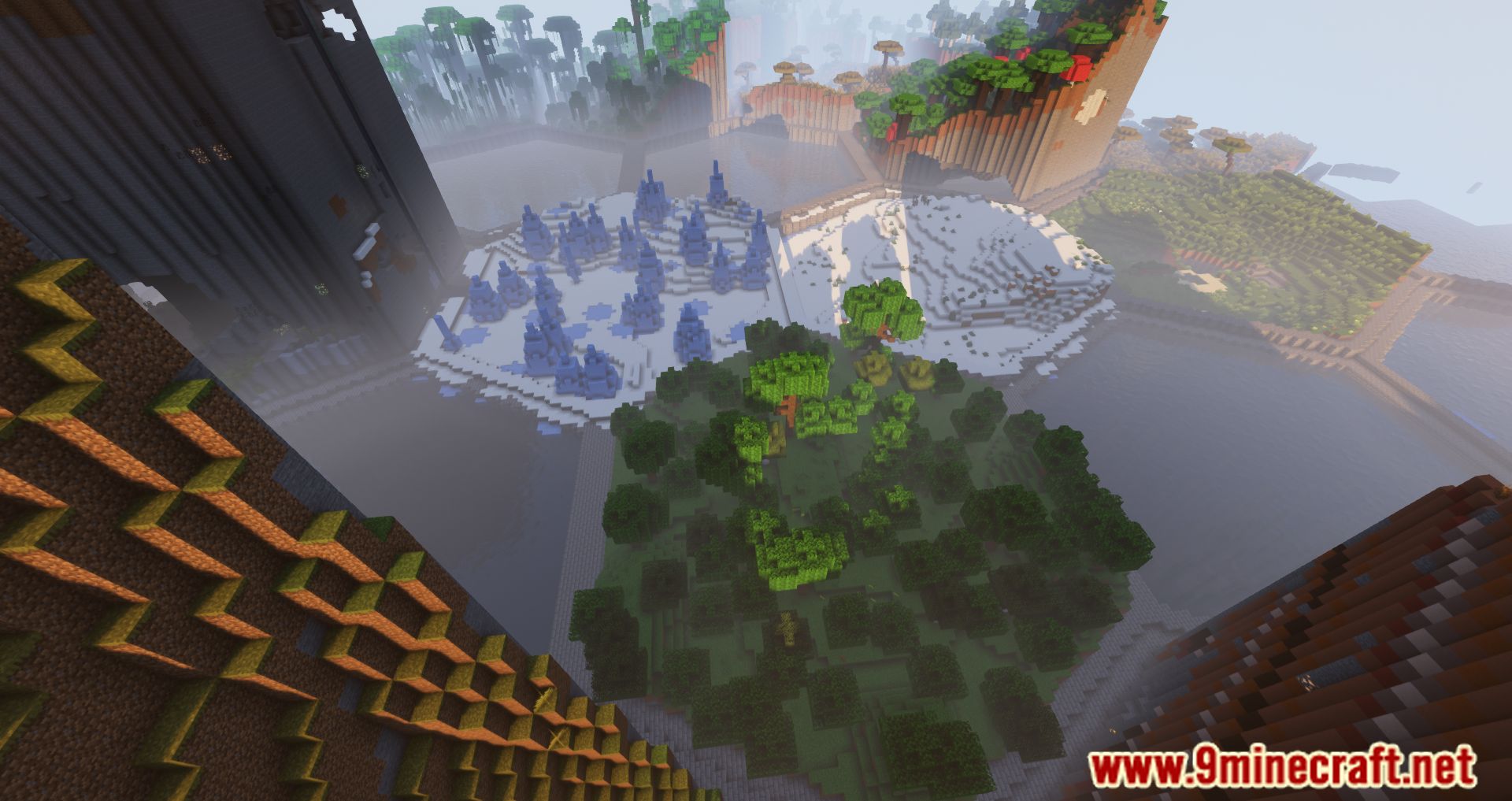
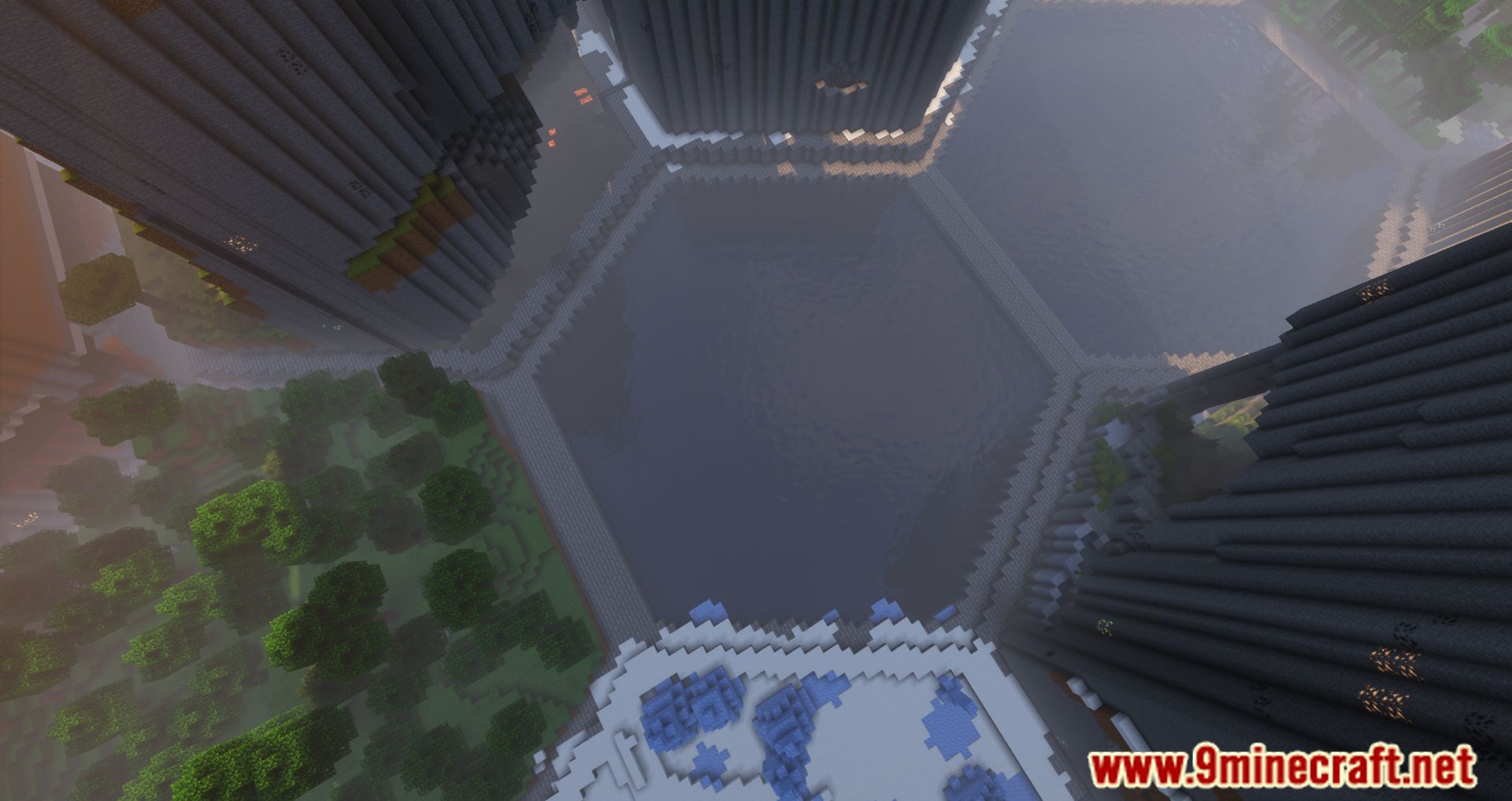
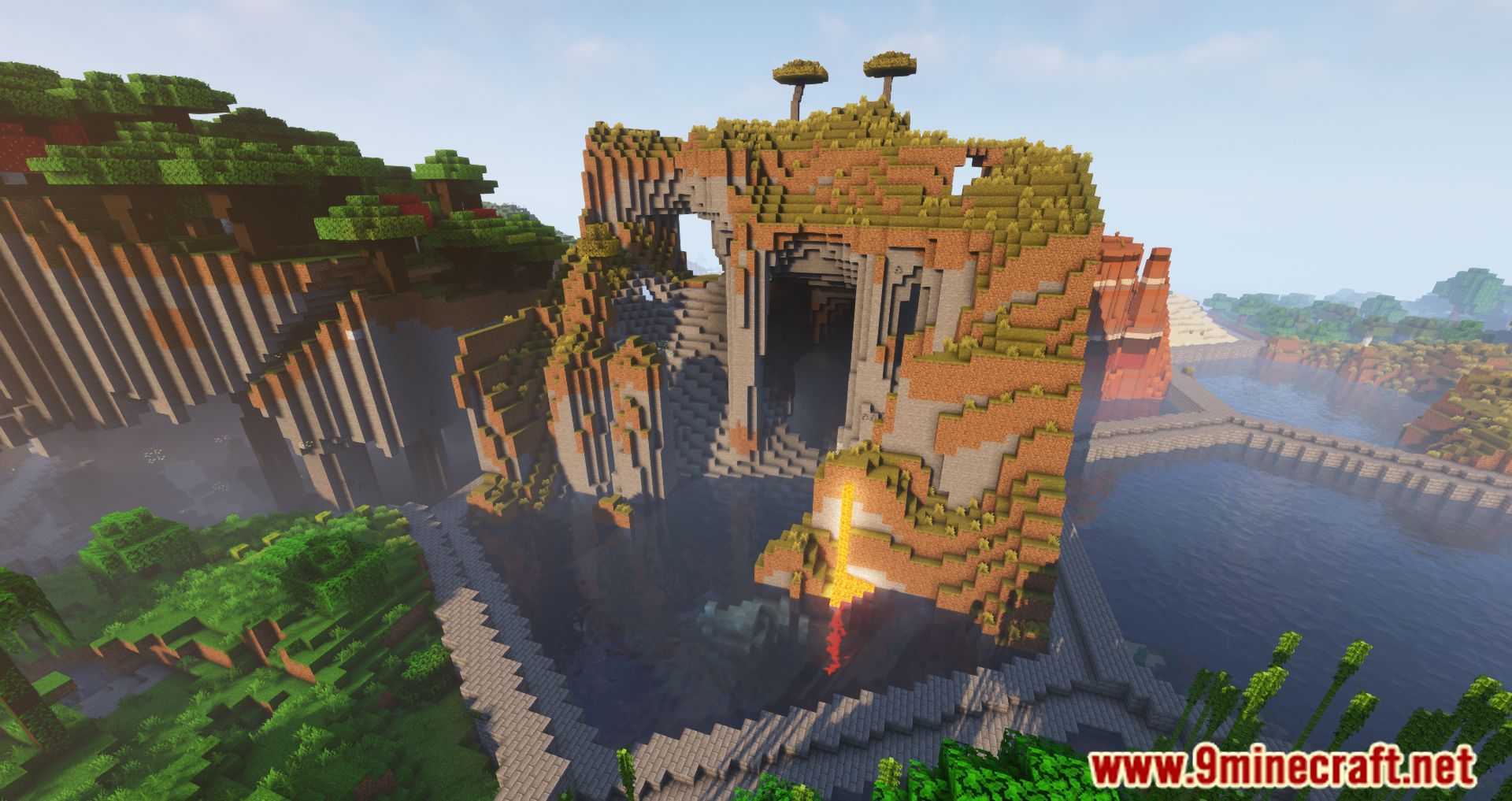
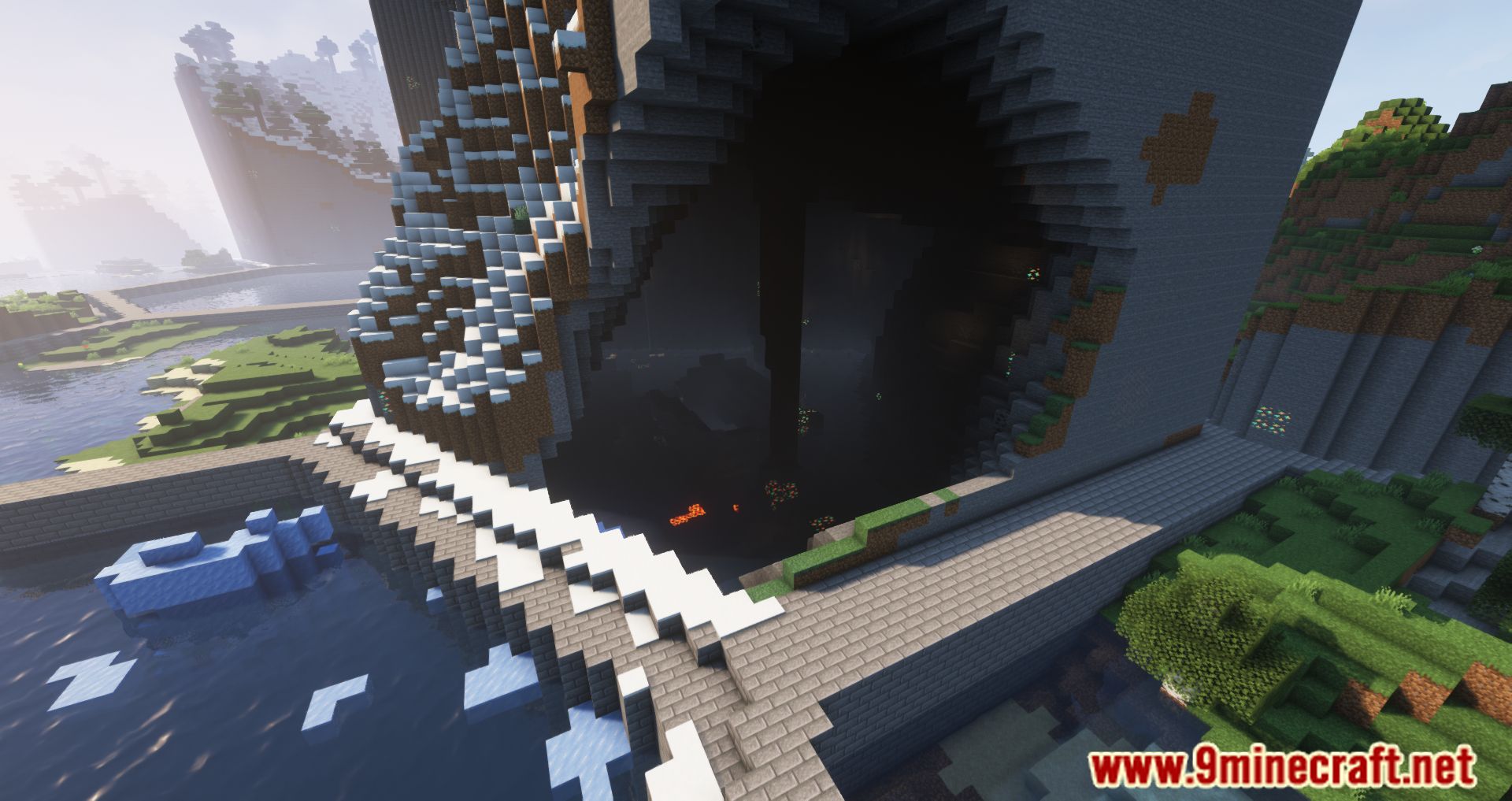
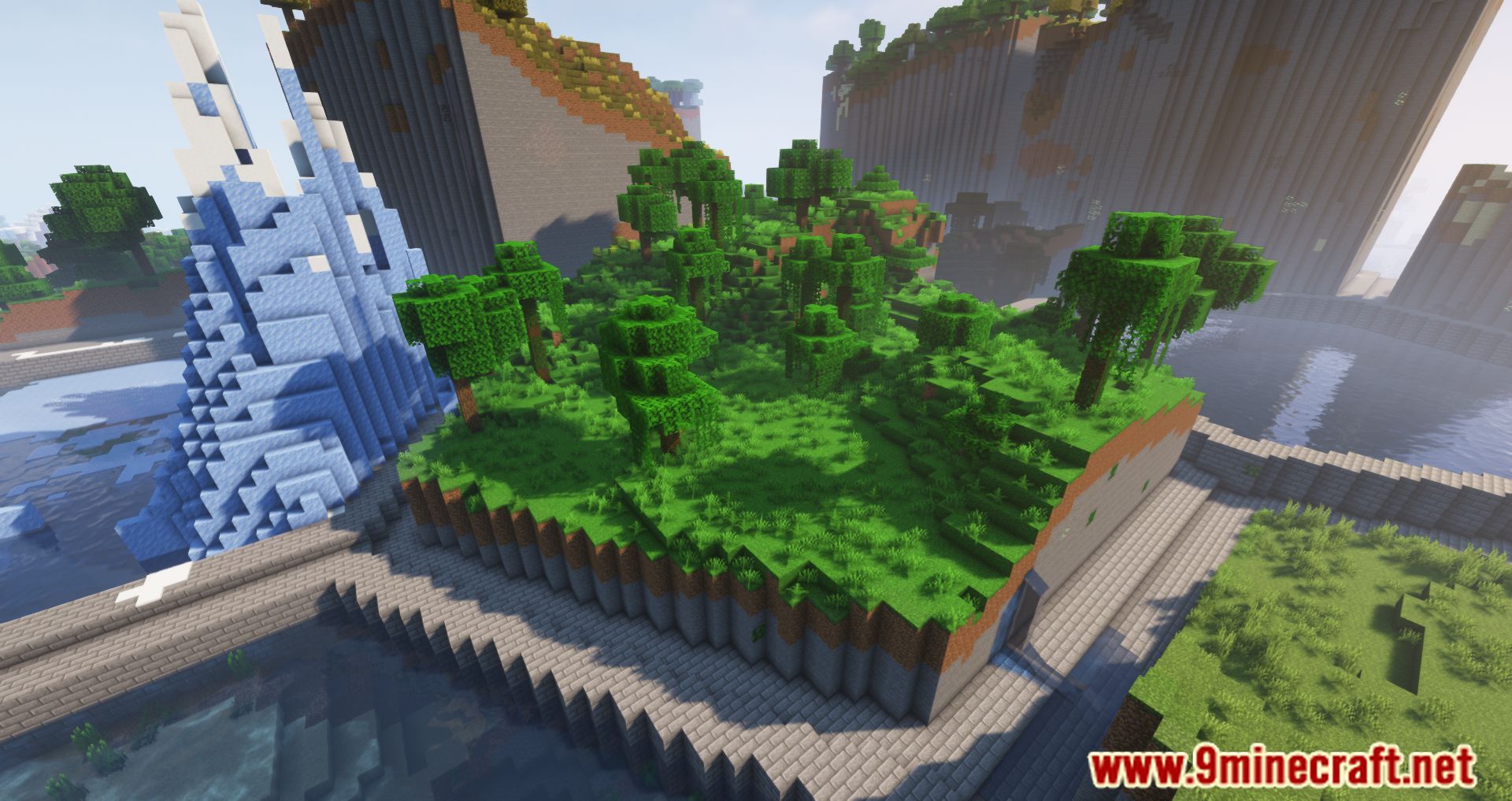
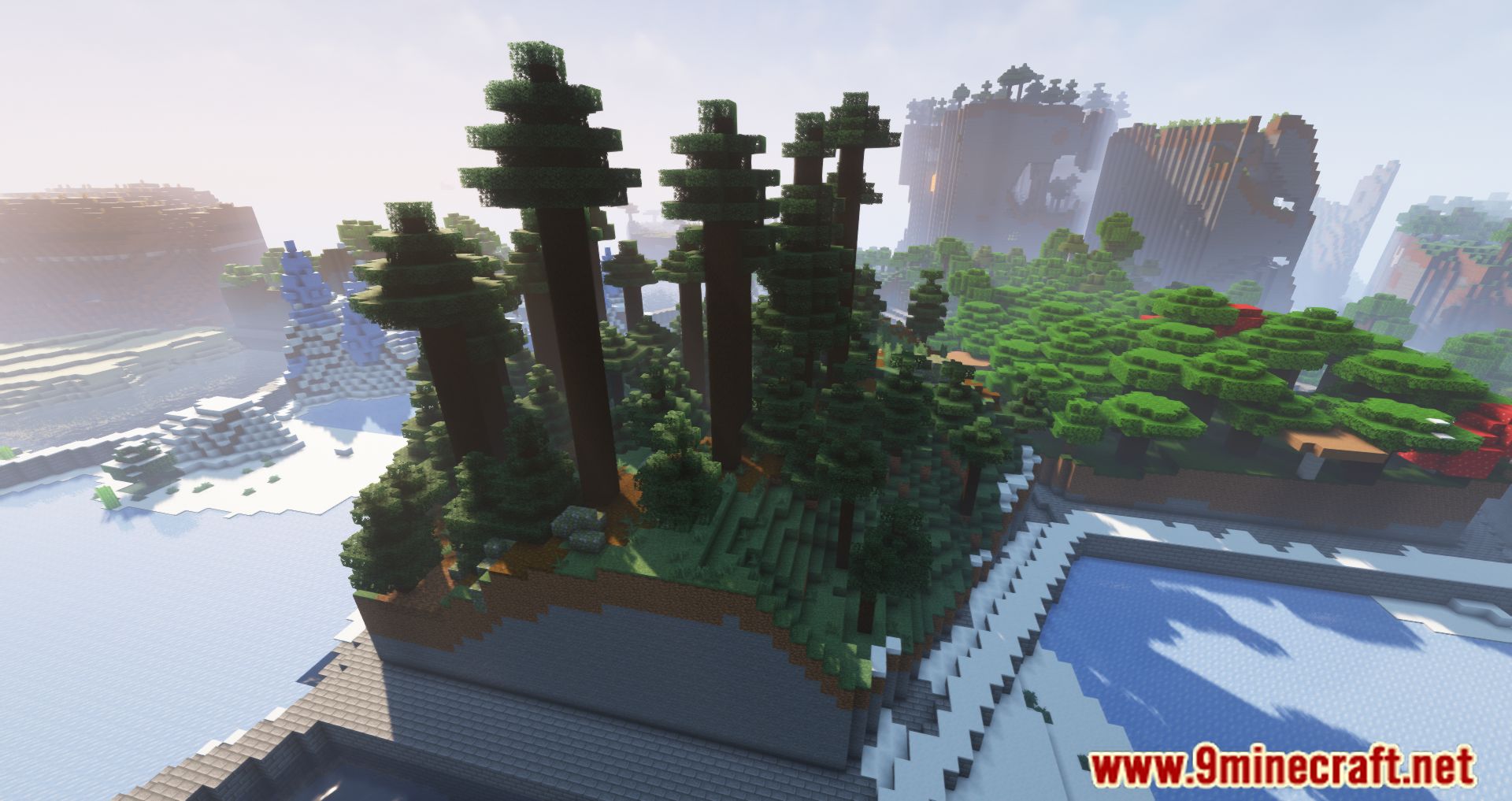
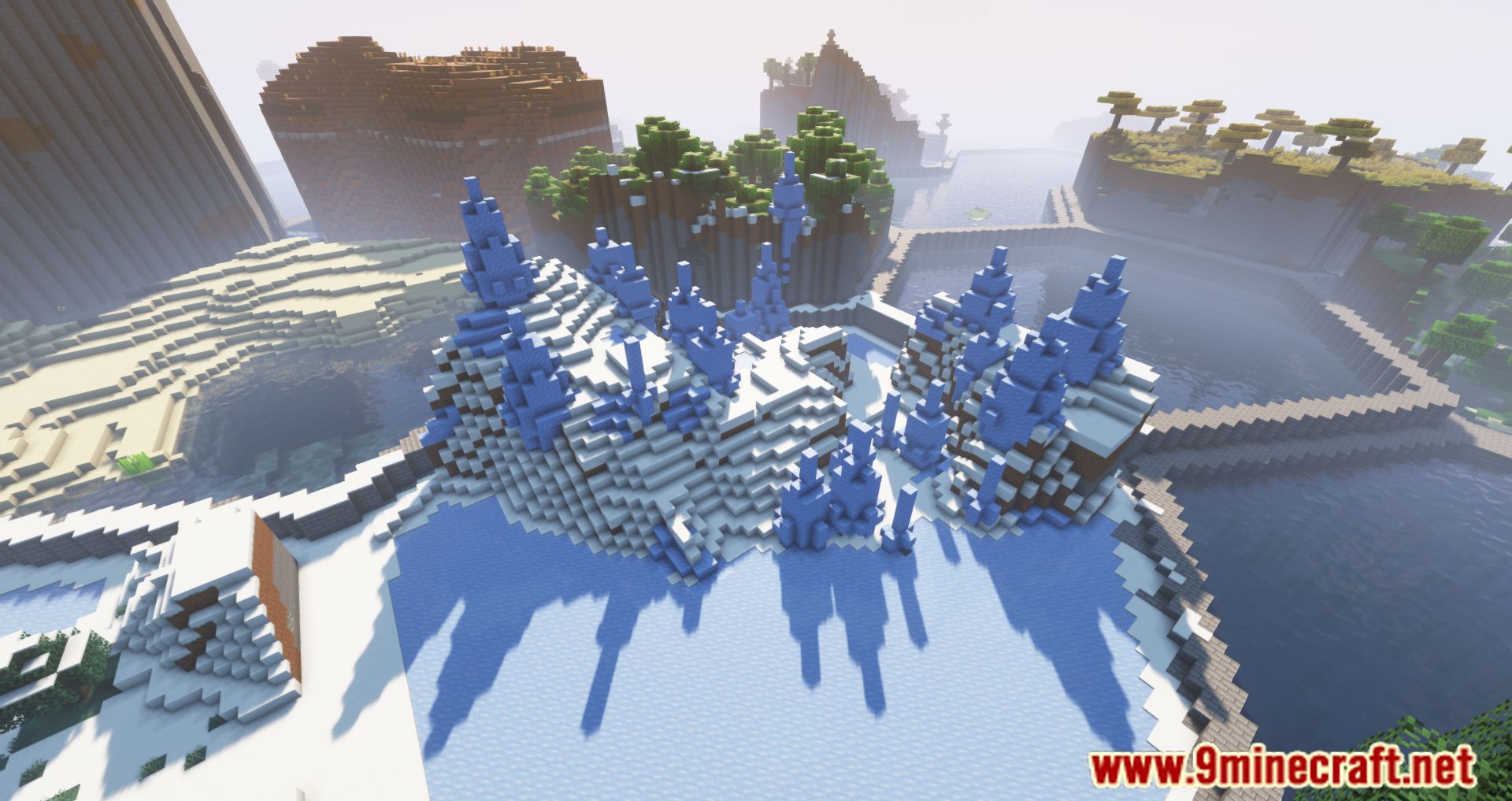
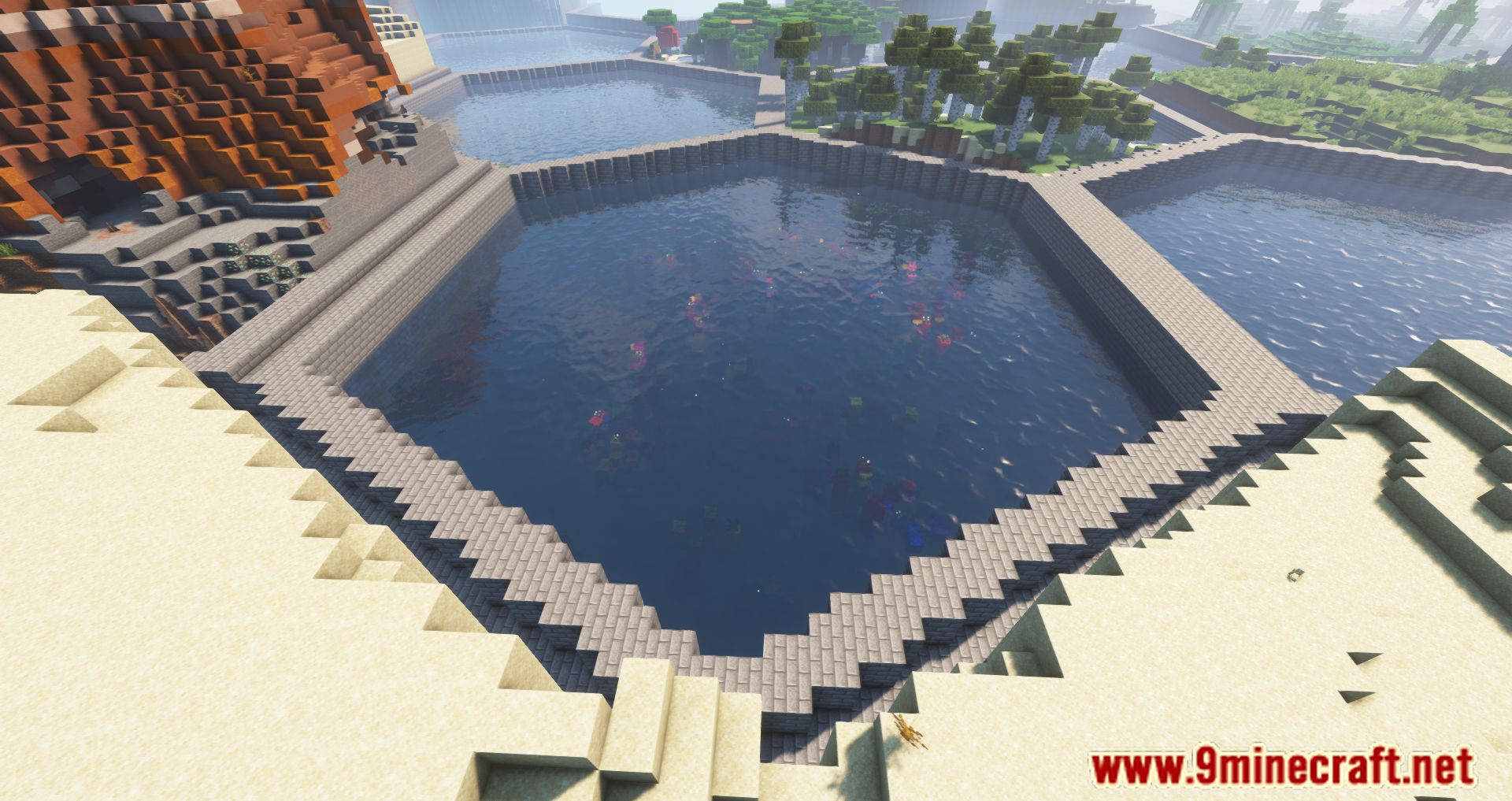
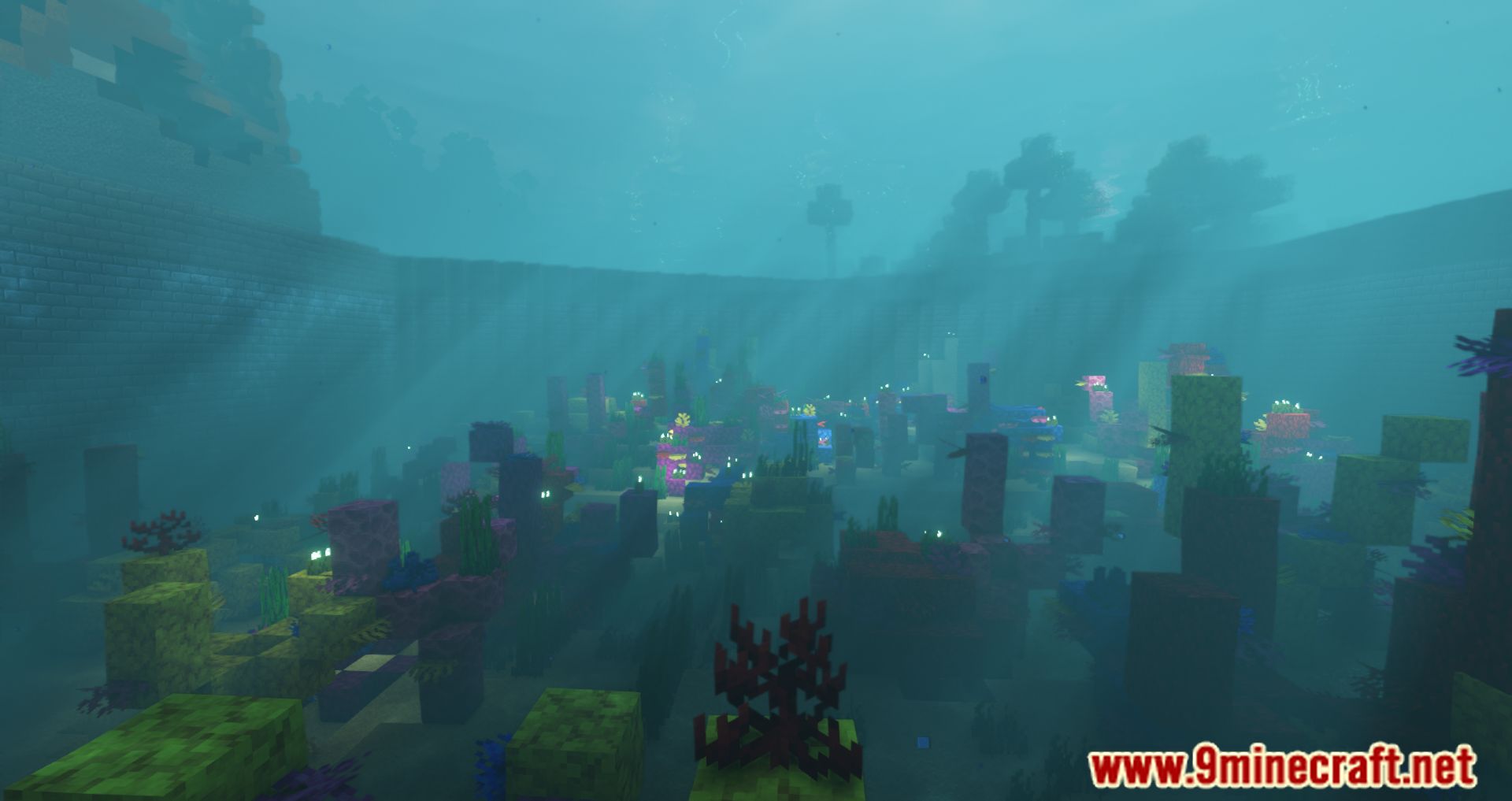
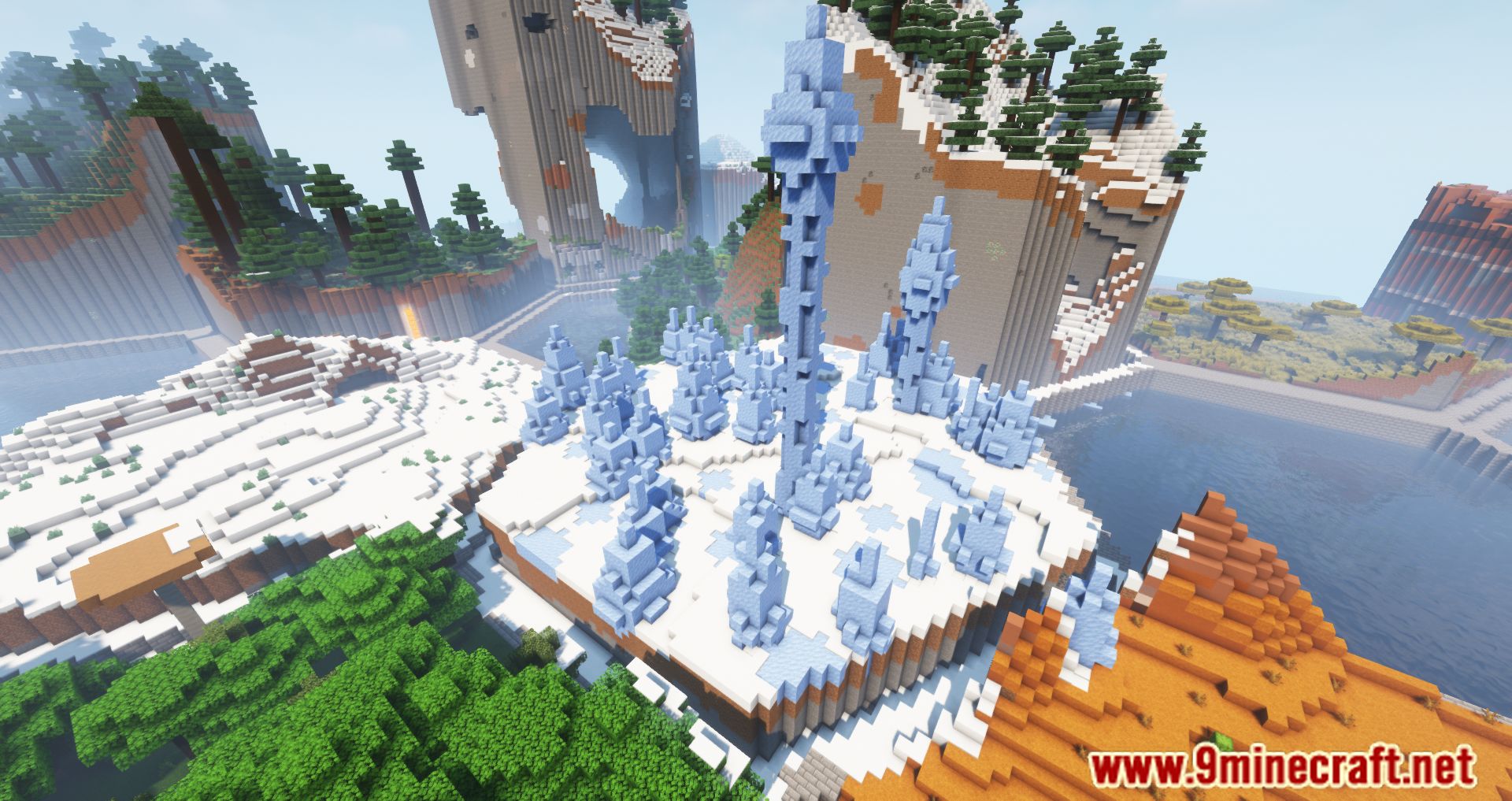
⬇ DownloadHexLands II Mod changes the world drastically by generating narrow hexagon biomes and connecting them all together. At first glance, the world seems twisted and out of order since players might find themselves walking over snow in one hexagon and swimming over an ocean in another. To the average players, we would never suggest they try out HexLands as it is a test of not only skills but also patience. For the veterans who are looking for a challenge, however, having hexagon biomes would definitely increase the difficulty of Minecraft to the next level since the randomness of this hexagon cannot be controlled, therefore, players might not know where to look for the right materials and resources. Concomitantly, these hexagons have different heights, thus forcing players to climb up a new hexagon each time they pass through a region of biomes.
Features:
- The world is now shaped like different hexagon biomes.
Screenshots:
HexLands II Mod Download Links
For Minecraft 1.21.1, 1.21
NeoForge Version: Download from Server 1 – Download from Server 2
Fabric Version: Download from Server 1 – Download from Server 2
For Minecraft 1.20.1, 1.20
Forge Version: Download from Server 1 – Download from Server 2
Fabric Version: Download from Server 1 – Download from Server 2
For Minecraft 1.19.3
Forge Version: Download from Server 1 – Download from Server 2
Fabric Version: Download from Server 1 – Download from Server 2
For Minecraft 1.19.2
Forge Version: Download from Server 1 – Download from Server 2
Fabric Version: Download from Server 1 – Download from Server 2
For Minecraft 1.18.2
Forge Version: Download from Server 1
Fabric Version: Download from Server 1
For Minecraft 1.17.1
Forge Version: Download from Server 1
For Minecraft 1.16.5
Forge Version: Download from Server 1
- Edition: Minecraft Java
- File type: .jar
- Minecraft versions listed: 1.21.1, 1.20.1
- How to install: Install the matching mod loader (Forge, Fabric or NeoForge) for your Minecraft version. → Download the .jar. → Put it in the .minecraft/mods folder and launch that loader profile.
- Where to get it: In MC Java Mods, or directly above on this page.
Install steps are the general flow for this file type — How to install Minecraft Java mods & modpacks walks through it step by step.
- Downloads as 199187.mcaddon
- Download size: 75 KB
- Download link checked 17 Jul 2026 — working
- Mirrored on our own servers — the download does not depend on the original host
These come from our own check of the pack file, not from the source page.