Document Your Mod Mod is a helpful tool for Minecraft mod developers that allows them to create in-game documentation for their mods. By using this mod, developers can easily include user guides, descriptions, and tutorials directly within Minecraft, making it simpler for players to understand and interact with the mod’s features. This mod is especially beneficial for complex mods that have unique mechanics or require detailed explanations.
Features:
- Provides an interface for adding and viewing mod documentation directly within Minecraft.
- Allows mod developers to include various types of information, such as guides, tutorials, and descriptions, tailored to their mod.
- Designed to be easy for both mod developers and players to navigate, ensuring accessible and effective documentation.
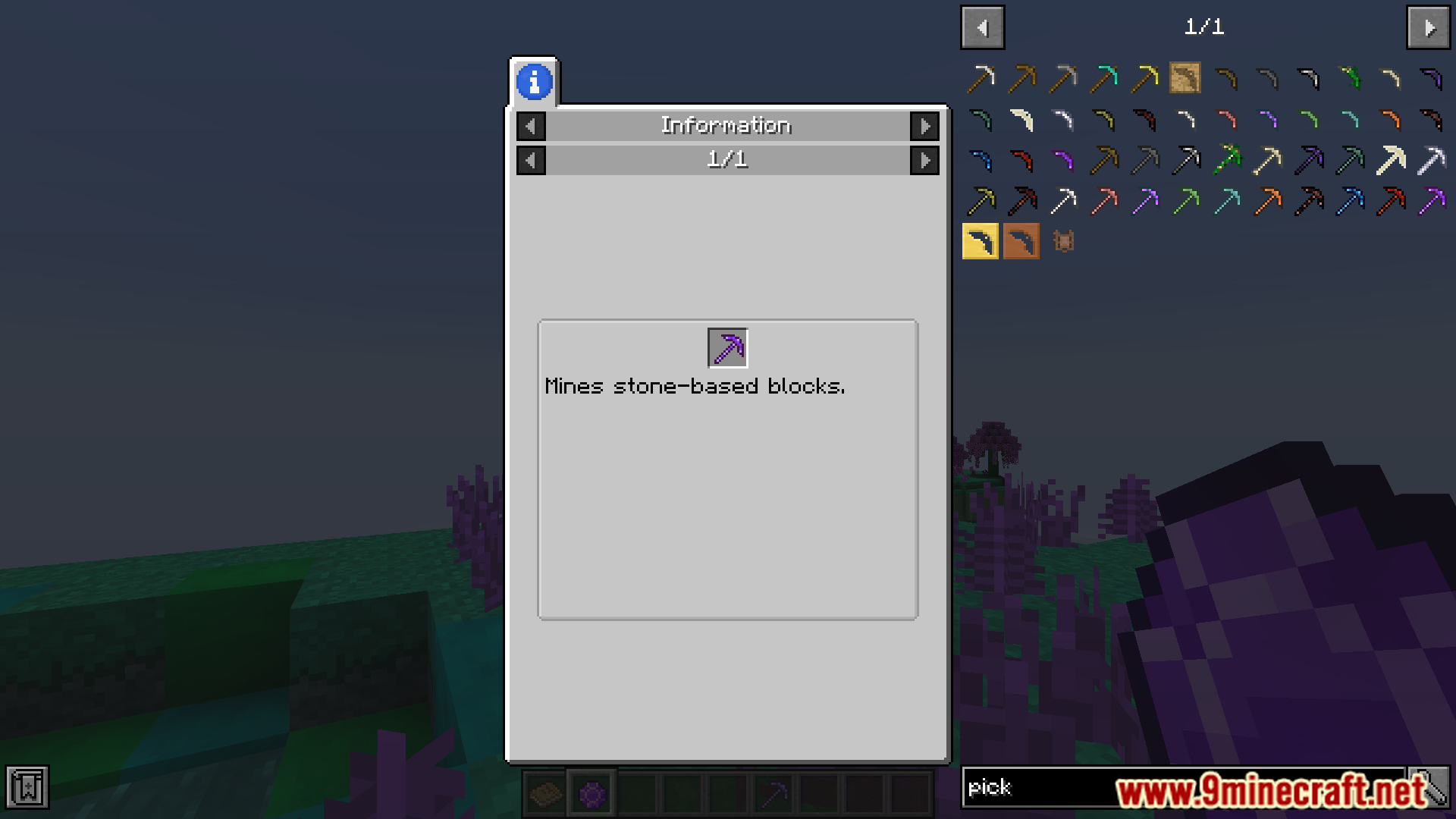
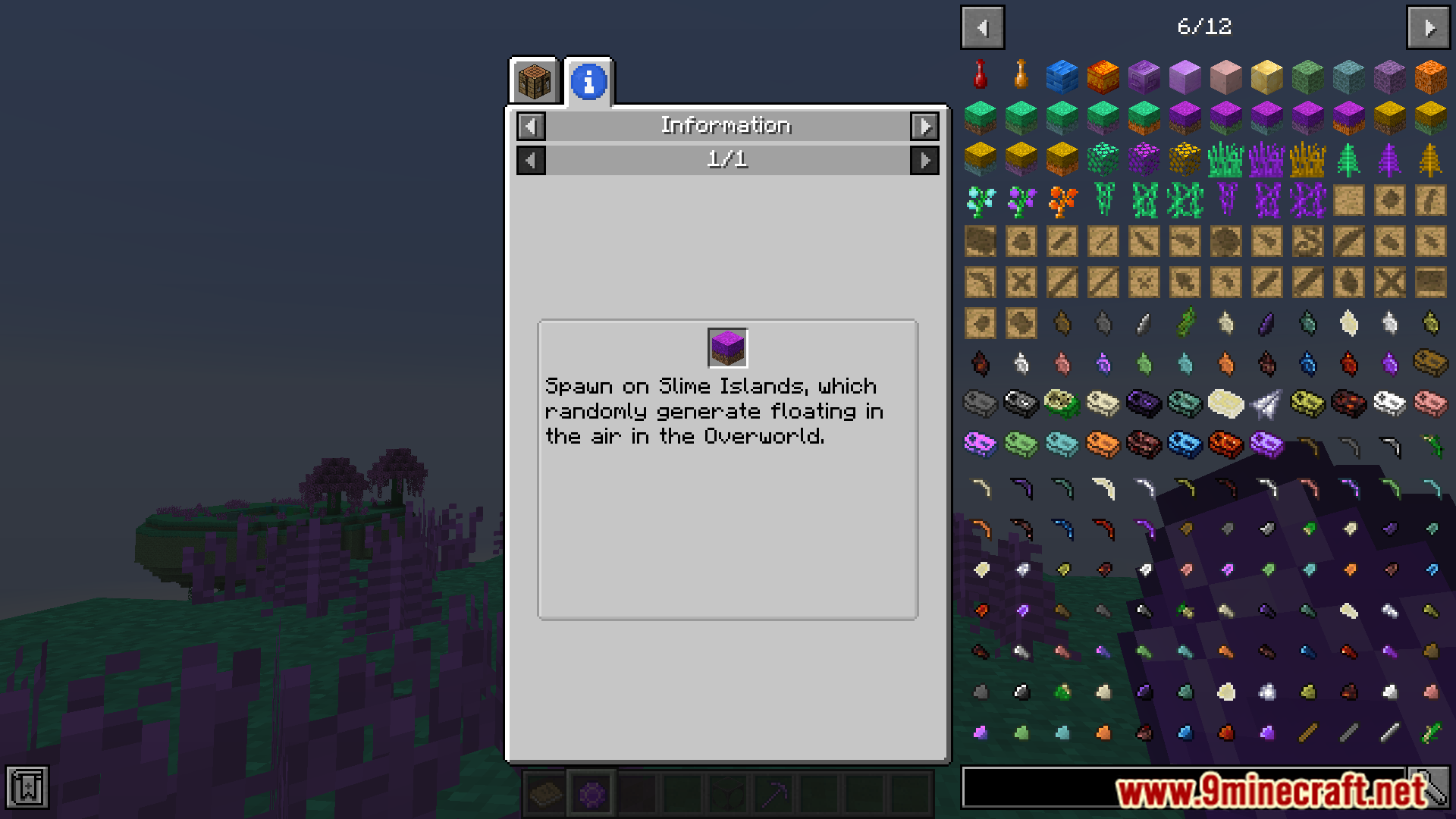
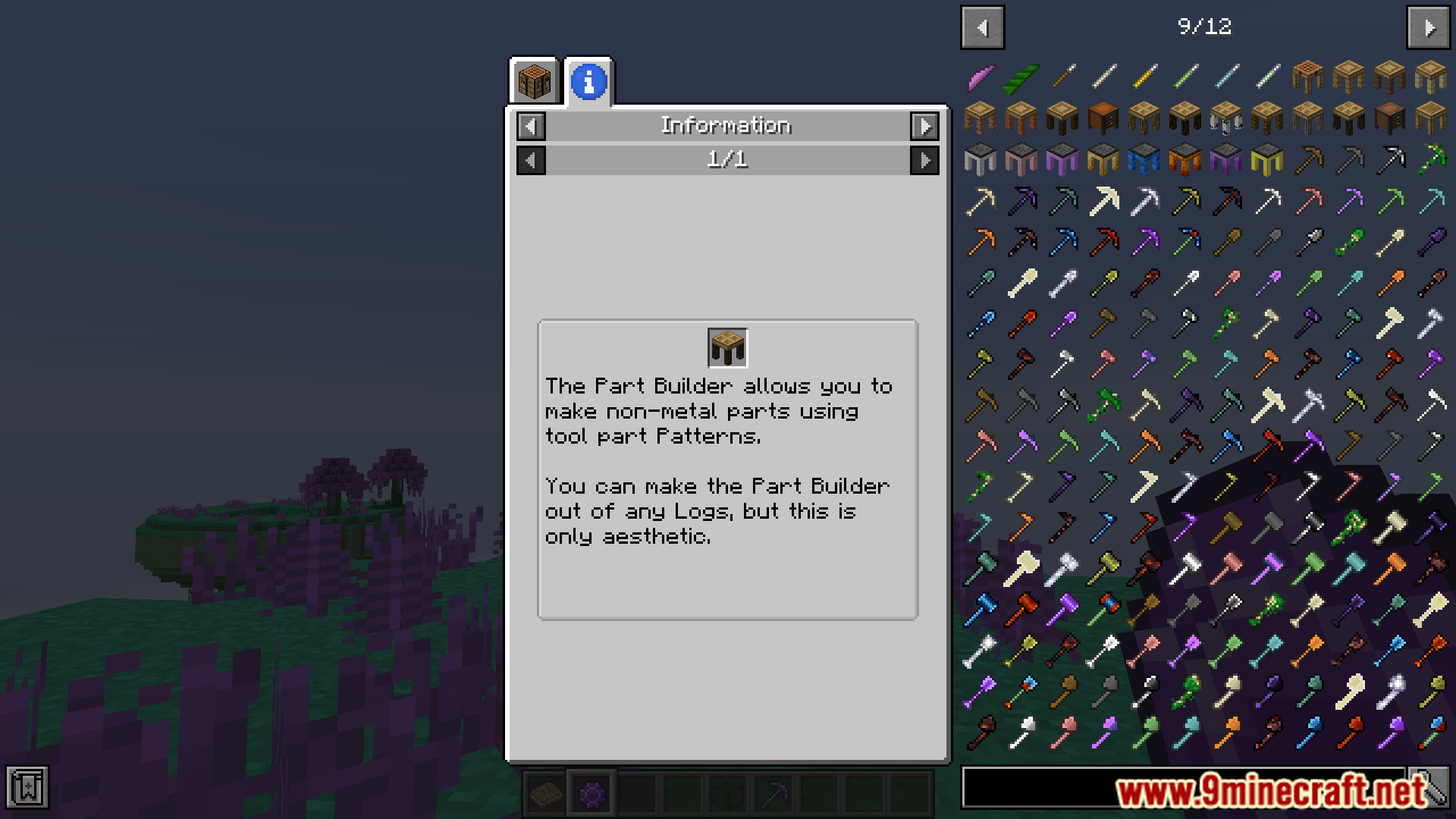
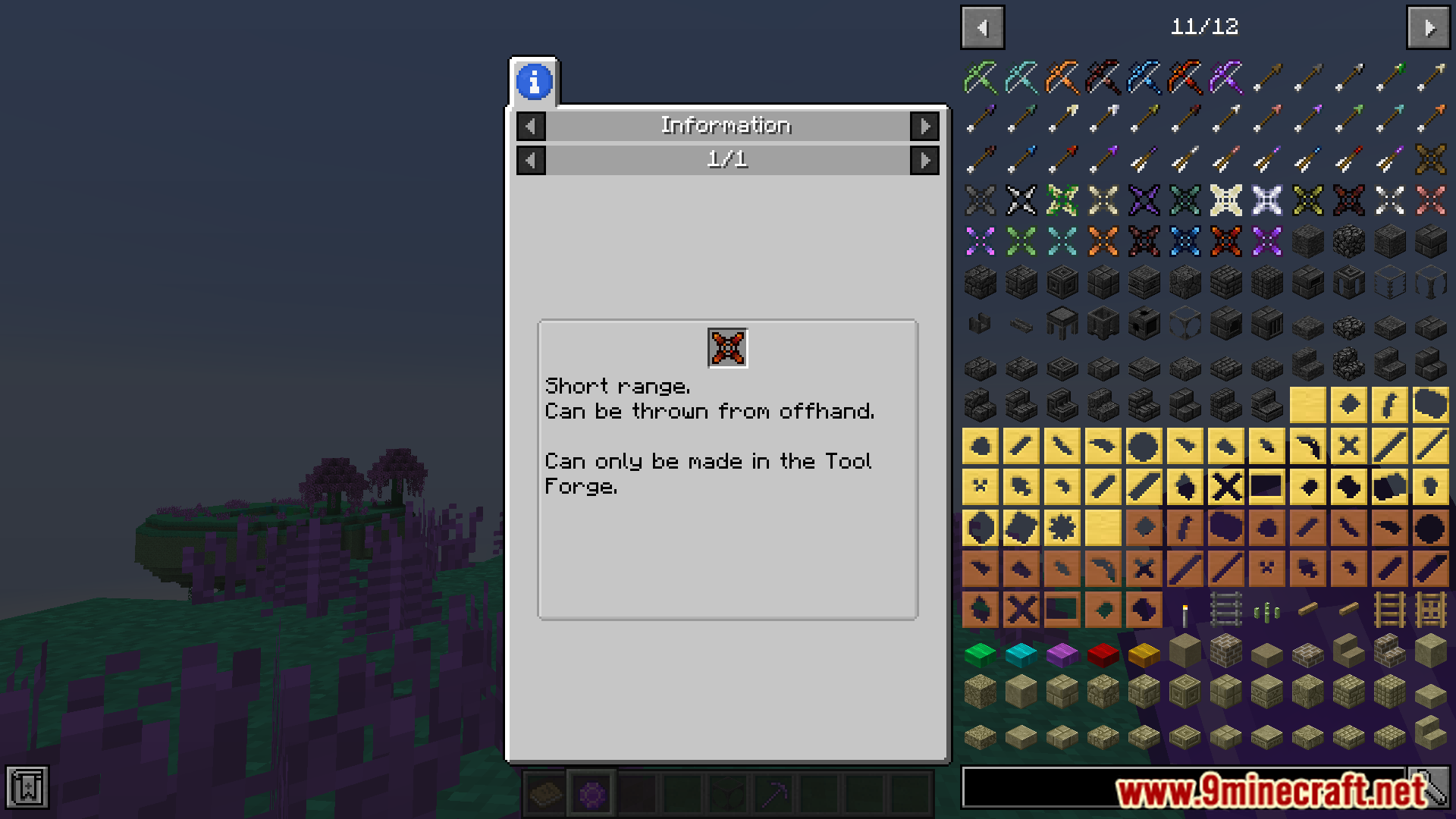
Screenshots:
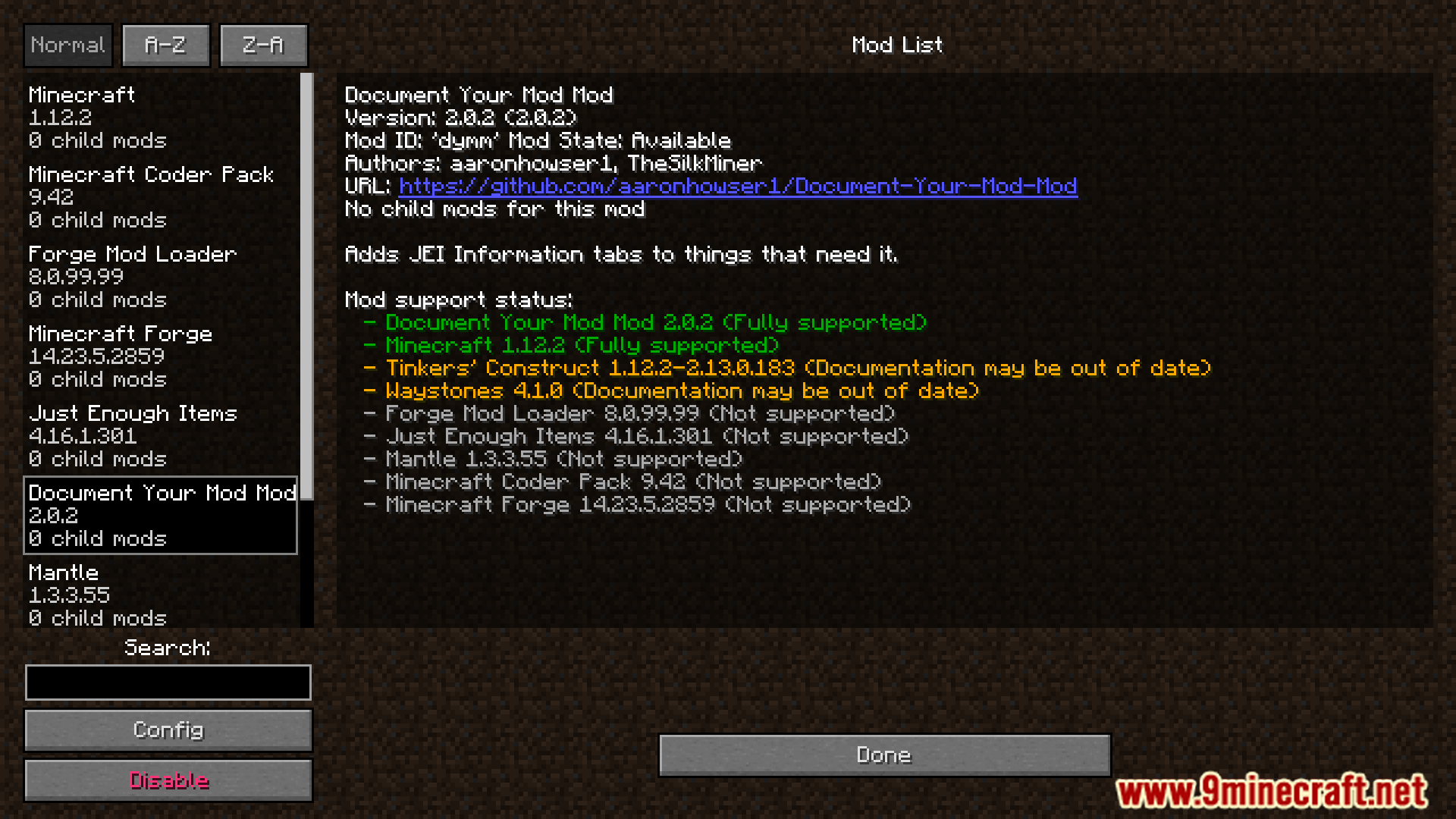
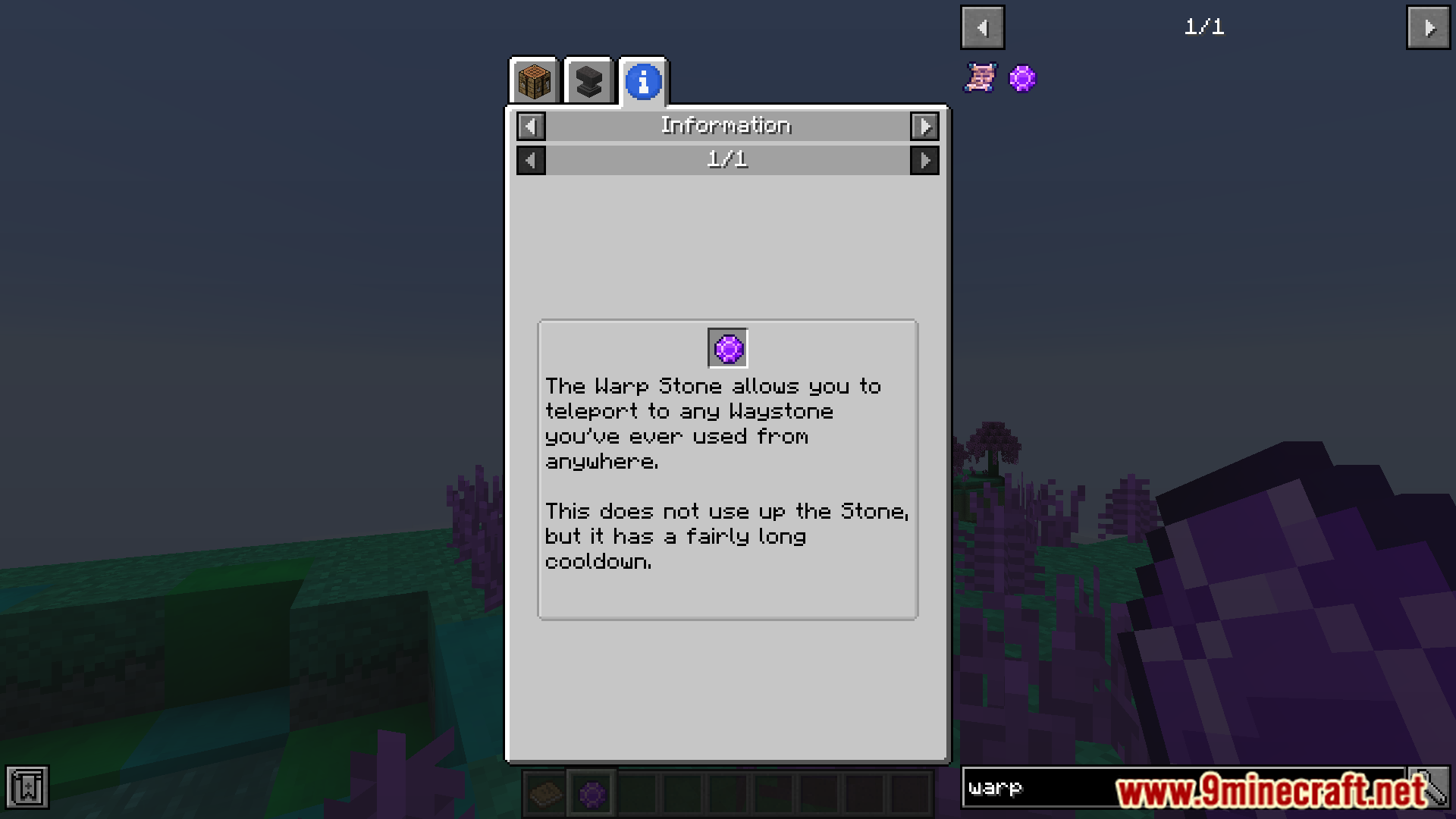
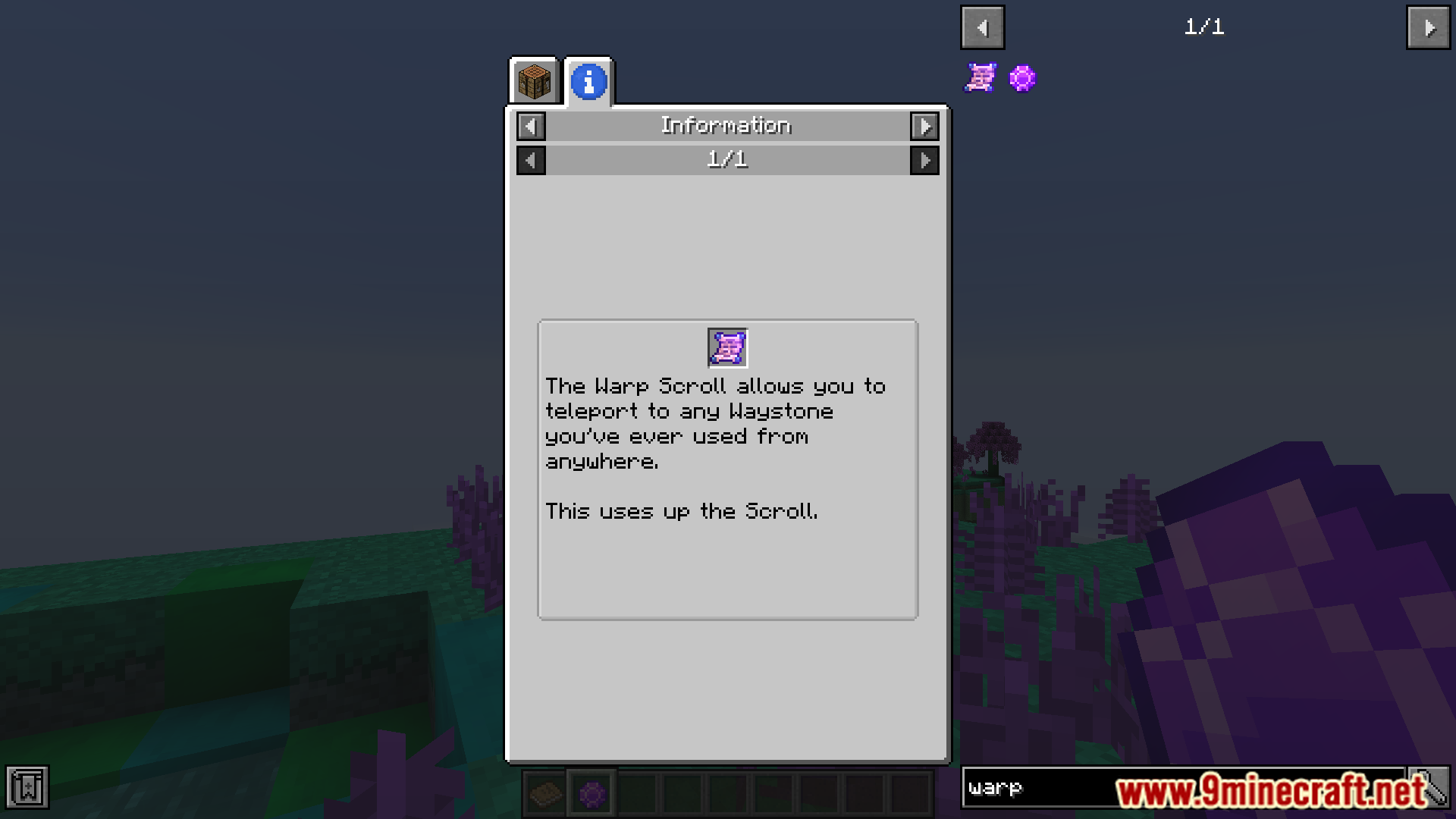
The list of mods that are currently supported:
Waystone Mod
Document Your Mod Mod Download Links
For Minecraft 1.12.2, 1.12
Forge Version: Download from Server 1 – Download from Server 2
Quick facts
- Edition: Minecraft Java
- File type: .jar
- How to install: Install the matching mod loader (Forge, Fabric or NeoForge) for your Minecraft version. → Download the .jar. → Put it in the .minecraft/mods folder and launch that loader profile.
- Where to get it: In MC Java Mods, or directly above on this page.
Install steps are the general flow for this file type — How to install Minecraft Java mods & modpacks walks through it step by step.
Verified by MCModsHub
- Downloads as 199210.mcaddon
- Download size: 873 KB
- Download link checked 29 Jul 2026 — working
- Mirrored on our own servers — the download does not depend on the original host
These come from our own check of the pack file, not from the source page.