ModsJava
NEI Mystcraft Plugin Mod (1.7.10) – Mystcraft Objects to NEI
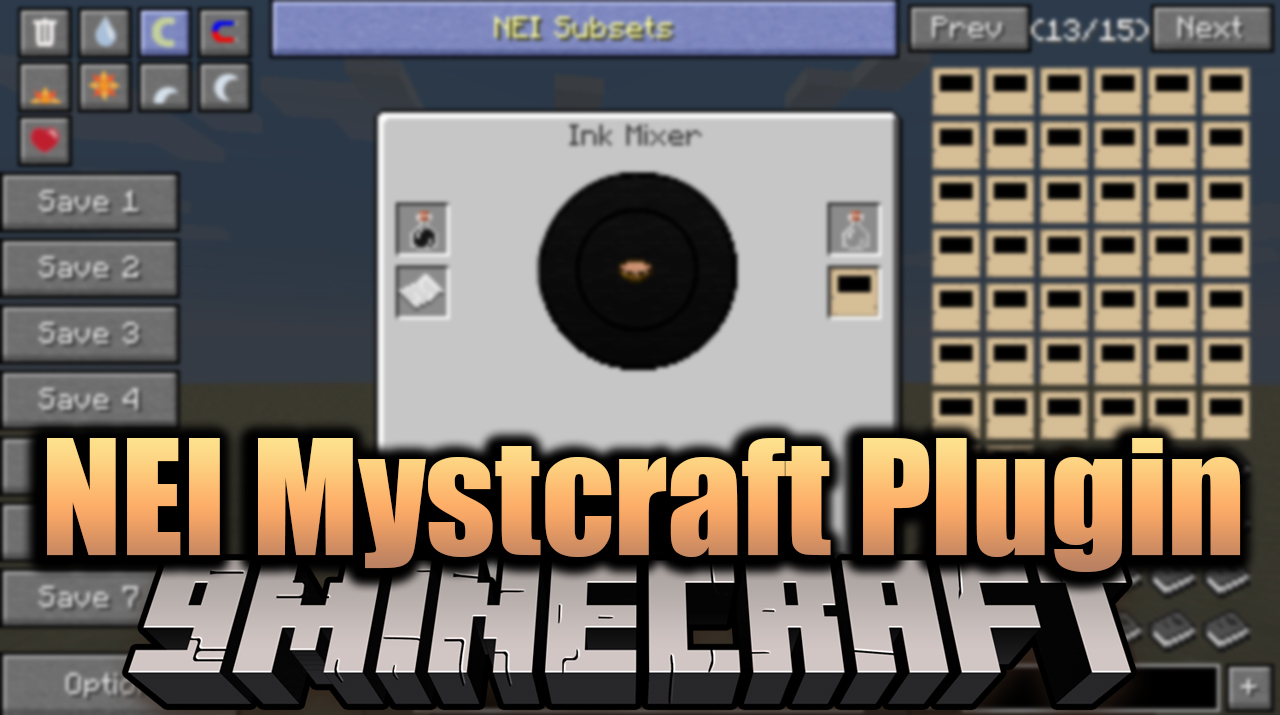
NEI Mystcraft Plugin Mod adds some integration and crafting recipes for Mystcraft to NEI, as well as adds all pages and combinations of link effects to…
⬇ DownloadOpen in MCModsHubGet it on Google Play →NEI Mystcraft Plugin Mod adds some integration and crafting recipes for Mystcraft to NEI, as well as adds all pages and combinations of link effects to the item view.
Screenshots:
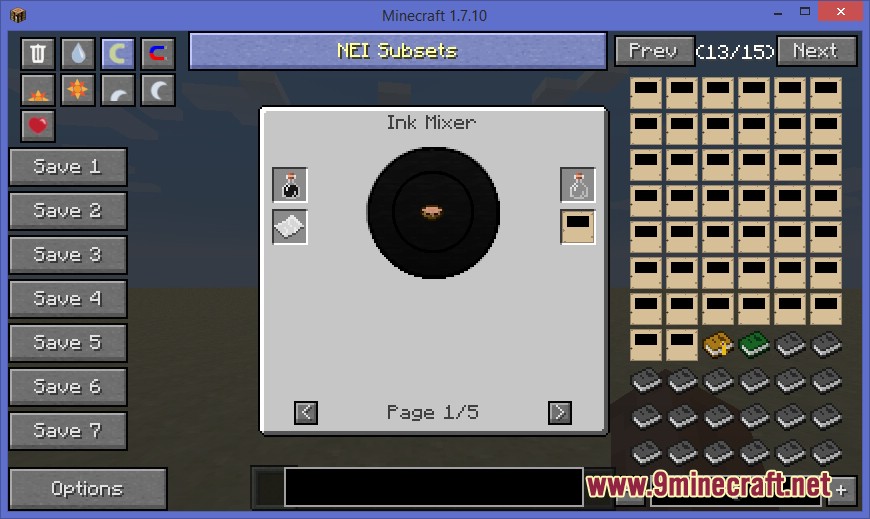
Ink Mixer Recipes
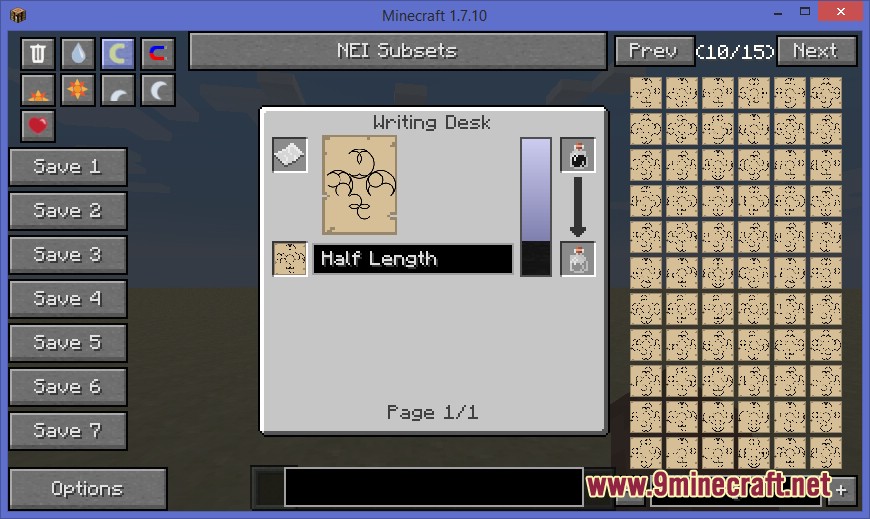
Writing Desk Recipes
Configs:
general:addAgeExplorer (default: true) - Should ages be explorable?
general:addAgeList (default: true) - Should there be a list of items in NEI?
general:addCreativeNotebooks (default: true) - Should creative notebooks be added to NEI?
general:addDecaySubTypes (default: true) - Should all decay types be visible in NEI?
general:addInkMixerRecipes (default: true) - Should ink mixer recipes be added to NEI?
general:addInkMixerTooltips (default: true) - Should there be tooltips for the Ink Mixer?
general:addItemRanges (default: true) - Should item ranges be added to NEI?
general:addLinkPanels (default: true) - Should link panels be added to NEI?
general:addLinkingBooks (default: true) - Should unlinked linking books be added to NEI?
general:addRecipesTooltips (default: true) - Should there be clickable regions to show all recipes in a crafting station?
general:addSymbolPages (default: true) - Should symbol pages be added to NEI?
general:addWritingDeskRecipes (default: true) - Should writing desk recipes be added to NEI?
general:addWritingDeskTooltips (default: true) - Should there be tooltips for the Writing Desk?
general:allowPageExploring (default: true) - Allow age pages to be explored?
general:allowSymbolExploring (default: true) - Allow age symbols to be explored?
general:hideTechnicalBlocks (default: true) - Should technical blocks be hidden?
general:opOnlyAgeList (default: true) - Only allow ops to see a list of ages in NEI?
general:opOnlyPageExploring (default: true) - Only allow ops to explore age pages?
general:opOnlySymbolExplorer (default: true) - Only allow ops to explore age symbols?
general:showRecipeForLinkbooks (default: true) - Should the recipe for linking books be added to NEI?
NEI Mystcraft Plugin Mod Download Links
For Minecraft 1.7.10
Forge version: Download from Server 1 – Download from Server 2
For Minecraft 1.6.4
Forge version: Download from Server 1
Verified by MCModsHub
- Download size: 101 KB
- Download link checked 17 Jul 2026 — working
- Mirrored on our own servers — the download does not depend on the original host
These come from our own check of the pack file, not from the source page.
Explore more