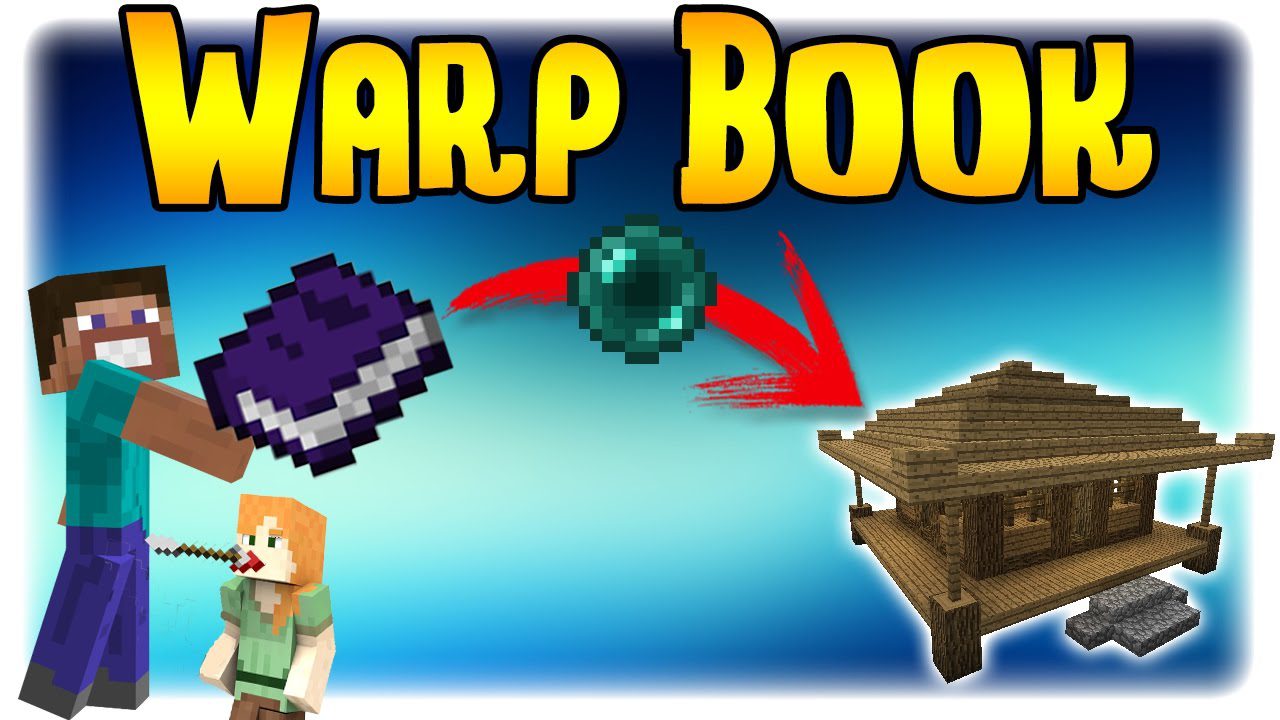
Warp Book Mod lets you easily teleport between different places in your world. It adds special items to save locations and travel to them with a click. This mod provides a simple alternative to using server commands like /home and /warp, making it great for survival gameplay.
Features:
- Adds a Warp Potion that can be tied to a specific location. Drinking it teleports you there.
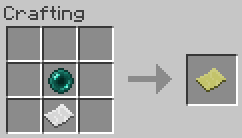
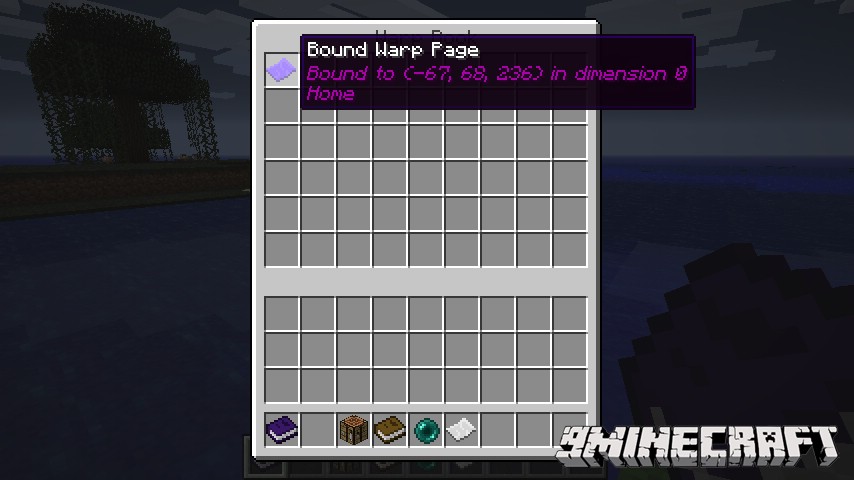
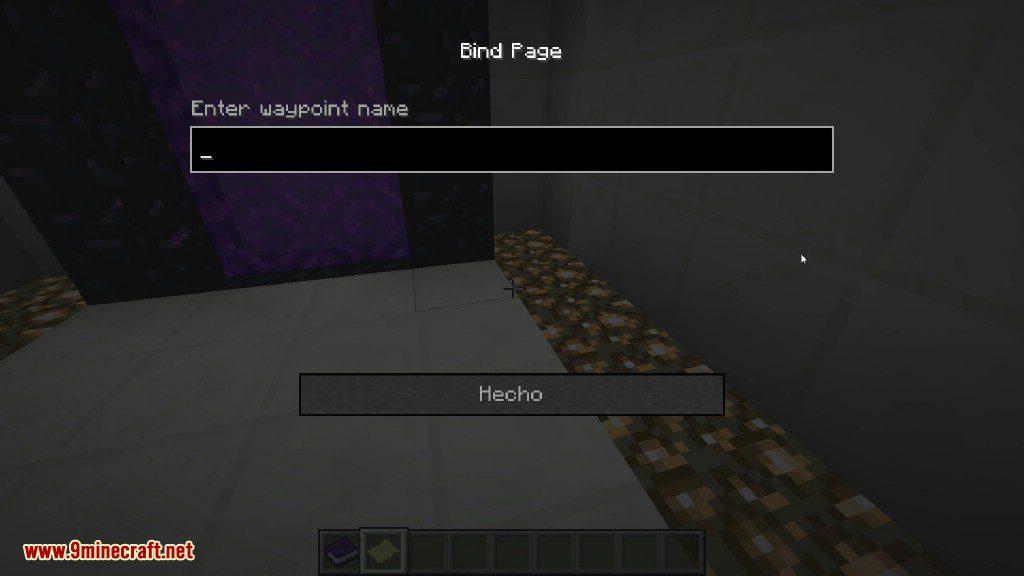
- Craft a Warp Page to save your coordinates. Just right-click with it in your hand.
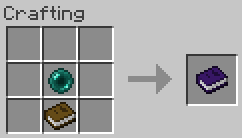
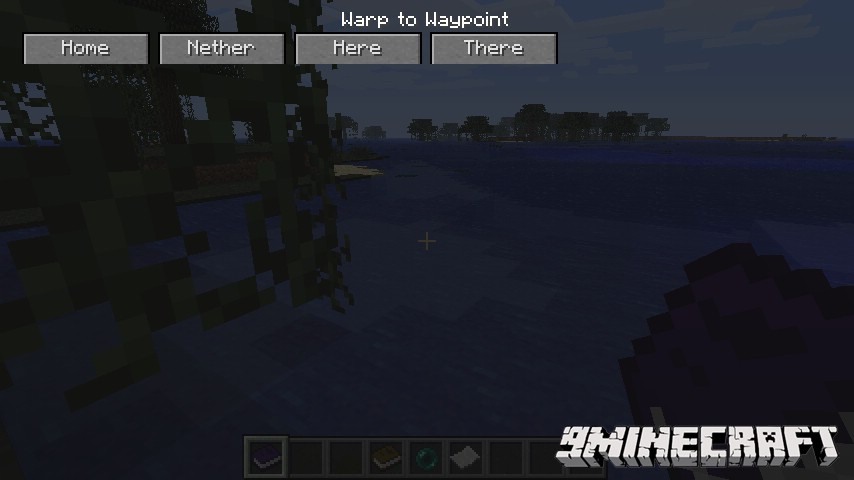
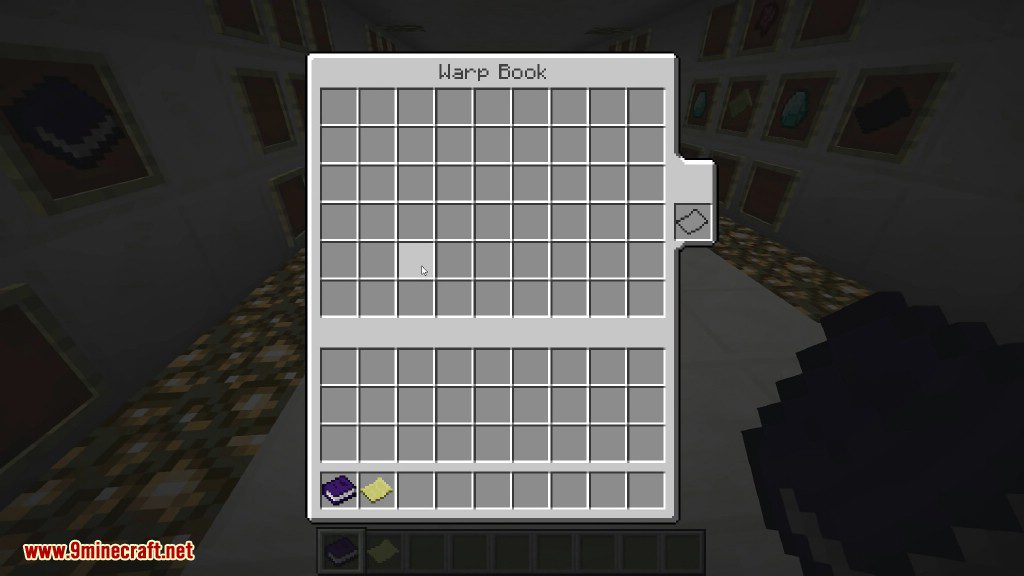
- Use a Warp Book to hold all your Warp Pages. Right-clicking the book opens a menu of your saved waypoints.
- Build a Warp Book Cloner, a special workbench for copying an entire book so you have a backup.
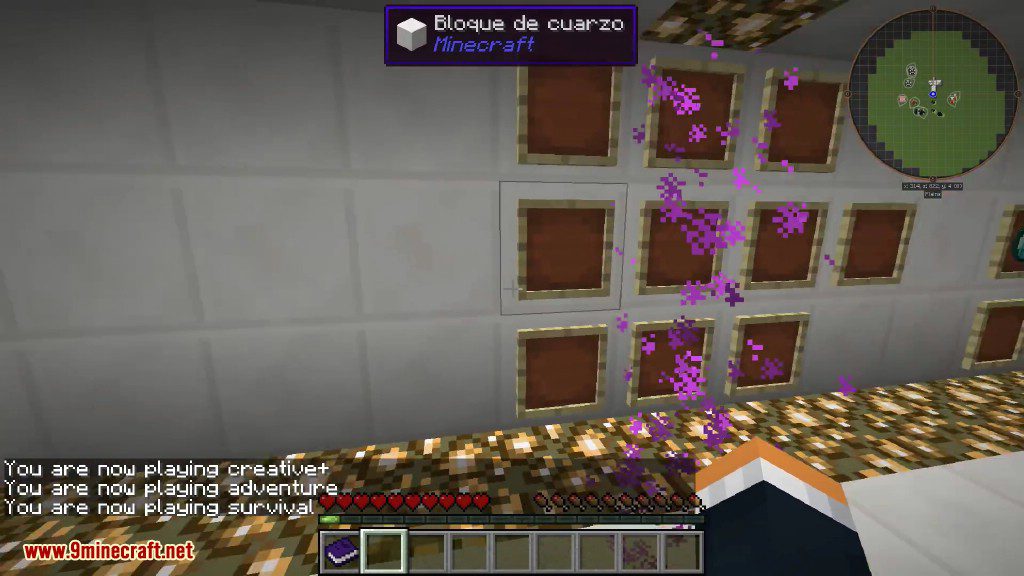
- Place a permanent Teleport Pad block that activates and teleports you when you walk on it.
How to Use:
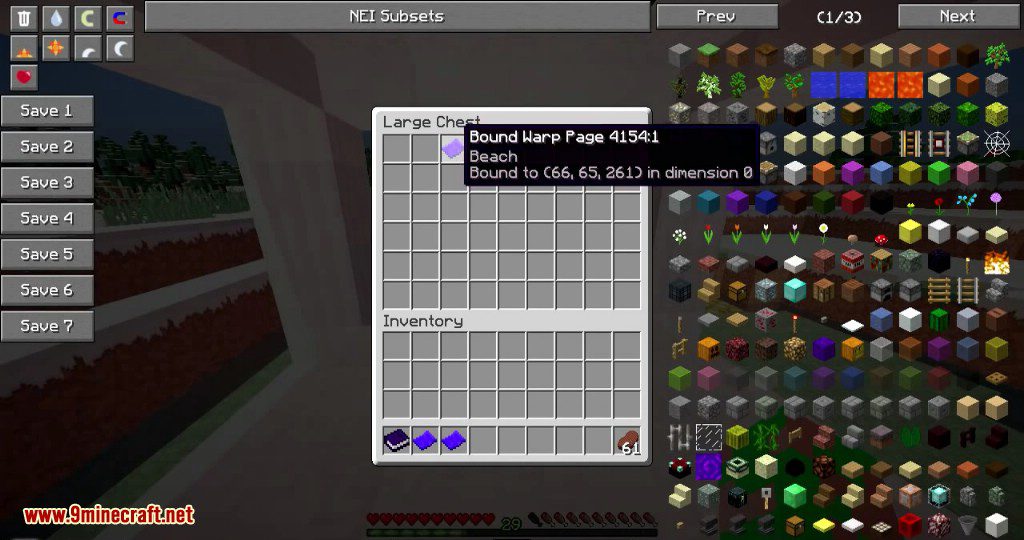
- To save a location, right-click while holding a Warp Page.
- To add a saved page to your book, hold the Warp Book and sneak-right-click.
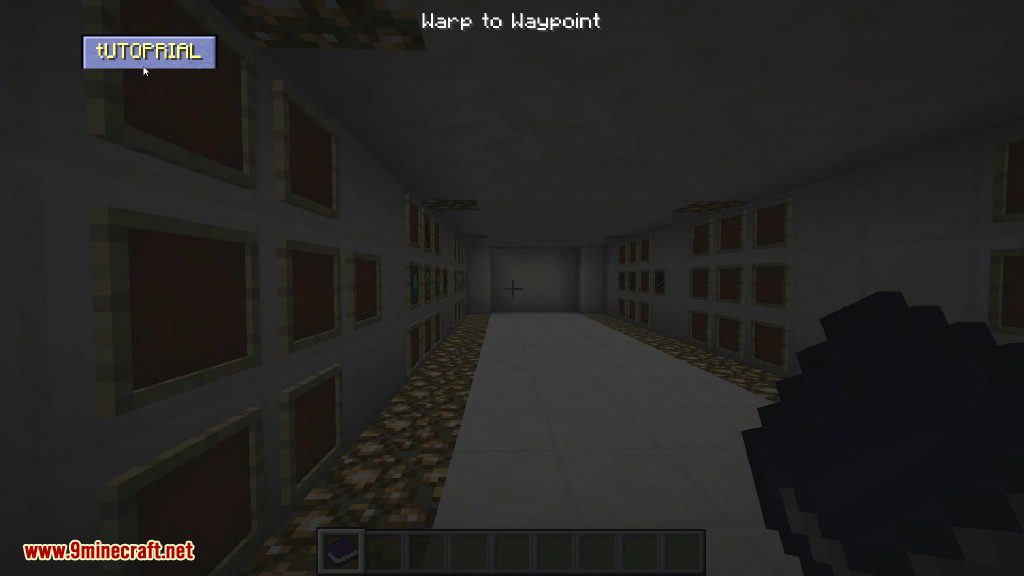
- To travel, right-click with the Warp Book to open the menu and select your destination.
- To set a Teleport Pad’s destination, use a bound Warp Potion on the block.
Crafting Recipes:
Warp Page
Warp Book
Screenshots:

Warp Book Mod Download Links
For Minecraft 1.6.4
For Minecraft 1.7.2
For Minecraft 1.7.10
For Minecraft 1.8.0
For Minecraft 1.8.9
For Minecraft 1.21.1, 1.21
NeoForge Version: Download from Server 1 – Download from Server 2
For Minecraft 1.20.1, 1.20
Forge Version: Download from Server 1 – Download from Server 2
For Minecraft 1.12.2
Quick facts
- Edition: Minecraft Java
- File type: .jar
- Minecraft versions listed: 1.21.1, 1.20.1
- How to install: Install the matching mod loader (Forge, Fabric or NeoForge) for your Minecraft version. → Download the .jar. → Put it in the .minecraft/mods folder and launch that loader profile.
- Where to get it: In MC Java Mods, or directly above on this page.
Install steps are the general flow for this file type — How to install Minecraft Java mods & modpacks walks through it step by step.
Verified by MCModsHub
- Downloads as 199242.mcaddon
- Download size: 342 KB
- Download link checked 29 Jul 2026 — working
- Mirrored on our own servers — the download does not depend on the original host
These come from our own check of the pack file, not from the source page.