
The Silence Mod is a Minecraft mod that tests your ability to stay calm, explore, and survive. Sounds are key clues, and sometimes remaining silent is the safest choice. Players must uncover the history of mysterious entities and figure out how to deal with them.
Features:
Gameplay Tips:
- Noise Matters: Avoid making unnecessary noise. Sounds can attract hostile entities.
- Exploration: You will need to explore villages, caves, forests, and plains carefully.
- Survival: Stay inside structures at night or when you feel unsafe. Use resources like stone, wood, and coal wisely.
- Sleep Carefully: Sleep only when necessary. The game may introduce threats in your dreams.
Important Warnings:
- Do not rush through forests or snowy areas; they may contain hidden dangers.
- Pay attention to strange sounds like static, footsteps, or laughter. They often signal nearby threats.
- Be cautious with doors and new items; some interactions can attract enemies.
Resource Management:
- Mining:
- Mine
stone,coal, andironcarefully. - Pay attention to ambient sounds in caves; they may indicate danger.
- Mine
- Equipment:
- Craft weapons like
iron swordsand armor to protect yourself. - Build shields and use tools efficiently.
- Craft weapons like
Exploration Strategy:
- Use boats to navigate rivers and explore new areas safely.
- VHS tapes and other hidden items may provide clues; collect them carefully.
- Observe your environment carefully; seemingly normal areas may hide surprises.
General Advice:
- Stay calm during scary events and use sound cues to guide your actions.
- Plan your movements carefully; rushing can lead to unexpected danger.
- Focus on building a safe base before venturing too far.
Screenshots:
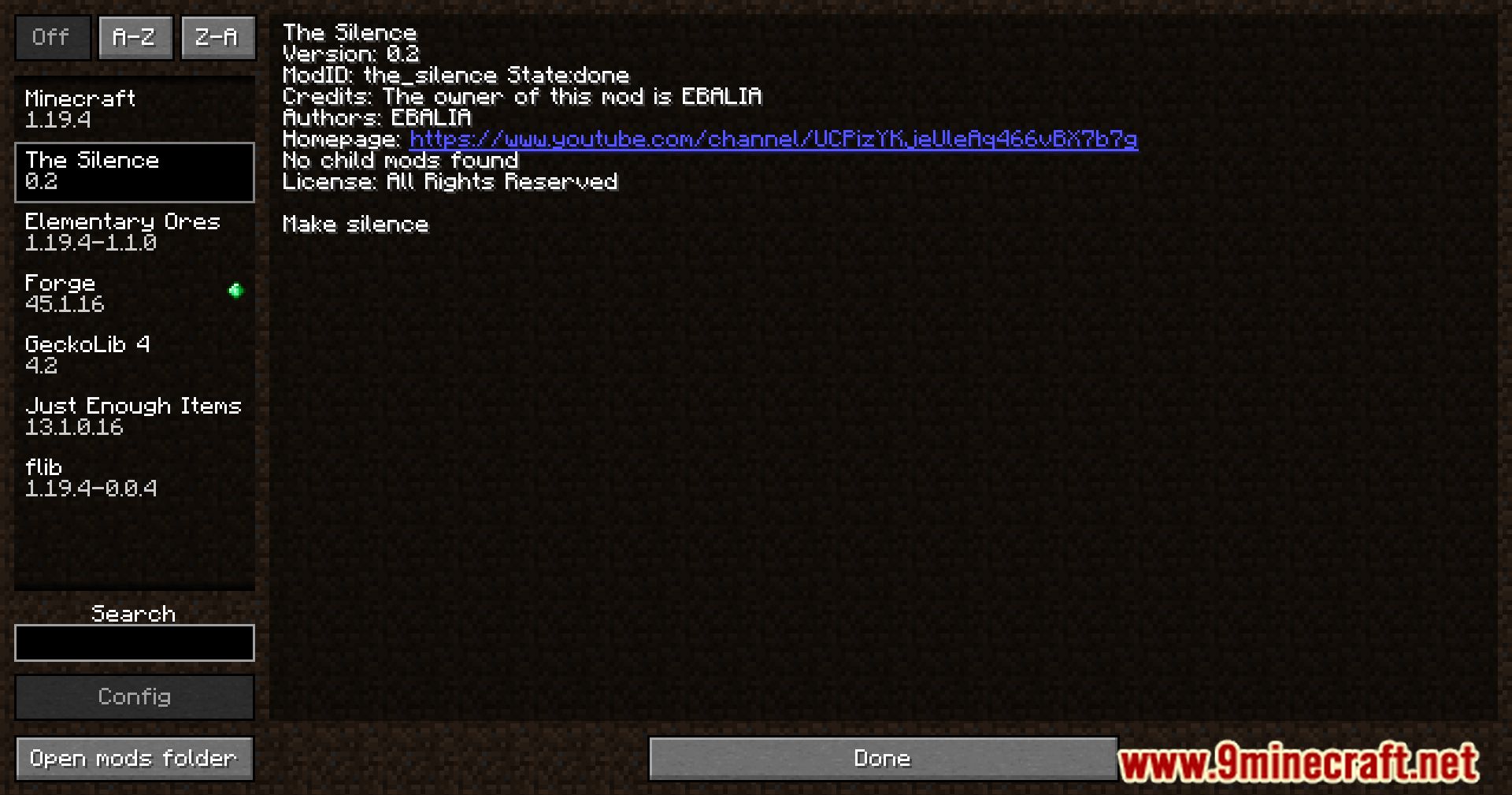
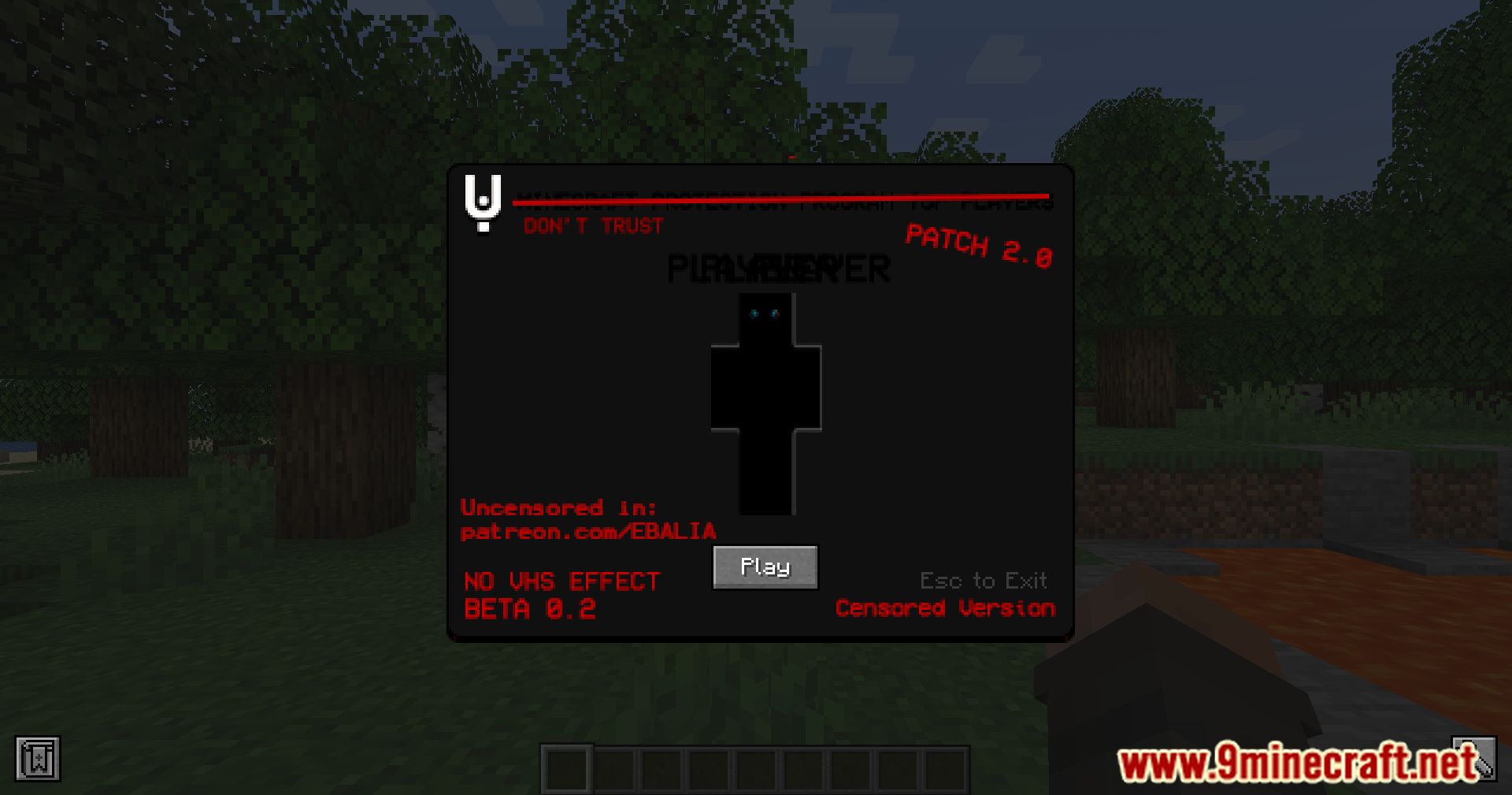
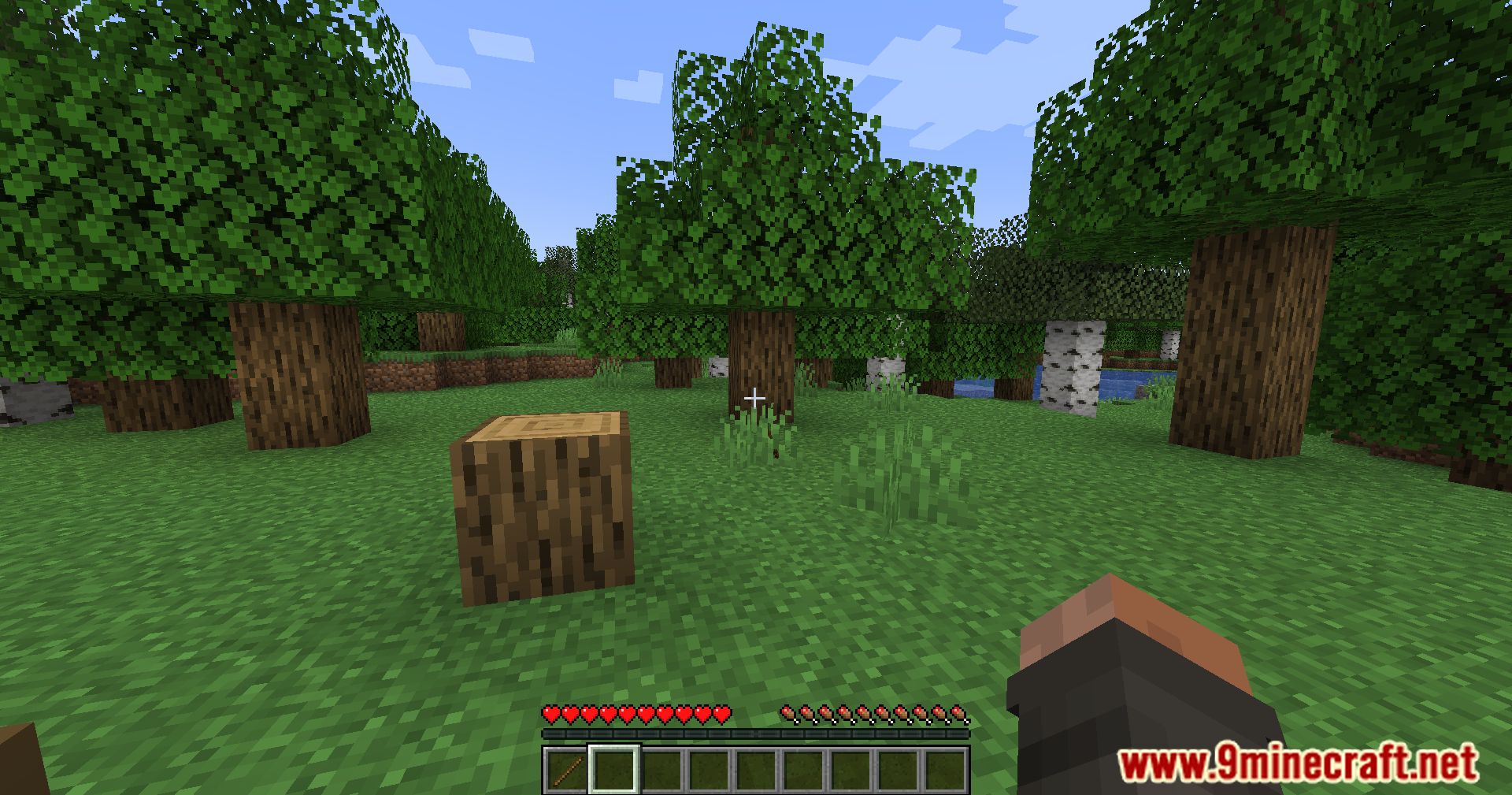
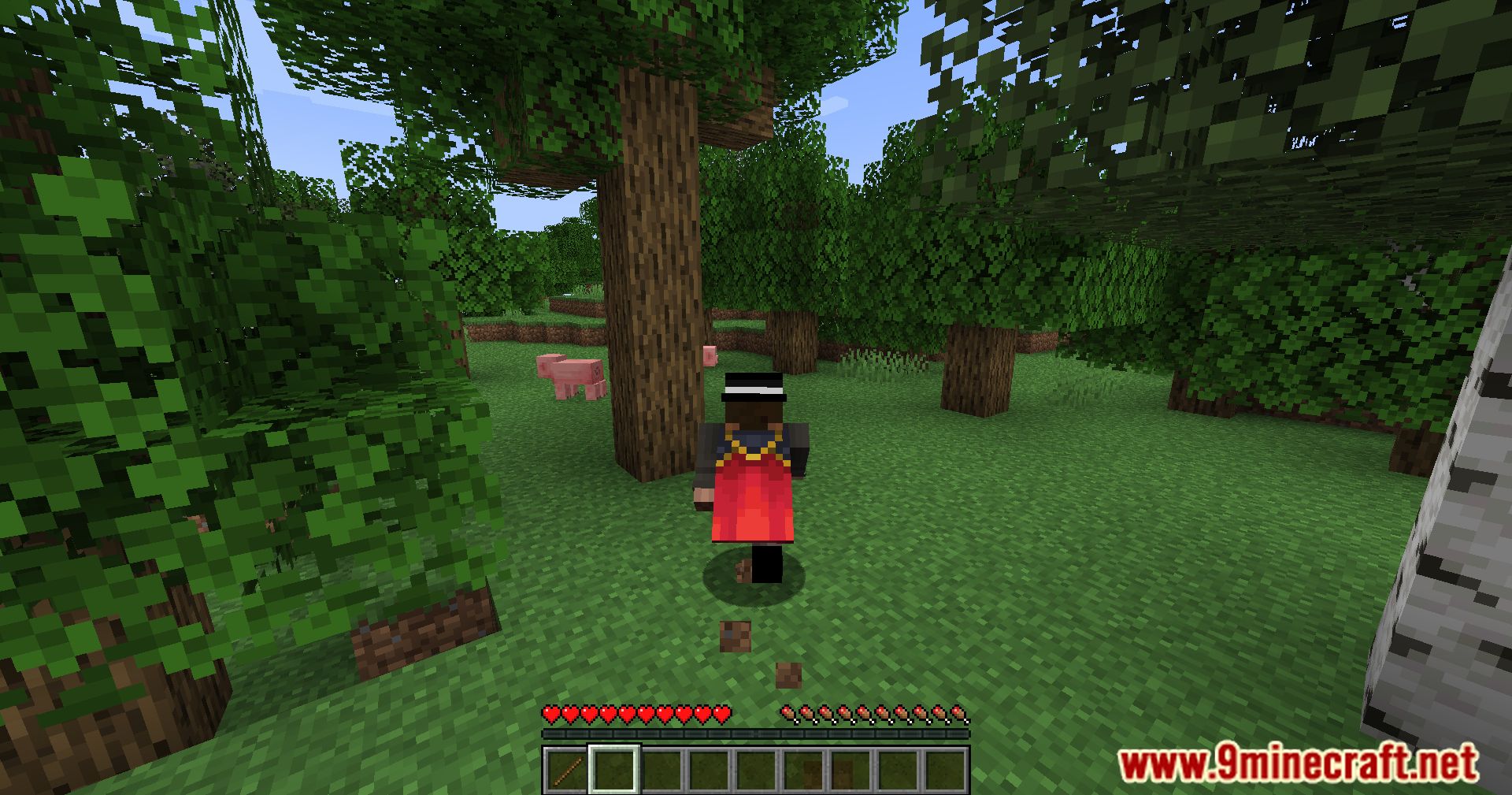
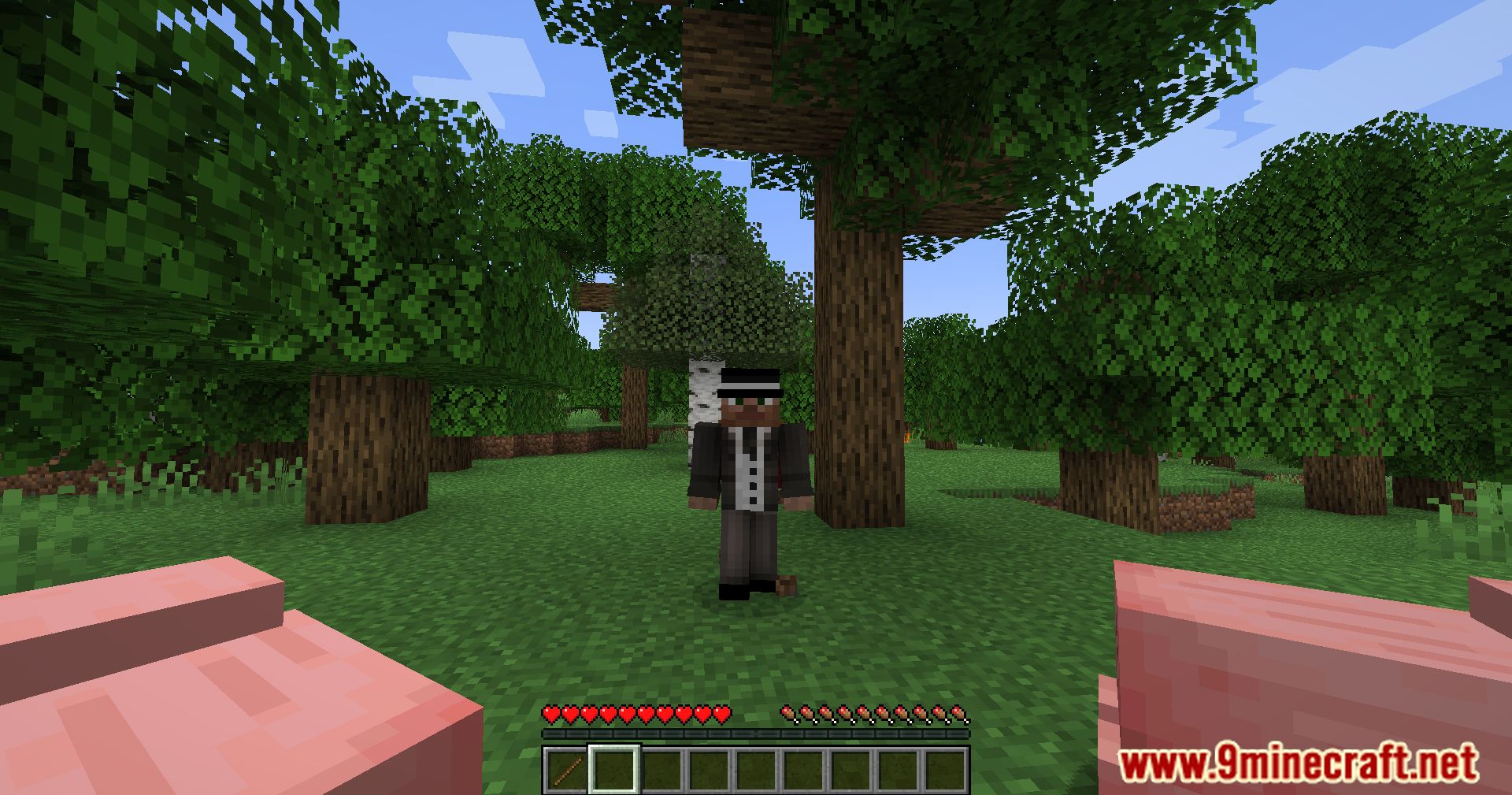
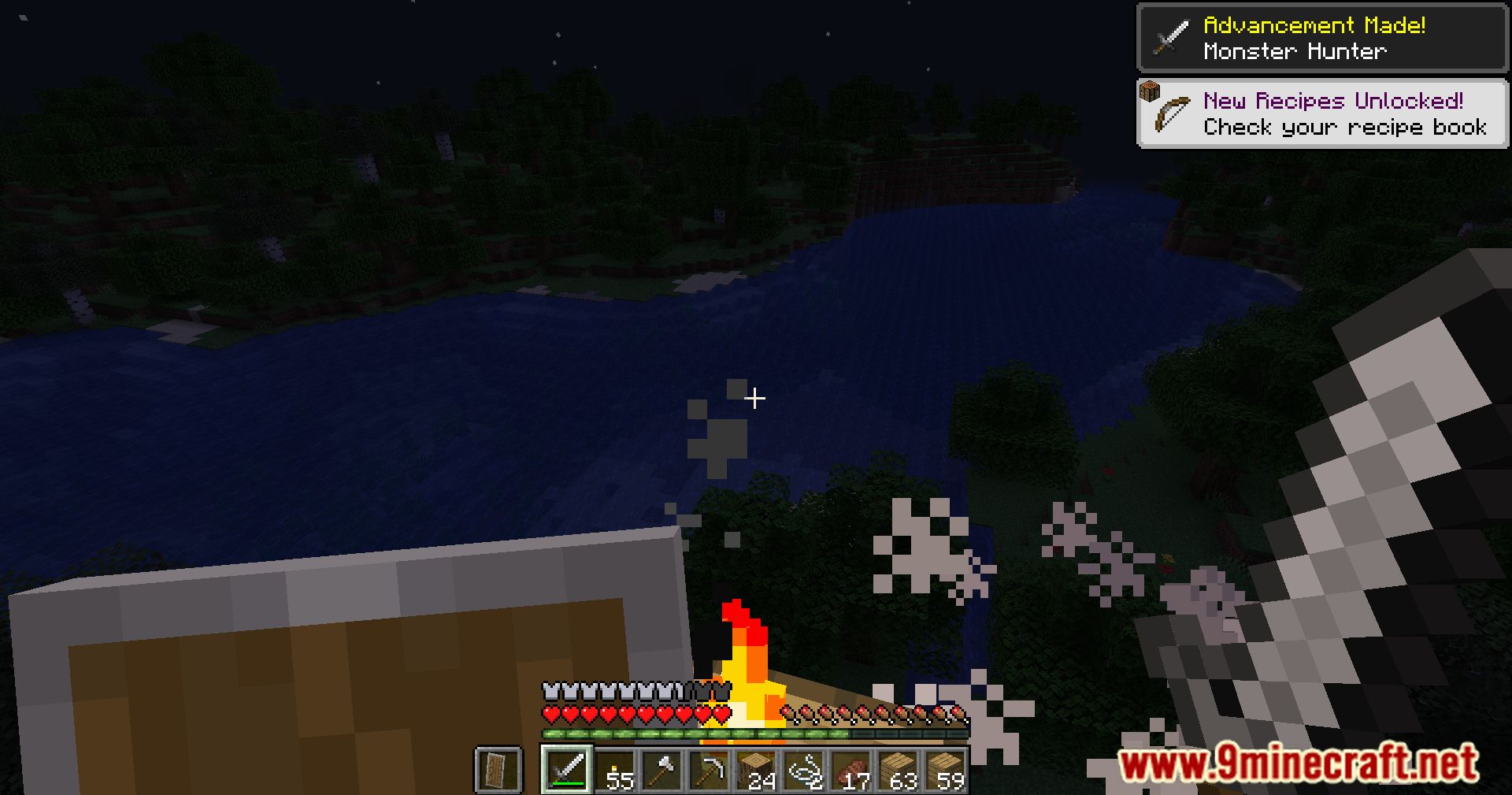
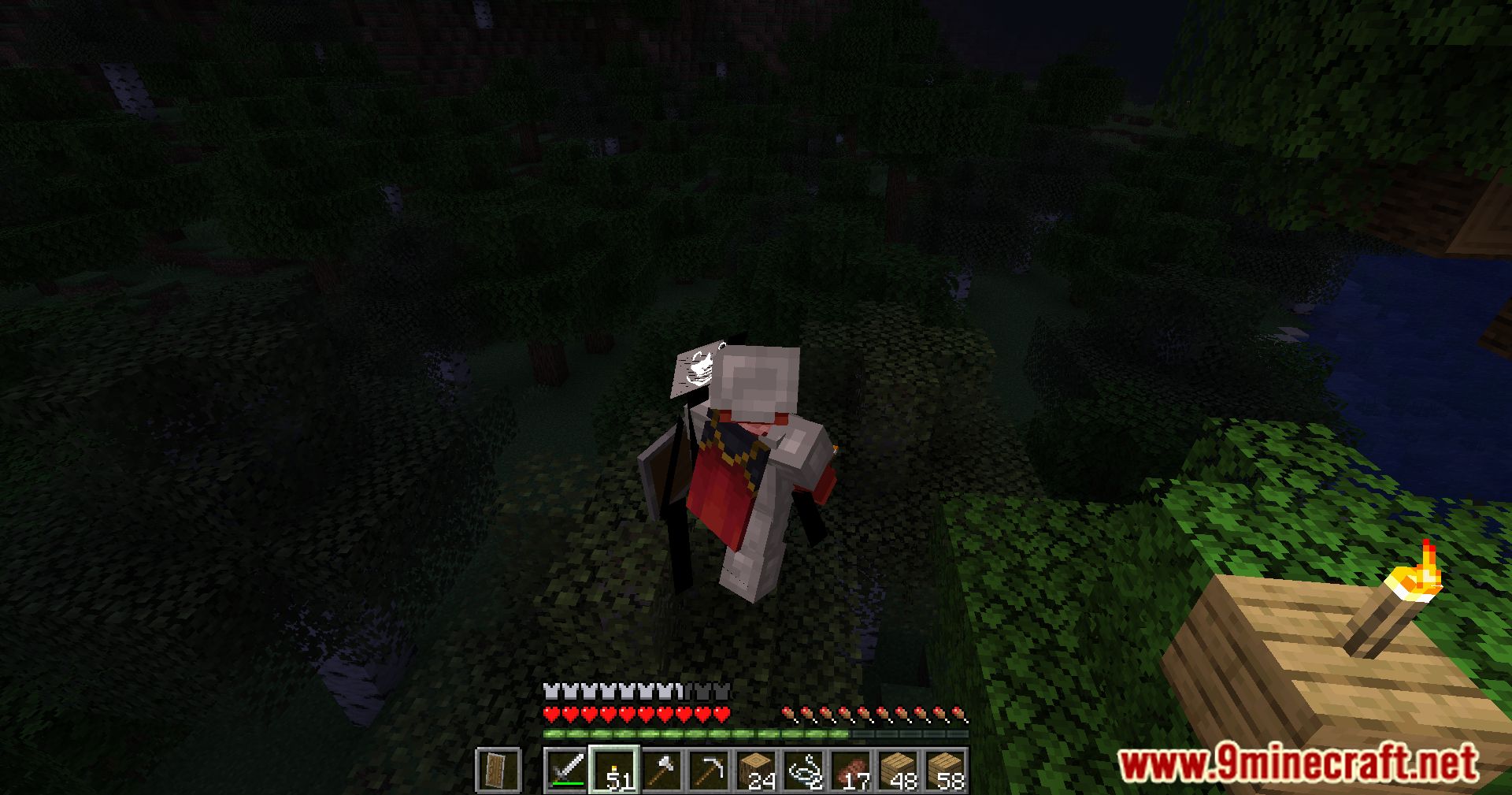


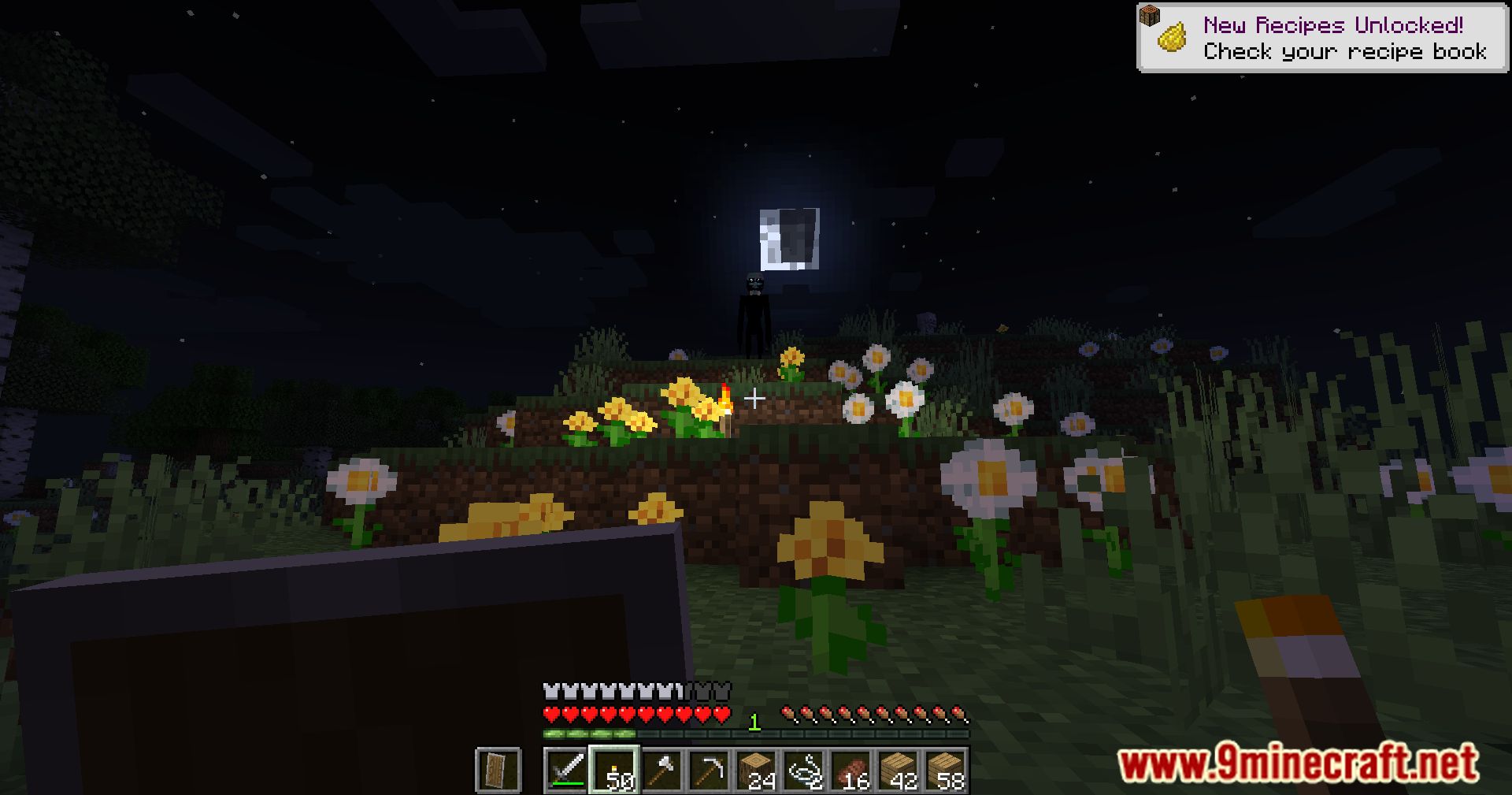

The Silence Mod Download Links
For Minecraft 1.20.1, 1.20
Forge Version: Download from Server 1 – Download from Server 2
For Minecraft 1.19.4
Forge Version: Download from Server 1 – Download from Server 2
For Minecraft 1.19.2
Forge Version: Download from Server 1 – Download from Server 2
Quick facts
- Edition: Minecraft Java
- File type: .jar
- Minecraft versions listed: 1.20.1, 1.19.4
- How to install: Install the matching mod loader (Forge, Fabric or NeoForge) for your Minecraft version. → Download the .jar. → Put it in the .minecraft/mods folder and launch that loader profile.
- Where to get it: In MC Java Mods, or directly above on this page.
Install steps are the general flow for this file type — How to install Minecraft Java mods & modpacks walks through it step by step.
Verified by MCModsHub
- Downloads as 199247.mcaddon
- Download size: 18.8 MB
- Download link checked 29 Jul 2026 — working
- Mirrored on our own servers — the download does not depend on the original host
These come from our own check of the pack file, not from the source page.