
Questlog
Java mod listed for Minecraft 1.19–1.21. Downloads from the MC Java Mods app on Android.
I don't know my version or loader

Want a Minecraft server with easy-to-use panel tools, great customer support and instant setup?
Try Wabbanode via the banner above, and use code NEKO at checkout for 25% off your first month!


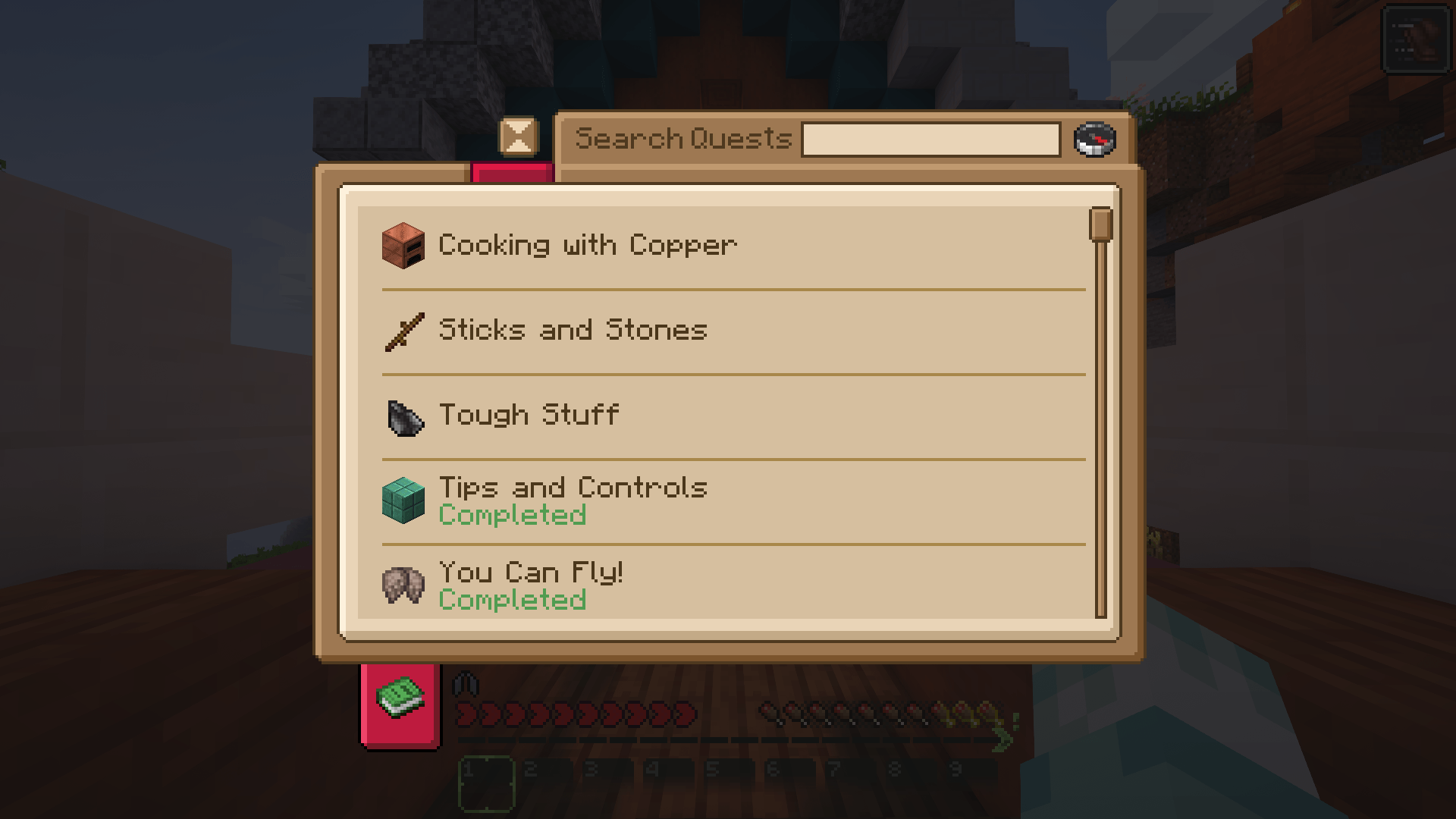
Questlog is a mod designed to add… Well, quests to your game!
This mod is entirely JSON-driven. You will need to learn how to write JSON files and put them in the questlog folder in the config to make use of it.
The biggest question on your mind is probably something like: "... Why not just use FTBQuests?"

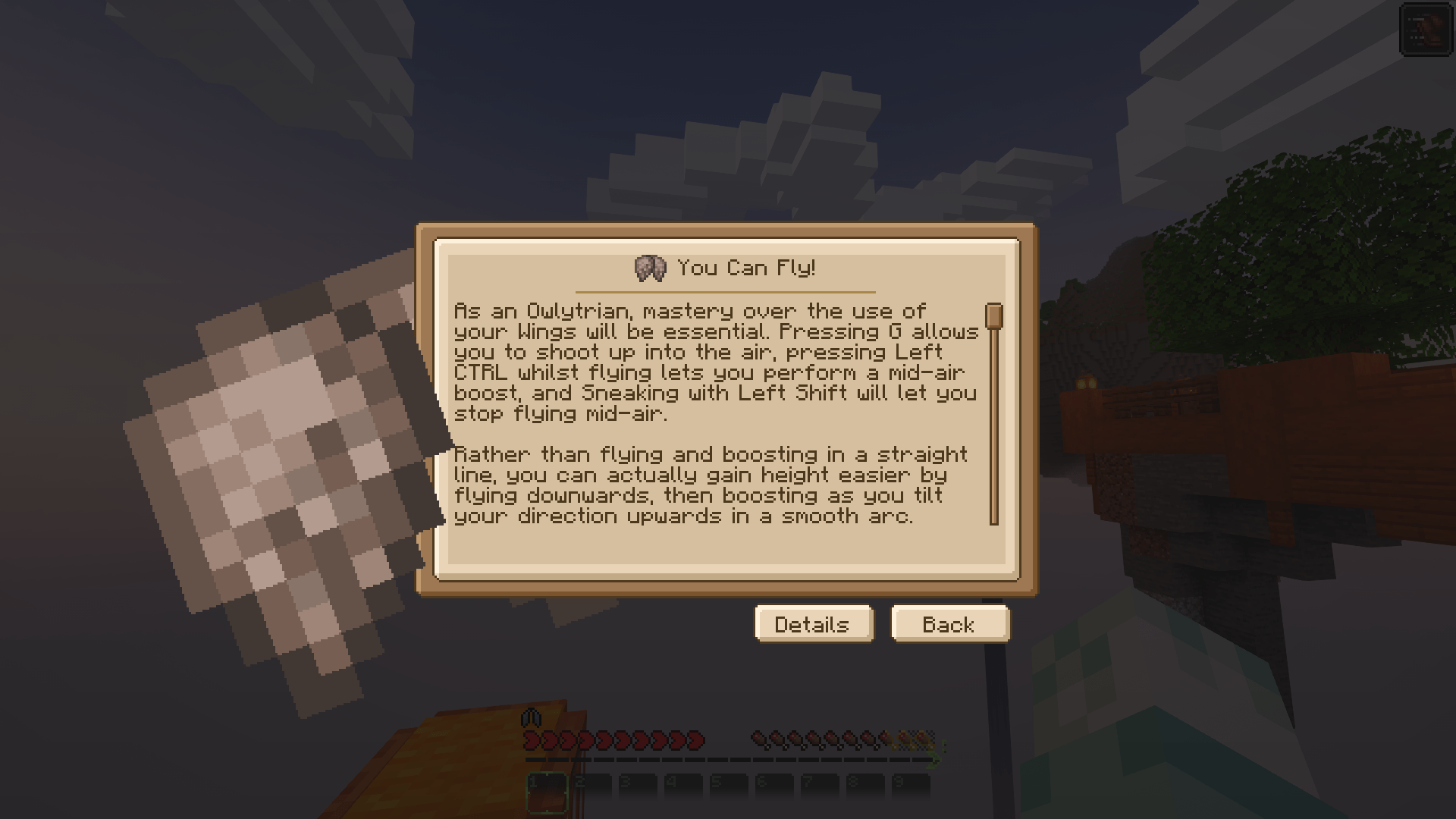
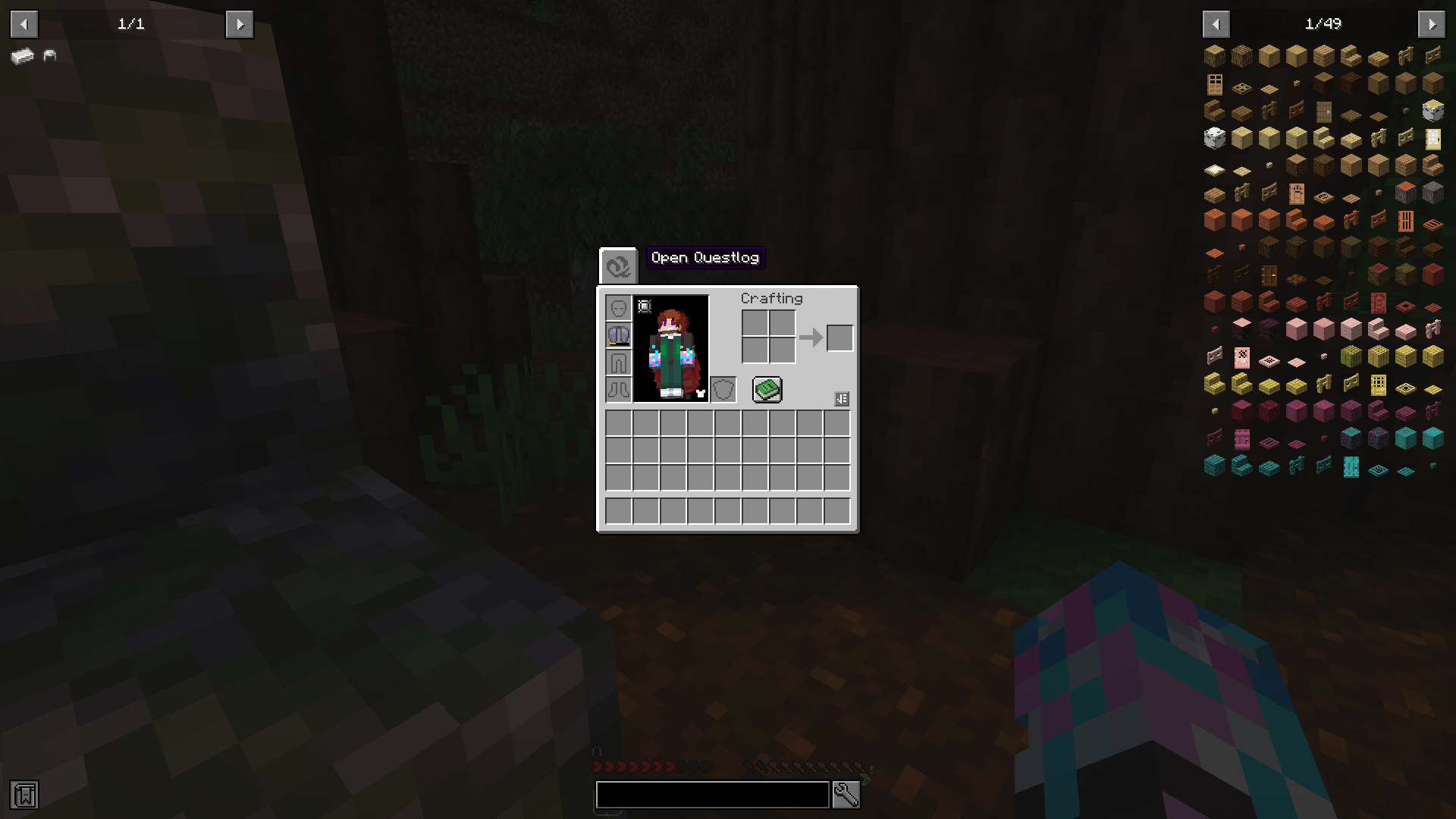
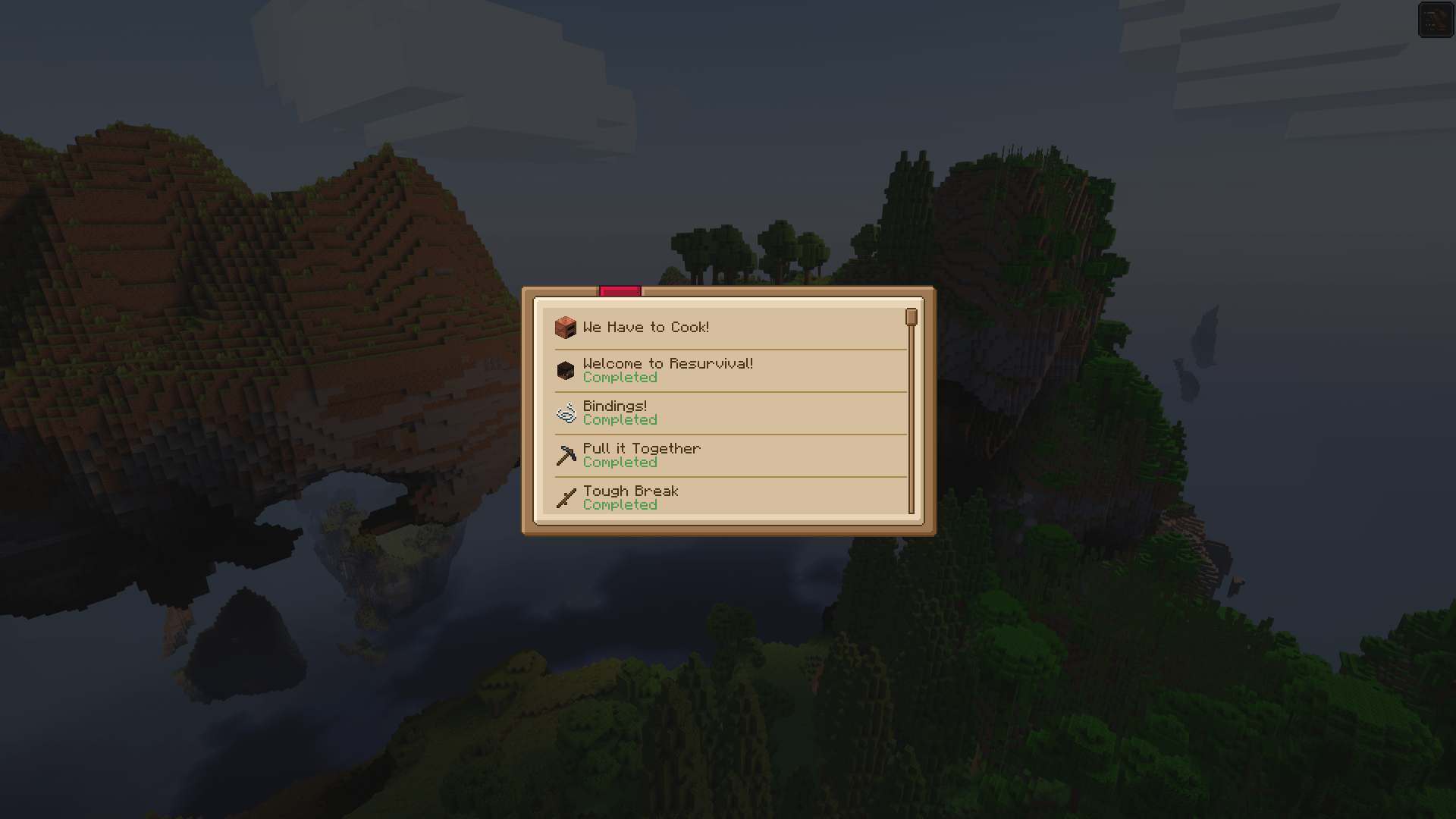
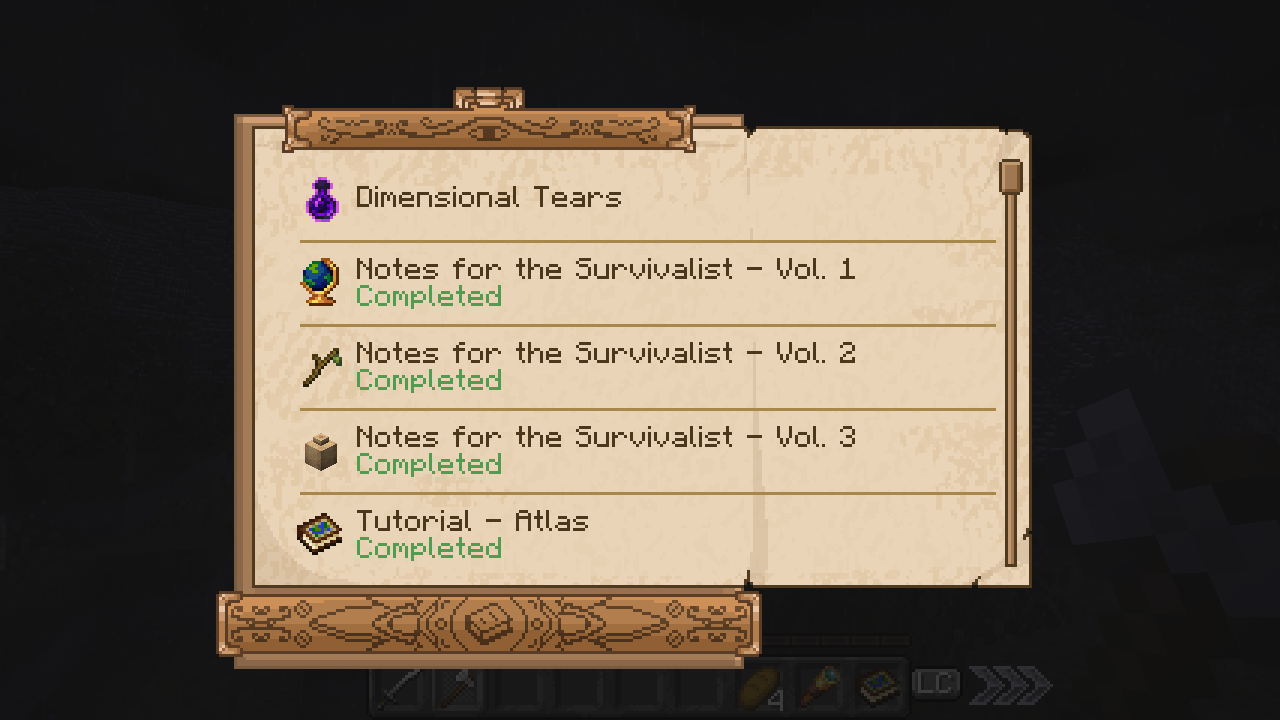
Well! Unlike FTBQuests, which presents its quests in sprawling spreadsheets, this mod's quests are presented in a little book/checklist-style format, and are directly highlighted via notification badges when unlocked from the inventory GUI!
The presentation is both far more vanilla-friendly, yet also dynamic enough to be stylised in whatever way you see fit! This format was directly inspired by Elder Scrolls: Oblivion's quest system.
Although designed to fill in the gaps I feel are present in FTBQuests, I could easily see this mod being used in conjunction with it, as it fulfils different niches than that mod, even if they're similar.
Whilst FBT is better for delivering numerous smaller tasks (i.e. fetch-quests), Questlog is better for delivering information and highlighting more complex goals. It also just has a fair few advantages over FTB, too...

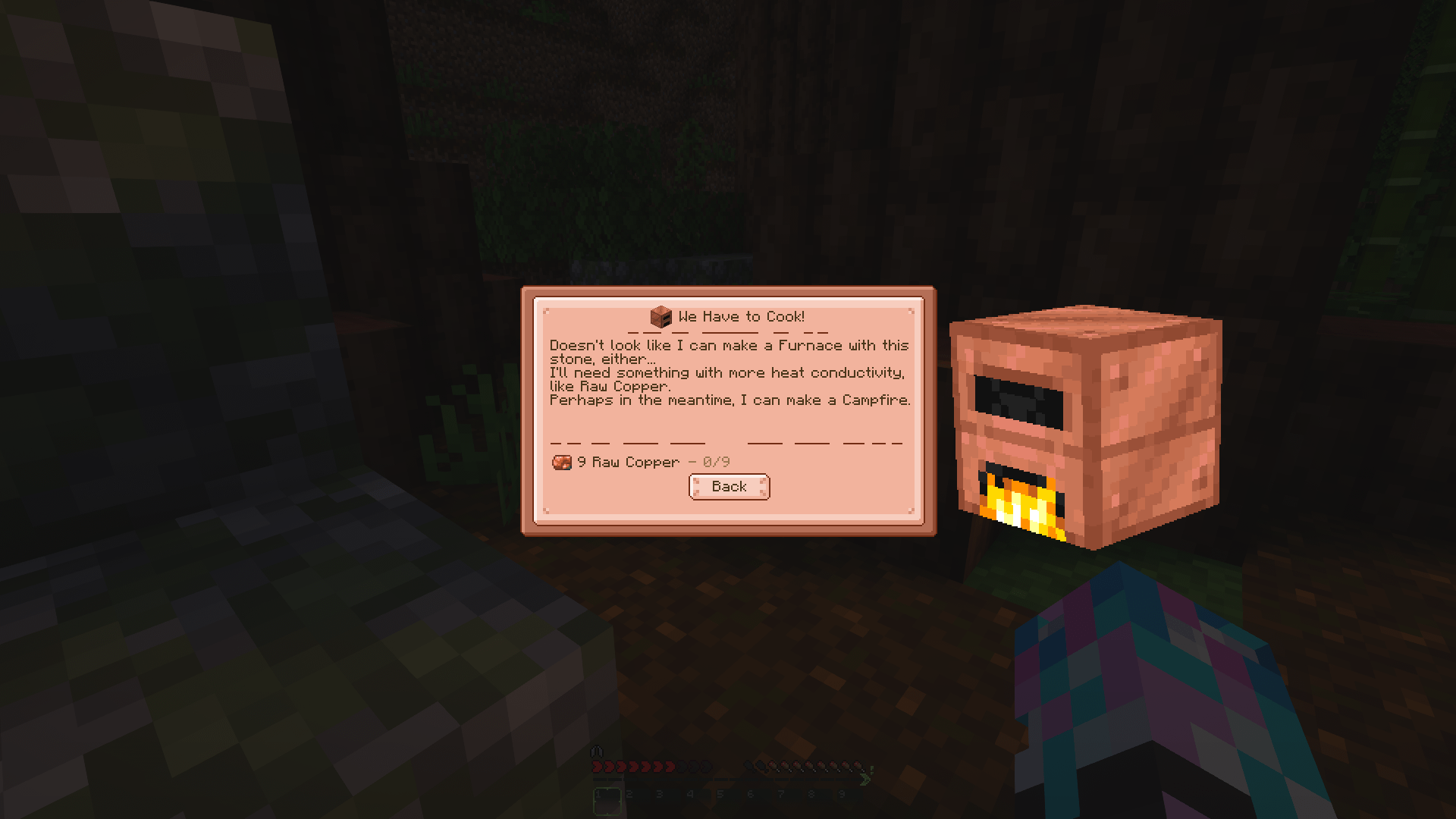
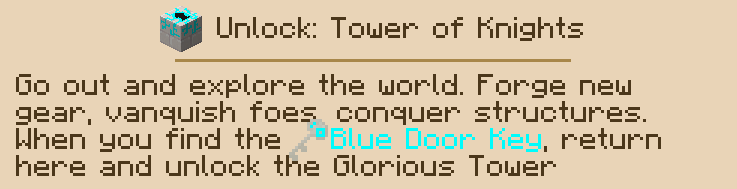
The mod was conceptualised and is designed around the principle of conveyance. Creators can write quests so that when they trigger (or are completed), they display either their own toast panels and notification badges, or they outright pop-up in your face directly, so you can never miss an important piece of info.
Every art asset of the mod has been scrupulously designed so as to be majorly alterable via resource packs, so you can include Questlog in all manner of modpacks without it feeling out of place.
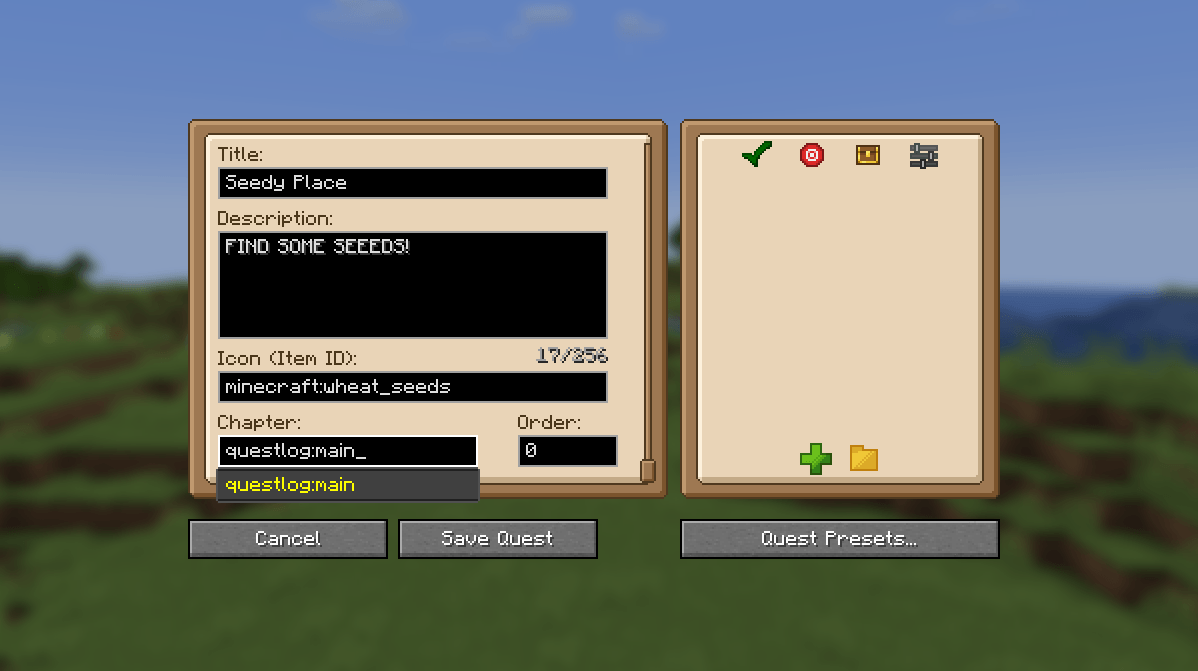
By default, the mod has no content. You have to add your own via writing quests and adding them! Just type /ql edit_mode into the chat, open the QL menu, and get started! There's even presets to expidite the process!

Check out the wiki for info on how to use Questlog!
https://moddedmc.wiki/en/project/questlog/latest/docs
You can also find example Quests to use as reference here:
https://github.com/infernalstudios/Questlog/tree/1.20.1/examples/questlog
After examining that, check out this Questlog generator to more easily create your own quests:
https://evanbowness.dev/questlog.html
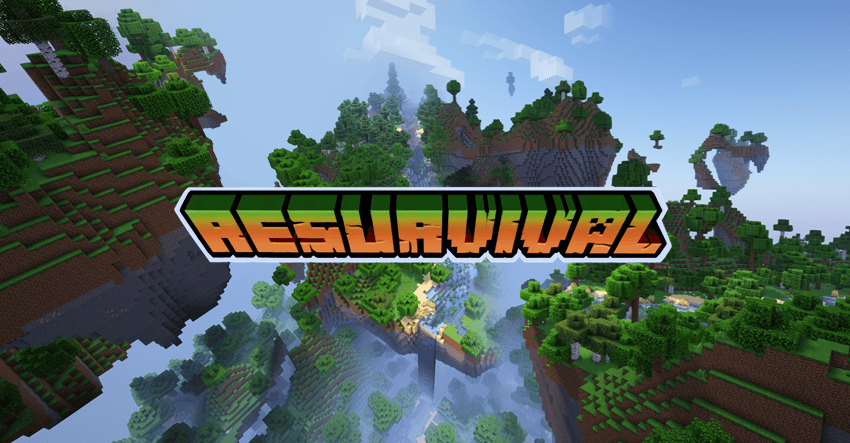
Check out the mod in action in the Resurvival modpack, which I would suggest examining as a template to help you write your own quests and make your own resource packs!
Hope this helps you make better modpacks! :D

Got a feature suggestion or an issue? Let us know on our GitHub! https://github.com/infernalstudios/Questlog/issues
Also, show us what you do with the mod in our Discord! https://discord.gg/UYGSn94
Wanna see the mod in action? Can't read?
Don't worry, I've got you covered!
- Edition: Minecraft Java
- File type: .jar
- Minecraft versions listed: 1.20.1, 1.21.1, 1.19.2
- How to install: Install the matching mod loader (Forge, Fabric or NeoForge) for your Minecraft version. → Download the .jar. → Put it in the .minecraft/mods folder and launch that loader profile.
- Where to get it: Opens on CurseForge — not every file is mirrored on our own servers.
Install steps are the general flow for this file type — How to install Minecraft Java mods & modpacks walks through it step by step.
- Ships as questlog-1.19.2-1.0.0.jar — drop this file into the mods folder
- Download size: 193 KB
- Download link checked 8 Oct 2026 — working
These come from our own check of the pack file, not from the source page.