Vanity: Core
Java mod listed for Minecraft 1.18–1.21. Downloads from the MC Java Mods app on Android.
⬇ Download on CurseForgeVanity, a way to customize your items
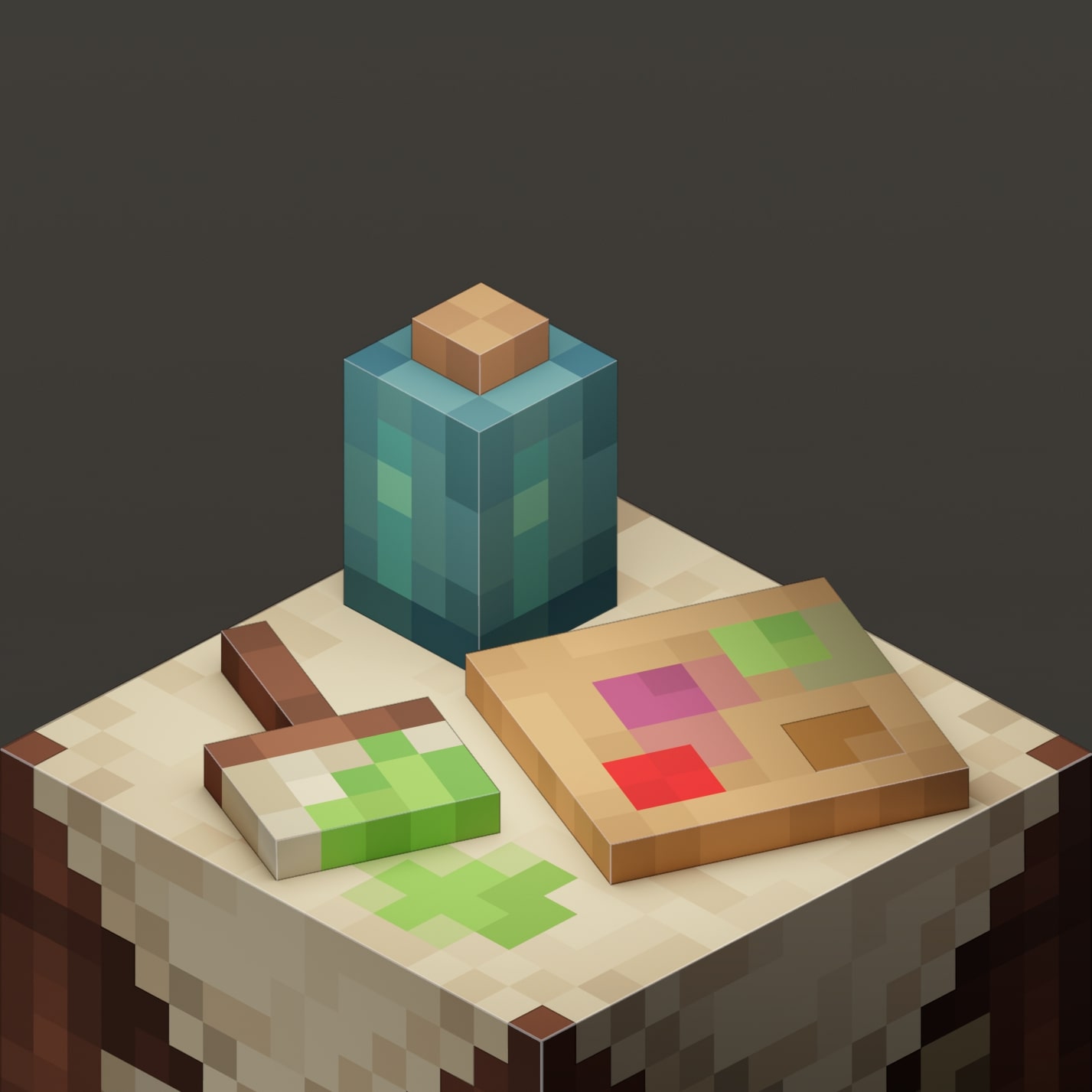
Vanity allows players to create custom skins for any item they choose! Driven by data and resource packs, Vanity allows you to make your own packs which include "Designs" that can be used in a Styling Table to apply a custom skin to an item defined in the data pack.
How to customize your items
To customize your items, you'll need a Styling Table - Crafted with four planks and two Leather. Insert your items in there, and the styles available will depend on the Vanity Packs you have downloaded, and the Designs you currently have placed inside the Styling Table.
Vanity Packs
To make a Vanity Pack, you should check out pre-existing ones, or even better, use our Template Vanity Pack. To check out existing Vanity Packs, check out the Vanity Gallery, where all vanity packs get added on request of their authors.
If you're looking for a place to discuss Vanity Pack creation, or want to meet the Vanity community, then Join my Discord
- Edition: Minecraft Java
- File type: .jar
- Minecraft versions listed: 1.21, 1.21.1, 1.20.4
- How to install: Install the matching mod loader (Forge, Fabric or NeoForge) for your Minecraft version. → Download the .jar. → Put it in the .minecraft/mods folder and launch that loader profile.
- Where to get it: Opens on CurseForge — not every file is mirrored on our own servers.
Install steps are the general flow for this file type — How to install Minecraft Java mods & modpacks walks through it step by step.
Vanity: Core is a free Minecraft Java mod. Compatible with Minecraft 1.21, 1.21.1, 1.20.4, 1.20.1 and newer. Downloaded 1,064,286 times (via CurseForge). Download it and open it directly in the game.