Nolijium Mod offers a variety of features that improve gameplay and customization. The mod includes options to customize chat history, tooltips, and even the rendering of stars and fog. It also offers advanced HUD features for accurate FPS tracking and various toggles for weather, particles, and more.
Features:
- Light level overlay toggle (NeoForge 21+ exclusive)
- Maximum chat history customization
- Miscellaneous chat enhancements
- Advanced tooltip info toggle
- Star renderer customization options
- Fog customization options
- HUD with accurate & efficient FPS tracking including 0.1% lows
- MC-26678 revert
- Potion revert (adds back potion glint and reverts colors)
- Opaque block outlines toggle
- Texture animation toggle
- Sky rendering toggle
- Weather toggles
- Font shadow toggle
- Toast toggles
- Particle toggles
- Chroma block outlines, block shape overlay, tooltips, & HUD
- Global config file (config is synced between instances on the same machine)
- Optional Embeddium integration
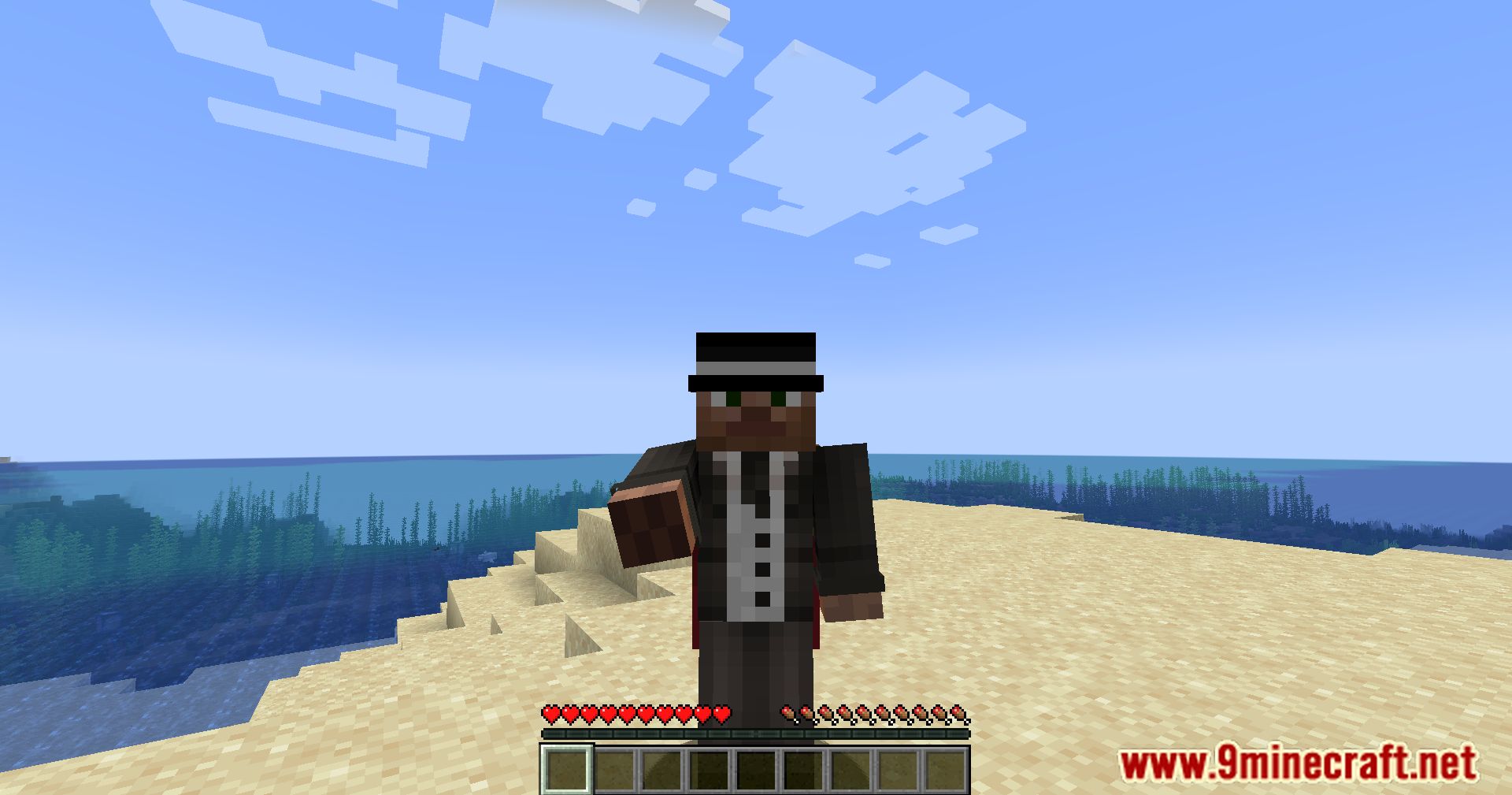
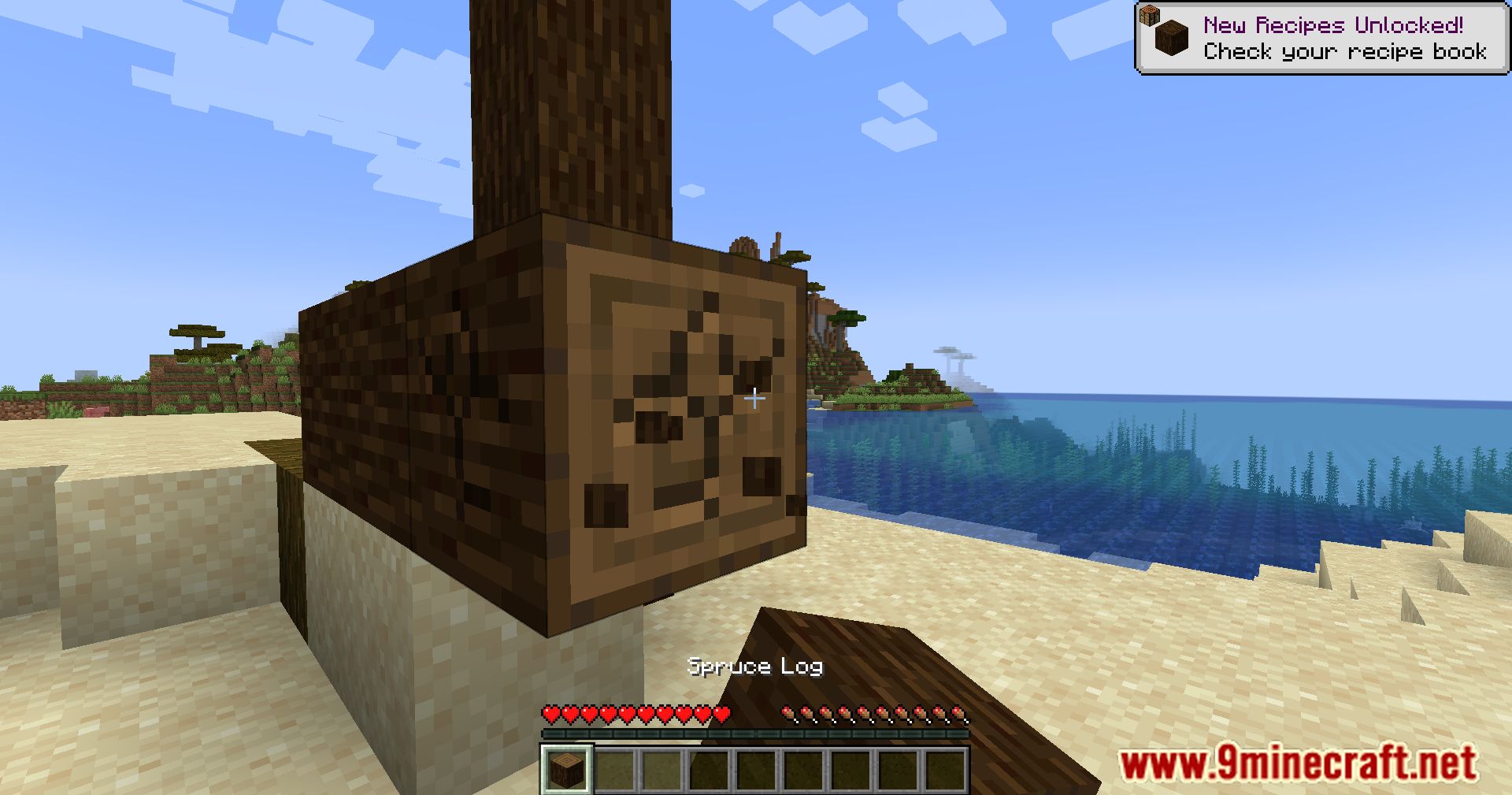
Screenshots:
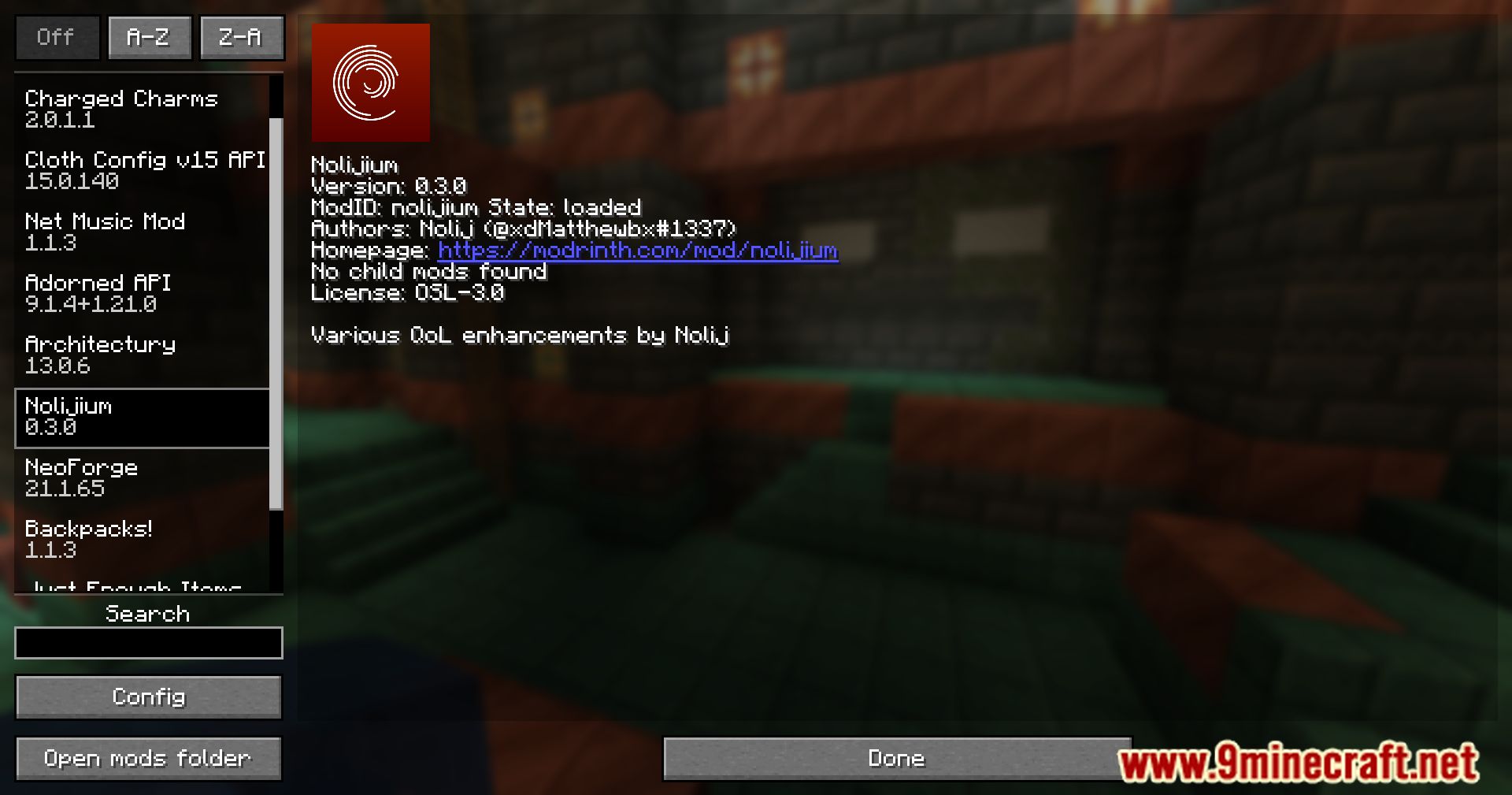
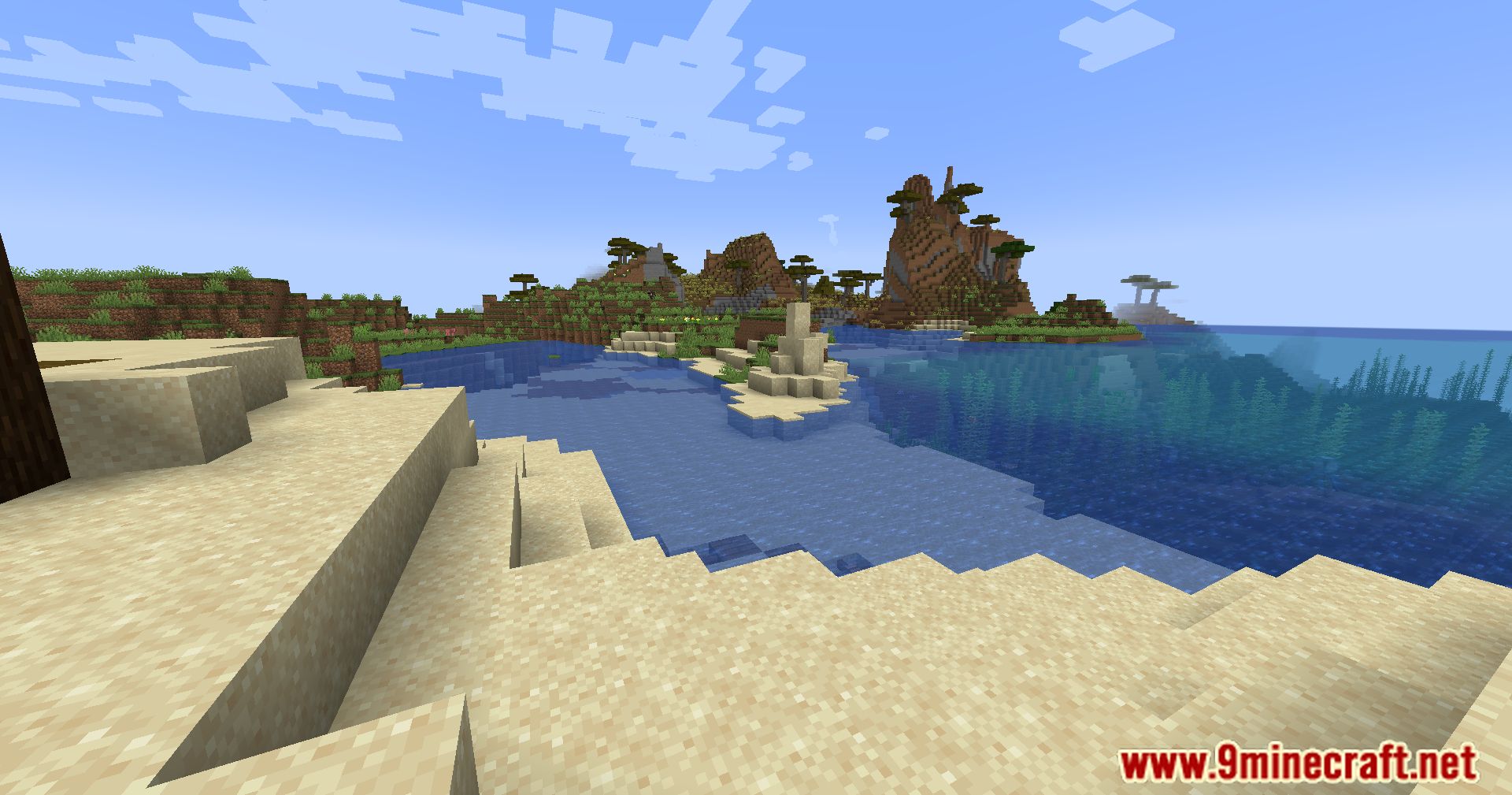
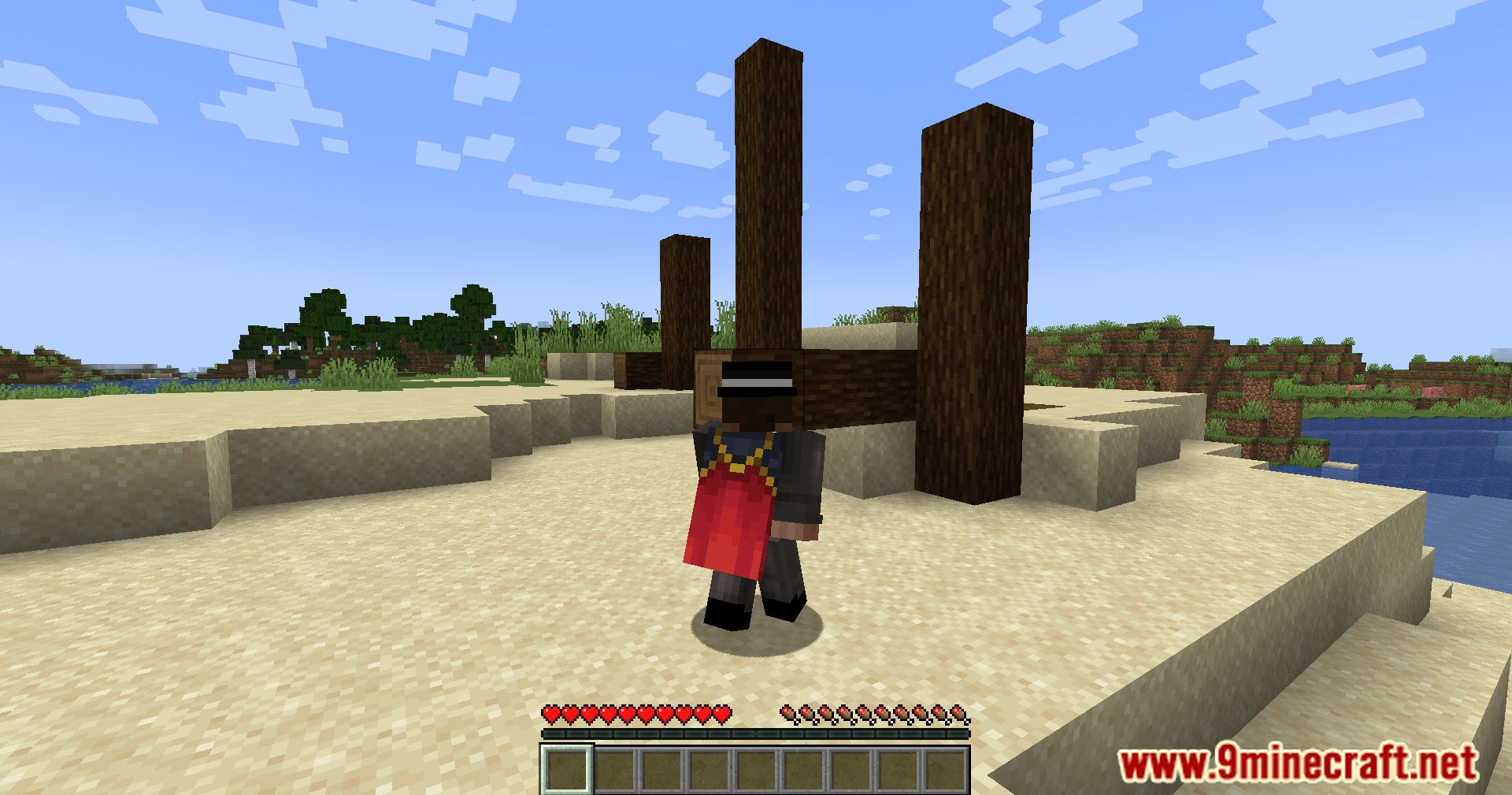
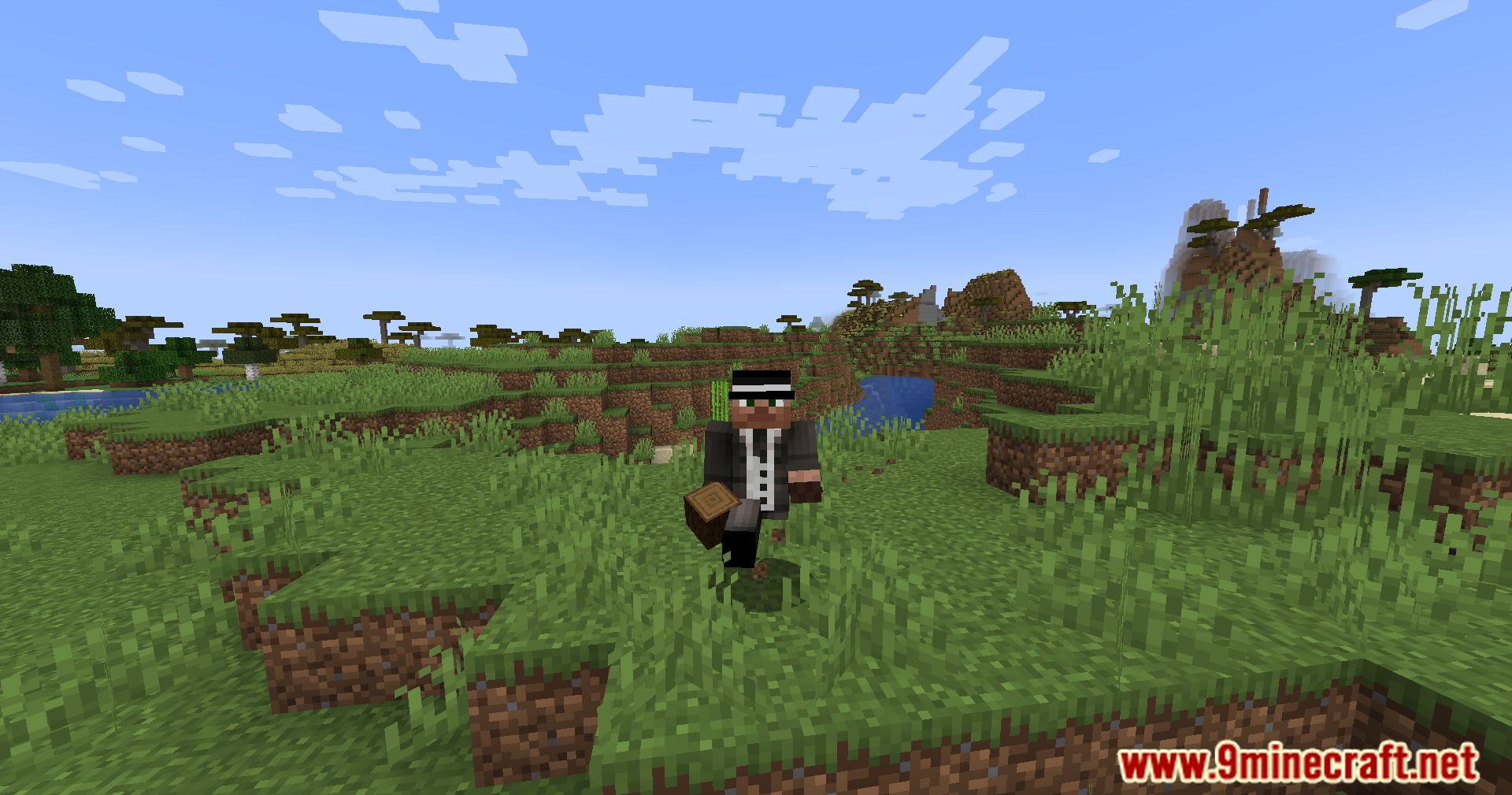
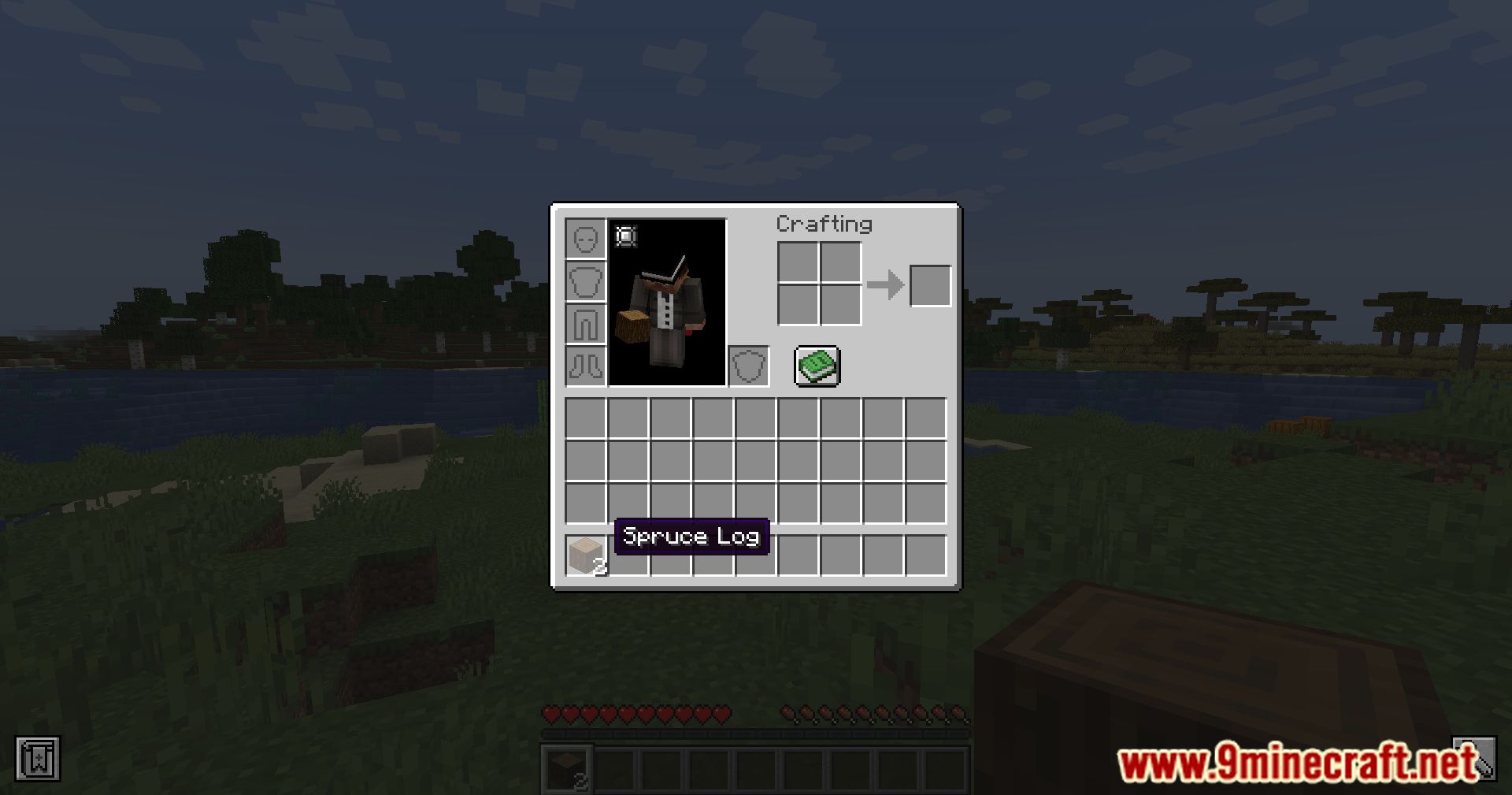
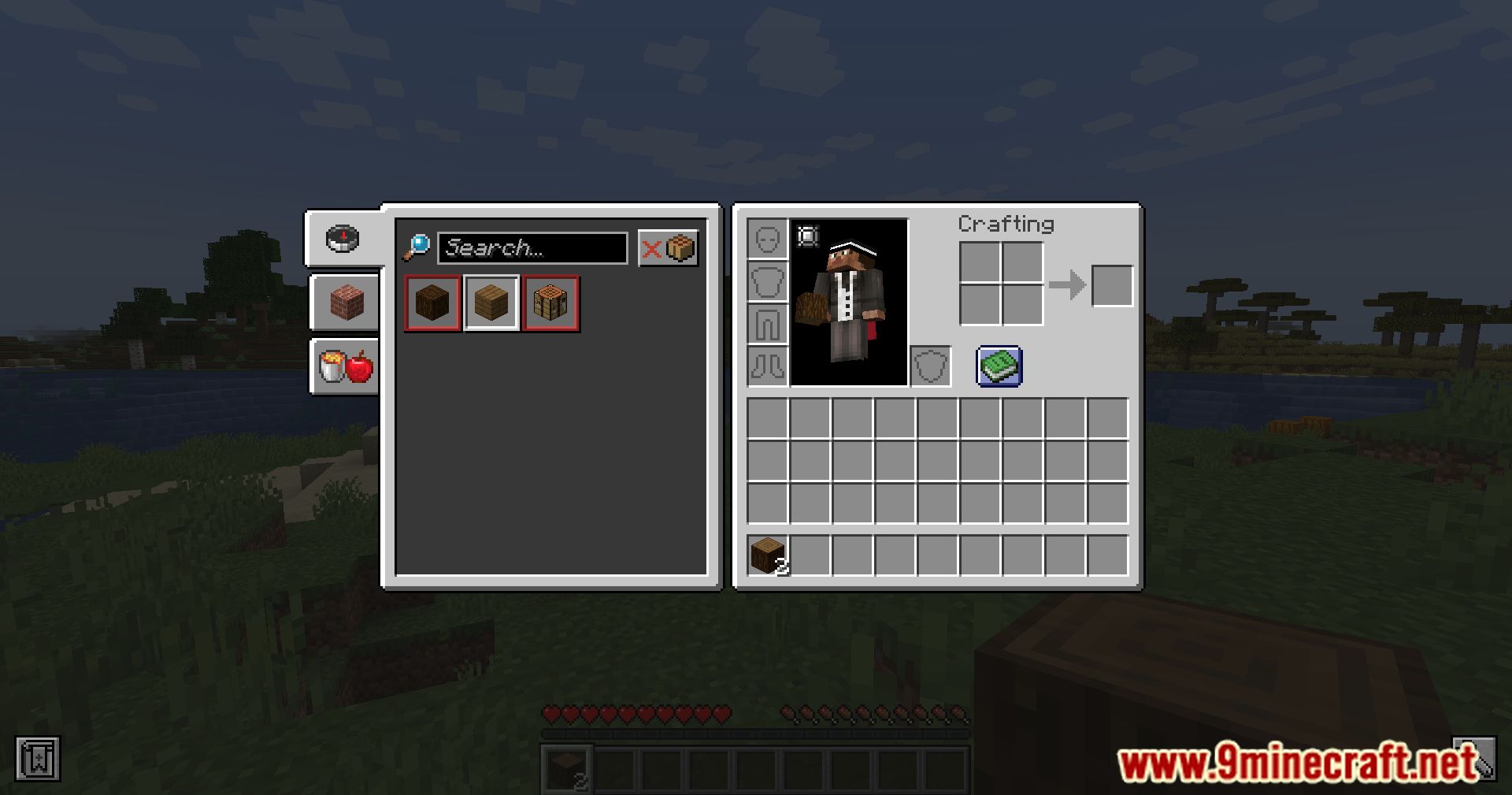
Nolijium Mod Download Links
For All Versions from Minecraft 1.20.1 to Minecraft 1.21.1
Forge/NeoForge Version: Download from Server 1 – Download from Server 2
Quick facts
- Edition: Minecraft Java
- File type: .jar
- Minecraft versions listed: 1.21.1, 1.20.1
- How to install: Install the matching mod loader (Forge, Fabric or NeoForge) for your Minecraft version. → Download the .jar. → Put it in the .minecraft/mods folder and launch that loader profile.
- Where to get it: In MC Java Mods, or directly above on this page.
Install steps are the general flow for this file type — How to install Minecraft Java mods & modpacks walks through it step by step.
Verified by MCModsHub
- Downloads as 199322.mcaddon
- Download size: 308 KB
- Download link checked 29 Jul 2026 — working
- Mirrored on our own servers — the download does not depend on the original host
These come from our own check of the pack file, not from the source page.