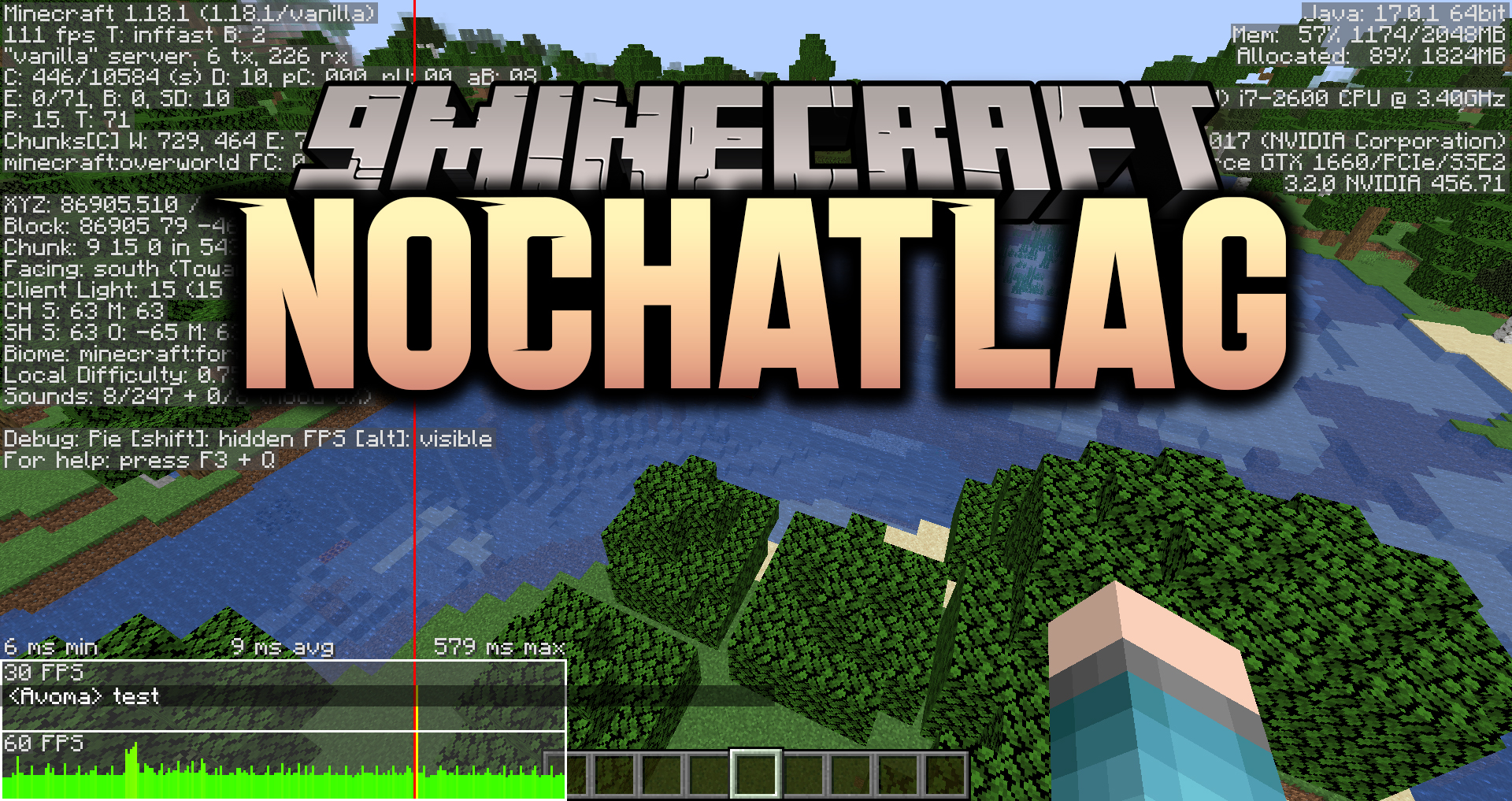
NoChatLag Mod fixes lag spikes caused by chat by checking the blacklist on a different thread. A couple of days ago, something changed in Mojang’s blocked users API, causing the client to not properly load the list of blocked users on start. Because of this, the client will attempt to fetch the blocklist every two minutes when the chat is being rendered. This loading is done on the same thread as the rendering, causing the game to freeze until Mojang’s API returns a response. Since the requests takes a while to complete, this will cause a noticeable lag spike. This issue is being tracked in Mojira issue WEB-5587: Chat causing subtle freezing after no activity in chat.
Requires:
Minecraft Forge or Fabric API
NoChatLag Mod Download Links
For Minecraft 1.18.2, 1.18.1, 1.17.1
Forge version: Download from Server 1 – Download from Server 2
Fabric version: Download from Server 1 – Download from Server 2
For Minecraft 1.16.5
Forge version: Download from Server 1 – Download from Server 2
Fabric version: Download from Server 1 – Download from Server 2
- Edition: Minecraft Java
- File type: .jar
- Minecraft versions listed: 1.18.2, 1.16.5
- How to install: Install the matching mod loader (Forge, Fabric or NeoForge) for your Minecraft version. → Download the .jar. → Put it in the .minecraft/mods folder and launch that loader profile.
- Where to get it: In MC Java Mods, or directly above on this page.
Install steps are the general flow for this file type — How to install Minecraft Java mods & modpacks walks through it step by step.
- Downloads as 199363.mcaddon
- Download size: 35 KB
- Download link checked 29 Jul 2026 — working
- Mirrored on our own servers — the download does not depend on the original host
These come from our own check of the pack file, not from the source page.