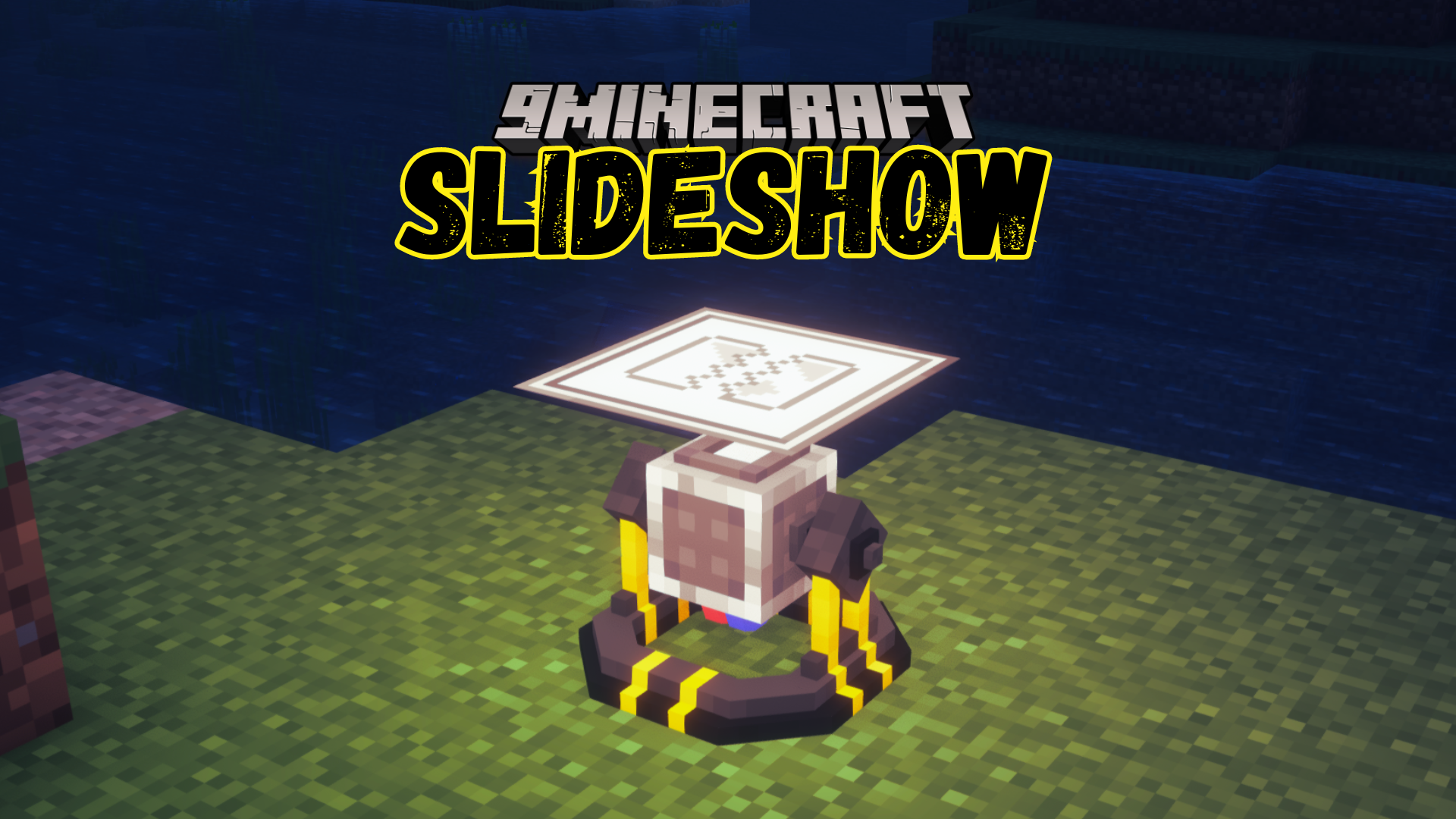
Slideshow Mod (1.21.1, 1.20.1) – Adds a Slideshow Projector Block
Java mod listed for Minecraft 1.20–1.21. Download on the author's site.
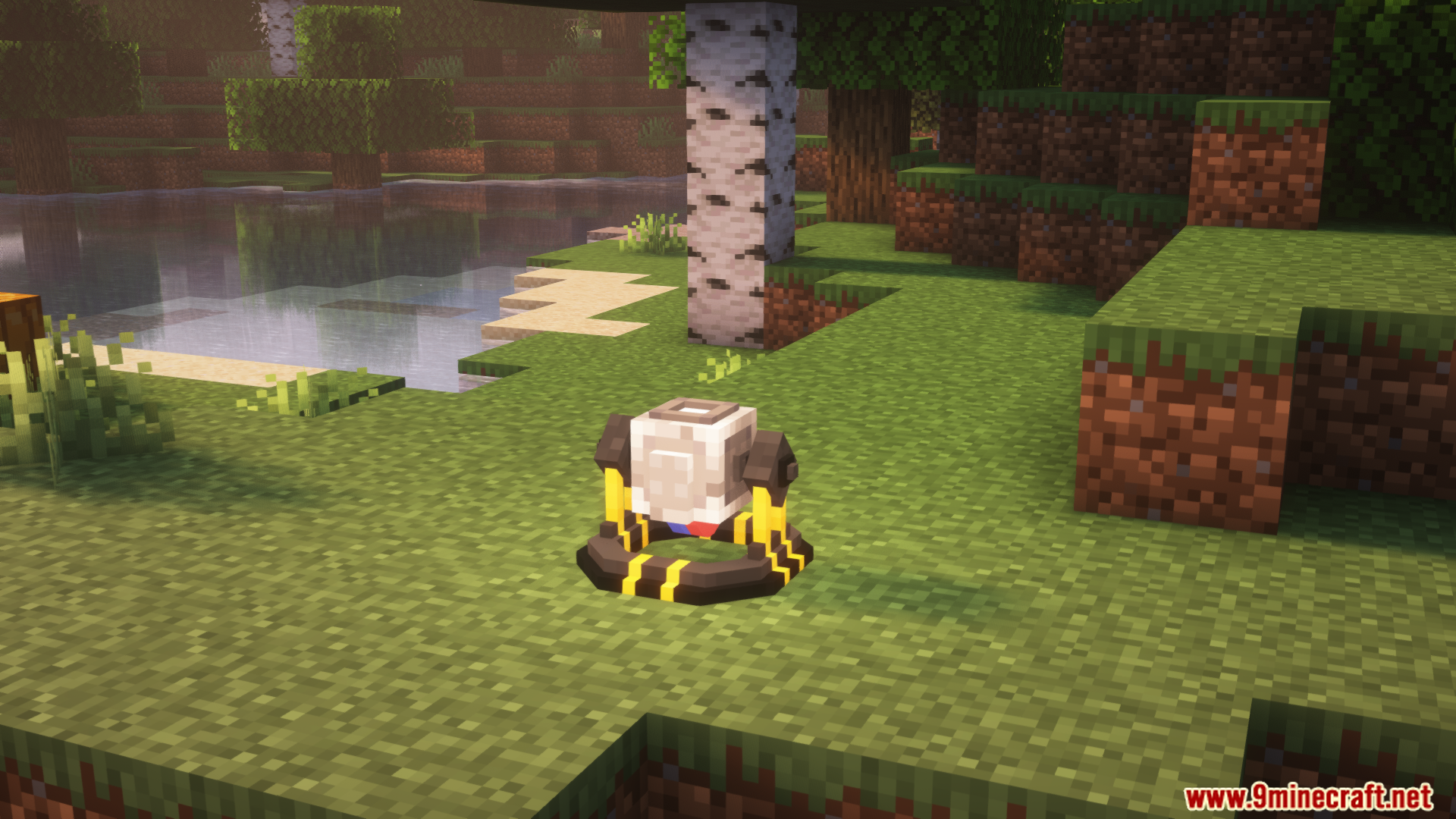
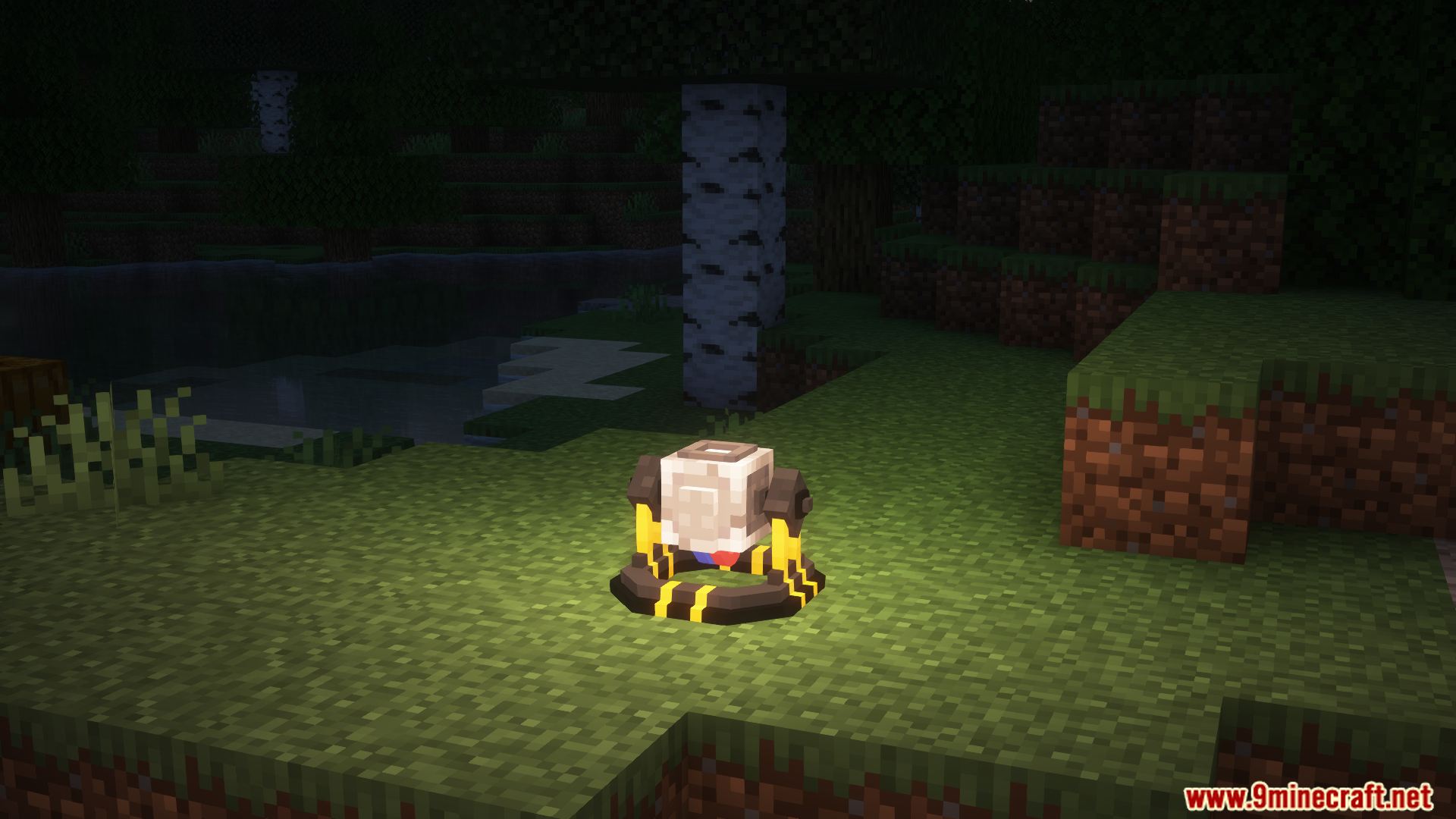
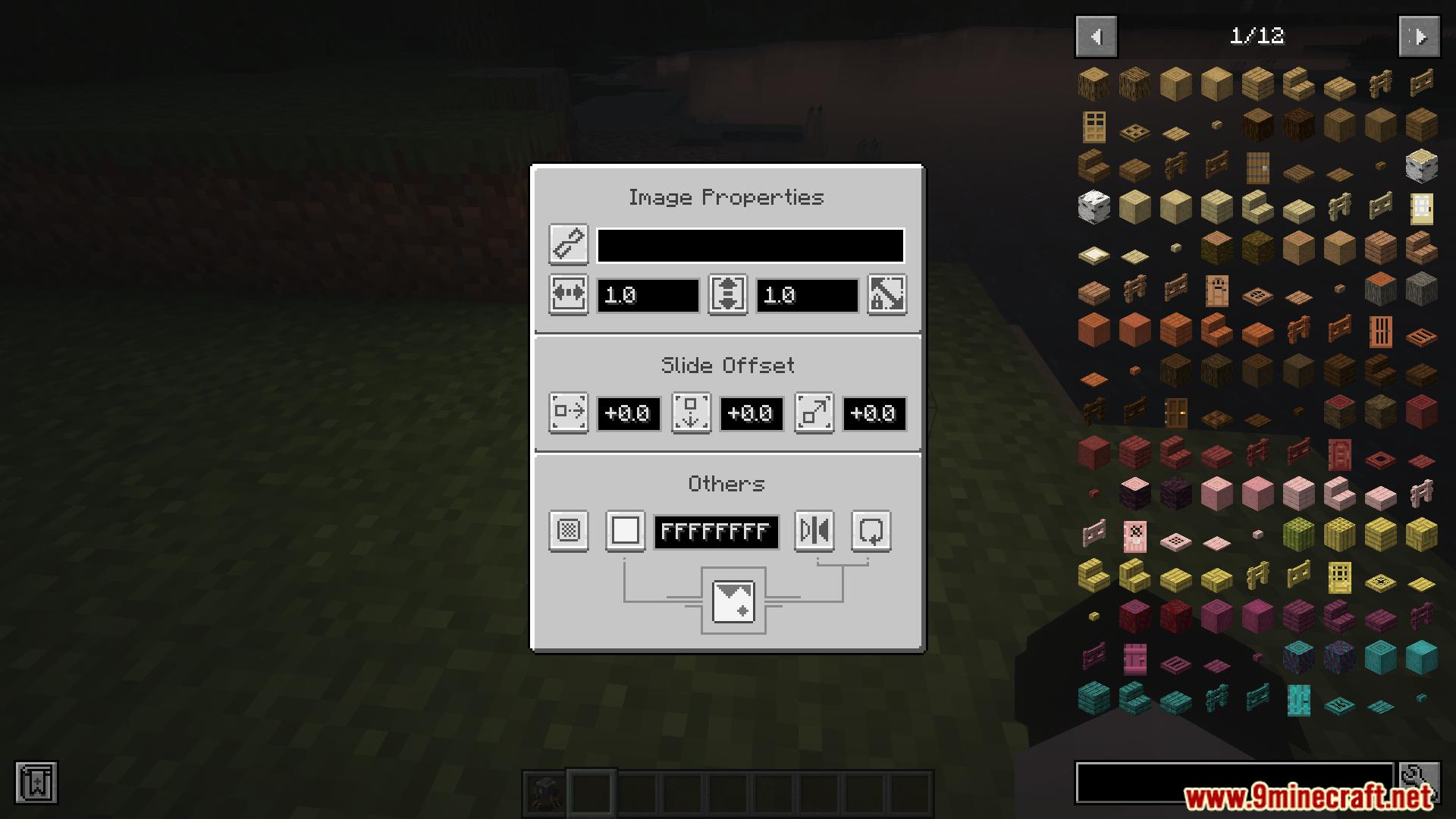
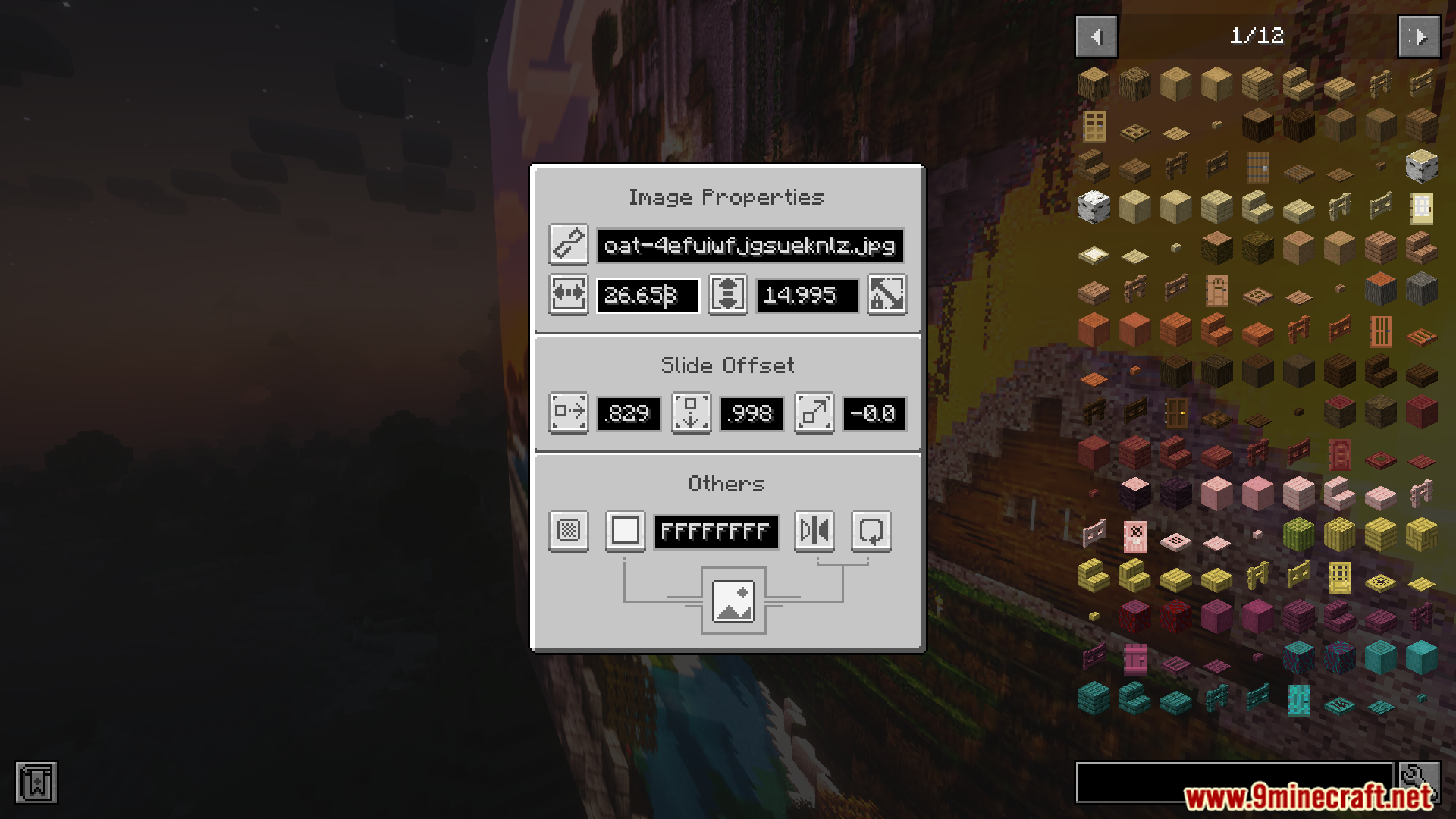
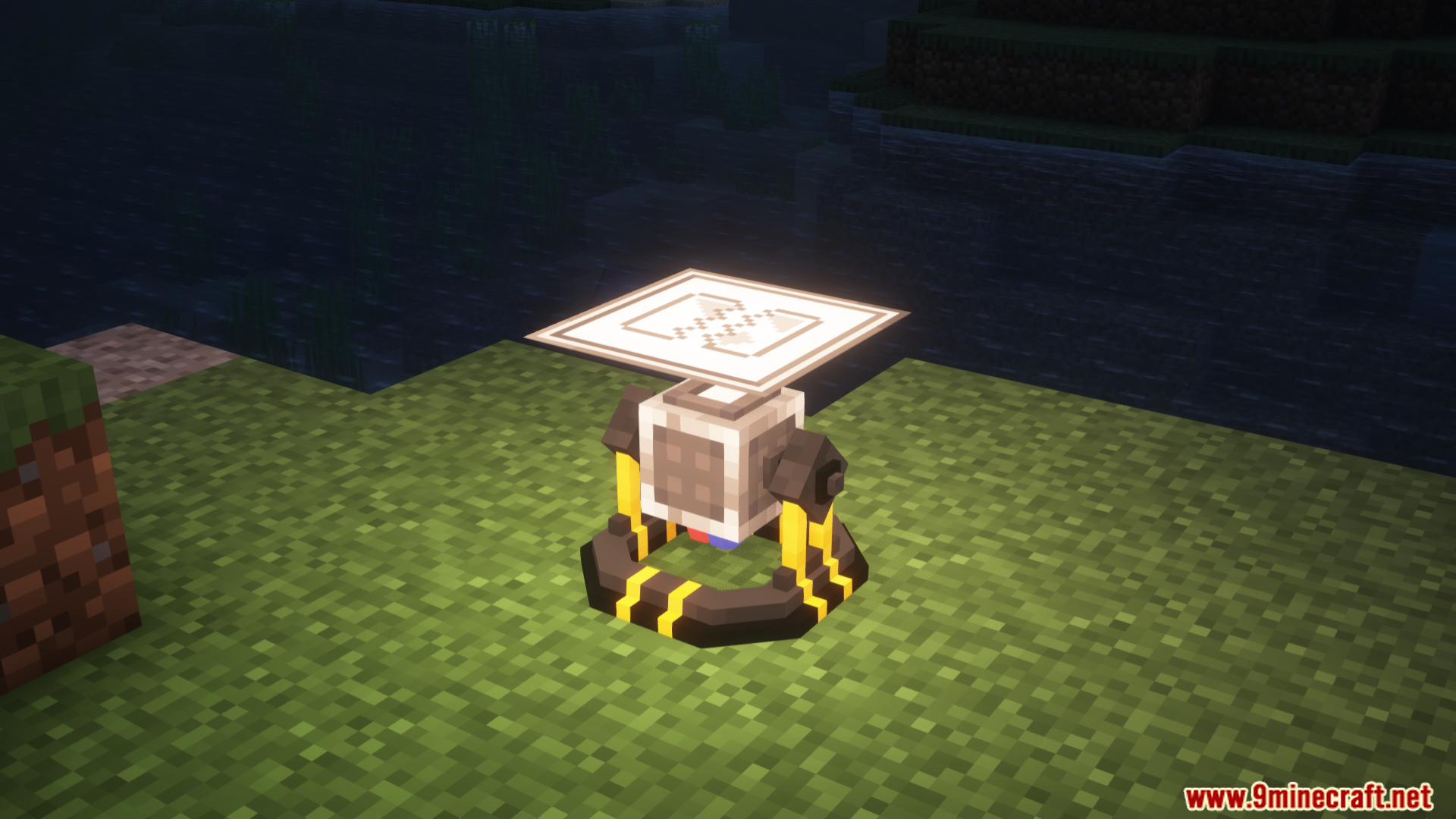
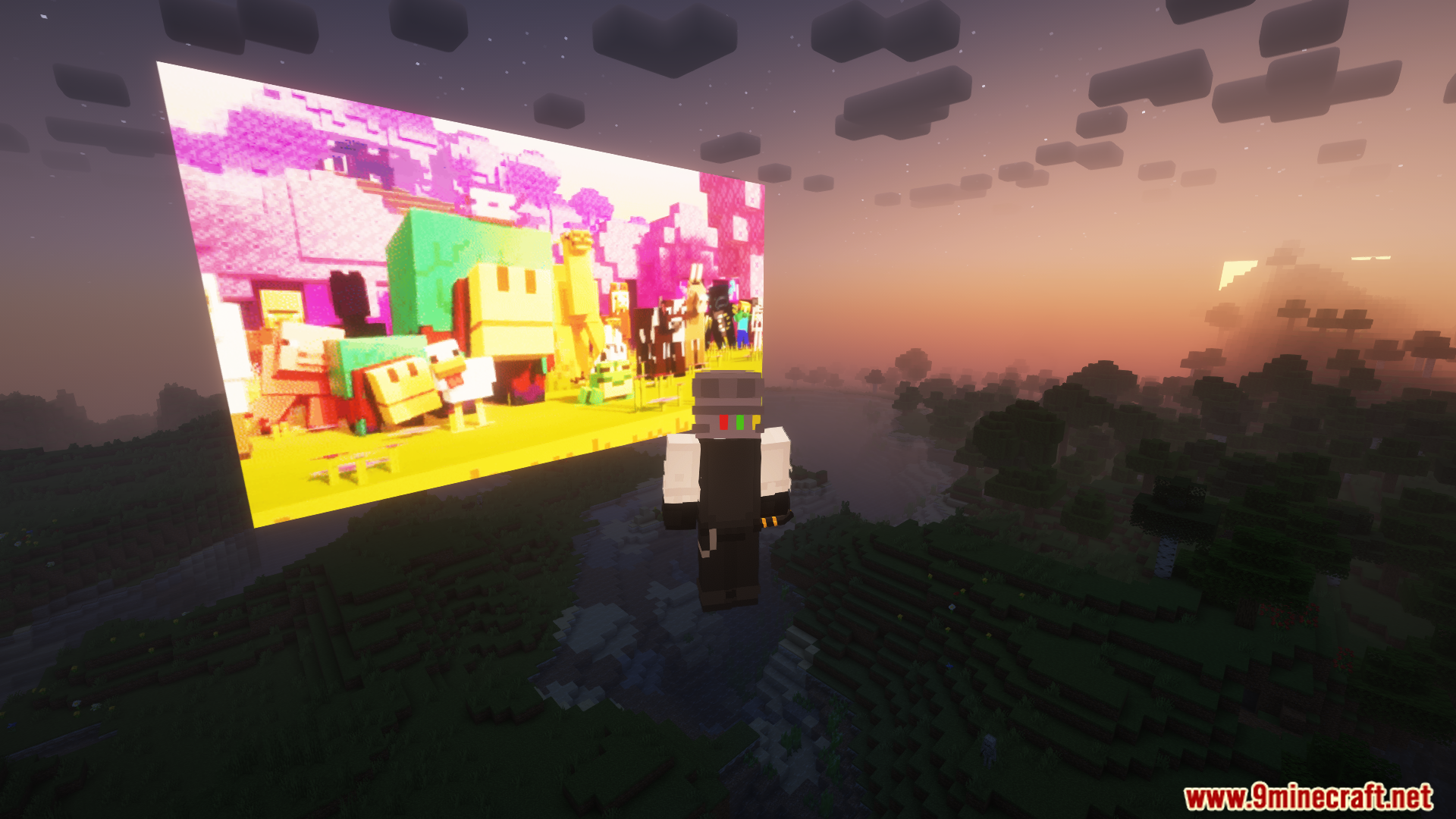
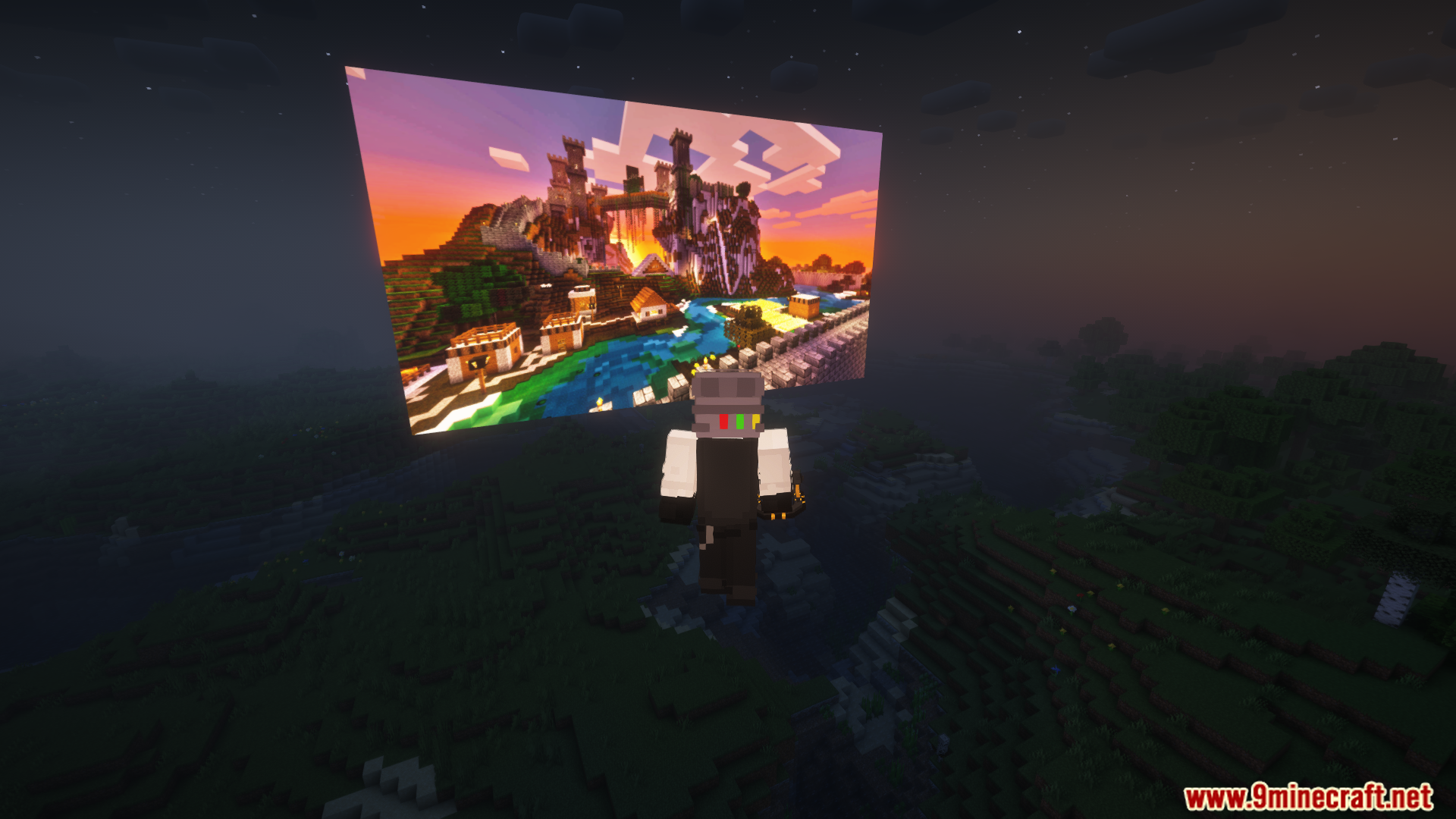
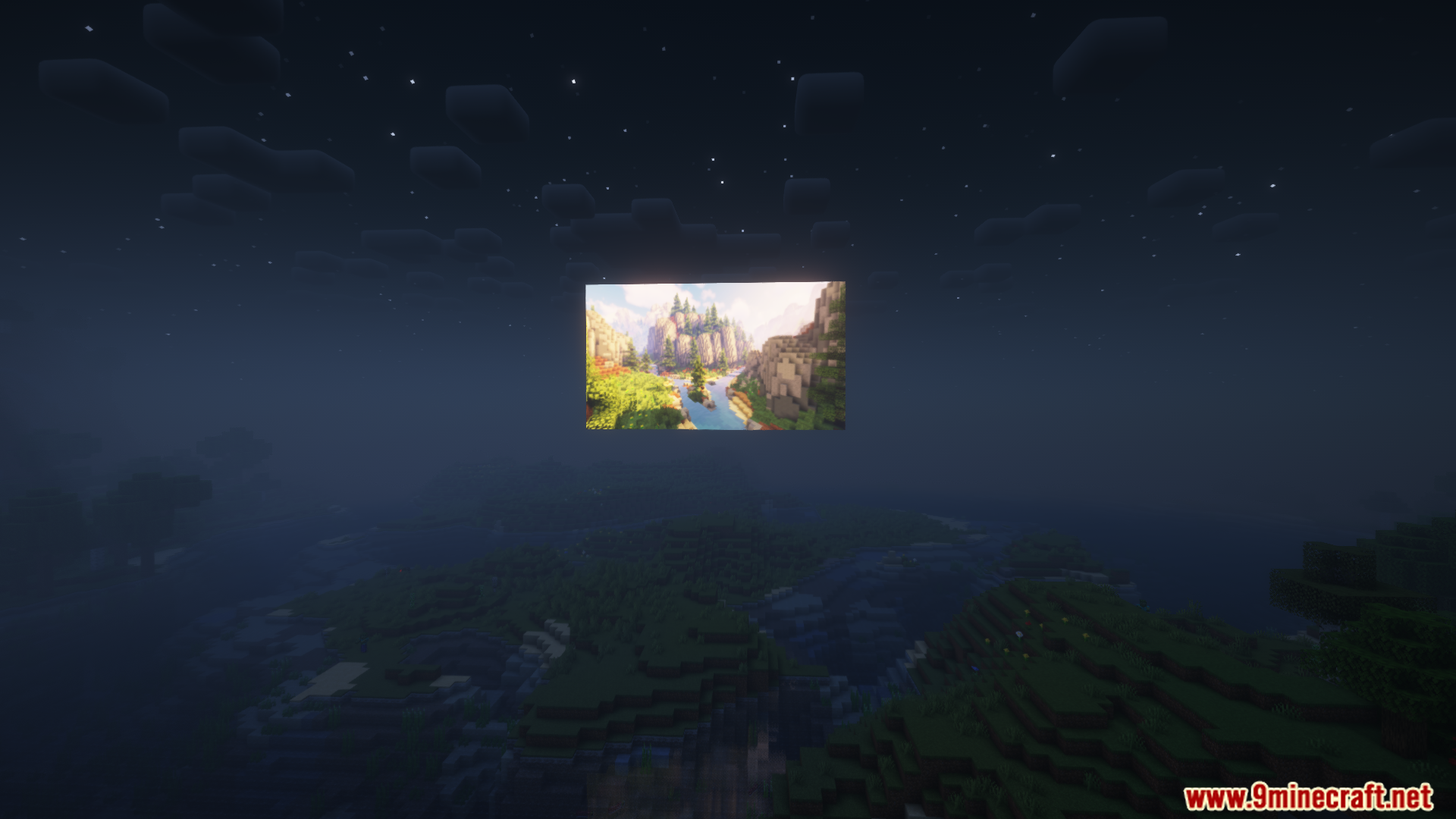
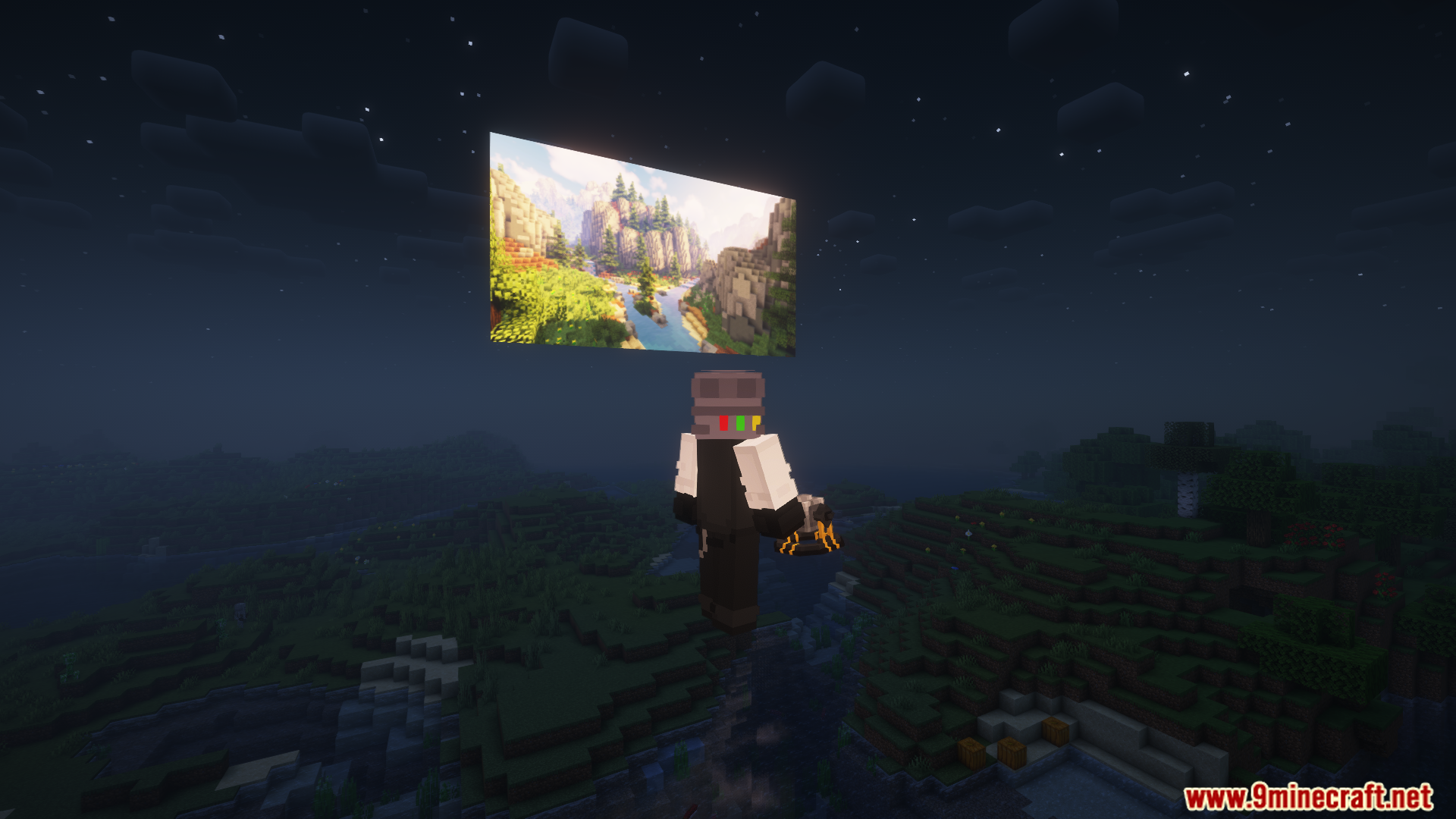
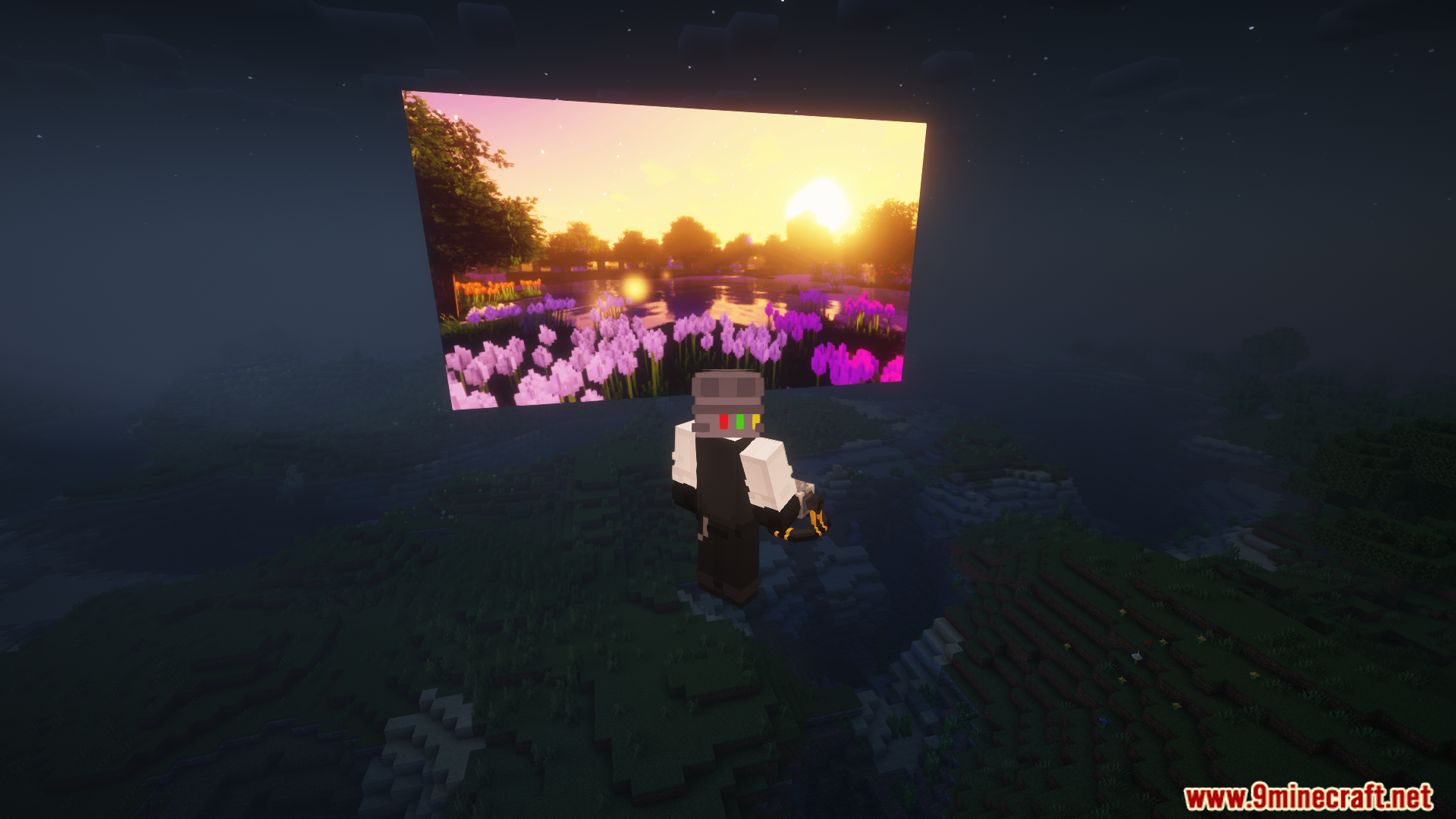
⬇ DownloadSlideshow Mod adds the Slideshow Projector, which projects images from the internet in Minecraft, from simple pictures to moving GIFs. You can use it by right-clicking the block, pasting the image URL, and choosing how the image should appear. You can adjust the size, position, and direction of the projector.
Features:
- Adds a Slideshow Projector block that can display images and GIFs.
- Allows you to project online images into the Minecraft world.
- Right-click the block to add an image URL and adjust the image’s size, position, and orientation.
- Compatible with both Fabric and Forge versions.
Screenshots:
Requires:
Fabric API, Fabric Loader
Slideshow Mod Download Links
For Minecraft 1.21.1, 1.21
Fabric Version: Download from Server 1 – Download from Server 2
For Minecraft 1.20.4
Fabric Version: Download from Server 1 – Download from Server 2
For Minecraft 1.20.1
Fabric Version: Download from Server 1 – Download from Server 2
For Minecraft 1.19.4
Fabric Version: Download from Server 1 – Download from Server 2
For Minecraft 1.19.2
Fabric Version: Download from Server 1 – Download from Server 2
For Minecraft 1.18.2
Fabric Version: Download from Server 1 – Download from Server 2
For Minecraft 1.17.1
Fabric Version: Download from Server 1 – Download from Server 2
For Minecraft 1.16.5
Fabric Version: Download from Server 1 – Download from Server 2
- Edition: Minecraft Java
- File type: .jar
- Minecraft versions listed: 1.21.1, 1.20.1
- How to install: Install the matching mod loader (Forge, Fabric or NeoForge) for your Minecraft version. → Download the .jar. → Put it in the .minecraft/mods folder and launch that loader profile.
- Where to get it: Opens on the file's original source — not every file is mirrored on our own servers.
Install steps are the general flow for this file type — How to install Minecraft Java mods & modpacks walks through it step by step.
Slideshow Mod (1.21.1, 1.20.1) – Adds a Slideshow Projector Block is a free Minecraft Java mod. Compatible with Minecraft 1.21.1, 1.20.1. Download it and open it directly in the game.