
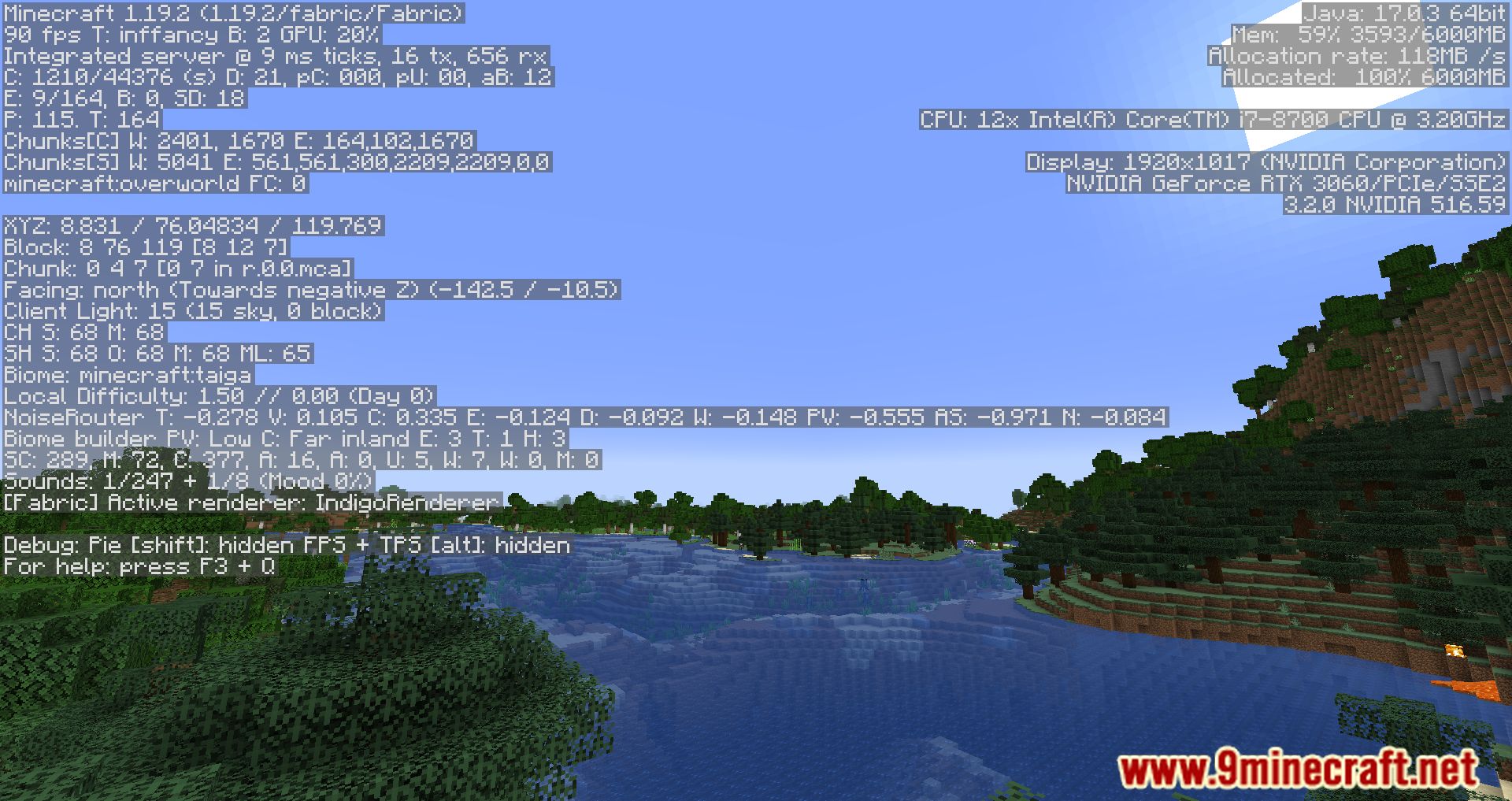
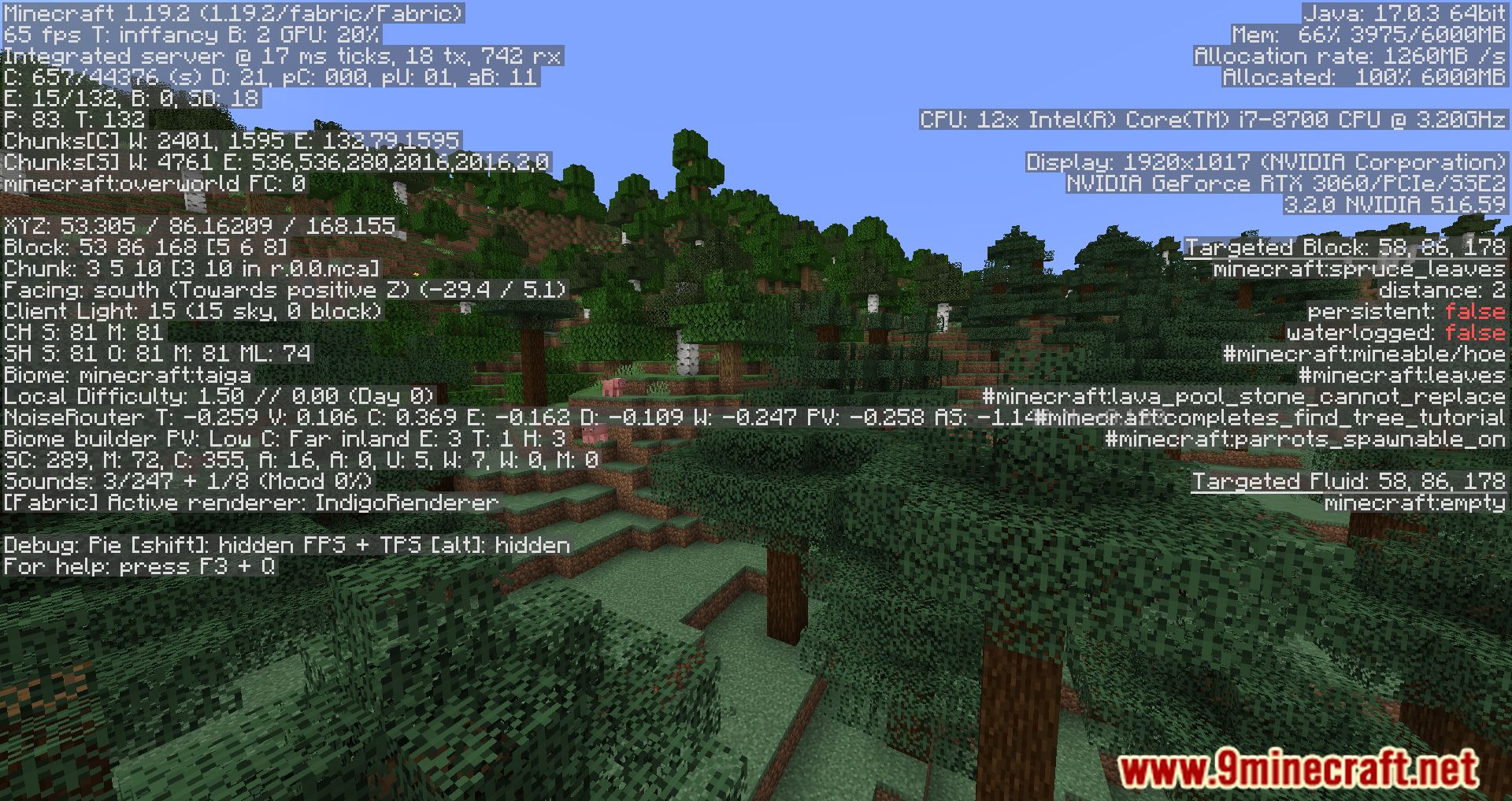
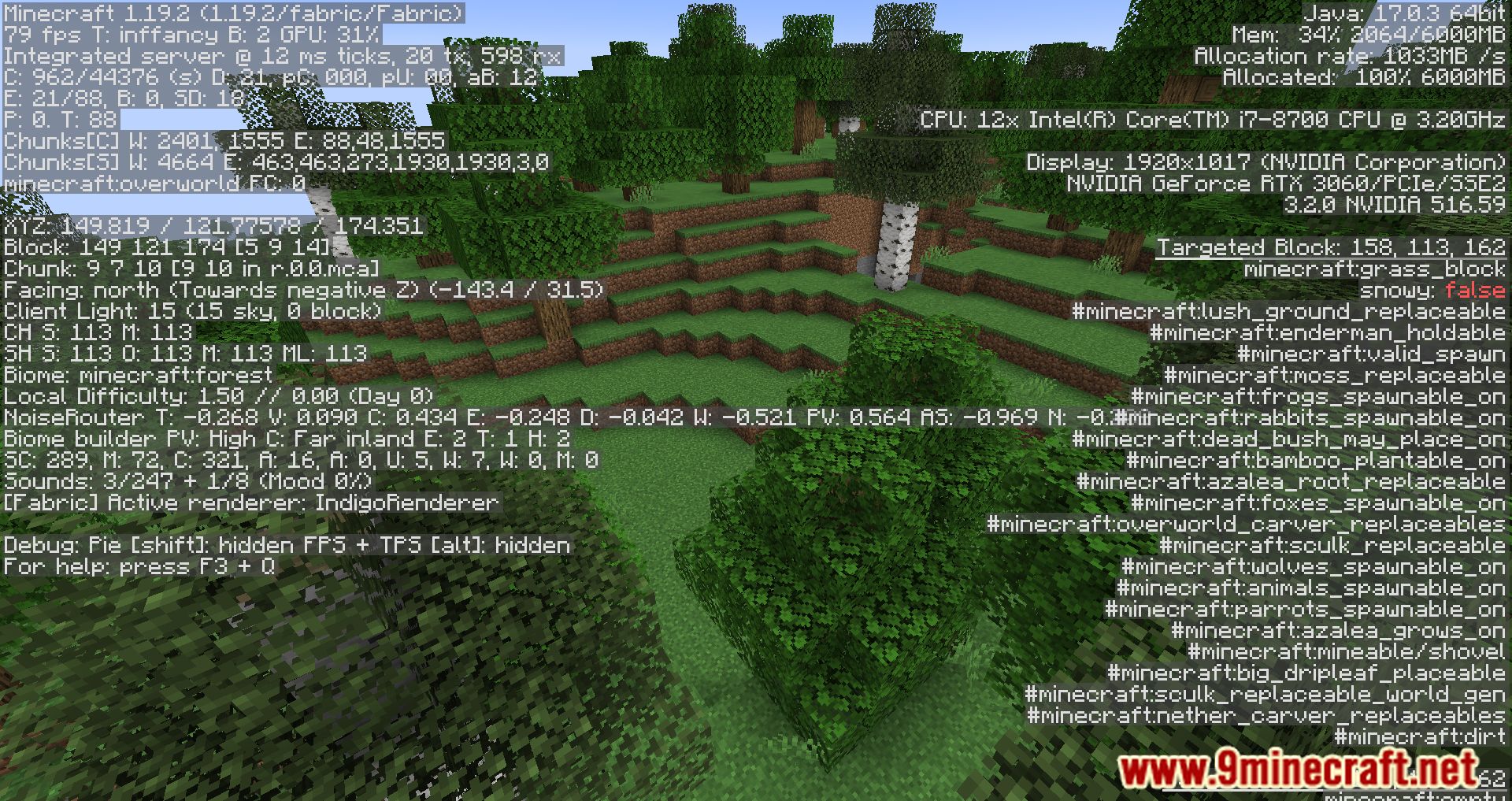
Server Tick Mod allows the TPS (Ticks Per Second) graph, which is normally visible in the F3 Debug screen in singleplayer, to also work on multiplayer servers. This can be useful for server administrators and players who want to monitor the server’s performance in real-time.
Features:
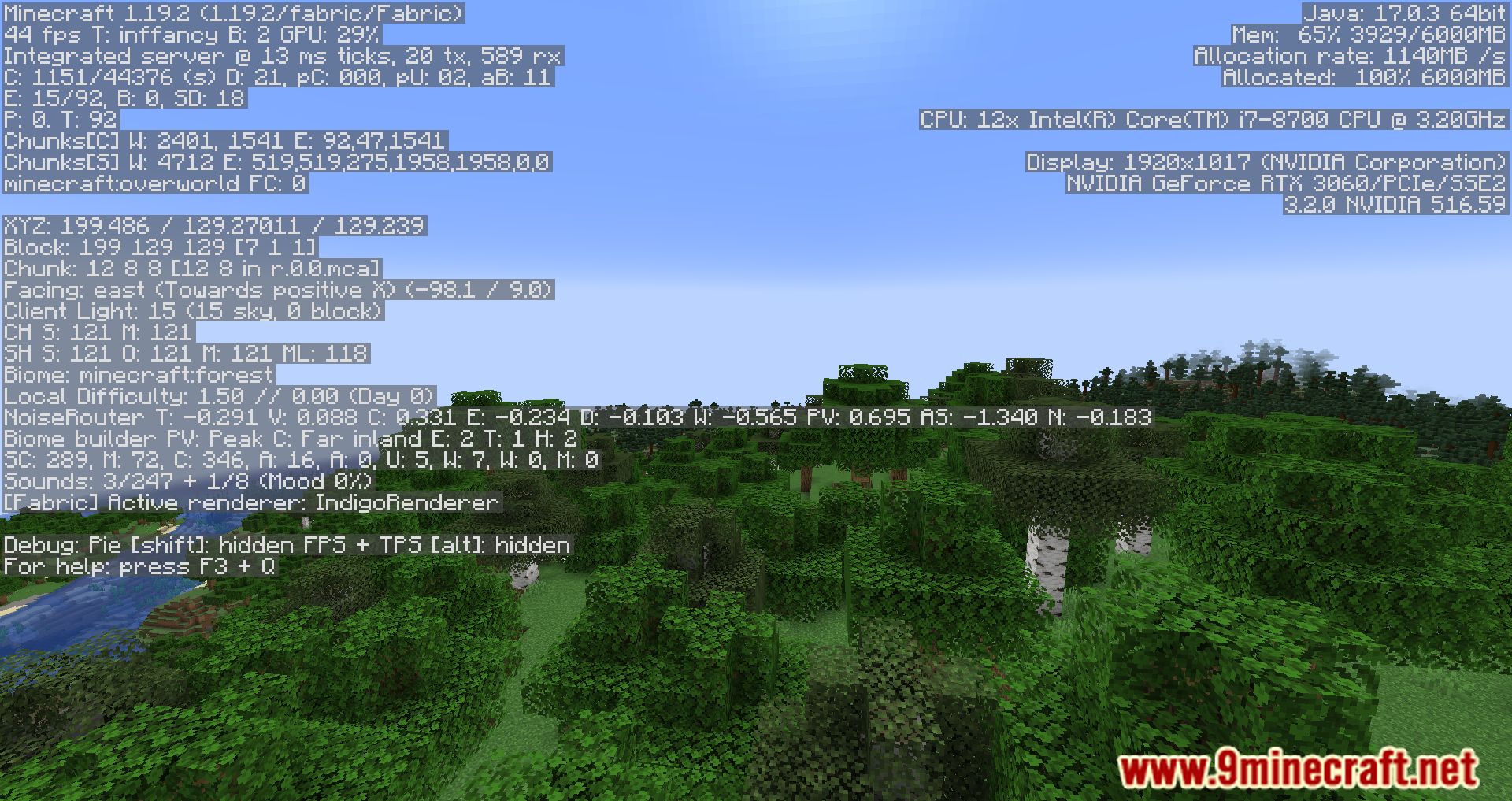
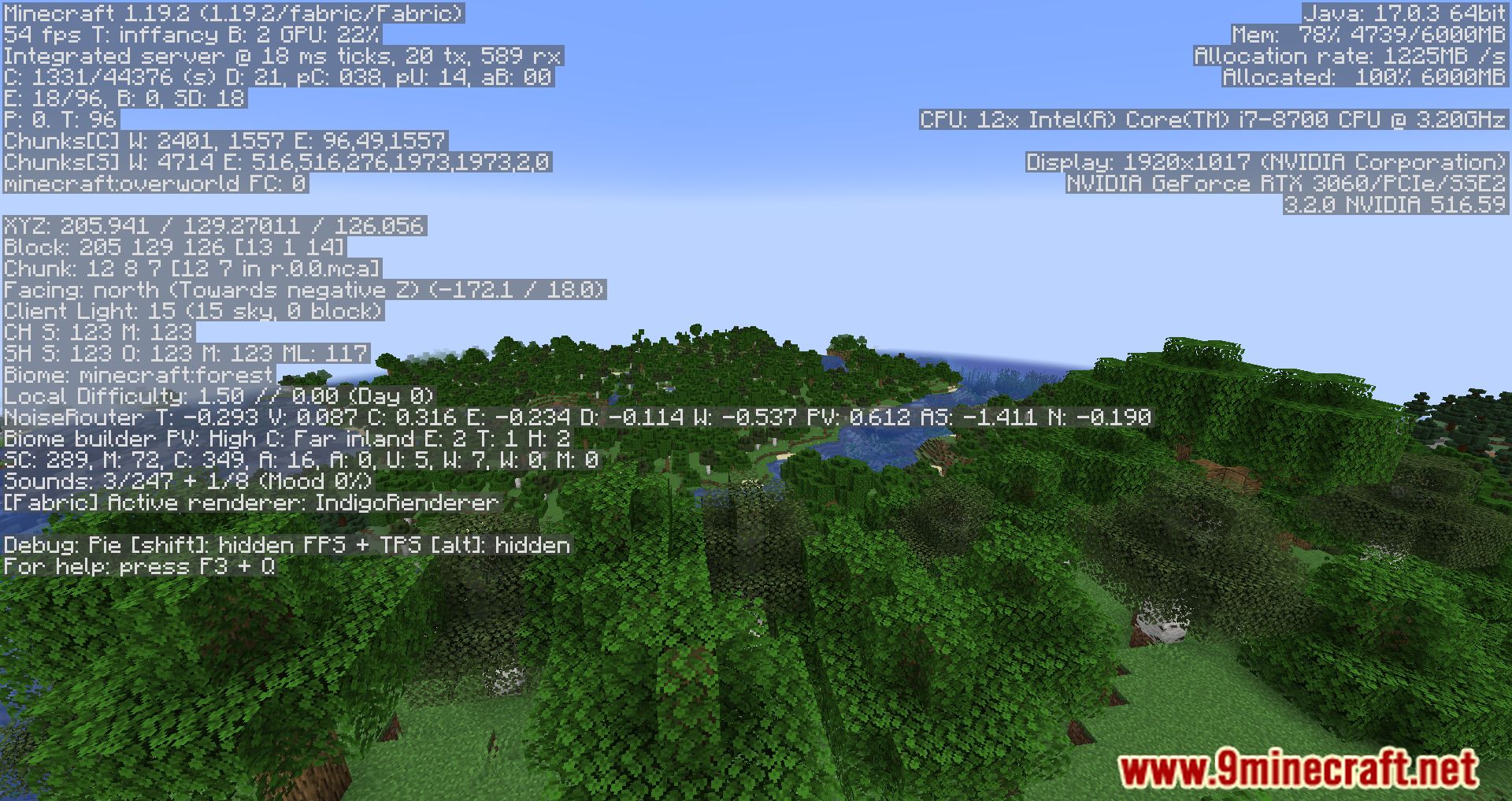
- The mod makes the TPS graph visible on servers, similar to how it appears in singleplayer.
- By default, only operators (ops) can see the graph, but this can be configured to allow other players to view it as well.
- On LAN games, everyone can see the TPS graph without restrictions.
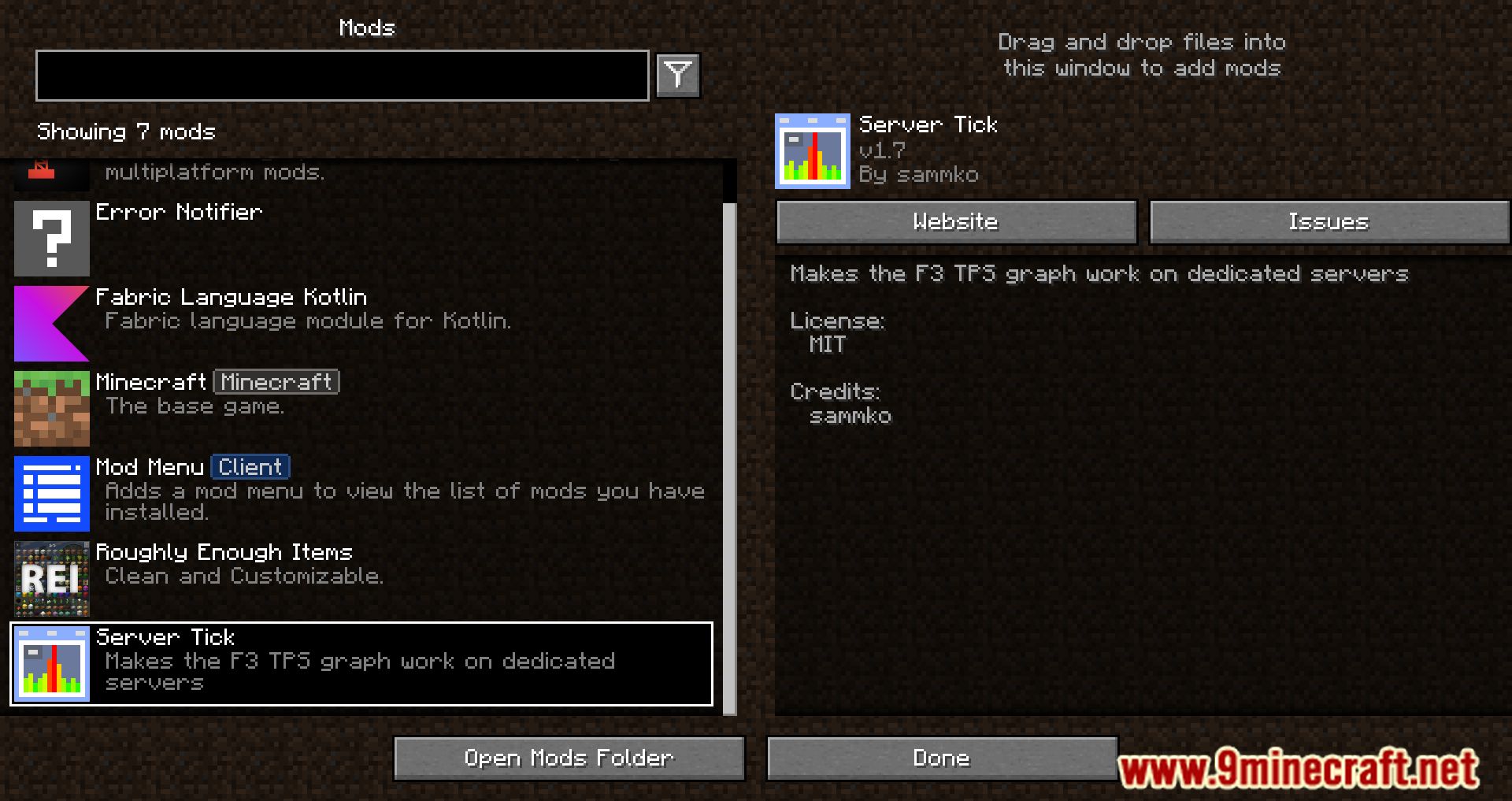
Screenshots:


Server Tick Mod Download Links
For Minecraft 1.20.2
Fabric version: Download from Server 1 – Download from Server 2
For Minecraft 1.20.1, 1.20
Fabric version: Download from Server 1 – Download from Server 2
For Minecraft 1.19.4, 1.19.3, 1.19.2, 1.19.1
Fabric version: Download from Server 1 – Download from Server 2
For Minecraft 1.18.2, 1.18.1
Fabric version: Download from Server 1
For Minecraft 1.17.1
Fabric version: Download from Server 1
For Minecraft 1.16.5
Fabric version: Download from Server 1 – Download from Server 2
- Edition: Minecraft Java
- File type: .jar
- Minecraft versions listed: 1.20.2, 1.20.1
- How to install: Install the matching mod loader (Forge, Fabric or NeoForge) for your Minecraft version. → Download the .jar. → Put it in the .minecraft/mods folder and launch that loader profile.
- Where to get it: In MC Java Mods, or directly above on this page.
Install steps are the general flow for this file type — How to install Minecraft Java mods & modpacks walks through it step by step.
- Downloads as 199379.mcaddon
- Download size: 76 KB
- Download link checked 17 Jul 2026 — working
- Mirrored on our own servers — the download does not depend on the original host
These come from our own check of the pack file, not from the source page.