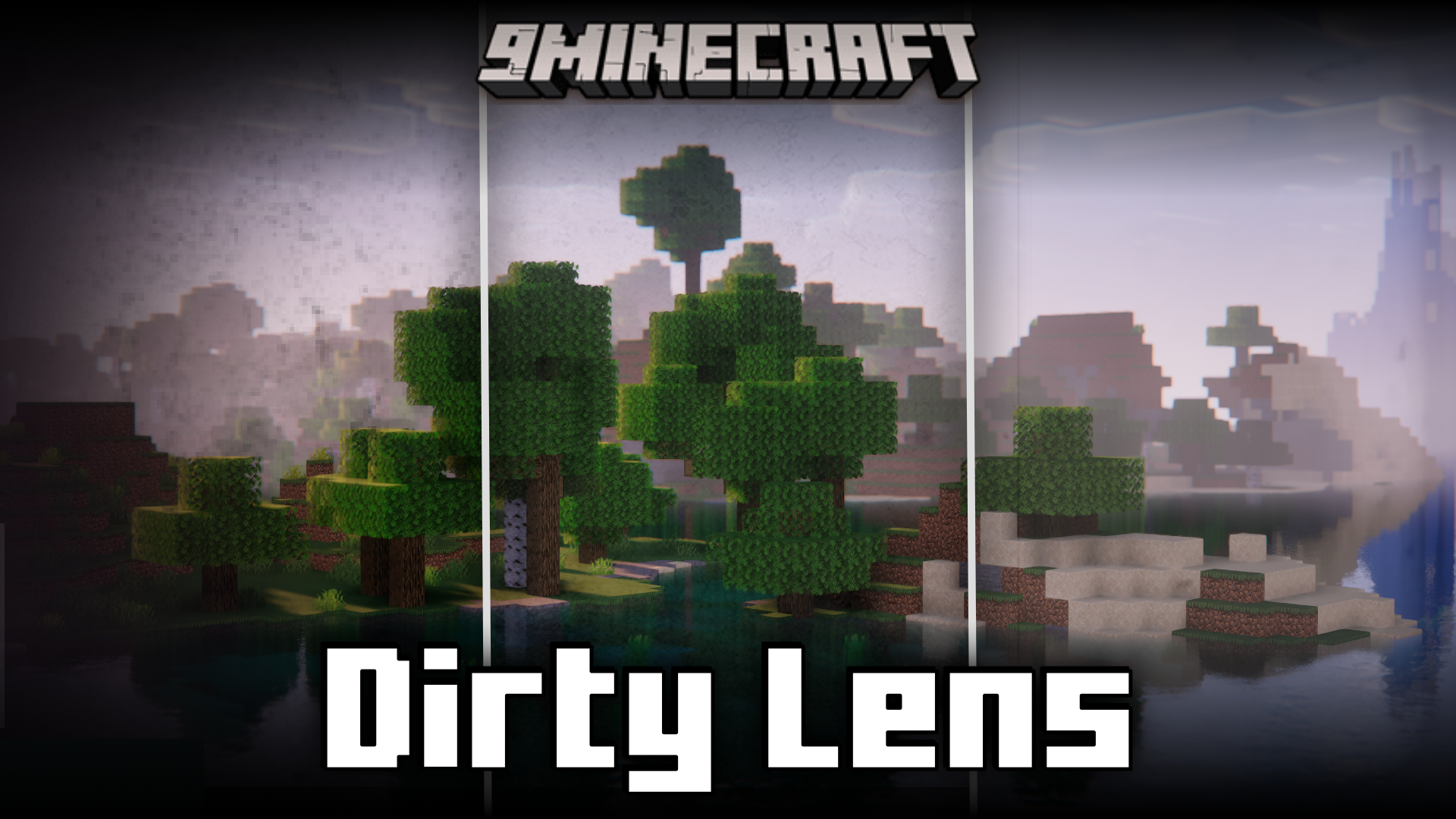
Dirty Lens Mod is a simple lightweight mod that introduces a collection of dirty overlays for your game screen. This will especially be useful when you are screen recording your game and you need the game to appear rugged and damaged for whatever reason. The mod adds four different overlays and they can be turned on using the /lens commands. For example, using the /lens 1 command turns on the first overlay, /lens 2 for the second and so on until the fourth. Using the /lens 0 command will remove any overlay.
Features:
- Adds four different overlays to your game screen.
- Useful for making the game appear rugged and dirty.
- USe the /lens <1,2,3,4> command to activate the overlay.
- Use /lens 0 to disable any overlay.
Screenshots:
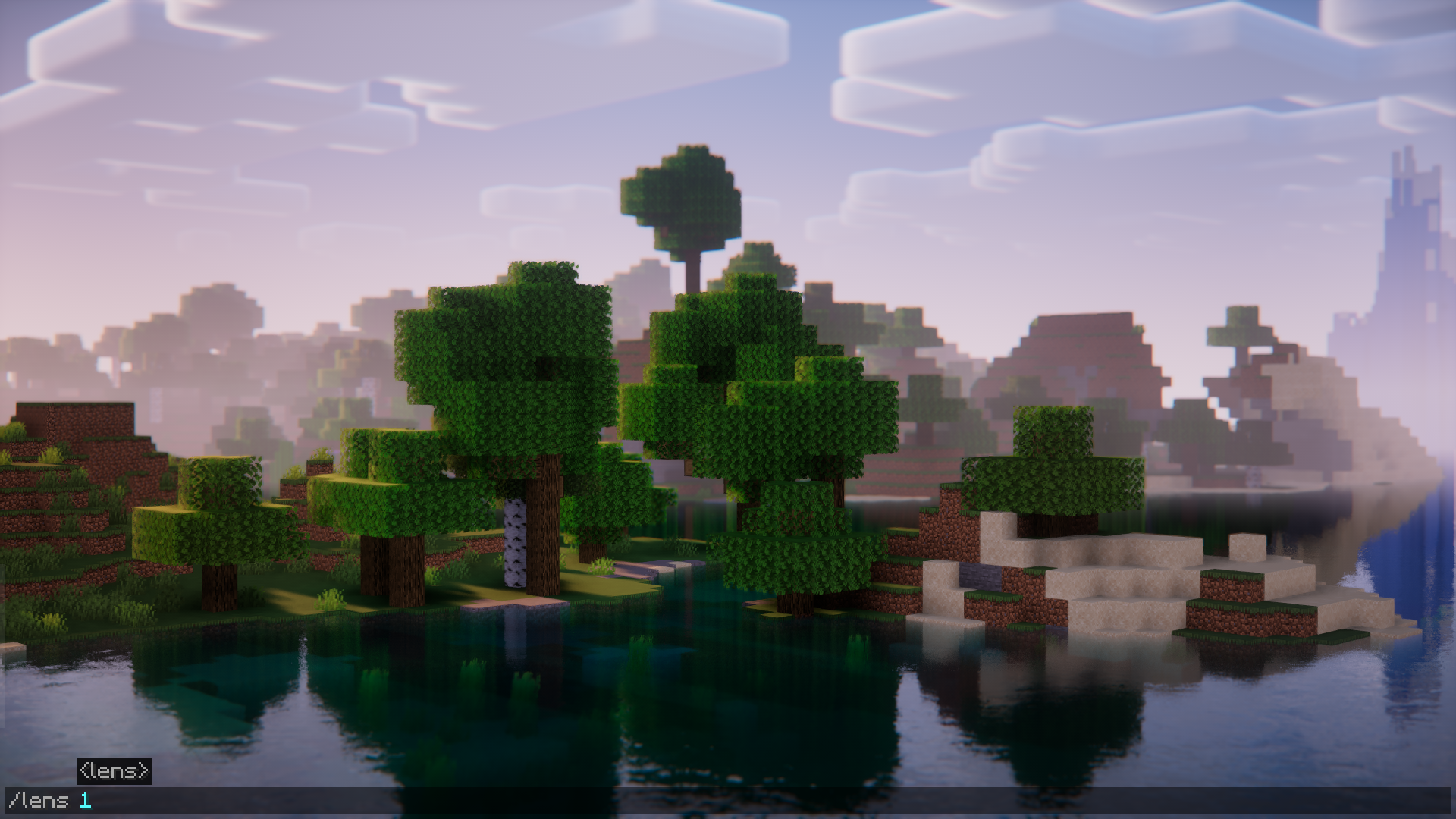
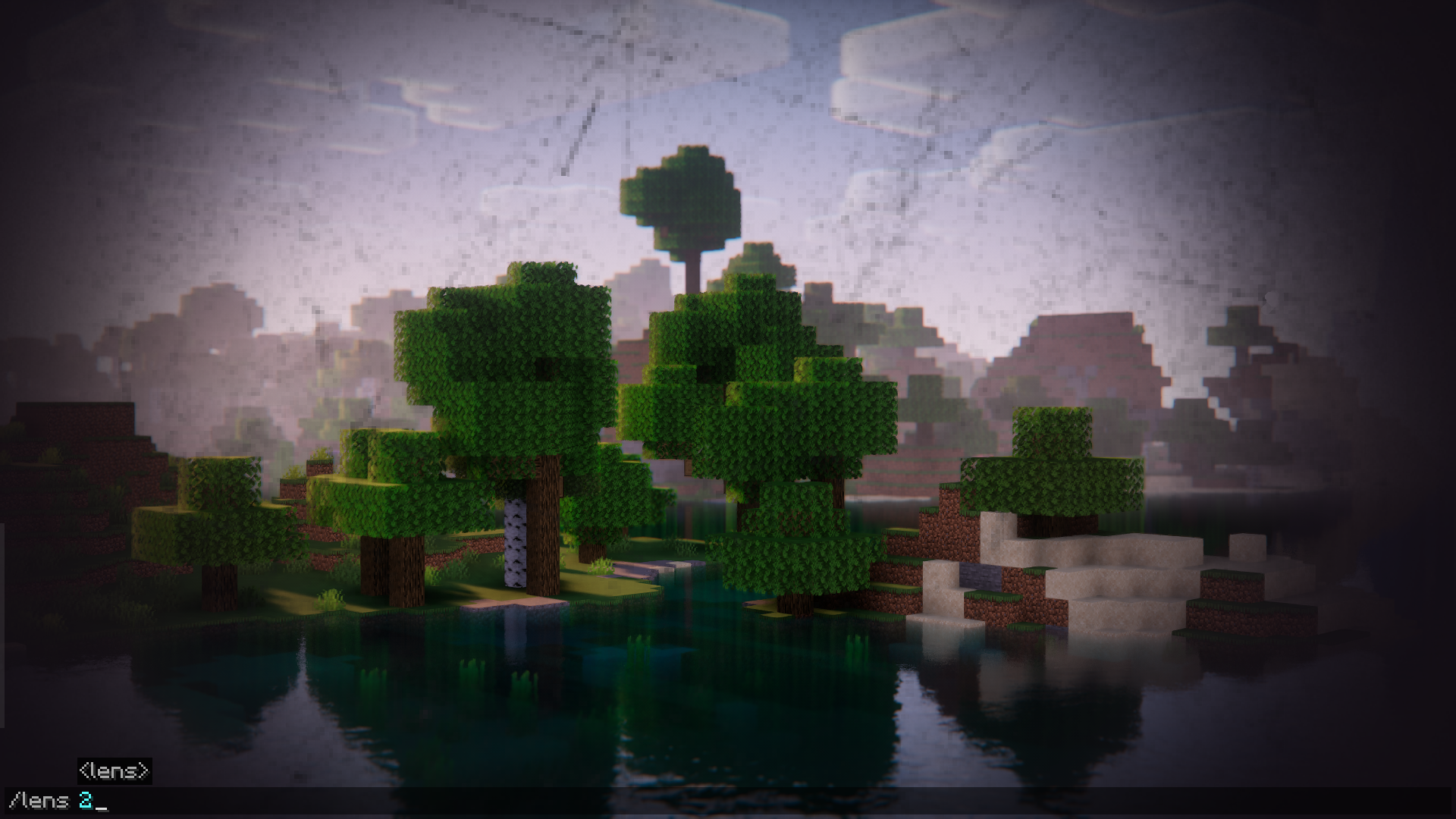
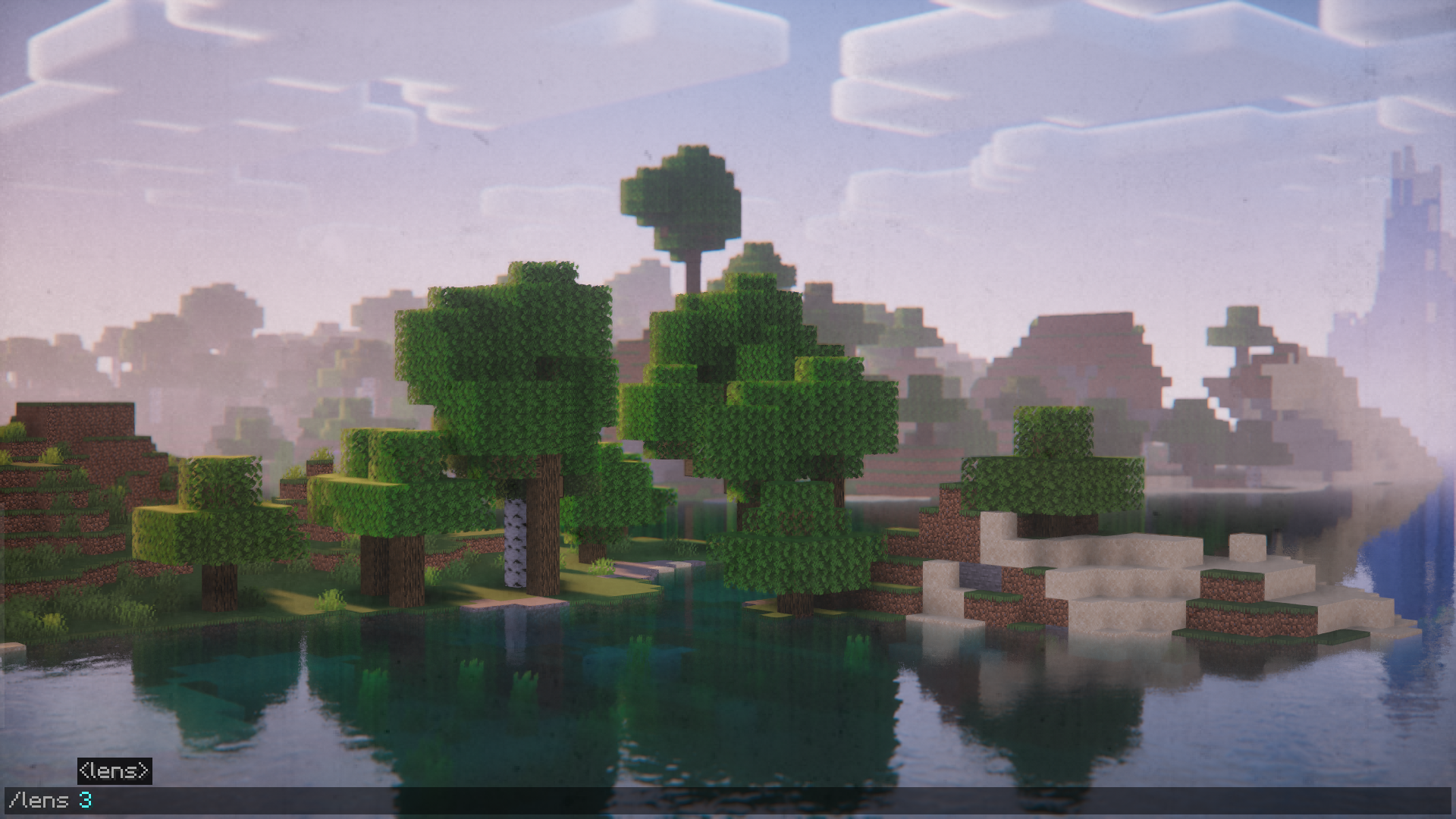
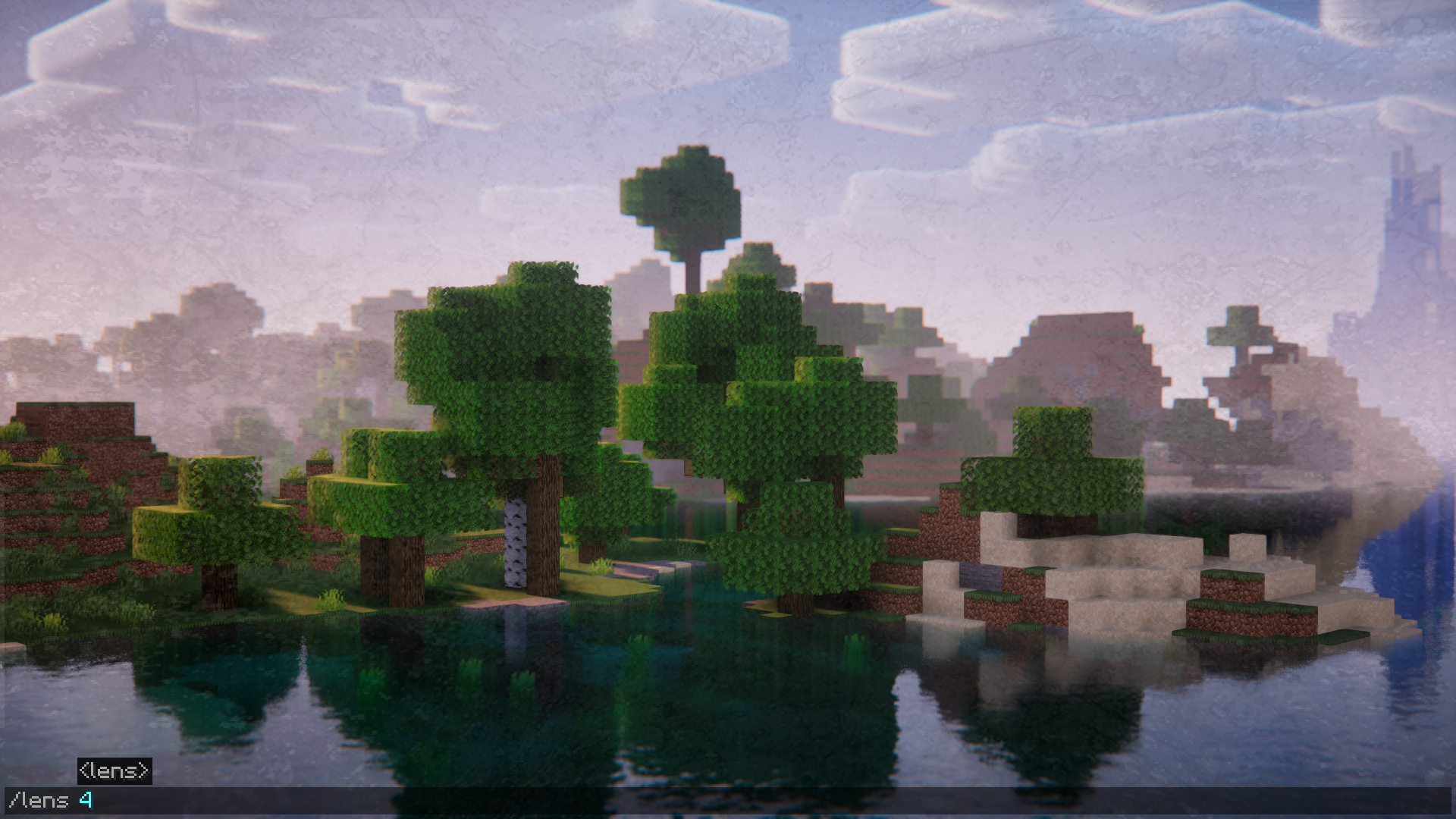
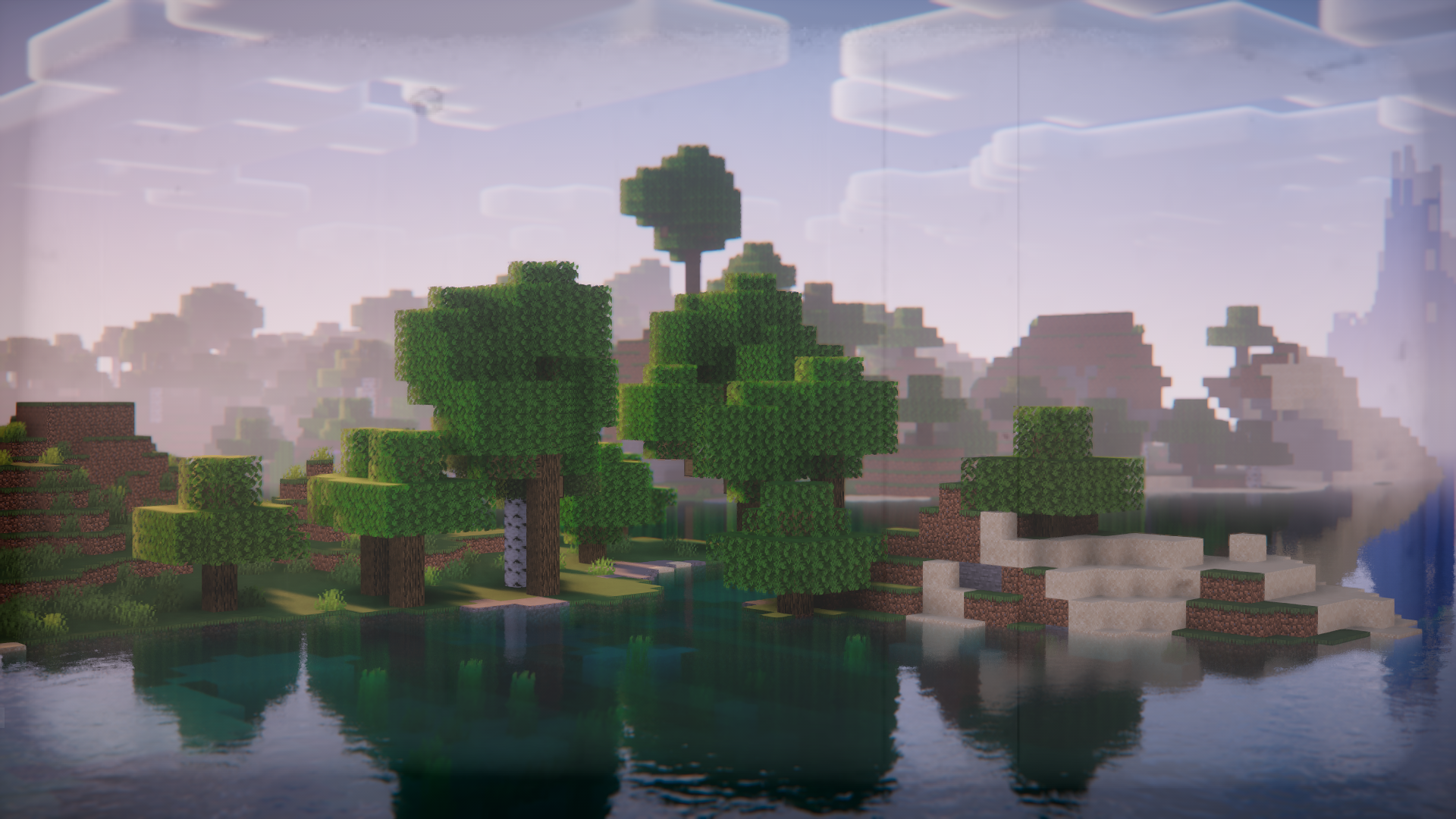
Requires:
Minecraft Forge
Dirty Lens Mod Download Links
For Minecraft 1.20.1
Forge version: Download from Server 1 – Download from Server 2
For Minecraft 1.19.2
Forge version: Download from Server 1 – Download from Server 2
- Edition: Minecraft Java
- File type: .jar
- Minecraft versions listed: 1.20.1, 1.19.2
- How to install: Install the matching mod loader (Forge, Fabric or NeoForge) for your Minecraft version. → Download the .jar. → Put it in the .minecraft/mods folder and launch that loader profile.
- Where to get it: In MC Java Mods, or directly above on this page.
Install steps are the general flow for this file type — How to install Minecraft Java mods & modpacks walks through it step by step.
- Downloads as 199386.mcaddon
- Download size: 2.9 MB
- Download link checked 22 Jul 2026 — working
- Mirrored on our own servers — the download does not depend on the original host
These come from our own check of the pack file, not from the source page.