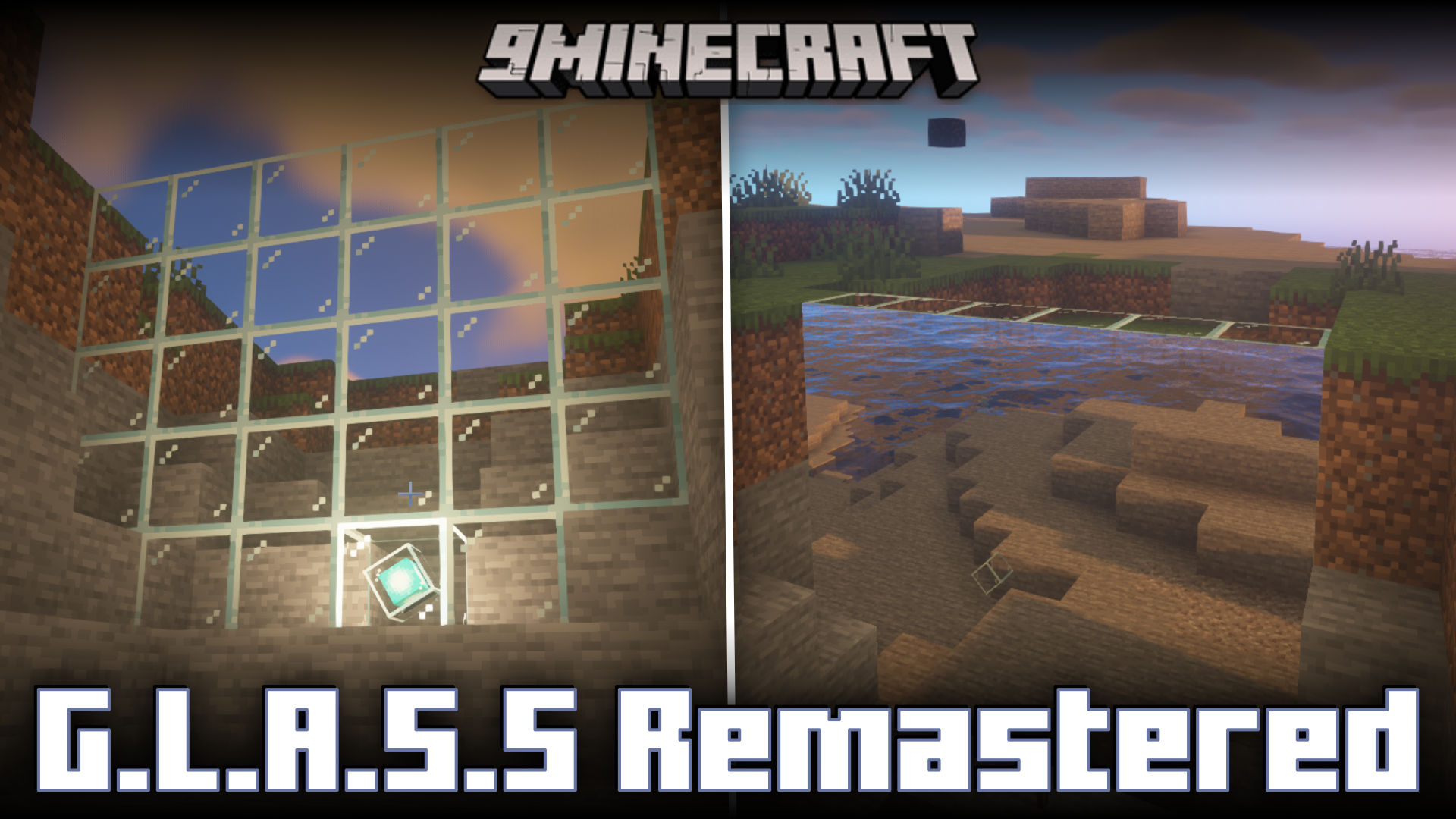
G.L.A.S.S Remastered Mod (1.21.1, 1.21) – Projection Screens
Java mod listed for Minecraft 1.21. Downloads from the MC Java Mods app on Android.
⬇ DownloadG.L.A.S.S Remastered Mod allows you to project one part of your world to a screen of your choice. This has various different decorational and utility purposes. You can place a terminator block anywhere in your world and record the live visuals of an area in front of it. The terminator block basically acts like a camera. You can then project these live visuals onto a screen of our choice. Step-by-step instructions on how to use the mod are given below.
Screenshots:
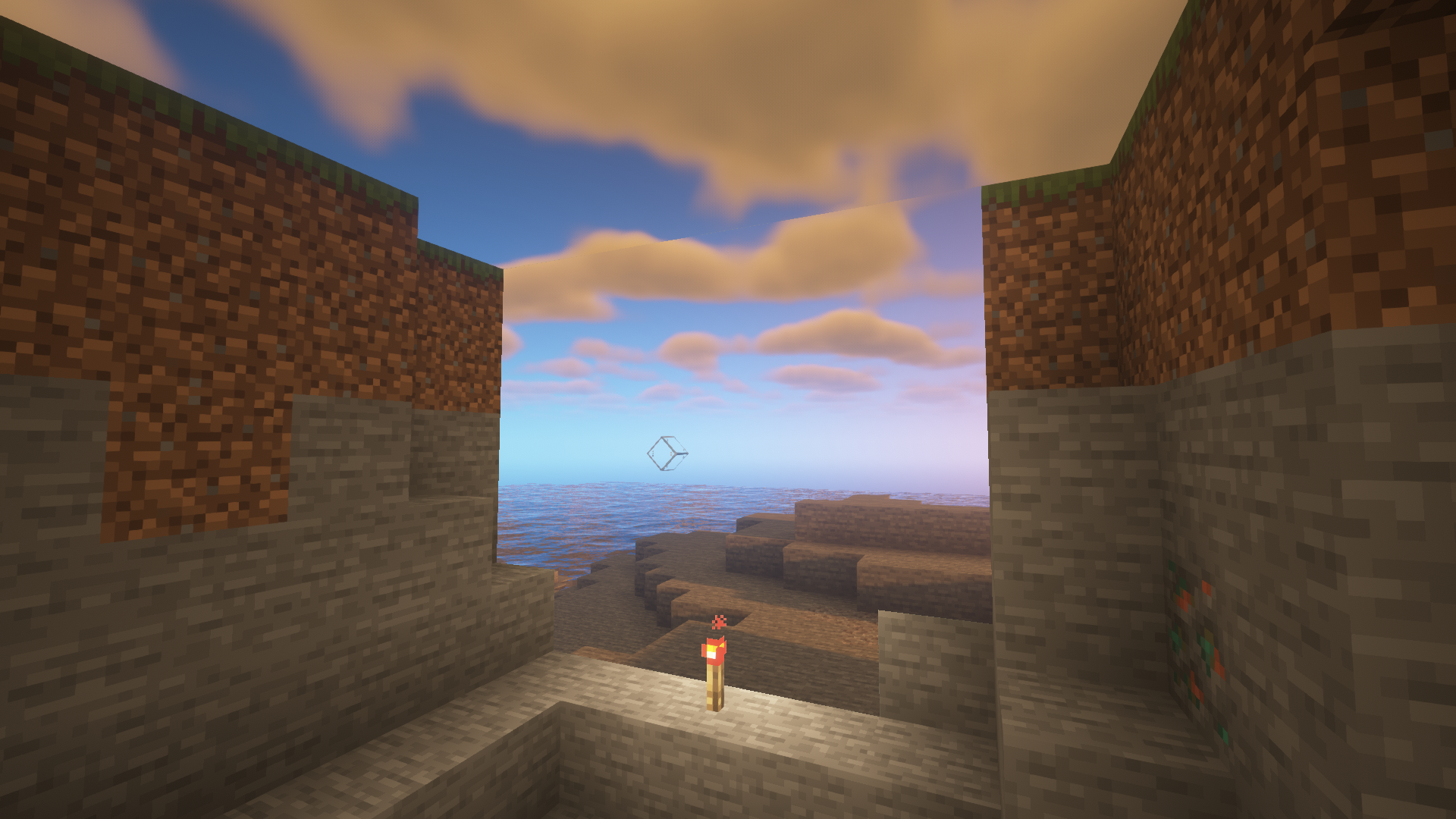
Place a terminator block at the location of your choice.
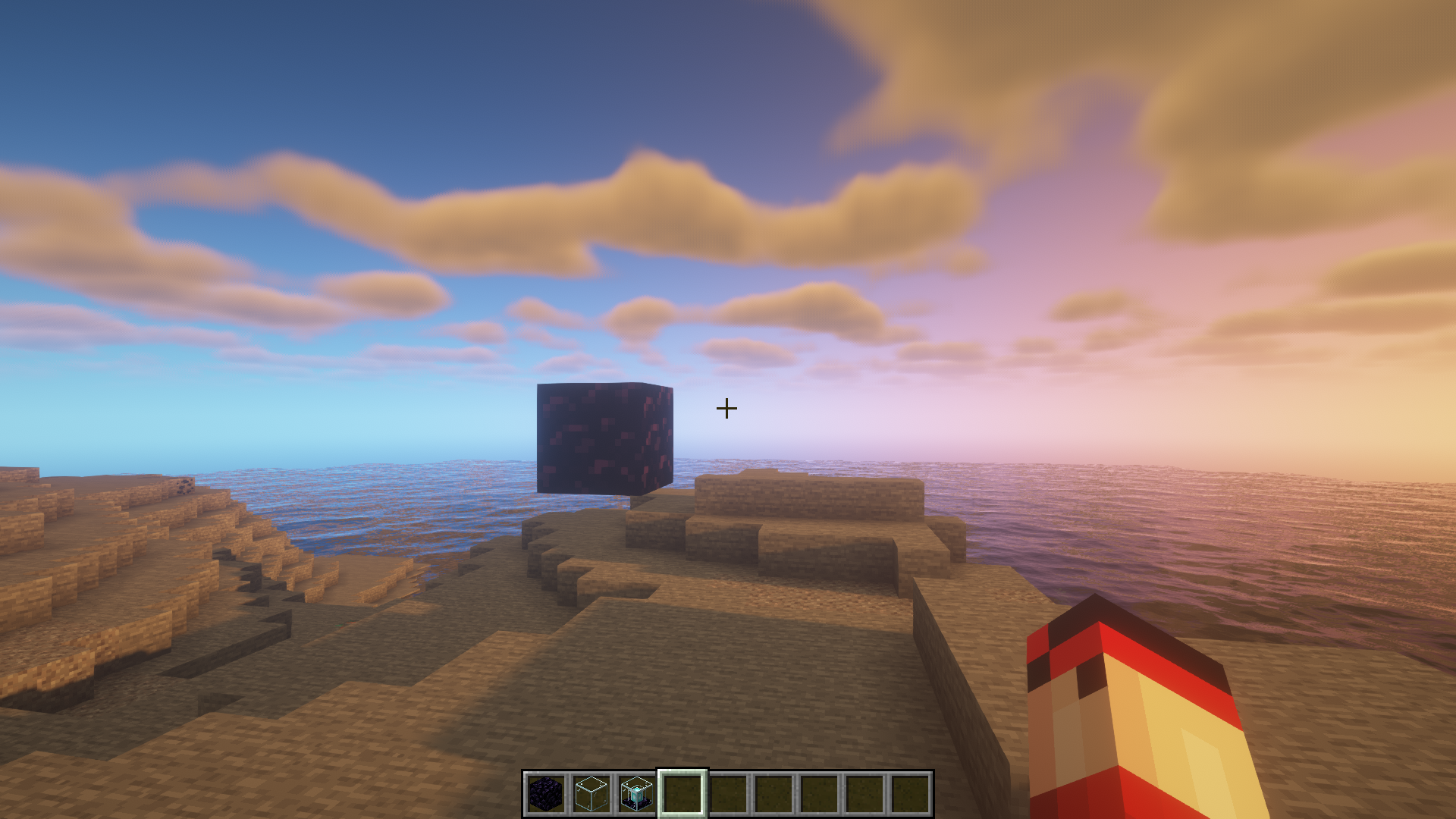
Visuals will be recorded from the area in front of the face with the diagonal glass block. Then, right click on the block to open a GUI and select a channel for the recording
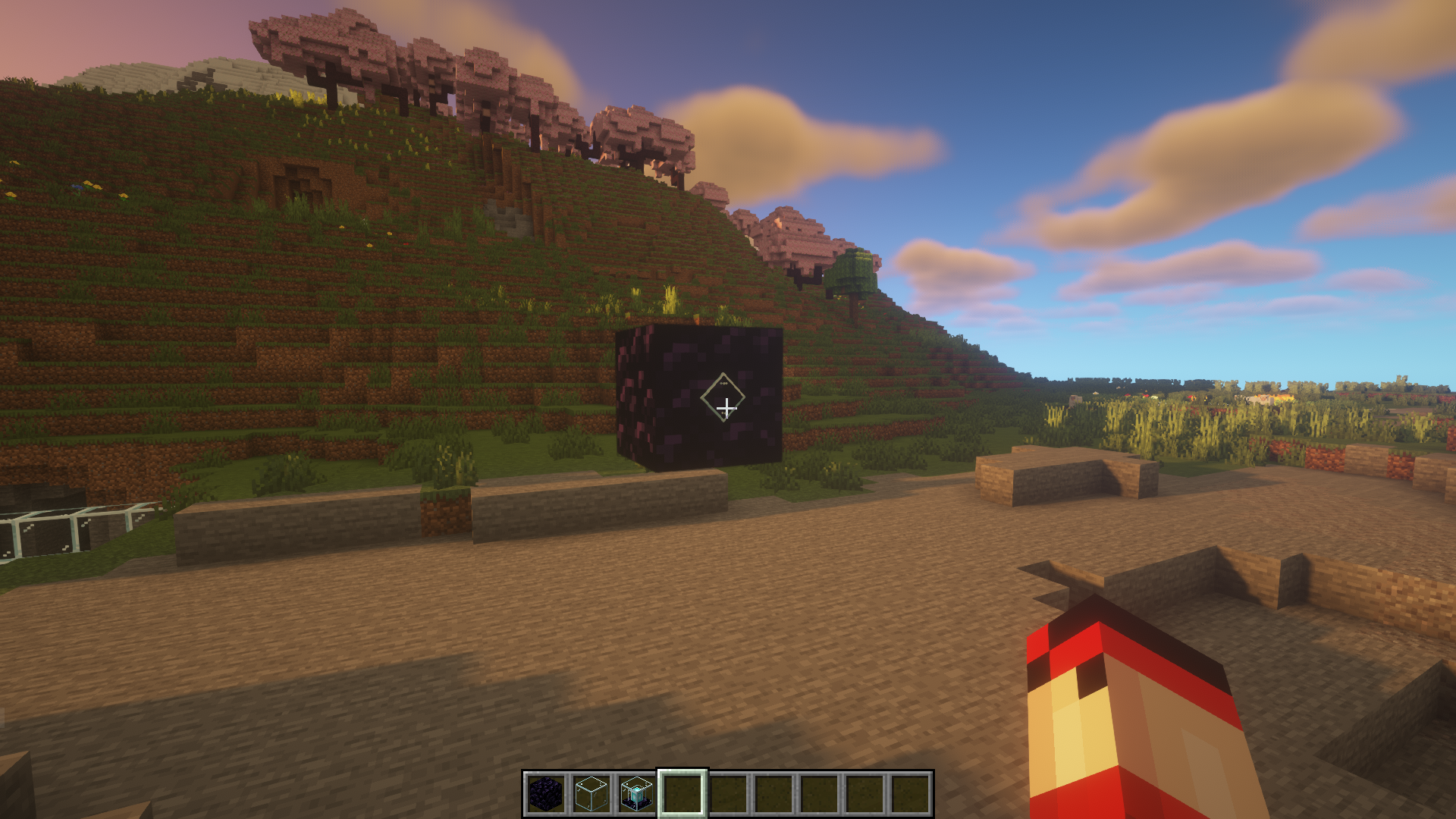
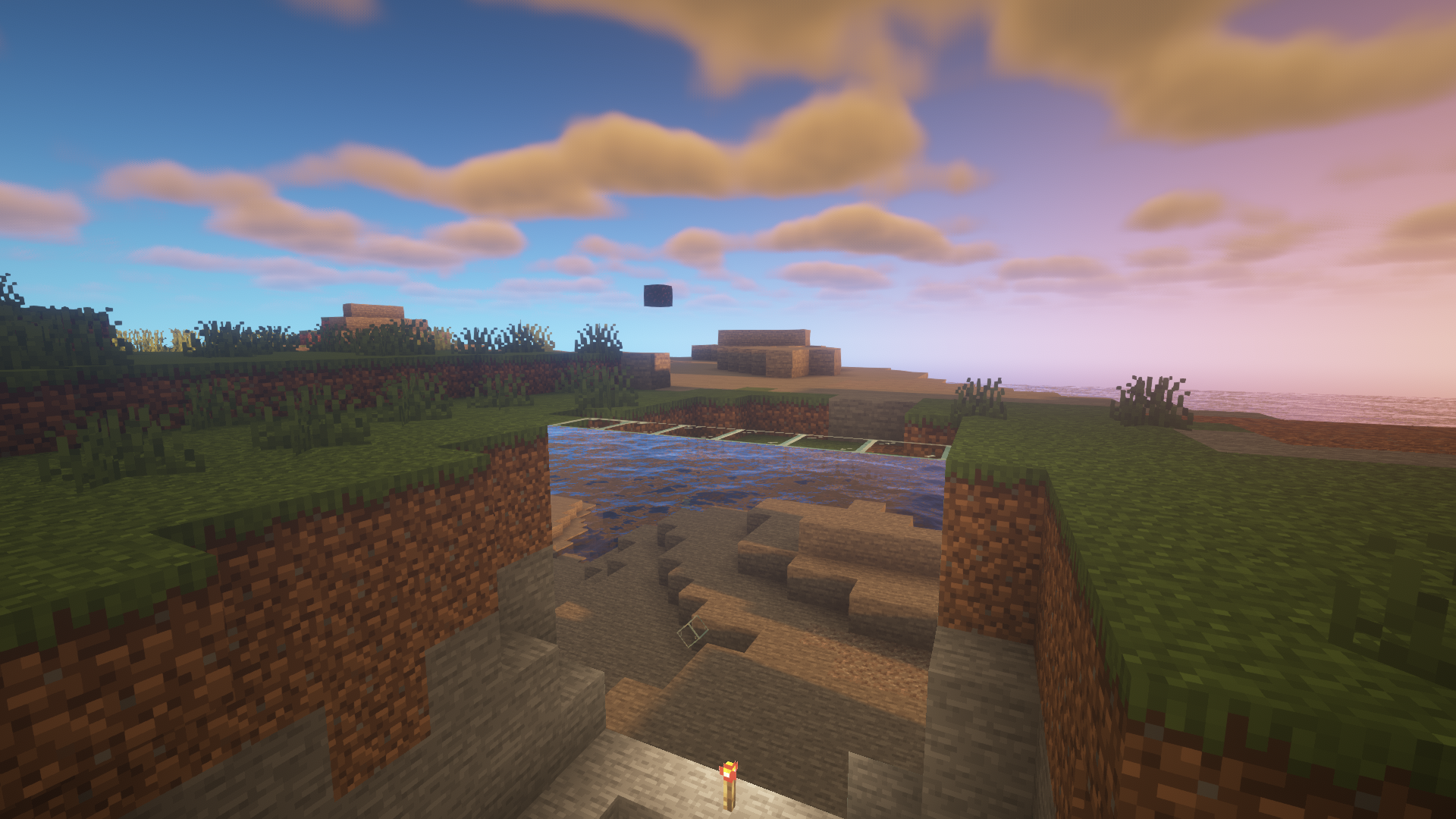
Place a wall of glass blocks somewhere else. One of the glass blocks at the lower layer must be a projector block. Make sure that the top side of the beacon inside the projector block is facing the displaying side of the screen.
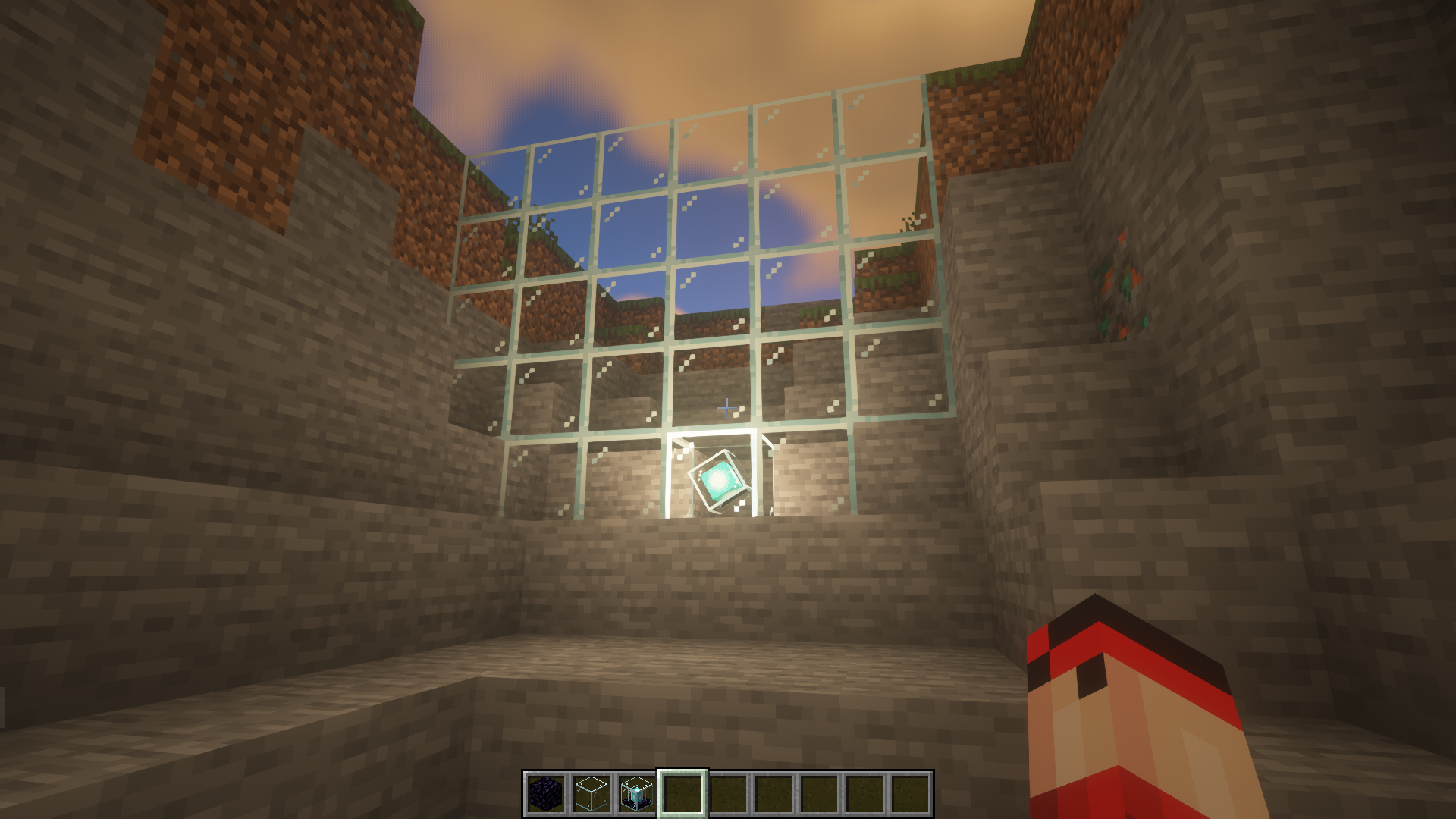
Open the projector GUI and select any one of the channels provided by a terminator block.
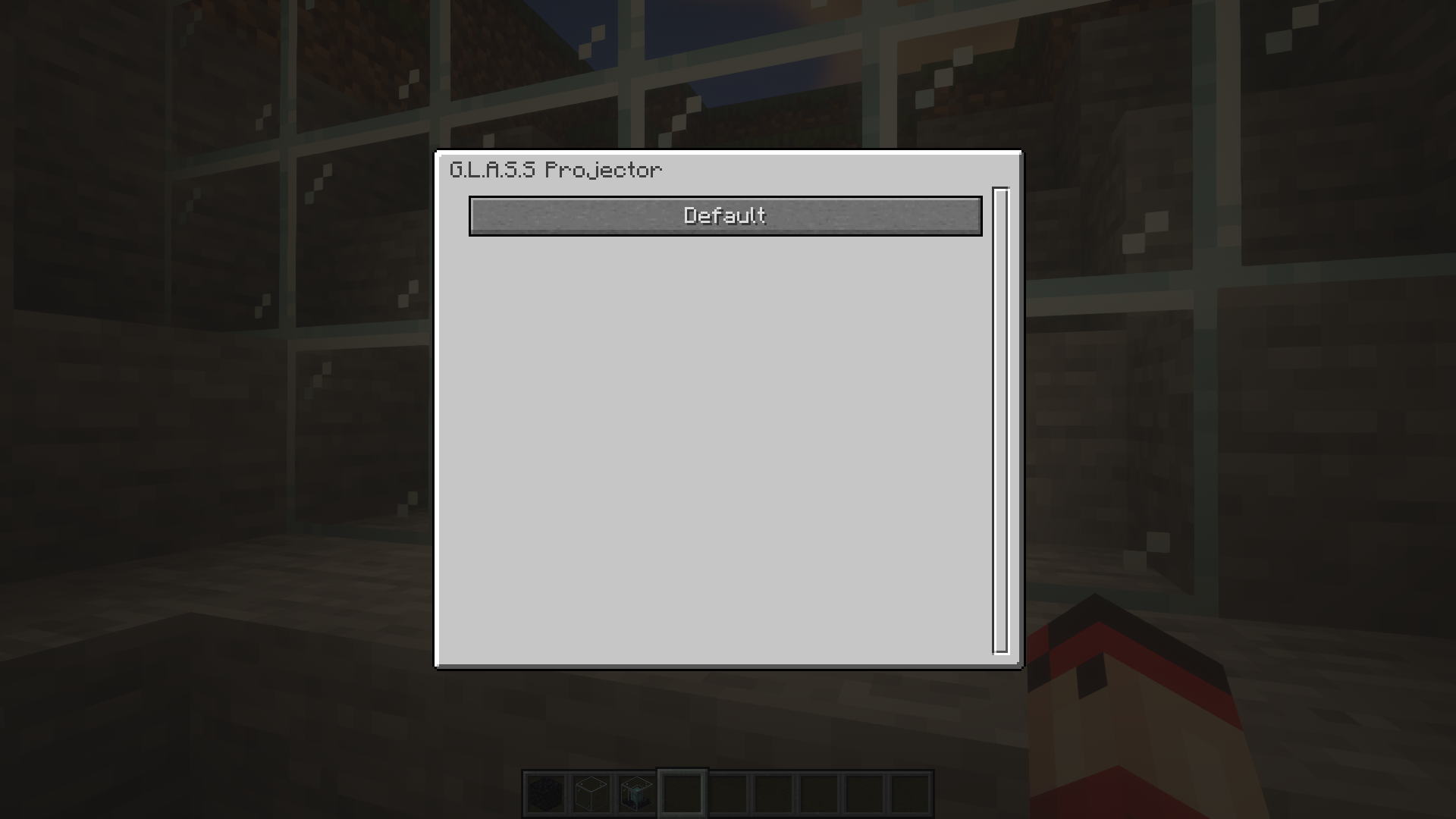
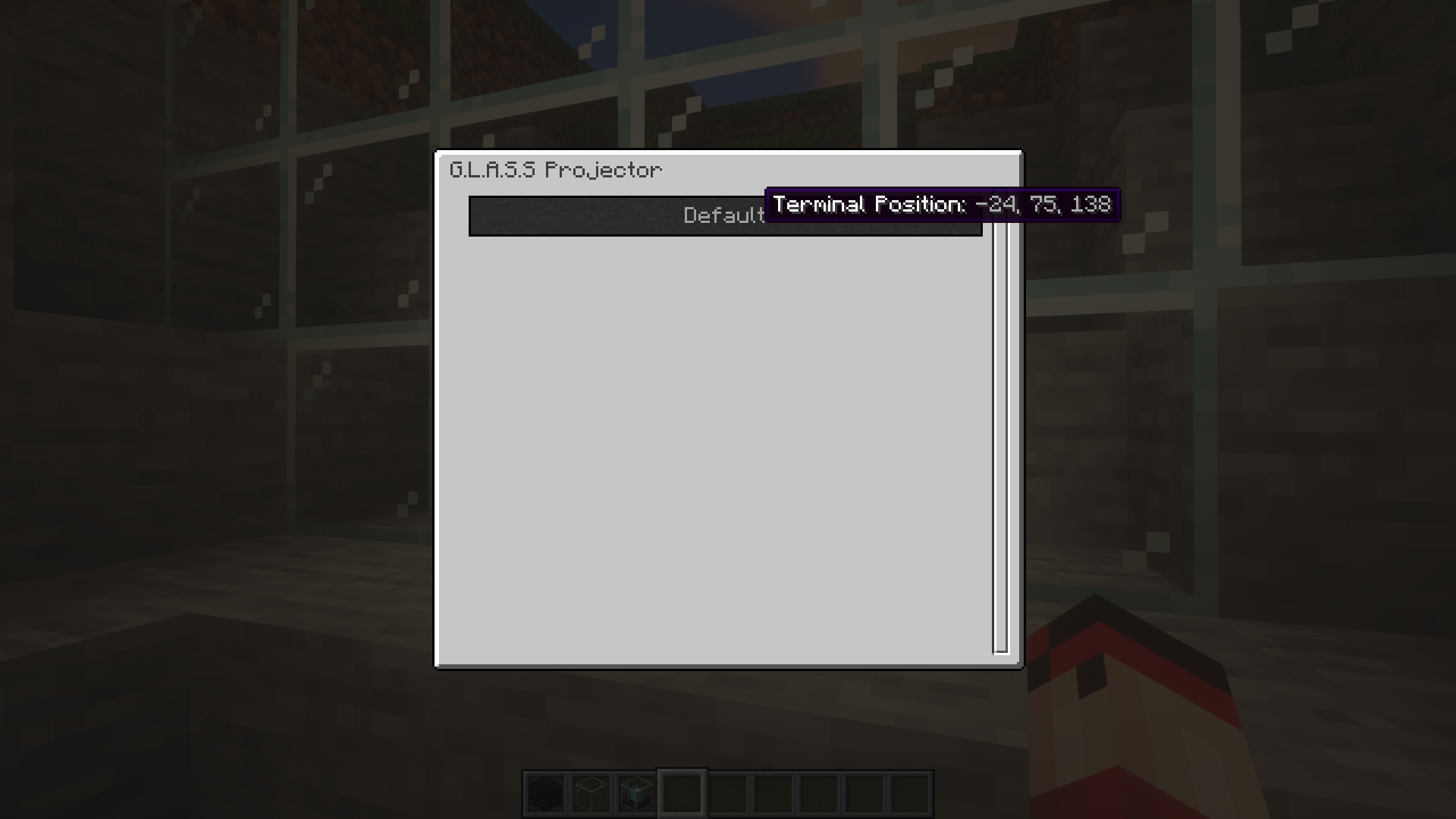
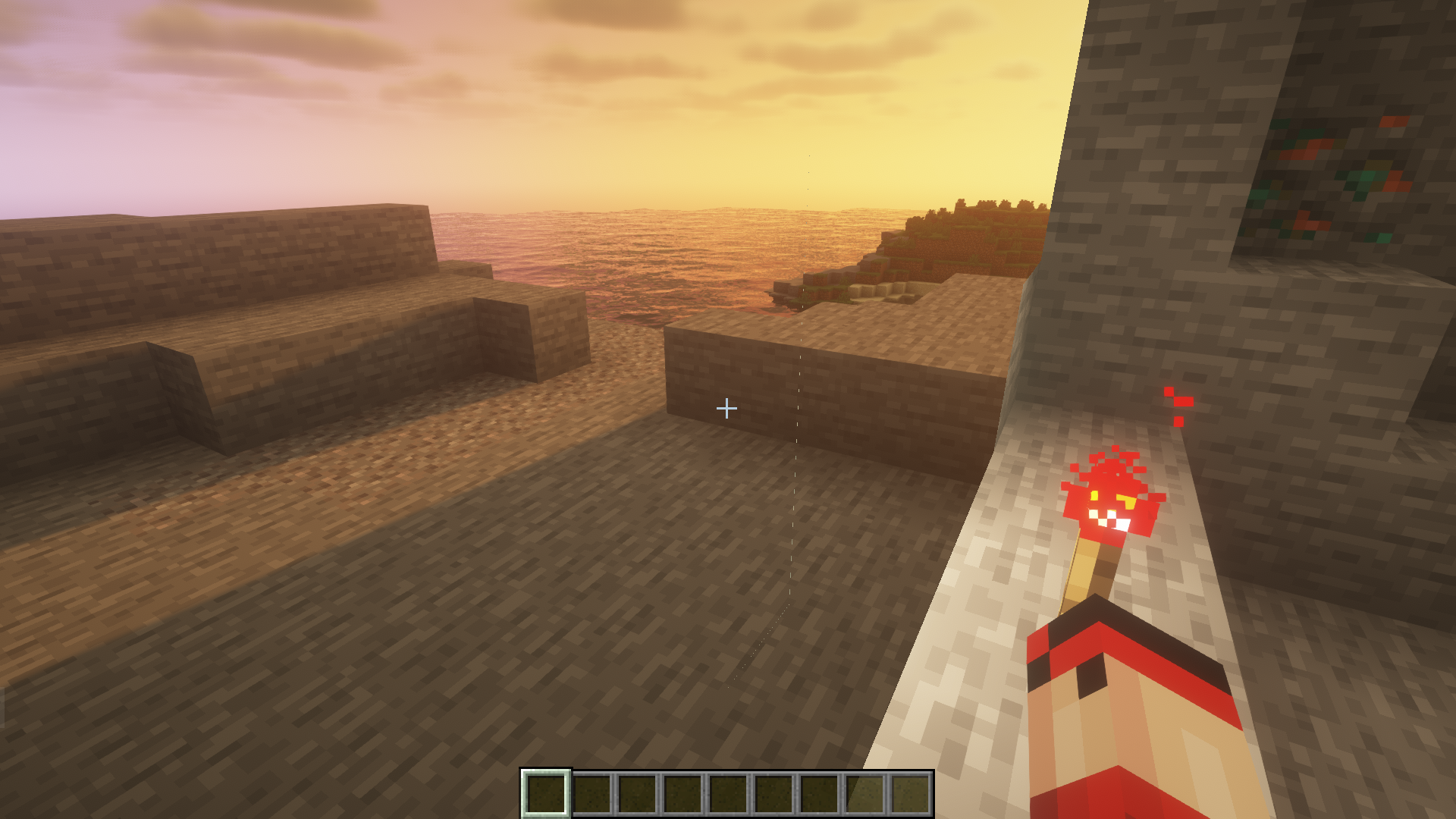
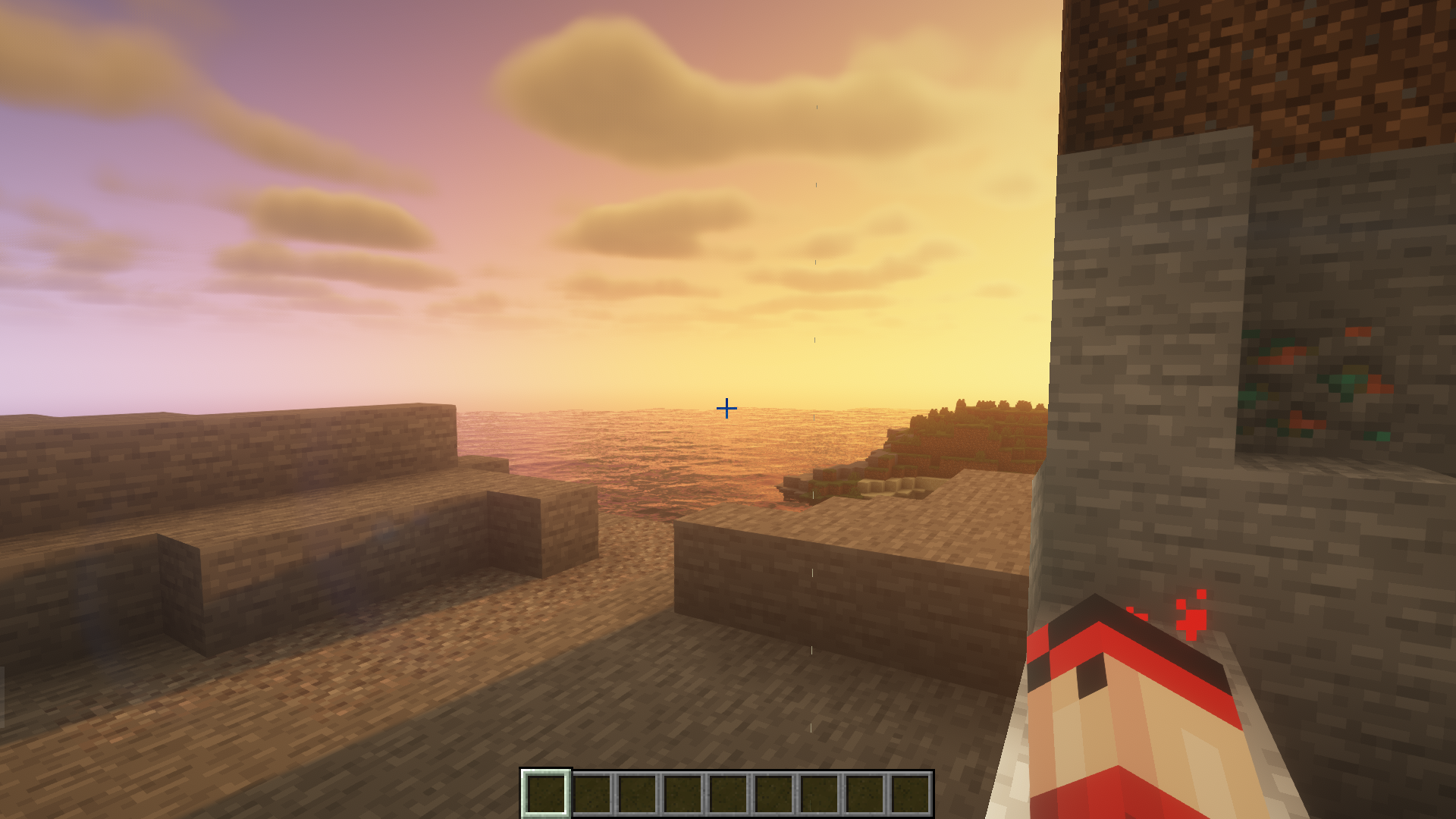
Activate the projector by placing a redstone torch adjacent to it.
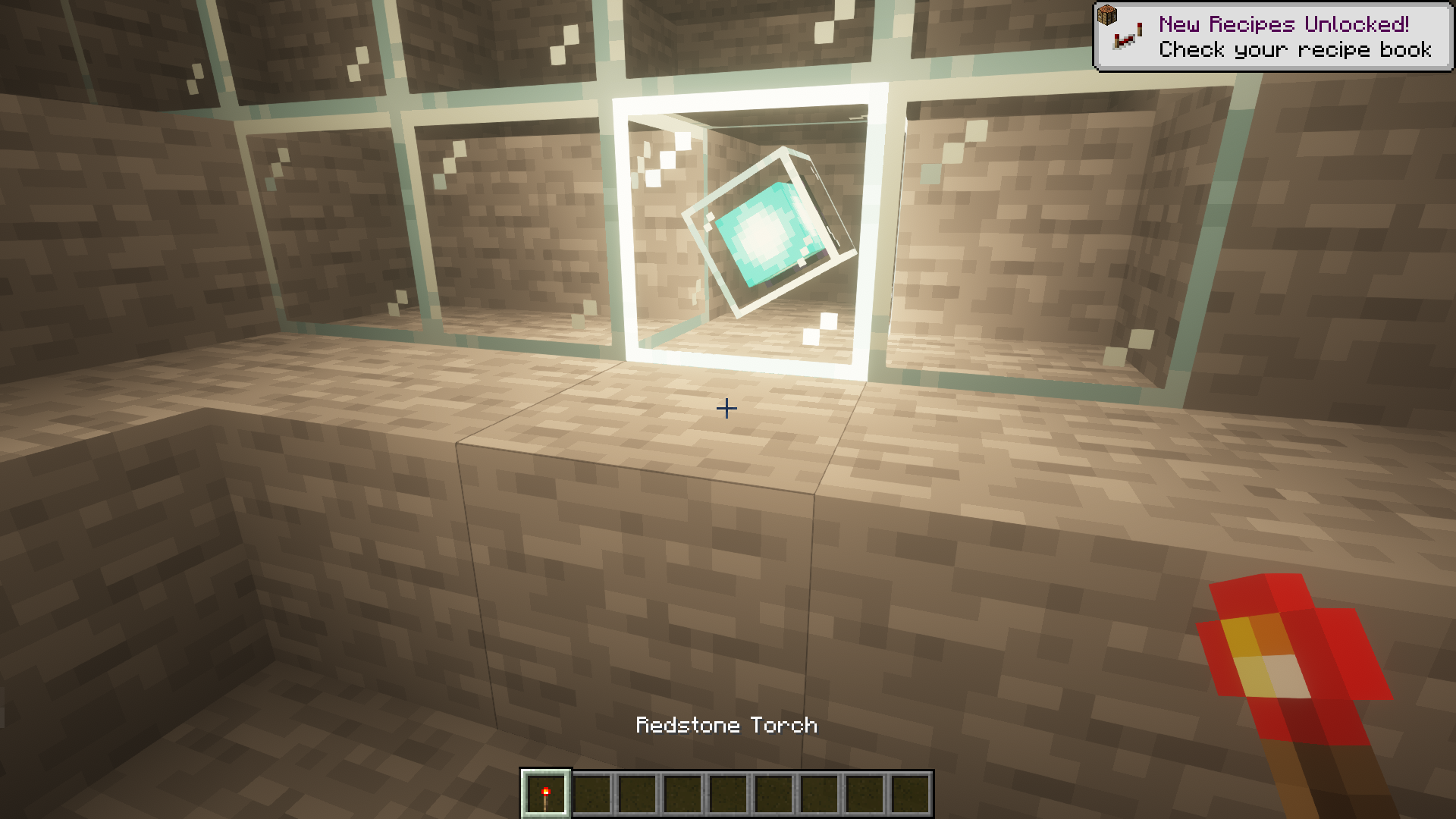
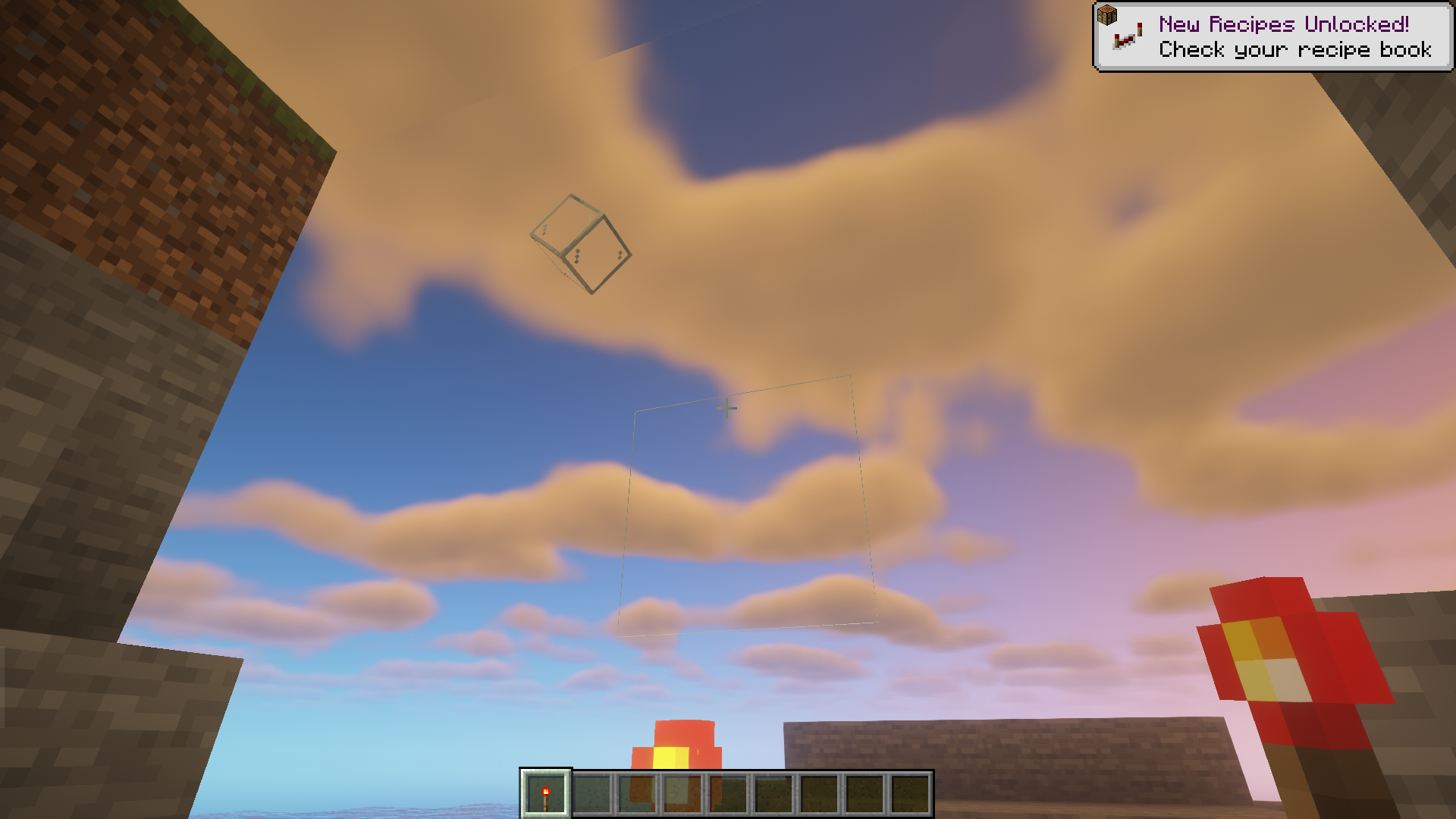
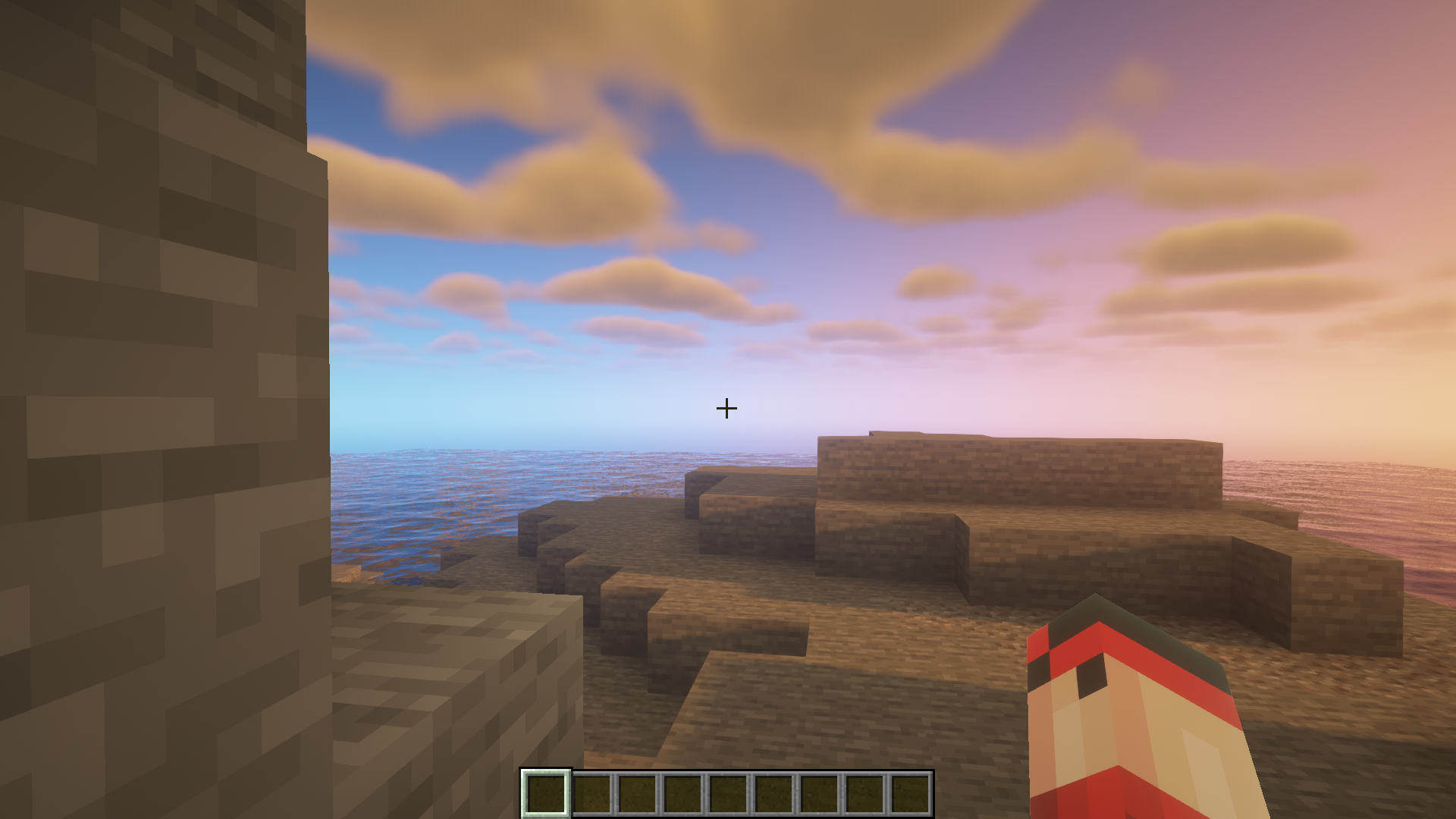
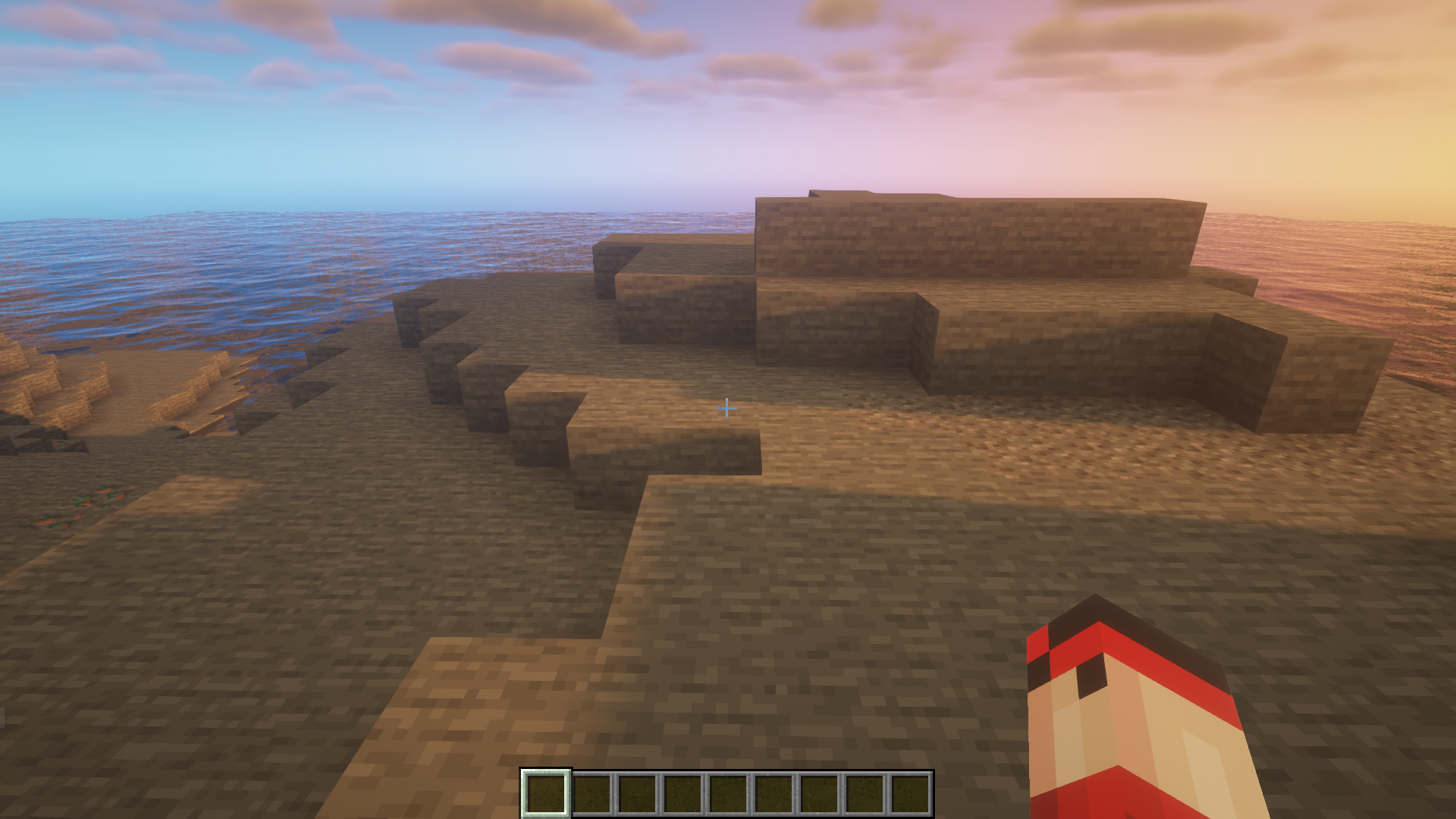
The protection screen is now activated and will now give a live display of the input taken by the terminator block from earlier steps.
Requires:
Fabric API
G.L.A.S.S Remastered Mod Download Links
For Minecraft 1.21.1, 1.21
Fabric version: Download from Server 1 – Download from Server 2
- Edition: Minecraft Java
- File type: .jar
- Minecraft versions listed: 1.21.1, 1.21
- How to install: Install the matching mod loader (Forge, Fabric or NeoForge) for your Minecraft version. → Download the .jar. → Put it in the .minecraft/mods folder and launch that loader profile.
- Where to get it: In MC Java Mods, or directly above on this page.
Install steps are the general flow for this file type — How to install Minecraft Java mods & modpacks walks through it step by step.
- Downloads as 199451.mcaddon
- Download size: 3.4 MB
- Download link checked 29 Jul 2026 — working
- Mirrored on our own servers — the download does not depend on the original host
These come from our own check of the pack file, not from the source page.