Diamond Economy Mod (1.21.1, 1.20.1) – Convert Diamonds Into Currency
Diamond Economy Mod introduces a basic economic system in Minecraft using diamonds as currency. Players can manage their diamond balances, deposit…
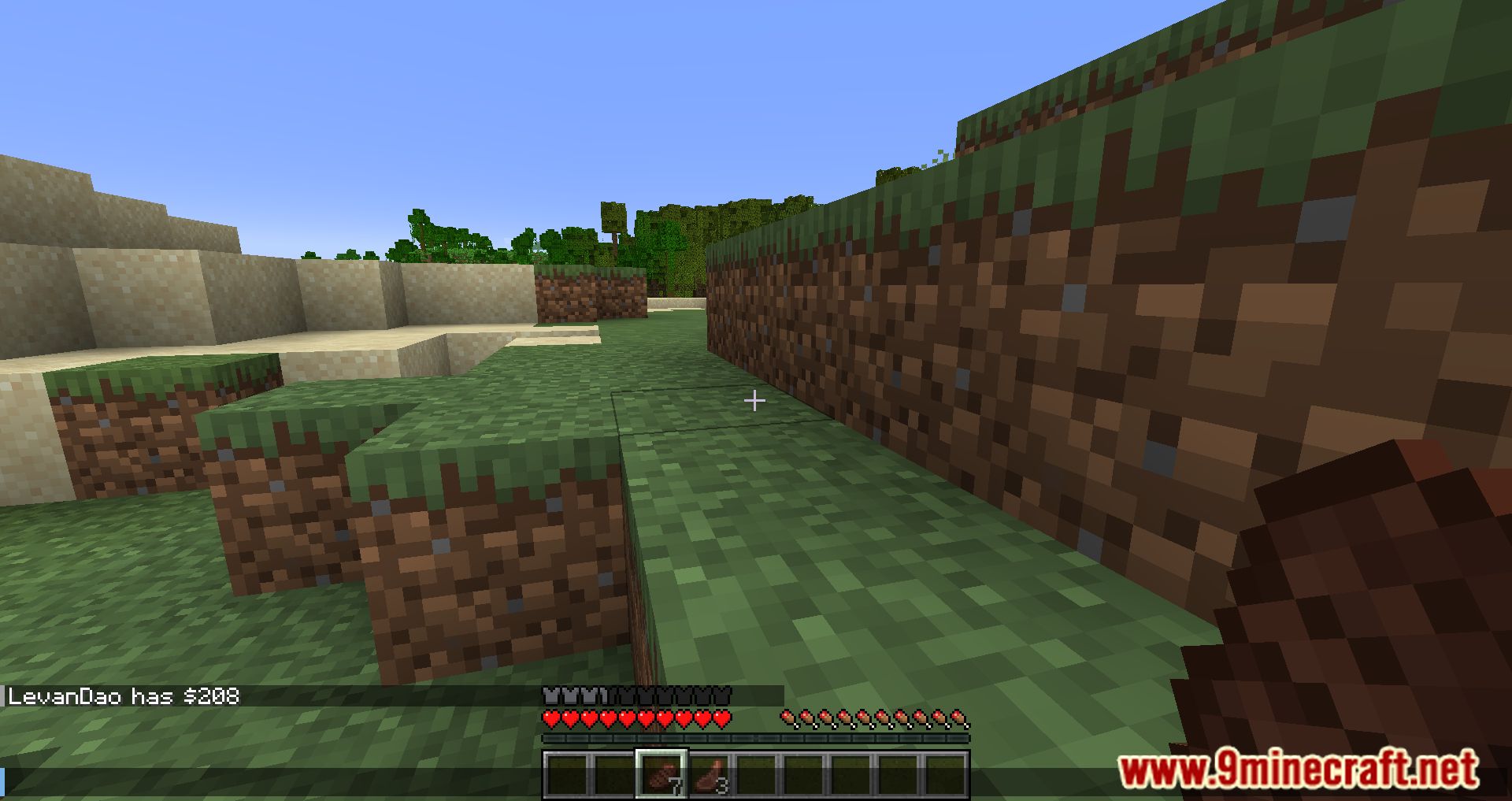
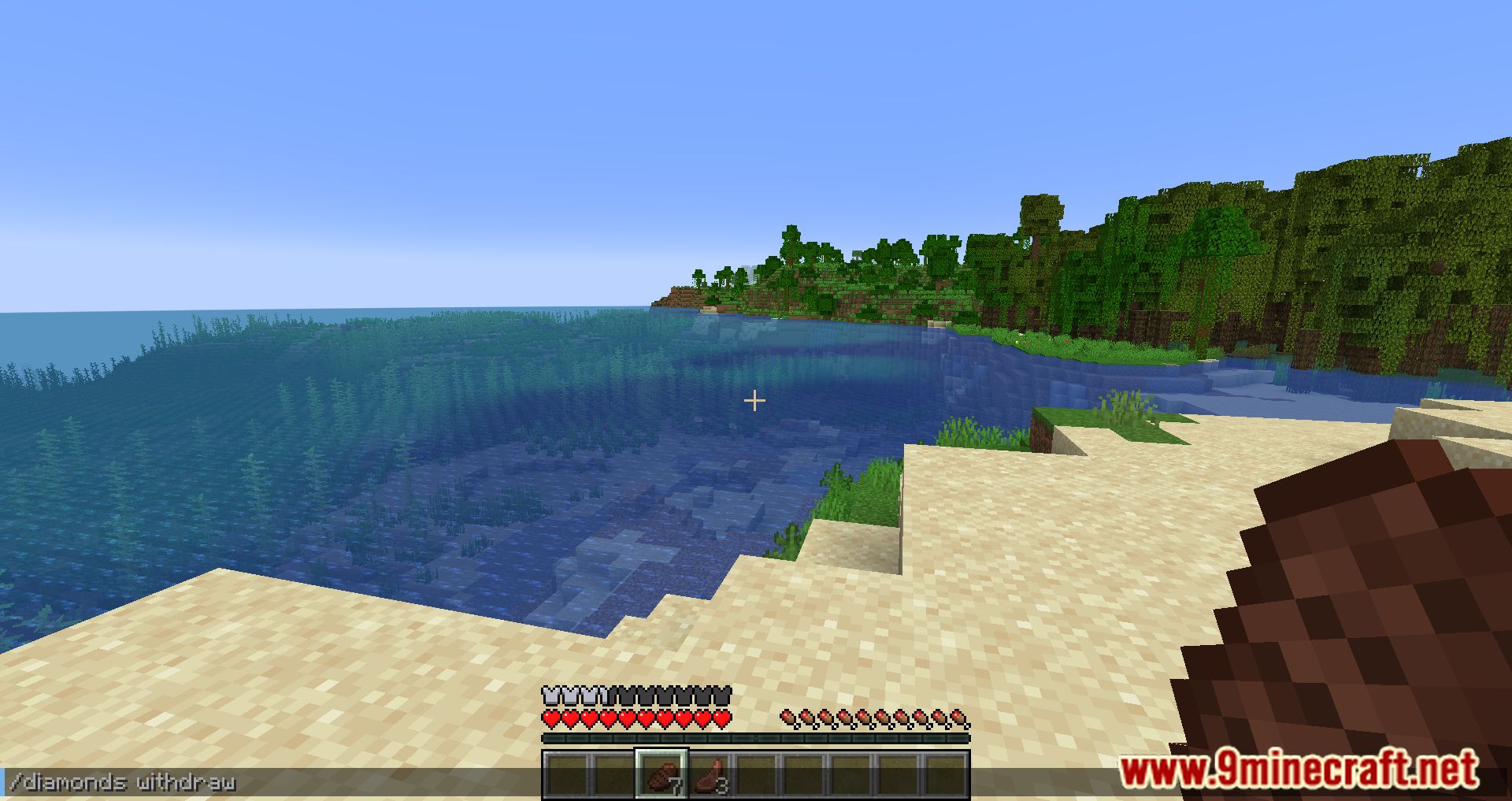
⬇ DownloadOpen in MCModsHubGet it on Google Play →Diamond Economy Mod introduces a basic economic system in Minecraft using diamonds as currency. Players can manage their diamond balances, deposit diamonds into their account, send diamonds to other players, withdraw diamonds back into their inventory, and check leaderboards to see who has the most diamonds.
Features:
Basic economy using diamonds. Uses the “/diamonds” (configurable) command along with the following subcommand
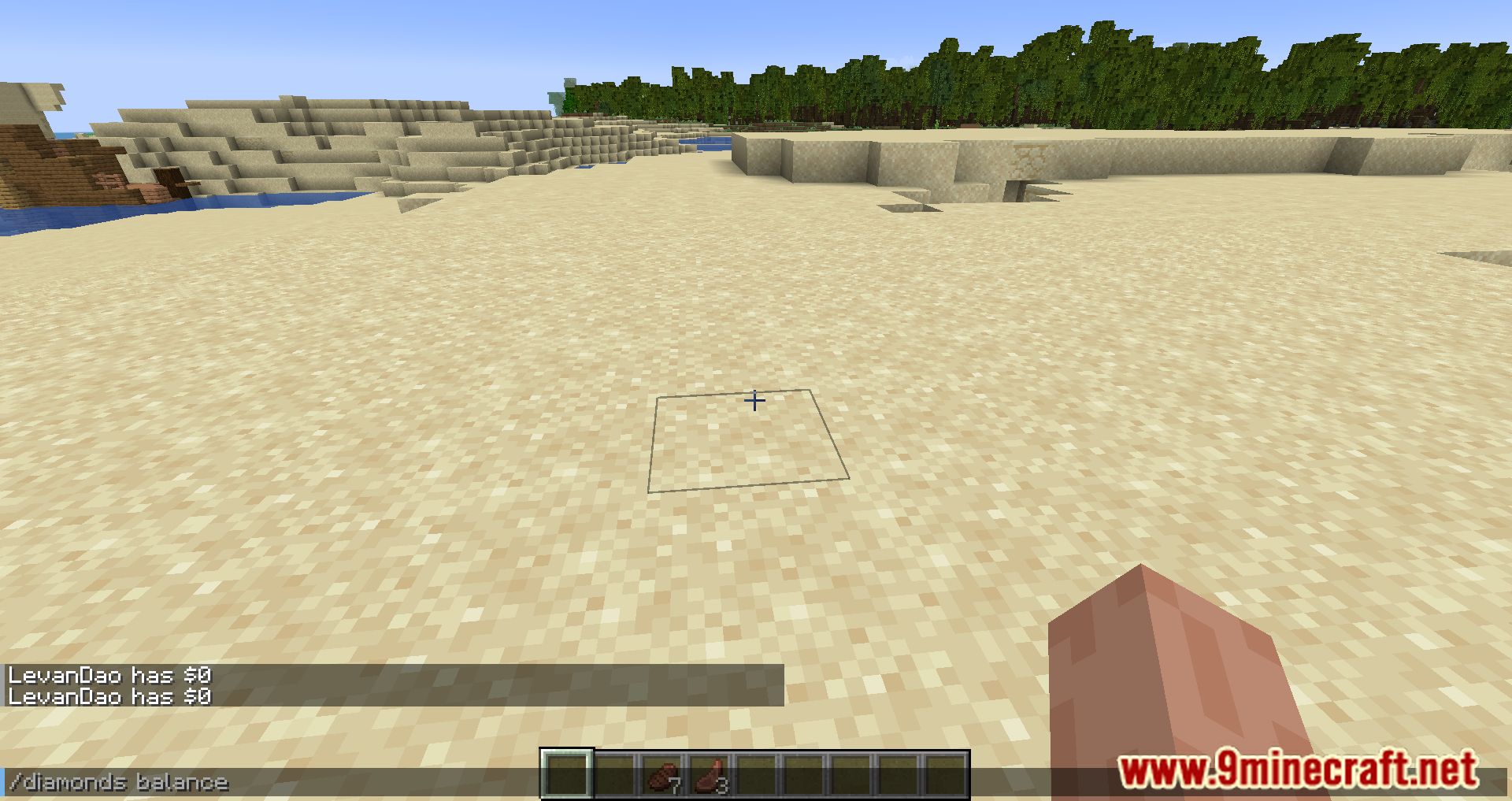
- Balance [Optional: player] – tells the user how much money the player has.
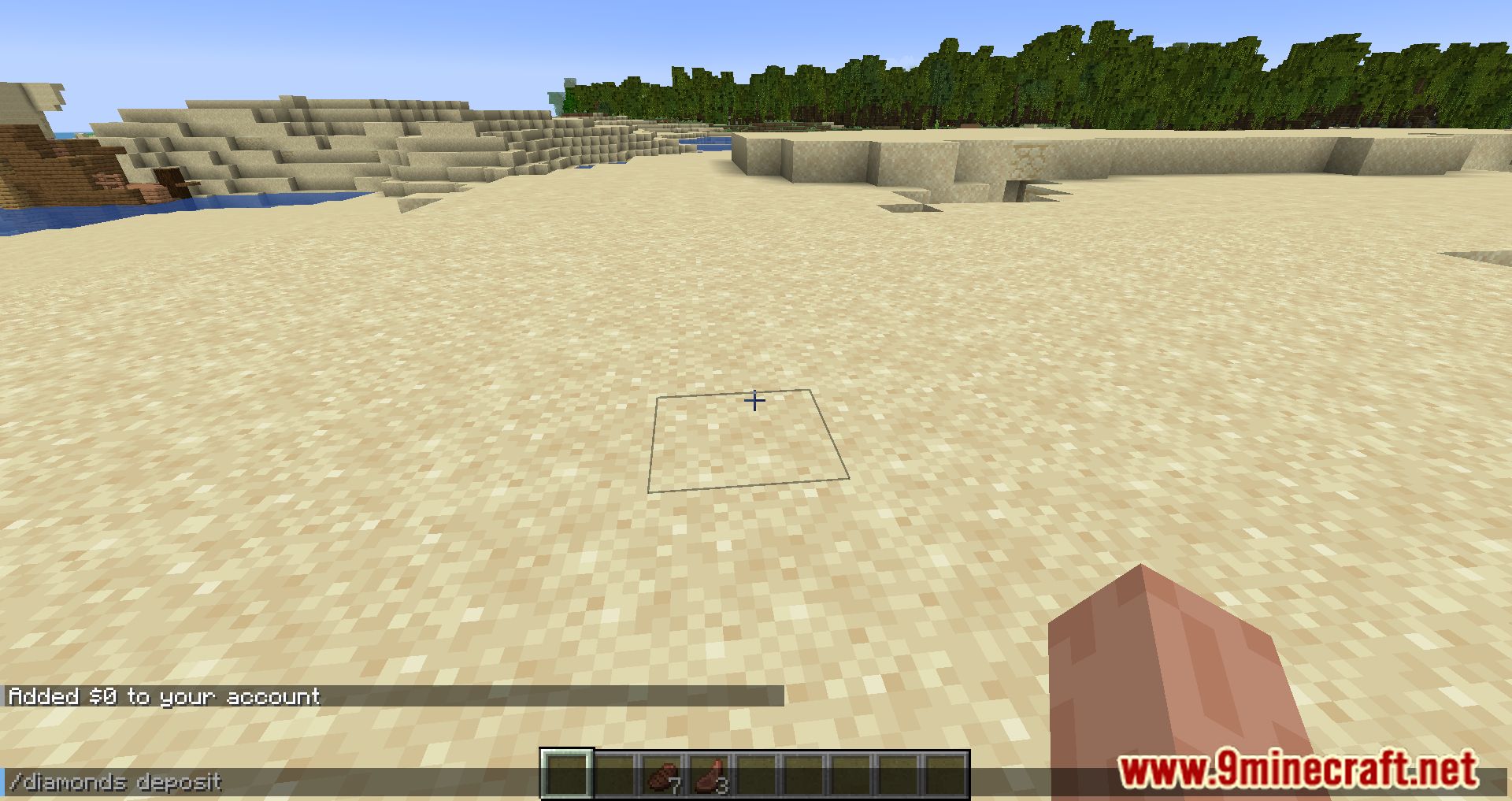
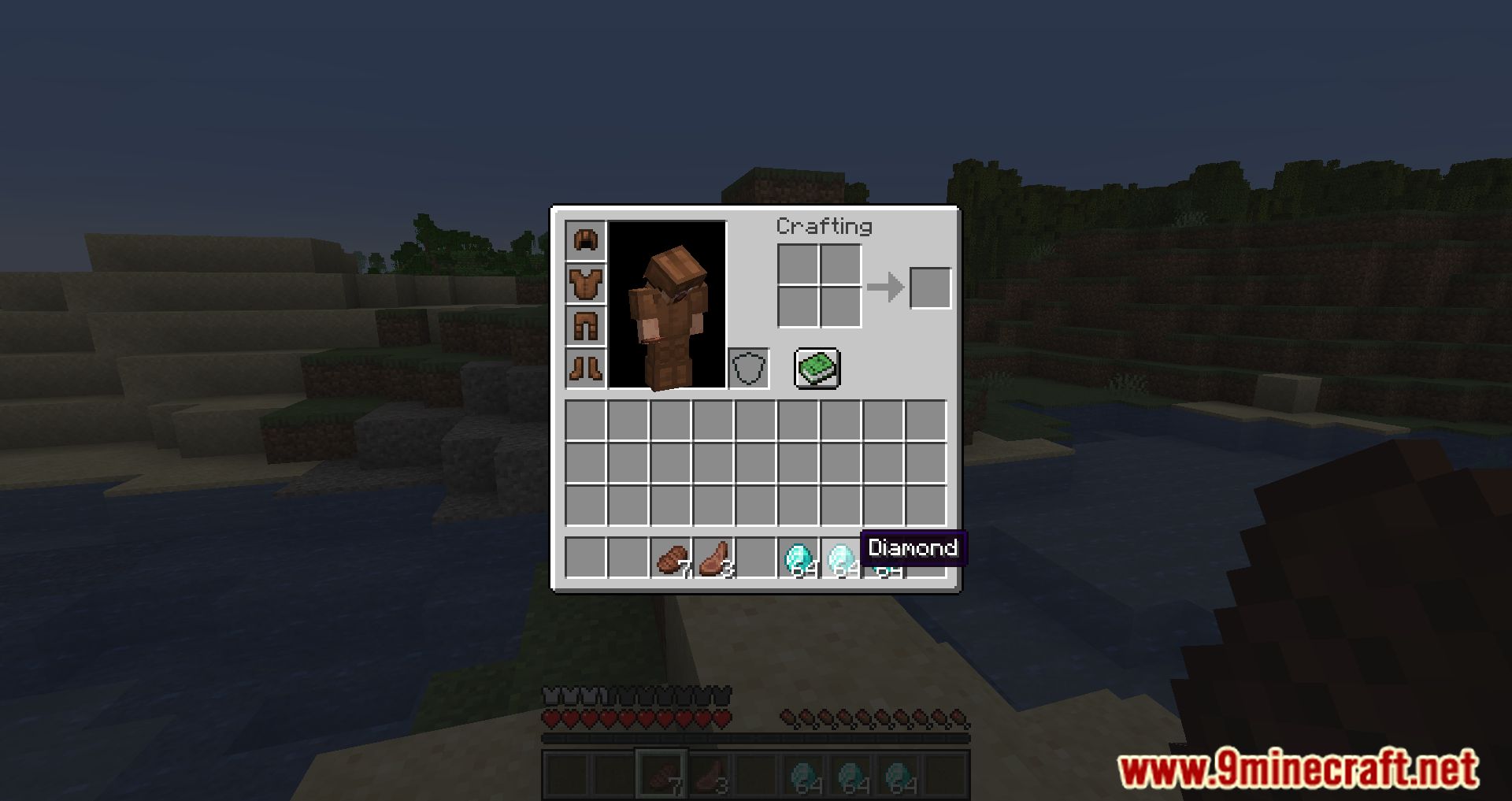
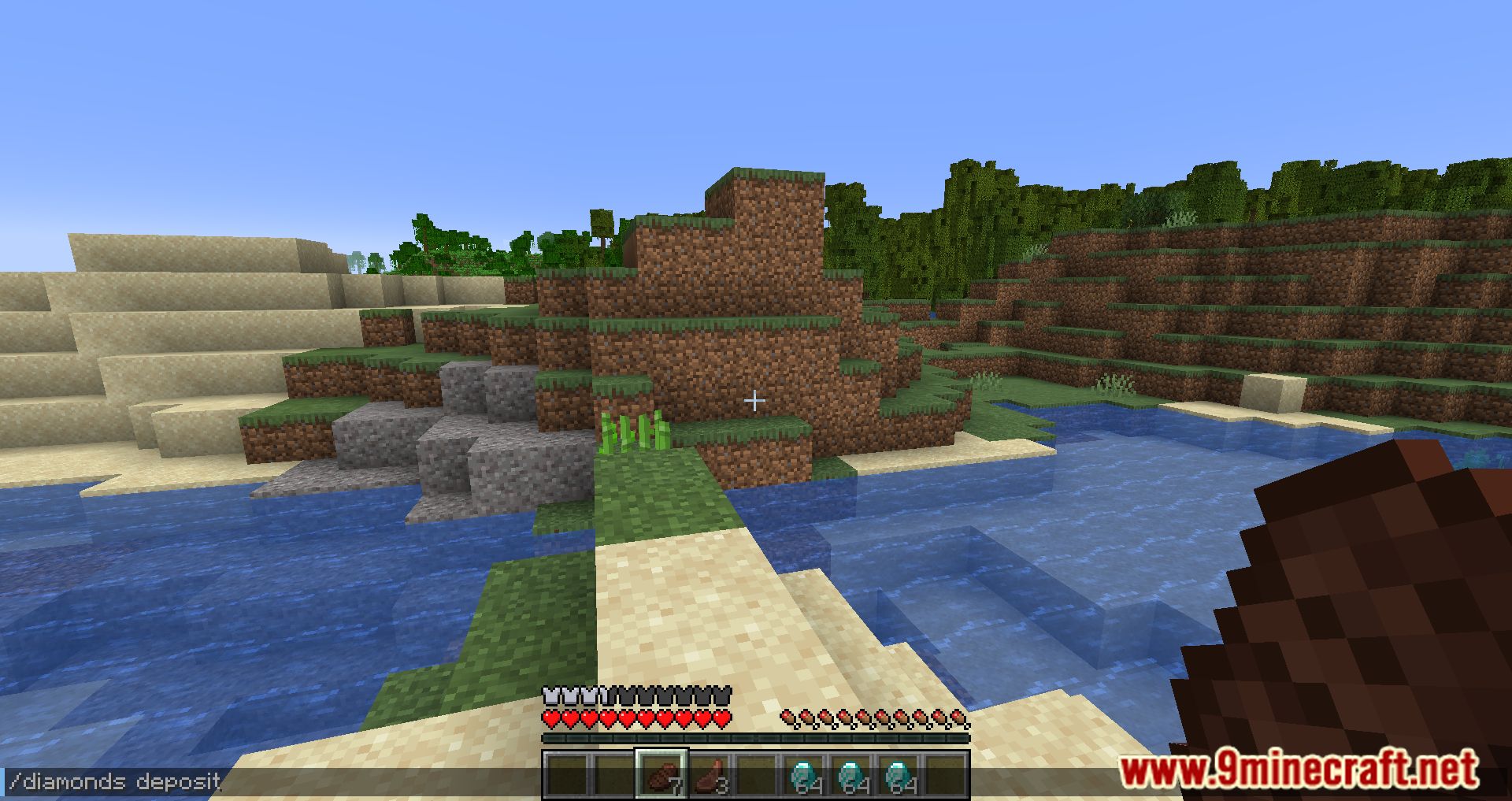
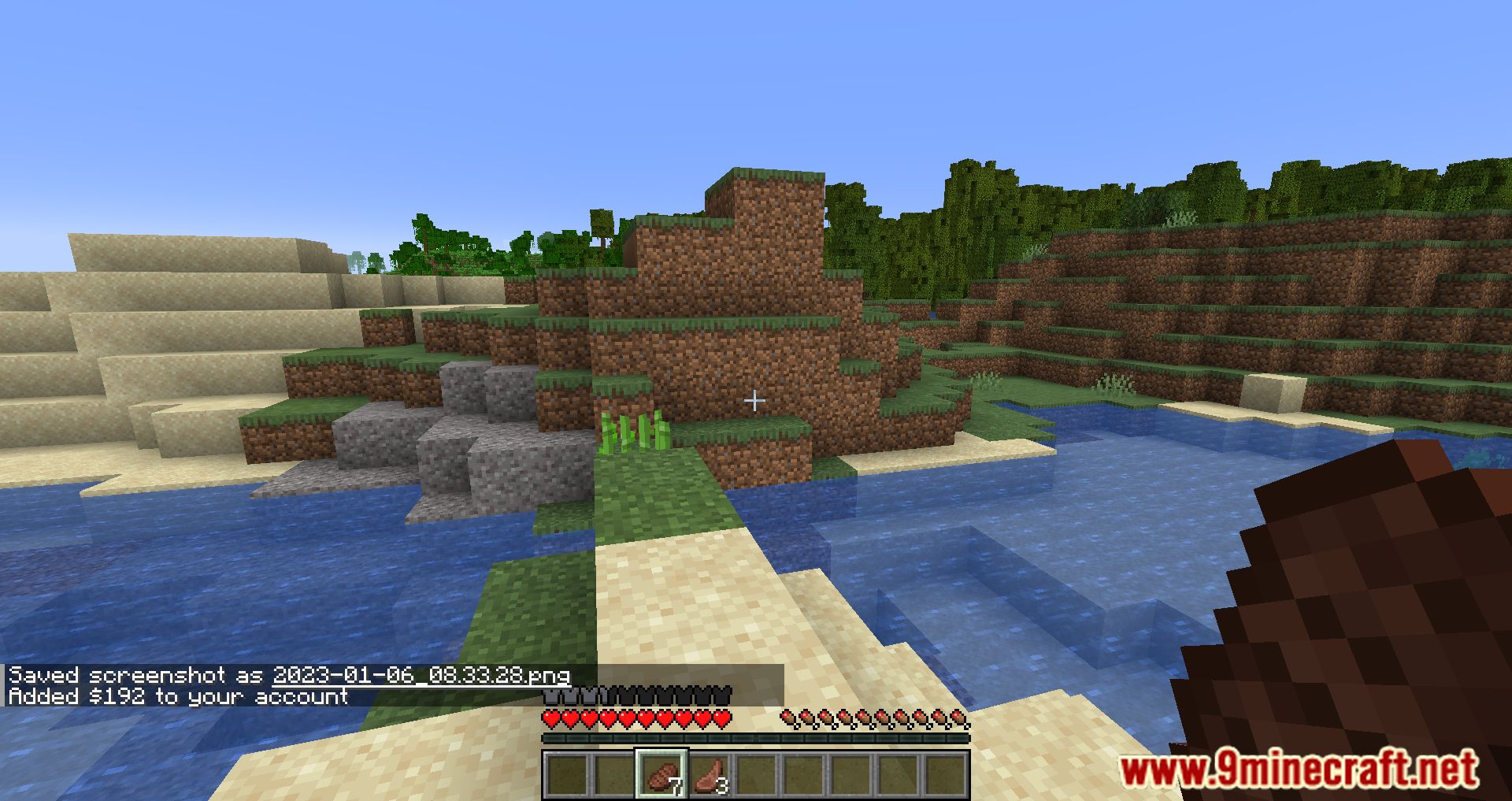
- Deposit [Optional: int] – takes currency from your inventory and adds it to your account.
- Send [player] [int] – takes [int] money from your account and adds it to [player]’s account.
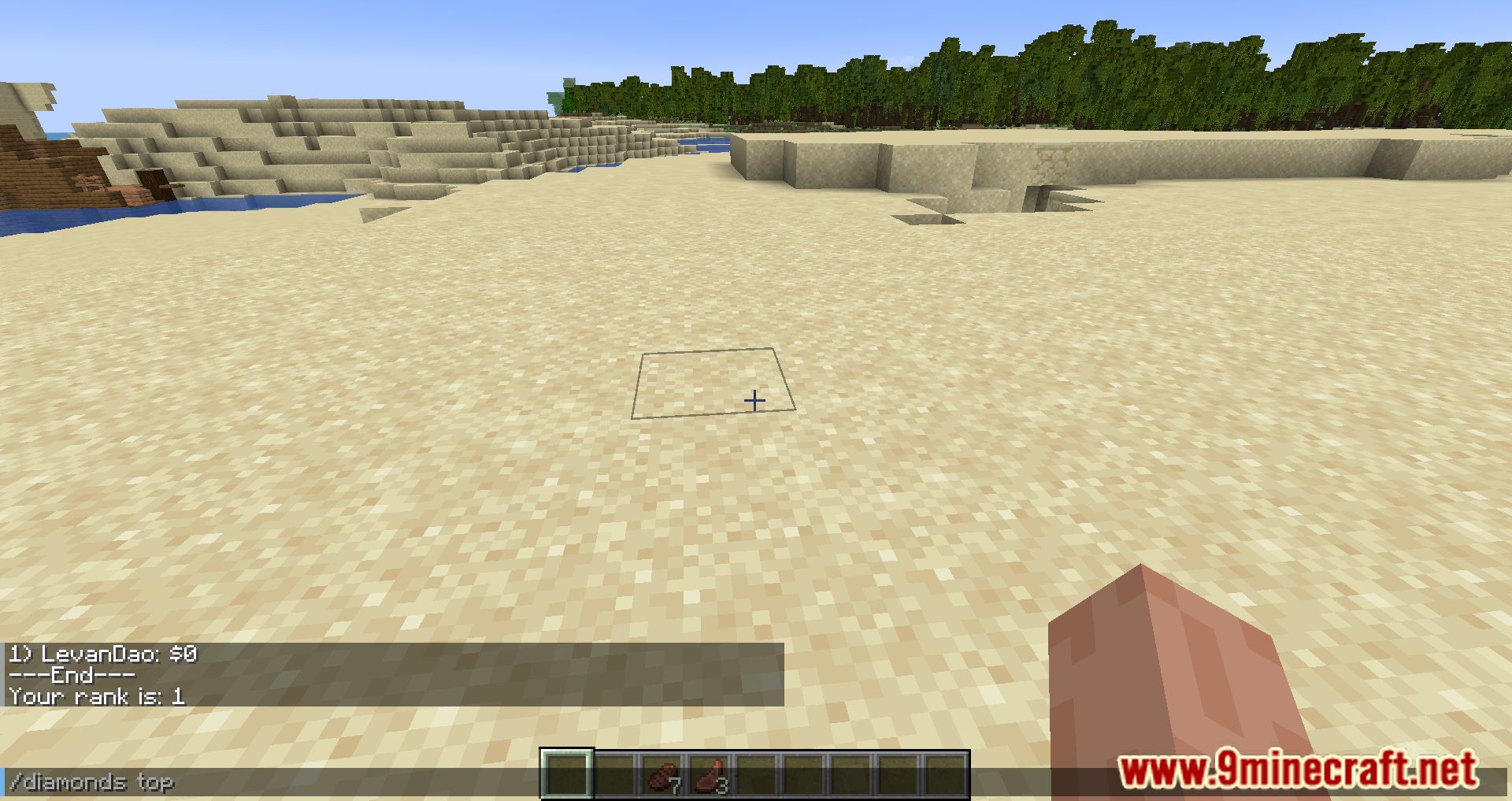
- Top [Optional: int] – tells the user’s current rank and who has the most money.
- Withdraw [int] – takes [int] money from your account and puts it in your inventory in the most high-value currency as possible.
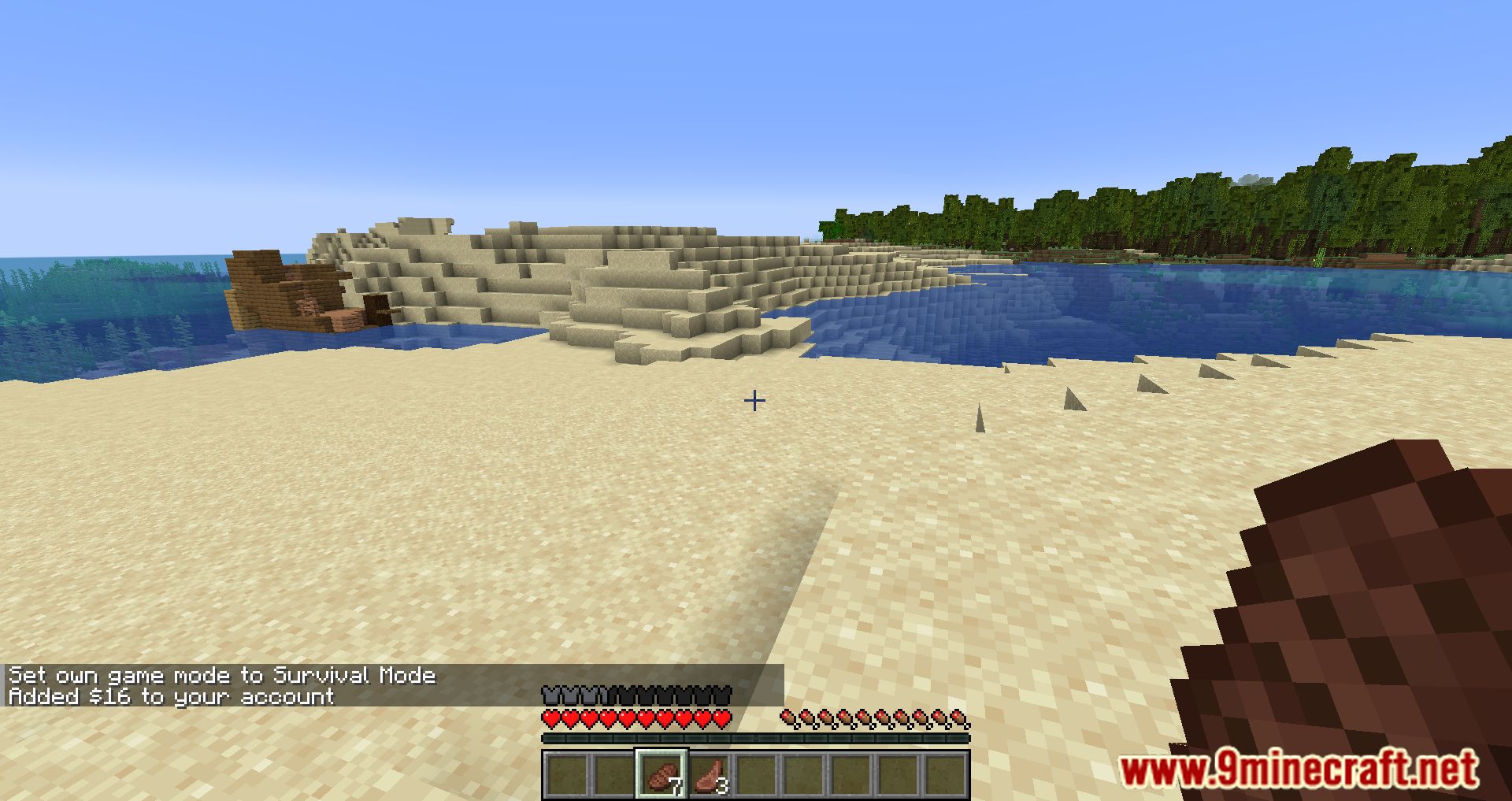
Screenshots:
Diamond Economy Mod Download Links
For Minecraft 1.21.1, 1.21
Fabric version: Download from Server 1 – Download from Server 2
For Minecraft 1.20.6
Fabric version: Download from Server 1 – Download from Server 2
For Minecraft 1.20.5
Fabric version: Download from Server 1 – Download from Server 2
For Minecraft 1.20.4, 1.20.3
Fabric version: Download from Server 1 – Download from Server 2
For Minecraft 1.20.2
Fabric version: Download from Server 1 – Download from Server 2
For Minecraft 1.20.1, 1.20
Fabric version: Download from Server 1 – Download from Server 2
For Minecraft 1.19.4, 1.19.3
Fabric version: Download from Server 1 – Download from Server 2
For Minecraft 1.19.2, 1.19.1, 1.19
Fabric version: Download from Server 1 – Download from Server 2
For Minecraft 1.18.2, 1.18.1
Fabric version: Download from Server 1 – Download from Server 2
For Minecraft 1.17.1
Fabric version: Download from Server 1 – Download from Server 2
For Minecraft 1.16.5
Fabric version: Download from Server 1 – Download from Server 2
Diamond Economy Mod (1.21.1, 1.20.1) – Convert Diamonds Into Currency is a free Minecraft Java mod. Compatible with Minecraft 1.21.1, 1.20.1. Download it and open it directly in the game.