Block Carpentry Mod (1.19.4, 1.18.2) – Introduce Some New Blocks Into The Game
Java mod listed for Minecraft 1.18–1.19. Downloads from the MC Java Mods app on Android.
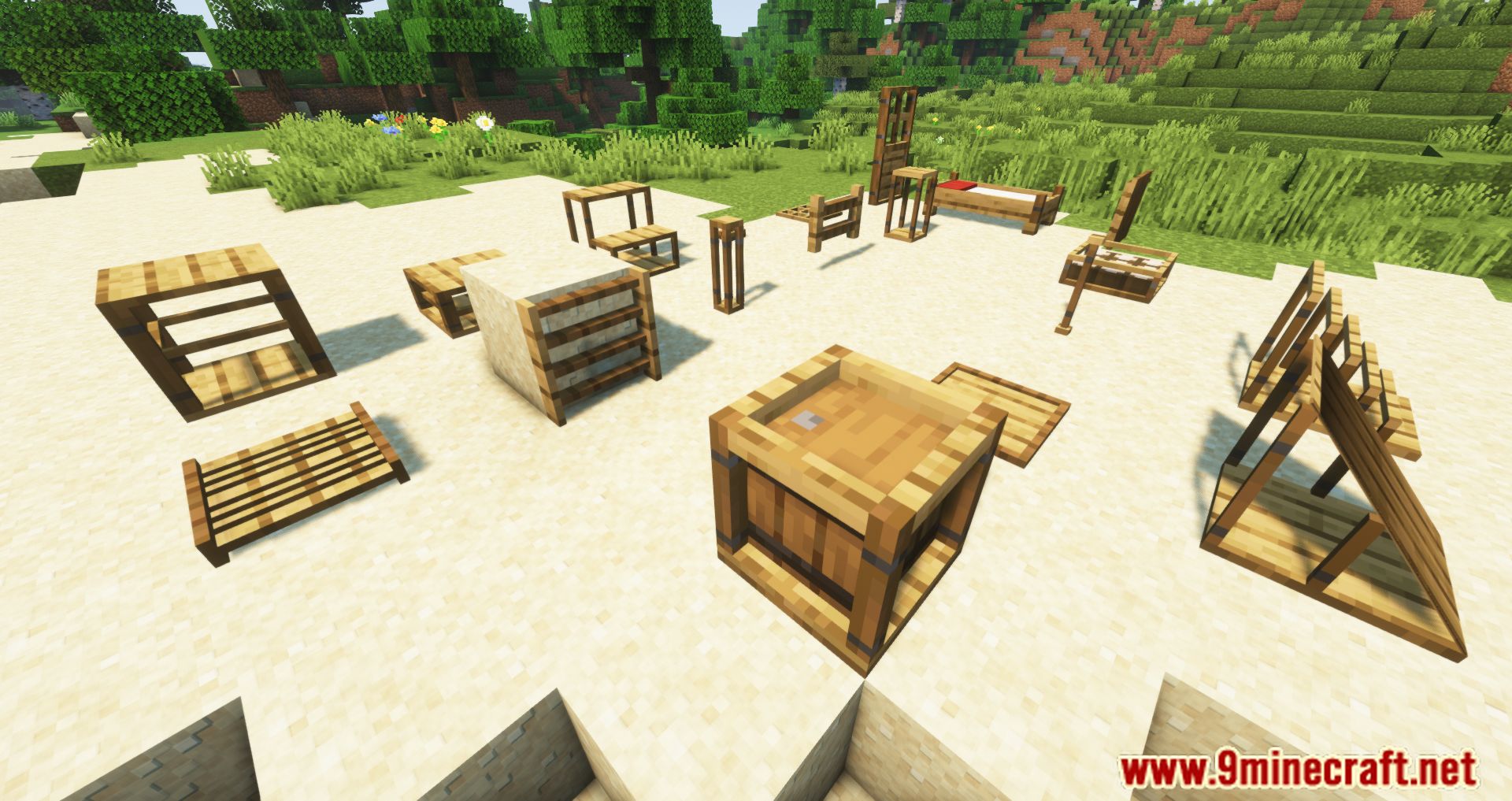
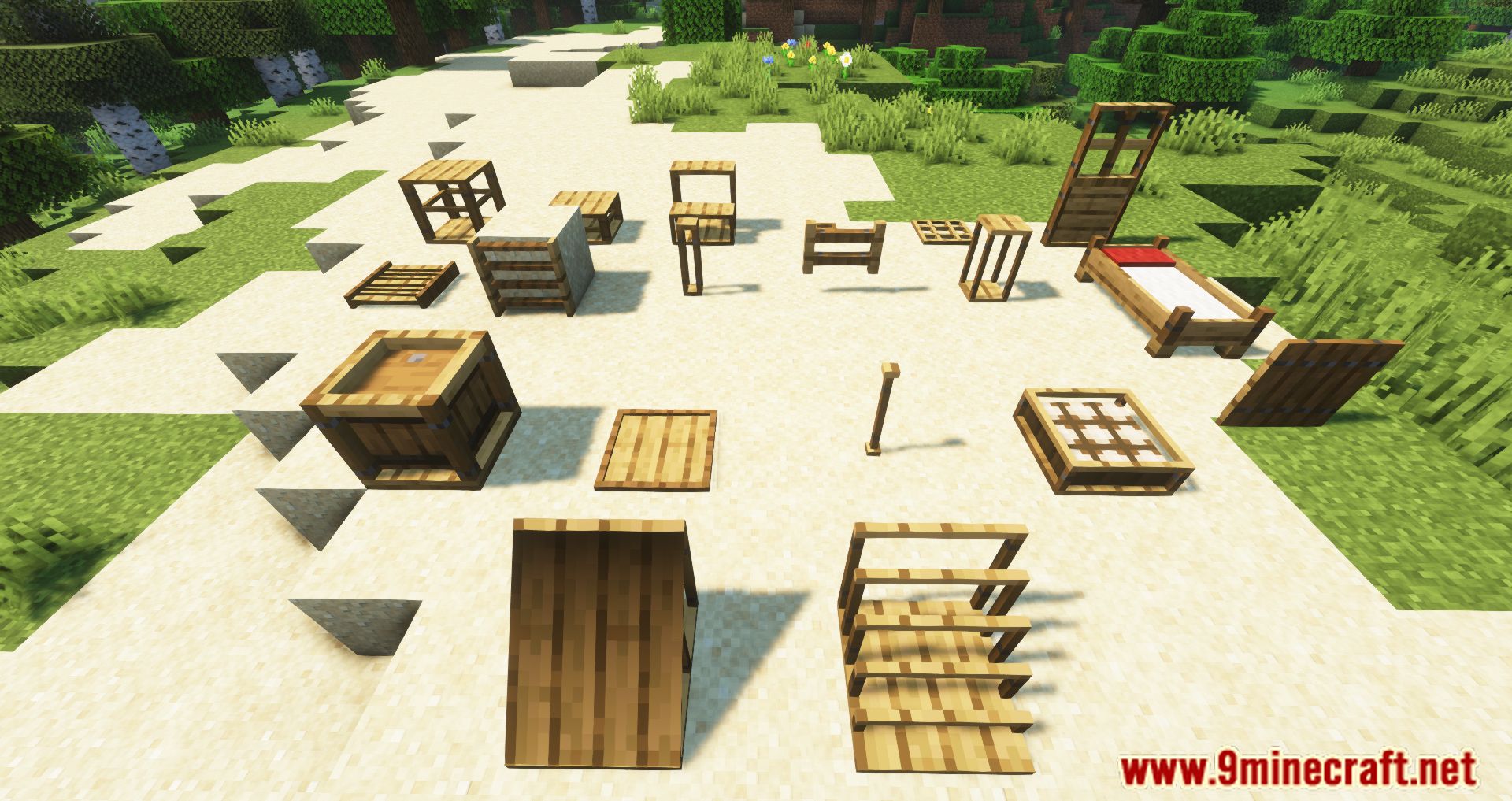
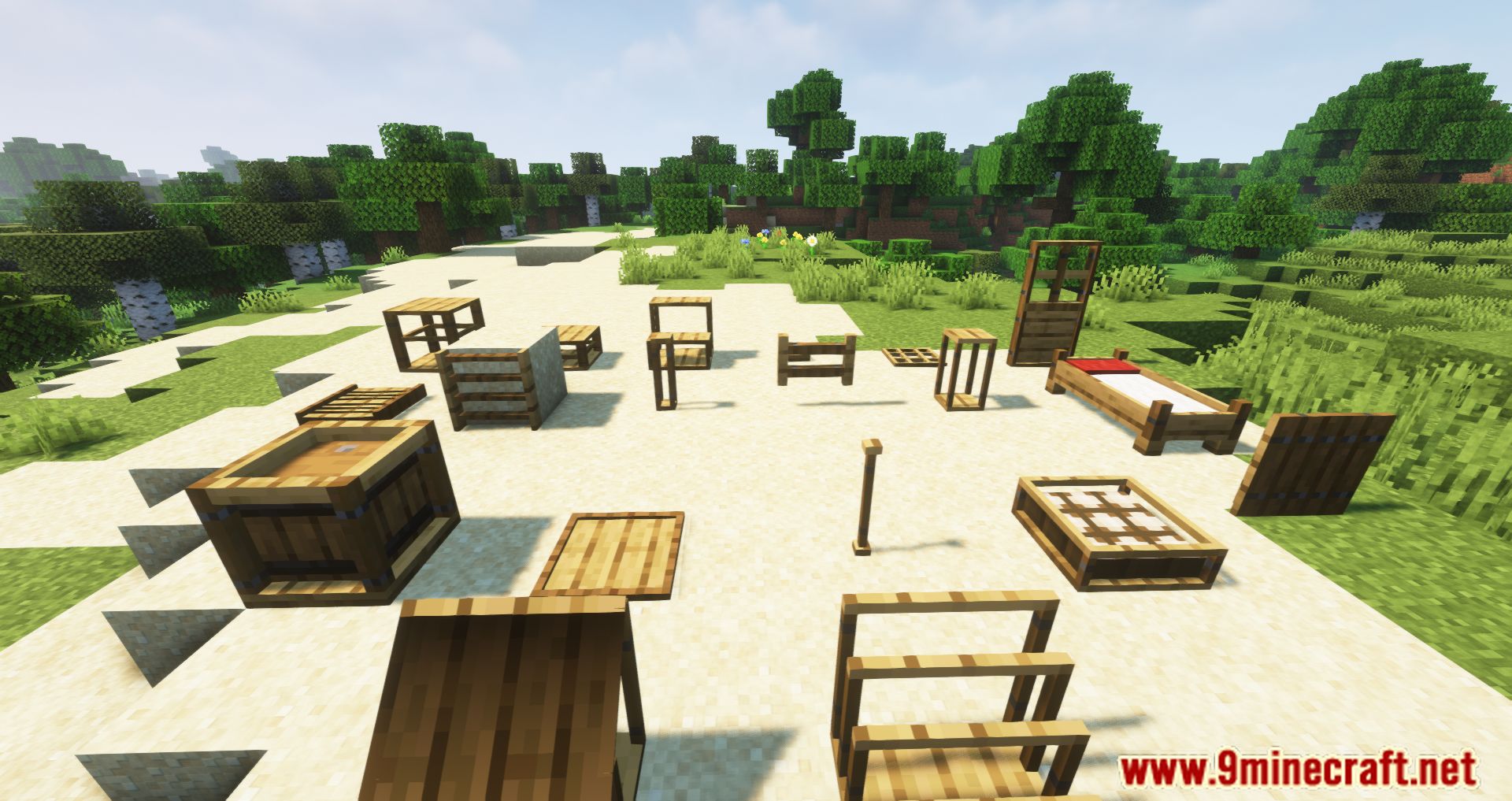
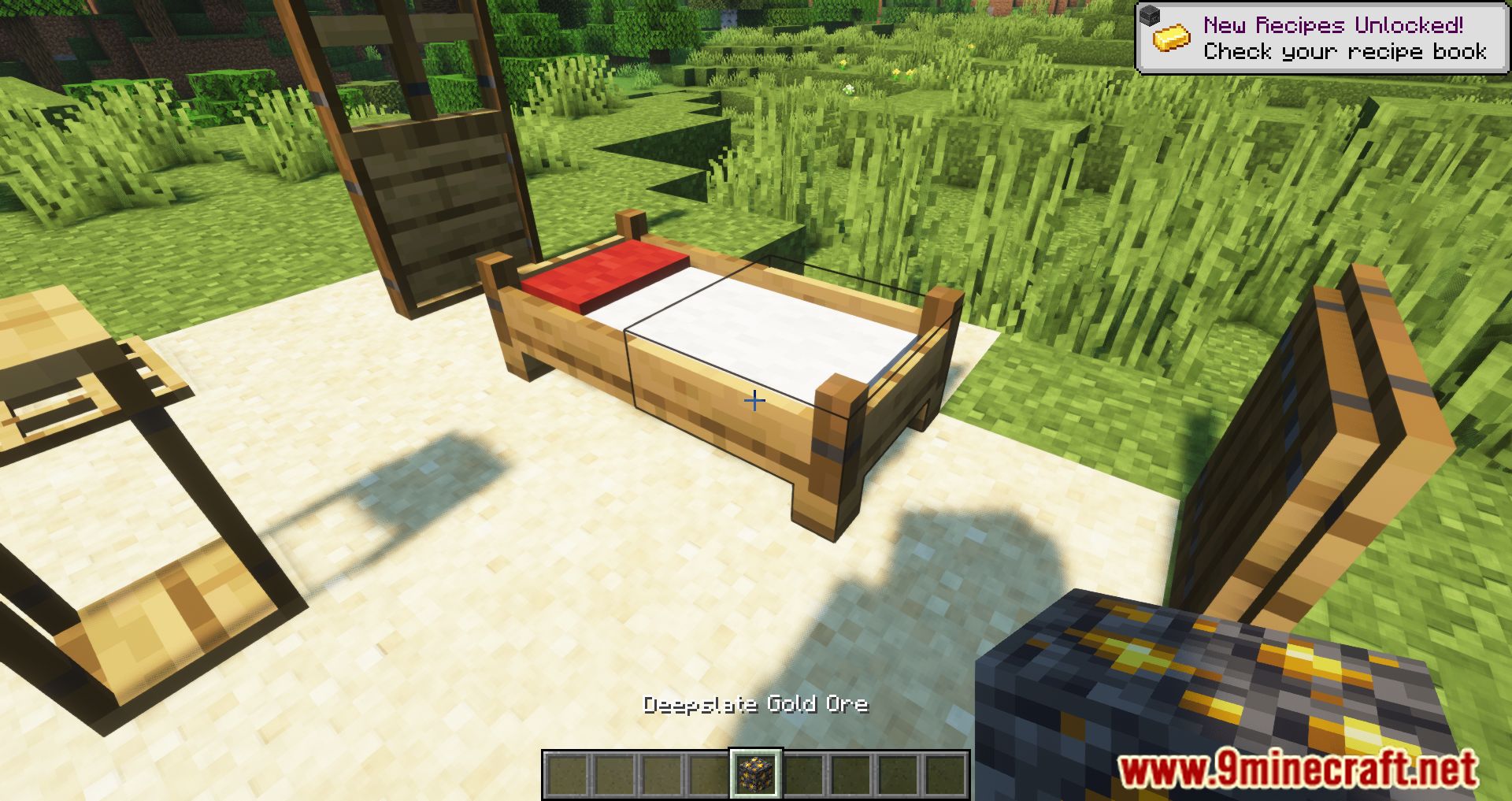
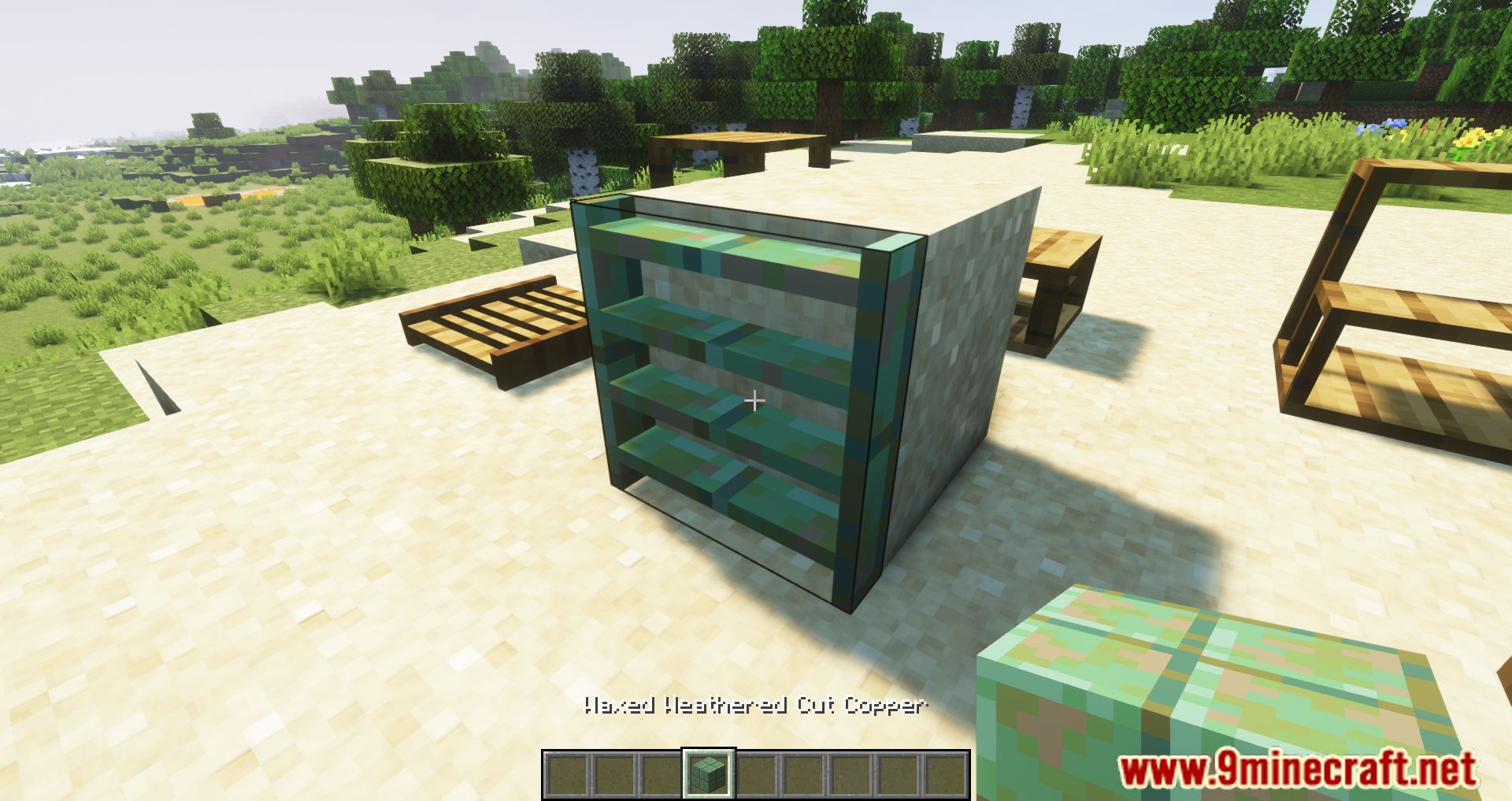
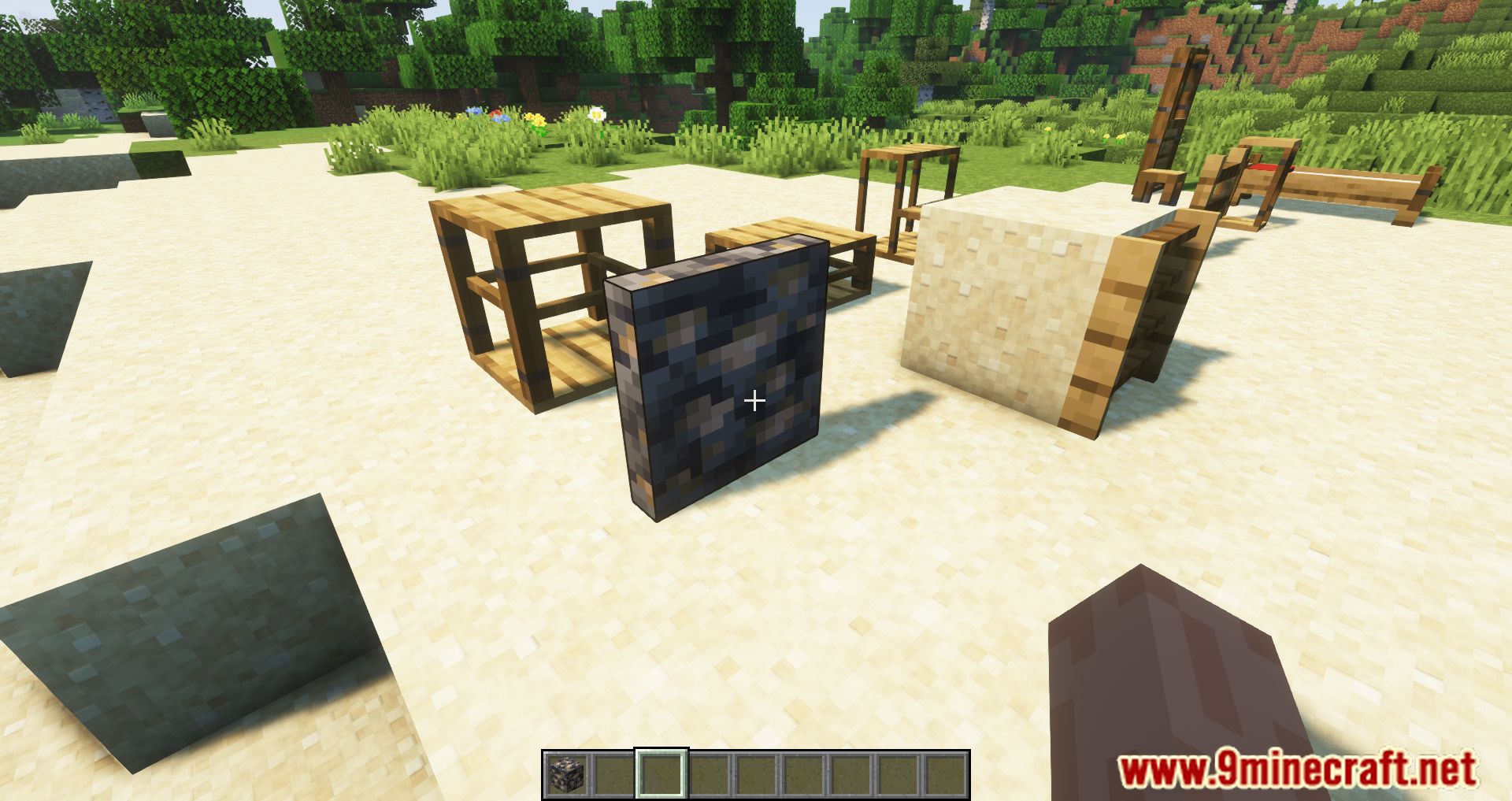
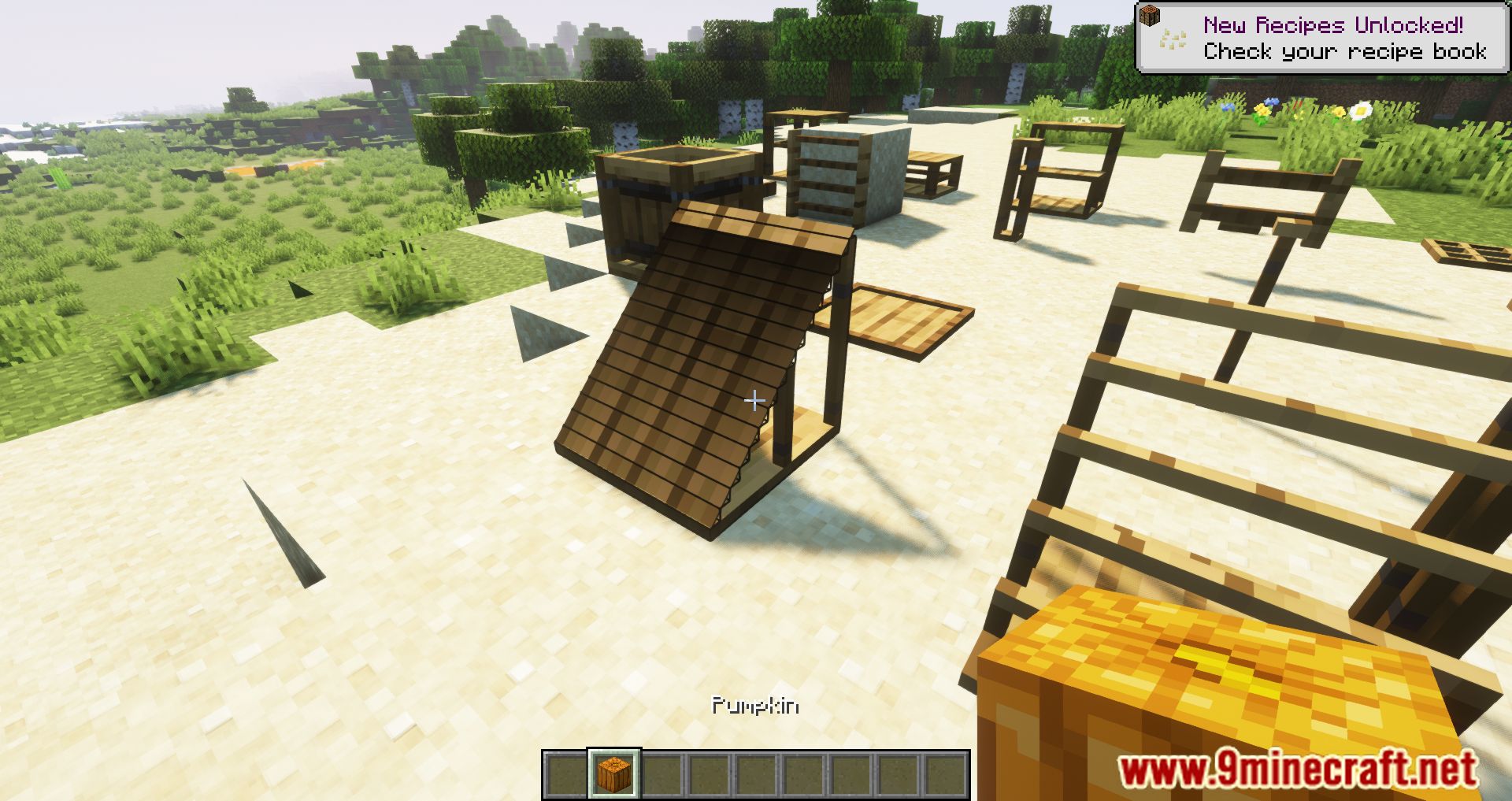
⬇ DownloadBlock Carpentry Mod introduces several new blocks and items to the game. The decoration is one of the highlights that Minecraft does very well, and we can simulate a character or a house in a game or real life into Minecraft based only on the items available in the game. But that’s still not enough, so Block Carpentry Mod adds coverable blocks (namely frames and illusion blocks) to the game. Coverable blocks can get the texture of the block it contains. You can make countless unique decorations with many new blocks of chairs, doors, buttons, fences, beds, etc. You can cover a block by simply right-clicking it with the right block; for some blocks, you can choose different designs by right-clicking them with the chisel. With Block Carpentry Mod, you can create tons of new decorations for the house or building you are building, download and try it.
Features:
- Add namely frames and illusion blocks.
- Place blocks from BlockCarpentry and right-click them with some solid block, and they will change their appearance.
Screenshots:
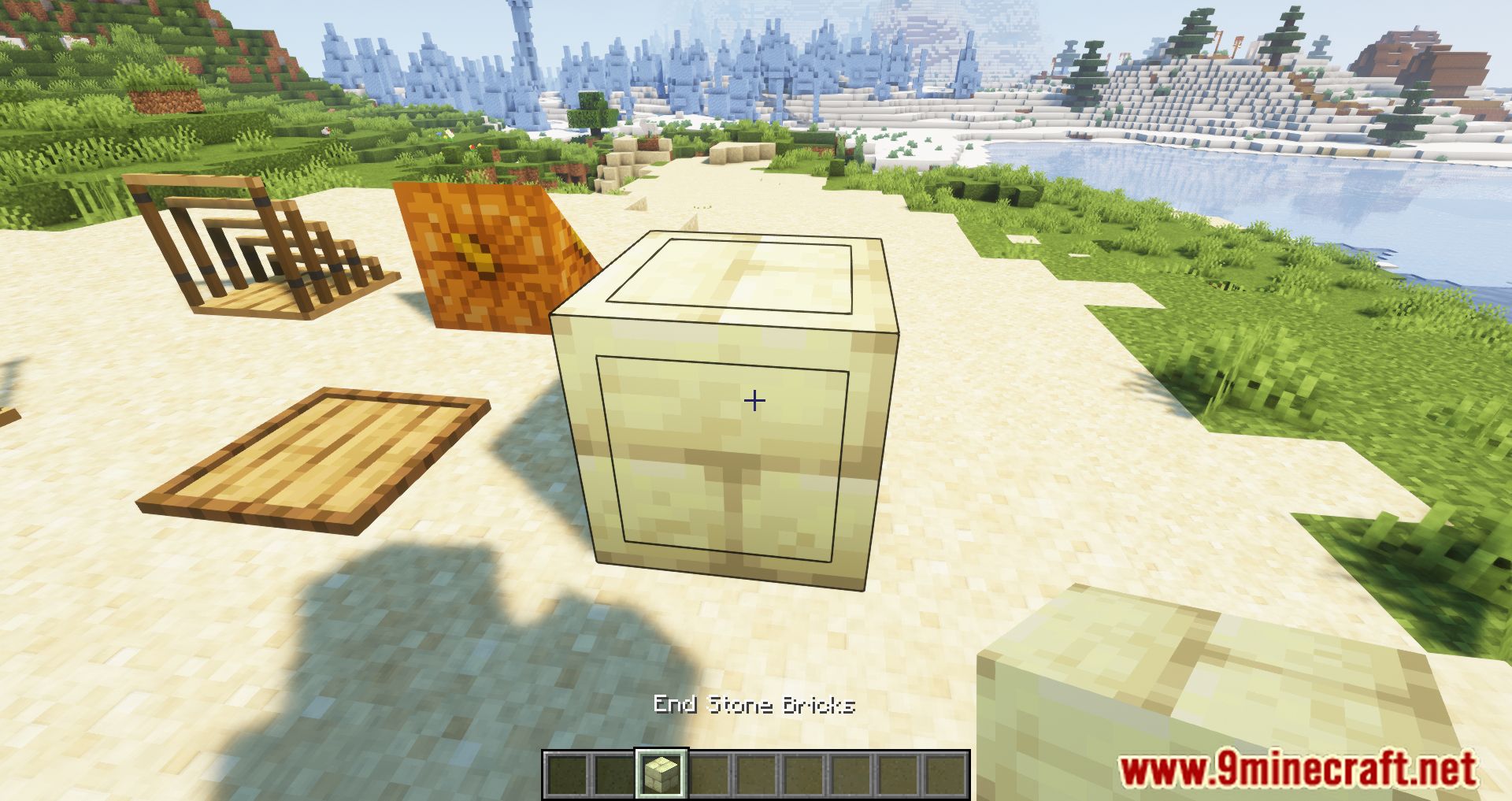
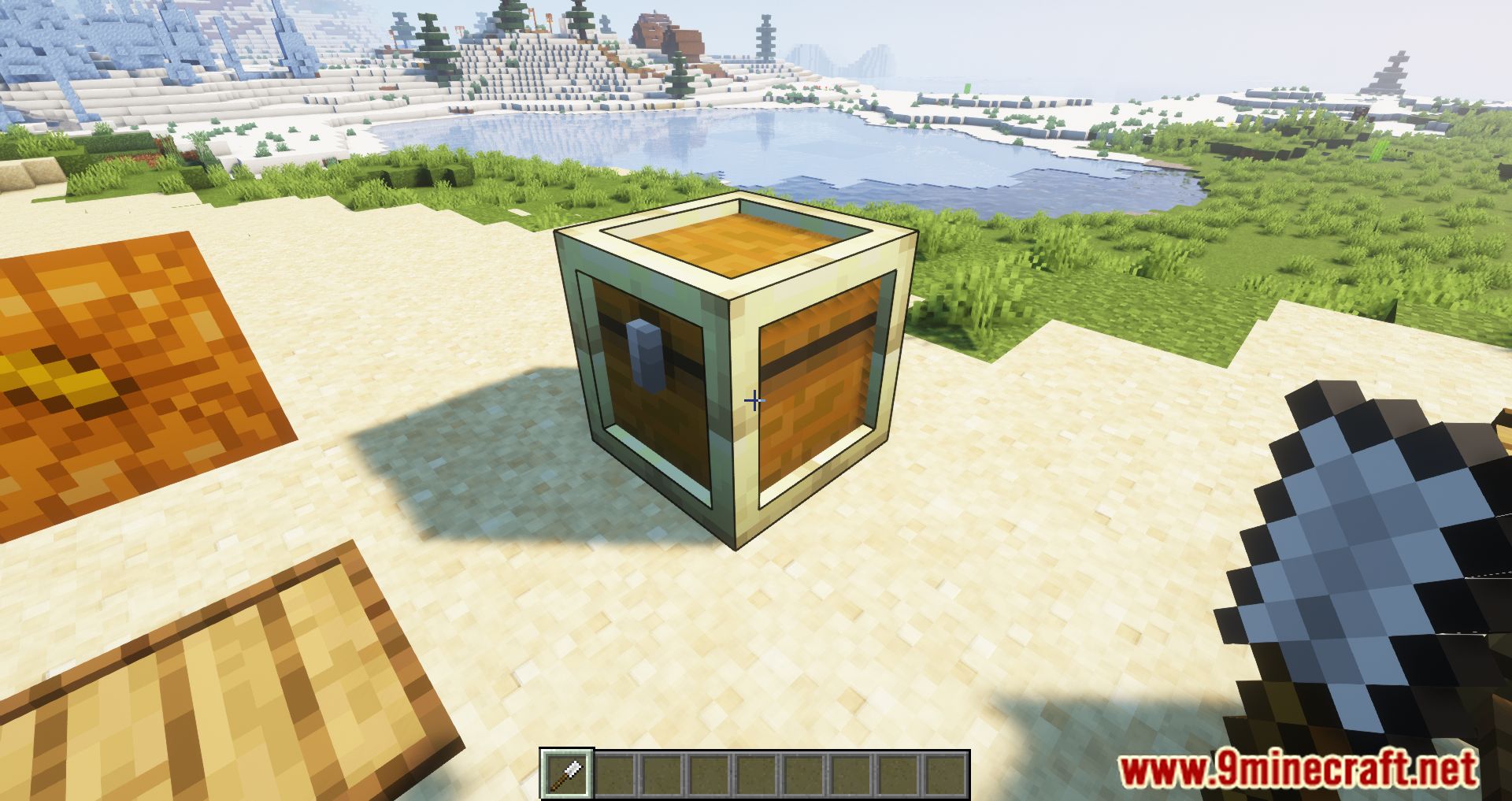
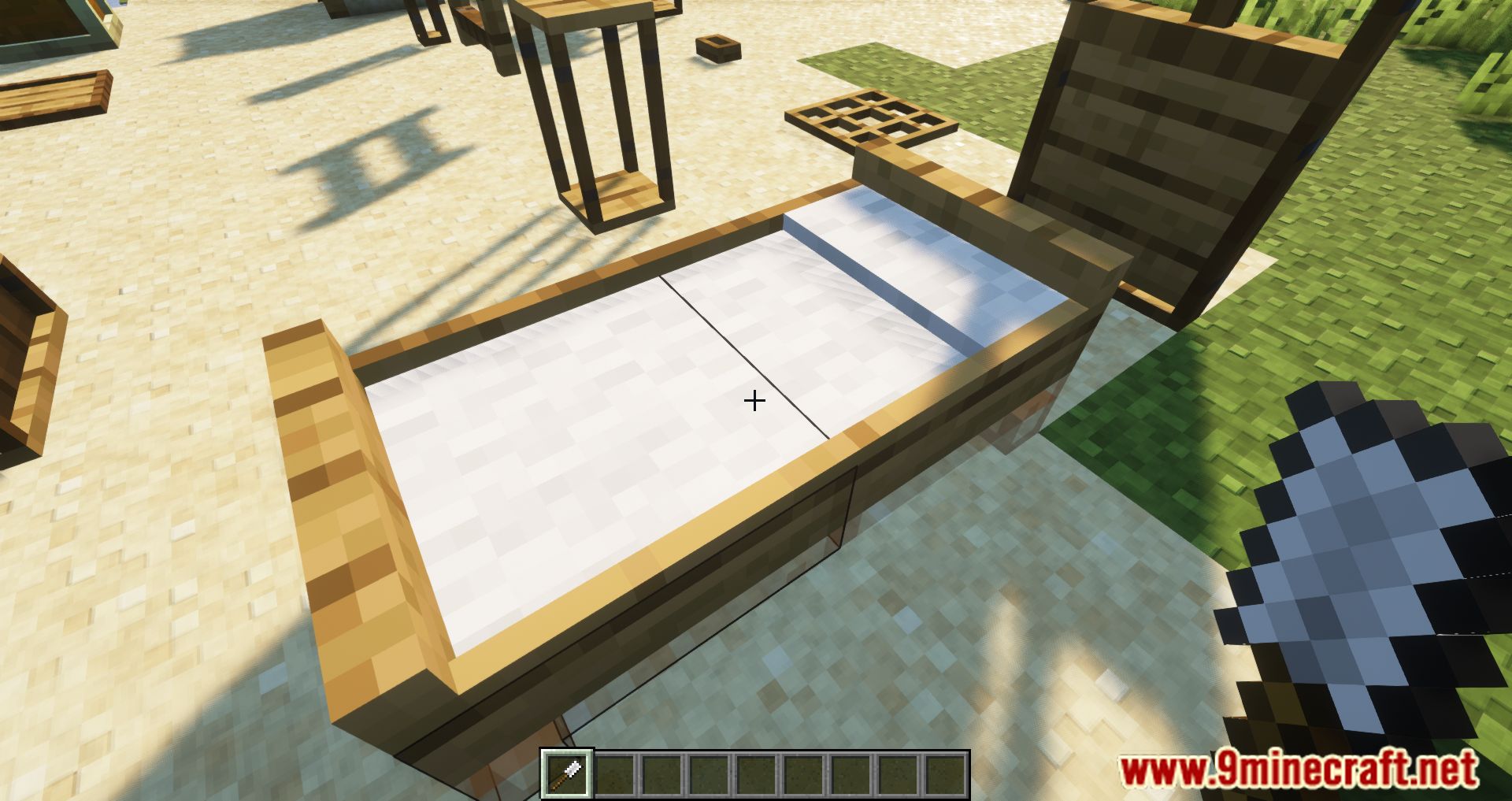
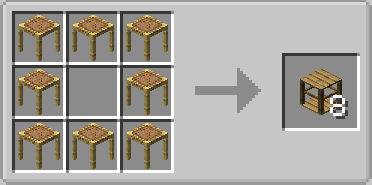
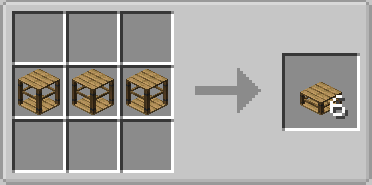
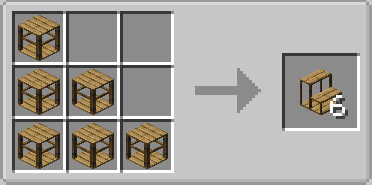
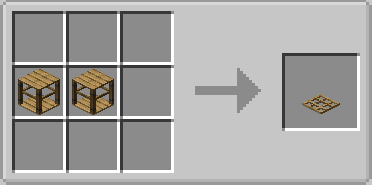
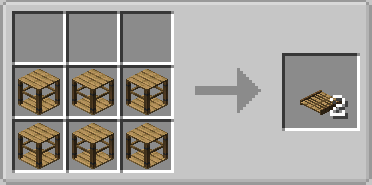
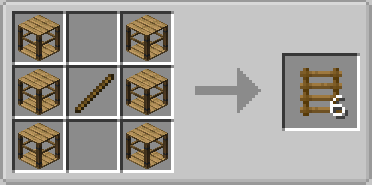
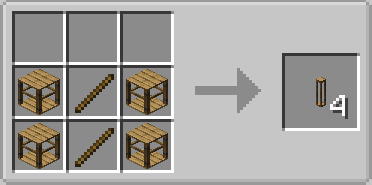
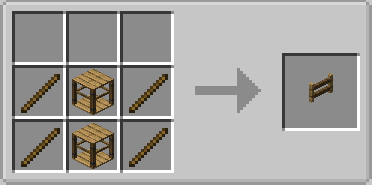
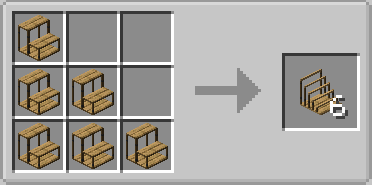
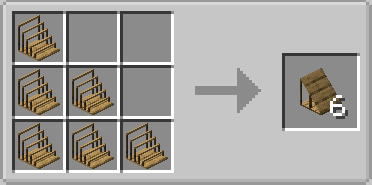
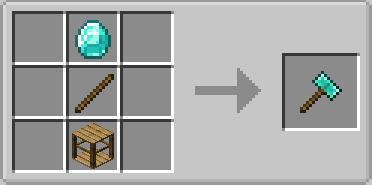
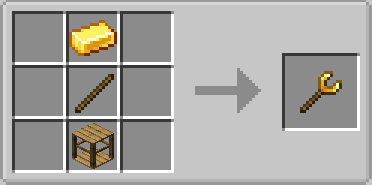
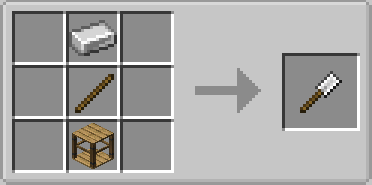
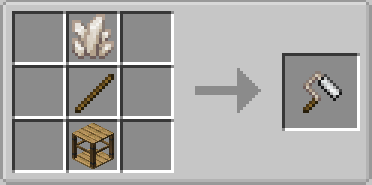
Crafting Recipes:
Block Carpentry Mod Download Links
For Minecraft 1.15.2
Forge Version: Download from Server 1 – Download from Server 2
For Minecraft 1.16.5
Forge Version: Download from Server 1 – Download from Server 2
For Minecraft 1.17.1
Forge Version: Download from Server 1 – Download from Server 2
For Minecraft 1.18.2, 1.18.1
Forge Version: Download from Server 1 – Download from Server 2
For Minecraft 1.19
Forge Version: Download from Server 1 – Download from Server 2
For Minecraft 1.19.2
Forge Version: Download from Server 1 – Download from Server 2
For Minecraft 1.19.3
Forge Version: Download from Server 1 – Download from Server 2
For Minecraft 1.19.4
Forge Version: Download from Server 1 – Download from Server 2
- Edition: Minecraft Java
- File type: .jar
- Minecraft versions listed: 1.19.4, 1.18.2
- How to install: Install the matching mod loader (Forge, Fabric or NeoForge) for your Minecraft version. → Download the .jar. → Put it in the .minecraft/mods folder and launch that loader profile.
- Where to get it: In MC Java Mods, or directly above on this page.
Install steps are the general flow for this file type — How to install Minecraft Java mods & modpacks walks through it step by step.
- Downloads as 199481.mcaddon
- Download size: 543 KB
- Download link checked 29 Jul 2026 — working
- Mirrored on our own servers — the download does not depend on the original host
These come from our own check of the pack file, not from the source page.