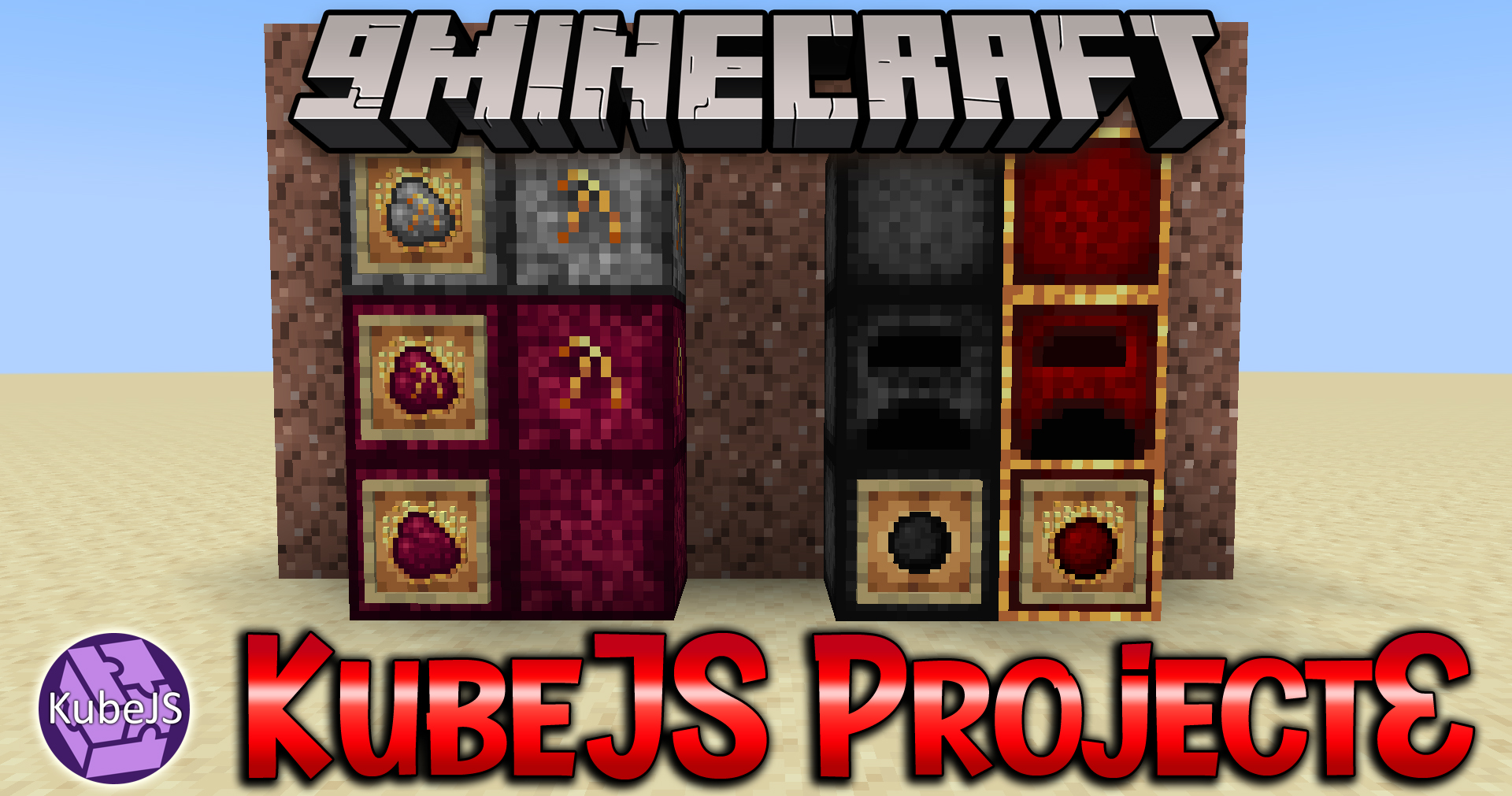
KubeJS ProjectE Mod lets you set the EMC values of items and the Philosopher’s Stone transformations blocks with the ProjectE mod.
Features:
Examples are shown below:
Server side events ( server_scripts ):
ProjectEEvents.setEMC(event => {
    // sets the absolute emc value of an item
    event.setEMC("minecraft:cobblestone", 0) // alias. setEMCAfter

    // sets the emc of an item before anything else happens
    // this can sometimes result in this emc value not being
    // set, but also it allows for emc values to be generated
    // from this one; i.e crafting recipes
    event.setEMCBefore("minecraft:stick", 10000);
})

ItemEvents.rightClicked("minecraft:stick", event => {
    let player = event.player;

    // getPlayerEMC will always return a string
    // because emc values can get very large
    player.tell("Your emc is " + ProjectE.getPlayerEMC(player))

    ProjectE.addPlayerEMC(player, 1000);
    // the second argument can be a string because of the above
    // ProjectE.setPlayerEMC also exists

    player.tell("Your new emc is " + ProjectE.getPlayerEMC(player))
})
Startup events ( server_scripts ):
ProjectEEvents.registerWorldTransmutations(event => {
    event.transform("minecraft:tnt", "minecraft:oak_planks");
})
KubeJS ProjectE Mod Download Links
For Minecraft 1.19.2
Forge version: Download from Server 1 – Download from Server 2
Quick facts
- Edition: Minecraft Java
- File type: .jar
- Minecraft version listed: 1.19.2
- How to install: Install the matching mod loader (Forge, Fabric or NeoForge) for your Minecraft version. → Download the .jar. → Put it in the .minecraft/mods folder and launch that loader profile.
- Where to get it: In MC Java Mods, or directly above on this page.
Install steps are the general flow for this file type — How to install Minecraft Java mods & modpacks walks through it step by step.
Verified by MCModsHub
- Downloads as 199502.mcaddon
- Download size: 11 KB
- Download link checked 29 Jul 2026 — working
- Mirrored on our own servers — the download does not depend on the original host
These come from our own check of the pack file, not from the source page.