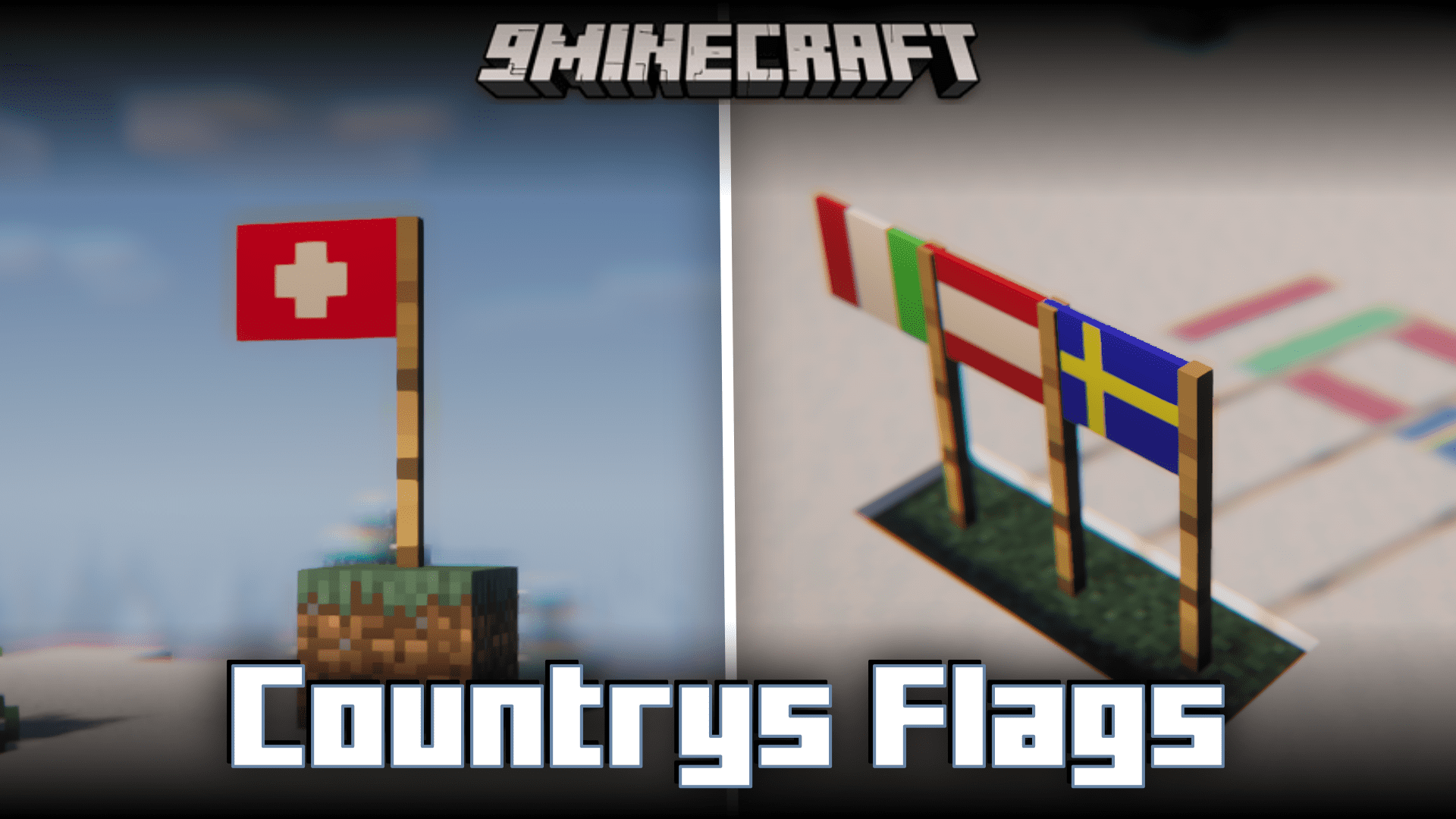
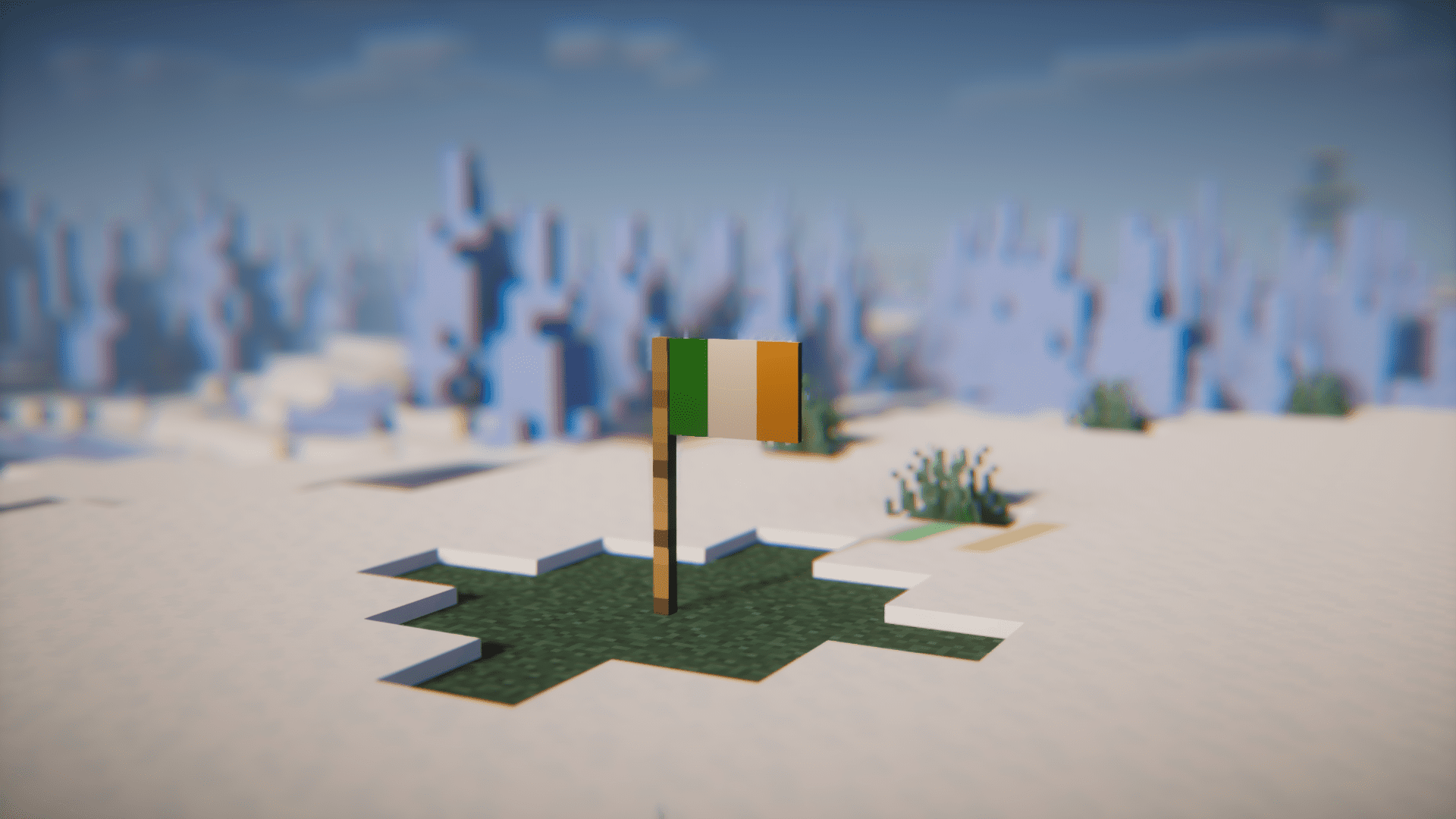
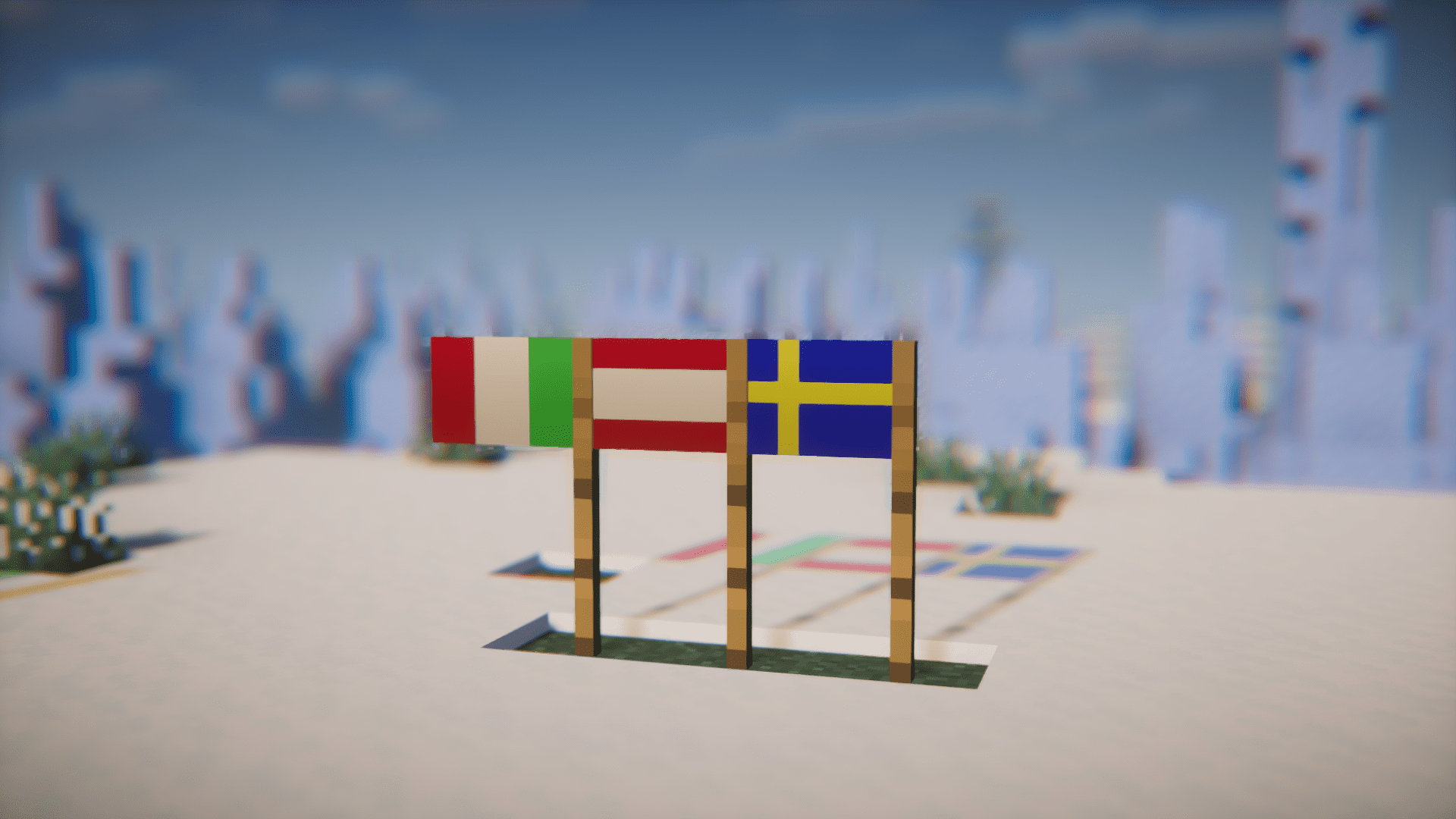
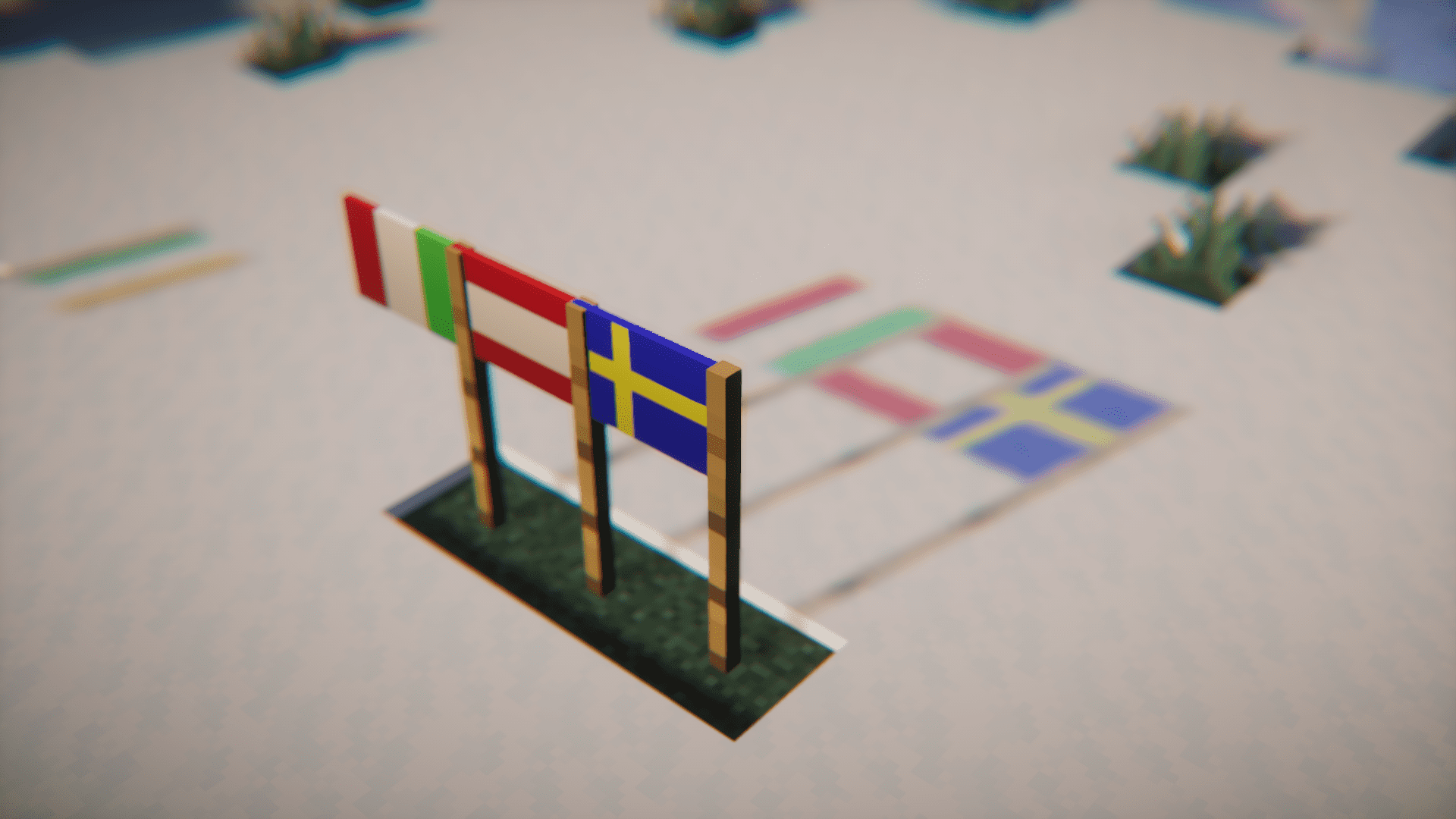
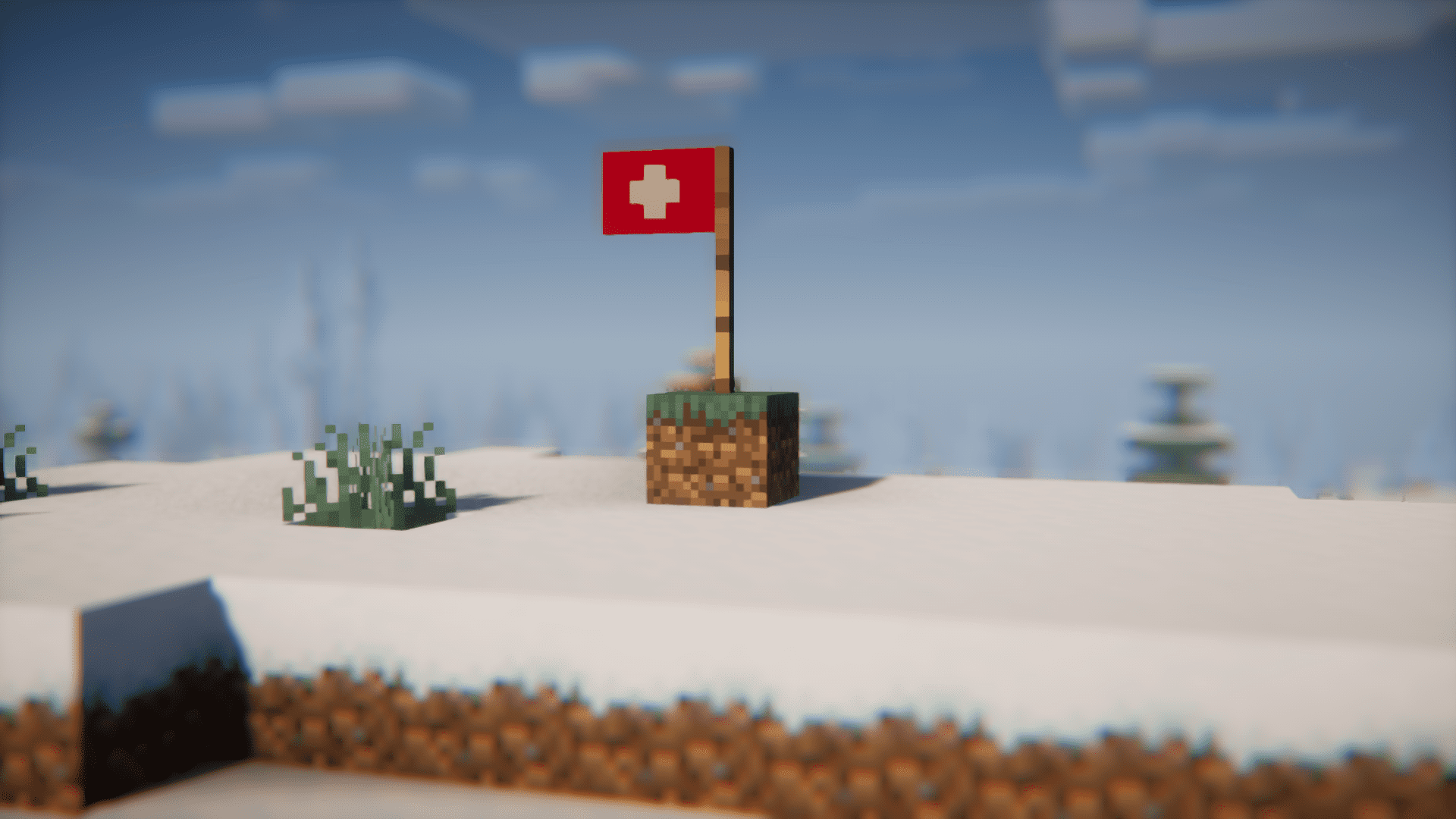
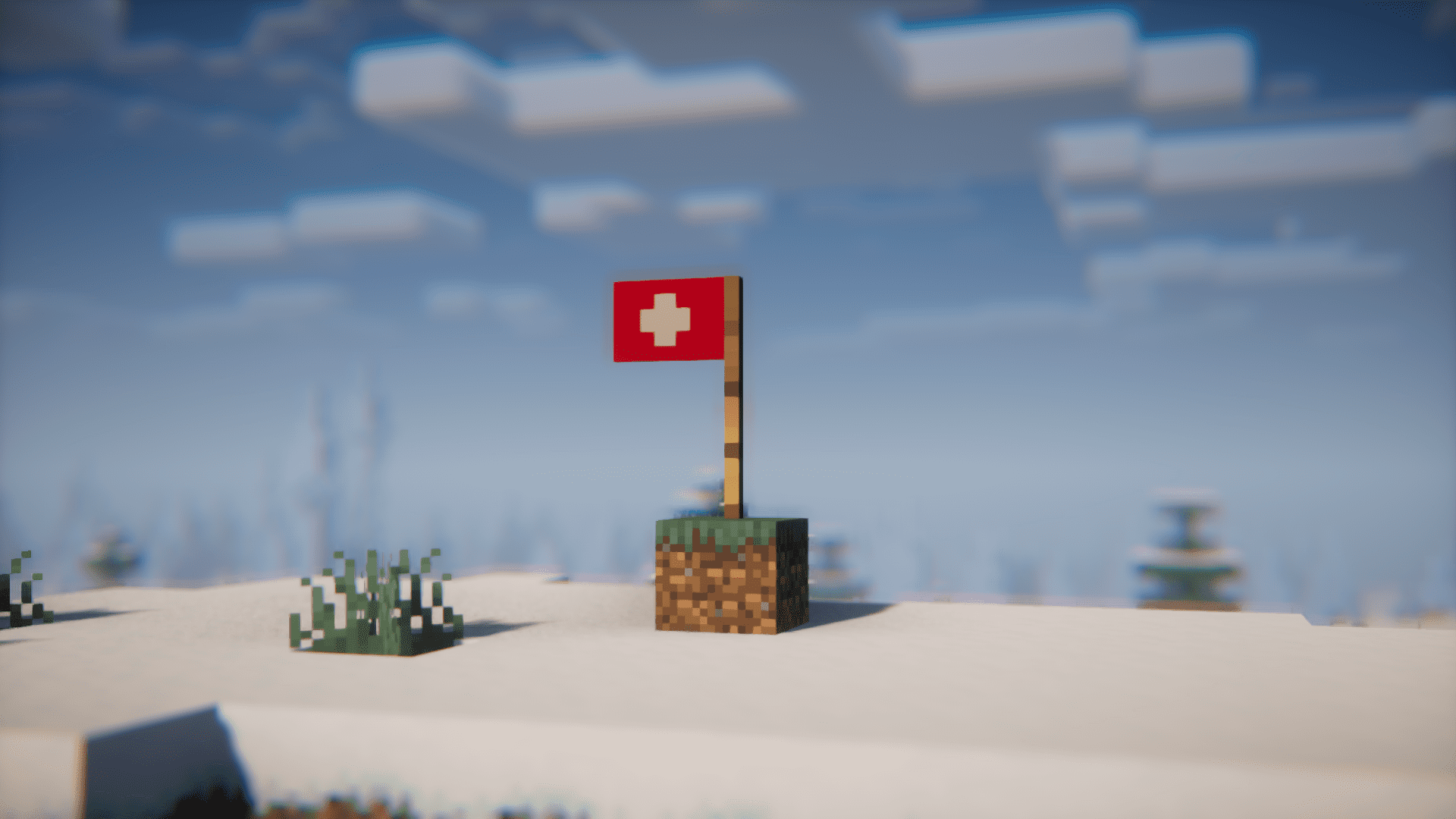
Are you a patriot? Do you wish to showcase your love for your country in your Minecraft world? If the answer is yes, Countrys Flags Mod is for you. This mod introduces over thirty different flags of different nationalities into the game. These flags can be placed anywhere you like to showcase your love for your country. When playing with shaders, these flags also make very attractive colorful shadows. Is your country’s flag missing from the mod? No need for worry, as the developer is continuously working on adding more flags.
Features:
- Craft and place over thirty national flags in Minecraft.
- Continuously updates. More flags will be added.
- Use the JustEnoughItems mod to view the crafting recipes.
Screenshots:
Countrys Flags Mod Download Links
For Minecraft 1.20.1
Forge version: Download from Server 1 – Download from Server 2
Fabric version: Download from Server 1 – Download from Server 2
For Minecraft 1.19.2
Forge version: Download from Server 1 – Download from Server 2
Fabric version: Download from Server 1 – Download from Server 2
For Minecraft 1.18.2
Forge version: Download from Server 1 – Download from Server 2
Fabric version: Download from Server 1 – Download from Server 2
For Minecraft 1.17.1
Forge version: Download from Server 1 – Download from Server 2
For Minecraft 1.16.5
Forge version: Download from Server 1 – Download from Server 2
- Edition: Minecraft Java
- File type: .jar
- Minecraft versions listed: 1.20.1, 1.19.2
- How to install: Install the matching mod loader (Forge, Fabric or NeoForge) for your Minecraft version. → Download the .jar. → Put it in the .minecraft/mods folder and launch that loader profile.
- Where to get it: In MC Java Mods, or directly above on this page.
Install steps are the general flow for this file type — How to install Minecraft Java mods & modpacks walks through it step by step.
- Downloads as 199713.mcaddon
- Download size: 148 KB
- Download link checked 29 Jul 2026 — working
- Mirrored on our own servers — the download does not depend on the original host
These come from our own check of the pack file, not from the source page.