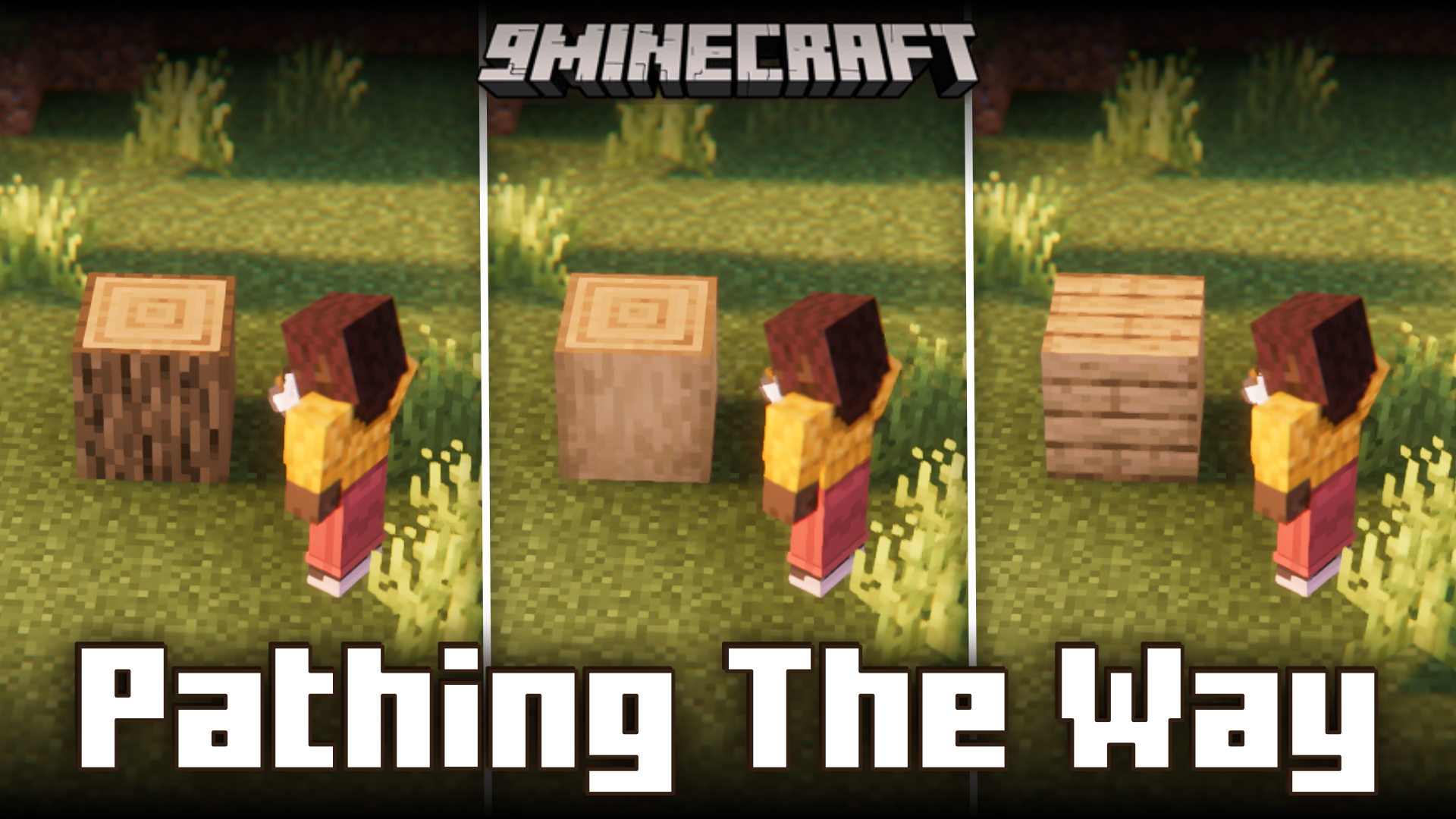
Pathing The Way Mod (1.21.1, 1.20.1) – Convert Blocks Using Tools
Java mod listed for Minecraft 1.20–1.21. Downloads from the MC Java Mods app on Android.
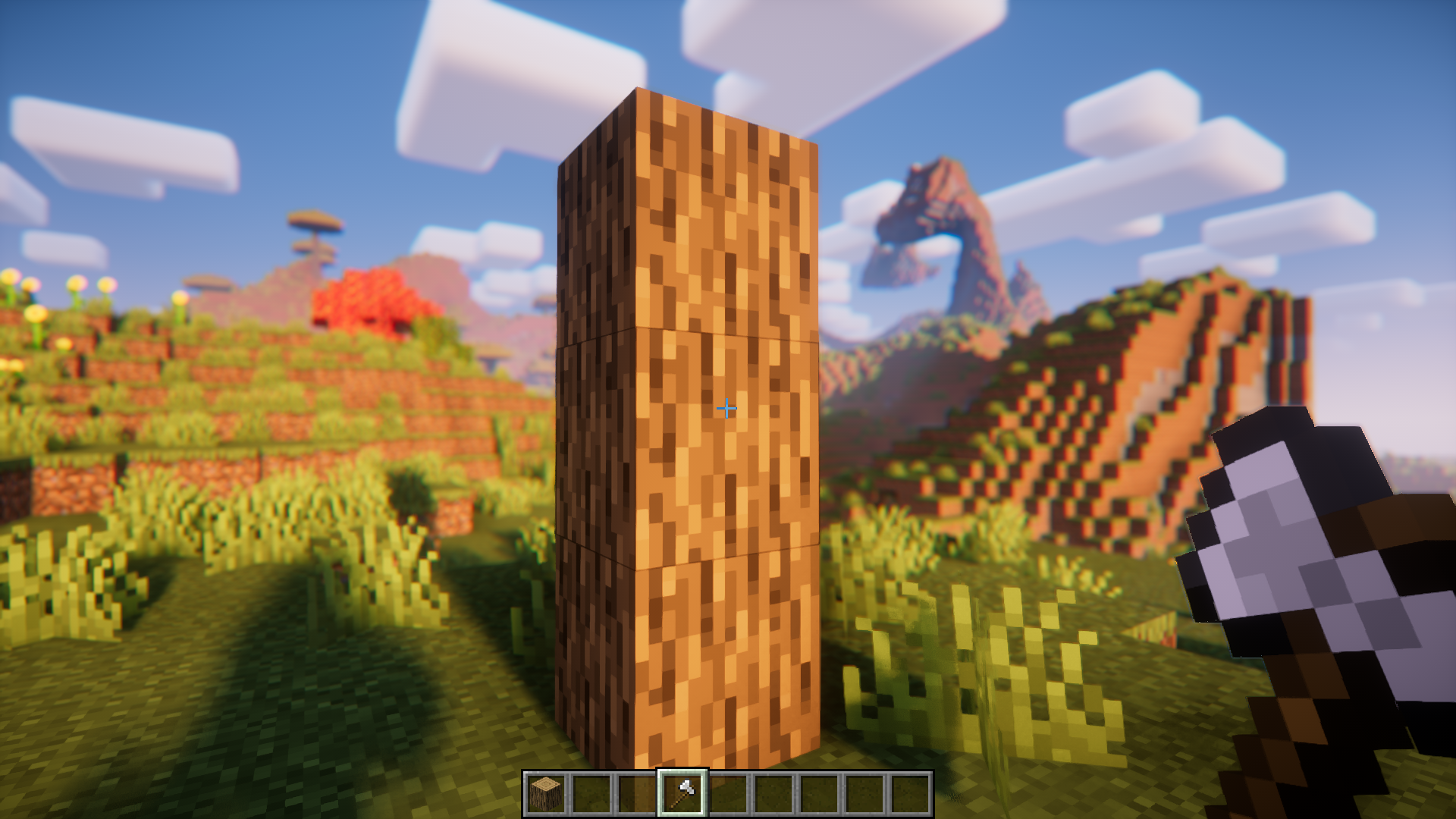
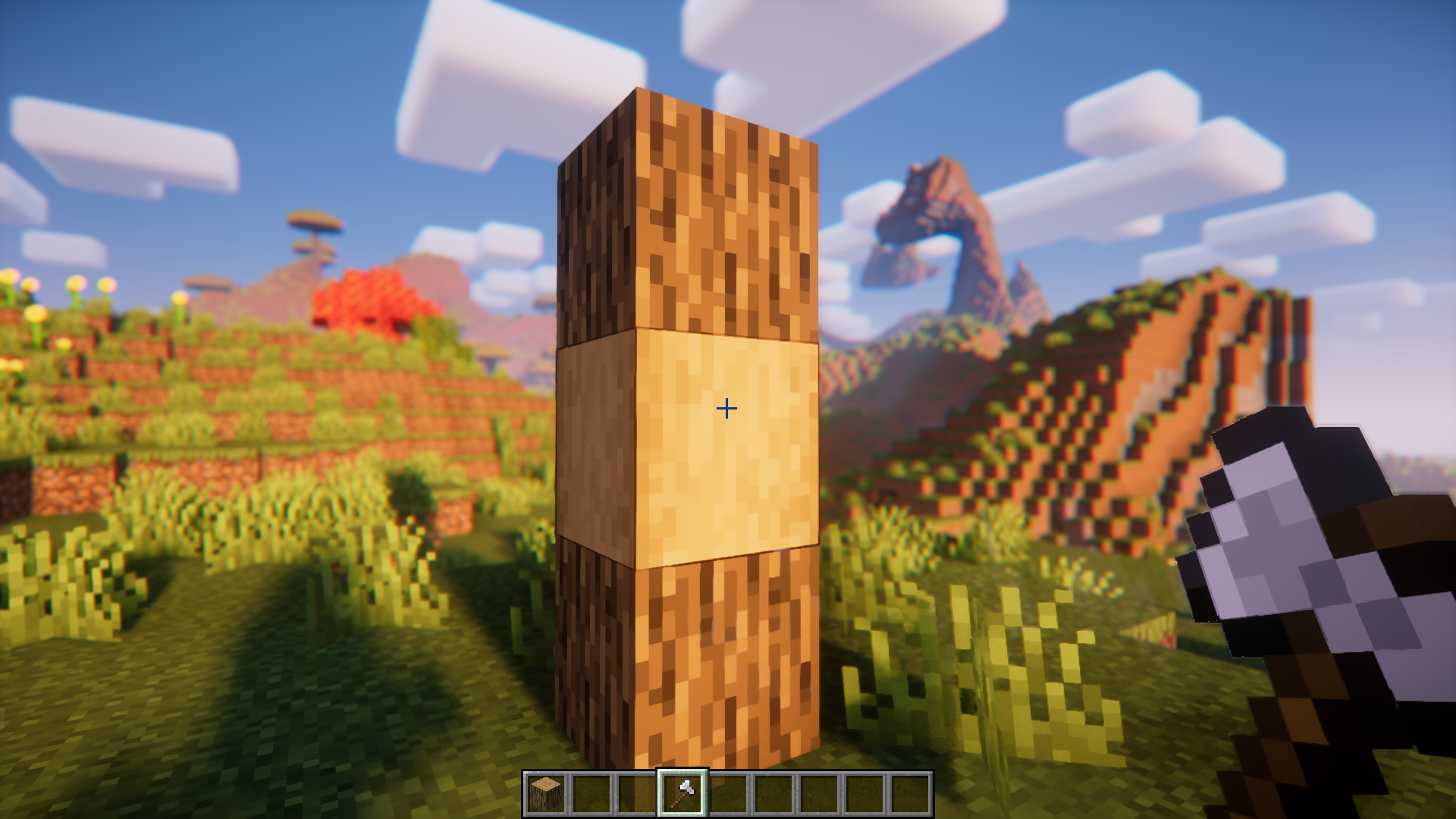
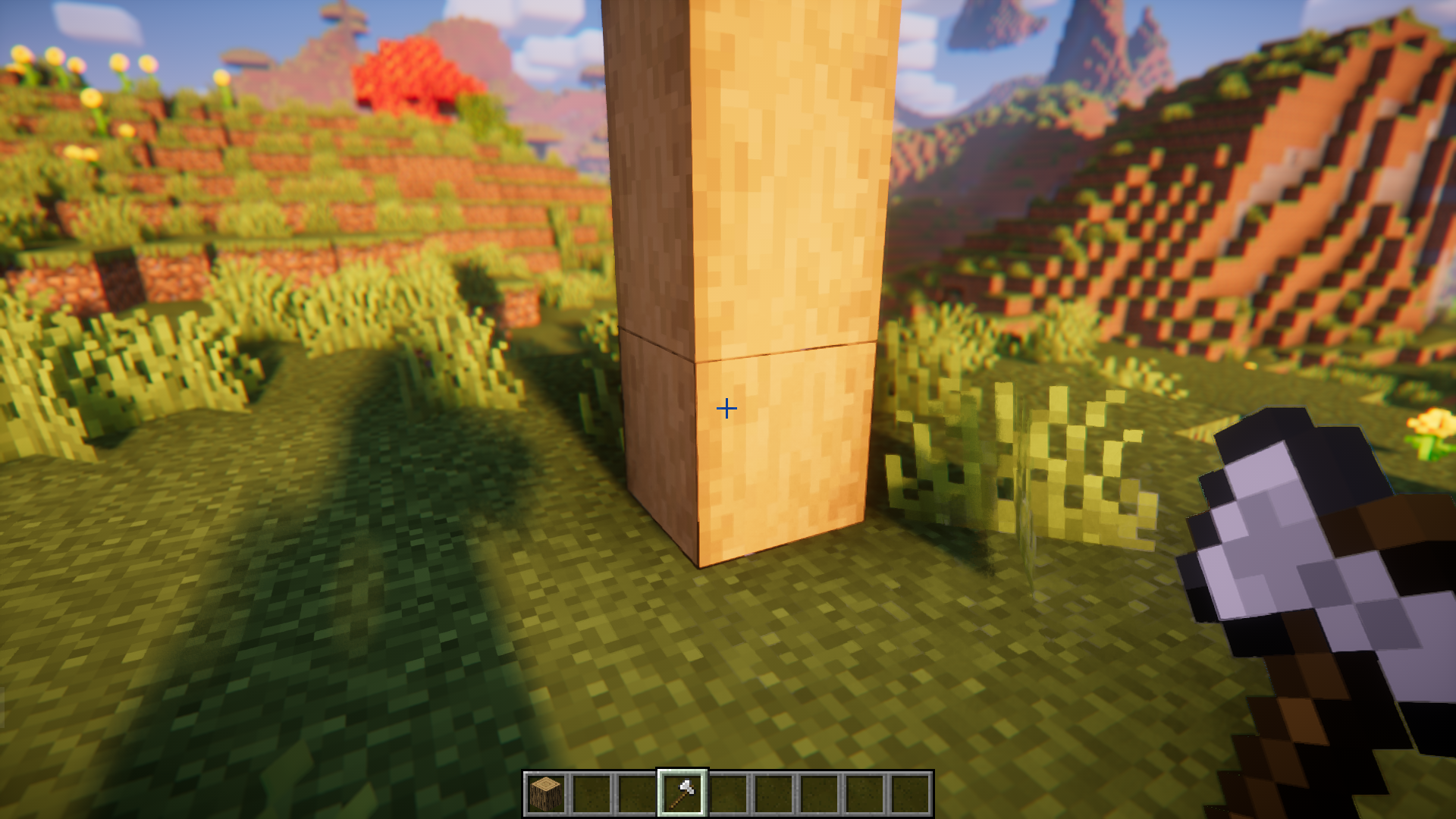
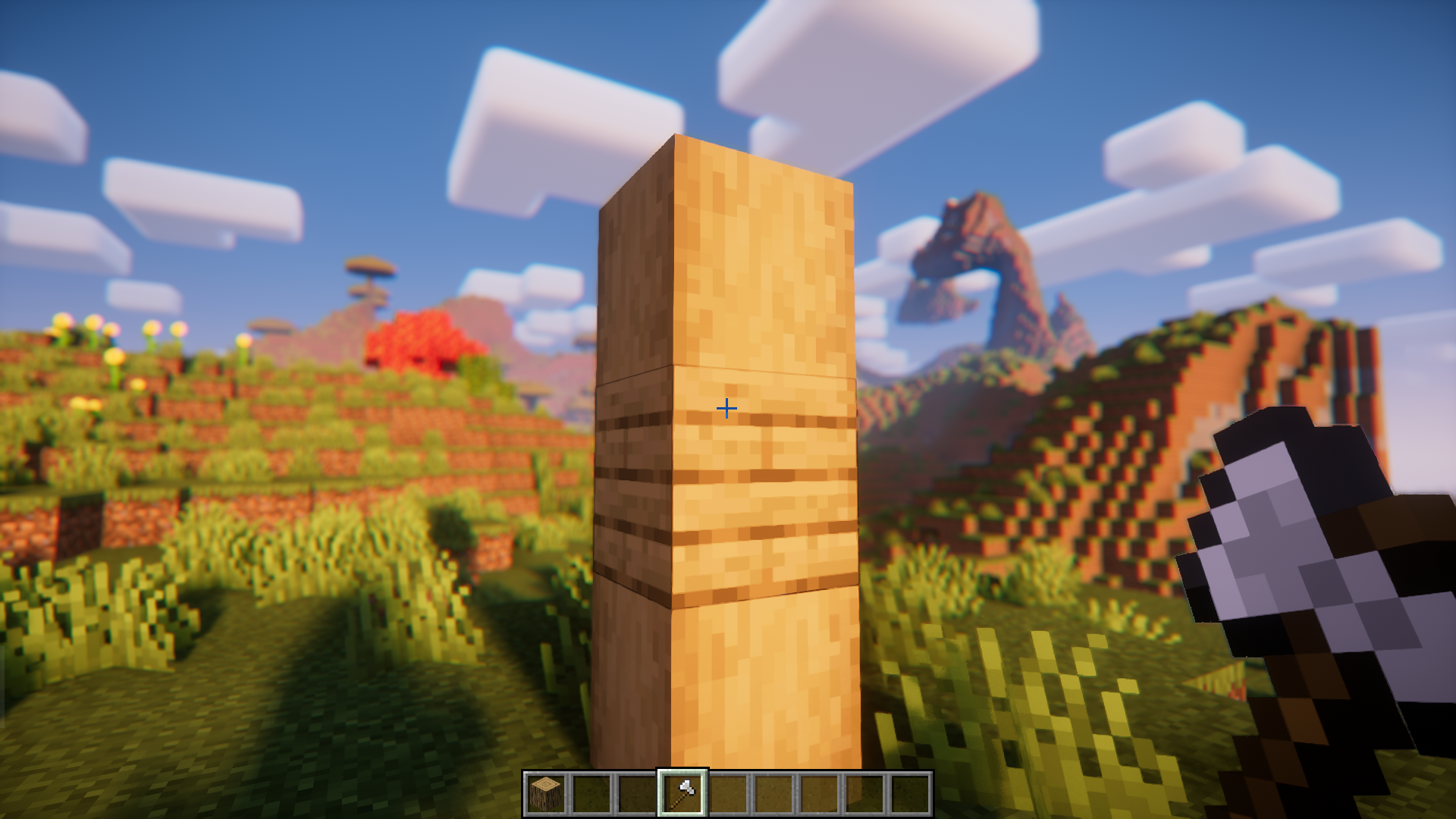
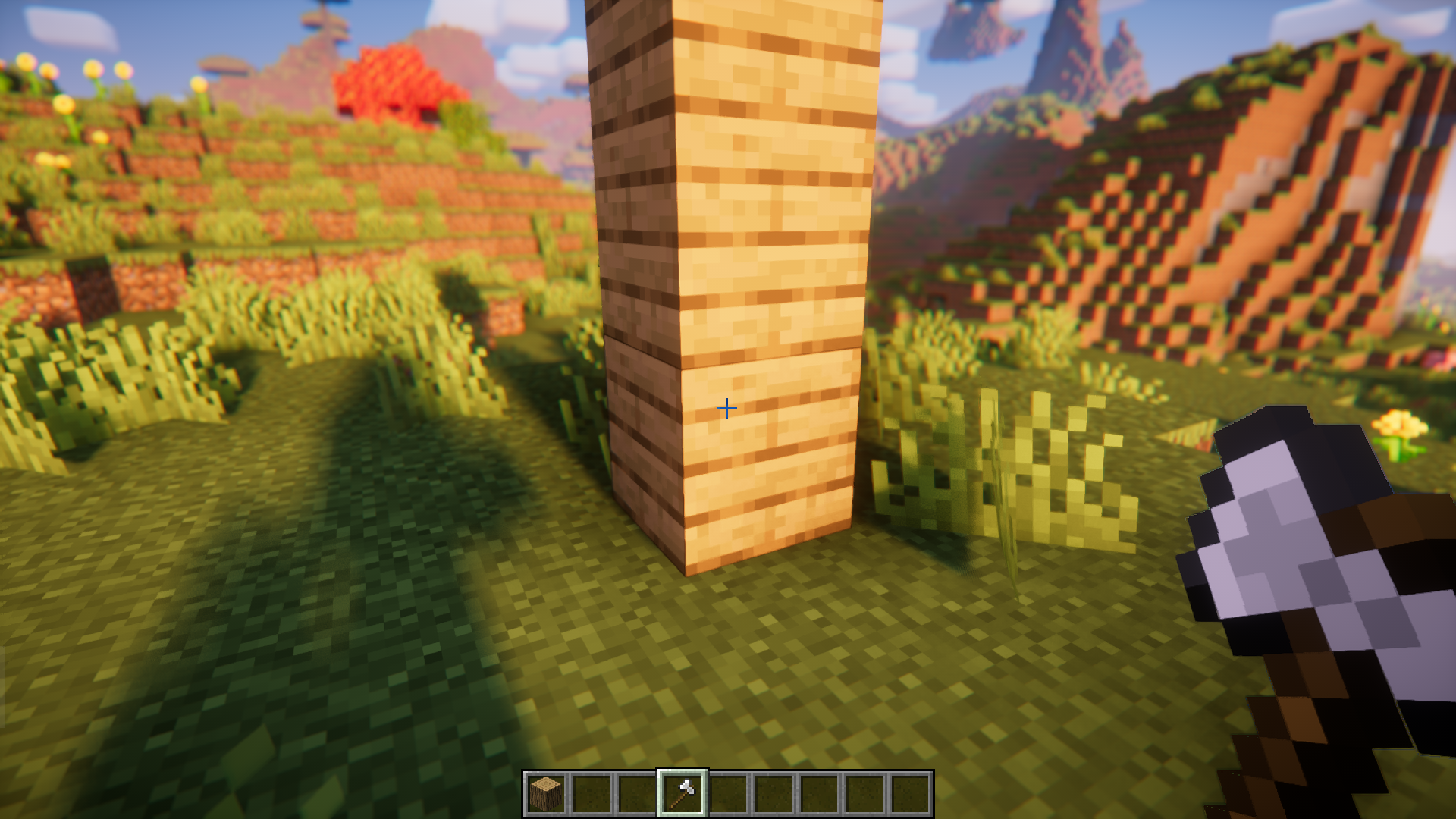
⬇ DownloadIn the vanilla game, you can right-click on a wooden log using an axe to strip it. You can right-click on a dirt block using a shovel to turn it into a path block. Pathing The Way Mod allows you to expand this feature to other tools as well. Using the mod’s config file, you can set specific block conversions that can be done using specific tools in the game. There is also an option that allows you to set whether the player has to sneak while right-clicking using the tool, in order for the conversion to take place. The configuration file of this mod is very easy to understand and has instructions that the player can follow in order to use this mod properly.
Features:
- Allows you to perform block conversions using tools.
- Highly configurable using the mod config file.
- Config file is simple and easy to understand. Contains instructions.
Screenshots:



Pathing The Way Mod Download Links
For Minecraft 1.21.1, 1.21
NeoForge version: Download from Server 1 – Download from Server 2
For Minecraft 1.20.5
NeoForge version: Download from Server 1 – Download from Server 2
For Minecraft 1.20.4
NeoForge version: Download from Server 1 – Download from Server 2
For Minecraft 1.20.1
Forge version: Download from Server 1 – Download from Server 2
For Minecraft 1.19.4
Forge version: Download from Server 1 – Download from Server 2
For Minecraft 1.19.2
Forge version: Download from Server 1 – Download from Server 2
For Minecraft 1.18.2
Forge version: Download from Server 1 – Download from Server 2
For Minecraft 1.17.1
Forge version: Download from Server 1 – Download from Server 2
For Minecraft 1.16.5
Forge version: Download from Server 1 – Download from Server 2
- Edition: Minecraft Java
- File type: .jar
- Minecraft versions listed: 1.21.1, 1.20.1
- How to install: Install the matching mod loader (Forge, Fabric or NeoForge) for your Minecraft version. → Download the .jar. → Put it in the .minecraft/mods folder and launch that loader profile.
- Where to get it: In MC Java Mods, or directly above on this page.
Install steps are the general flow for this file type — How to install Minecraft Java mods & modpacks walks through it step by step.
- Downloads as 199737.mcaddon
- Download size: 11 KB
- Download link checked 29 Jul 2026 — working
- Mirrored on our own servers — the download does not depend on the original host
These come from our own check of the pack file, not from the source page.