Home›Java›Mods›Epic Fight Client Tweaks Mod (1.20.1, 1.19.2) – Effortless Mode Switching In Epic Fight
ModsJava
Epic Fight Client Tweaks Mod (1.20.1, 1.19.2) – Effortless Mode Switching In Epic Fight
Java mod listed for Minecraft 1.19–1.20. Downloads from the MC Java Mods app on Android.
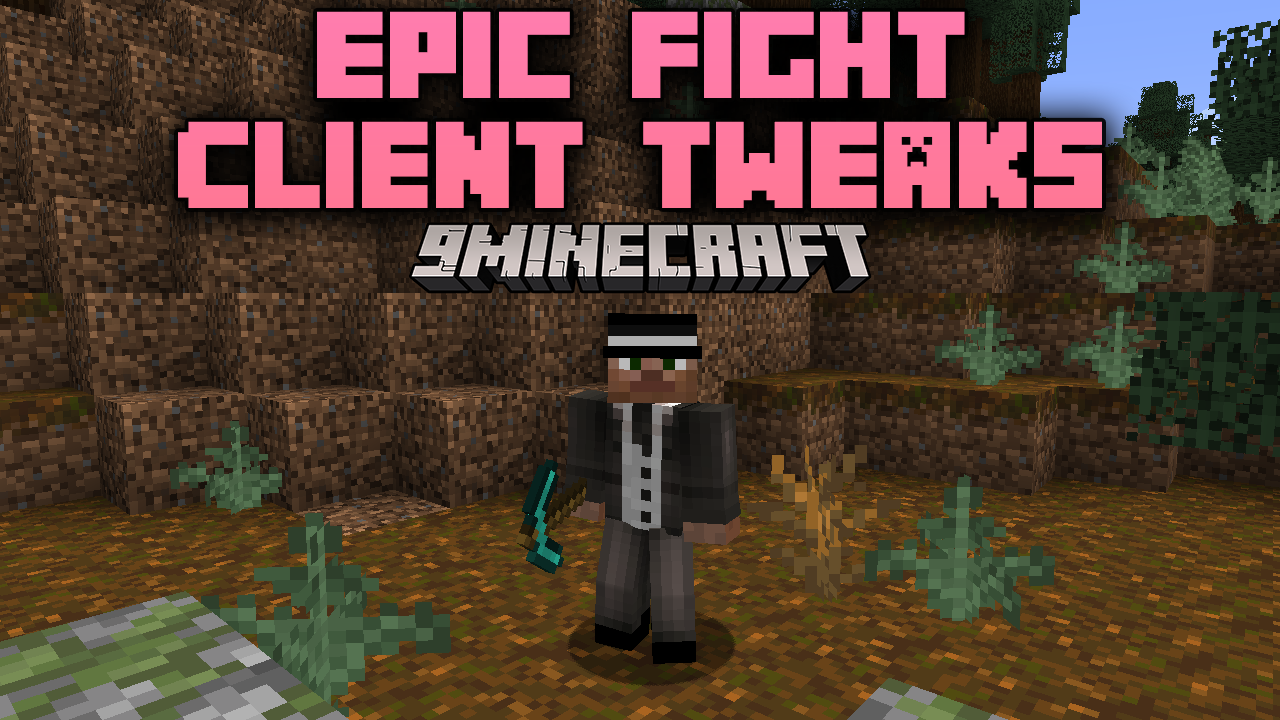
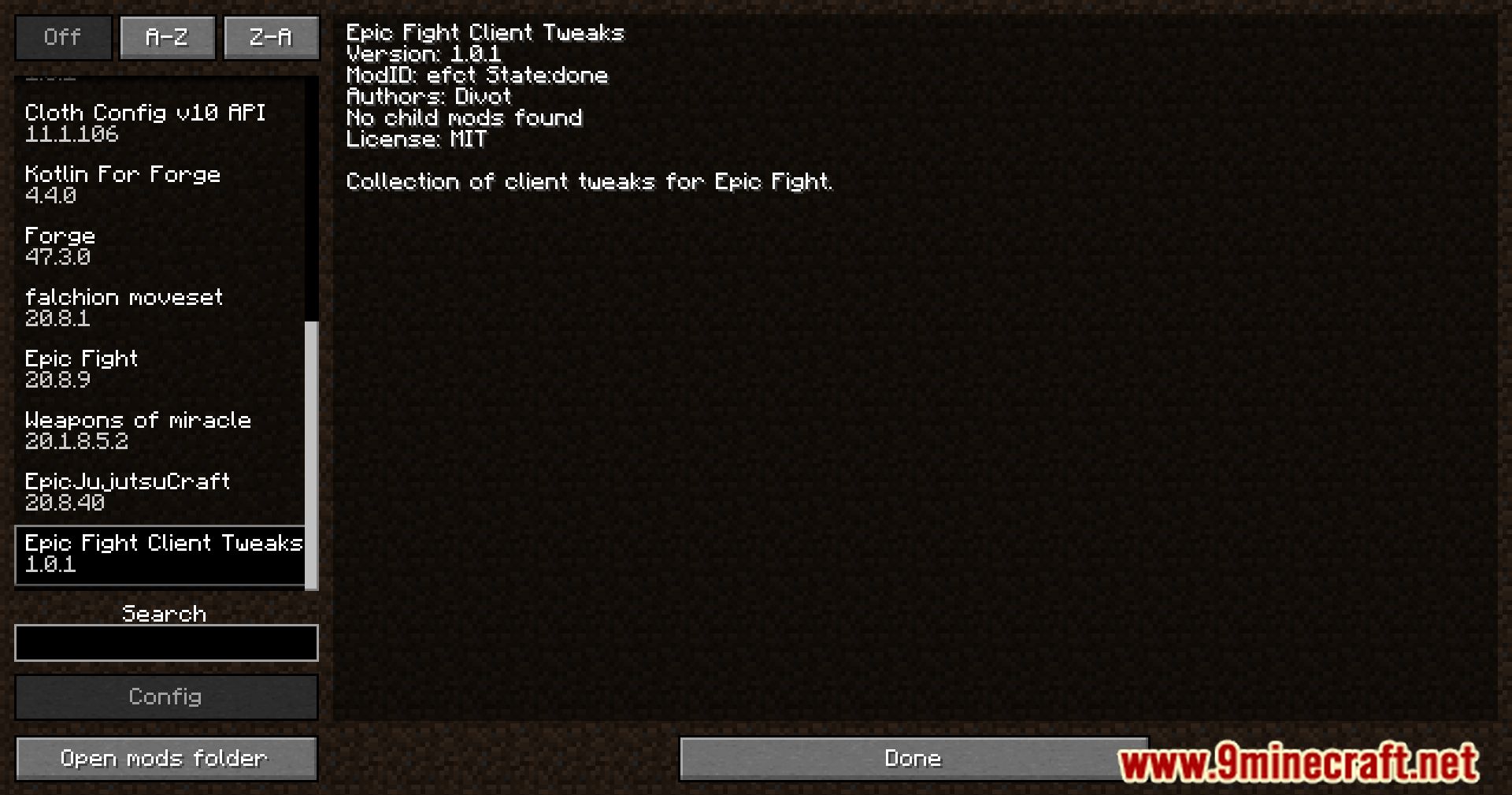
⬇ DownloadEpic Fight Client Tweaks Mod offers configurable features that make the transition between Epic Fight and other gameplay modes smoother. It enables automatic switching between combat and mining modes, allowing for a more seamless experience when interacting with tools or weapons.
Features:
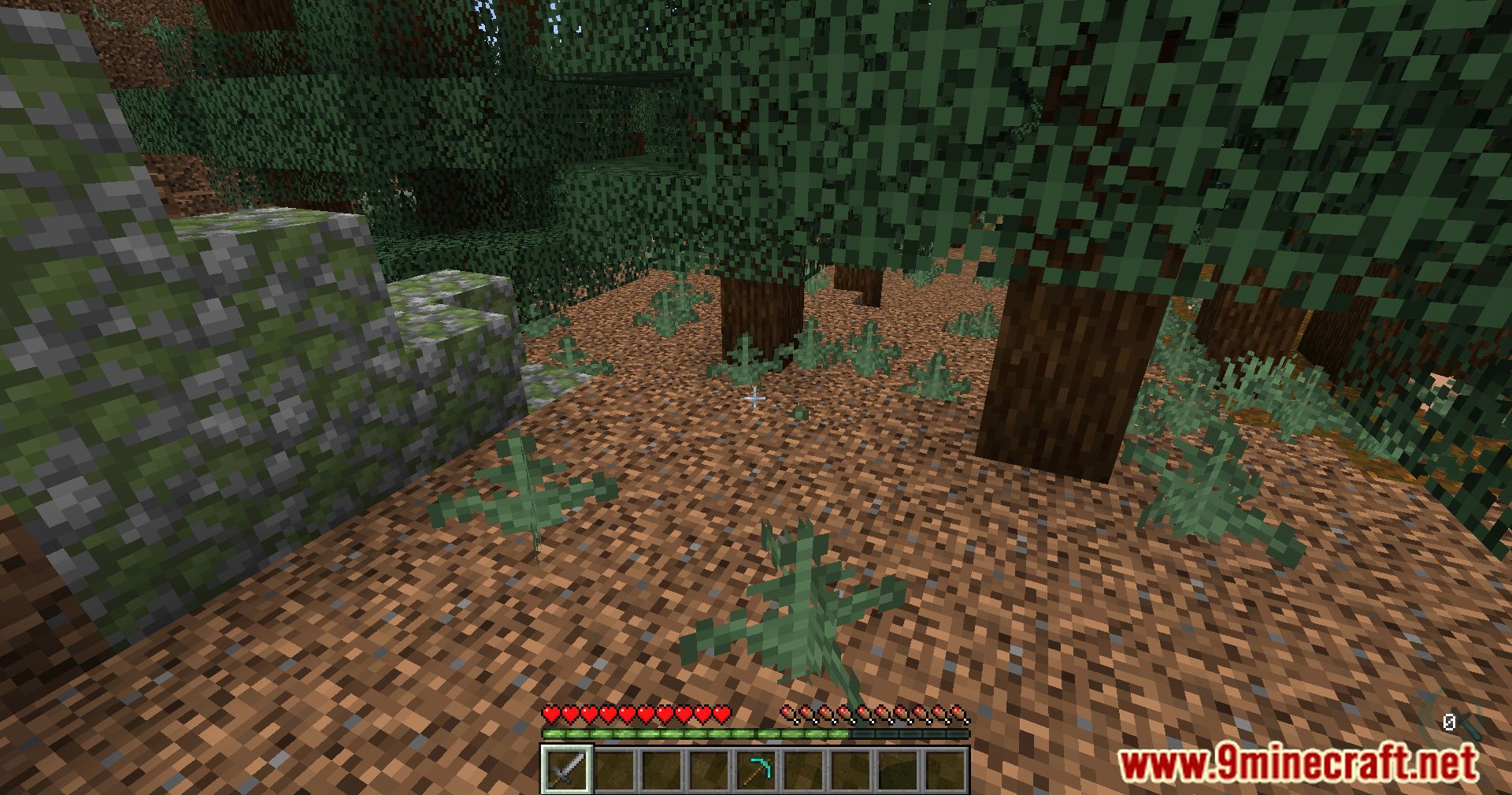
- Configurable auto-switch between mining and combat modes.
- Switch to mining mode while holding Shift (default enabled).
- Override Epic Fight models when using specific items or aiming with CGM guns.
- Automatic return to combat mode after unequipping mining items.
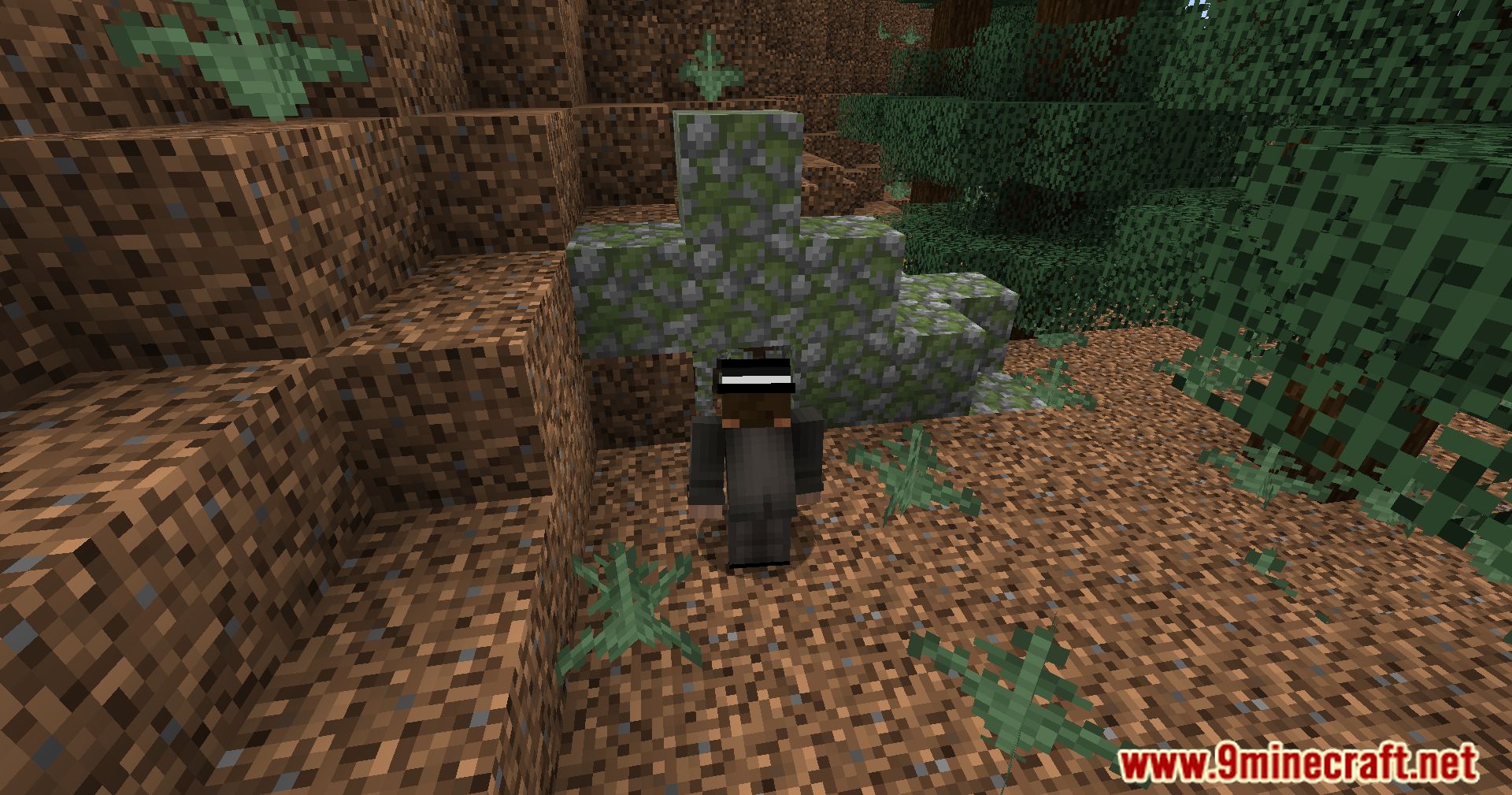
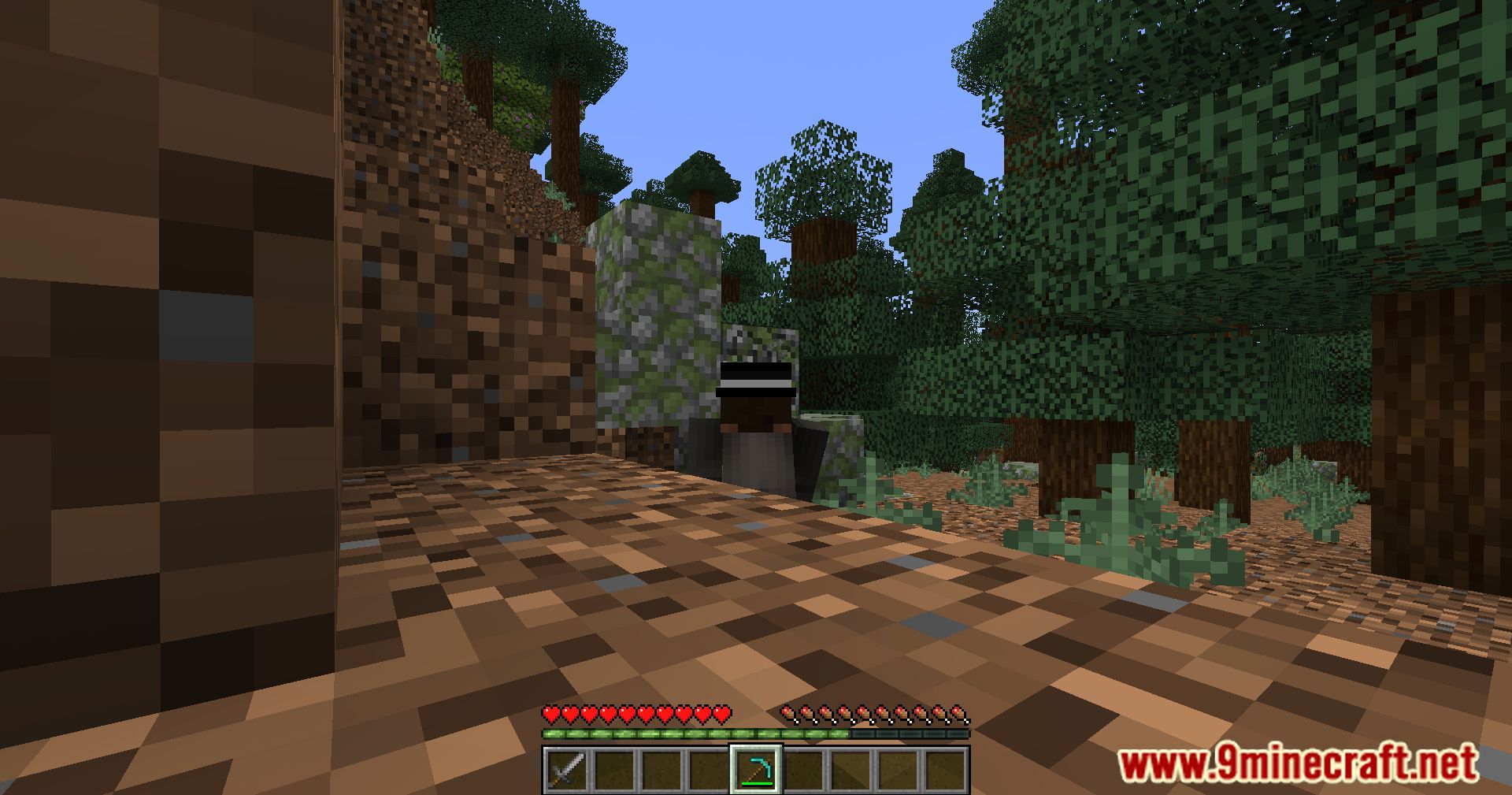
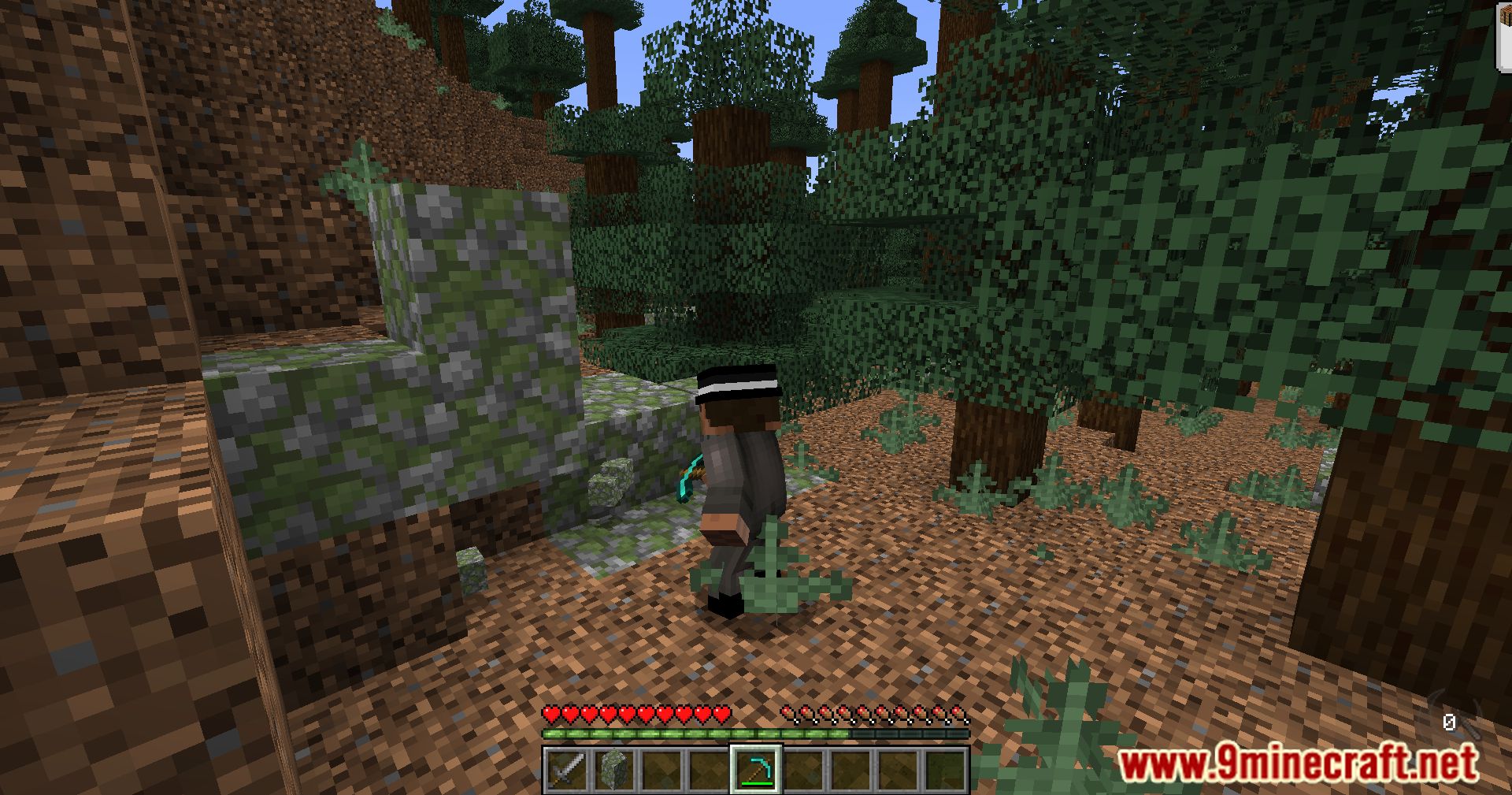
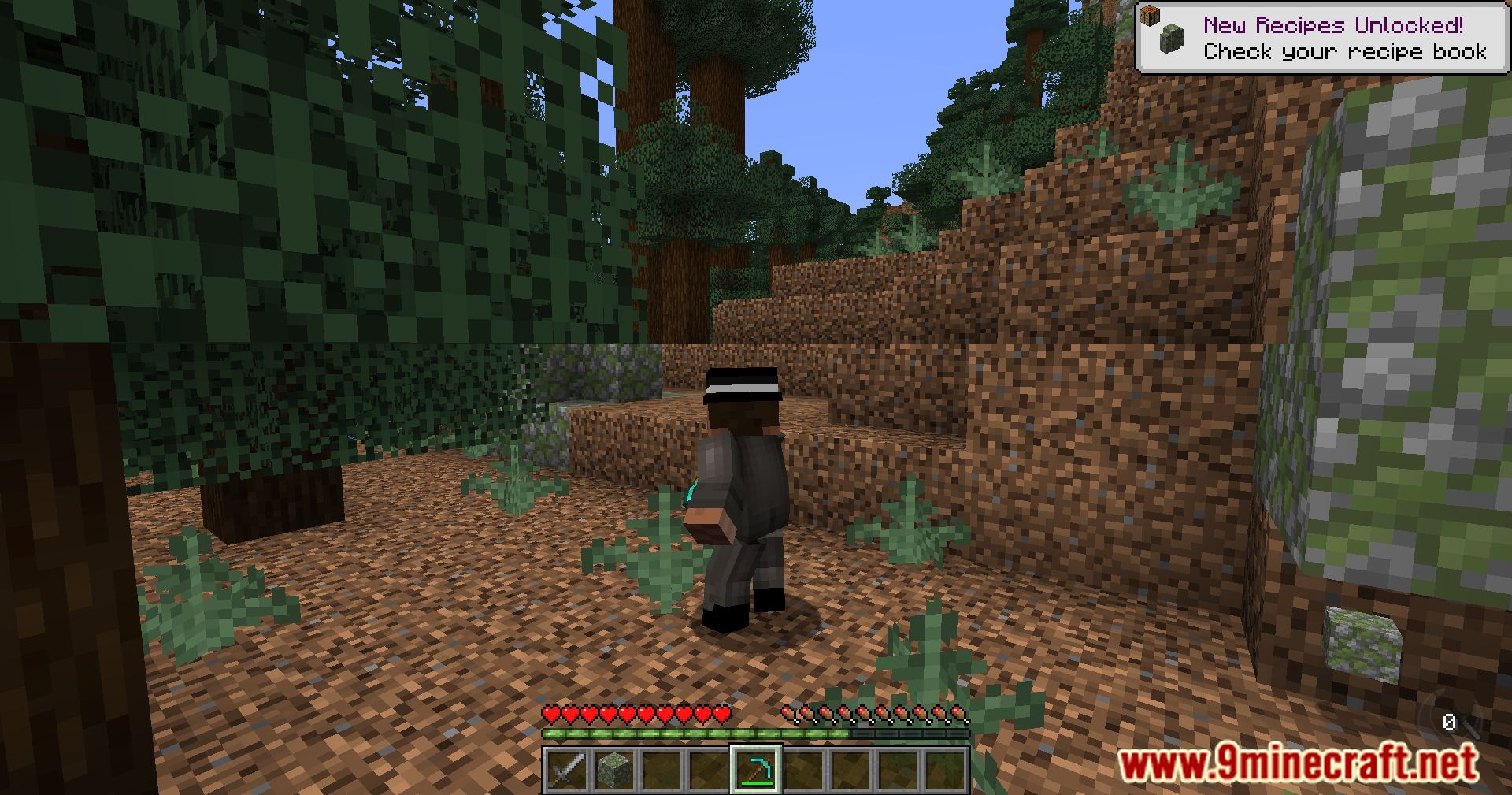
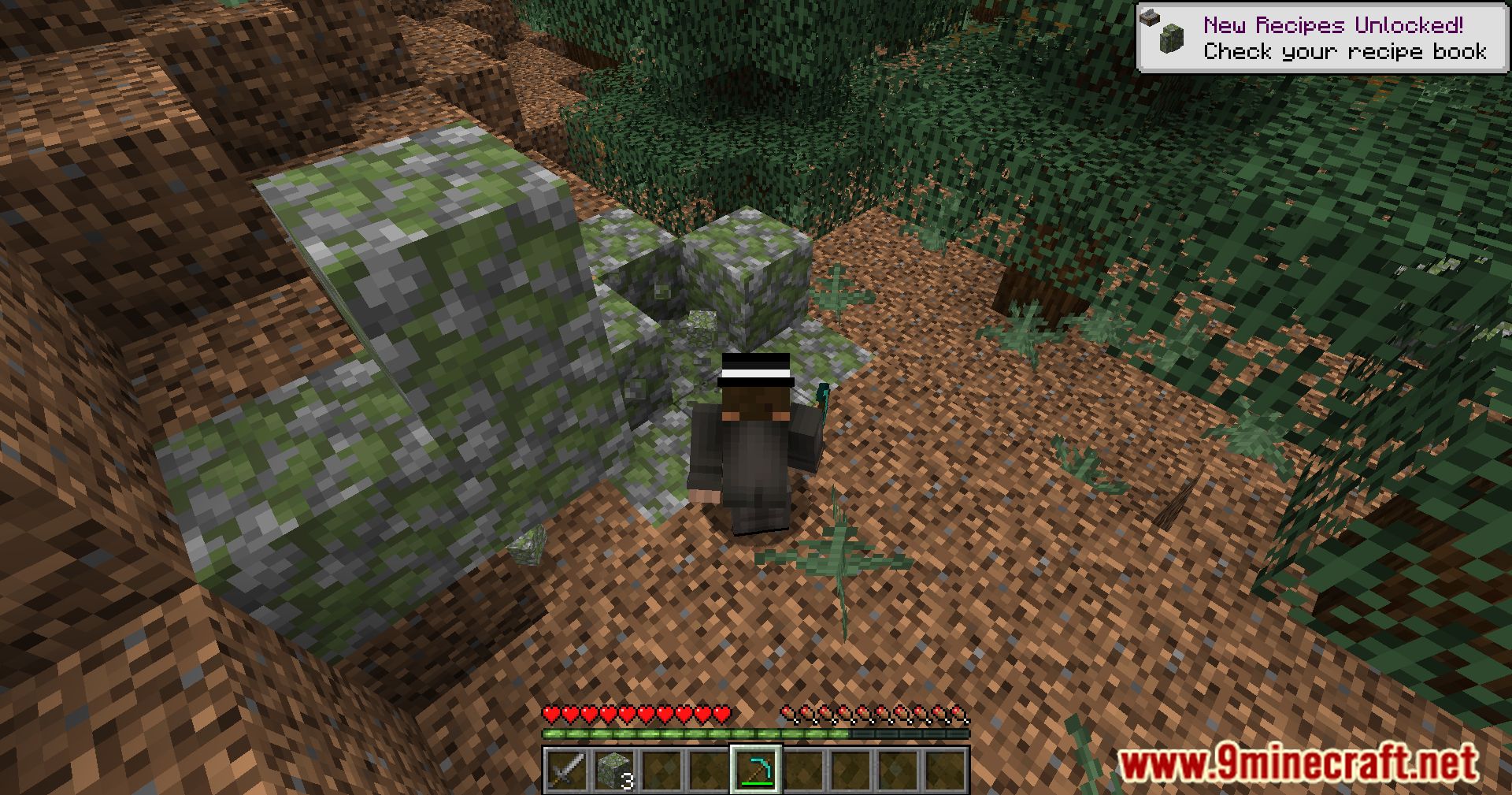
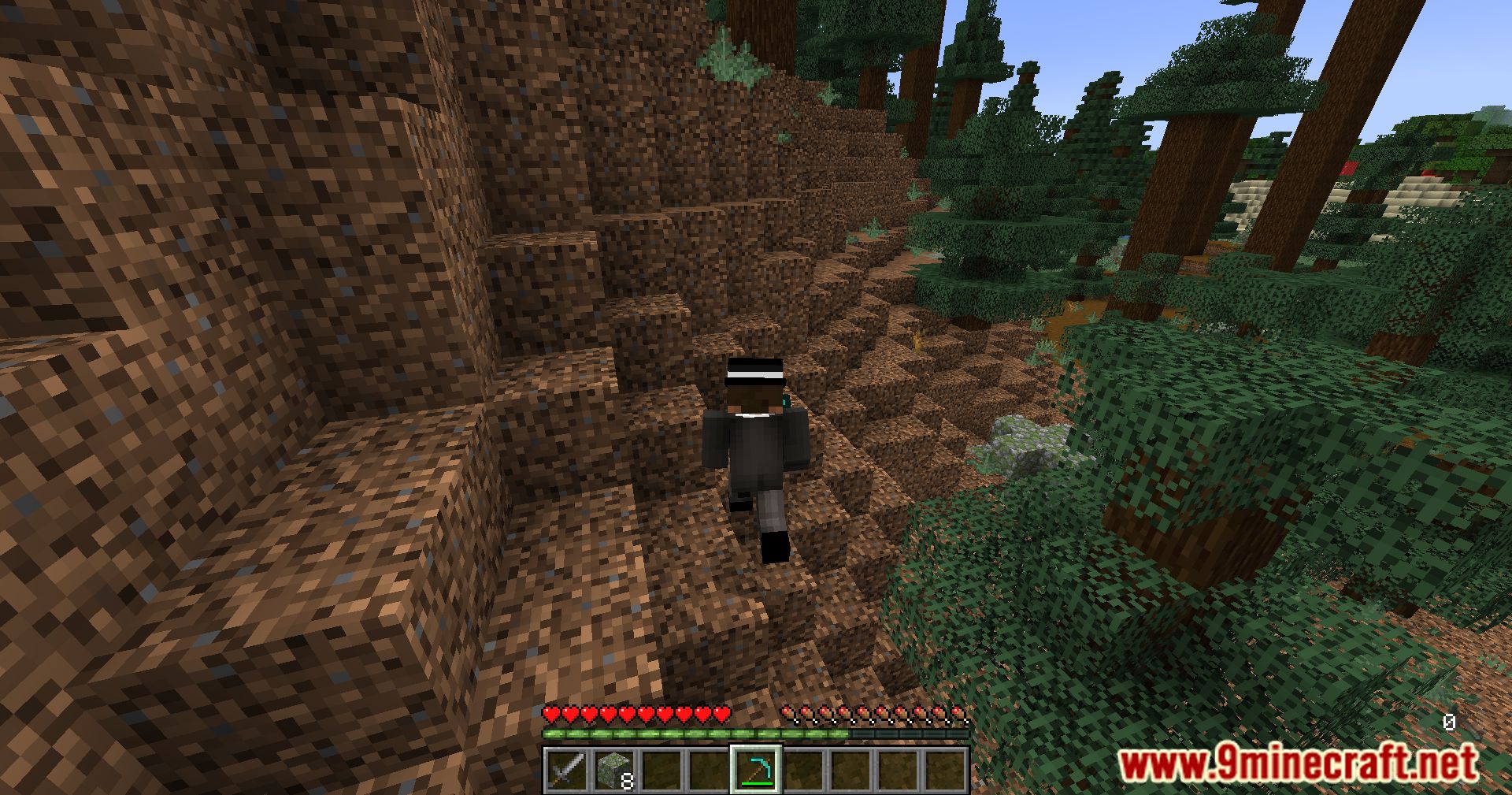
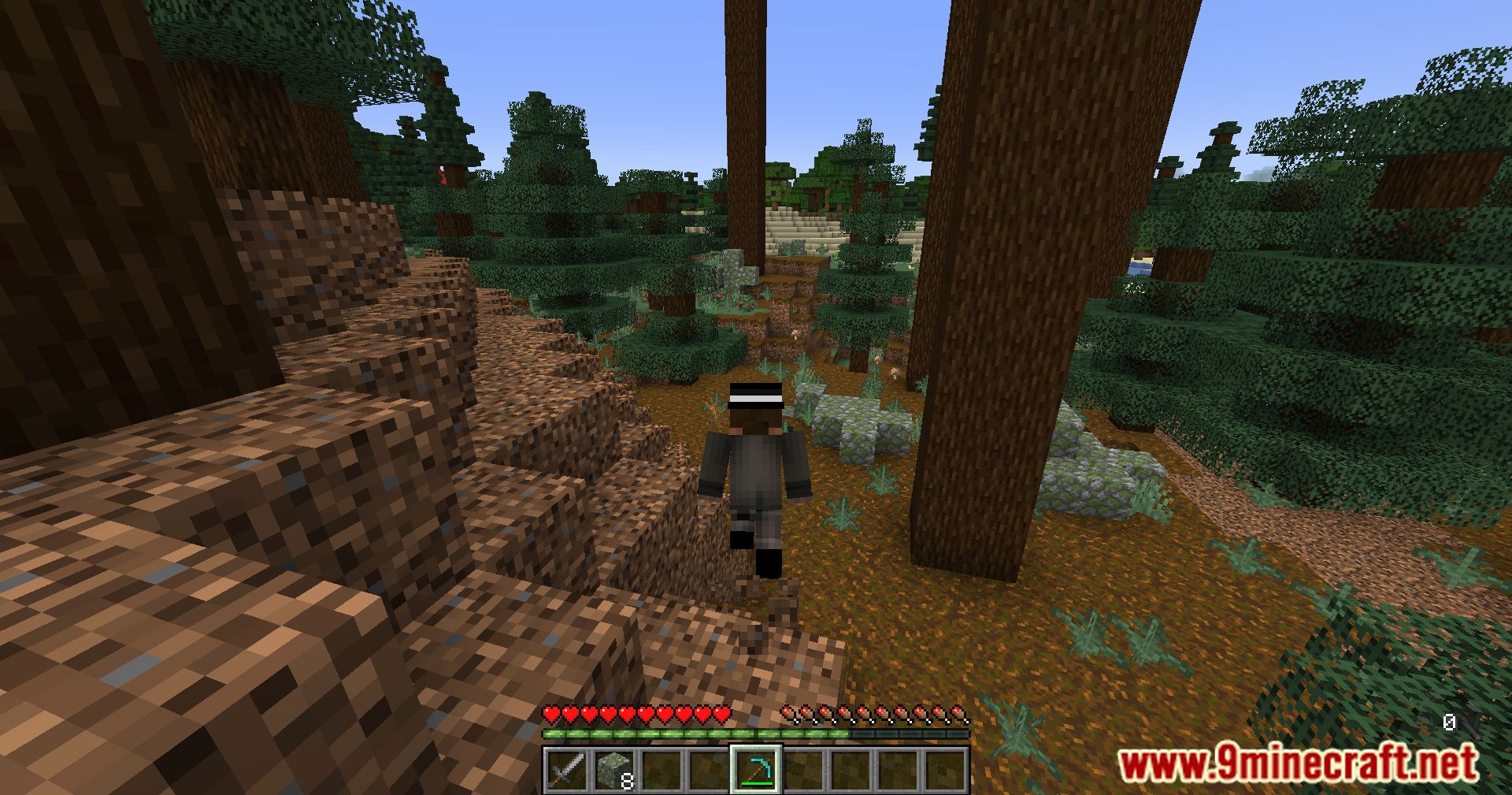
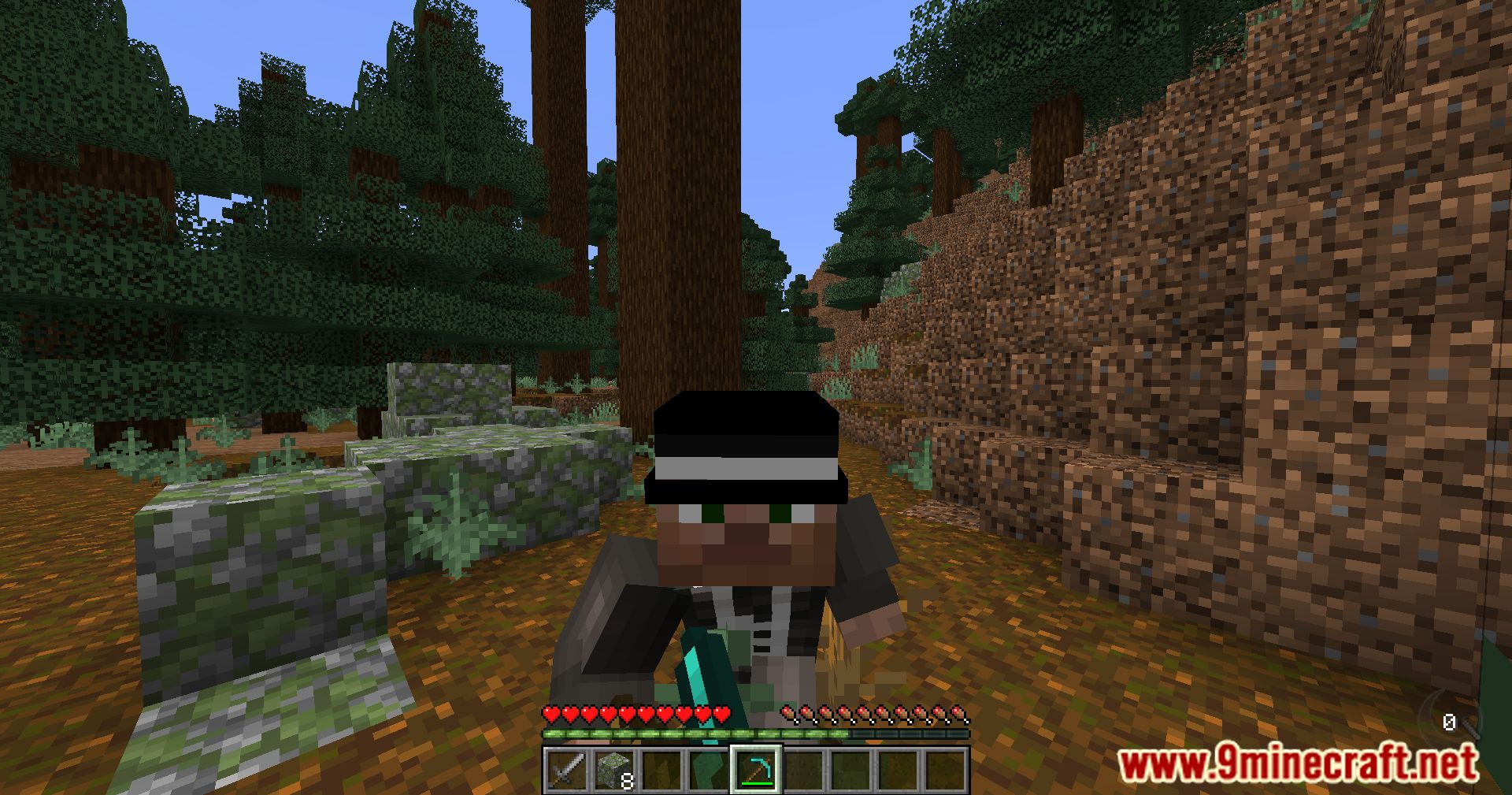
Screenshots:
Epic Fight Client Tweaks Mod Download Links
For Minecraft 1.20.1
Forge Version: Download from Server 1 – Download from Server 2
For Minecraft 1.19.2
Forge Version: Download from Server 1 – Download from Server 2
Quick facts
- Edition: Minecraft Java
- File type: .jar
- Minecraft versions listed: 1.20.1, 1.19.2
- How to install: Install the matching mod loader (Forge, Fabric or NeoForge) for your Minecraft version. → Download the .jar. → Put it in the .minecraft/mods folder and launch that loader profile.
- Where to get it: In MC Java Mods, or directly above on this page.
Install steps are the general flow for this file type — How to install Minecraft Java mods & modpacks walks through it step by step.
File checked by MCModsHub
- Downloads as 199919.mcaddon
- Download size: 24 KB
- Download link checked 22 Jul 2026 — working
- Mirrored on our own servers — the download does not depend on the original host
These come from our own check of the pack file, not from the source page.