
RPG Stats Mod allows you to upgrade your stats using XP earned from killing mobs.
Features:
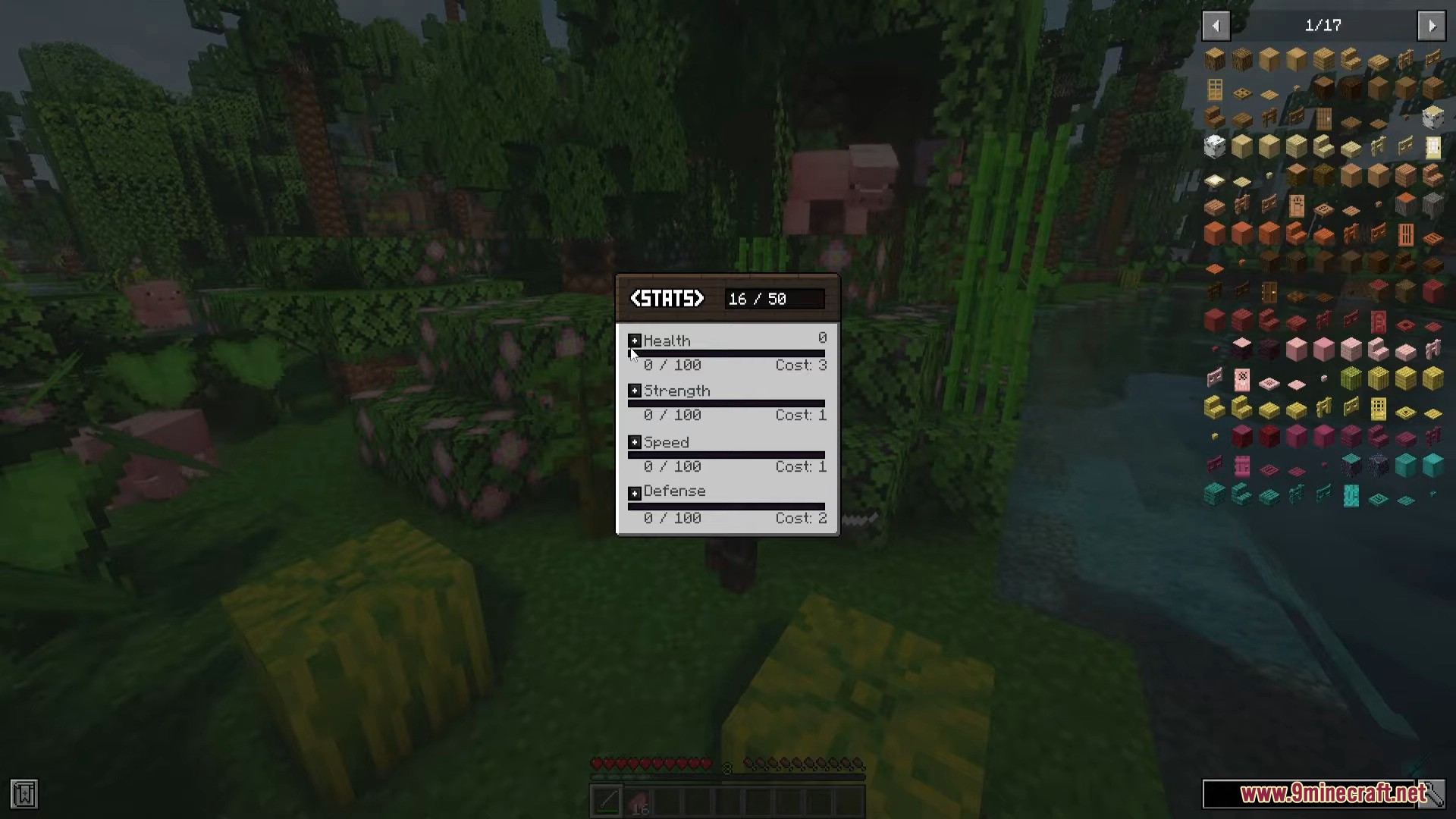
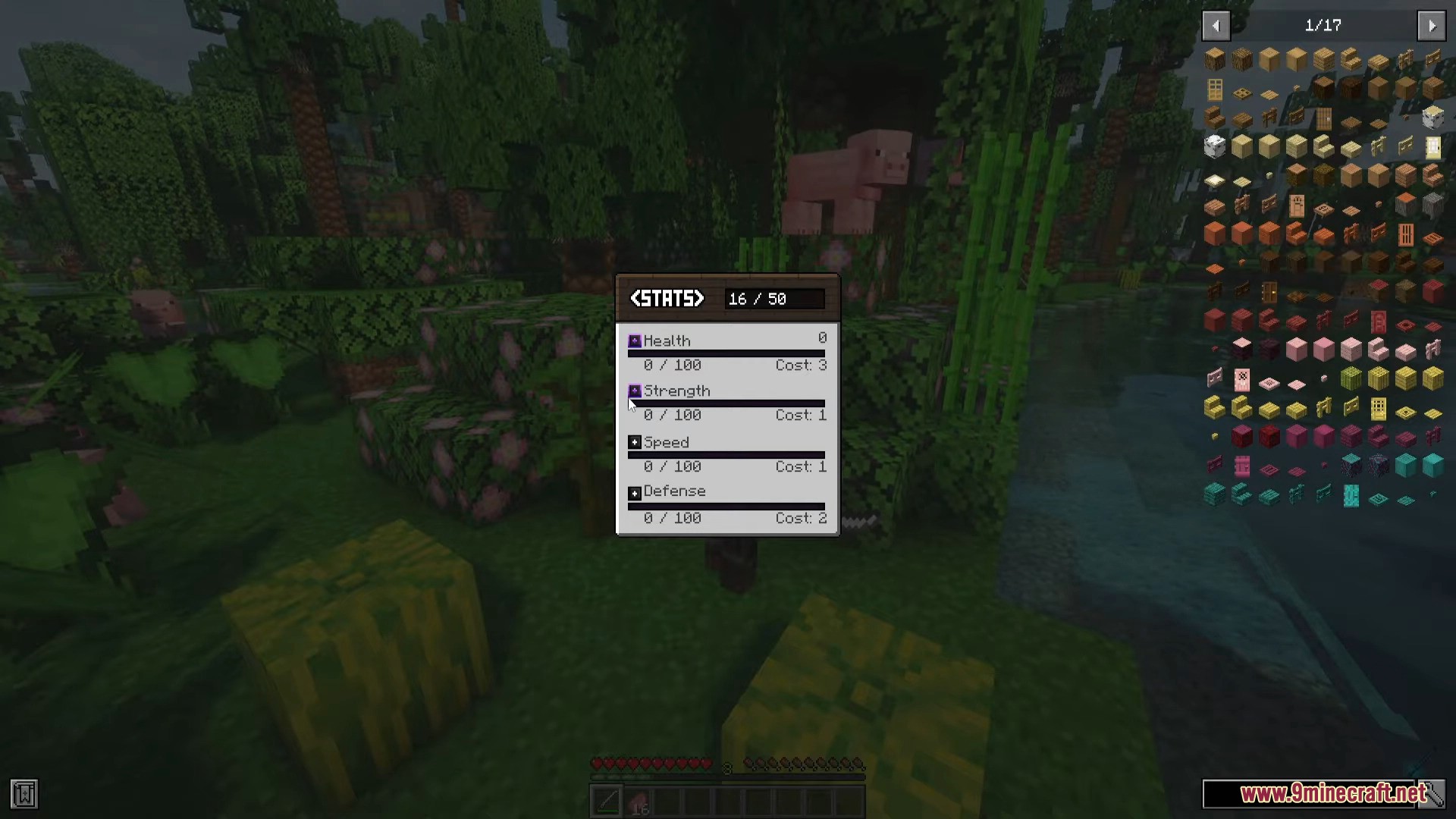
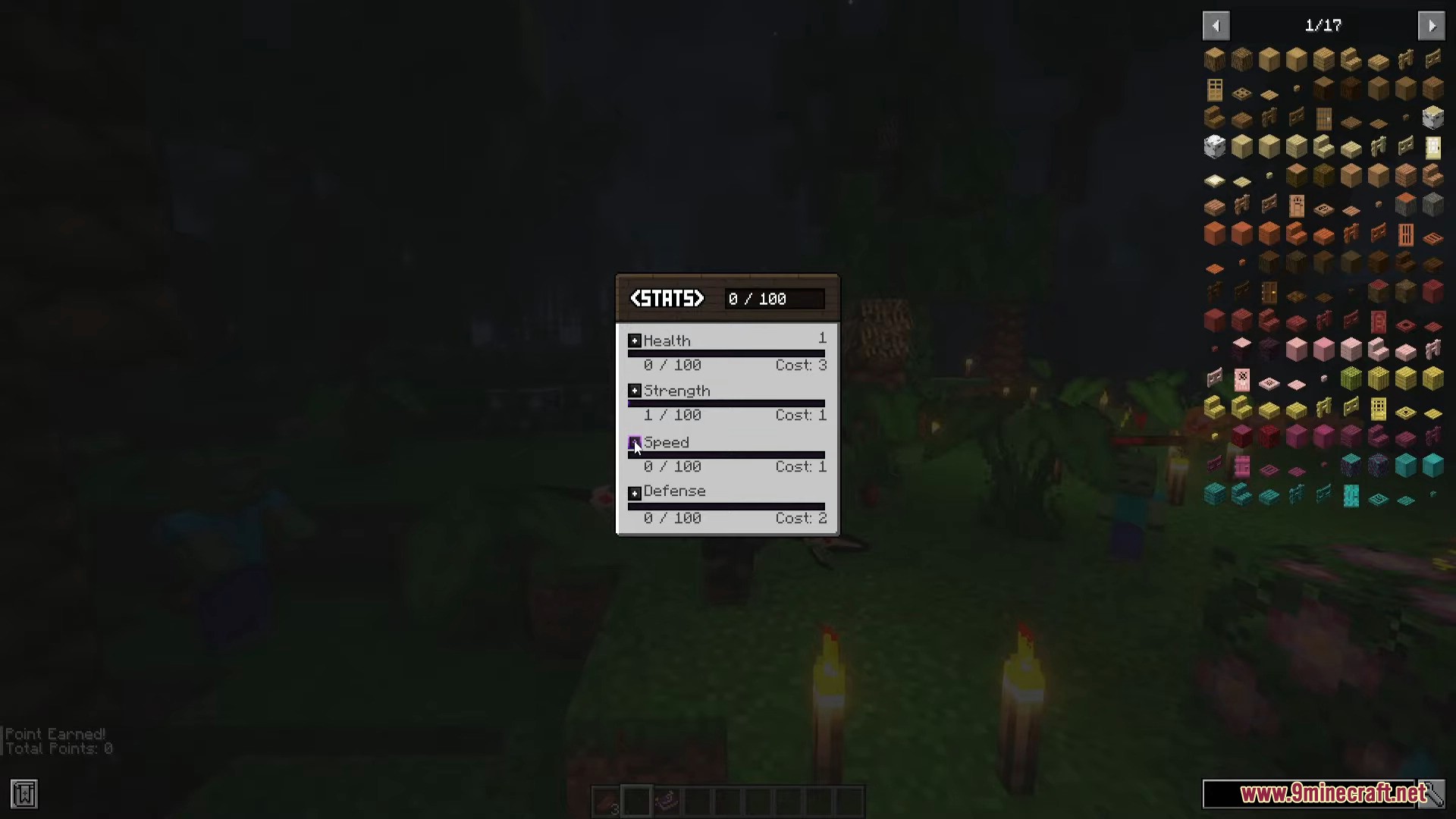
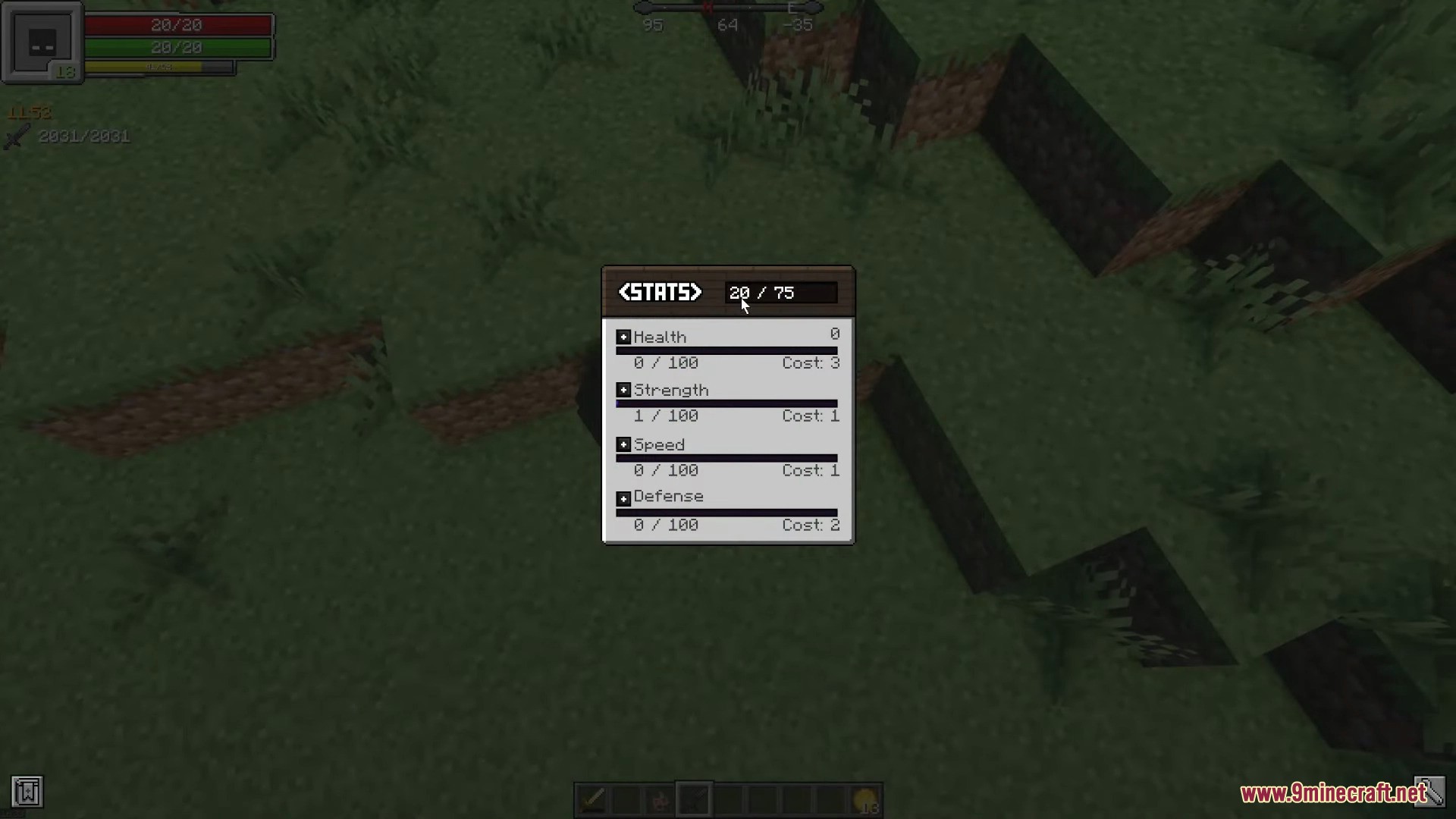
- Use your earned Stat Points to upgrade stats such as:
- Health
- Strength
- Speed
- Defense
- These are the default stats. You can edit them to anything you want using Minecraft’s attributes on the server config folder
Screenshots:





Configs:
You can only configure the mod after creating your world.
To configure the mods you need to go to the save config:
saves/yourworldfolder/serverconfig/rpgstats.toml
You can edit any of the variables there:
 // GENERAL

- Requirement Base: The ammount of mobs you must kill to earn a new point.

- Requirement Increase: How much more mobs you'll need to kill to get your next point. (Every point you earn makes you need to kill more mobs to get the next)

- Maximum Level: The maximum ammount you can increase your stats. Default: 100

// STATS

- Name: The display name of the stat.

- Attribute Path: The ID of the attribute of your stats.

- Base Value: The value of the attribute the player has by default. (You can check it with /attribute base get)

- Increase per Level: How much your stat will be increased per upgrade.

- Point Cost: How many points you need in order to upgrade your stat. (Used for balancing)
RPG Stats Mod Download Links
For Minecraft 1.20.1, 1.20
Forge version: Download from Server 1 – Download from Server 2
Quick facts
- Edition: Minecraft Java
- File type: .jar
- Minecraft version listed: 1.20.1
- How to install: Install the matching mod loader (Forge, Fabric or NeoForge) for your Minecraft version. → Download the .jar. → Put it in the .minecraft/mods folder and launch that loader profile.
- Where to get it: In MC Java Mods, or directly above on this page.
Install steps are the general flow for this file type — How to install Minecraft Java mods & modpacks walks through it step by step.
Verified by MCModsHub
- Downloads as 199921.mcaddon
- Download size: 73 KB
- Download link checked 17 Jul 2026 — working
- Mirrored on our own servers — the download does not depend on the original host
These come from our own check of the pack file, not from the source page.