Auto Restart Mod (1.21.1, 1.20.1) – Simplifying Server Management, One Restart At A Time!
Managing your Minecraft server becomes a breeze with the Auto Restart Mod, a powerful tool designed for server-side applications. Whether you want scheduled restarts, delayed restarts during low activity, or a response to server performance issues, this mod provides versatile solutions. Optimize server resources by implementing delayed restarts when the server is empty. This helps conserve resources during periods of inactivity, promoting efficiency. Automatically trigger server restarts based on performance metrics. If the server’s ticks per second (tps) fall below a specified level for a defined duration, the mod initiates a restart to address potential issues and maintain optimal performance. Seamlessly integrate with external restart scripts, providing additional flexibility in managing server restarts. This ensures compatibility with various server management setups. Experience the convenience of server management with the mod. Whether you need scheduled restarts, resource-conscious delayed restarts, or performance-driven responses, this mod provides a comprehensive solution. Elevate your server management game with this mod efficiency and adaptability.
Features:
- Set specific times for the server to restart automatically.
- This feature is perfect for maintaining server performance and ensuring a fresh start at designated intervals.
- Optimize server resources by implementing delayed restarts when the server is empty.
- This helps conserve resources during periods of inactivity, promoting efficiency.
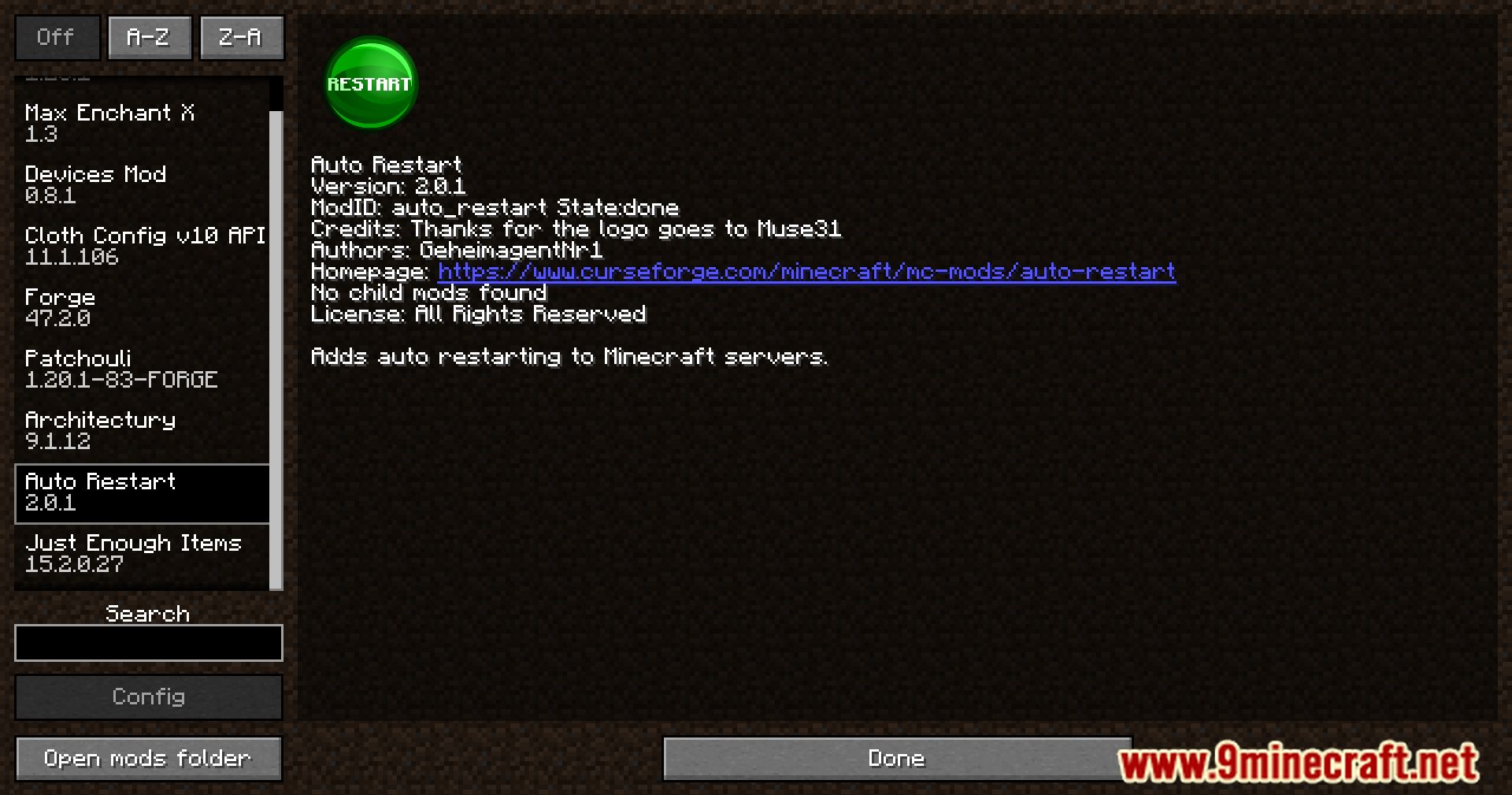
Screenshots:
Auto Restart Mod Download Links
For Minecraft 1.14.4
Forge Version: Download from Server 1 – Download from Server 2
For Minecraft 1.15.2
Forge Version: Download from Server 1 – Download from Server 2
For Minecraft 1.16.5
Forge Version: Download from Server 1 – Download from Server 2
For Minecraft 1.17.1
Forge Version: Download from Server 1 – Download from Server 2
For Minecraft 1.18.1
Forge Version: Download from Server 1 – Download from Server 2
For Minecraft 1.18.2
Forge Version: Download from Server 1 – Download from Server 2
For Minecraft 1.19
Forge Version: Download from Server 1 – Download from Server 2
For Minecraft 1.19.1
Forge Version: Download from Server 1 – Download from Server 2
For Minecraft 1.19.2
Forge Version: Download from Server 1 – Download from Server 2
For Minecraft 1.19.3
Forge Version: Download from Server 1 – Download from Server 2
For Minecraft 1.19.4
Forge Version: Download from Server 1 – Download from Server 2
For Minecraft 1.20
Forge Version: Download from Server 1 – Download from Server 2
For Minecraft 1.20.1
Forge Version: Download from Server 1 – Download from Server 2
For Minecraft 1.20.2
Forge Version: Download from Server 1 – Download from Server 2
For Minecraft 1.20.4
Forge Version: Download from Server 1 – Download from Server 2
For Minecraft 1.20.6
Forge Version: Download from Server 1 – Download from Server 2
For Minecraft 1.21.1, 1.21
Forge Version: Download from Server 1 – Download from Server 2
- Edition: Minecraft Java
- File type: .jar
- Minecraft versions listed: 1.21.1, 1.20.1
- How to install: Install the matching mod loader (Forge, Fabric or NeoForge) for your Minecraft version. → Download the .jar. → Put it in the .minecraft/mods folder and launch that loader profile.
- Where to get it: In MC Java Mods, or directly above on this page.
Install steps are the general flow for this file type — How to install Minecraft Java mods & modpacks walks through it step by step.
- Downloads as 200013.mcaddon
- Download size: 70 KB
- Download link checked 29 Jul 2026 — working
- Mirrored on our own servers — the download does not depend on the original host
These come from our own check of the pack file, not from the source page.