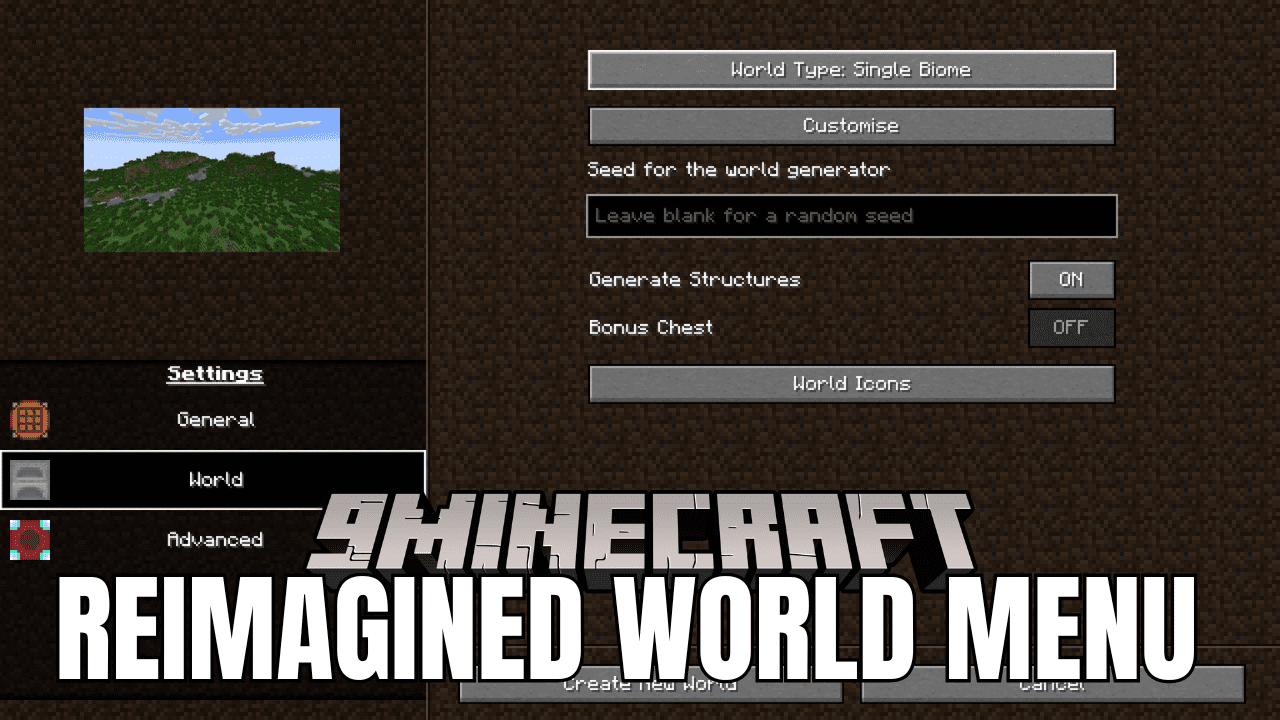
Reimagined World Menu Mod (1.21.1, 1.20.1) – Complete World-Creating Overhaul
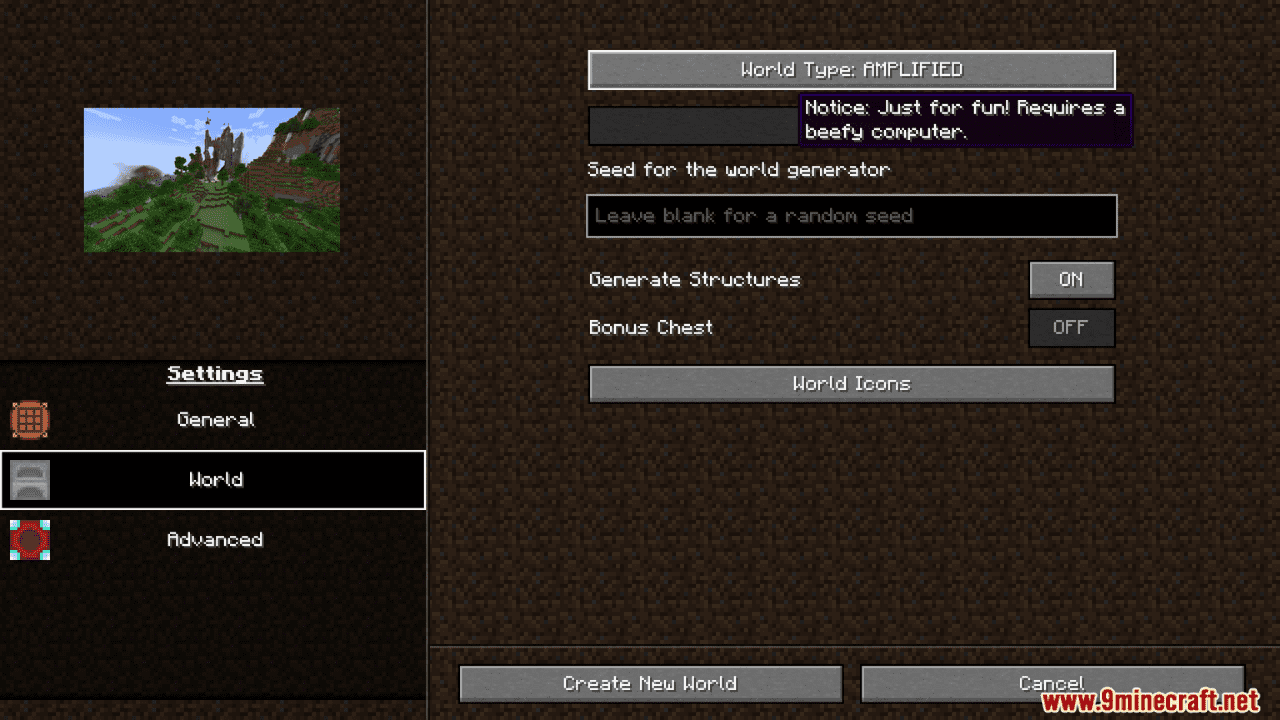
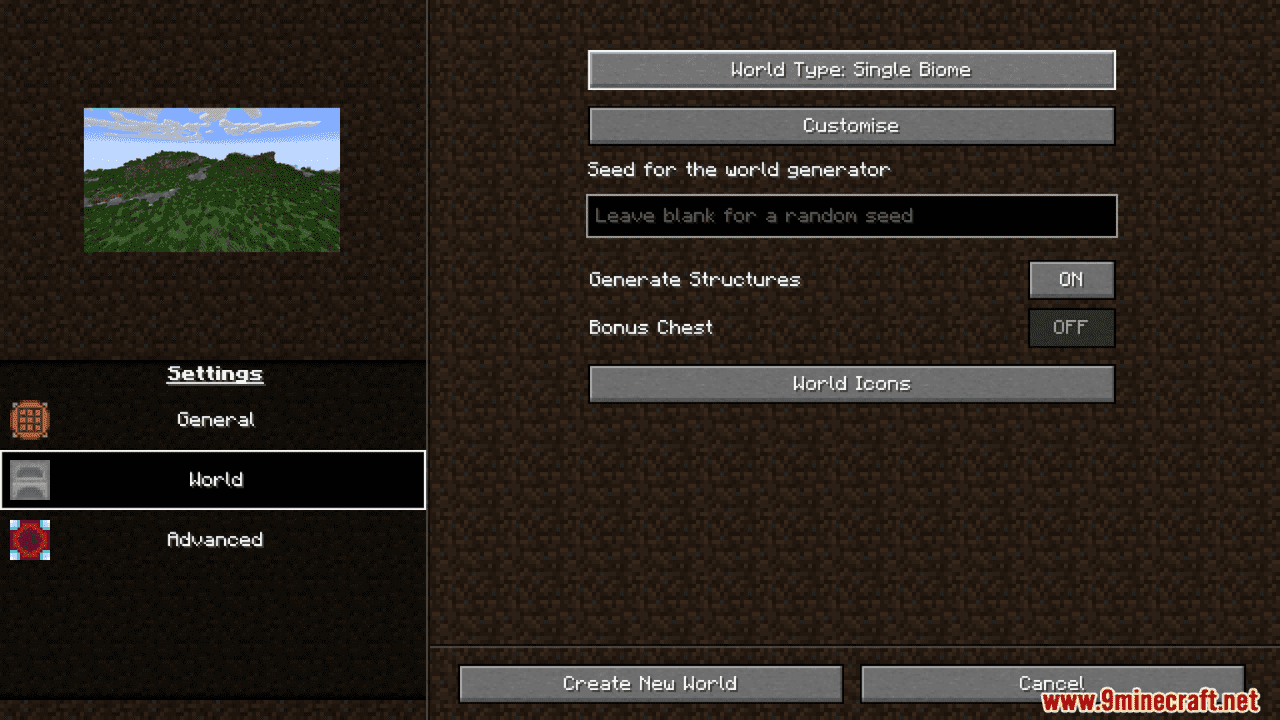
Reimagined World Menu Mod makes starting a new game more options and flexibility to change the gameplay's mechanic up to your desire. It changes how the…
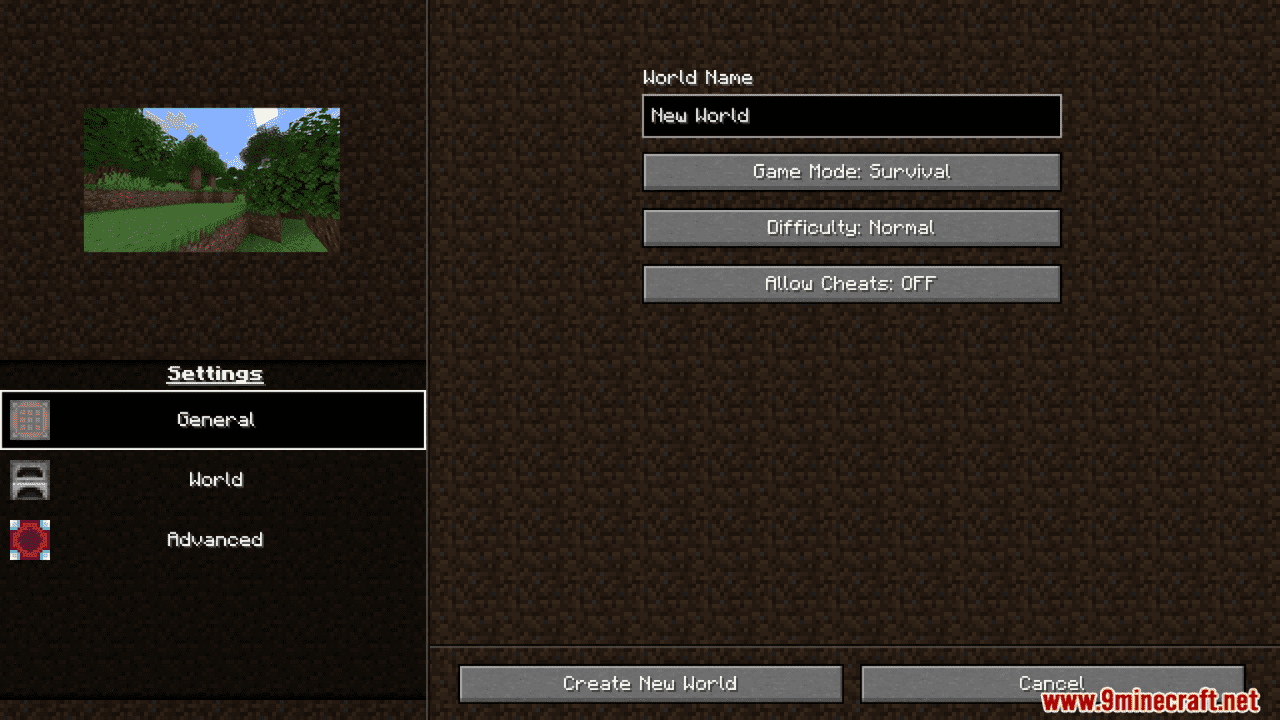
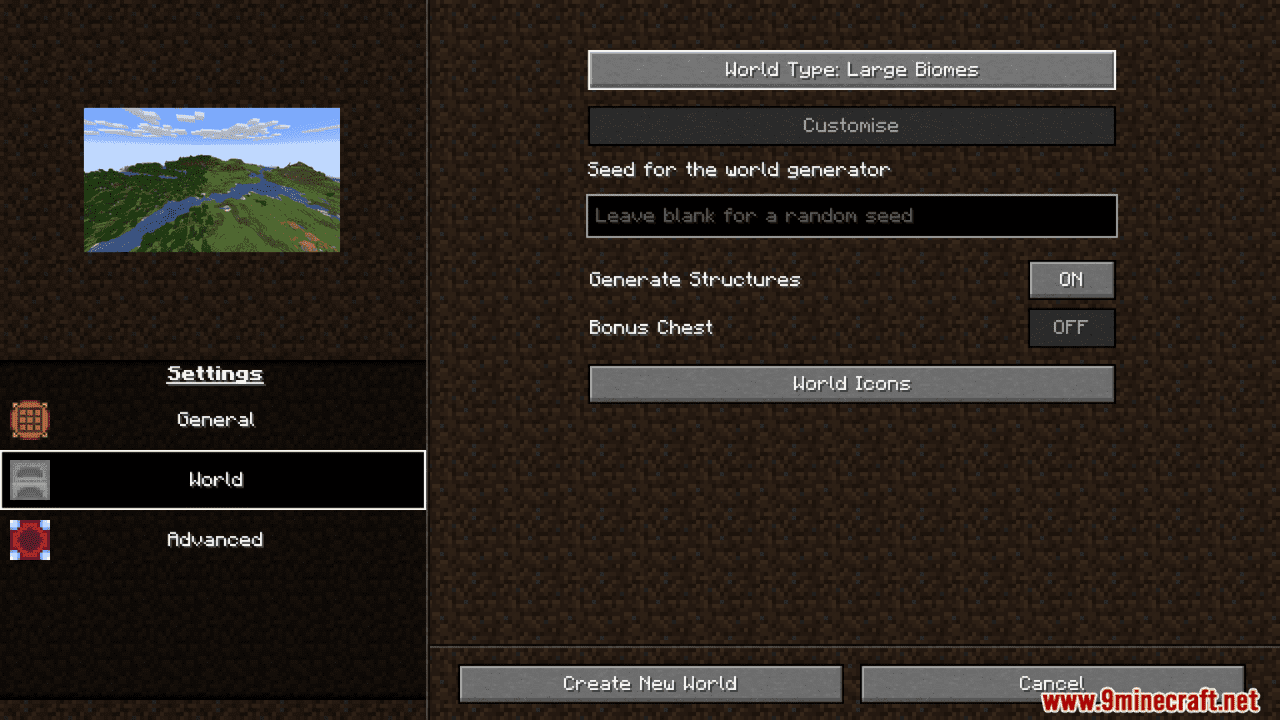
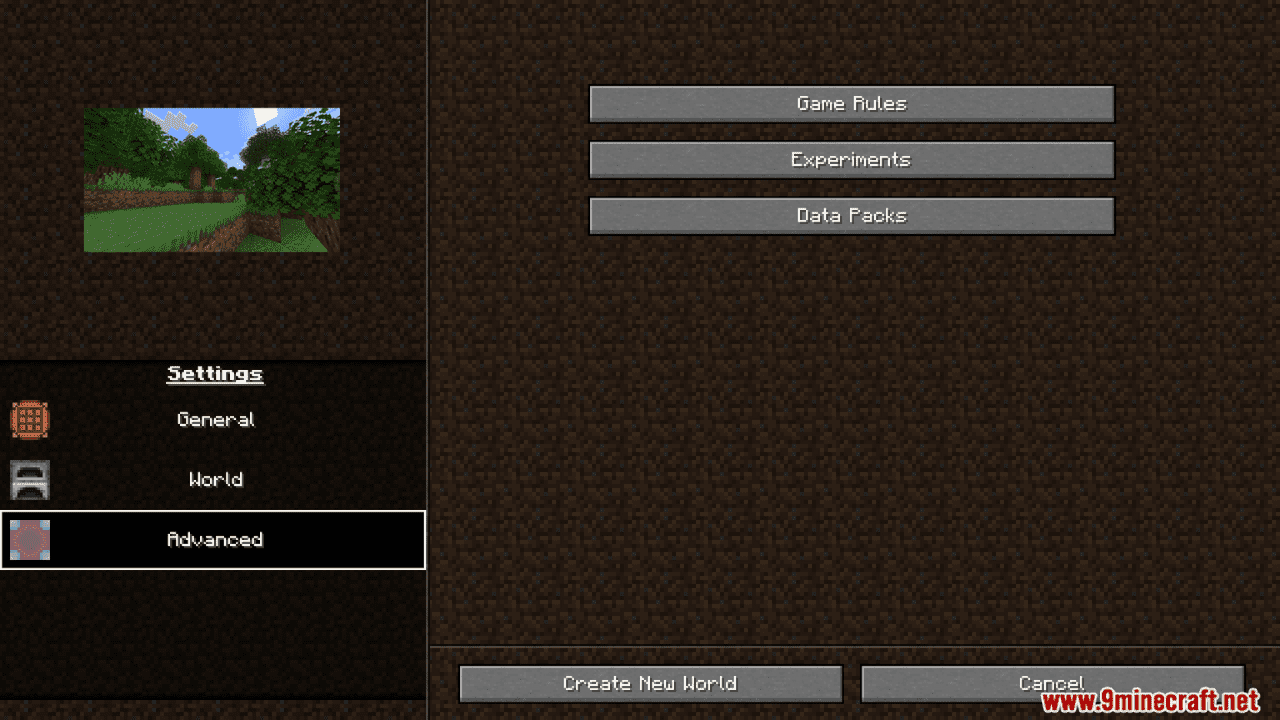
⬇ DownloadOpen in MCModsHubGet it on Google Play →Reimagined World Menu Mod makes starting a new game more options and flexibility to change the gameplay’s mechanic up to your desire. It changes how the Create World menu looks and makes it easier to find your favorite worlds. You can now add cool custom pictures and icons to your worlds and enjoy sharper, clearer images.
Features:
- Complete menu overhaul.
- Customizable image for each world type (default, flat, amplified, etc.).
- Ability to add a custom icon to your world upon creation.
- Increased resolution for world icons.
- Translations for Italian, Spanish, Japanese, Portuguese, Polish, Russian, German, Serbian, Bulgarian, Czech, Tatar, and Chinese.
- Customize world type image and tab icons with resource packs.
Screenshots:
Reimagined World Menu Mod Download Links
For Minecraft 1.21.1, 1.21
Fabric Version: Download from Server 1 – Download from Server 2
For Minecraft 1.20.6, 1.20.5
Fabric Version: Download from Server 1 – Download from Server 2
For Minecraft 1.20.4, 1.20.3
Fabric Version: Download from Server 1 – Download from Server 2
For Minecraft 1.20.2, 1.20.1, 1.20
Fabric Version: Download from Server 1 – Download from Server 2
For Minecraft 1.19.4
Fabric Version: Download from Server 1 – Download from Server 2
- Download size: 602 KB
- Download link checked 17 Jul 2026 — working
- Mirrored on our own servers — the download does not depend on the original host
These come from our own check of the pack file, not from the source page.