Caveopolis Mod (1.21.1, 1.20.1) – Coloring The Earth
Java mod listed for Minecraft 1.20–1.21. Downloads from the MC Java Mods app on Android.
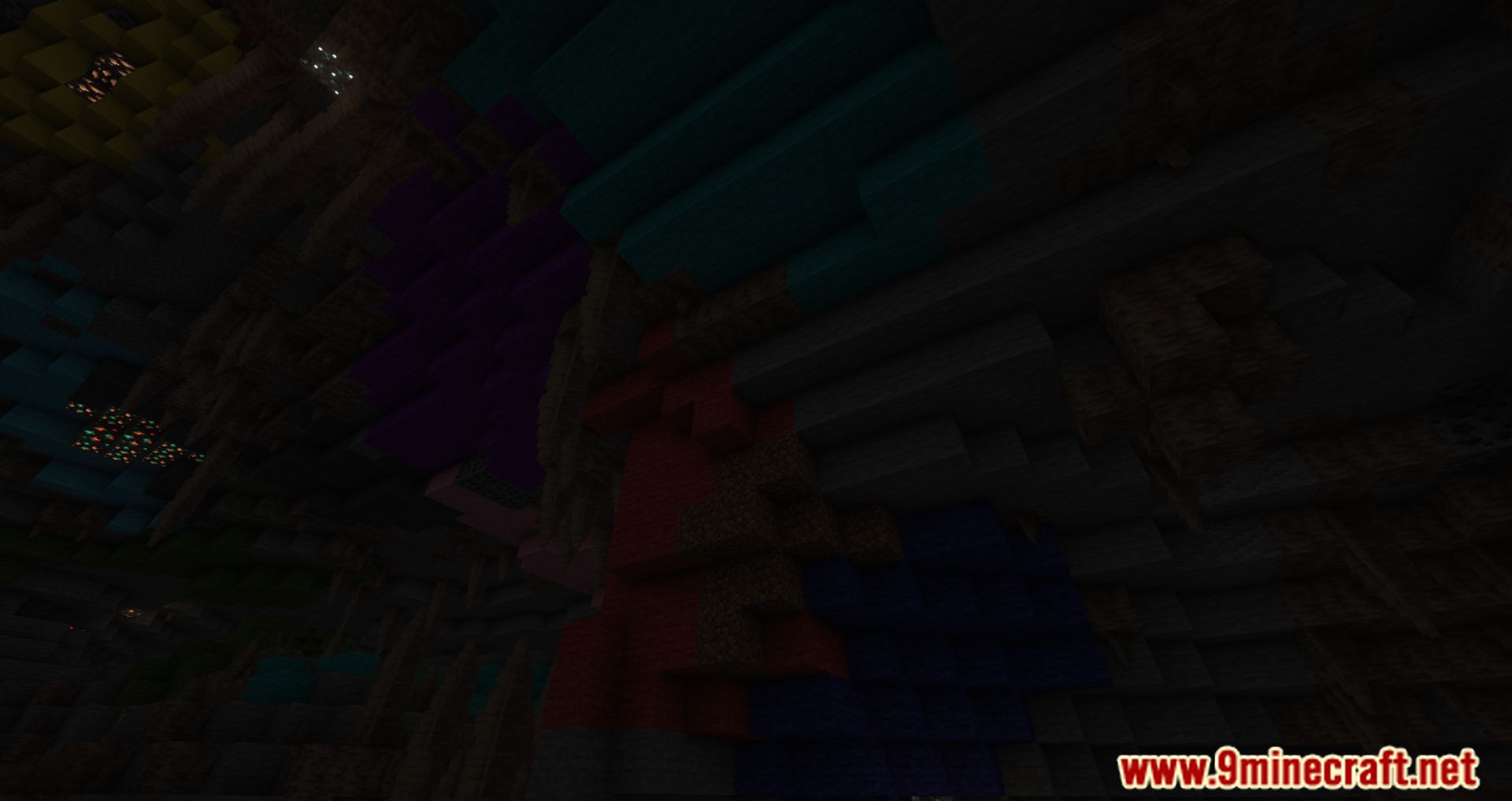
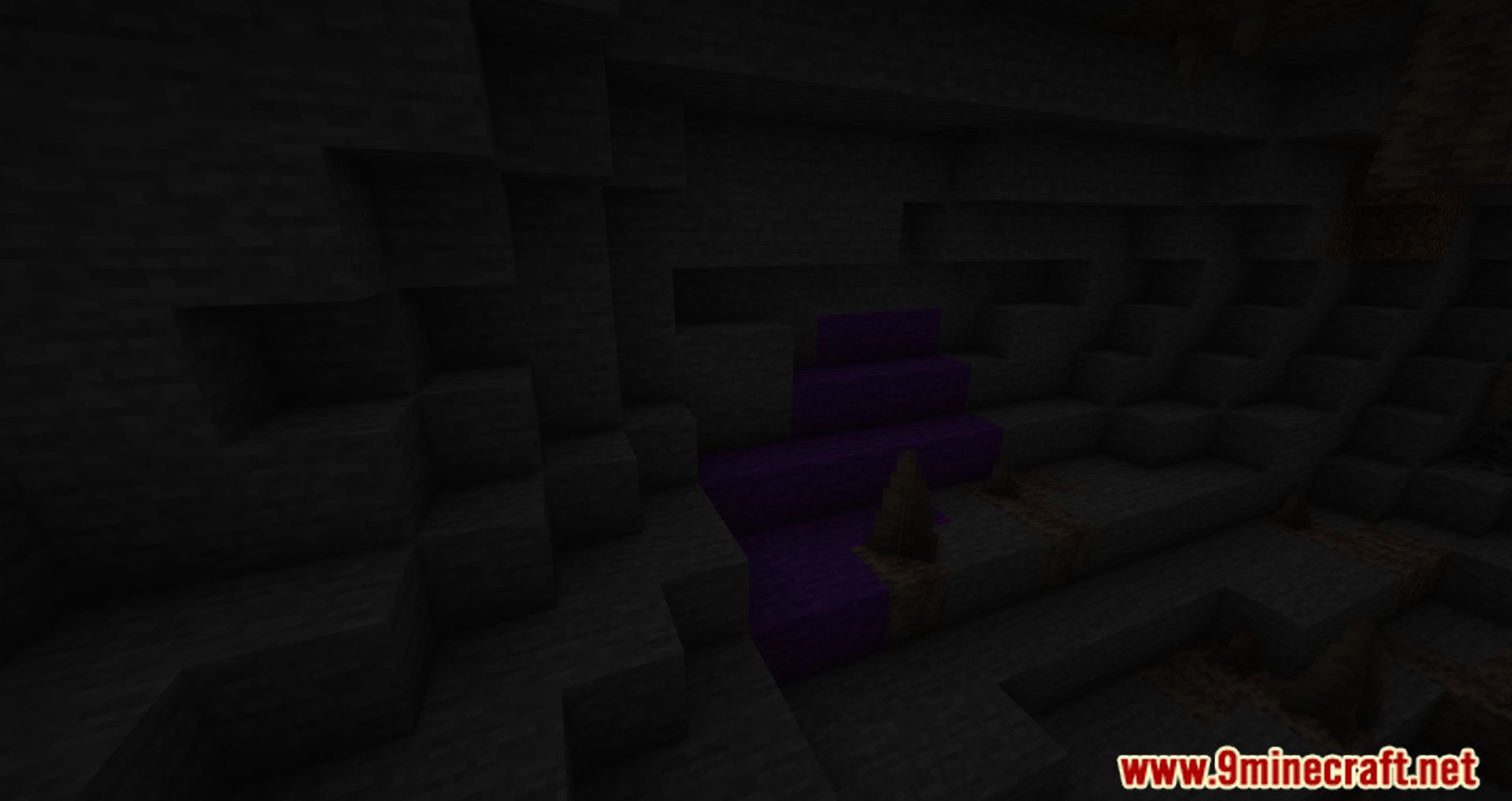
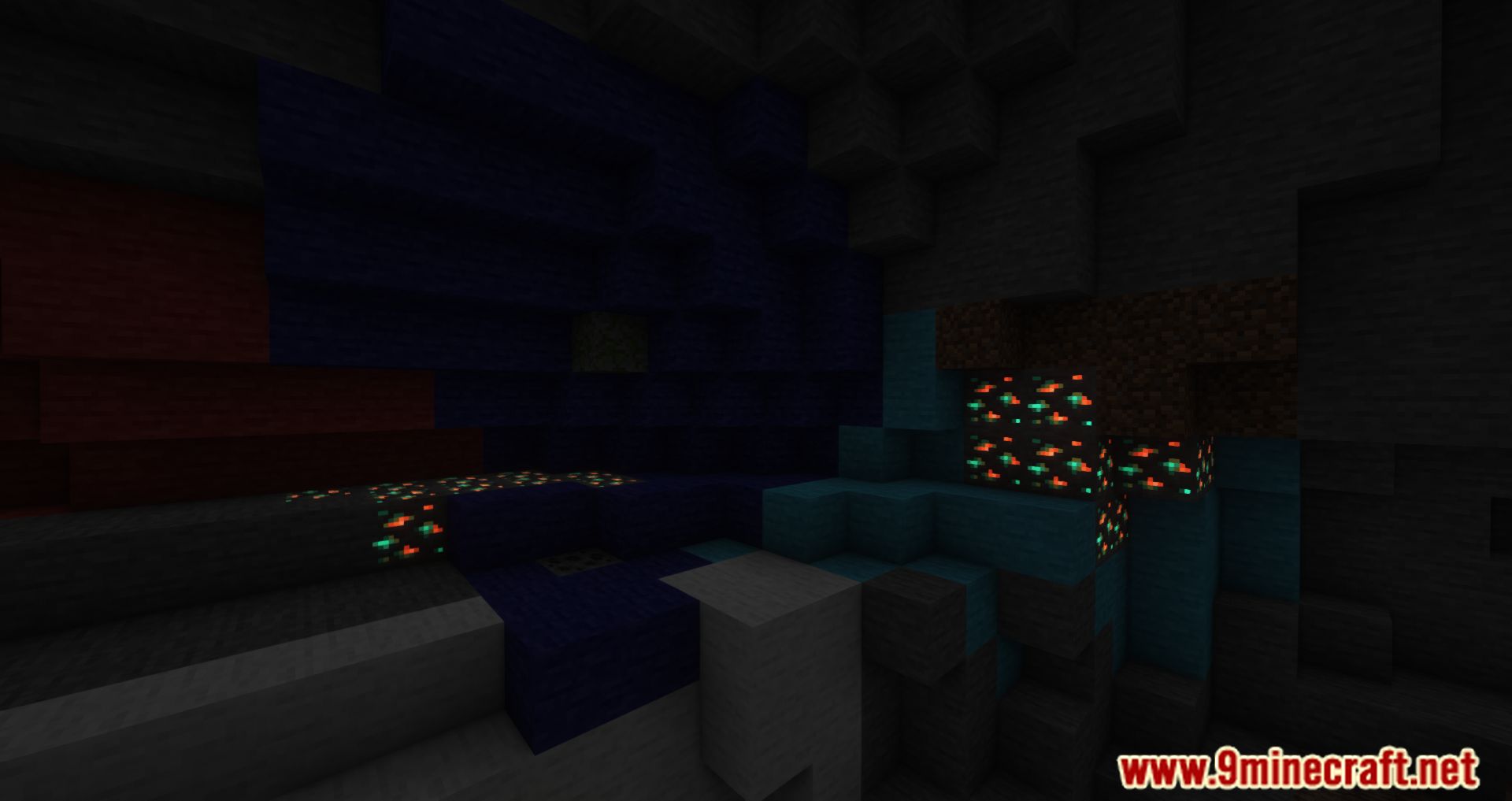
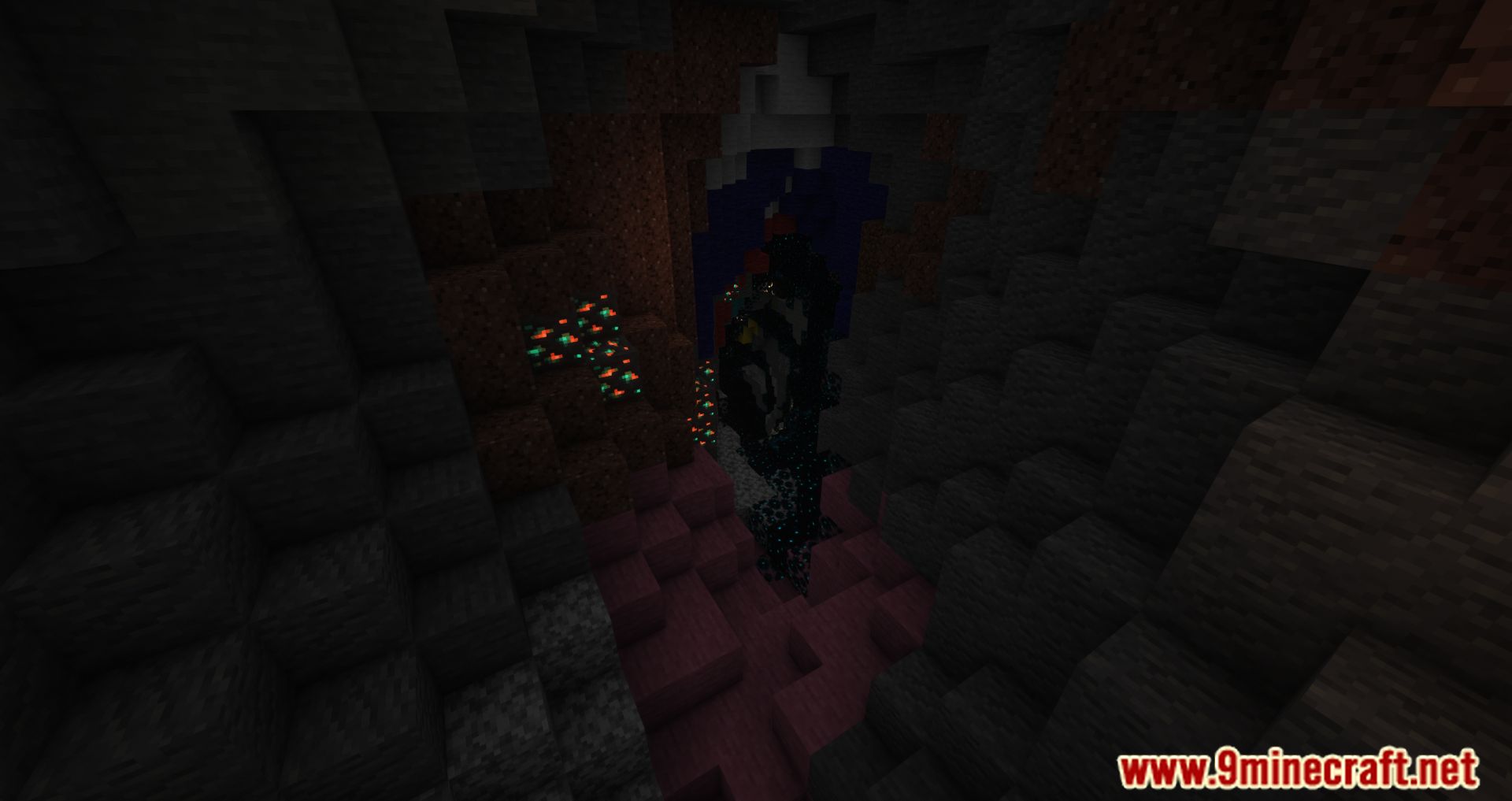
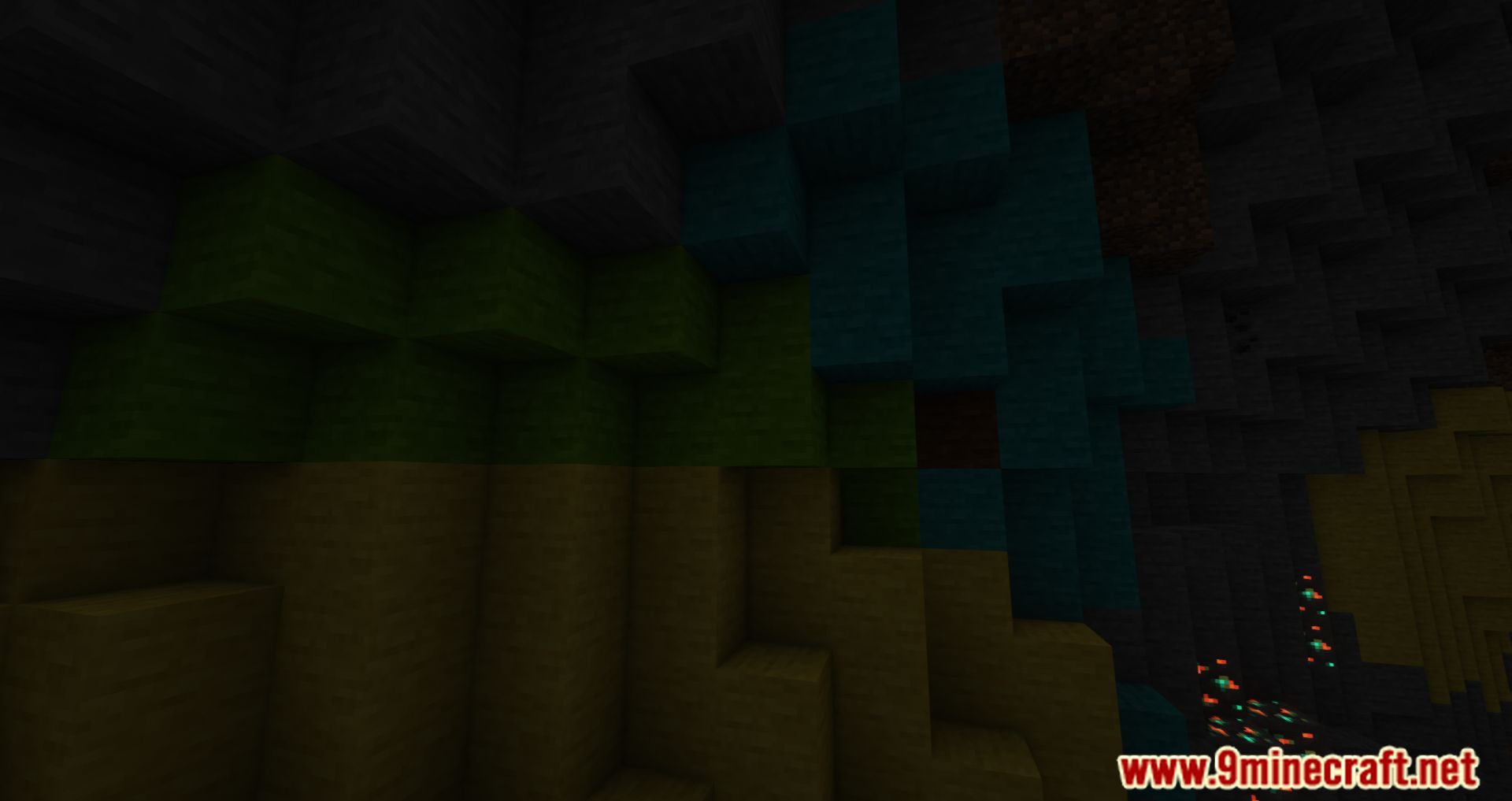
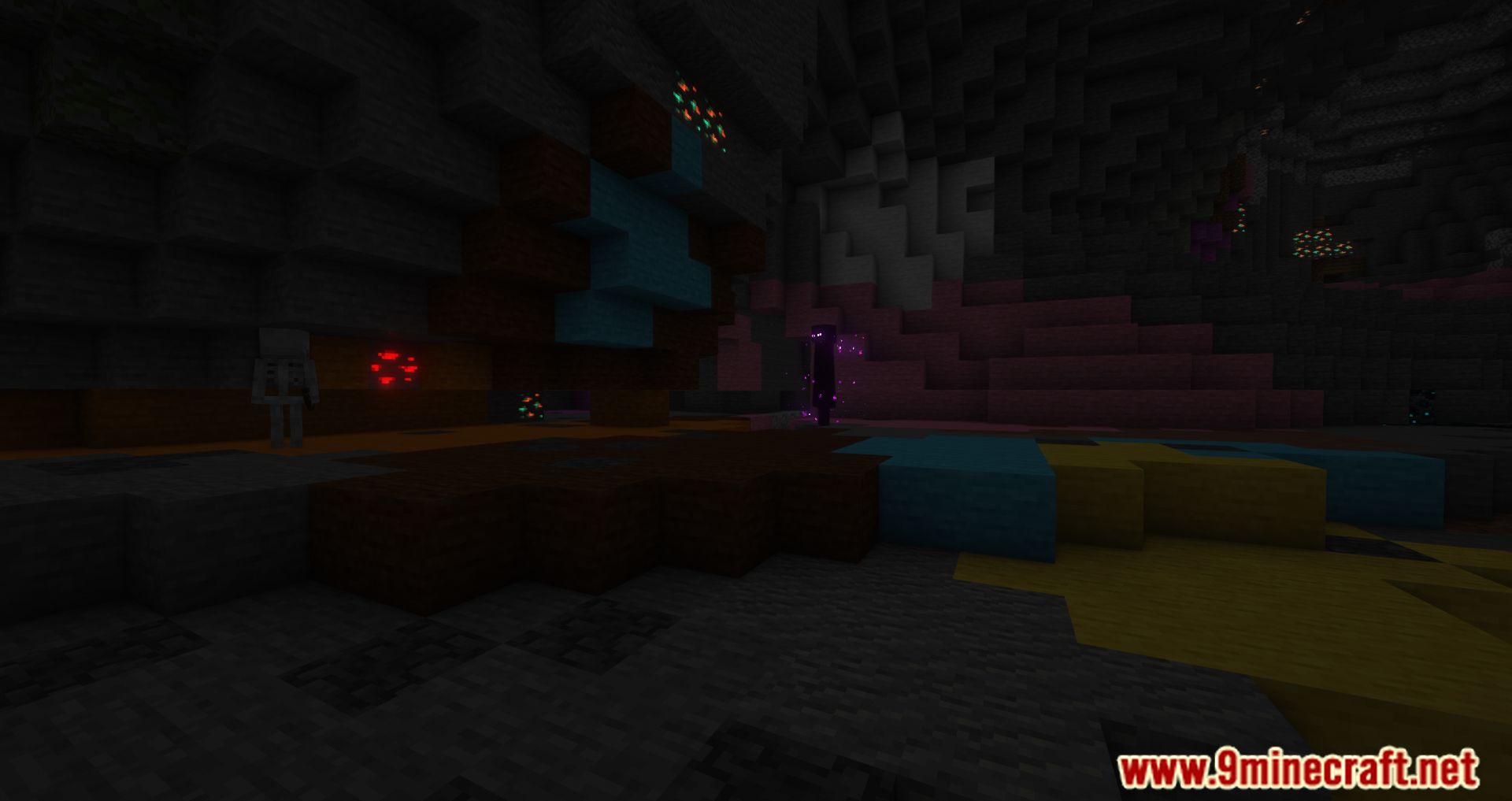
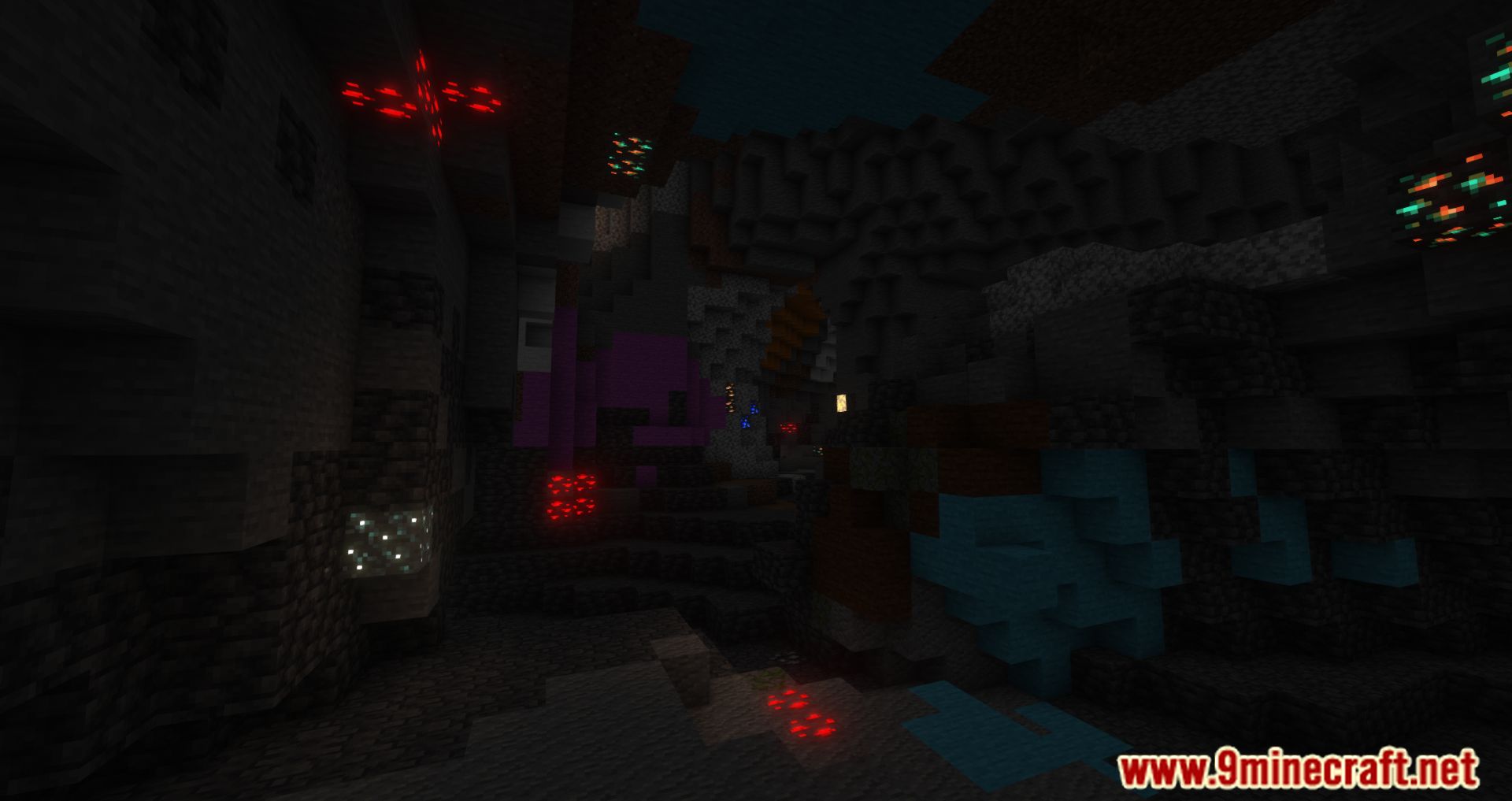
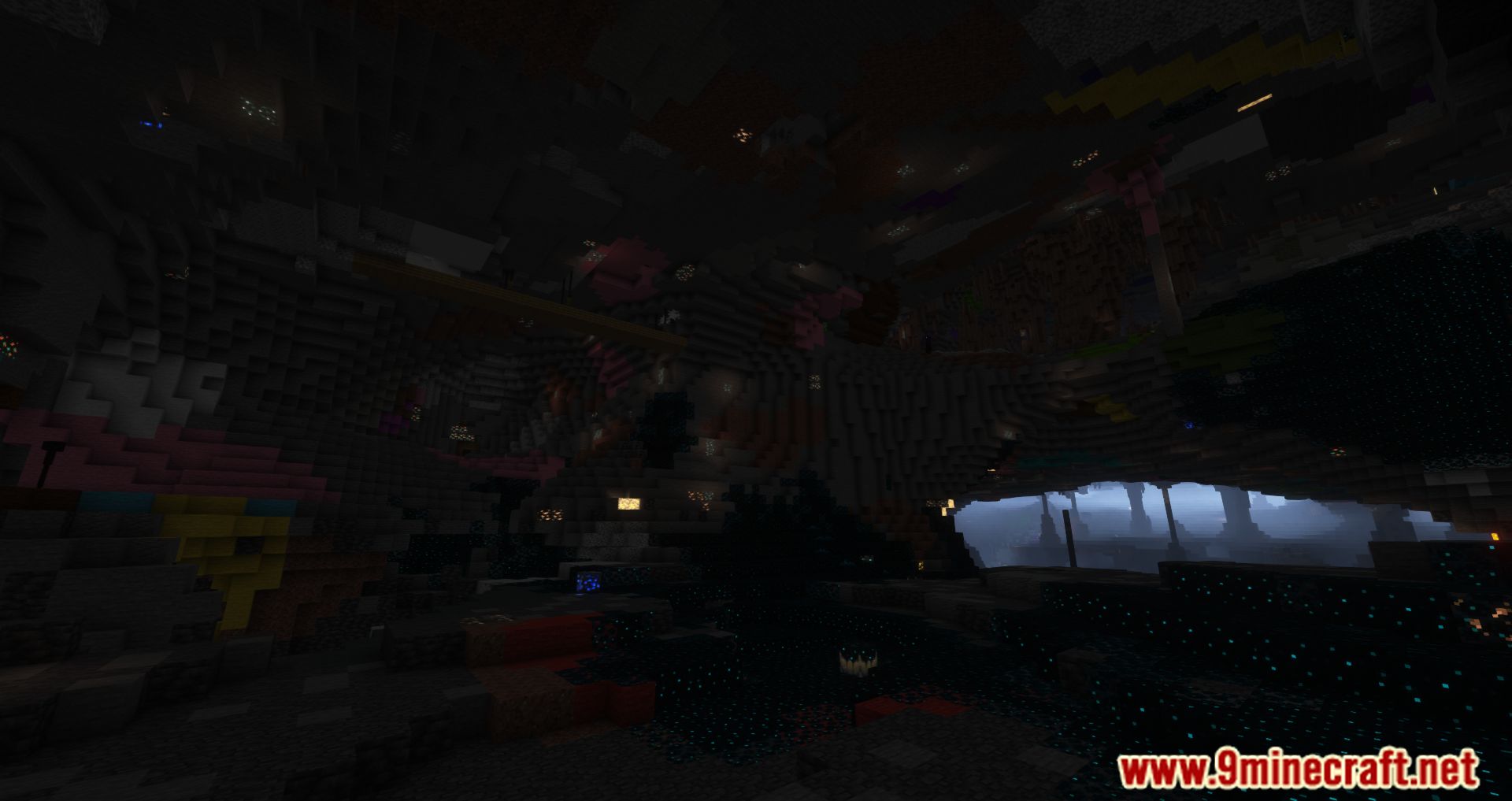
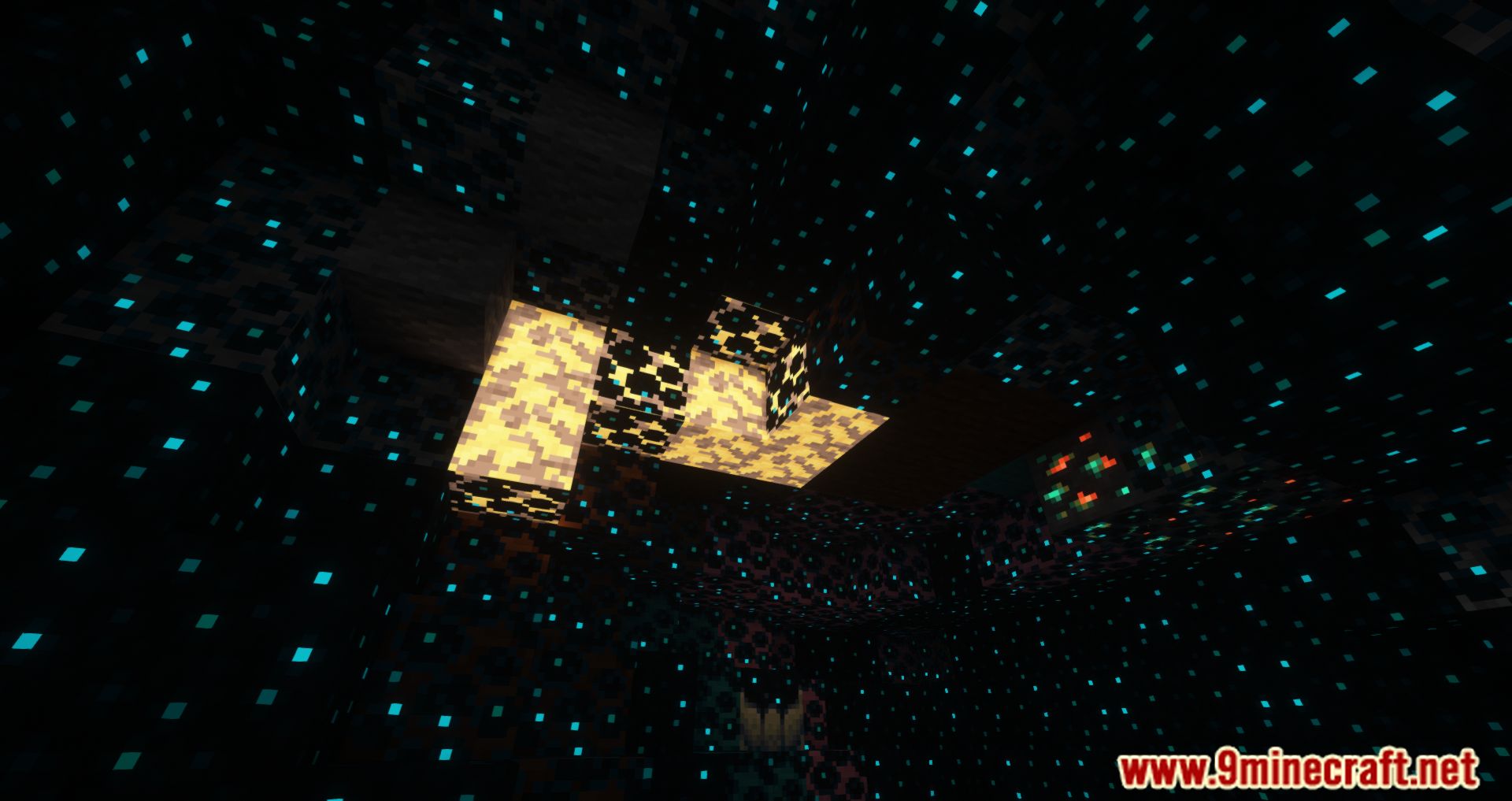
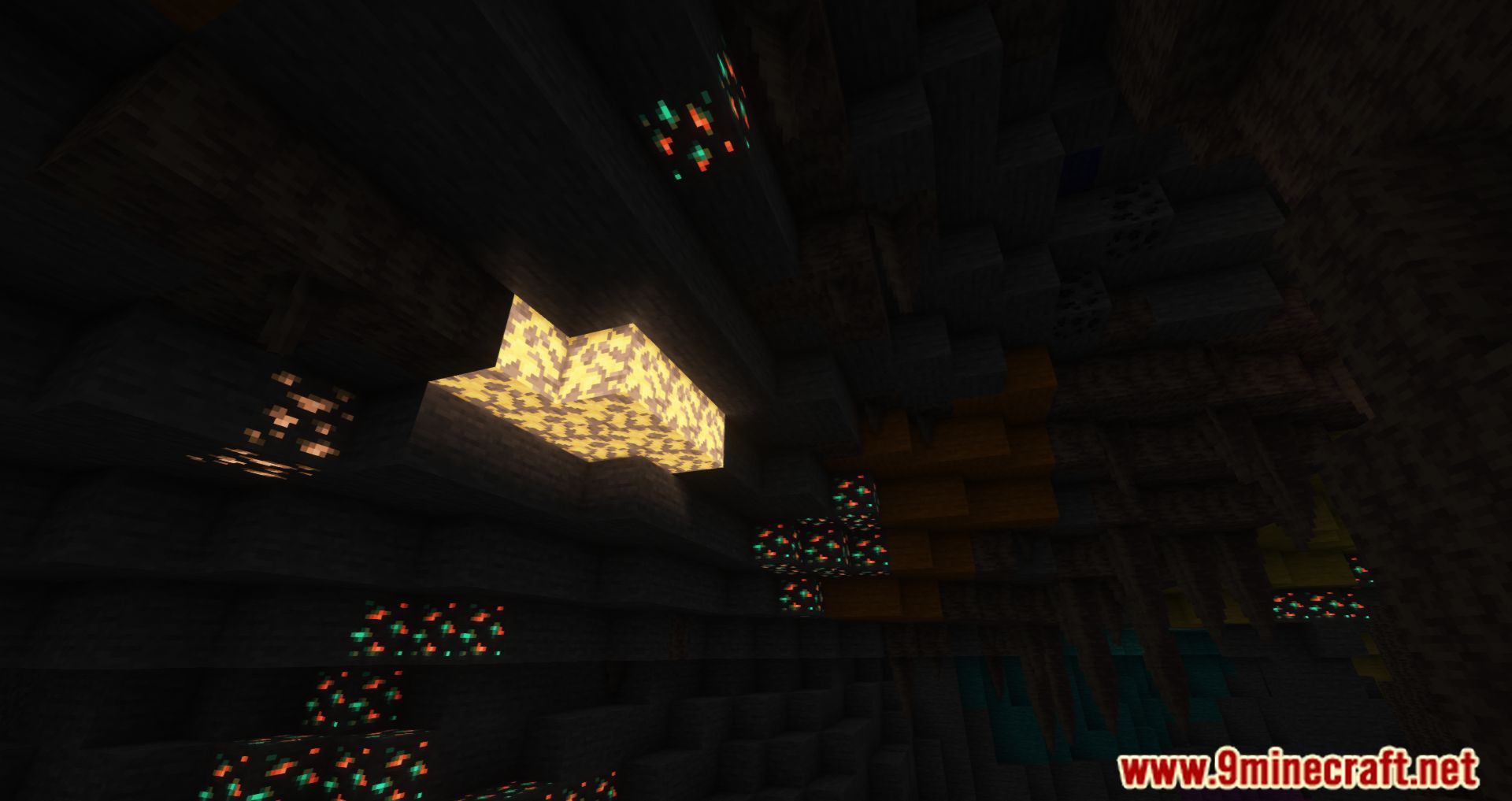
⬇ DownloadThe Caveopolis Mod incorporates quite a few different colored rocks into the game. If there is stone or cobblestone in a standard Minecraft world, then your world will be adorned with many different colors now. Blue, red, orange, yellow, and purple are among the colors that may be found in the game. In addition, they can be utilized similarly to other stones. There are also other stones, such as Bright Stone, and when you crush these, you will acquire Bright Shards. Bright Shards are the raw material needed to be able to make a new torch, a stone torch. Other stones, such as Bright Stone, are also available. The underground environment will now be more colorful, you will also be less bored when traveling underground to mine, as well as there will be more intriguing things to explore as well as being able to use different types of stone hues for decoration.
Features:
- Adds many colored stone.
- Adds bright stone and bright shards, ore fragments different stone pebbles.
Screenshots:
Requires:
Minecraft Forge
Caveopolis Mod Download Links
For Minecraft 1.21.1, 1.21
NeoForge Version: Download from Server 1 – Download from Server 2
For Minecraft 1.20.6
NeoForge Version: Download from Server 1 – Download from Server 2
For Minecraft 1.20.1, 1.20
Forge Version: Download from Server 1 – Download from Server 2
For Minecraft 1.19.2, 1.19.1, 1.19
Forge Version: Download from Server 1 – Download from Server 2
For Minecraft 1.18.2
Forge Version: Download from Server 1 – Download from Server 2
- Edition: Minecraft Java
- File type: .jar
- Minecraft versions listed: 1.21.1, 1.20.1
- How to install: Install the matching mod loader (Forge, Fabric or NeoForge) for your Minecraft version. → Download the .jar. → Put it in the .minecraft/mods folder and launch that loader profile.
- Where to get it: In MC Java Mods, or directly above on this page.
Install steps are the general flow for this file type — How to install Minecraft Java mods & modpacks walks through it step by step.
- Downloads as 200124.mcaddon
- Download size: 4.1 MB
- Download link checked 17 Jul 2026 — working
- Mirrored on our own servers — the download does not depend on the original host
These come from our own check of the pack file, not from the source page.