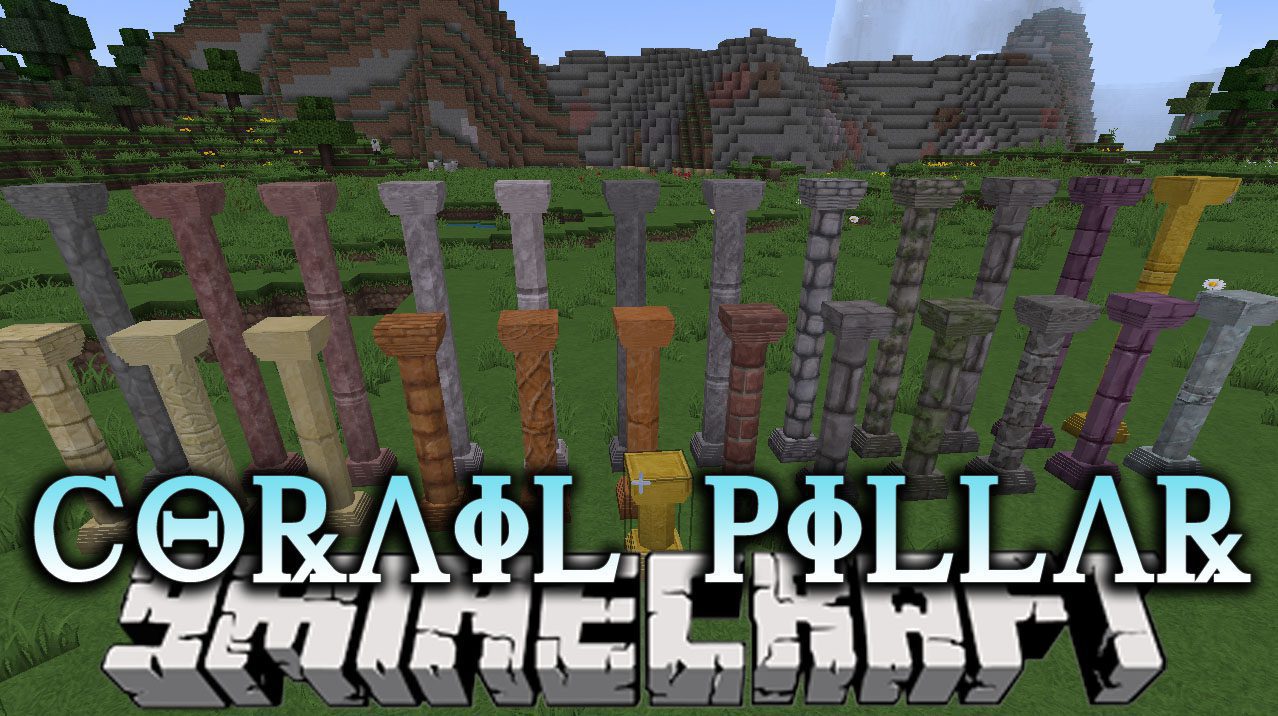
Corail Pillar Mod (1.21.1, 1.20.1) – Design Classical Buildings
Java mod listed for Minecraft 1.20–1.21. Downloads from the MC Java Mods app on Android.
⬇ DownloadCorail Pillar Mod adds two types of rounded, extendable pillar blocks to your building palette. These pillars are designed to perfectly match vanilla textures or any resource pack you use. You can craft them from many different materials, including various types of stone and wood, as well as decorative blocks like gold and iron. This mod is lightweight and also supports the Chisel mod for even more design options.
Features:
- Adds two kinds of rounded pillars: a thin version and a full-block version.
- Pillars can be extended by stacking them to create tall columns.
- Automatically adapts its textures to match vanilla blocks or your current resource pack.
- Craft pillars from a wide variety of materials like stone, granite, diorite, andesite, cobblestone, and sandstone.
- Includes decorative pillars made from iron, gold, and bone.
- The mod is lightweight and does not use TileEntities, which helps with performance.
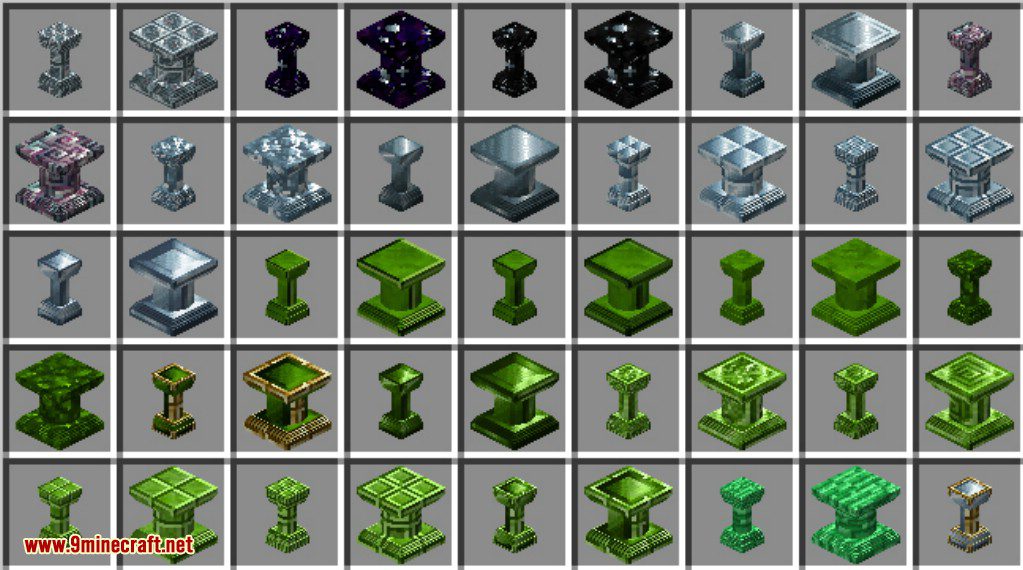
- Supports the Chisel mod for more texture variations on your pillars.
How to Use:
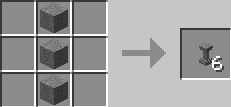
- To craft a thin pillar, place three of the same block in a vertical line in the crafting grid, with a clay ball in the middle slot.
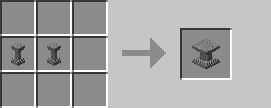
- To make a full pillar, combine two thin pillars in the crafting grid. This is a shapeless recipe and can be reversed to get your thin pillars back.
Crafting Recipes:
The thin pillar recipe is a vertical line of 3 blocks, in the middle of the crafting box (it’s a shaped recipe)
The full pillar recipe is a shapeless recipe of 2 thin pillars
Screenshots:
Pillar with Chroma Hills
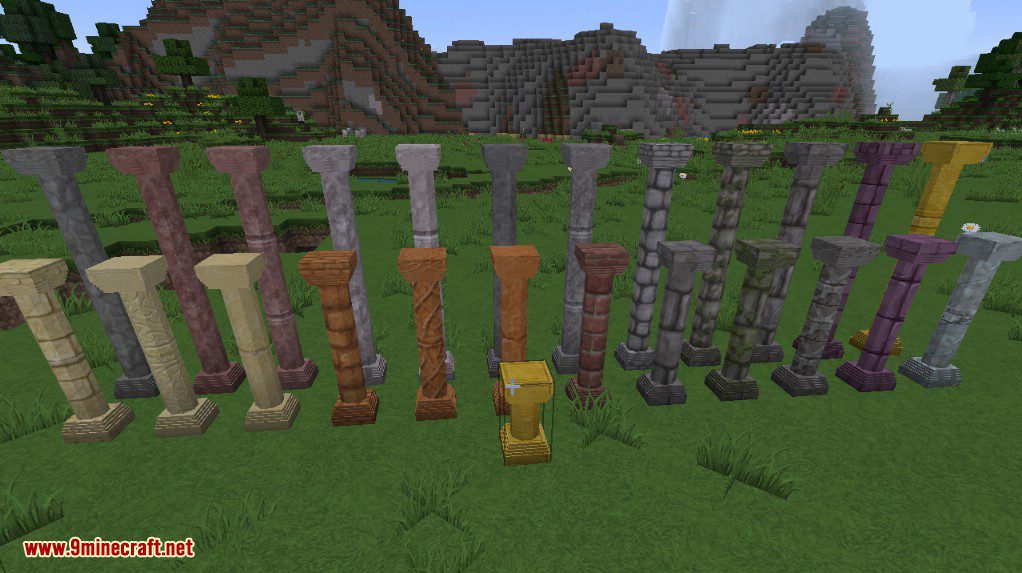
Pillar with low Vanilla Textures
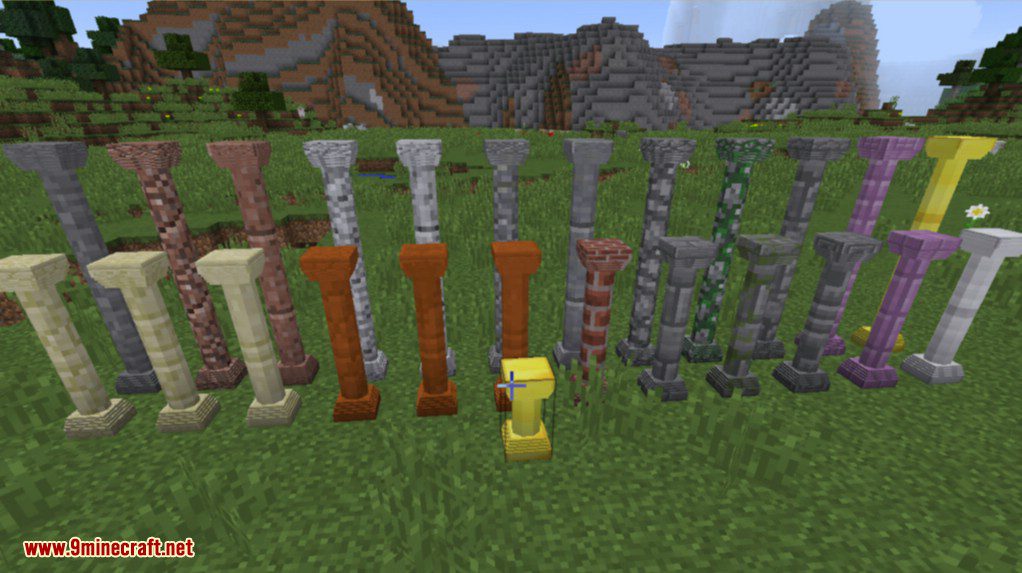
Full block pillar
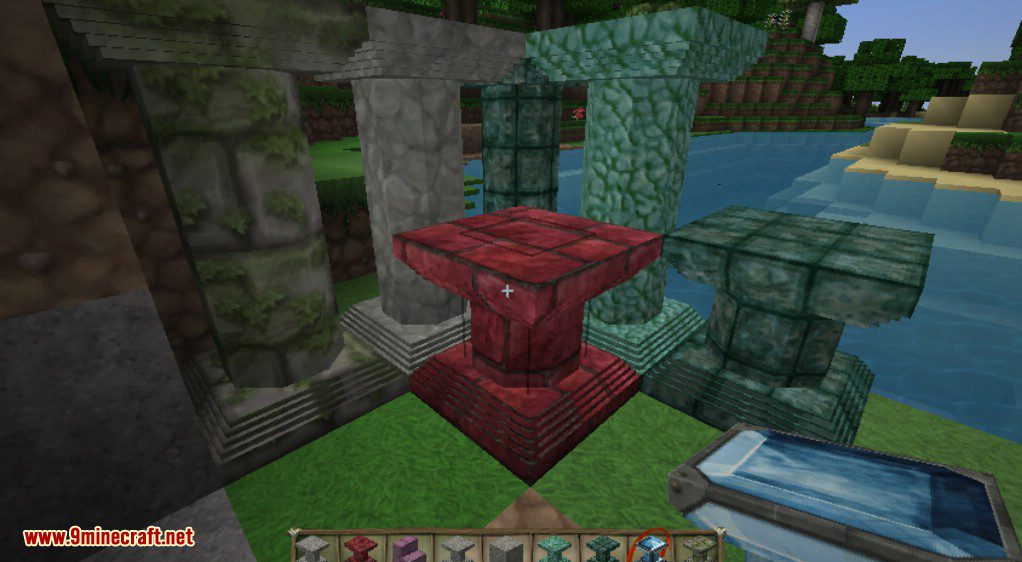
Corail Pillar
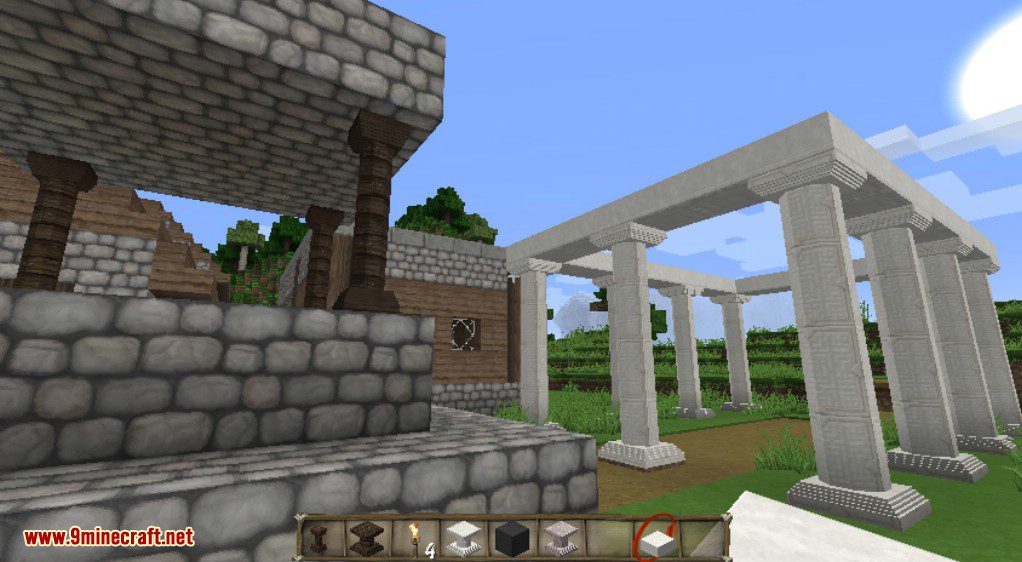
More rounded pillar
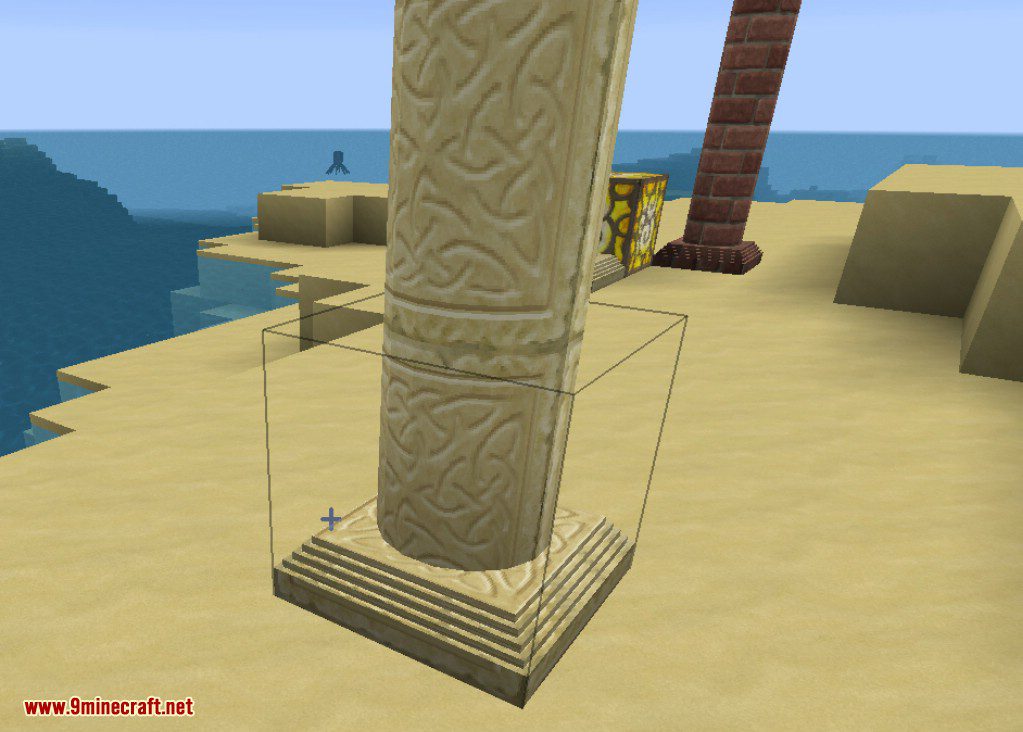
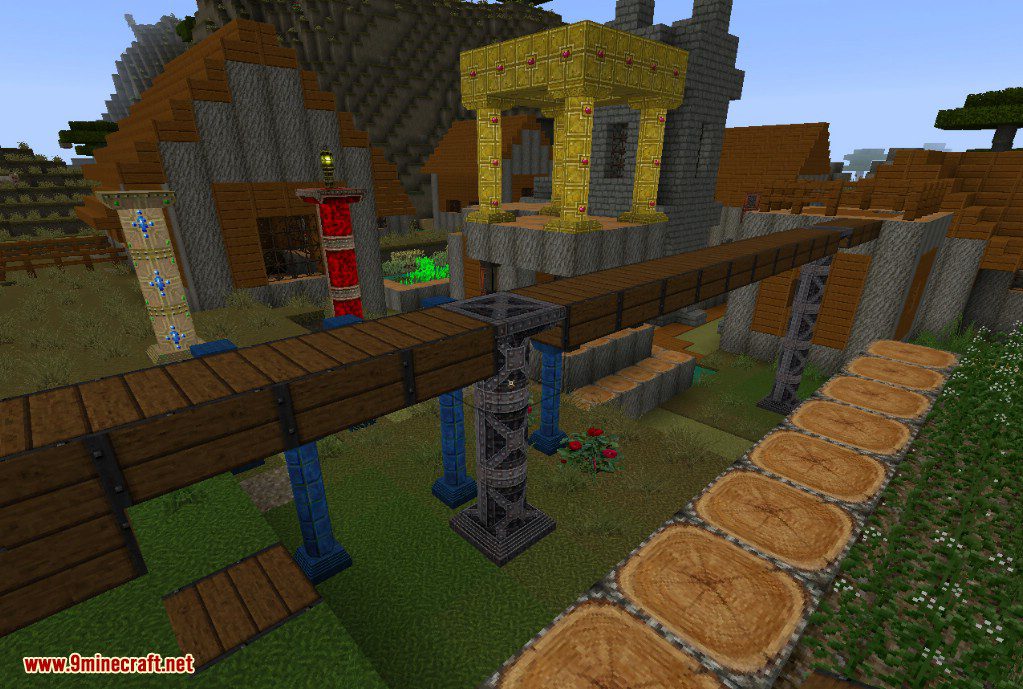
Corail Pillar – Glimmars Steampunk
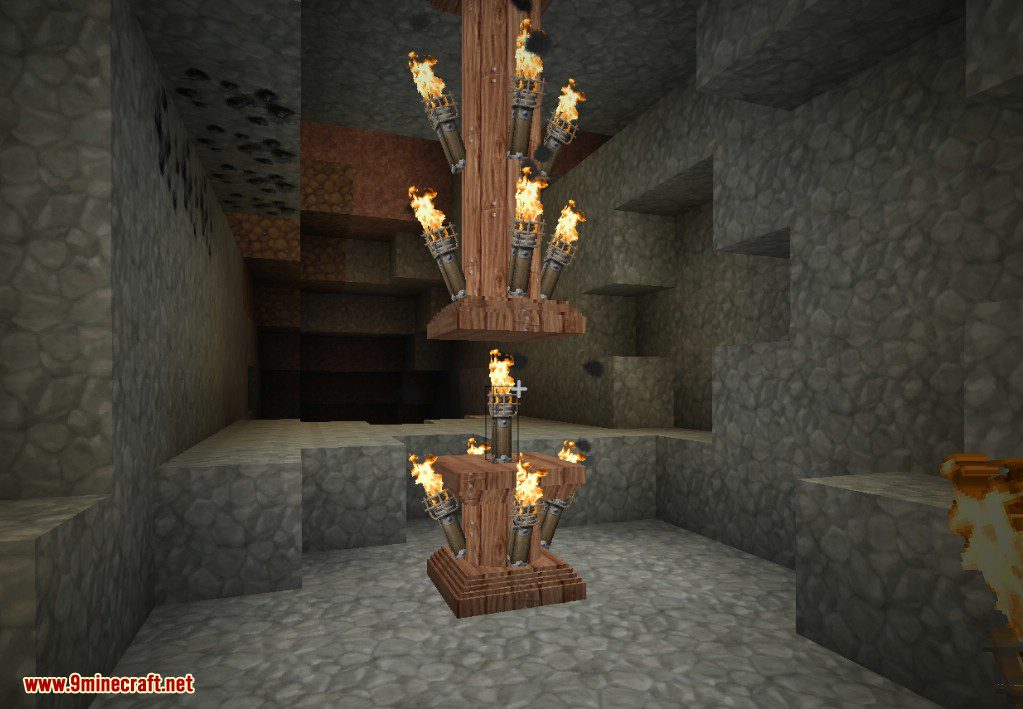
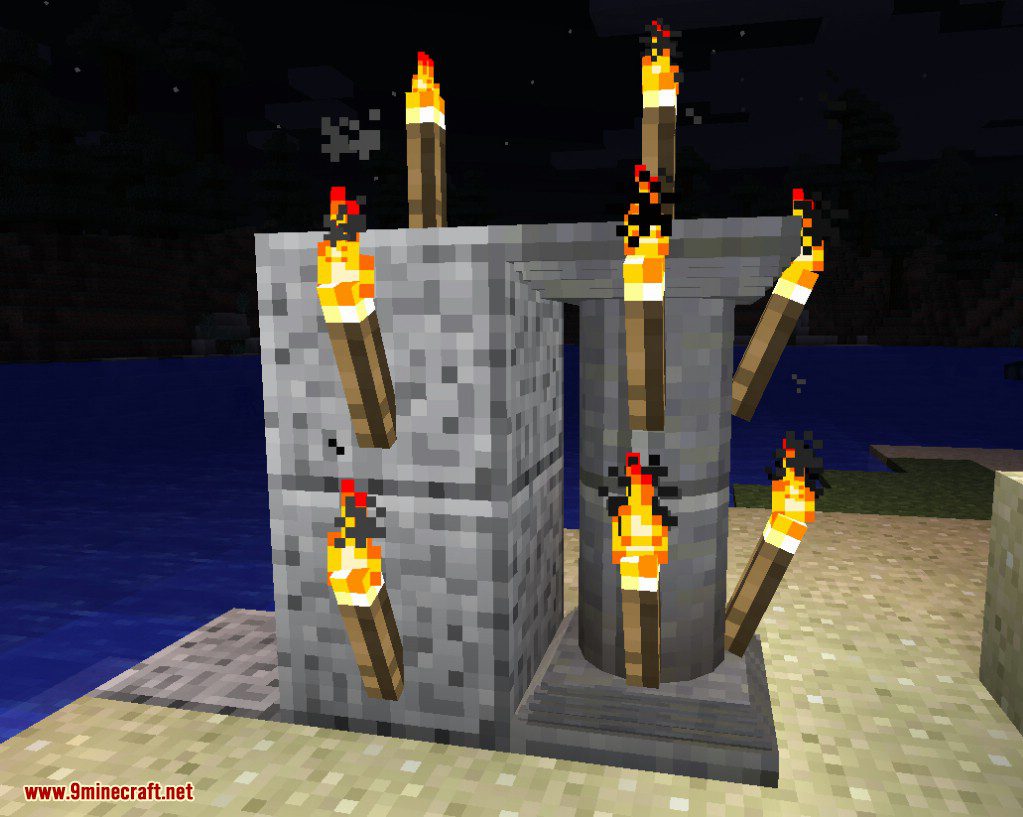
Torch on pillar
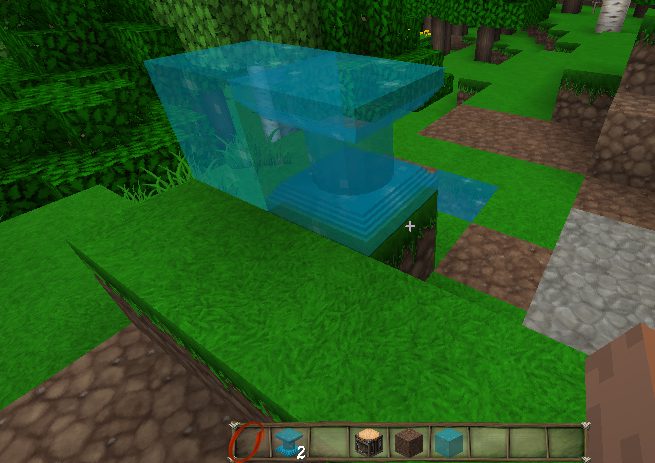
Cave Crystal from Quark
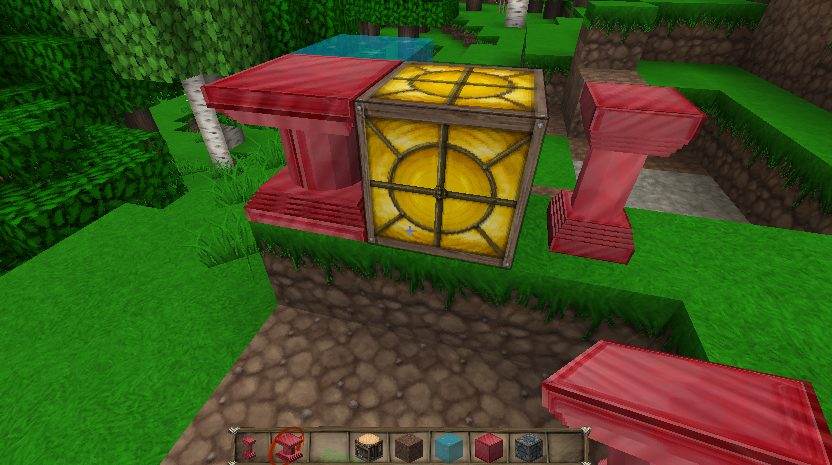
Redstone pillar power
Chisel Mod Pillars
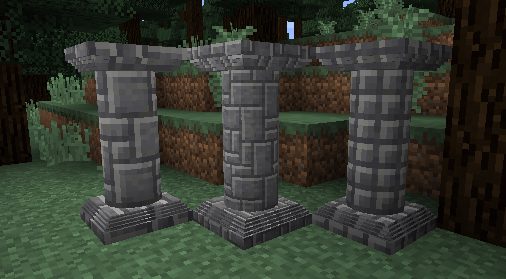
Chisel Integration
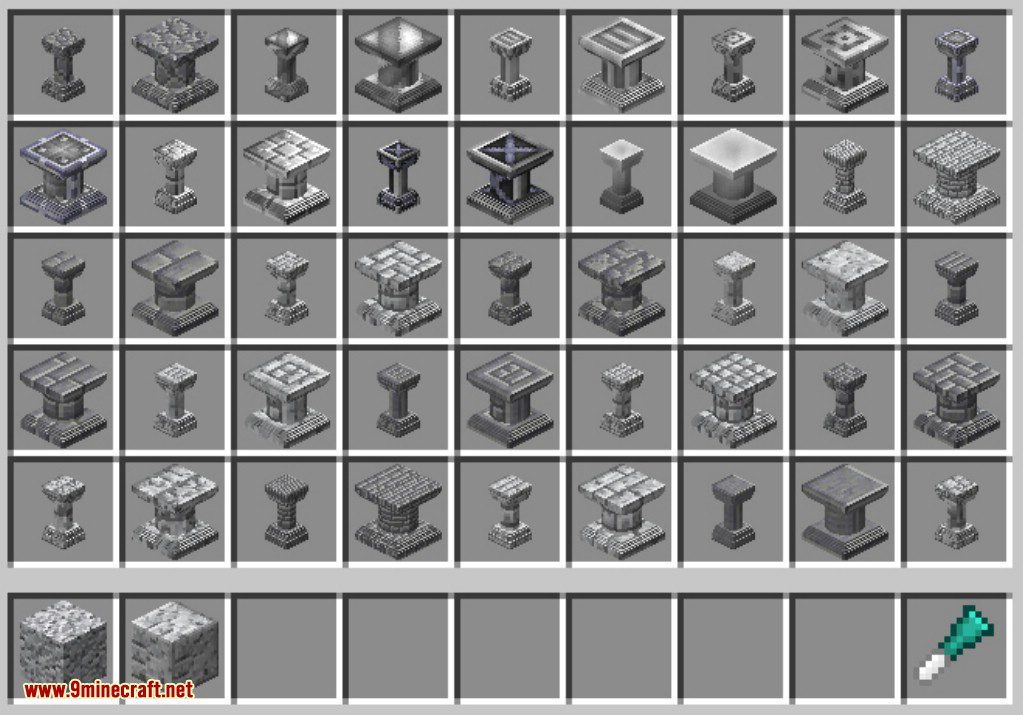
Chisel Variant Pillars
Torch on pillar
Vanilla buttons on pillar
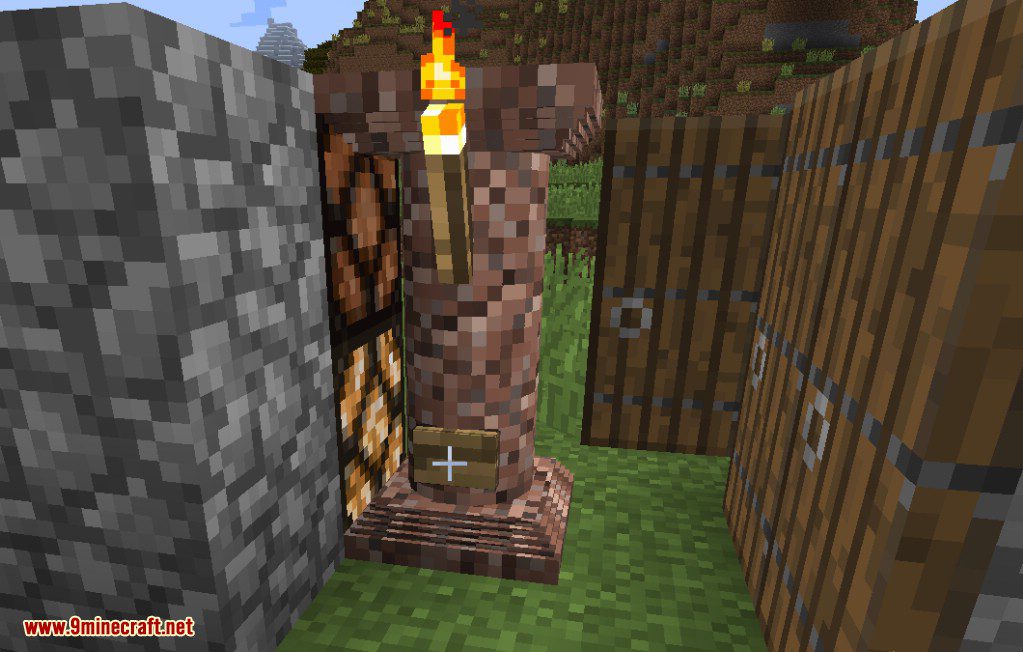
Nether pillars
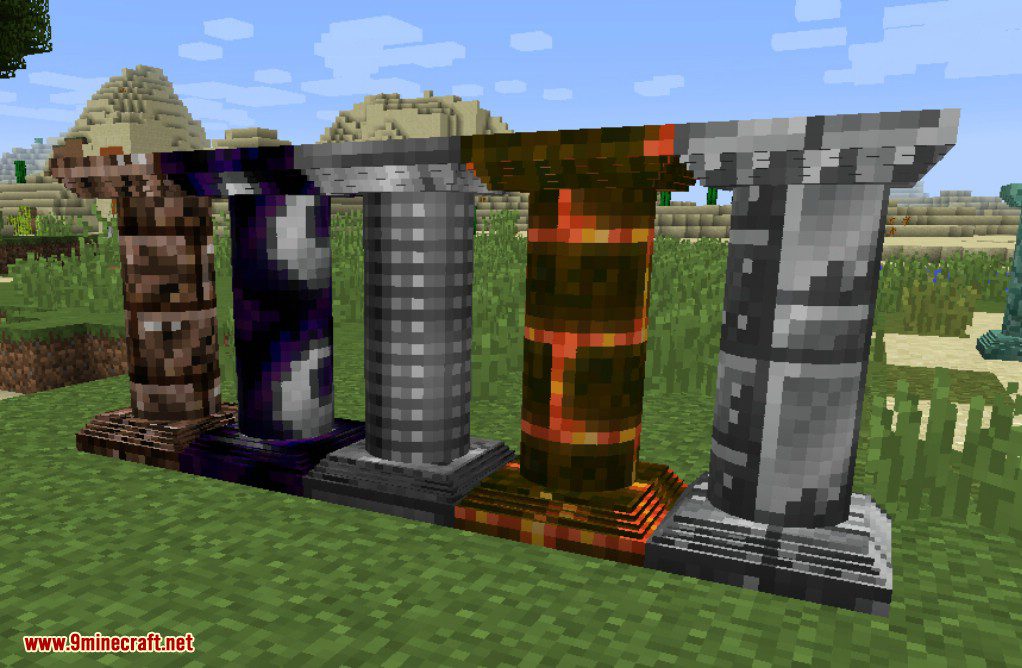
Corail Pillar Mod Download Links
For Minecraft 1.12.2, 1.12.1, 1.12
Forge version: Download from Server 1
For Minecraft 1.15.2
Forge version: Download from Server 1
For Minecraft 1.16.5
Forge version: Download from Server 1
For Minecraft 1.17.1
Forge version: Download from Server 1
For Minecraft 1.18.2
Forge version: Download from Server 1
For Minecraft 1.19.2
Forge version: Download from Server 1
For Minecraft 1.19.3
Forge version: Download from Server 1 – Download from Server 2
For Minecraft 1.19.4
Forge version: Download from Server 1 – Download from Server 2
For Minecraft 1.20
Forge version: Download from Server 1 – Download from Server 2
For Minecraft 1.20.1
Forge version: Download from Server 1 – Download from Server 2
For Minecraft 1.20.2
Forge version: Download from Server 1 – Download from Server 2
For Minecraft 1.20.4
Forge version: Download from Server 1 – Download from Server 2
For Minecraft 1.20.6
Forge version: Download from Server 1 – Download from Server 2
For Minecraft 1.21.1, 1.21
Forge version: Download from Server 1 – Download from Server 2
For Minecraft 1.21.1
Forge version: Download from Server 1 – Download from Server 2
Fabric version: Download from Server 1 – Download from Server 2
- Edition: Minecraft Java
- File type: .jar
- Minecraft versions listed: 1.21.1, 1.20.1
- How to install: Install the matching mod loader (Forge, Fabric or NeoForge) for your Minecraft version. → Download the .jar. → Put it in the .minecraft/mods folder and launch that loader profile.
- Where to get it: In MC Java Mods, or directly above on this page.
Install steps are the general flow for this file type — How to install Minecraft Java mods & modpacks walks through it step by step.
- Downloads as 200144.mcaddon
- Download size: 140 KB
- Download link checked 17 Jul 2026 — working
- Mirrored on our own servers — the download does not depend on the original host
These come from our own check of the pack file, not from the source page.